



AdRotate Banner Manager
Easily manage, and schedule ads on your WordPress site with AdRotate. Support for Google AdSense, Amazon, and custom banners. Start monetizing today!

Safe pick
Yes — AdRotate Banner Manager is a safe, well-maintained plugin to use in 2026. It runs on 20K+ sites, is rated 4.3/5 and was last updated 5 days ago, and scores 91/100 on our health check.
- Proven at scale on 20K+ active sites
- Actively developed — last update 5 days ago
- Tested with the latest WordPress (7.1)
How does it stack up?
Side-by-side on installs, updates, ratings & support


Daily downloads
Download spikes usually follow a new release — each site that auto-updates counts as a download.
Rankings
Where AdRotate Banner Manager stands todayWordPress.org search rankings
Live position in the plugin search, top 100| Keyword | Position |
|---|---|
| ad manager | #7 |
| ads | #37 |
| adsense | #12 |
| banner | #8 |
| monetize | #1 |
Version adoption
Share of active sites per release.
Rating breakdown
★★★★★★★★★★ 4.3 from 655 reviews
About AdRotate Banner Manager
From the official readme · v5.19.4Description
Streamline your workflow with AdRotate Banner Manager, the best tool for ad management!
Whether you’re create banners for local businesses or affiliates, or if you’re using an ad network like Google AdSense, Amazon Affiliates, Media.net, or any other network, AdRotate Banner Manager handles them all with ease. The dashboard is designed for both beginners and pros alike. AdRotate Banner Manager comes with powerful features molded into a user-friendly interface which puts you in full control of all of your ad campaigns.
With its stable and predictable features and dashboard it’s no wonder that AdRotate Banner Manager is the trusted choice for tens of thousands of bloggers and businesses worldwide.
Practical design choices in AdRotate
- Easy to use dashboards that match the style of WordPress and ClassicPress so that everything feels familiar.
- Functional features that are easy to use and understand.
- Compatible with every ad network and affiliate server, while offering multiple ways to easily place adverts anywhere on your website.
- No AI code, all final code is ‘handwritten’ and tested by humans.
Features in AdRotate Banner Manager
- Works with every ad including; self-made ads, banners from your local business, Google Adsense, Amazon ads and any kind of personals or affiliate advert.
- No limit on the amount of ads you can create.
- No limit on how many groups you create.
- Includes an Advert Block and Group Block for the WordPress Block Editor (Gutenberg).
- Easy to use Widgets for traditional themes.
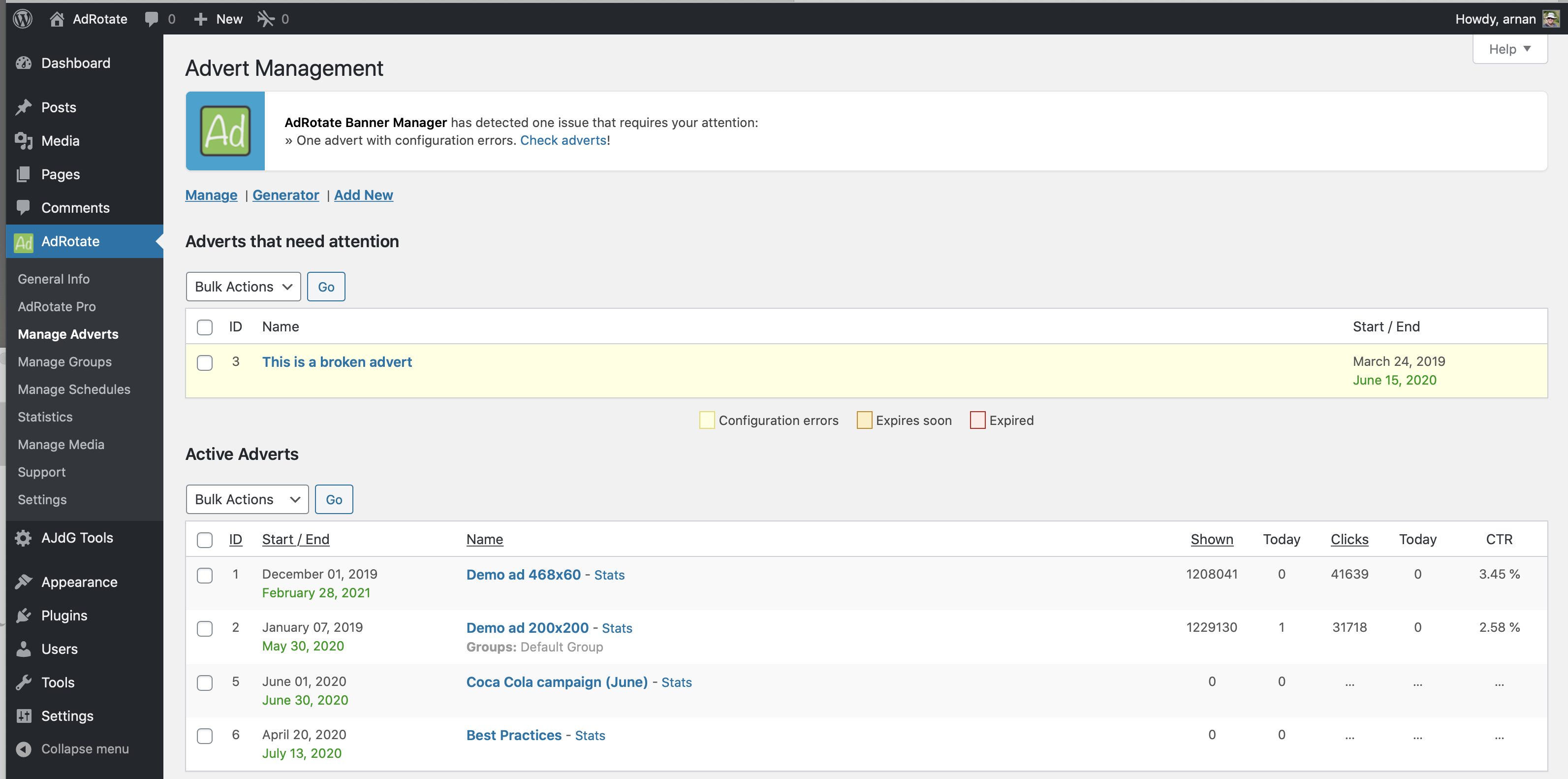
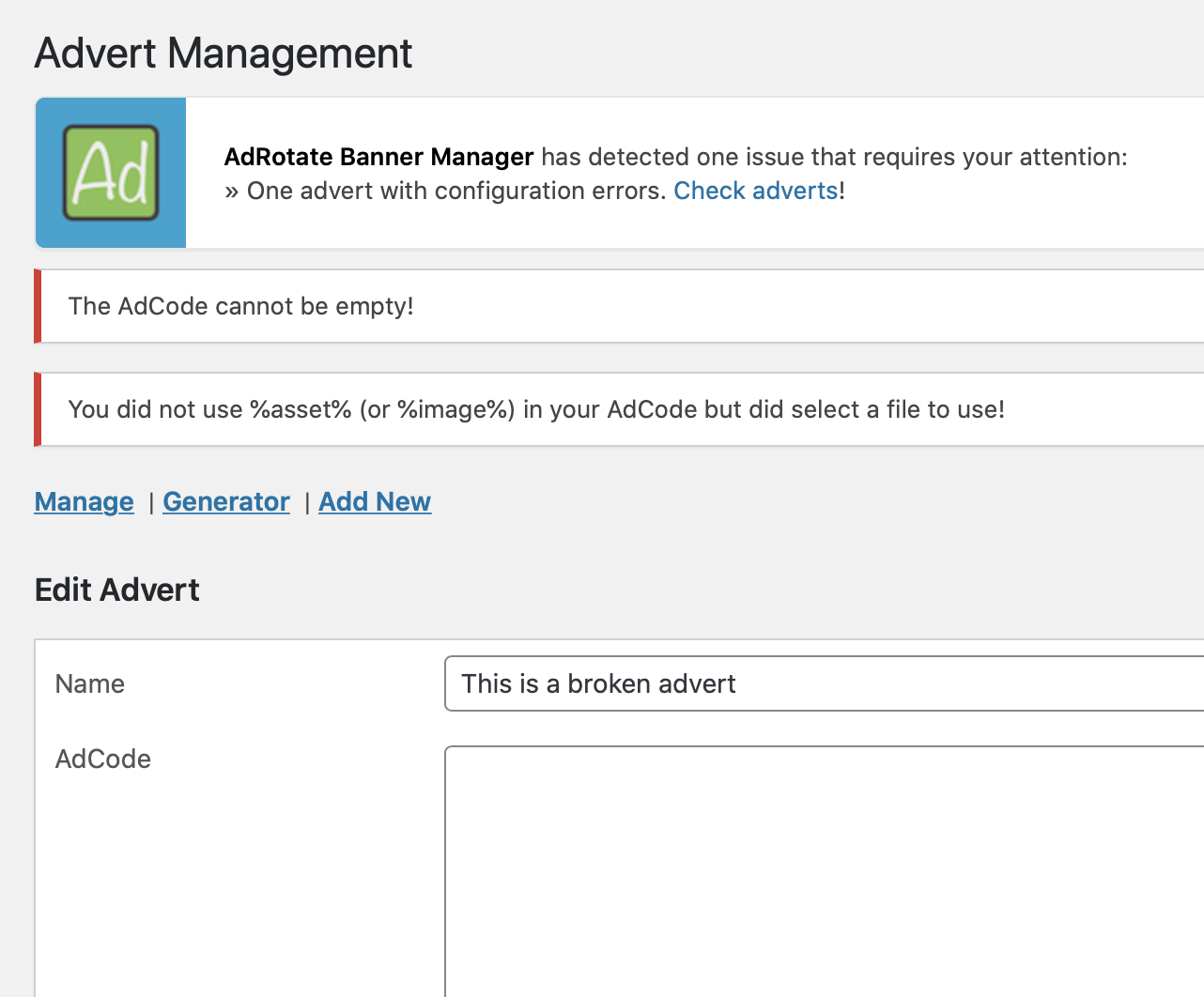
- Advanced error checking for your adverts.
- Error checking for groups and schedules.
- Track clicks and impressions for many adverts.
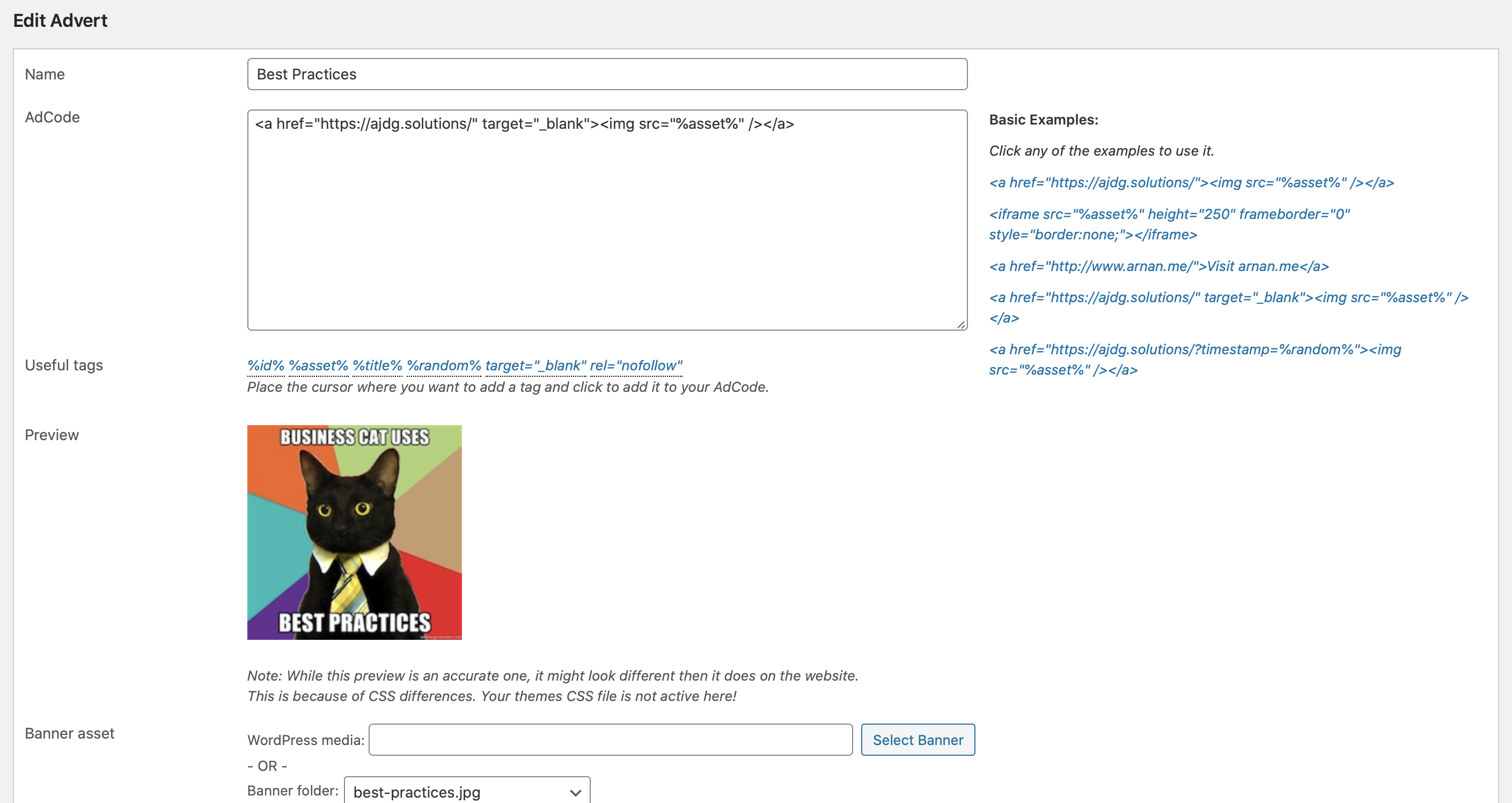
- Advert previews when editing them.
- Standard support through the WordPress support forums.
Advert anagement with AdRotate Banner Manager
- Create and display unlimited ads.
- Automatically rotate ads on every page load or every few seconds.
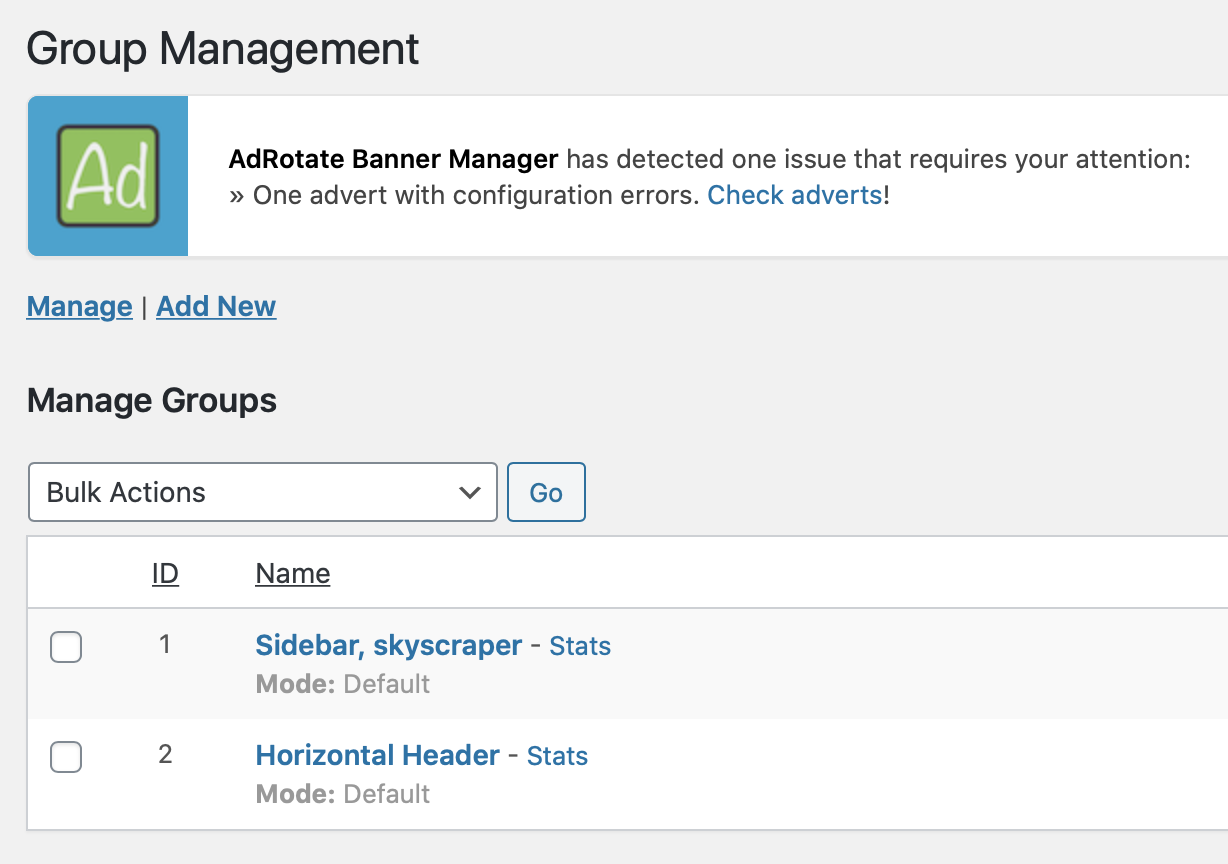
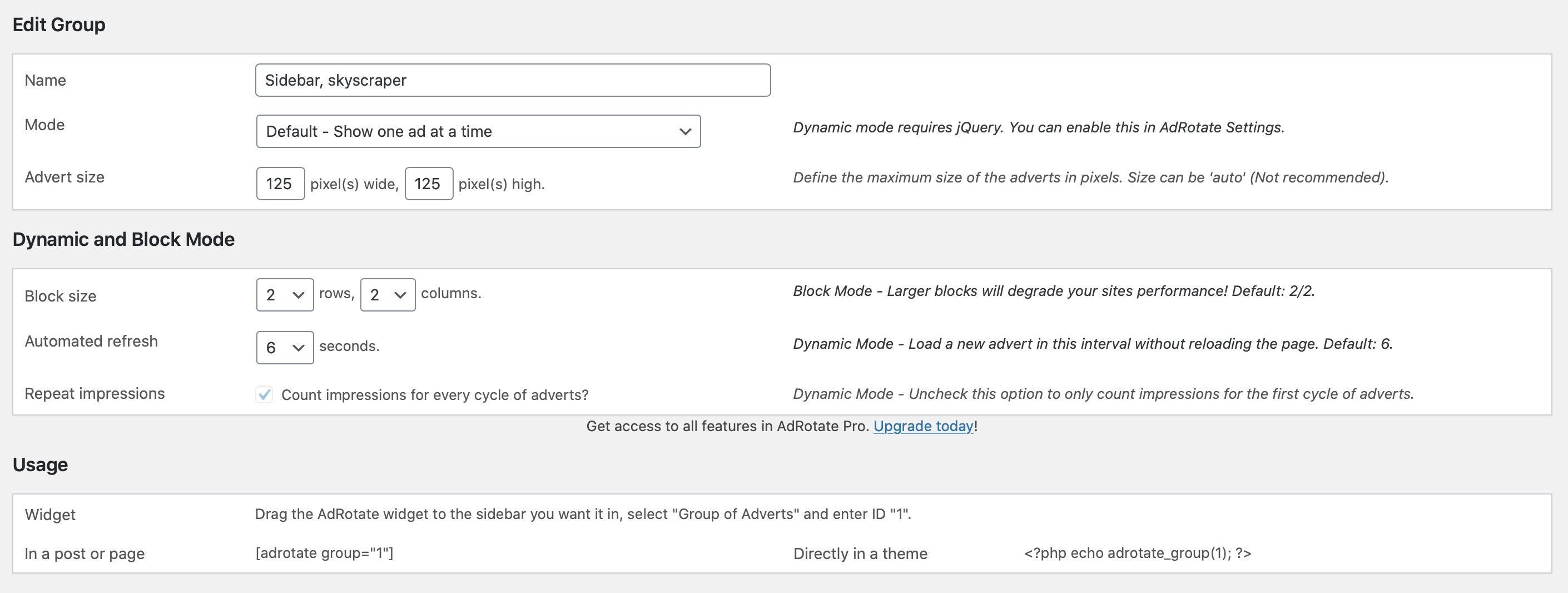
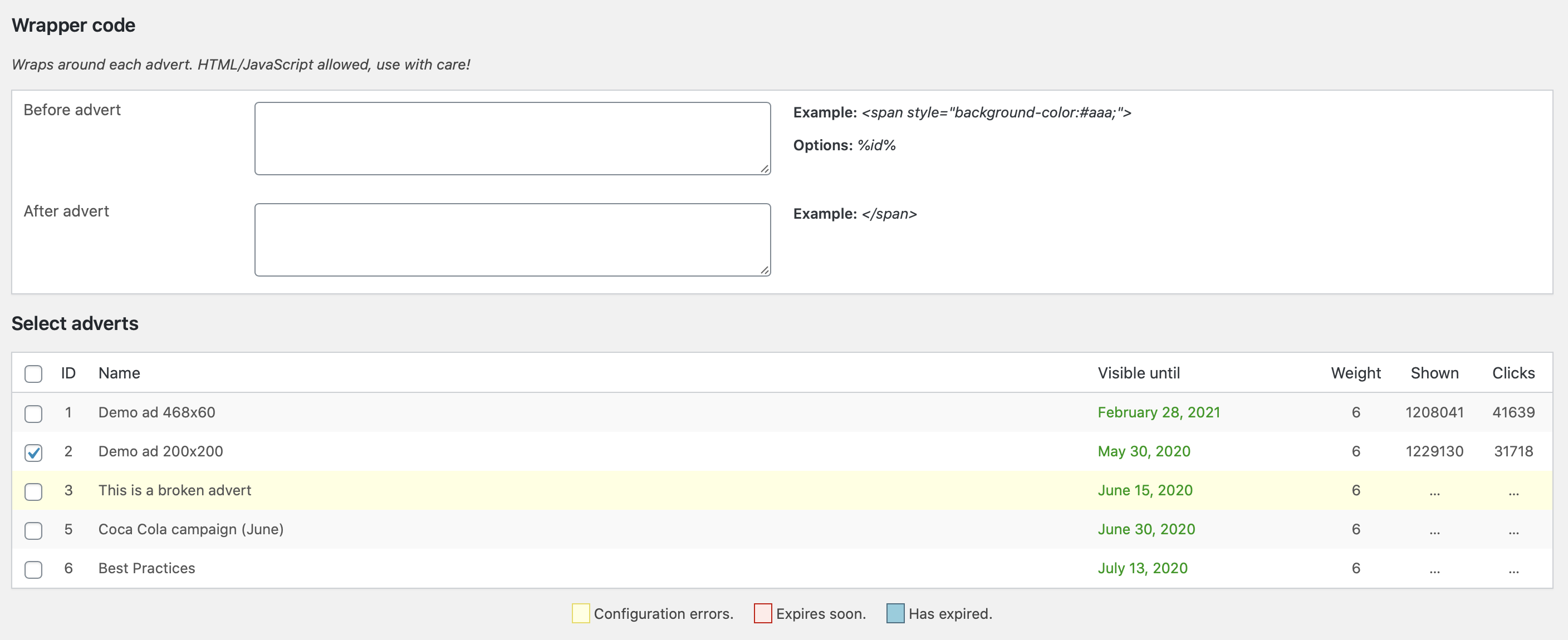
- Create Groups of adverts to show one or many ads in one location.
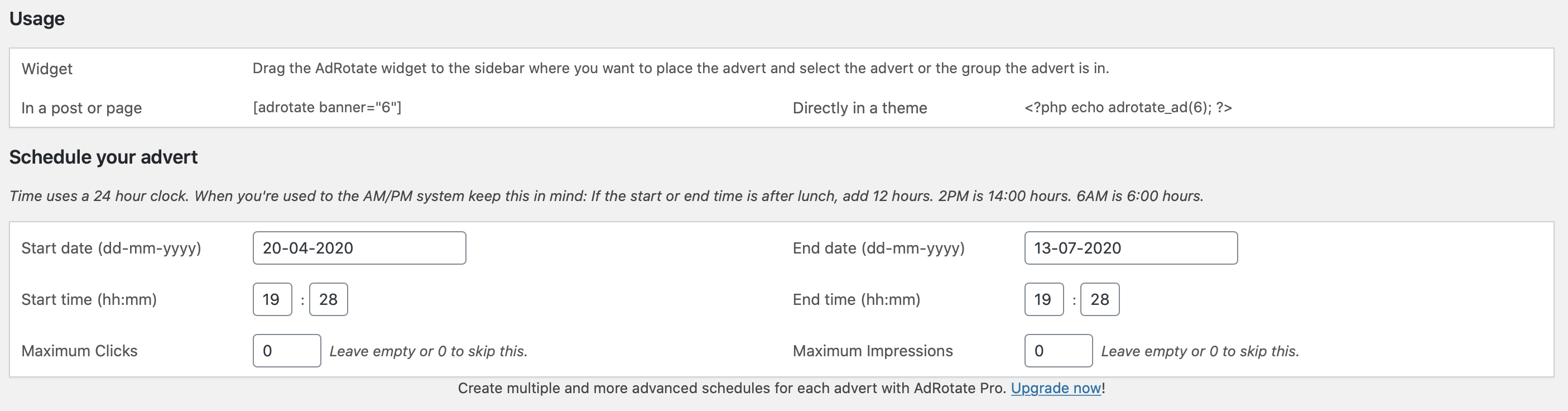
- Plan ahead and schedule your advert campaigns.
- Place ads on your website with blocks, widgets, shortcodes or PHP snippets.
- Inject ads into posts and pages in a few clicks without code.
- Upload banner images through the WordPress media manager or the AdRotate Asset Dashboard.
- Create your own adverts using the advert generator, no code knowledge required.
- Place banners and ads from any ad network and affiliate program such as; Google AdSense, Google Ad Manager, Amazon, BuySellAds, DoubleClick, DFP, media.net and many more.
- Place affiliate banners from websites like Amazon affiliates, Booking.com, Agoda, Tradedoubler and many more.
- And much much more!
Show your ads anywhere on your WordPress website
- Use shortcodes to place your ad campaigns manually in post and page content, widgets, blocks, page builders (such as Elementor and WP Bakery) and anywhere shortcodes are supported.
- Auto-inject your ads into Posts and Pages via the AdRotate Banner Manager Post Injection feature.
- Widgets and blocks for ads and groups.
- Use PHP snippets to place ads directly in your theme files.
Some of the extra features in AdRotate Pro
AdRotate Professional is the paid version of AdRotate Banner Manager offering even more features and functionality such as:
- Filter to show or hide ads on tablets and phones.
- Optionally hide banner ads for logged-in visitors.
- Live previews for many types of adverts in your dashboard.
- Extended Post Injection that includes support for WooCommerce products and bbPress forums and topics.
- Geo Targeting for every advert using my FREE Geo Targeting service or selected paid services such as MaxMind GeoIP and Cloudflare.
- Add unlimited schedules to adverts letting you plan ahead even further.
- Track adverts through Matomo Analytics instead of the internal stats.
- Or, track adverts via Google Analytics.
- More advanced scheduling with filters for hours of the day or days of the week.
- When using the internal tracker, spread impressions throughout the day or duration of the campaign.
- Manage your ads.txt file from the dashboard.
- Hide your adverts from ad blockers and bots/crawlers.
- Manage your header code snippets from networks such as Google Adsense and Amazon Ads.
- Upload ready-to-use HTML5 adverts as a zip-file for easy setup.
- Option to either track clicks or impressions, or both.
- One-on-one ticket support, accessible directly from your dashboard.
Available AdRotate Pro licenses:
* 1 site license ~ Great for any webmaster with one website.
* 2 sites license ~ Popular with professionals and people running two websites.
* 20 sites license ~ The best choice for agencies and newspapers that operate multiple websites.
Installation
Installing AdRotate is super easy!
- Search for “AdRotate Arnan” or “AdRotate” in your plugin dashboard.
- In the results, click on the “Install” button for AdRotate Banner Manager.
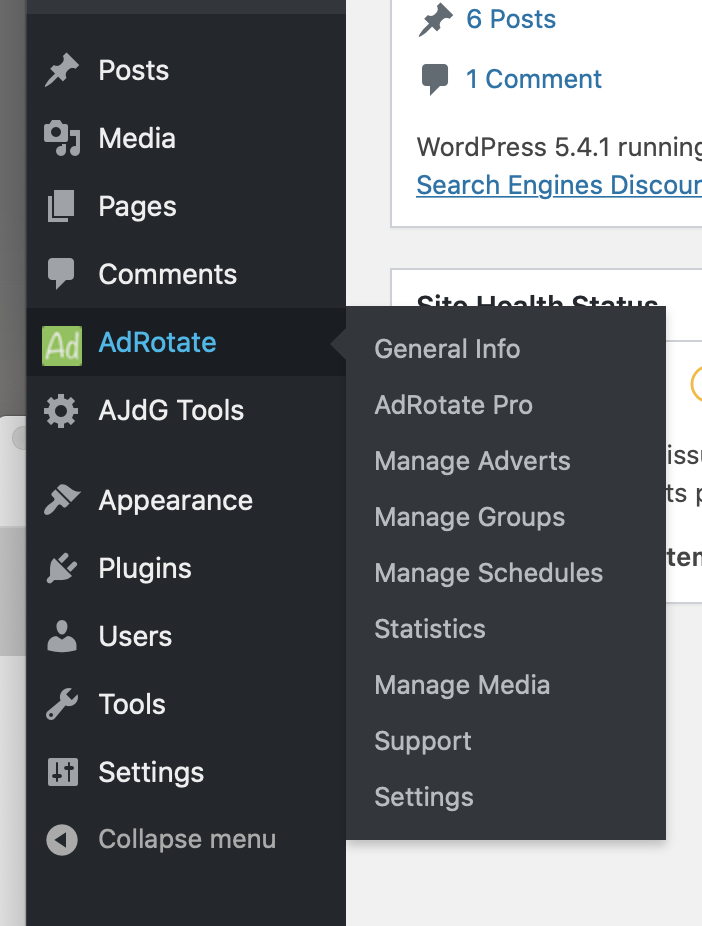
- A new menu called “AdRotate” appears in the WordPress dashboard navigation.
- From this menu you’ll handle everything related to AdRotate Banner Manager.
For more detailed instructions check out the installation steps on the AdRotate website.
Changelog
Enjoy this update with the latest tweaks and improvements for AdRotate Banner Manager!
5.19.3 – October 10, 2026
* i18n – Updated language files
5.19.2 – August 24, 2026
* Change – Improved support for wp-cli
* Update – Improved IP Address detection
* Fix – Removed unused budget counter
5.19.1 – July 24, 2026
* Fix – Typo in W3TC cache wrapper code
5.19 – July 22, 2026
* Update – Blocks support for the mfunc feature in W3TC 2.10+
* Update – Post Injection support for the mfunc feature in W3TC 2.10+
* Removed – W3TC Support for shortcodes
* Removed – W3TC Support for widgets
5.18 – June 28, 2026
* Fix – Typos and wording related to caching features
* Fix – Removed unused variables from advert and group widgets
* Change – No longer rely on W3 Total Cache mfunc feature
* i18n – Updated translation strings for all languages
5.17.8 – June 22, 2026
* Security – Prevent code injection through shortcodes
5.17.7 – June 15, 2026
* Update – Blog widget
* Update – Blog function
5.17.6 – June 7, 2026
* Update – Support links
* Update – Buttons to match the new WordPress 7 style
5.17.5 – April 6, 2026
* Fix – Wrong index for impression tracking in dynamic troups
5.17.4 – March 9, 2026
* Update – Rewritten the AdRotate Pro page
* Update – Redone parts of the readme.txt
* Update – Demo adverts link to a more modern page and use https
* i18n – Updated translation strings
5.17.3 – February 6, 2026
* Change – Improved RSS feed display
* Added – Missing action link to dashboard
5.17.2 – December 26, 2025
* New – Support for the GooseUp Update Plugin
* Fix – Missing ads.txt setting when activating the plugin
* Added – Meta links
* Removed – Action links
* Change – i18n is now in the ‘languages’ folder
5.17.1 – December 11, 2025
* Fix – Better check if banners folder exist
* Change – Internal RSS feed fetcher for one url at a time
* i18n – Removed all outdated translations strings
5.17 – November 27, 2025
* Update – Dashboard now works better on smaller devices (responsive)
* Update – Improved portability hash generation
* Update – All dashboard settings pages fine-tuned
* Update – Support and AdRotate Pro dashboard pages refreshed
* Update – Removed unused CSS from dashboard.css
* Fix – Removed remaining multisite code causing warnings/errors for some people
* Fix – Removed unused licensing code from the support form
Screenshots
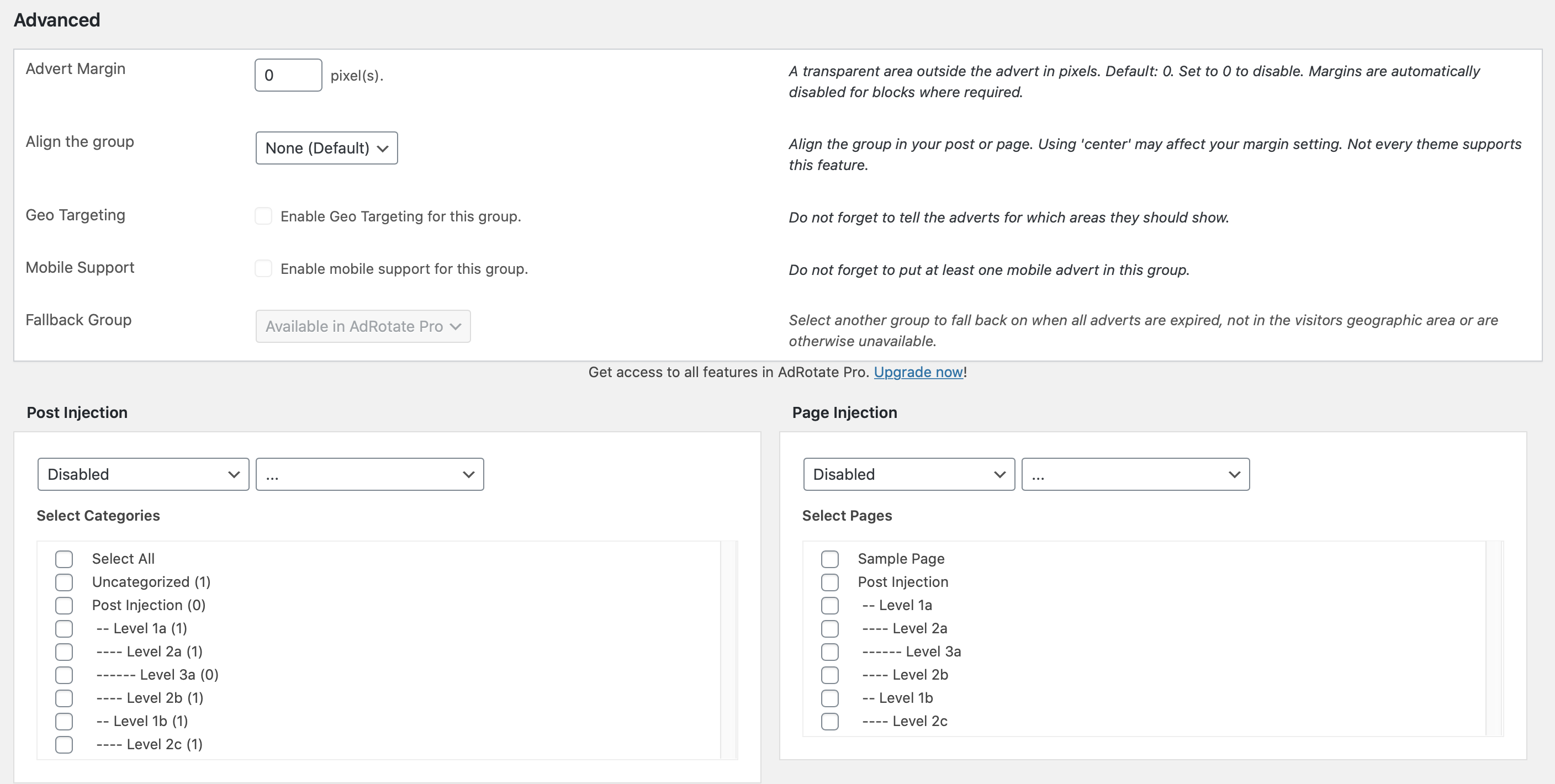
For developers
Is this your plugin? Show off the numbers.
Add a live badge to your site, docs or GitHub README. It updates on its own — no account needed.
Best AdRotate Banner Manager alternatives
All ad manager plugins →





FAQ
AdRotate Banner Manager: quick answers
Straight answers, pulled from live WordPress.org data.
Live data from WordPress.org · checked Nov 17, 2026
Is AdRotate Banner Manager free?
Yes. AdRotate Banner Manager is free to download and use from the official WordPress.org plugin directory.
Is AdRotate Banner Manager safe to use in 2026?
Yes — AdRotate Banner Manager is a safe, well-maintained plugin to use in 2026. It runs on 20K+ sites, is rated 4.3/5 and was last updated 5 days ago, and scores 91/100 on our health check.
How many websites use AdRotate Banner Manager?
AdRotate Banner Manager is active on 20K+ WordPress websites and has been downloaded 4,015,050 times since it launched in July 2008. It was downloaded 15,965 times in the last 30 days.
Does AdRotate Banner Manager work with WordPress 7.1?
Yes. The developer has tested AdRotate Banner Manager up to WordPress 7.1.4, the latest release. It requires WordPress 4.9 or newer.
What PHP version does AdRotate Banner Manager need?
AdRotate Banner Manager requires PHP 8.0 or higher. Most hosts run PHP 8.x today, so it works on any modern WordPress hosting.
When was AdRotate Banner Manager last updated?
The latest version, 5.19.4, was released on November 12, 2026 (5 days ago).
Who makes AdRotate Banner Manager?
AdRotate Banner Manager is developed and maintained by Arnan de Gans.
What are the best alternatives to AdRotate Banner Manager?
The most popular alternatives to AdRotate Banner Manager are Ad Inserter (300K+ installs), Ads.txt Manager (100K+ installs) and Quads Ads Manager for Googl… (20K+ installs).
Powered by PageForge
Want thousands of pages that rank like these? Build them in an afternoon.
This directory runs on the same engine as PageForge. Turn any spreadsheet, CSV or API into thousands of fast, SEO-ready WordPress pages — with schema, internal links and AI-written copy baked in.
- CSV, Google Sheets & API data sources
- AI content, schema & internal links per page
- Works with Elementor, Gutenberg, Yoast & Rank Math
- Free on WordPress.org — no credit card


