


Enable Classic Editor & Widgets
A simple & lightweight plugin to enable the classic editor on WordPress with advanced configuration options.

Use with caution
Enable Classic Editor & Widgets works, but test it on a staging site before relying on it in 2026. It runs on 2K+ sites, is rated 5/5 and was last updated 1 year ago, and scores 49/100 on our health check.
- Momentum — downloads up 30.6% vs the previous 30 days
- No update in over a year
- Only tested up to WordPress 6.8 (latest is 7.1)
How does it stack up?
Side-by-side on installs, updates, ratings & support



Daily downloads
Download spikes usually follow a new release — each site that auto-updates counts as a download.
Rankings
Where Enable Classic Editor & Wid… stands todayWordPress.org search rankings
Live position in the plugin search, top 100| Keyword | Position |
|---|---|
| block-editor | >100 |
| classic editor | #16 |
| disable gutenberg | #99 |
| enable classic editor | #4 |
| gutenberg | >100 |
Version adoption
Share of active sites per release.
Rating breakdown
★★★★★★★★★★ 5 from 5 reviews
About Enable Classic Editor & Widgets
From the official readme · v3.2Description
This is a lightweight Classic Editor plugin that gives you complete control over when to use the Classic Editor vs the Block Editor (Gutenberg). Despite the introduction of Gutenberg, a brand new block editor with WordPress 5.x, many users still prefer the Classic Editor due to its compatibility and ease of use.
What does this plugin do?
- Disables the Gutenberg Block Editor (with granular control)
- Reverts back to the Classic WordPress Editor
- Reverts to Classic Widgets section
- Configure which post types use Classic Editor
- Configure which user roles use Classic Editor
- Simple mode for quick setup or Advanced mode for granular control
- Modern, user-friendly settings interface
How to use this plugin?
- Simple Mode: Just activate the plugin and it works immediately (default)
- Advanced Mode: Enable “Advanced Settings” to configure per post type and user role
Changelog
3.2
- New Feature: Animated save button with success confirmation
- New Feature: Toast notifications for better user feedback
- New Feature: Unsaved changes detection with warning before navigating away
- New Feature: Select All/Deselect All buttons for post types and user roles
- New Feature: Dynamic selection count for post types and user roles
- New Feature: Contextual help tooltips with detailed explanations
- New Feature: Last saved timestamp display
- Improvement: Per-Post Toggle now properly disabled when main plugin is OFF
- Improvement: Advanced Settings now properly disabled when main plugin is OFF
- Improvement: Settings validation warnings for conflicting configurations
- Improvement: “Default” editor choice now shows what editor will actually be used
- Improvement: Post list column shows actual editor (not just setting) with visual distinction
- Improvement: Classic Widgets setting includes theme compatibility note
- Improvement: Custom modal dialog for Reset Defaults (replaces browser confirm)
- Improvement: Better visual feedback with disabled setting styling
- Code quality: Improved inline documentation and code organization
- Major refactoring: Per-Post Toggle and Classic Widgets toggles are now truly independent
- Fixed critical bug: Classic Widgets toggle now works correctly in simple mode
- Fixed critical bug: Per-Post Toggle now works correctly in simple mode when Advanced Settings is disabled
- Improved UX: Added visual mode indicator (Simple vs Advanced) on settings page
- Improved UX: Enhanced help text for all settings
- Improved UX: Better JavaScript to prevent auto-enabling Advanced Settings
- Fixed: Reset Defaults button now correctly resets all toggles including Classic Widgets
- Code quality improvements and better inline documentation
- And of course, General maintenance
3.1
- General maintenance
3.0
- Added advanced settings page
- Added post type control
- Added user role control
- Added simple/advanced mode toggle
- Maintained backward compatibility
- Redesigned settings page with modern UI
- Added toggle switches for better user experience
- Improved layout for post type and user role selection
- Added Reset Defaults button
- Fixed uninstall process to clean up post meta
- Various code improvements and optimizations
2.7
- Compatibility Update
- Fixes blank page when editing
2.6
- Compatibility Update
2.5
- General maintenance & upgrades
Screenshots
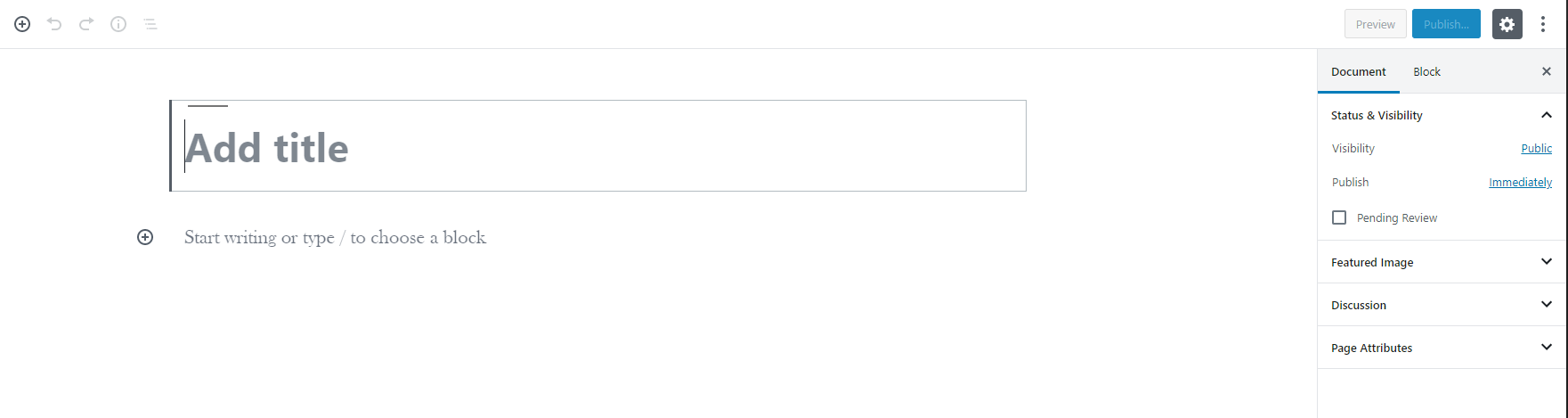
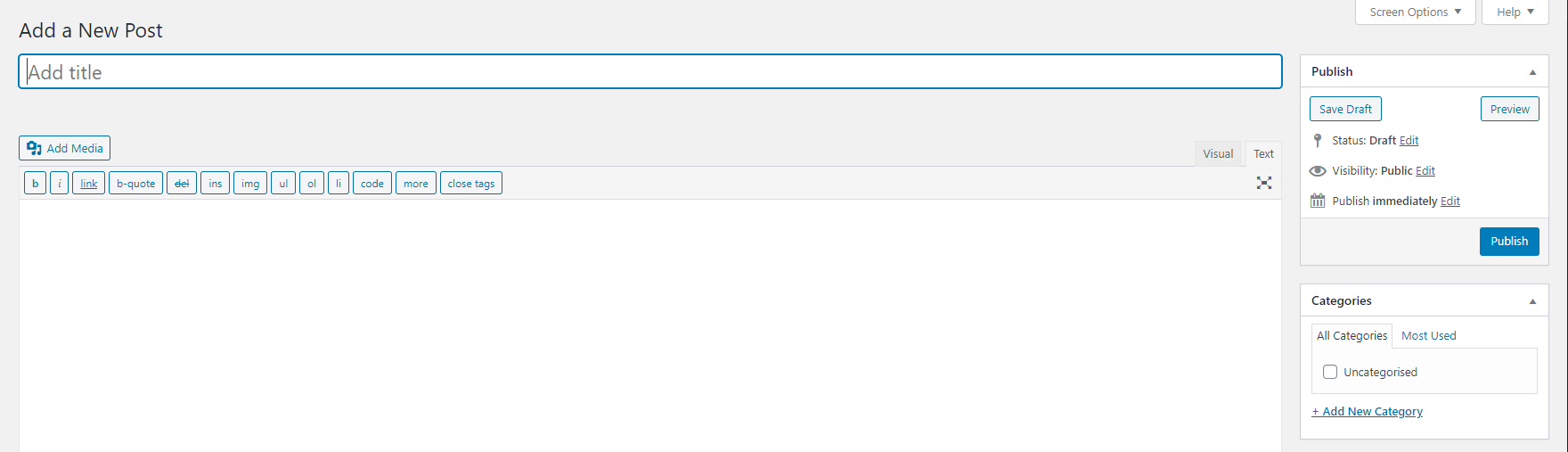
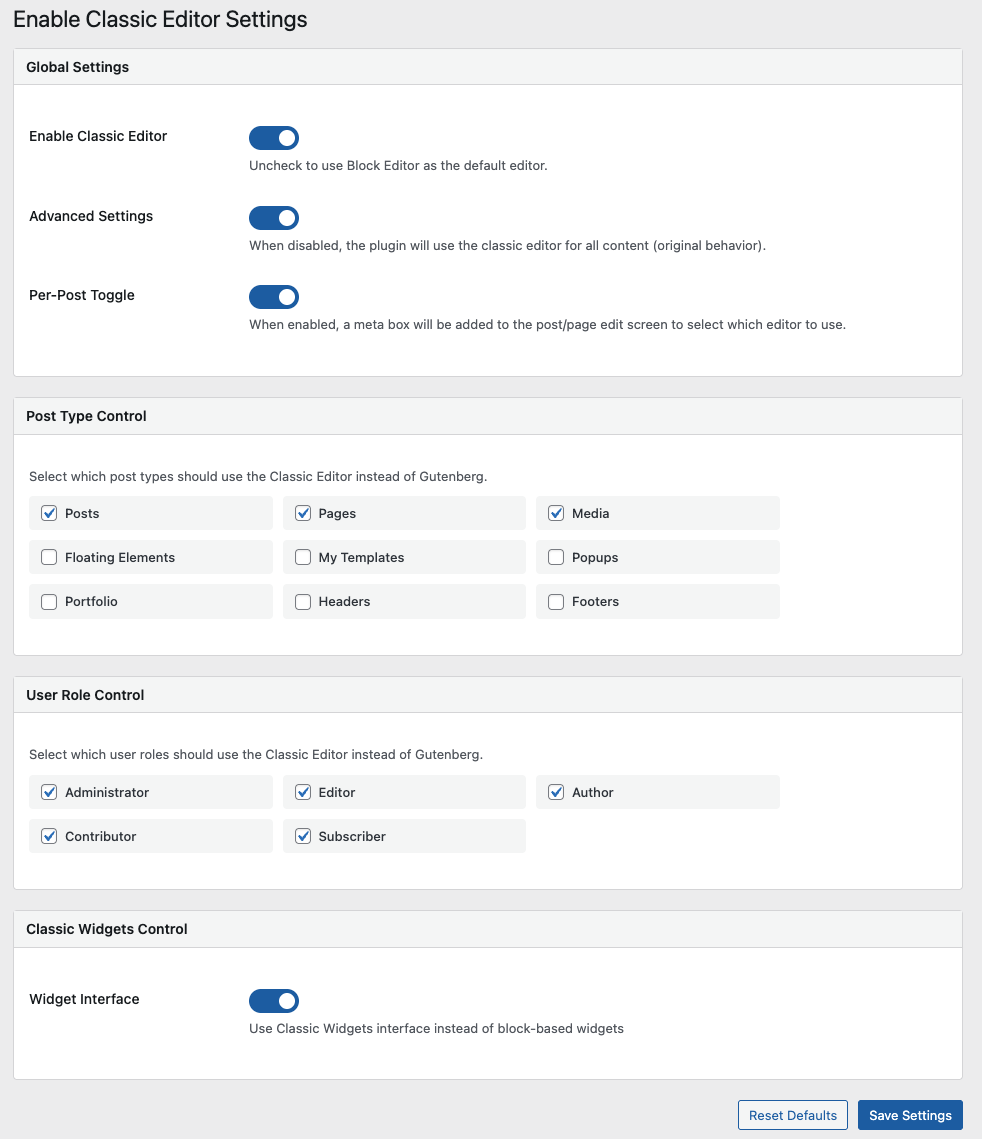
For developers
Is this your plugin? Show off the numbers.
Add a live badge to your site, docs or GitHub README. It updates on its own — no account needed.
Best Enable Classic Editor & Widge… alternatives
All block-editor plugins →





FAQ
Enable Classic Editor & Widgets: quick answers
Straight answers, pulled from live WordPress.org data.
Source: WordPress.org
Is Enable Classic Editor & Widgets free?
Yes. Enable Classic Editor & Widgets is free to download and use from the official WordPress.org plugin directory.
Is Enable Classic Editor & Widgets safe to use in 2026?
Enable Classic Editor & Widgets works, but test it on a staging site before relying on it in 2026. It runs on 2K+ sites, is rated 5/5 and was last updated 1 year ago, and scores 49/100 on our health check.
How many websites use Enable Classic Editor & Widgets?
Enable Classic Editor & Widgets is active on 2K+ WordPress websites and has been downloaded 80,264 times since it launched in November 2019. It was downloaded 542 times in the last 30 days.
Does Enable Classic Editor & Widgets work with WordPress 7.1?
Enable Classic Editor & Widgets is officially tested up to WordPress 6.8.13, while the latest release is 7.1.5. It may still work, but try it on a staging site first.
What PHP version does Enable Classic Editor & Widgets need?
Enable Classic Editor & Widgets requires PHP 5.6 or higher. Most hosts run PHP 8.x today, so it works on any modern WordPress hosting.
When was Enable Classic Editor & Widgets last updated?
The latest version, 3.2, was released on November 8, 2025 (1 year ago).
Who makes Enable Classic Editor & Widgets?
Enable Classic Editor & Widgets is developed and maintained by Ayon M.
What are the best alternatives to Enable Classic Editor & Widgets?
The most popular alternatives to Enable Classic Editor & Widgets are Classic Editor (8M+ installs), Advanced Editor Tools (1M+ installs) and Disable Gutenberg (500K+ installs).
Powered by PageForge
One template and a spreadsheet. A real page for every search.
PageForge turns each row of a CSV into a WordPress page with its own title, URL, SEO fields and schema, built on the layout you already designed. Free on WordPress.org.
- CSV and XLSX, plus Google Sheets on Professional and Enterprise
- Its own title, URL, SEO fields and schema for every page
- Works with the block editor, Elementor, Divi and Avada
- Free on WordPress.org, no credit card