



Classic Editor and Classic Widgets
Disables Gutenberg editor totally everywhere and enables Classic Editor and Classic Widgets.

Safe pick
Yes — Classic Editor and Classic Widg… is a safe, well-maintained plugin to use in 2026. It runs on 20K+ sites, is rated 5/5 and was last updated 1 month ago, and scores 81/100 on our health check.
- Proven at scale on 20K+ active sites
- Tested with the latest WordPress (7.1)
How does it stack up?
Side-by-side on installs, updates, ratings & support



Daily downloads
Download spikes usually follow a new release — each site that auto-updates counts as a download.
Rankings
Where Classic Editor and Classic… stands todayWordPress.org search rankings
Live position in the plugin search, top 100| Keyword | Position |
|---|---|
| block-editor | #38 |
| classic editor | #4 |
| classic widgets | #3 |
| disable gutenberg | #29 |
Version adoption
Share of active sites per release.
Rating breakdown
★★★★★★★★★★ 5 from 5 reviews
About Classic Editor and Classic Widgets
From the official readme · v1.5.5Description
The free Classic Editor & Classic Widgets plugin helps you to easily disable Gutenberg editor totally everywhere and enables Classic Editor and Classic Widgets.
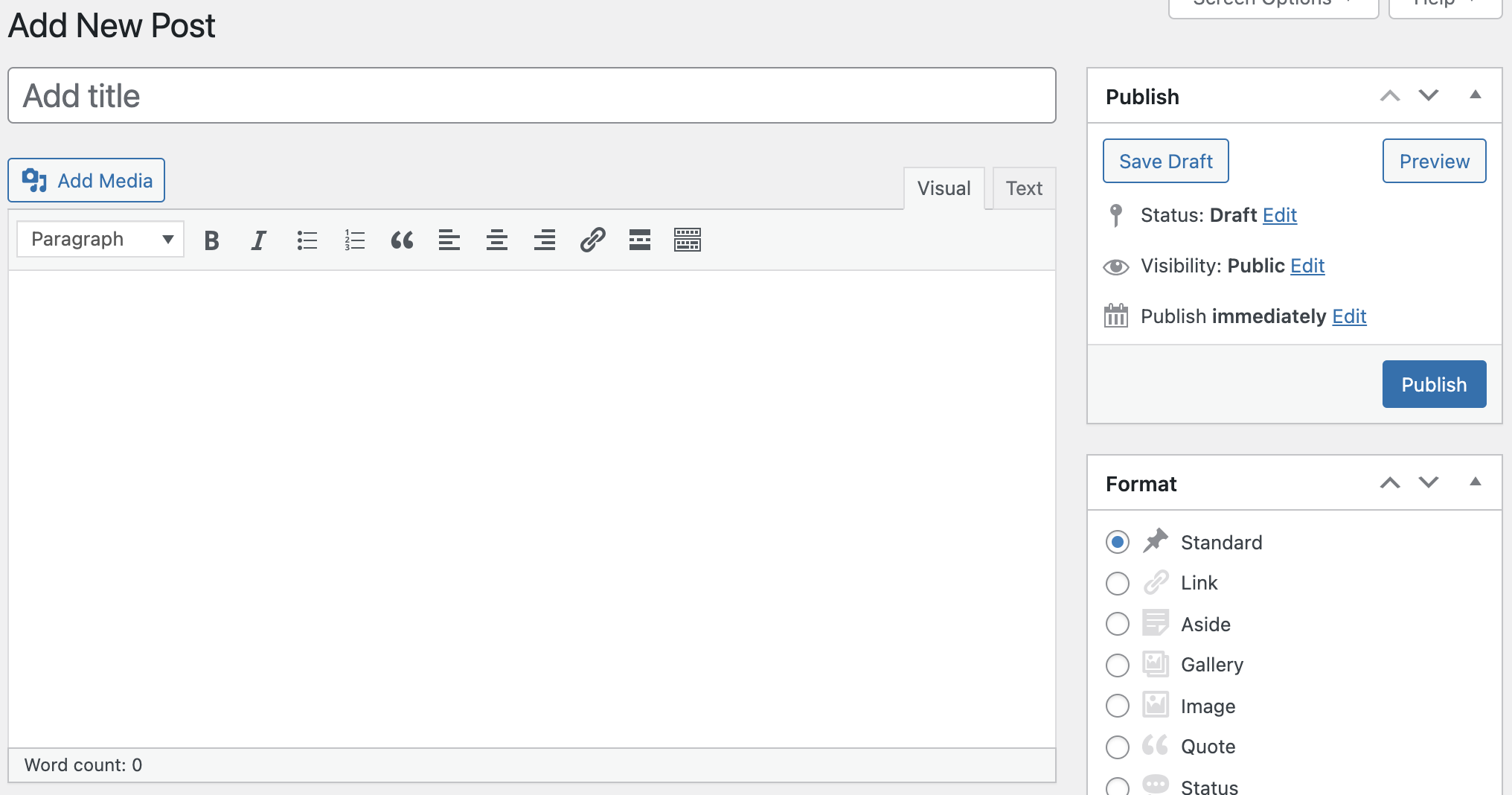
Classic Editor and Classic Widgets plugin enables old-style WordPress Classic Editor for “Edit Post” with TinyMCE (WYSIWYG), Meta Boxes (Custom Fields), and others. Once activated, this plugin hides all functionality available in the new Gutenberg block editor.
What does this plugin do?
- Disables the Gutenberg Editor
- Enables WordPress Classic Editor
- Enables Classic Widgets
Features
- Disable Gutenberg totally
- Disable Gutenberg for any post type
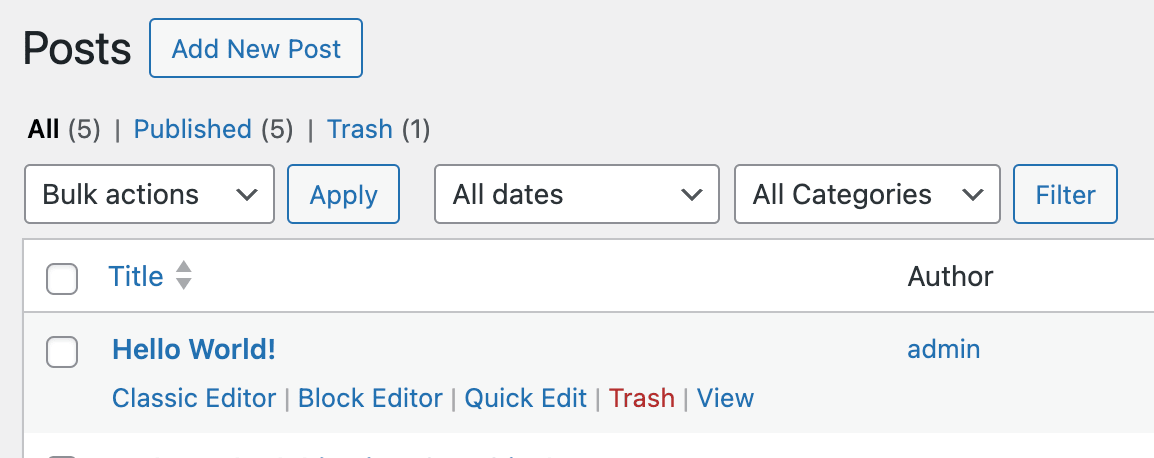
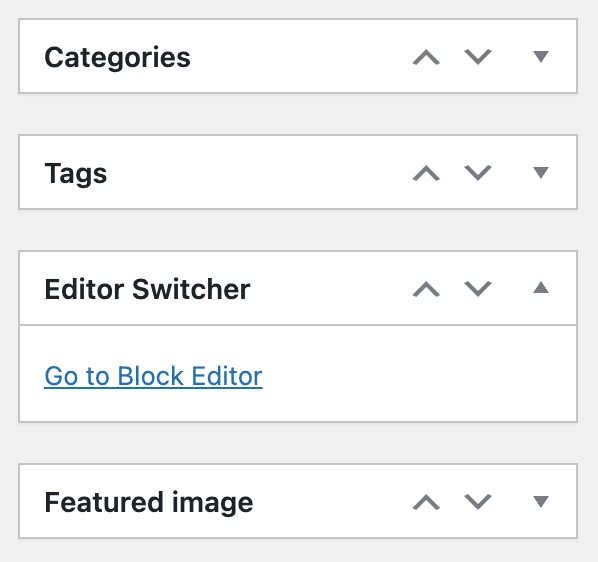
- Editor Switcher
- Choose Editor for each Post
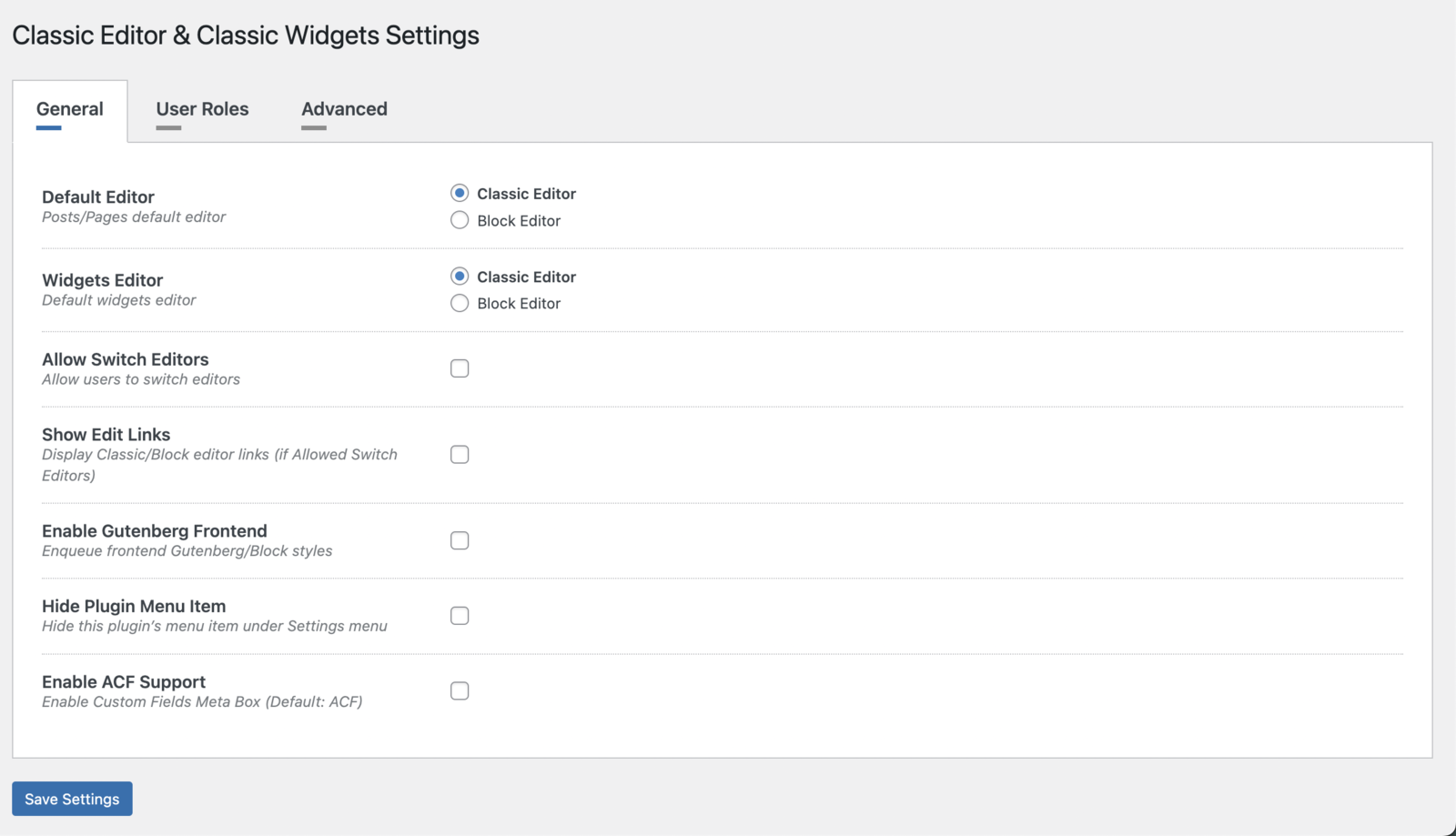
- Choose Default Editor
- Choose Widgets Editor
- Full Support Advanced Custom Fields (ACF)
- Hide plugin menu item
- Enable/Disable frontend Gutenberg styles
- WooCommerce compatible
- WPML Compatible
- Polylang compatible
Also, you will be able to use old-style Classic Widgets under Appearance > Widgets and Appearance > Customize > Widgets. There is no need to setup any configuration.
By default, this plugin hides all functionality available in the new Gutenberg block editor without setting up any extra options.
Upgrade to Pro Version
Classic Editor and Classic Widgets PRO plugin provides more additional features. Go to the Next Level with Pro Version. Pro plugin works together with this Free Plugin and does not need any re-installation or deactivation of Free version.
Premium Features
- Choose Editor for User Roles
- Choose Editor for Custom Post Types
- Remember Last used Editor
- Displaying Post States
- Exclude Posts/Pages by Autocomplete
- Premium Support
More Powerful Plugins
Dynamic XML Sitemaps for Google
Developed with love by WP Grim
Installation
This section describes how to install the plugin and get it working.
- Upload the plugin files to the
/wp-content/plugins/directory, or install the plugin through the WordPress plugins screen directly. - Activate the plugin through the ‘Plugins’ screen in WordPress
- Please find more details on Plugin Installation in documentation
Frequently asked questions
Where can I find Plugin Settings?
This plugin doesn’t have any Settings. It works with activating the plugin.
Changelog
1.5.5 – 2026-08-19
- WordPress 7.1 compatible
1.5.4 – 2026-07-15
- WordPress 7.0.1 compatible
- Minor bug fixes
1.5.3 – 2026-05-29
- WordPress 7.0 compatible
1.5.2 – 2026-05-01
- Posts, Pages Editor UI/UX improved
1.5.1 – 2026-03-23
- WordPress 6.9.4 compatible
1.5.0 – 2026-02-12
- WordPress 6.9.1 compatible
- Minor bug fixes
Screenshots


For developers
Is this your plugin? Show off the numbers.
Add a live badge to your site, docs or GitHub README. It updates on its own — no account needed.
Best Classic Editor and Classic Wi… alternatives
All block-editor plugins →





FAQ
Classic Editor and Classic Widgets: quick answers
Straight answers, pulled from live WordPress.org data.
Live data from WordPress.org · checked Sep 26, 2026
Is Classic Editor and Classic Widg… free?
Yes. Classic Editor and Classic Widg… is free to download and use from the official WordPress.org plugin directory.
Is Classic Editor and Classic Widg… safe to use in 2026?
Yes — Classic Editor and Classic Widg… is a safe, well-maintained plugin to use in 2026. It runs on 20K+ sites, is rated 5/5 and was last updated 1 month ago, and scores 81/100 on our health check.
How many websites use Classic Editor and Classic Widg…?
Classic Editor and Classic Widg… is active on 20K+ WordPress websites and has been downloaded 347,051 times since it launched in July 2021. It was downloaded 4,999 times in the last 30 days.
Does Classic Editor and Classic Widg… work with WordPress 7.1?
Yes. The developer has tested Classic Editor and Classic Widg… up to WordPress 7.1.2, the latest release. It requires WordPress 4.9 or newer.
What PHP version does Classic Editor and Classic Widg… need?
Classic Editor and Classic Widg… requires PHP 5.6 or higher. Most hosts run PHP 8.x today, so it works on any modern WordPress hosting.
When was Classic Editor and Classic Widg… last updated?
The latest version, 1.5.5, was released on August 19, 2026 (1 month ago).
Who makes Classic Editor and Classic Widg…?
Classic Editor and Classic Widg… is developed and maintained by WP Grim.
What are the best alternatives to Classic Editor and Classic Widg…?
The most popular alternatives to Classic Editor and Classic Widg… are Classic Editor (8M+ installs), Advanced Editor Tools (1M+ installs) and Disable Gutenberg (500K+ installs).
Powered by PageForge
Want thousands of pages that rank like these? Build them in an afternoon.
This directory runs on the same engine as PageForge. Turn any spreadsheet, CSV or API into thousands of fast, SEO-ready WordPress pages — with schema, internal links and AI-written copy baked in.
- CSV, Google Sheets & API data sources
- AI content, schema & internal links per page
- Works with Elementor, Gutenberg, Yoast & Rank Math
- Free on WordPress.org — no credit card


