



CI HUB Connector
Work better with images, text and video by connecting your WordPress Site to your cloud storage or the stock media platform of your choice.

Solid choice
CI HUB Connector is a solid plugin choice in 2026, with a few things worth checking first. It runs on 100+ sites, is rated 5/5 and was last updated 3 weeks ago, and scores 63/100 on our health check.
- Actively developed — last update 3 weeks ago
- Small user base (100+ active installs)
- Very few reviews so far
- Only tested up to WordPress 6.9 (latest is 7.1)
How does it stack up?
Side-by-side on installs, updates, ratings & support



Daily downloads
Download spikes usually follow a new release — each site that auto-updates counts as a download.
Rankings
Where CI HUB Connector stands todayWordPress.org search rankings
Live position in the plugin search, top 100| Keyword | Position |
|---|---|
| connector | #14 |
| DAM MAM PIM | #1 |
| drag-and-drop | >100 |
| metadata | >100 |
| synchronization | #63 |
Version adoption
Share of active sites per release.
Rating breakdown
★★★★★★★★★★ 5 from 1 reviews
About CI HUB Connector
From the official readme · v1.2.108Description
Work better with images, text and video by connecting your WordPress Site to your cloud storage or the stock media platform of your choice. Easy, fast, and simple!
CI HUB is the ultimate digital supply chain connector handling images, Graphics Stock Media, and more.
The CI HUB Connector is an enterprise level productivity tool that allows you to connect to Images, Templates, Graphics, etc. Access your Assets and drag assets into the website you work in.
CI HUB Connector synchronizes your WordPress Media Library to the connected services. If there is a new version of an image, or if there are changes to the copyright of an image you are using, CI HUB will tell you.
The plugin also keeps your website up to date. CI HUB Connector synchronizes your WordPress Media library in Sync with your DAM/MAM/PIM or Cloud Storage.
Check out the CI HUB Connector here here.
Key Features
Access assets directly. Connect to Images, Templates, Graphics, and Text from your DAM/MAM/PIM or Cloud Storage, directly in WordPress Bi-directional.
Download, make changes, and upload back to your repository Metadata. Linked metadata can be transformed into styled content.
Main Benefits
- Simplifies daily work.
- Streamlines workflows.
- Connects internal and external units.
- Consistent and compliant asset handling.
- Track Copyright changes to know you are using licensed imaging
- Ensures production on demand.
We are already connected to:
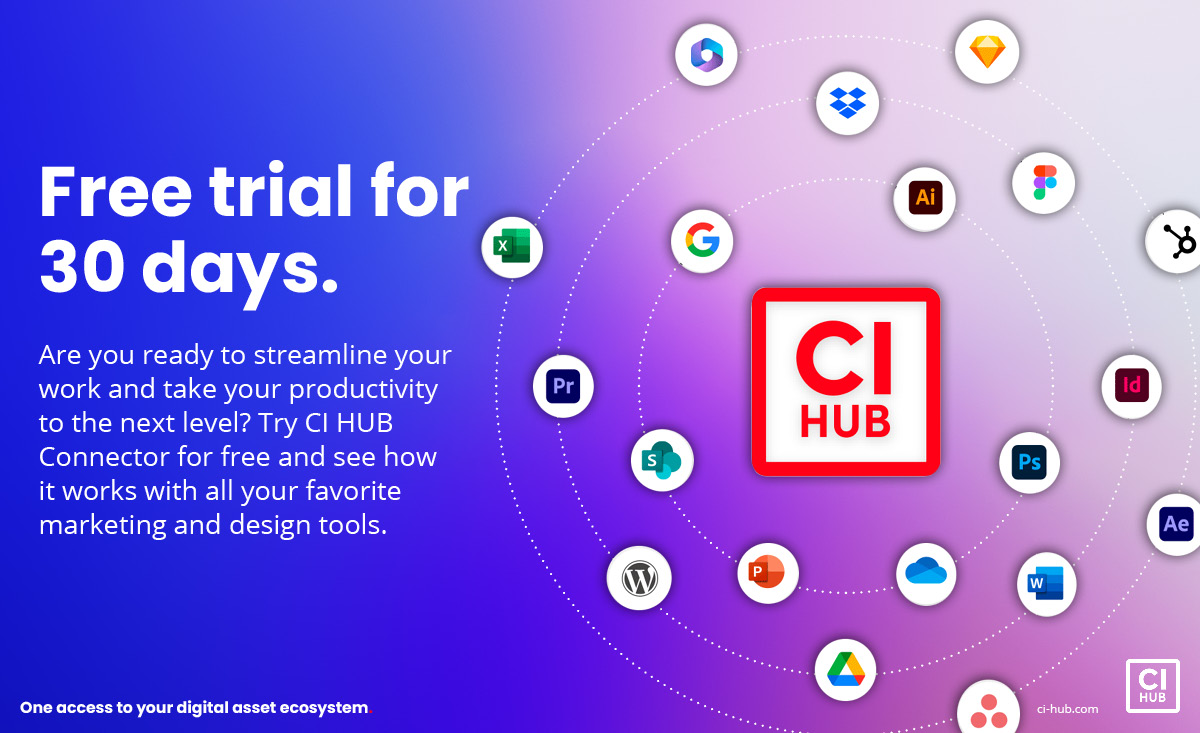
Dropbox, Google Drive, Google Photos, Pixelboxx, Picturepark, Bynder, Asana, Workfront, eye base, MyView, SiteFusion, Adobe Stock, Getty-Images, iStock, Bandmaster, Brandfolder, CELUM ContentHub, Sharedien, Aprimo, SiteCore, WebDAM, Adobe Creative Cloud Library, Adobe Lightroom see more here.
We are integrated in:
Adobe CC, Microsoft365, Google Workspace, Figma, Sketch, with many more coming soon
Free Trial and Subscription Payment:
All first-time users receive a 30-day free trial upon registration/creation of a CI HUB ID.
Payment via credit card is required upon the conclusion of the trial period to continue use. The amount is €10,50/month/Yearly invoiced, plus applicable taxes.
The costs are not for downloading the plugin, as it is only the subscription to CI HUB that incurs the cost stated above.
Corporate plans are available on request at sales@ci-hub.com.
Important notes:
To connect the CI HUB Connector to one of the selected third-party system, you may need a login/user account with that system. The availability and/or the right to connect to the third-party system is not part of the CI HUB Connector or the CI HUB Services. There may be an additional cost and/or agreements with the provider of the third-party system to use the third-party system. CI HUB reserves the right to remove the third-party system from the list of available systems or add new third-party systems at any time and without prior notice. To use CI HUB Connector, a connection to the Internet is required at all times. (Corporate setups with Proxy or Firewalls are available on request)
To see Demo-Video, Tutorials, and more, go to https://ci-hub.com/ci-hub-how-to-tutorial/ or visit our Youtube Channel.
Try it for FREE for 30 Days.
Shortcodes:
Metadata shortcode “cihub_metadata”:
Attribute: id
Required: false
Default: Current Post ID
Description: The ID of the attachment. If empty, the ID of the current post will be used.
Attribute: key
Required: true
Default: –
Description: The key of the metadata field.
Attribute: wrapper
Required: false
Default: div
Description: Use “” or “false” to remove the wrapper element.
Attribute: mode
Required: false
Default: value
Description: “value” => metadata value / name => localized name for key / entry => full metadata entry
Attribute: htmlattributes
Required: false
Default: –
Description: Comma separated list of HTML attributes.
Attribute: content
Required: false
Default: true
Description: Use “” or “false” to disable insertion of content inside the wrapper element.
Attribute: throwerror
Required: false
Default: true
Description: Use “” or “false” to disable errors and use fallback instead.
Attribute: fallback
Required: false
Default: –
Description: Used in combination with throwerror = “false” as a fallback for a not existing value.
All occurrences of “{metadata}” will be replaced with the result of the shortcode for the corresponding key specified with the attribute “key”.
All occurrences of “{metadata.key}” will be replaced with the result of the shortcode for the key specified after the dot.
Actions:
Action: com_ci_hub_upload_asset
Params: post_id (Integer)
Description: Triggered after an asset was uploaded to the media library.
Action: com_ci_hub_relink_item
Params: post_id (Integer)
Description: Triggered after an asset in the media library was relinked.
Frequently asked questions
How do I install CI HUB Connector?
To install the CI HUB Connector, follow the steps below: From your WordPress dashboard -> Go to Plugins -> Click on ‘Add new’-> In the Search field, enter CI HUB and choose CI HUB Connector. Press install -> After installation, click Activate.
Does it work with other WordPress plugins?
We have tested the plugin with several other plugins, including Page Builders like Elementor. Since CI HUB hooks directly into the WordPress Core media library, it works in combination with almost any plugin. If you experience an incompatibility issue, please report it to us (sales@ci-hub.com) and the plugin that conflicts with CI HUB Connector.
Do I need to know how to code?
No! CI HUB Connector provides you with everything.
Is there a shortcode?
Yes, “CIHUB_METADATA”.
What do I need to start using this plugin?
You need a CI HUB Account, just register here. There you can activate your 30 day free trial.
Changelog
Important security update. All users are strongly advised to upgrade immediately.
1.2.108
- Hardening: capability checks added to all AJAX handlers, request inputs are now consistently unslashed, sanitized and validated.
- Hardening: relink endpoint now verifies attachment ownership, restricts writes to the uploads directory and validates the uploaded content against the allowed media types to prevent arbitrary file overwrite.
- Hardening: postMessage handler in main.js now validates the message source, and the host bridge is bundled with the plugin instead of being received and eval’d from the embedded client.
- Hardening: prefixed previously global helper functions, replaced
json_encode/parse_urlwithwp_json_encode/wp_parse_url, and properly escaped all user-facing output. - Compliance: addressed Plugin Check findings (ABSPATH guard, output escaping, debug-only error logging, etc.).
1.2.107
- Security updates and improvements
1.2.106
- switch to new server infrastructure
1.2.105
- Security updates and improvements
1.2.104
- Alt text mapping feature
1.2.103
- WordPress 6.3 compatibility
Screenshots


For developers
Is this your plugin? Show off the numbers.
Add a live badge to your site, docs or GitHub README. It updates on its own — no account needed.
Best CI HUB Connector alternatives
All connector plugins →




FAQ
CI HUB Connector: quick answers
Straight answers, pulled from live WordPress.org data.
Live data from WordPress.org · checked Sep 29, 2026
Is CI HUB Connector free?
Yes. CI HUB Connector is free to download and use from the official WordPress.org plugin directory.
Is CI HUB Connector safe to use in 2026?
CI HUB Connector is a solid plugin choice in 2026, with a few things worth checking first. It runs on 100+ sites, is rated 5/5 and was last updated 3 weeks ago, and scores 63/100 on our health check.
How many websites use CI HUB Connector?
CI HUB Connector is active on 100+ WordPress websites and has been downloaded 3,986 times since it launched in April 2022. It was downloaded 225 times in the last 30 days.
Does CI HUB Connector work with WordPress 7.1?
CI HUB Connector is officially tested up to WordPress 6.9.9, while the latest release is 7.1.2. It may still work, but try it on a staging site first.
What PHP version does CI HUB Connector need?
CI HUB Connector requires PHP 5.6 or higher. Most hosts run PHP 8.x today, so it works on any modern WordPress hosting.
When was CI HUB Connector last updated?
The latest version, 1.2.108, was released on September 8, 2026 (3 weeks ago).
Who makes CI HUB Connector?
CI HUB Connector is developed and maintained by CI HUB Connector.
What are the best alternatives to CI HUB Connector?
The most popular alternatives to CI HUB Connector are AI Agent by SiteGround (1M+ installs), AI Provider for Anthropic (60K+ installs) and AI Provider for OpenAI (50K+ installs).
Powered by PageForge
Want thousands of pages that rank like these? Build them in an afternoon.
This directory runs on the same engine as PageForge. Turn any spreadsheet, CSV or API into thousands of fast, SEO-ready WordPress pages — with schema, internal links and AI-written copy baked in.
- CSV, Google Sheets & API data sources
- AI content, schema & internal links per page
- Works with Elementor, Gutenberg, Yoast & Rank Math
- Free on WordPress.org — no credit card


