



Caledros Typewriter Animator
Adds a custom typewriter animation block to the WordPress Gutenberg editor.

Use with caution
Caledros Typewriter Animator works, but test it on a staging site before relying on it in 2026. Was last updated 5 months ago, and scores 49/100 on our health check.
- Small user base (<10 active installs)
- Very few reviews so far
- Needs PHP 8.3 or newer
How does it stack up?
Side-by-side on installs, updates, ratings & support



Daily downloads
Download spikes usually follow a new release — each site that auto-updates counts as a download.
Rankings
Where Caledros Typewriter Animator stands todayWordPress.org search rankings
Live position in the plugin search, top 100| Keyword | Position |
|---|---|
| block-editor | >100 |
| custom blocks | >100 |
| gutenberg | >100 |
About Caledros Typewriter Animator
From the official readme · v1.0.0Description
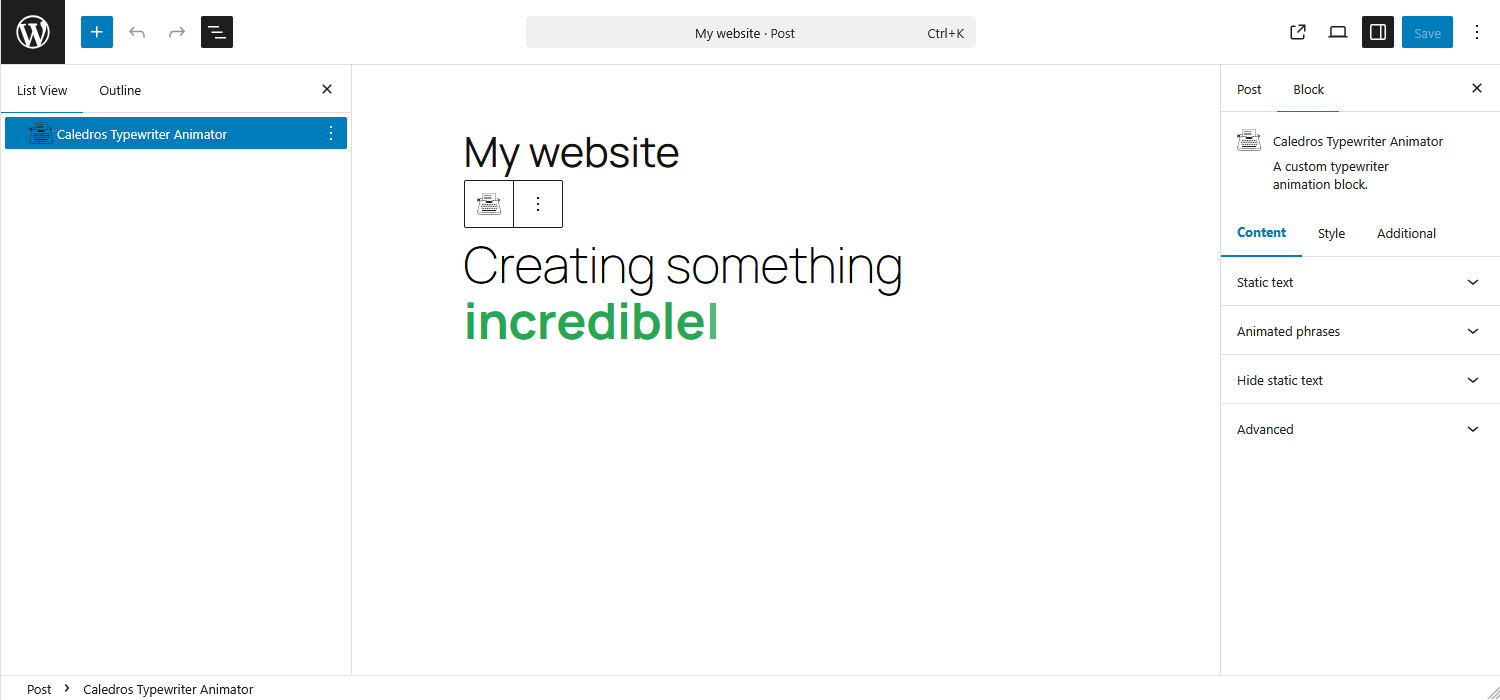
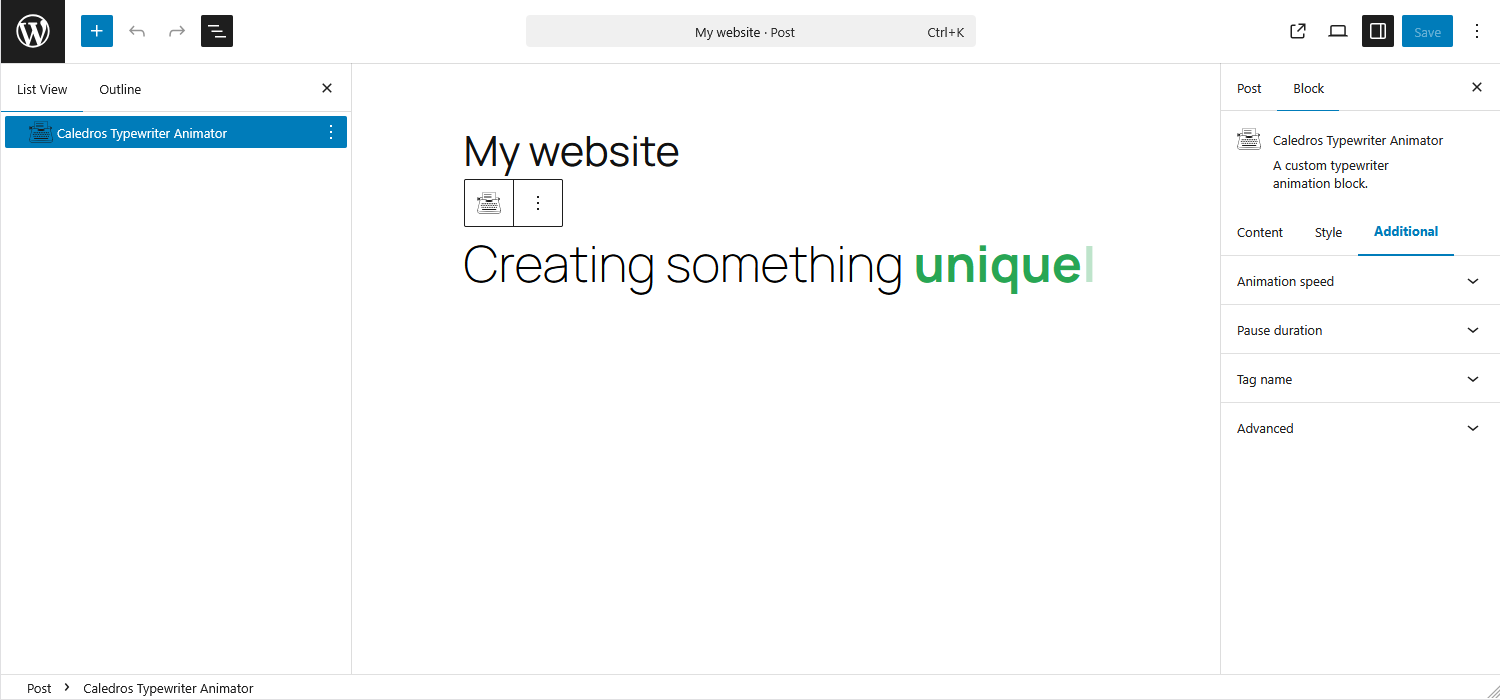
Caledros Typewriter Animator adds a dynamic typewriter-style text animation to the WordPress Gutenberg editor. With this block, you can easily create eye-catching animated text to enhance headings, banners, call-to-actions, or any content where you want to draw attention.
The block lets you combine static text with animated phrases, giving you full control over how your message appears and animates, no custom code required.
Features
- Toggle the visibility of static text independently from the animation
- Add and manage multiple animated phrases
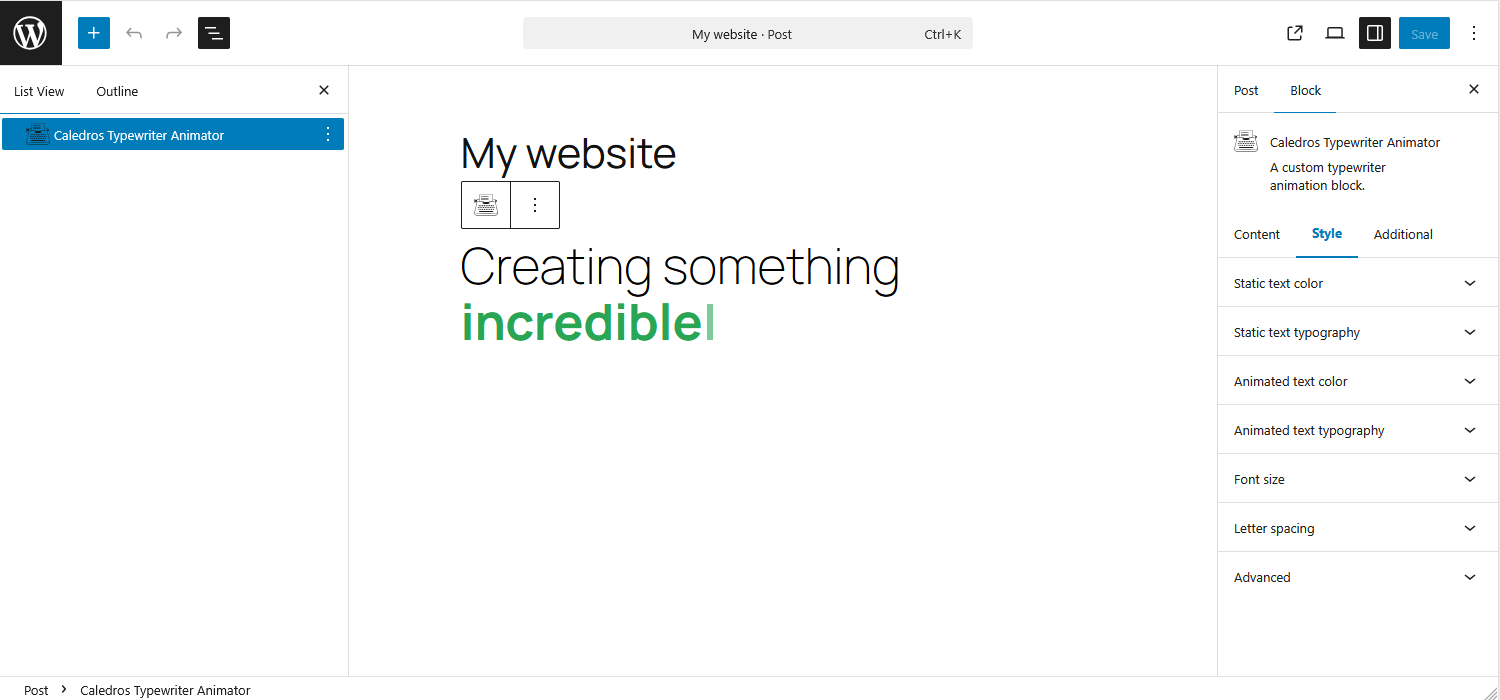
- Customize colors and typography separately for static and animated text
- Adjust the animation speed for the desired effect
More Projects & Information
For more information about my projects, you can visit my website: caledrosforge.com
Installation
You have two easy ways to install the Caledros Typewriter Animator plugin:
Option 1: From Your WordPress Dashboard
1. Go to your WordPress admin area.
2. Navigate to Plugins → Add Plugin.
3. In the Search Plugins box, type “Caledros Typewriter Animator”.
4. Click Install Now, then Activate.
Option 2: Manual Installation
1. Download the plugin ZIP file from WordPress.org.
2. In your WordPress admin area, go to Plugins → Add Plugin → Upload Plugin.
3. Choose the ZIP file you downloaded and click Install Now.
4. Activate the plugin after installation.
Need help or want to see what the plugin can do?
Visit my YouTube channel for step-by-step tutorials and tips on how to use this plugin.
Frequently asked questions
What is Caledros Typewriter Animator
Caledros Typewriter Animator is a WordPress plugin that adds a customizable typewriter-style animated text block to the Gutenberg editor. It allows you to combine static text with animated phrases to create engaging and dynamic content without writing any code.
Do I need coding skills to use this plugin?
No. The block is fully configurable through the Gutenberg editor interface. All settings (such as text content, colors, typography, and animation speed) can be adjusted visually.
Will this plugin slow down my website?
No. Caledros Typewriter Animator is lightweight and optimized to load only what is necessary for the animation. It follows WordPress best practices to ensure minimal impact on performance.
Can I customize the appearance of the animated text?
Yes. You can style the static and animated text separately, including colors and typography. You can also control the animation speed and choose whether the static text is visible or hidden.
Changelog
Welcome to the first release of Caledros Typewriter Animator! This version adds a new custom block to the Gutenberg editor.
This changelog format is based on Keep a Changelog. Also, this project adheres to Semantic Versioning.
1.0.0 – 2026-01-08
Added
- One custom block for the Gutenberg editor.
Screenshots
For developers
Is this your plugin? Show off the numbers.
Add a live badge to your site, docs or GitHub README. It updates on its own — no account needed.
Best Caledros Typewriter Animator alternatives
All block-editor plugins →





FAQ
Caledros Typewriter Animator: quick answers
Straight answers, pulled from live WordPress.org data.
Live data from WordPress.org · checked Oct 5, 2026
Is Caledros Typewriter Animator free?
Yes. Caledros Typewriter Animator is free to download and use from the official WordPress.org plugin directory.
Is Caledros Typewriter Animator safe to use in 2026?
Caledros Typewriter Animator works, but test it on a staging site before relying on it in 2026. Was last updated 5 months ago, and scores 49/100 on our health check.
How many websites use Caledros Typewriter Animator?
Caledros Typewriter Animator is active on <10 WordPress websites and has been downloaded 345 times since it launched in January 2026. It was downloaded 39 times in the last 30 days.
Does Caledros Typewriter Animator work with WordPress 7.1?
Caledros Typewriter Animator is officially tested up to WordPress 7.0.6, while the latest release is 7.1.2. It may still work, but try it on a staging site first.
What PHP version does Caledros Typewriter Animator need?
Caledros Typewriter Animator requires PHP 8.3 or higher. Most hosts run PHP 8.x today, so it works on any modern WordPress hosting.
When was Caledros Typewriter Animator last updated?
The latest version, 1.0.0, was released on May 21, 2026 (5 months ago).
Who makes Caledros Typewriter Animator?
Caledros Typewriter Animator is developed and maintained by David Arnado.
What are the best alternatives to Caledros Typewriter Animator?
The most popular alternatives to Caledros Typewriter Animator are Classic Editor (8M+ installs), Advanced Editor Tools (1M+ installs) and Disable Gutenberg (500K+ installs).
Powered by PageForge
Want thousands of pages that rank like these? Build them in an afternoon.
This directory runs on the same engine as PageForge. Turn any spreadsheet, CSV or API into thousands of fast, SEO-ready WordPress pages — with schema, internal links and AI-written copy baked in.
- CSV, Google Sheets & API data sources
- AI content, schema & internal links per page
- Works with Elementor, Gutenberg, Yoast & Rank Math
- Free on WordPress.org — no credit card


