



Blog Filter – Post Grid Filter by Category or Tag
Create a responsive Blog Filter Post Grid to showcase posts. Let visitors filter by Category or Tag easily using Ajax. Supports Elementor and Divi.

Solid choice
Blog Filter is a solid plugin choice in 2026, with a few things worth checking first. It runs on 7K+ sites, is rated 4.9/5 and was last updated 4 weeks ago, and scores 78/100 on our health check.
- Loved by users — 4.9/5 from 81 reviews
- Actively developed — last update 4 weeks ago
- Tested with the latest WordPress (7.1)
- Momentum — downloads up 343% vs the previous 30 days
How does it stack up?
Side-by-side on installs, updates, ratings & supportDaily downloads
Download spikes usually follow a new release — each site that auto-updates counts as a download.
Rankings
Where Blog Filter stands todayWordPress.org search rankings
Live position in the plugin search, top 100| Keyword | Position |
|---|---|
| blog filter | #1 |
| blog layout | #5 |
| category filter | #5 |
| post grid | #19 |
| tag filter | #3 |
Version adoption
Share of active sites per release.
Rating breakdown
★★★★★★★★★★ 4.9 from 81 reviews
About Blog Filter
From the official readme · v1.8.7Description
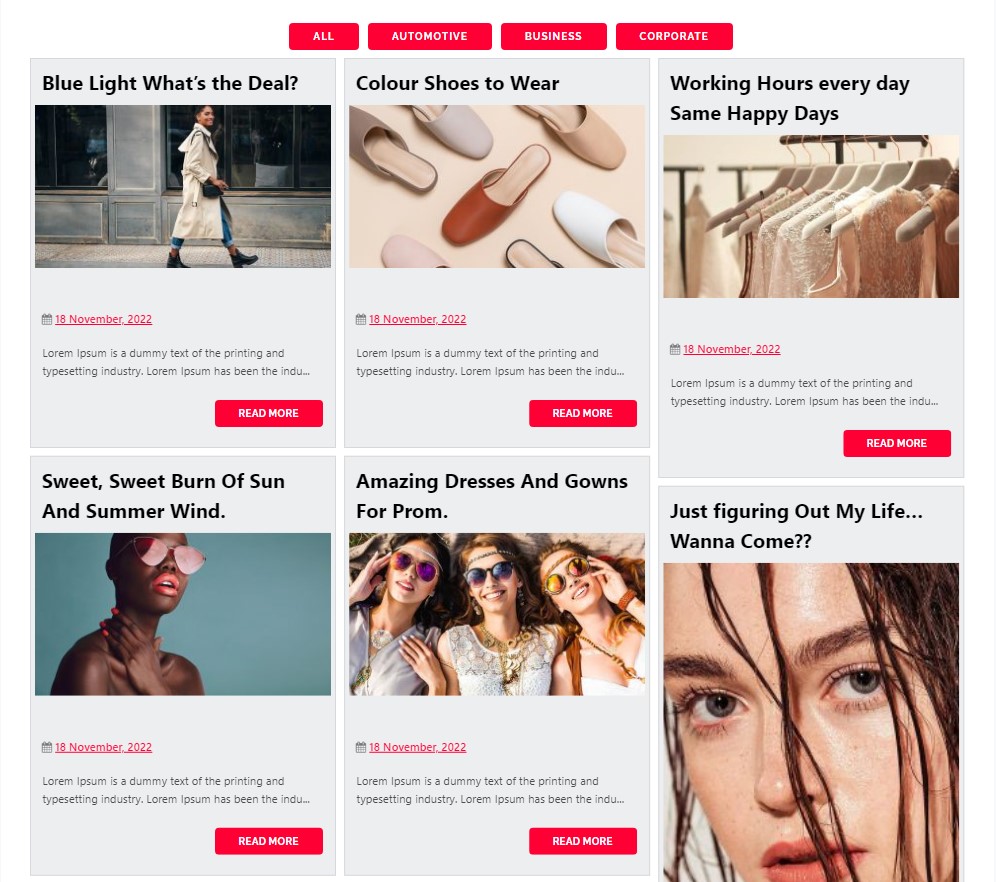
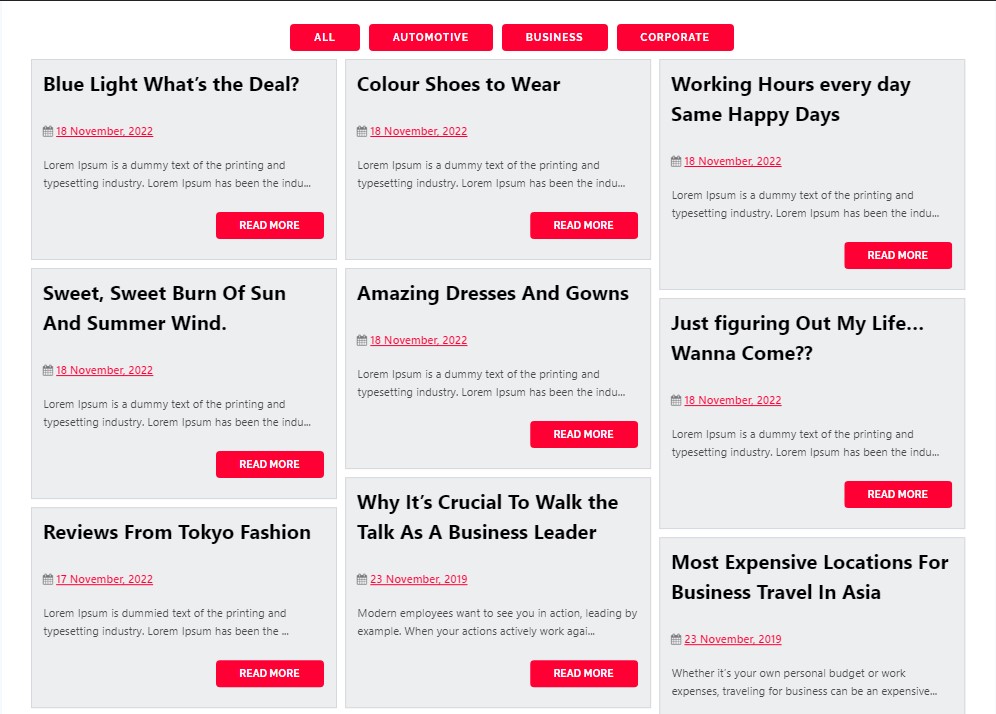
Need a beautiful blog post grid for your site? This plugin is built for you. It helps you show your posts in clean grids or masonry layouts.
Visitors can instantly filter posts by Category or Tag without loading new pages. This makes your site faster and much easier to explore.
Upgrade To Premium – Blog Filter Plugin
Premium Blog Filter Plugin Demo
Simple and Powerful
Our Blog Filter fetches your content automatically. You can choose two main styles for your Post Grid:
* Grid Layout: Shows your posts in even rows and neat columns.
* Masonry Layout: Fits posts tightly together like Pinterest, saving empty space.
Who Needs a Filterable Post Grid?
- Bloggers: Let readers sort through articles by Category or Tag.
- News Sites: Arrange top news into easy sections that users can toggle.
- Portfolio Sites: Showcase your work dynamically in a clean visual grid.
- Writers: Help users find specific topics using simple button clicks.
Blog Filter Post Grid Key Features
Instant Category or Tag Filters
Users click filter buttons above your grid. Posts will instantly sort by their Category or Tag.
Responsive Layouts
Your Post Grid looks great on phones, tablets, and desktops. The design adapts to every screen size.
Grid and Masonry Styles
Switch between standard grids or masonry layouts with one click. Masonry works best for images of different heights.
Fast Load More Button
Instead of slow page numbers, use our AJAX Load More button. It loads new posts fast without refreshing.
Page Builder Ready
Works with classic editors and modern page builders. Fully compatible with Elementor, Beaver Builder, and Divi.
Quick Setup Guide
- Install and activate the plugin through your WordPress dashboard
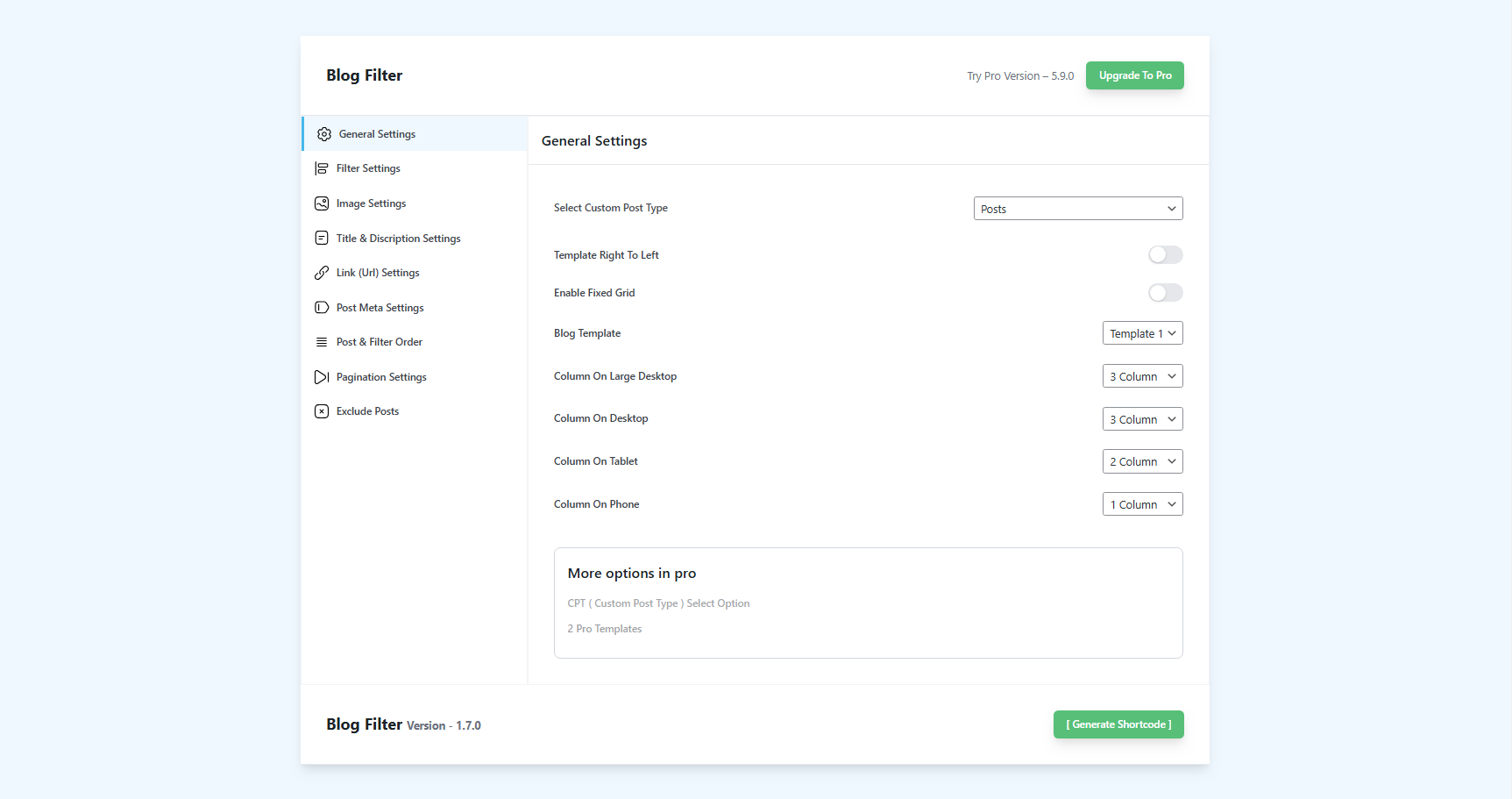
- Navigate to “Plugins Menu > Blog Filter Settings”
- Configure the appearance and filtering options
- Copy the generated shortcode
- Paste the shortcode into any page, post, or widget area
That’s it. The plugin handles the rest automatically.
Available Languages
Blog Filter supports multiple languages out of the box:
- Arabic (ar)
- Chinese (zh_CN)
- Dutch (nl_NL)
- Finnish (fi_FI)
- French (fr_FR)
- German (de_DE)
- Hebrew (he_IL)
- Hindi (hi_IN)
- Hungarian (hu_HU)
- Indonesian (id_ID)
- Italian (it_IT)
- Japanese (ja_JP)
- Polish (pl_PL)
- Portuguese (pt_PT)
- Russian (ru_RU)
- Spanish (es_ES)
You can also translate the plugin into your native language using standard WordPress translation methods.
Blog Filter Features
Automatic Post Detection
The plugin automatically pulls in your existing WordPress posts. There’s no manual entry required – just install, configure your display preferences, and your posts appear in the filtered layout.
Category and Tag Filtering
Choose whether to filter posts by categories, tags, or both. Filter buttons appear above your post grid, allowing visitors to narrow down content with a single click.
Responsive Grid Layout
Posts display in a grid format that adapts to screen sizes. Whether someone visits on a desktop monitor, tablet, or smartphone, the layout adjusts accordingly.
Masonry Arrangement
Enable masonry layout to create that Pinterest-style look where posts of varying heights fit together without awkward gaps. This works particularly well when your posts have featured images of different dimensions.
Image Quality Control
Select the image resolution for displayed thumbnails. You can opt for high-resolution images on design-focused sites, or choose smaller sizes for faster page loads.
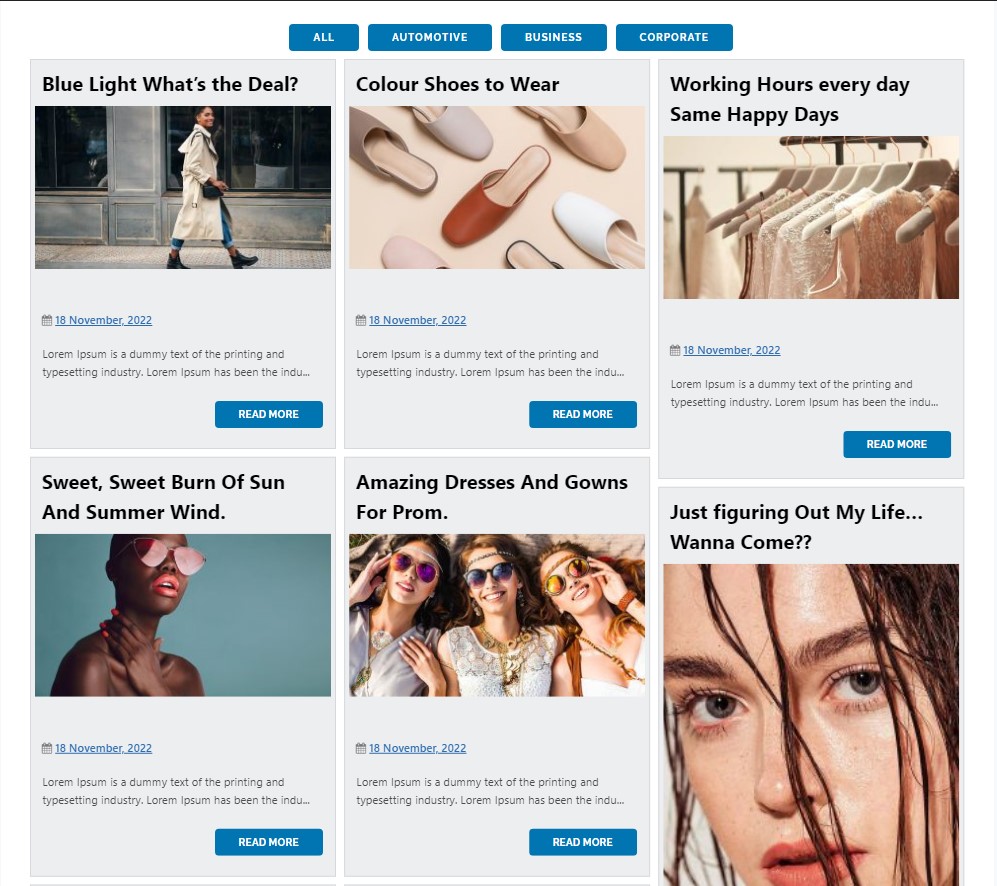
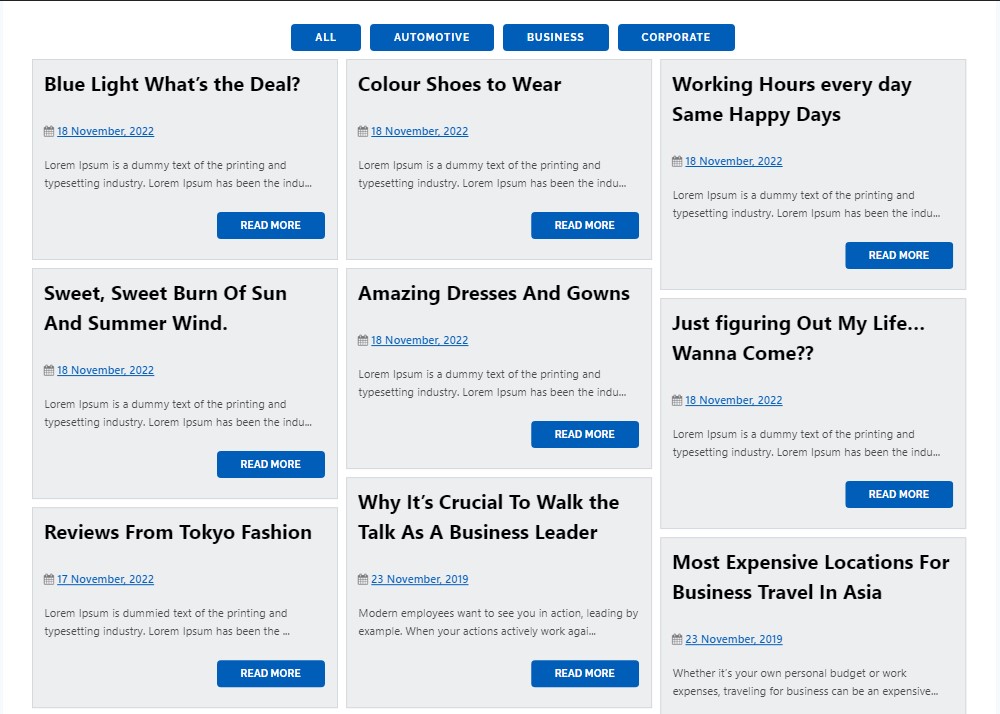
Multi-Color Filter Buttons
Apply different colors to your filter buttons to match your site’s design or to help visitors visually distinguish between categories.
Post Titles and Details
Show or hide post titles, dates, authors, and other metadata. Control what information appears beneath each post thumbnail.
Automatic Post Links
Each post in the grid links directly to its full single post page. No additional configuration needed.
Shortcode-Based Placement
Use the generated shortcode to place your filtered post grid anywhere on your site – pages, posts, sidebar widgets, or page builder sections.
Load More Functionality
Instead of pagination, you can enable a “Load More” button that fetches additional posts without page reloads.
Custom Post Type Support
Display posts from custom post types, not just standard WordPress posts.
Premium Version Features
The premium version of Blog Filter includes additional capabilities:
BLOG FILTER PREMIUM FEATURES WITH DEMO
- Blog Filter Premium Layout 1
- Blog Filter Premium Layout 2
- Blog Filter Premium Layout 3
- Blog Filter Premium Multiple Column Layout
- Blog Filter Premium Without Image
- Blog Filter Premium Without Filters
- Blog Filter Premium With Hover Effects
- Blog Filter Premium With Lightbox
- Blog Filter Premium With Single Post Link On Image
- Blog Filter Premium With Second Variation for Title, Date & Author
Premium Features Include
- Multiple pre-designed templates
- Up to 4-column layouts
- Five hover effects for post thumbnails
- Lightbox popup for featured images
- Unlimited filter colors
- Custom CSS option for advanced styling
- Widget support for sidebar placement
- Additional post metadata display options
- Bootstrap-based framework
- Priority support
Understanding Masonry Layouts
Masonry layout arranges elements in a grid where items are positioned to fill vertical space efficiently. Unlike traditional grids where each row has the same height, masonry allows items of different sizes to stack closely together.
This layout style became popular through sites like Pinterest and works well for:
- Posts with varied featured image dimensions
- Content archives with mixed media types
- Visual portfolios and galleries
- Magazine-style homepage designs
Blog Filter handles masonry calculations automatically. You enable the option, and the plugin takes care of positioning each post to minimize empty space.
Lightbox Functionality
The premium version includes Swipebox lightbox integration, which displays featured images in an overlay popup. Key lightbox features:
- Swipe gestures for mobile navigation
- Keyboard navigation on desktop
- CSS transitions with jQuery fallback
- Retina-ready UI icons
- Browser compatibility: Chrome, Safari, Firefox, Opera, IE9+, iOS 4+, Android, Windows Phone
Recommended Plugins
Other plugins from the same development team:
-
Portfolio Filter Gallery – Create filterable image galleries for portfolios, photography, and artwork.
-
Instagram Type Gallery – Display images in Instagram-inspired grid layouts.
-
Grid Gallery – Simple grid layout for image galleries in posts, pages, and widgets.
-
Image Gallery – Lightbox-enabled gallery for displaying images.
-
Photo Gallery – Versatile gallery supporting photos, videos, links, and maps.
-
Responsive Slider Gallery – Create responsive image sliders with shortcode placement.
-
Video Gallery – Display video content in organized gallery layouts.
-
Contact Form Widget – Add contact forms via shortcodes and widgets.
-
Social Media Widget – Display social media profile links in your sidebar.
-
Slider Responsive Slideshow – Lightweight responsive slider for WordPress.
-
Facebook Like Box – Embed Facebook page like boxes on your site.
Installation
From WordPress Dashboard
- Go to Plugins > Add New
- Search for “Blog Filter”
- Click Install Now, then Activate
- Find Blog Filter Settings in your admin menu
Manual Installation
- Download the plugin zip file
- Extract and upload the
blog-filterfolder to/wp-content/plugins/ - Activate through the Plugins menu
- Configure settings and generate your shortcode
Frequently asked questions
How do I show the Blog Filter Post Grid?
Copy the generated shortcode from settings. Paste it into any page, post, or widget area you like.
Can visitors sort by both Category or Tag?
Yes. You can choose to display a Category filter, a Tag filter, or both together.
Will the Blog Filter slow down my site?
No. The plugin is lightweight. It uses fast AJAX to load and filter posts instantly.
Does it support Custom Post Types?
Yes! The premium version fully supports filtering custom post types by any custom taxonomy.
Changelog
Plugin Check compliance update. Fixes security escaping, removes CDN dependency, and ensures all outputs are properly escaped. All users should update.
1.8.7
- Date: 01-09-2026
- Fix: Cleaned all plugin files to remove UTF-8 BOM byte-order marks, preventing “Cannot modify header information – headers already sent” warnings and redirect/cookie failures.
- Fix: Resolved “Error” display in “Select Taxonomy for Filtering” dropdown on the admin settings screen by embedding direct security nonces in the DOM and hardening AJAX taxonomy retrieval.
- Admin UX: Preserved dynamic post type taxonomy fetching and terms table rendering with graceful fallbacks.
1.8.6
- Date: 31-08-2026
- Fix: Resolved issue where uppercase/capital letters in search queries returned no matching posts by making Filterizr search matching strictly case-insensitive.
- Fix: Resolved vertical misalignment where category and tag icons sat higher than the text in post cards; implemented inline-flex vertical centering.
- UI/UX: Synchronized search input border, text color, placeholder, and focus styling dynamically with the selected button color ($blog_buttons_color).
- UI/UX: Enhanced loading spinner horizontal centering directly below filter buttons with responsive auto margins.
1.8.5
- Date: 27-08-2026
- UX / Loading State: Repositioned loading spinner to display centered directly below the filter buttons.
- Animation & Reveal: Posts remain cleanly hidden while images and layouts calculate, followed by a smooth fade-in reveal once Filterizr initializes.
- CSS Optimization: Improved
.blog_loaderCSS centering with responsive margin auto and smooth spin transitions.
1.8.4
- Date: 27-08-2026
- WordPress 7.1 & PHP 8.x Compatibility: Full compatibility overhaul for modern WordPress versions, PHP 8.0 – 8.4+, and Block Themes (Full Site Editing).
- Fix: Resolved JavaScript
Uncaught SyntaxErrorby implementing safe JSON encoding (wp_json_encodewith strict hex flags) for all inline and localized script variables. - Fix: Resolved post visibility and opacity issues by eliminating hardcoded inline
opacity:0styling on post cards. - Fix: Fixed frontend CSS and JS asset rendering in block themes and dynamic template renderers by registering dependencies properly and embedding scoped dynamic stylesheets.
- Fix: Resolved fatal 404 template crash on modern block themes by replacing legacy template inclusions with safe query pagination sanitization.
- Fix: Corrected default taxonomy from
blog_categoryto standard corecategoryand updated visual defaults to ensure instant post display with zero configuration. - Fix: Removed deprecated PHP pass-by-reference
&$thiscall signatures from hook callbacks and modernized string trimming. - Fix: Resolved undefined variable reference in admin settings shortcode generator.
1.8.3
- Date: 09-06-2026
- UI: Added new premium/pro features (Subcategory Filters, Default Filter Selection, URL-Based Filtering, and Post Link on Featured Image) to the Free vs Pro comparison table on the settings screen.
- UI: Rearranged and categorized comparison table features by usability to improve readability (Layout & Core Settings, Filters & Search, Loading & Navigation, Interactive Media & Hover Effects, and Advanced).
1.8.2
- Date: 03-06-2026
- Performance: Removed standard Bootstrap CSS and JS libraries to reduce payload size by ~200 KB and completely prevent styling conflicts with active themes.
- Grid Layout: Added a lightweight responsive Flexbox grid scoped strictly to the plugin, preserving all responsive column configurations.
- UI: Corrected shortcode overlay modal centering alignment and layer priority index. Removed redundant “Disable Bootstrap CSS/JS” option checkboxes from the settings panel.
- Cleanup: Deleted all redundant, unused, and duplicate asset files from the plugin workspace.
Screenshots
For developers
Is this your plugin? Show off the numbers.
Add a live badge to your site, docs or GitHub README. It updates on its own — no account needed.
Best Blog Filter alternatives
All blog filter plugins →| Rank | Plugin | Active installs |
|---|---|---|
| 2 |
 Filter Posts With List
Filter Posts with list by iFlair plugin is help you to list out default post and custom…
Filter Posts With List
Filter Posts with list by iFlair plugin is help you to list out default post and custom…
|
10+ |
FAQ
Blog Filter: quick answers
Straight answers, pulled from live WordPress.org data.
Live data from WordPress.org · checked Sep 27, 2026
Is Blog Filter free?
Yes. Blog Filter is free to download and use from the official WordPress.org plugin directory. The developer also sells premium add-ons or a Pro version with extra features.
Is Blog Filter safe to use in 2026?
Blog Filter is a solid plugin choice in 2026, with a few things worth checking first. It runs on 7K+ sites, is rated 4.9/5 and was last updated 4 weeks ago, and scores 78/100 on our health check.
How many websites use Blog Filter?
Blog Filter is active on 7K+ WordPress websites and has been downloaded 378,069 times since it launched in June 2018. It was downloaded 10,353 times in the last 30 days.
Does Blog Filter work with WordPress 7.1?
Yes. The developer has tested Blog Filter up to WordPress 7.1.2, the latest release. It requires WordPress 5.0 or newer.
What PHP version does Blog Filter need?
Blog Filter requires PHP 7.0 or higher. Most hosts run PHP 8.x today, so it works on any modern WordPress hosting.
When was Blog Filter last updated?
The latest version, 1.8.7, was released on September 1, 2026 (4 weeks ago).
Who makes Blog Filter?
Blog Filter is developed and maintained by A WP Life.
What are the best alternatives to Blog Filter?
The most popular alternatives to Blog Filter are Filter Posts With List (10+ installs).
Powered by PageForge
Want thousands of pages that rank like these? Build them in an afternoon.
This directory runs on the same engine as PageForge. Turn any spreadsheet, CSV or API into thousands of fast, SEO-ready WordPress pages — with schema, internal links and AI-written copy baked in.
- CSV, Google Sheets & API data sources
- AI content, schema & internal links per page
- Works with Elementor, Gutenberg, Yoast & Rank Math
- Free on WordPress.org — no credit card


