


WPadmin.AI – AI Assistant for WordPress
WPadmin.AI Assistant for WordPress gives simple answers, troubleshooting steps, plugin suggestions, and upgrade access to WPadmin.AI Premium.

Use with caution
WPadmin.AI works, but test it on a staging site before relying on it in 2026. It runs on 80+ sites, is rated 5/5 and was last updated 3 months ago, and scores 60/100 on our health check.
- Small user base (80+ active installs)
- Very few reviews so far
How does it stack up?
Side-by-side on installs, updates, ratings & support



Daily downloads
Download spikes usually follow a new release — each site that auto-updates counts as a download.
Rankings
Where WPadmin.AI stands todayWordPress.org search rankings
Live position in the plugin search, top 100| Keyword | Position |
|---|---|
| ai assistant | #42 |
| claude code | #58 |
| codex | #36 |
| WordPress Help | >100 |
| wordpress mcp | #69 |
Version adoption
Share of active sites per release.
Rating breakdown
★★★★★★★★★★ 5 from 2 reviews
About WPadmin.AI – AI Assistant for WordPress
From the official readme · v2.4.8Description
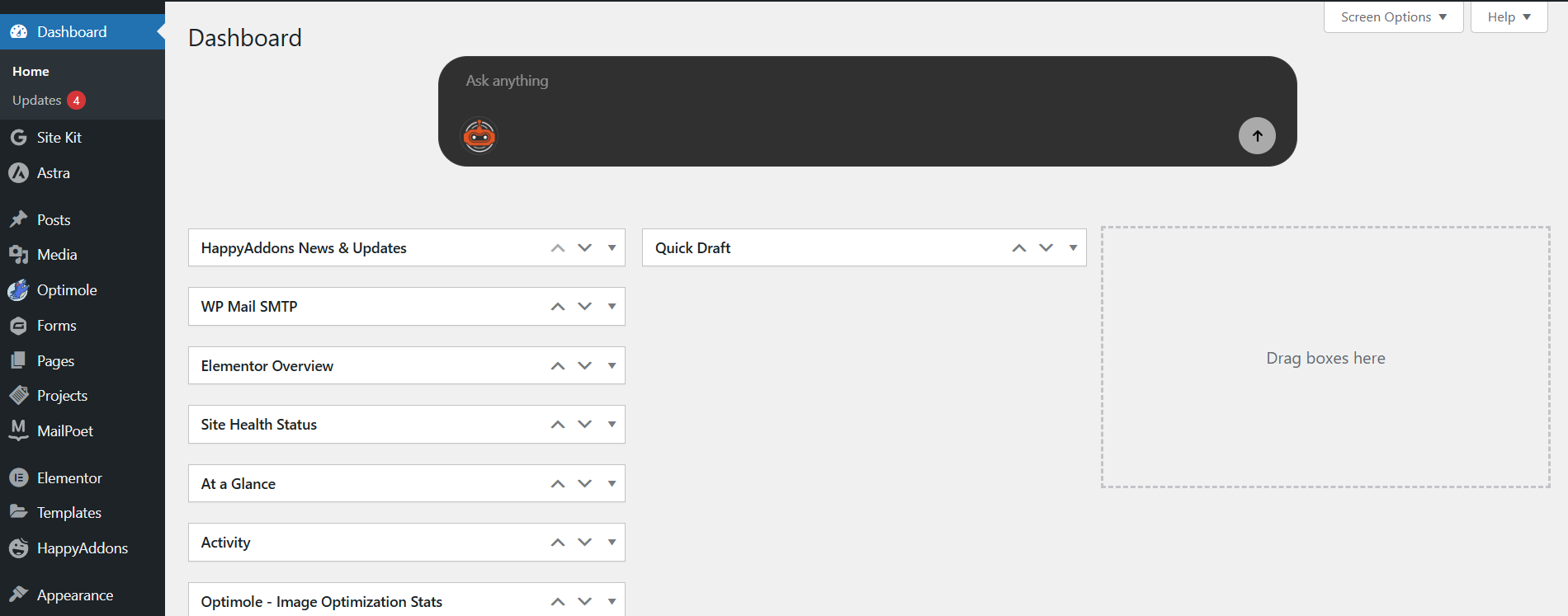
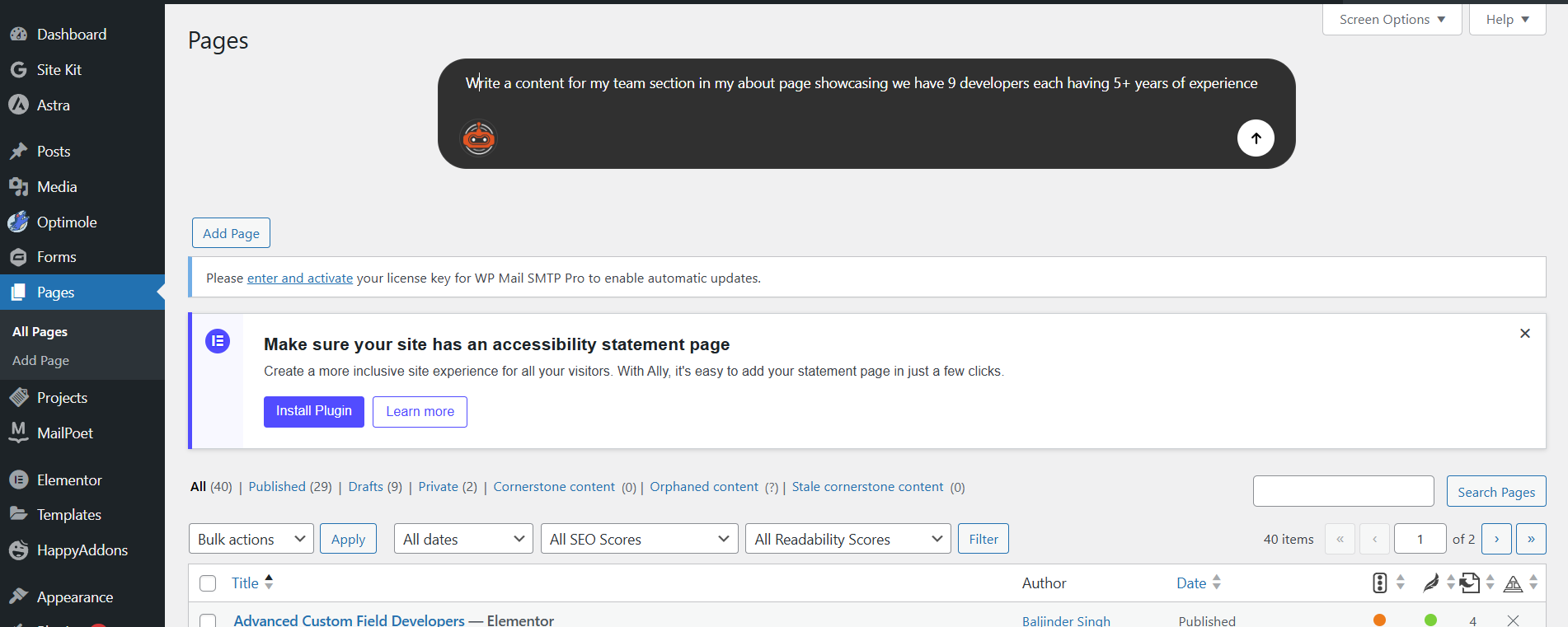
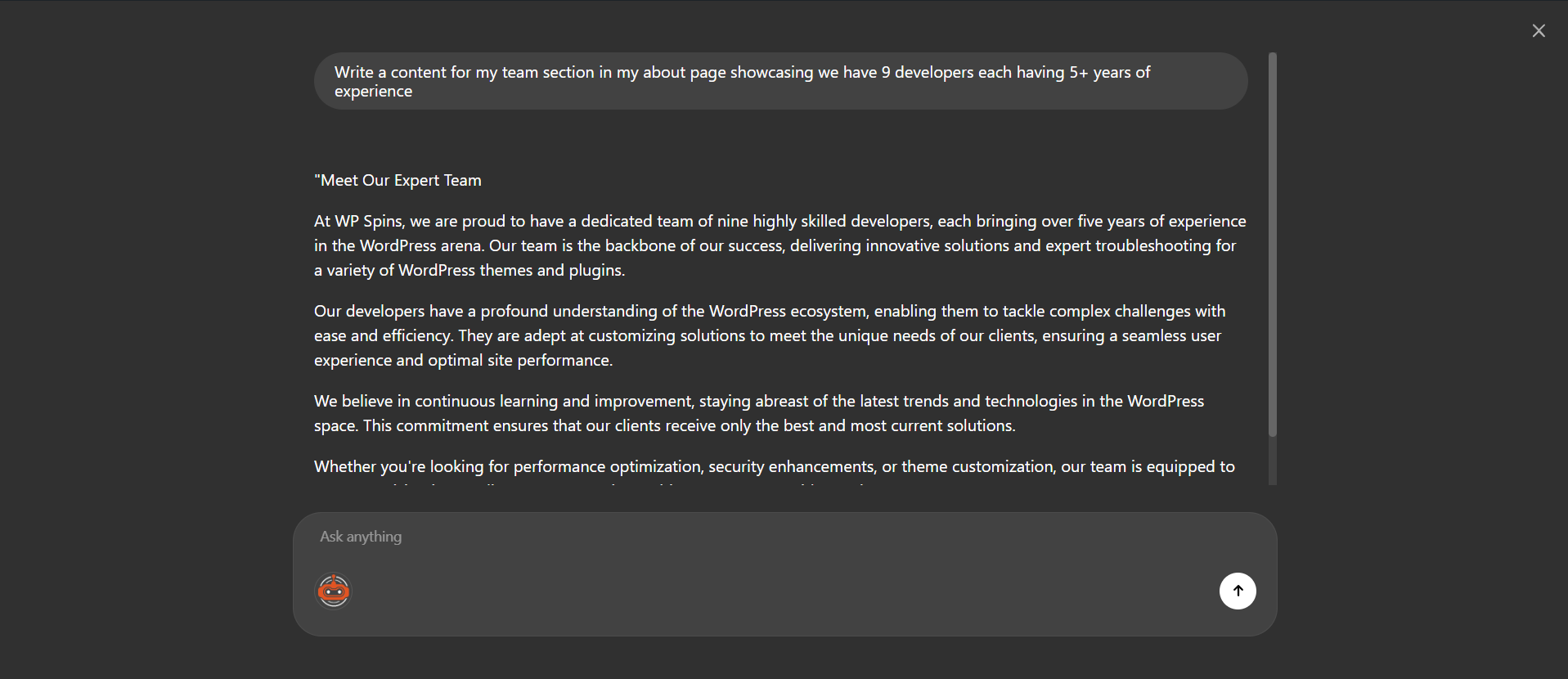
WPadmin.AI Assistant for WordPress helps site owners get clear answers inside the WordPress dashboard. Ask a question in plain language and get steps you can follow.
The free plugin can help with WordPress settings, plugin questions, theme guidance, WooCommerce questions, SEO questions, content help, and common troubleshooting steps. It is built to stay out of the way on page builder editing screens, including Elementor, Gutenberg, Divi, Oxygen Builder, Bricks Builder, Beaver Builder, Visual Composer, WPBakery, Breakdance, and similar builders.
For users who need more than written answers, WPadmin.AI Premium is available at an additional cost. WPadmin.AI Premium gives you an AI development plugin for WordPress, a test copy of your website, and a safe process to move approved changes to the live website using the one-click Sync button.
Learn more at wpadmin.ai.
Free and Premium
Free includes:
- AI chatbox inside the WordPress dashboard
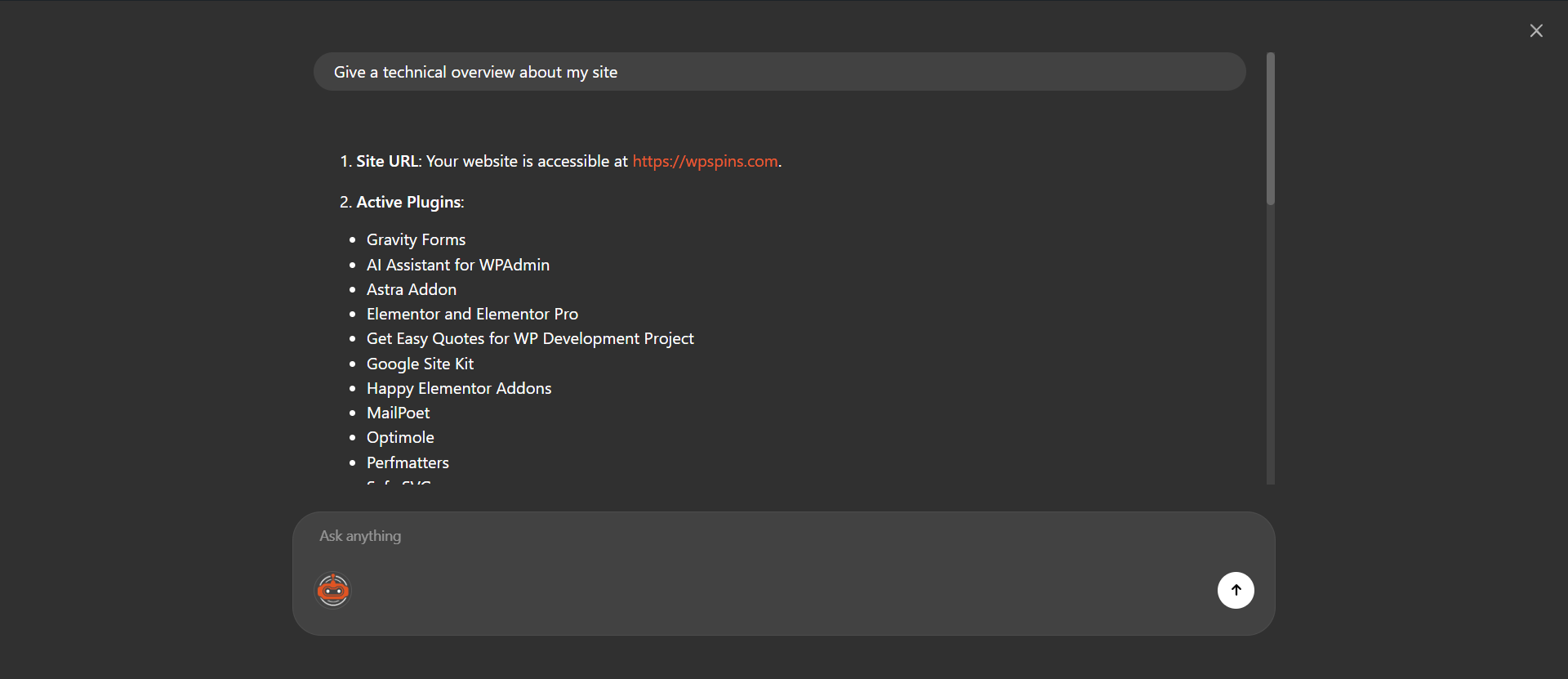
- site-aware WordPress answers
- troubleshooting steps
- plugin and theme suggestions
- content and configuration help
- 30 monthly questions
WPadmin.AI Premium is paid access and includes:
- everything in Free
- no partner ads
- Premium support
- more usage for dashboard answers
- the WPadmin.AI WPadmin.AI Premium
- a test copy of your website prepared for safer AI-assisted changes
- help with advanced troubleshooting, plugin work, theme work, and site improvements
- one-click Sync to move approved staging changes to the live website
- pricing: first month free, then $30 per month
What WPadmin.AI Assistant for WordPress Does
WPadmin.AI Assistant for WordPress is the everyday help layer inside the WordPress dashboard. It can help users:
- understand plugin, theme, and WordPress settings
- troubleshoot common WordPress errors with clear steps
- get plugin recommendations for business goals
- write content in a usable format
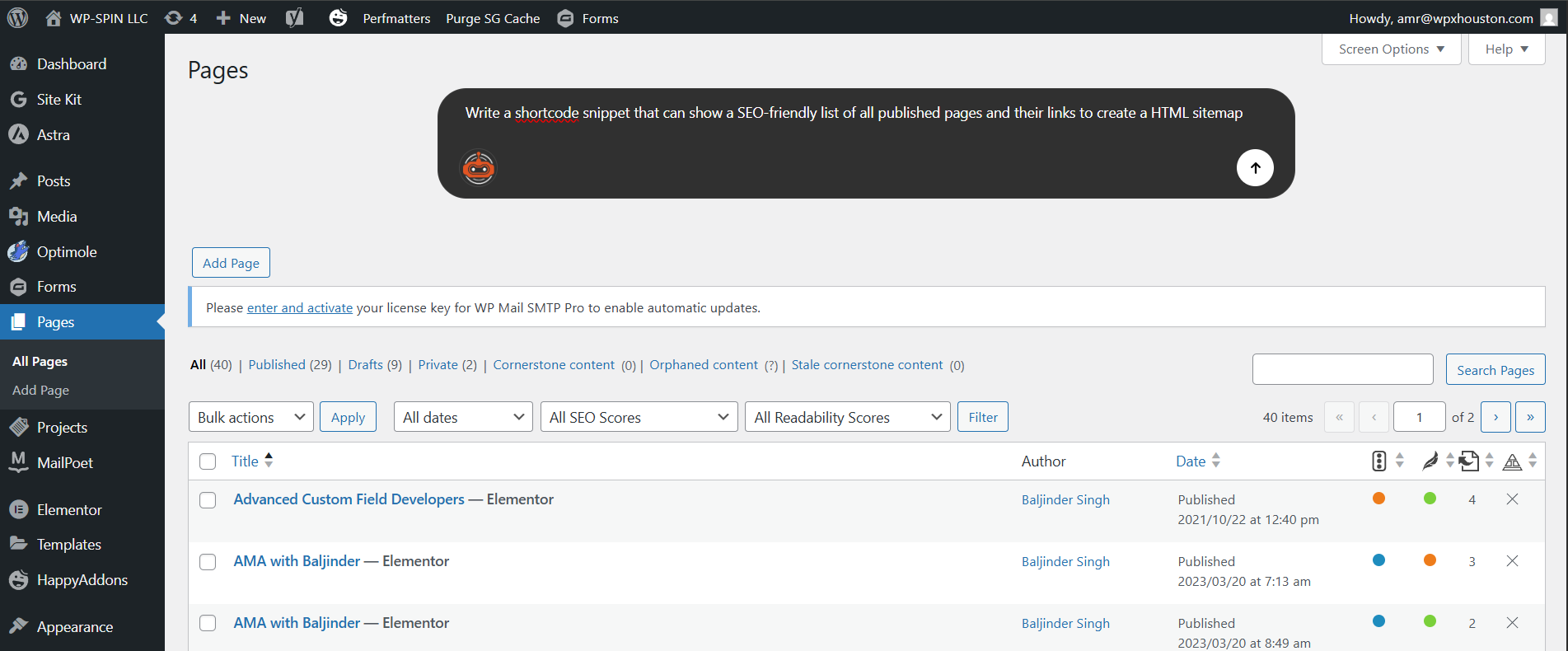
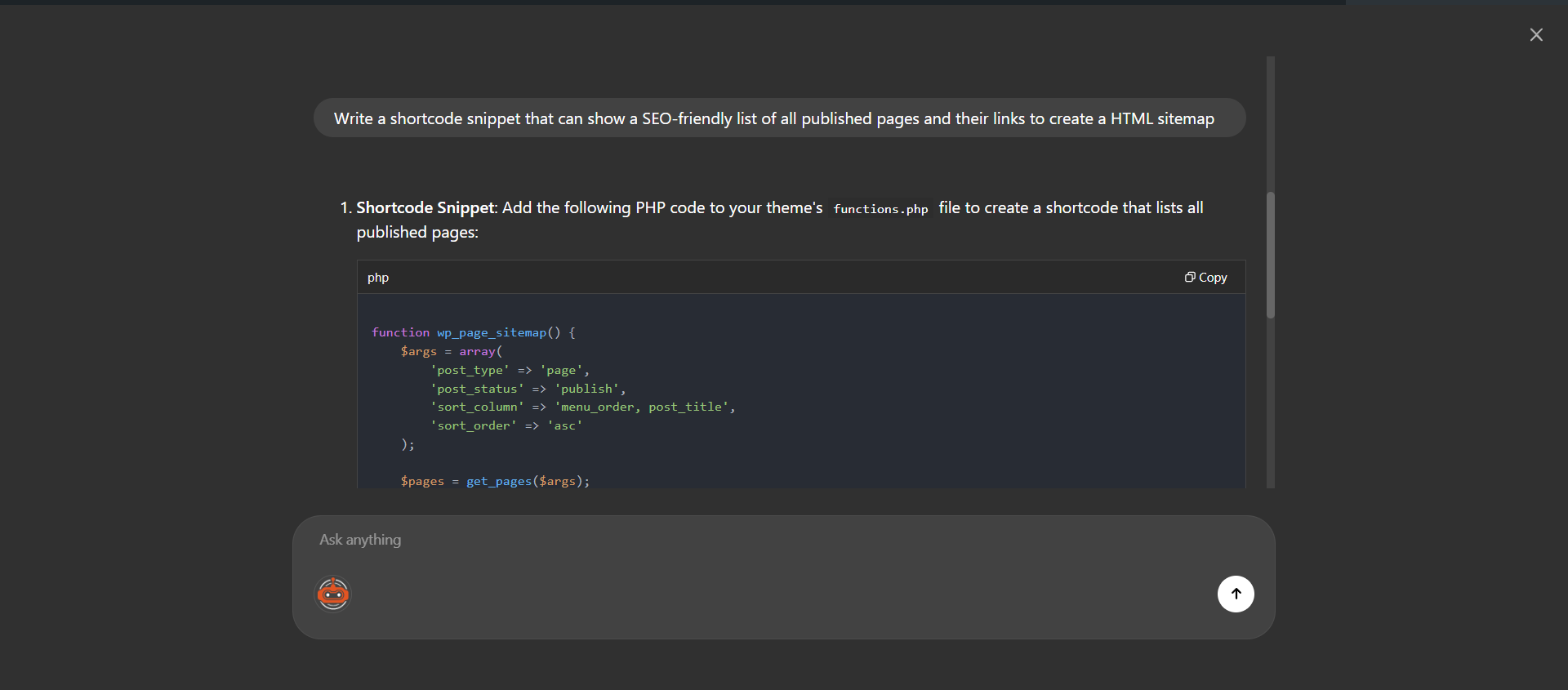
- request code snippets for common WordPress changes
- understand WooCommerce, forms, SEO, security, and performance questions
- analyze attached site data on the Premium plan when data sharing is enabled
What WPadmin.AI Premium Adds
WPadmin.AI Premium is for users who need more than answers.
After setup, WPadmin.AI prepares a test copy of the live website. You can ask for deeper changes, review the work safely, test it, and move approved changes to the live website using the one-click Sync button.
WPadmin.AI Premium can help with:
- advanced troubleshooting for WordPress sites
- plugin and theme help
- harder site issues that need deeper review
- guided implementation for changes that go beyond written instructions
- AI development for WordPress sites in a safer test copy
Premium Use Cases
- Troubleshoot a plugin conflict that needs deeper investigation than written steps.
- Review and improve a custom plugin or theme.
- Build small WordPress features, shortcodes, admin tools, or theme adjustments.
- Investigate WooCommerce, forms, SEO, cache, security, or performance issues in more detail.
- Prepare changes on a test copy, review them, and use one-click Sync for approved changes.
- Get AI development help for WordPress when generic public answers are not enough.
Compatibility
The free WPadmin.AI Assistant for WordPress can answer questions about public WordPress plugins and themes based on site context and publicly available information.
WPadmin.AI is compatible with popular page builders by avoiding unnecessary assistant loading on builder editing screens. Supported page builders include Elementor, Gutenberg, Oxygen Builder, Divi Builder, Bricks Builder, Beaver Builder, Visual Composer, WPBakery Page Builder, Breakdance, and similar WordPress builder tools.
WPadmin.AI also works alongside popular WordPress plugins and site tools such as WooCommerce, Yoast SEO, Rank Math, Gravity Forms, WPForms, Contact Form 7, Advanced Custom Fields, Wordfence, LiteSpeed Cache, WP Rocket, and other widely used WordPress plugins.
With WPadmin.AI Premium, all plugins and themes can be supported, including custom-built plugins, custom themes, and private site-specific code, because changes can be prepared and reviewed on a test copy before approved updates move live.
Example Uses
- Ask why a plugin is causing an error.
- Get help choosing a booking, form, SEO, cache, or security plugin.
- Ask how to fix a WooCommerce checkout issue.
- Generate content for a page, product, email, or blog post.
- Ask for a code snippet for a common WordPress customization.
- Use Premium data-aware answers to understand your site setup.
- Use WPadmin.AI Premium when you need deeper help with plugin, theme, or technical site work.
Privacy and Security
- Prompt text and site context are sent to WPadmin.AI servers to generate responses.
- WordPress admin requests use capability checks and nonce validation.
- License and entitlement decisions are handled server-to-server.
- WPadmin.AI Premium requires setup and customer verification before advanced changes begin.
Privacy Policy: https://members.wpadmin.ai/privacy-policy
Terms of Service: https://members.wpadmin.ai/terms-of-service
Support
- Email: integrations@wpadmin.ai
- Website: https://wpadmin.ai/
Installation
- Install and activate the plugin from your WordPress admin area.
- Go to Settings > AI Assistant for the WPadmin.
- Choose the Free plan or WPadmin.AI Premium.
- Start asking questions from the dashboard chatbox.
WPadmin.AI Premium setup is guided after subscription and pairing.
Changelog
2.4.8
- Added a Premium upgrade modal when Free-plan responses point to Premium action workflows.
- Updated tested-up-to metadata for WordPress 7.0.2.
2.4.7
- Sent Free-plan upgrade actions directly to the Premium checkout flow.
2.4.6
- Updated Premium pricing copy to show the first month is free, then $30/month.
2.4.5
- Improved Premium checkout links so return URLs with WordPress dashboard query parameters are encoded safely.
2.4.4
- Improved Premium checkout return handling when a new license needs a few minutes to become active.
- Fixed the Premium setup prompt visibility on the Assistant settings page.
2.4.3
- Improved Premium setup after checkout so eligible sites are guided into WPadmin.AI Premium installation more reliably.
- Fixed settings page redirects used during subscription setup.
Screenshots

For developers
Is this your plugin? Show off the numbers.
Add a live badge to your site, docs or GitHub README. It updates on its own — no account needed.
Best WPadmin.AI alternatives
All ai assistant plugins →



FAQ
WPadmin.AI: quick answers
Straight answers, pulled from live WordPress.org data.
Live data from WordPress.org · checked Nov 17, 2026
Is WPadmin.AI free?
Yes. WPadmin.AI is free to download and use from the official WordPress.org plugin directory.
Is WPadmin.AI safe to use in 2026?
WPadmin.AI works, but test it on a staging site before relying on it in 2026. It runs on 80+ sites, is rated 5/5 and was last updated 3 months ago, and scores 60/100 on our health check.
How many websites use WPadmin.AI?
WPadmin.AI is active on 80+ WordPress websites and has been downloaded 4,512 times since it launched in May 2025. It was downloaded 585 times in the last 30 days.
Does WPadmin.AI work with WordPress 7.1?
WPadmin.AI is officially tested up to WordPress 7.0.8, while the latest release is 7.1.4. It may still work, but try it on a staging site first.
When was WPadmin.AI last updated?
The latest version, 2.4.8, was released on August 4, 2026 (3 months ago).
Who makes WPadmin.AI?
WPadmin.AI is developed and maintained by WPspin LLC.
What are the best alternatives to WPadmin.AI?
The most popular alternatives to WPadmin.AI are WPVibe (100K+ installs), Hyve Lite (7K+ installs) and YLabs AI Site Manager with… (5K+ installs).
Powered by PageForge
Want thousands of pages that rank like these? Build them in an afternoon.
This directory runs on the same engine as PageForge. Turn any spreadsheet, CSV or API into thousands of fast, SEO-ready WordPress pages — with schema, internal links and AI-written copy baked in.
- CSV, Google Sheets & API data sources
- AI content, schema & internal links per page
- Works with Elementor, Gutenberg, Yoast & Rank Math
- Free on WordPress.org — no credit card


