

Ada Tray Accessibility Widget
ADA Tray® is a powerful, patent-pending accessibility WordPress WCAG plugin designed to help your WordPress website meet WCAG 2.

Consider an alternative
Ada Tray Accessibility Widget shows warning signs in 2026 — compare the alternatives below before installing. It runs on 50+ sites and was last updated 1 year ago, and scores 28/100 on our health check.
- Small user base (50+ active installs)
- Very few reviews so far
- No update in over a year
- Only tested up to WordPress 6.5 (latest is 7.1)
How does it stack up?
Side-by-side on installs, updates, ratings & support


Daily downloads
Download spikes usually follow a new release — each site that auto-updates counts as a download.
Rankings
Where Ada Tray Accessibility Widg… stands todayWordPress.org search rankings
Live position in the plugin search, top 100| Keyword | Position |
|---|---|
| accessibility | >100 |
| accessible | >100 |
| ada | #48 |
| Section 508 | #43 |
| wcag | >100 |
Version adoption
Share of active sites per release.
About Ada Tray Accessibility Widget
From the official readme · v2.4Description
The Only WordPress Accessibility Plugin That’s Easy to Use and Keeps You Compliant!
ADA Tray® is a powerful, patent-pending accessibility WordPress WCAG plugin designed to help your WordPress website meet WCAG 2.1, ADA Title III, Section 508 compliance standards, and many more web accessibility solutions—without any recoding.
With Evergreen Technology, ADA Tray ensures your accessibility features stay up to date with automatic updates–reducing legal risks, boosting SEO, and enhancing user experience in real time.
Stay Free of Lawsuits and Stress
Most ADA compliance plugins meet just 20% of WCAG standards.
ADA compliance helps protect businesses—hotels, restaurants, retailers, healthcare providers, and more—from costly ‘click-by’ ADA lawsuits. ADA Tray® makes meeting ADA Title III, WCAG 2.1, and Section 508 standards easy with customizable accessibility features.
Boost SEO & Increase Website Users
An accessible website is easier for search engines to crawl and index, improving rankings. This could be your website with clear navigation, readable text, and structured content. It’ll further help boost visibility while making your site more user-friendly for all visitors.
Better User Experience, Better Retention
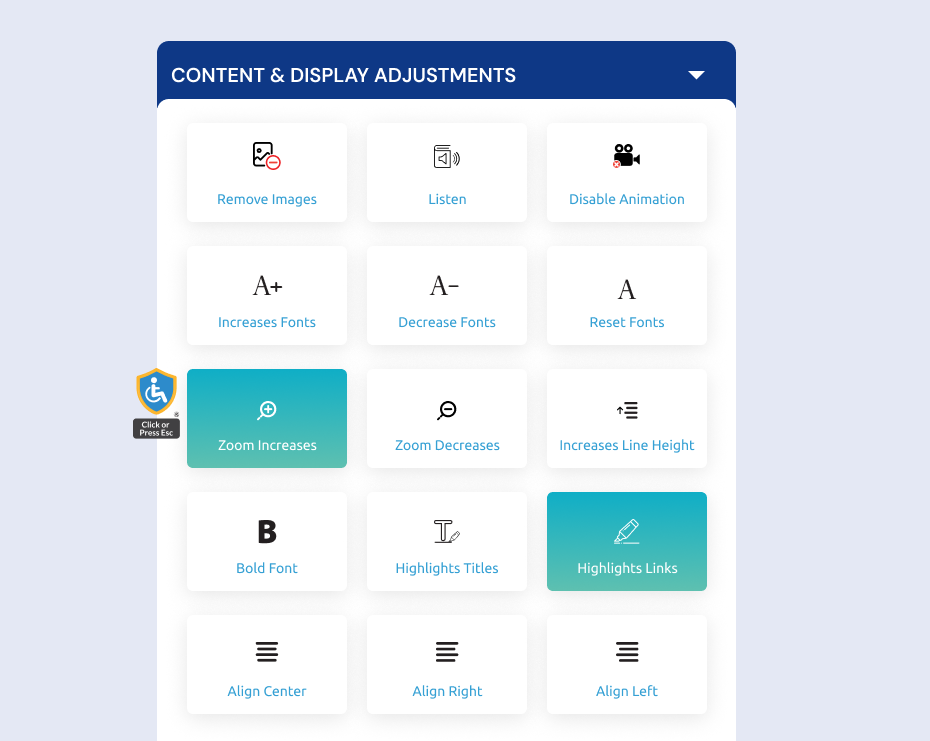
ADA Tray® ensures a seamless experience for everyone, including users with disabilities. With customizable features like font adjustments, color contrast, and keyboard navigation, your WordPress site becomes more inclusive and easy to navigate on any device.
Seamless Integration & Customization
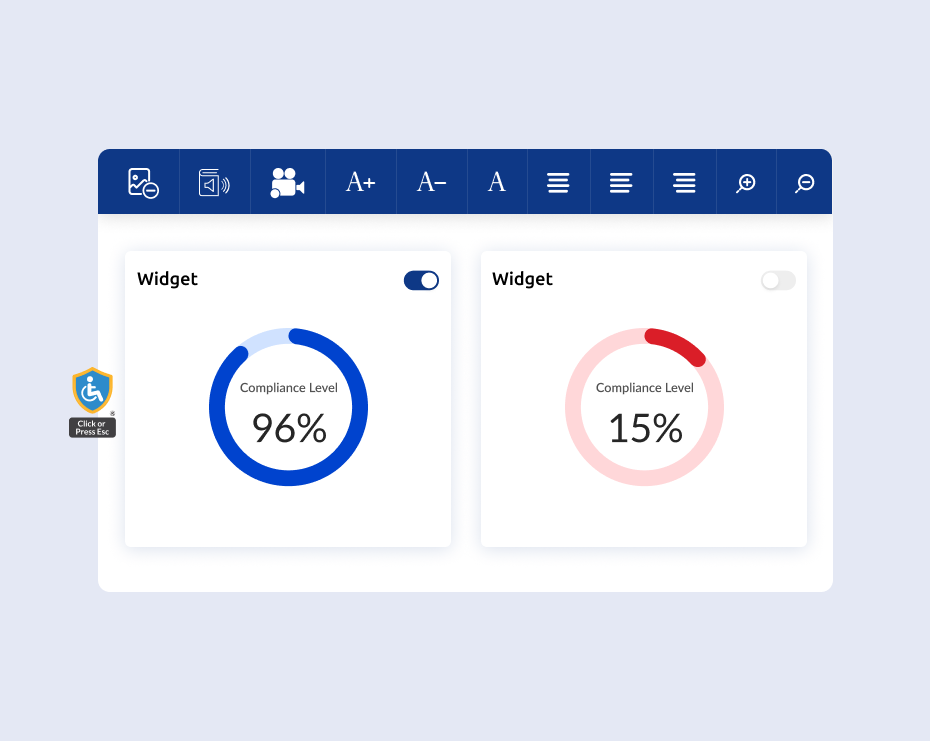
Once installed, ADA Tray® instantly adds a floating accessibility widget to every webpage. Users can activate the widget through a customizable icon or by pressing the Escape key for quick access.
Manage your settings effortlessly through the My ADA Tray® portal, where you can:
– Adjust the widget’s position and appearance
– Customize accessibility tools for your users
– Track engagement and usage metrics
Why Choose ADA Tray®?
Because Everyone Deserves Equal Access!
Making your website accessible shouldn’t be complicated—and with ADA Tray, it isn’t! Our innovative technology instantly enhances your site’s accessibility, ensuring a seamless experience for all visitors.
- Instant Accessibility Upgrade – Improve usability the moment ADA Tray® is activated.
- Evergreen Technology – Your website stays up-to-date and compliant with evolving standards.
- Effortless Setup – Easy configuration means no headaches—just accessibility that works.
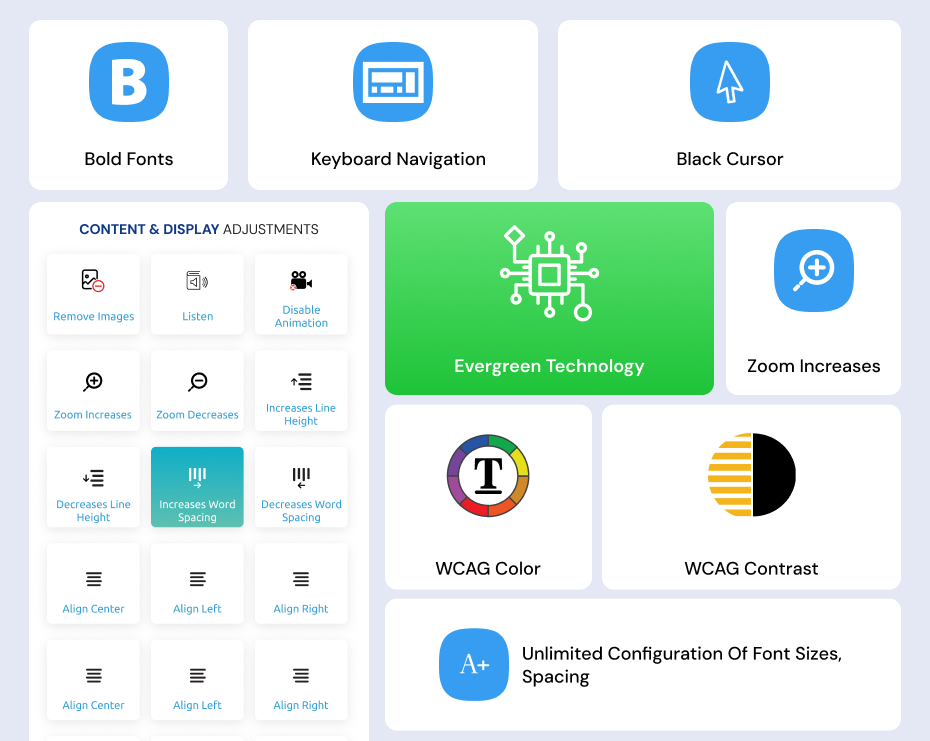
- Customizable & User-Friendly – Tailor the experience with a dedicated accessibility statement and 30+ features.
- Mobile-Optimized – Accessibility shouldn’t stop at desktops. ADA Tray works smoothly on all devices
This ADA compliance plugin for WordPress helps make your website inclusive and protects your business from costly accessibility lawsuits.
It’s a win-win!
Features of Customized ADA Tray® Tools
– Individuals with disabilities can customize your website with 30+ features
– Unlimited configuration of font sizes, spacing, and content surfacing
– Improves conformity to Website Content Accessibility Guidelines (WCAG)
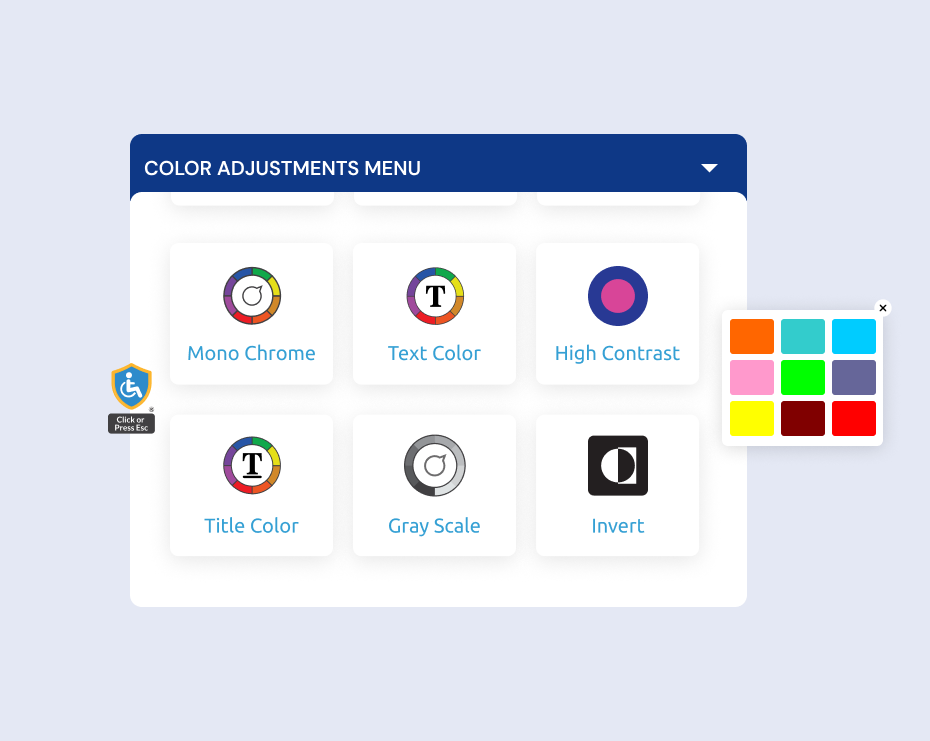
– Supports color adjustment for the visually impaired
– Easy-to-use audio translator
– Keyboard users will easily be able to navigate your website
And much more!
Toolbar Highlights
ADA Tray® offers powerful accessibility tools to enhance user experience and ensure compliance:
– Keyboard Navigation – Displays shortcuts against all functions, allowing effortless website browsing using only the keyboard.
– Listen – Convert text to speech for improved readability and accessibility.
– WCAG Contrast – Adjust the color contrast for better visibility and readability.
– Accessibility Statement – Shows important accessibility features throughout our website.
ADA TRAY® MAKES IT EASY TO COMPLY WITH THE ADA Title III, WCAG 2.1 & Section 508 WEB ACCESSIBILITY STANDARDS.
So, why wait!?
Try ADA Tray® Free for 30 Days!
Experience the difference ADA Tray® can make for your website.
Sign up today for a 30-day free trial and see how easy it is to improve accessibility and compliance.
START YOUR FREE TRIAL TODAY!
Installation
A. After downloading and installing the Plugin, activate the ADA Tray® plugin by clicking the “Installed Plugin” Menu under “Plugin” in WordPress.
Dashboard – Plugin – Installed Plugin – Activate
B. Click on “Settings” under the dashboard for the final process.
Dashboard – Setting – ADA Tray® Page
C. Sign-up for the plugin registration with basic details and make your website instantly more accessible with ADA Tray®!
Screenshots
For developers
Is this your plugin? Show off the numbers.
Add a live badge to your site, docs or GitHub README. It updates on its own — no account needed.
Best Ada Tray Accessibility Widget alternatives
All accessibility plugins →





FAQ
Ada Tray Accessibility Widget: quick answers
Straight answers, pulled from live WordPress.org data.
Source: WordPress.org
Is Ada Tray Accessibility Widget free?
Yes. Ada Tray Accessibility Widget is free to download and use from the official WordPress.org plugin directory.
Is Ada Tray Accessibility Widget safe to use in 2026?
Ada Tray Accessibility Widget shows warning signs in 2026 — compare the alternatives below before installing. It runs on 50+ sites and was last updated 1 year ago, and scores 28/100 on our health check.
How many websites use Ada Tray Accessibility Widget?
Ada Tray Accessibility Widget is active on 50+ WordPress websites and has been downloaded 4,069 times since it launched in August 2021. It was downloaded 140 times in the last 30 days.
Does Ada Tray Accessibility Widget work with WordPress 7.1?
Ada Tray Accessibility Widget is officially tested up to WordPress 6.5.15, while the latest release is 7.1.5. It may still work, but try it on a staging site first.
When was Ada Tray Accessibility Widget last updated?
The latest version, 2.4, was released on November 12, 2025 (1 year ago).
Who makes Ada Tray Accessibility Widget?
Ada Tray Accessibility Widget is developed and maintained by Ada Tray.
What are the best alternatives to Ada Tray Accessibility Widget?
The most popular alternatives to Ada Tray Accessibility Widget are Web Accessibility (formally… (500K+ installs), Auto Image Attributes From… (100K+ installs) and Accessibility by UserWay (80K+ installs).
Powered by PageForge
One template and a spreadsheet. A real page for every search.
PageForge turns each row of a CSV into a WordPress page with its own title, URL, SEO fields and schema, built on the layout you already designed. Free on WordPress.org.
- CSV and XLSX, plus Google Sheets on Professional and Enterprise
- Its own title, URL, SEO fields and schema for every page
- Works with the block editor, Elementor, Divi and Avada
- Free on WordPress.org, no credit card