



Ad Commander – Ad Manager for Banners, AdSense, Ad Networks
Ad manager for WordPress. Insert image banners, AdSense, Amazon, and affiliate network ads. Sell ads. Rotate, target, and track. AI agent compatible.

Solid choice
Ad Commander is a solid plugin choice in 2026, with a few things worth checking first. It runs on 200+ sites, is rated 5/5 and was last updated 1 month ago, and scores 72/100 on our health check.
- Tested with the latest WordPress (7.1)
- Momentum — downloads up 27% vs the previous 30 days
- Small user base (200+ active installs)
- Very few reviews so far
How does it stack up?
Side-by-side on installs, updates, ratings & support



Daily downloads
Download spikes usually follow a new release — each site that auto-updates counts as a download.
Rankings
Where Ad Commander stands todayWordPress.org search rankings
Live position in the plugin search, top 100| Keyword | Position |
|---|---|
| ad manager | #18 |
| ads | #36 |
| adsense | #13 |
| advertising | #63 |
| banners | #29 |
Version adoption
Share of active sites per release.
Rating breakdown
★★★★★★★★★★ 5 from 4 reviews
About Ad Commander
From the official readme · v1.5.4Description
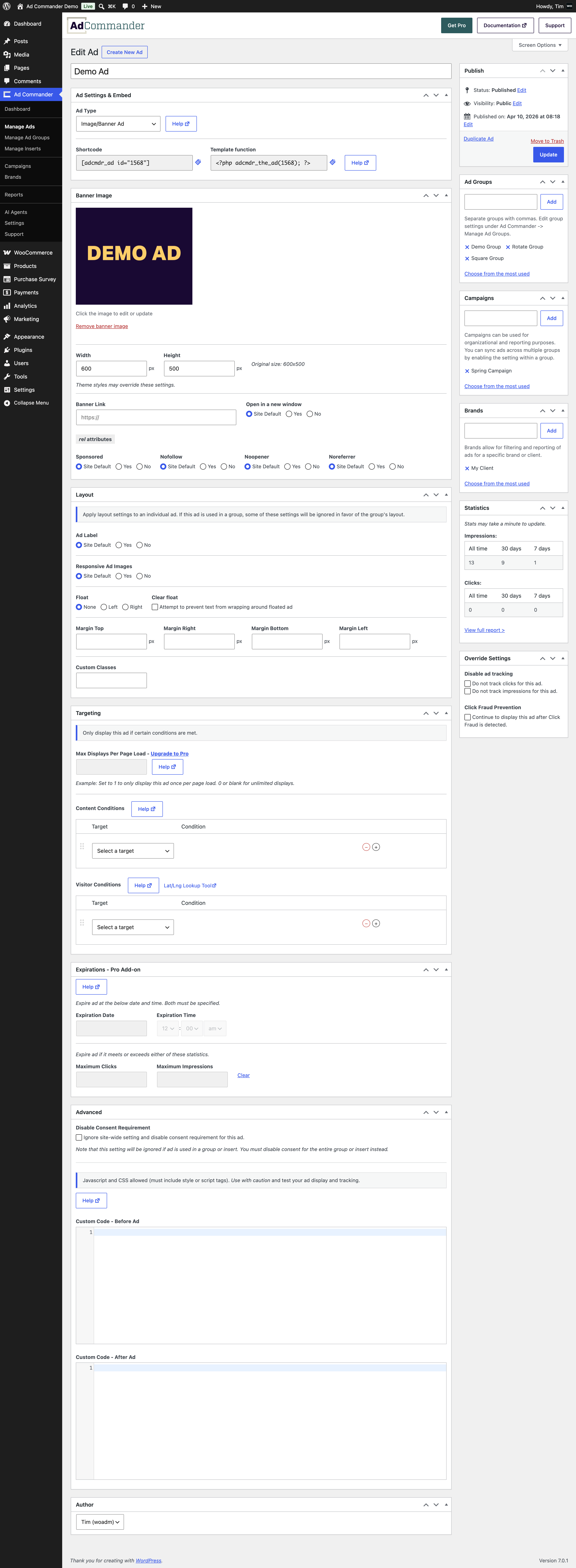
Ad Commander is a lightweight ad manager for WordPress. Create banner image ads, Google AdSense ads, Amazon Associates ads, and ad network ads. Display them with shortcodes, blocks, automatic inserts, or template tags. AI agents can access your ads and stats to help manage campaigns.
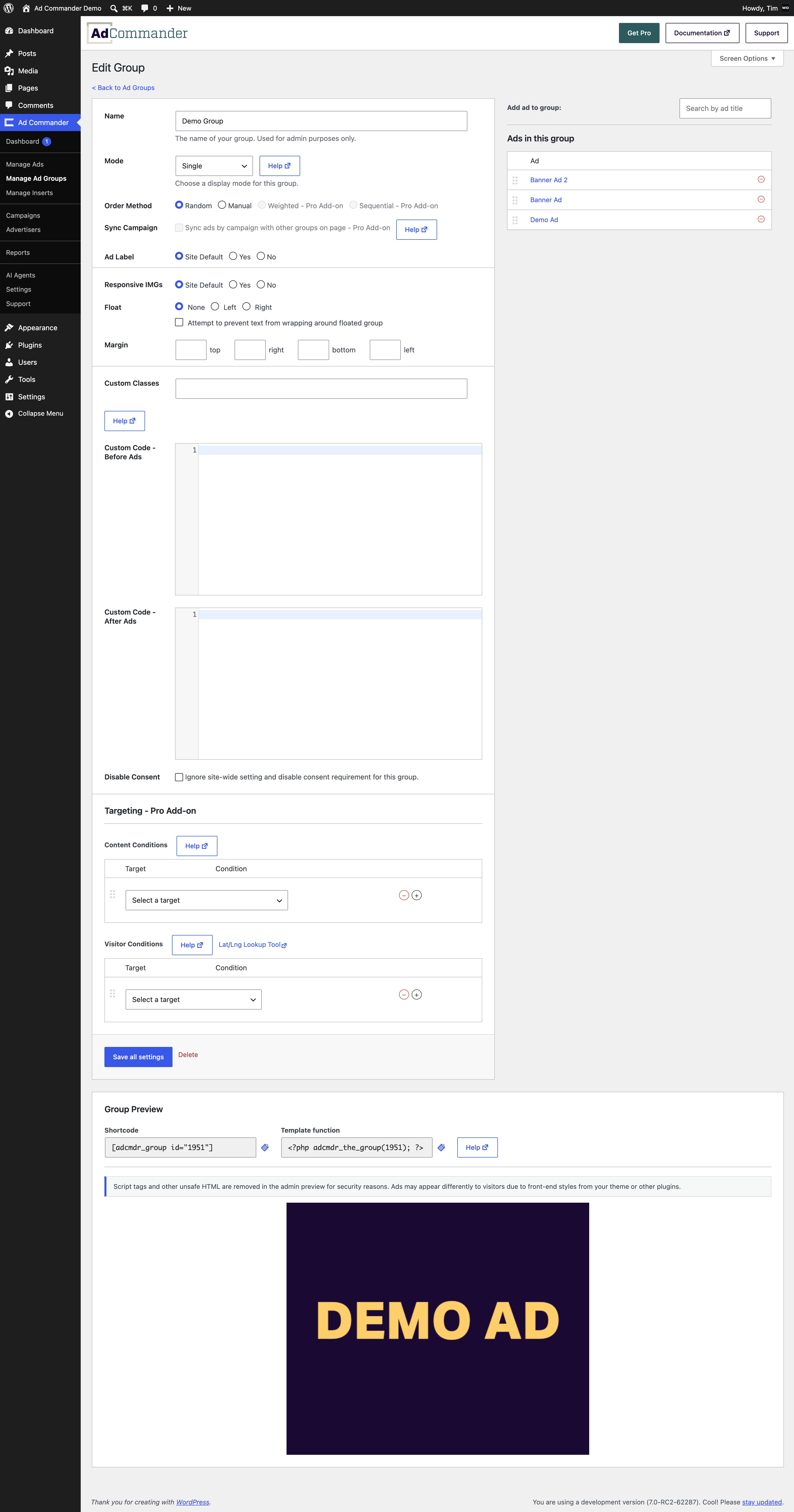
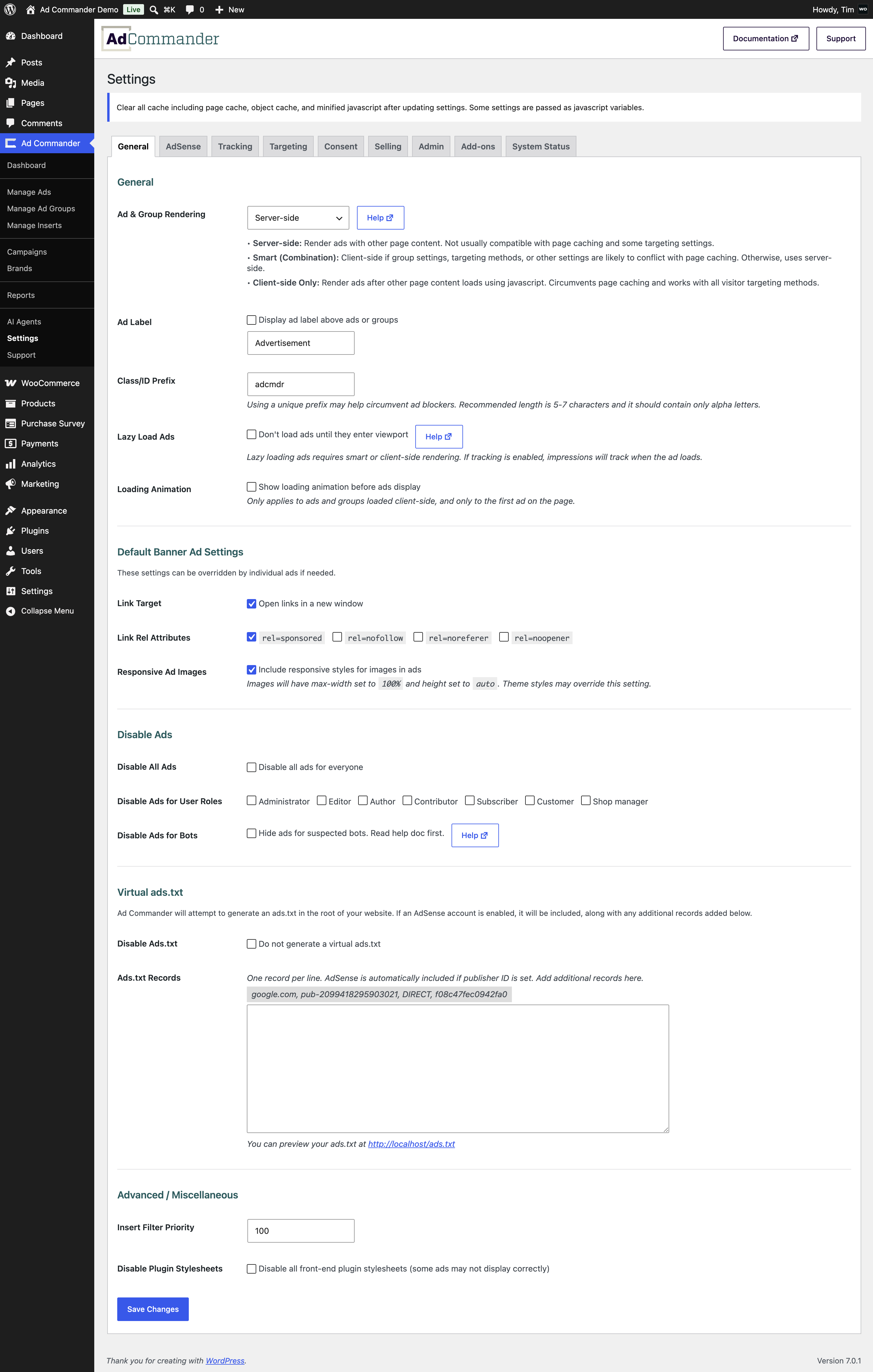
Create groups of rotating banner ads or randomly displaying ads. Insert ads with shortcodes, template tags, blocks, or automatic inserts. Inject scripts into the header or footer of your site.
Some key features of Ad Commander include:
- Create individual ads or groups of randomizing, rotating, or manually sorted ads
- Sell ads with WooCommerce integration
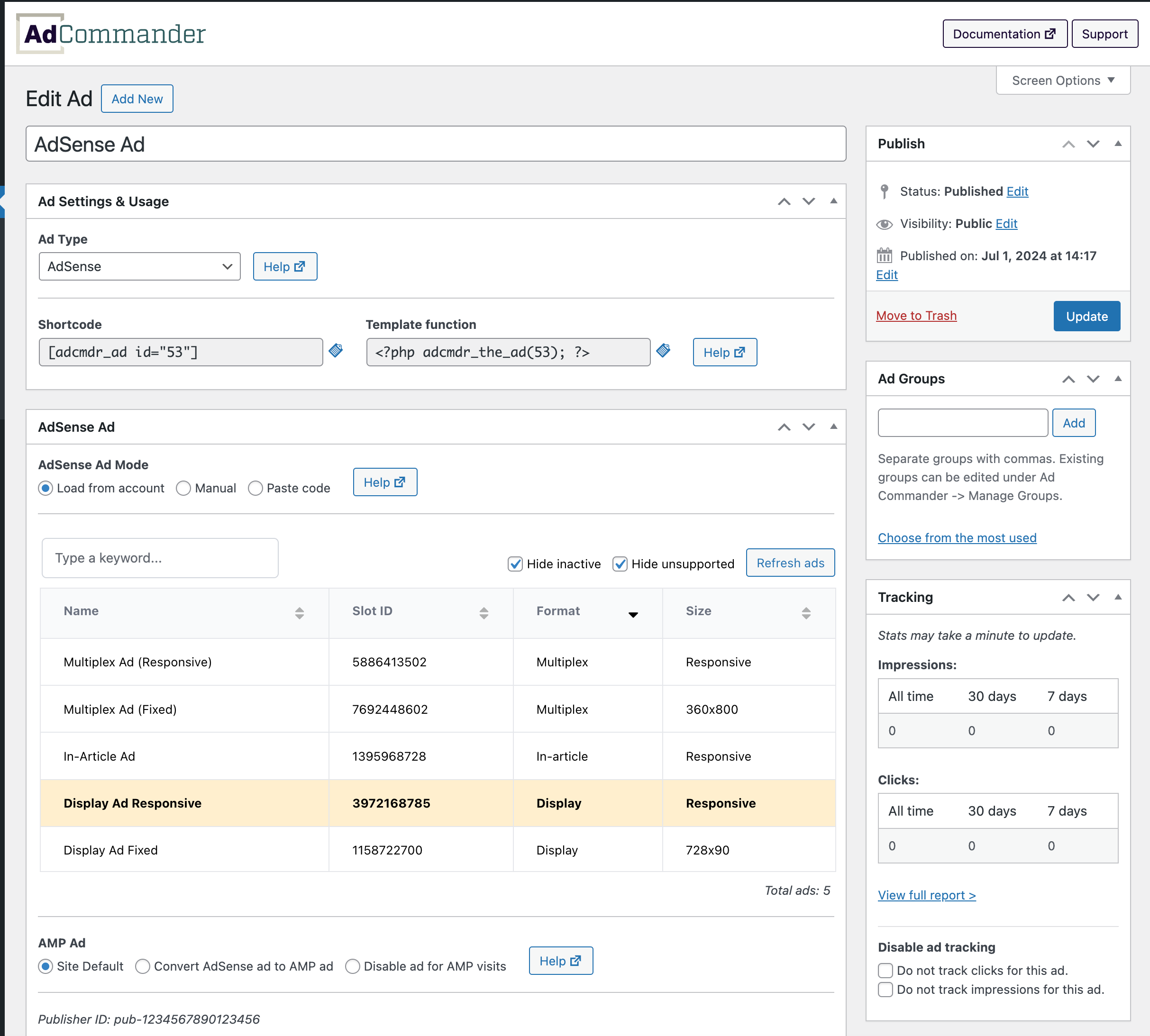
- AdSense ad type with direct AdSense account integration, manually built ad units, or simple code pasting
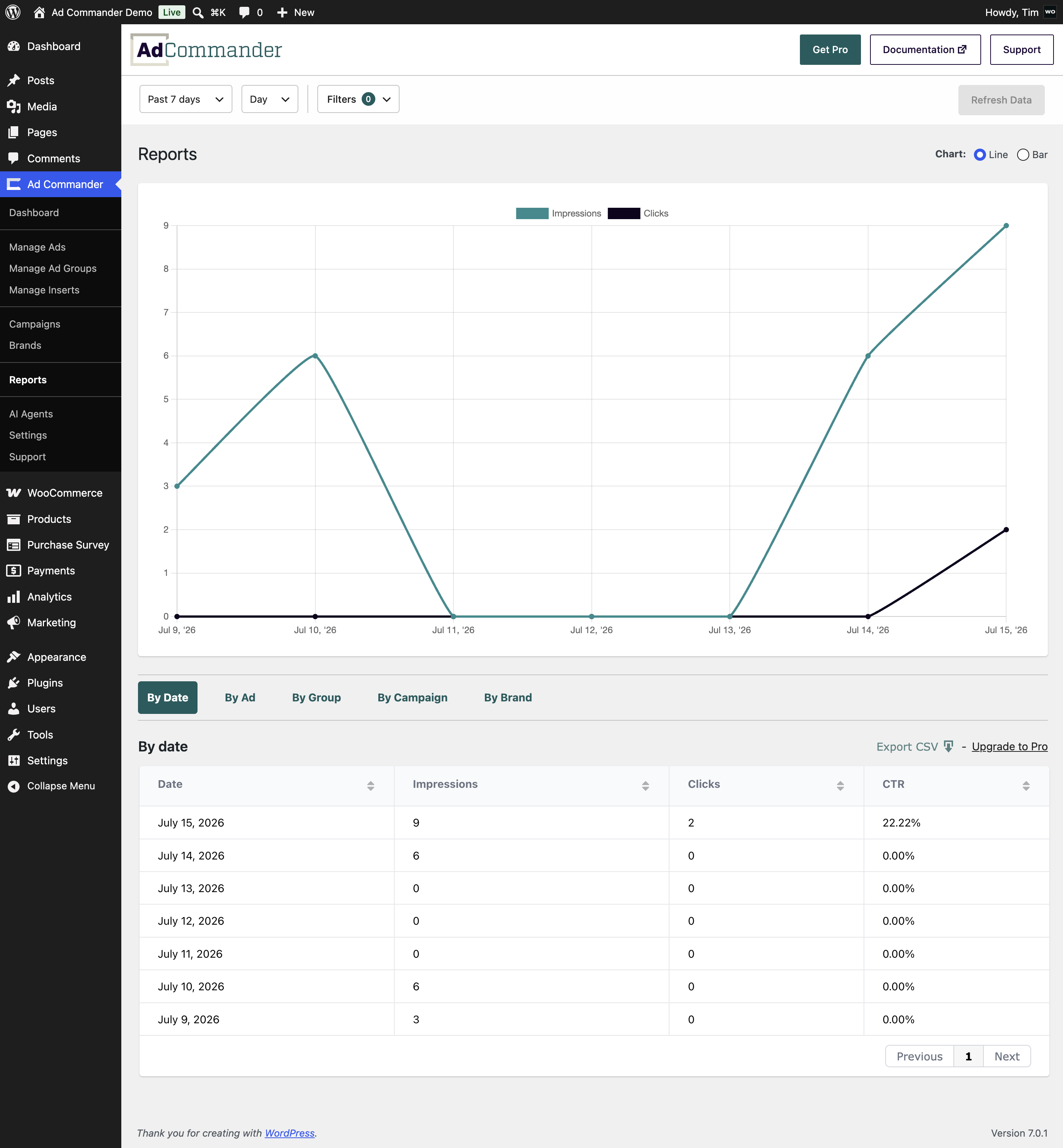
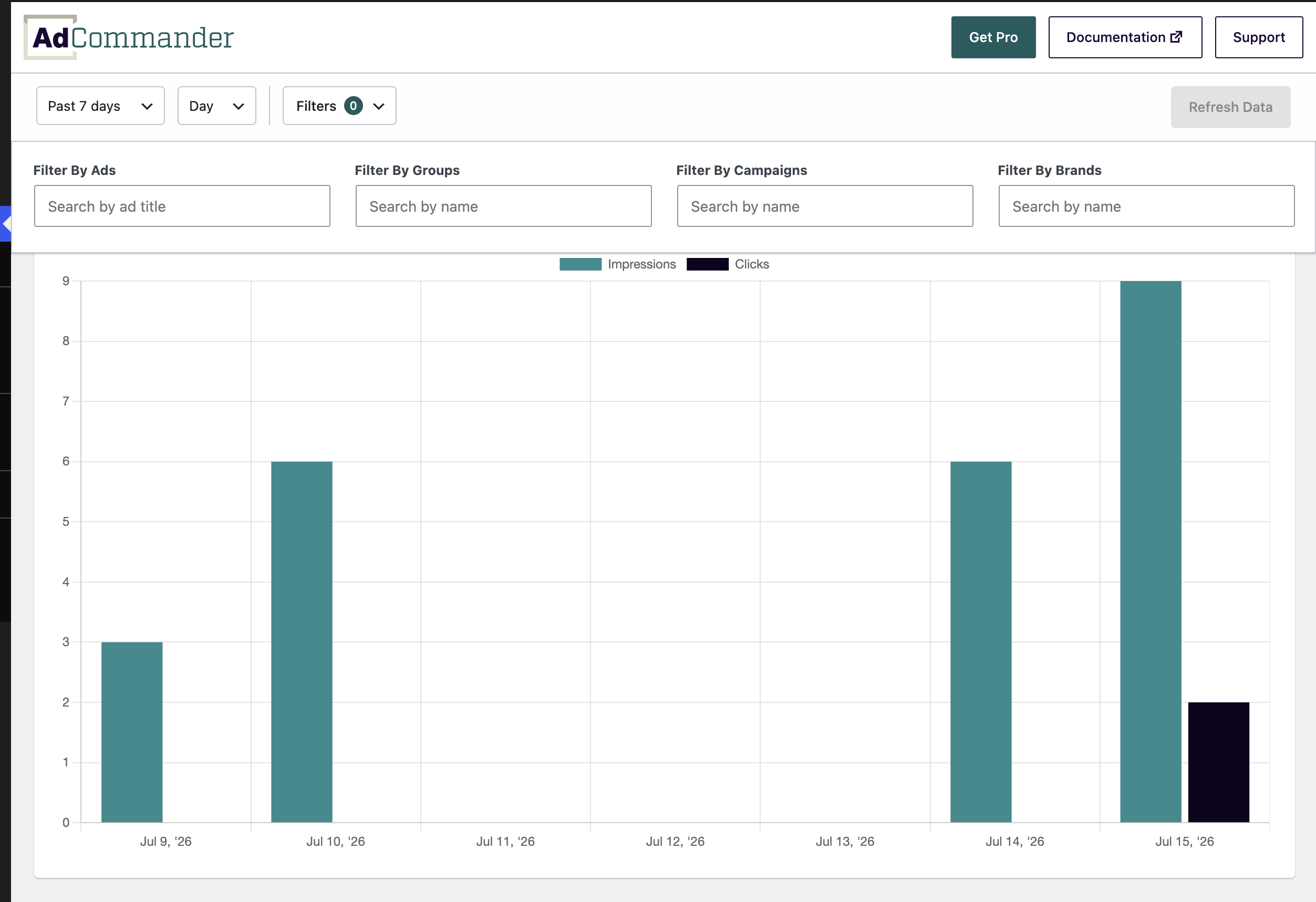
- Track impressions and clicks and generate reports for ads
- Support for AMP ads with amp-pixel and amp-analytics tracking
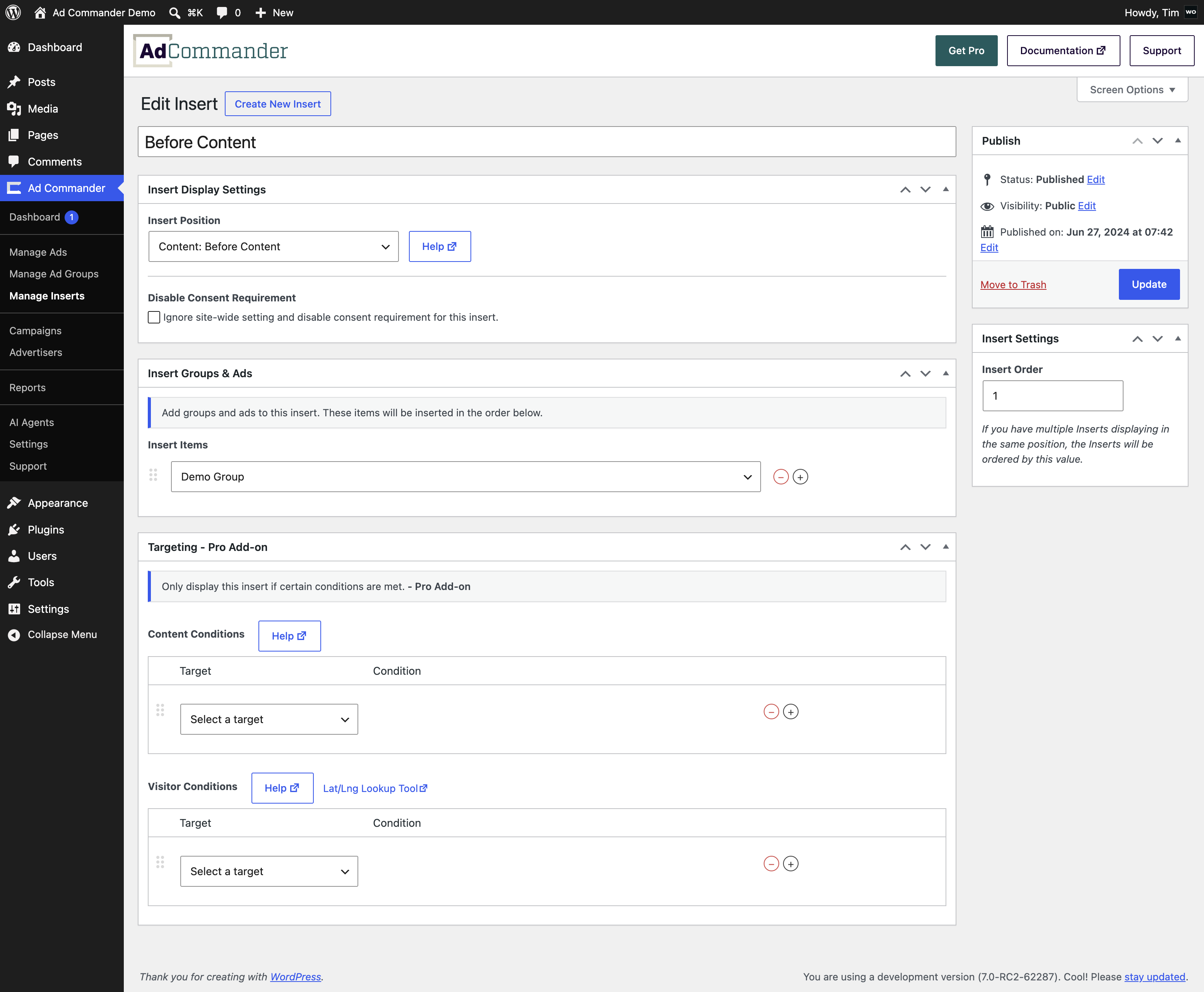
- Inject ads or groups using shortcodes, template tags, blocks, or automatic inserts
- Conditionally display ads with content targeting options
- Organize ads by campaign and advertiser
- Display “Advertisement” or other required labels above ads for regulatory compliance
- Add custom code before and after ads or groups
- Dynamically create an ads.txt and manage it in the WordPress admin
- Works with Gutenberg, classic editor, Elementor, and other page builders
AI Agent features (WordPress 6.9 and up):
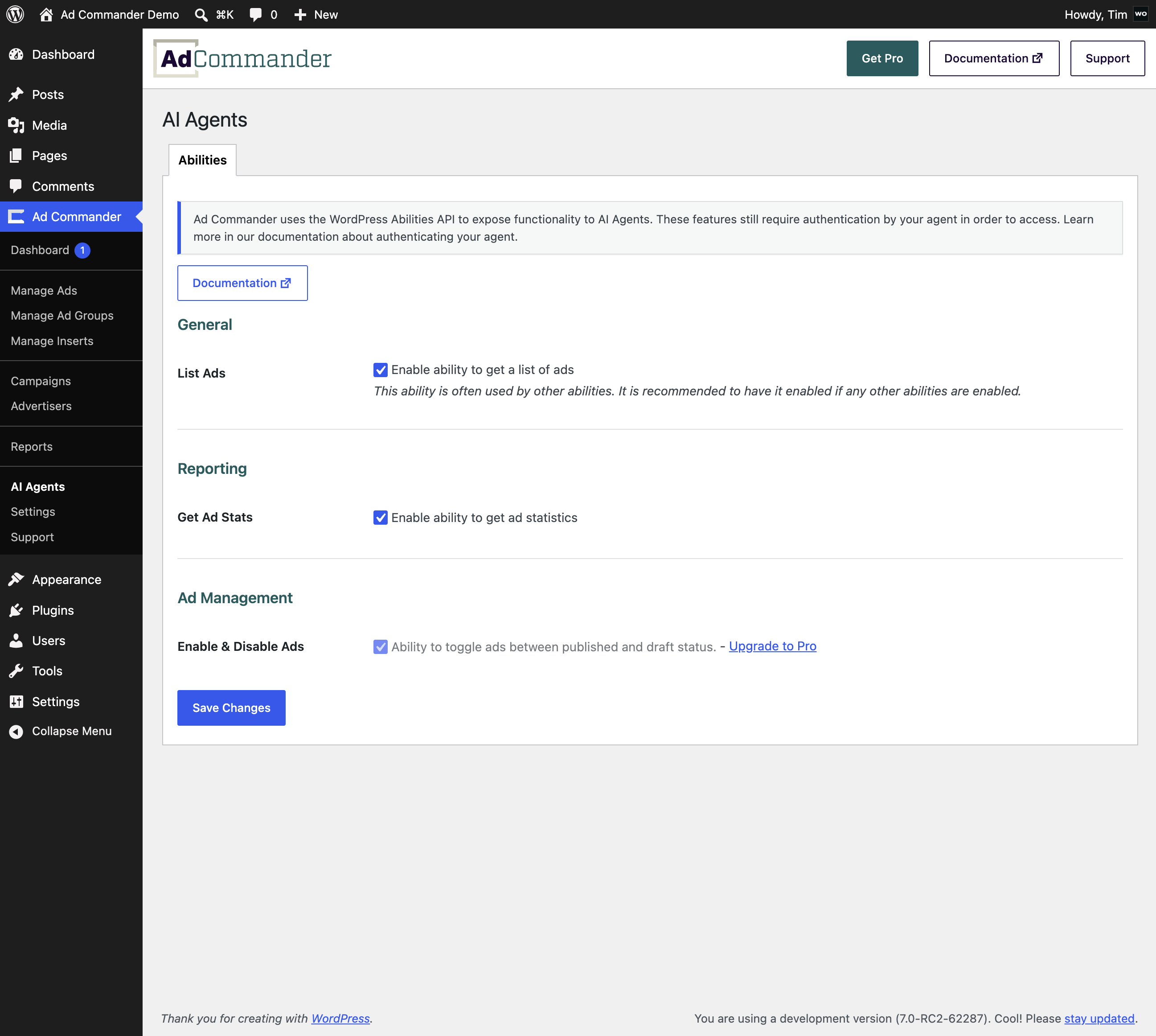
Ad Commander supports the WordPress Abilities API, exposing key features to MCP-compatible AI agents like Claude or ChatGPT. From your AI agent, you can:
- Pull report data by ad, group, campaign, advertiser, or date range
- Fetch a list of ads along with their groups, campaigns, and advertisers
- Get detailed information about individual ads
Ad Commander Pro extends agent capabilities further — including the ability to publish and unpublish ads.
AdSense users:
Ad Commander integrates directly with your AdSense account to make implementing AdSense and AMP ads quick and easy. Simply connect an account and choose from a searchable, sortable list of ad units. Alternatively, build your ads manually or paste in code.
Demo Video
Creating rotating banner ads
Connecting AdSense
Ad Commander core is free to download and use. Ad Commander Pro has additional advanced features. Visit our website to learn more about Ad Commander Pro.
Some Pro features include:
- Allow AI agents to publish and unpublish ads
- Additional WooCommerce integration features
- Allow ad purchasers to submit and edit their ads
- Sync ad groups by campaign
- Automatically convert AdSense ads to AMP ads
- Google Analytics (GA4) or other third-party analytics tracking for impressions and clicks
- Consent via IAB TCF v2.2 compatible Consent Management Platforms
- Max ad displays per page load (only display an ad once per page)
- Expire ads by date or maximum stats
- Advanced automatic insert positions
- Automatic inserts for bbPress and BuddyPress
- Lazy load ads when they enter the viewport
- Popup ads
- Sticky ads
- Visitor targeting options
- Click fraud prevention
- Geotargeting with MaxMind IP databases
- Content and visitor targeting for groups and automatic inserts
- Display groups in a grid layout
- Weighted or evenly distributed ad impressions
- Priority email support
Frequently asked questions
Will Ad Commander work with AdSense?
Yes. Ad Commander offers multiple ways to insert AdSense ads. These include direct integration, manually building ads, or pasting code from your account. Ad Commander also supports AdSense auto ads and AMP Ads.
Will Ad Commander work with my ad network?
Ad Commander supports inserting any script code using the Text or Code ad type. These ads can be inserted within your site or placed in the site head or body using automatic inserts. The flexibility of this approach should allow any ad network to be used on your site. If you have trouble with a specific ad network, please reach out to support for help.
Do I need to edit my theme to insert ads?
Nope! Ads and groups can be inserted into your site using automatic inserts, shortcodes, or blocks.
Can I manually insert ads and groups into my site or theme files?
Yes! Individual shortcodes or PHP template tags can sometimes be a better solution than automatic inserts, depending on your specific site layout and circumstances. Both are available for ads and groups, and can be added to your theme files if desired.
Does Ad Commander work with page caching?
Ad Commander core supports server-side rendering. Many caching plugins offer fragmented caching. This could be used to make Ad Commander’s server-side rendering compatible with page caching. The implementation of fragmented caching varies between caching plugins and is not directly supported by Ad Commander, but may be possible to implement with developer assistance. Ad Commander Pro offers three rendering methods: Server-side rendering, Client-side rendering, and Smart (combination) rendering. Client-side and Smart rendering are designed to work with page caching and all visitor targeting…
Can I sell ads on my website?
Ad Commander integrates with WooCommerce to create an “Ad (Ad Commander)” product type. Advertisers can purchase these ad products, allowing you to take direct payments for ads. Ad Commander Pro adds additional WooCommerce integration options. It also allows advertisers to upload and edit their own ads for you to approve. Check out the full documentation for selling ads on our website.
Can Ad Commander require consent before displaying ads?
Yes – this is an optional feature. Ad Commander does not create consent banners, but can monitor a cookie and display ads after it exists. The cookie name and value are unique to your consent management system and are specified in Ad Commander’s settings. After your visitor accepts, ads will display as long as the consent cookie exists. Consent management works best with client-side or smart rendering available in Ad Commander Pro. This feature will also work with server-side rendering, but there are some caveats (see documentation). TCF support is only available with Ad Commander Pro because…
Can AI Agents manage my ads?
Ad Commander and Ad Commander Pro support the WordPress Abilities API available in WordPress 6.9 and up. This exposes much of the functionality of Ad Commander to AI Agents. Read our documentation for more information.
Does Ad Commander work with Elementor?
Yes. Elementor supports legacy style WordPress widgets. You can use Ad Commander’s legacy widget within Elementor. Alternatively, you can embed an ad or group shortcode.
Does Ad Commander work with bbPress and BuddyPress?
There are two options for implementing ads in bbPress or BuddyPress: The free version of Ad Commander can be implemented by editing your bbPress and BuddyPress templates using template tags. Ad Commander Pro includes Automatic Inserts for bbPress and BuddyPress. View our documentation for a full list of supported ad locations.
Which versions of PHP is Ad Commander compatible with?
Ad Commander and Ad Commander Pro support PHP 7.4 – PHP 8.5.
Changelog
Adds support for Ad Commander Pro 1.5.3 (TCF consent support) Optional, anoymous usage statistics (opt in required)
1.5.4
- Fix nonce issue while editing banner ad image dimensions
- WordPress 7.1 compatibility
1.5.3
- Adds support for Ad Commander Pro 1.5.3 (TCF consent support)
- Optional, anoymous usage statistics (opt in required)
1.5.2
- New Report filters and improved Reports UI
- Updates to Abilities for AI agents
- Security and performance improvements
1.5.1
- Update vendor packages to fix admin form bug
1.5.0
- Adds the ability to sell ads via WooCommerce
- Renames Advertisers taxonomy to Brands
- Adds ability to disable Brands taxonomy UI
- Support for Ad Commander Pro 1.5.0
- Misc bug fixes and improvements
1.4.3
- WordPress 7.0 support
Screenshots
For developers
Is this your plugin? Show off the numbers.
Add a live badge to your site, docs or GitHub README. It updates on its own — no account needed.
Best Ad Commander alternatives
All ad manager plugins →





FAQ
Ad Commander: quick answers
Straight answers, pulled from live WordPress.org data.
Live data from WordPress.org · checked Sep 29, 2026
Is Ad Commander free?
Yes. Ad Commander is free to download and use from the official WordPress.org plugin directory.
Is Ad Commander safe to use in 2026?
Ad Commander is a solid plugin choice in 2026, with a few things worth checking first. It runs on 200+ sites, is rated 5/5 and was last updated 1 month ago, and scores 72/100 on our health check.
How many websites use Ad Commander?
Ad Commander is active on 200+ WordPress websites and has been downloaded 9,101 times since it launched in May 2024. It was downloaded 771 times in the last 30 days.
Does Ad Commander work with WordPress 7.1?
Yes. The developer has tested Ad Commander up to WordPress 7.1.2, the latest release. It requires WordPress 6.2 or newer.
What PHP version does Ad Commander need?
Ad Commander requires PHP 7.4 or higher. Most hosts run PHP 8.x today, so it works on any modern WordPress hosting.
When was Ad Commander last updated?
The latest version, 1.5.4, was released on August 18, 2026 (1 month ago).
Who makes Ad Commander?
Ad Commander is developed and maintained by Wild Operation.
What are the best alternatives to Ad Commander?
The most popular alternatives to Ad Commander are Ad Inserter (300K+ installs), Ads.txt Manager (100K+ installs) and Advanced Ads (100K+ installs).
Powered by PageForge
Want thousands of pages that rank like these? Build them in an afternoon.
This directory runs on the same engine as PageForge. Turn any spreadsheet, CSV or API into thousands of fast, SEO-ready WordPress pages — with schema, internal links and AI-written copy baked in.
- CSV, Google Sheets & API data sources
- AI content, schema & internal links per page
- Works with Elementor, Gutenberg, Yoast & Rank Math
- Free on WordPress.org — no credit card


