



WPZOOM Addons for Elementor – Starter Templates & Widgets
Elementor templates and widgets - Import professionally designed page templates, sections, and widgets. Build stunning pages in minutes.

Safe pick
Yes — WPZOOM Addons for Elementor is a safe, well-maintained plugin to use in 2026. It runs on 20K+ sites, is rated 5/5 and was last updated 1 week ago, and scores 84/100 on our health check.
- Proven at scale on 20K+ active sites
- Actively developed — last update 1 week ago
- Tested with the latest WordPress (7.1)
- Very few reviews so far
How does it stack up?
Side-by-side on installs, updates, ratings & support



Daily downloads
Download spikes usually follow a new release — each site that auto-updates counts as a download.
Rankings
Where WPZOOM Addons for Elementor stands todayWordPress.org search rankings
Live position in the plugin search, top 100| Keyword | Position |
|---|---|
| elementor | #13 |
| elementor addons | #9 |
| elementor templates | #10 |
| elementor widgets | #12 |
| starter templates | #3 |
Version adoption
Share of active sites per release.
Rating breakdown
★★★★★★★★★★ 5 from 2 reviews
About WPZOOM Addons for Elementor
From the official readme · v1.4.13Description
Elementor Templates & Widgets – Build Pages Faster
The best starter templates plugin for Elementor. Import professionally designed page templates, sections, wireframes, and widgets with one click. Build beautiful, responsive pages in minutes – no coding required.
Features
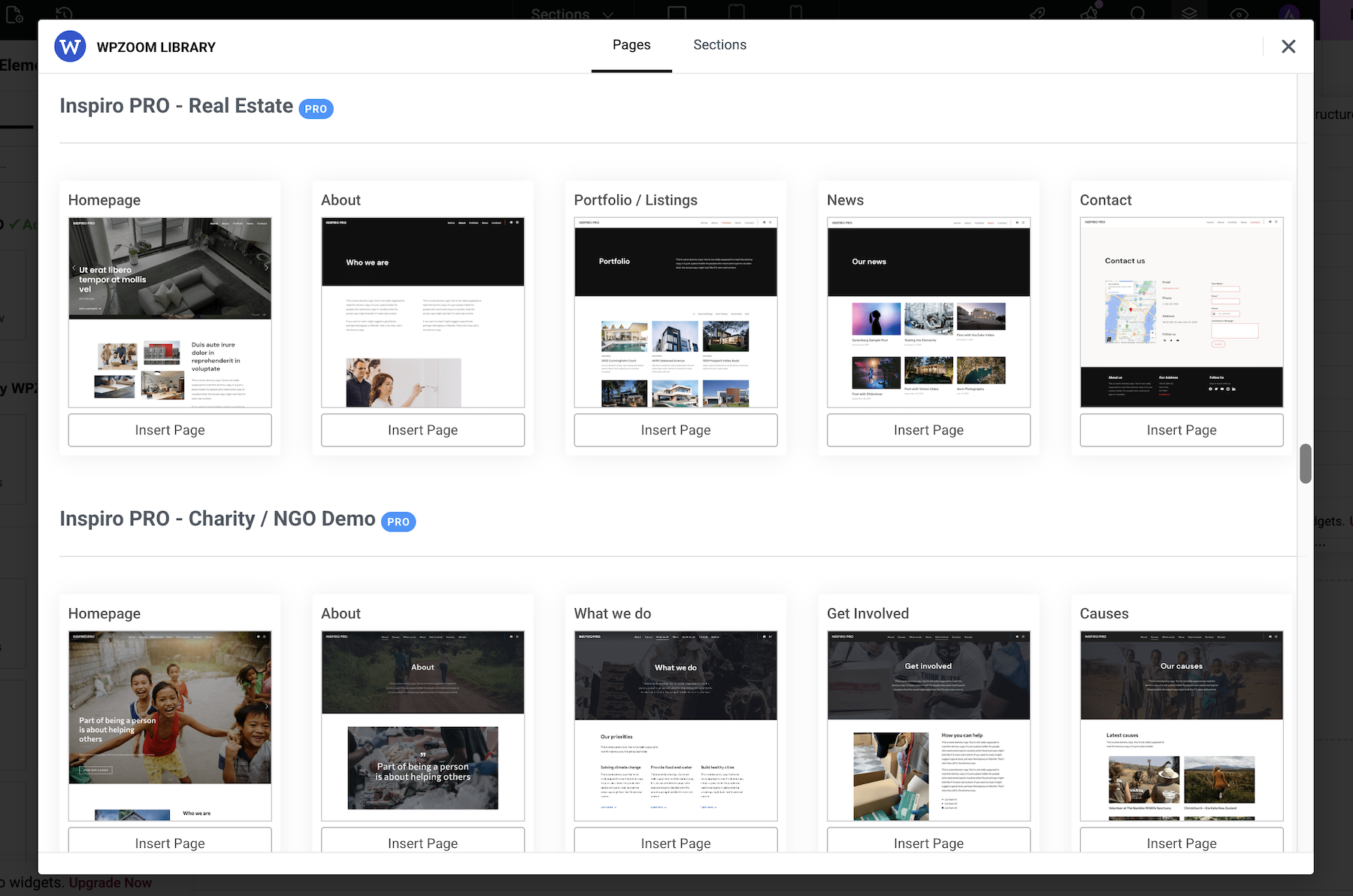
- Page Templates – Import full page layouts with one click
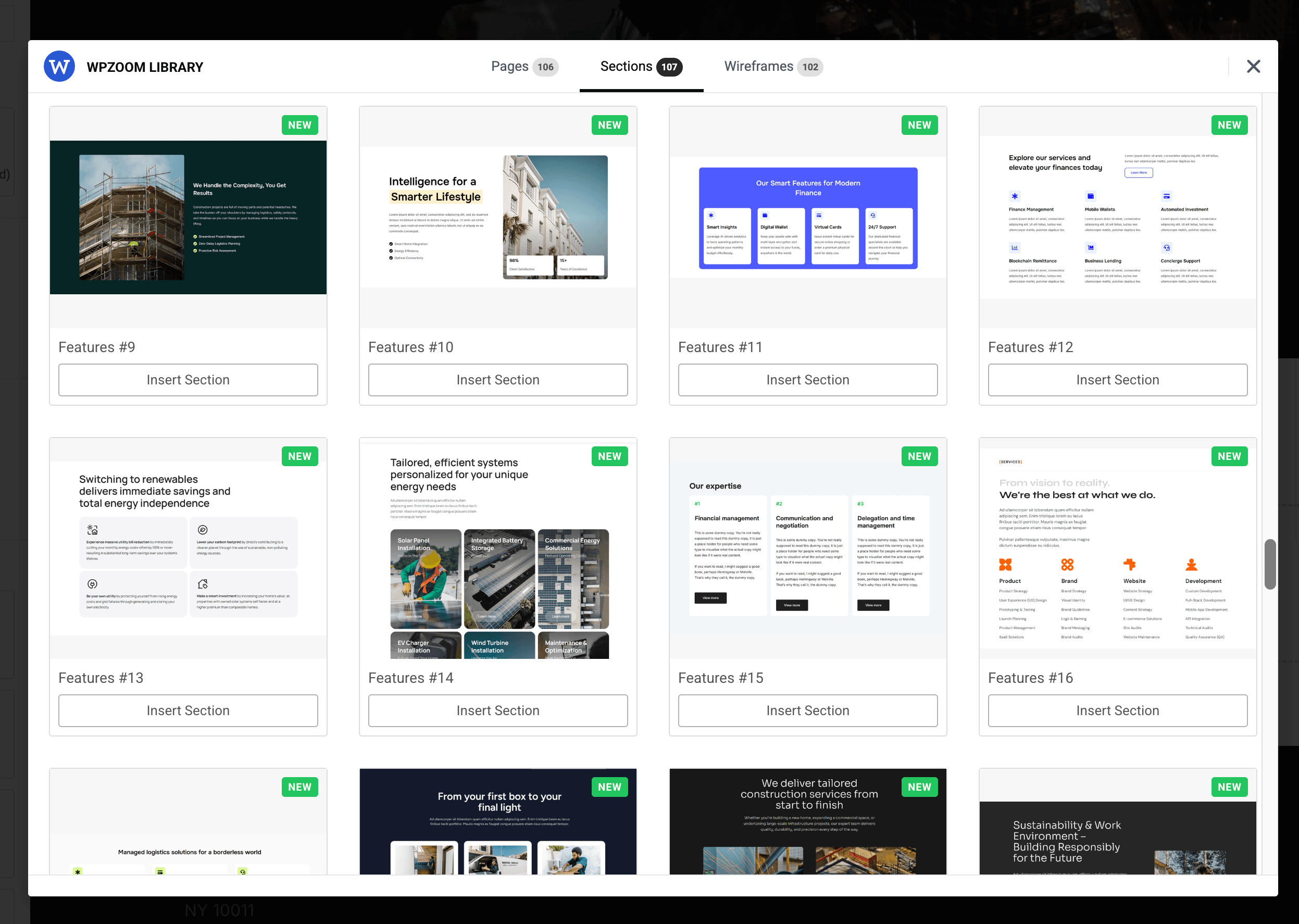
- Section Templates – Insert individual sections (hero, features, contact, pricing, etc.)
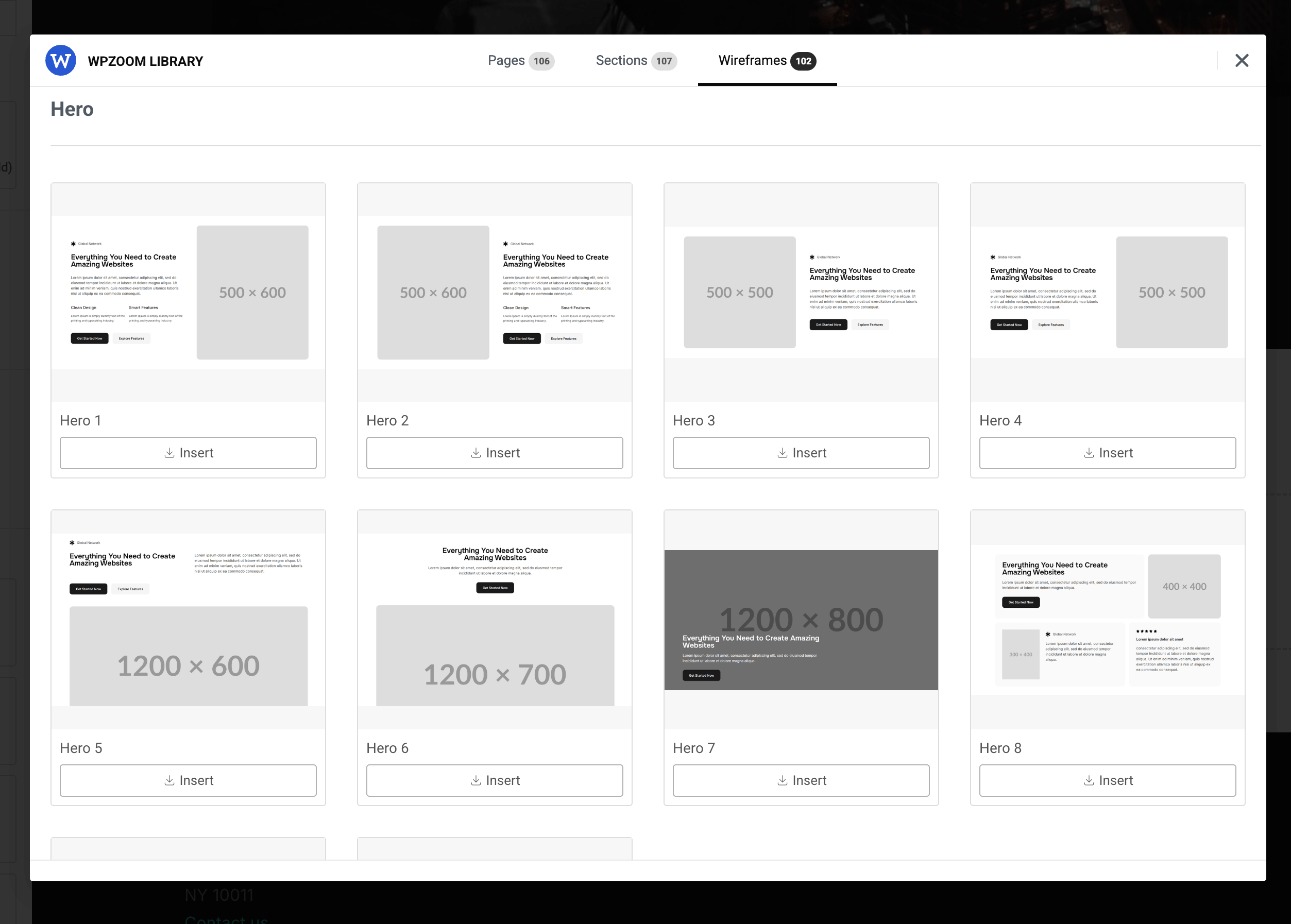
- Wireframes Library – Start faster with flexible wireframe blocks and layouts – NEW in 1.4.0
- Redesigned Template Library – Browse faster with tab counters, search, filters, and grid size controls – NEW in 1.4.0
- No Media Import Mode – Import templates without downloading images to the Media Library – NEW in 1.4.0
- Advanced Elementor widgets with multiple options and settings
- Beautiful pre-designed templates for professionals
- Unique layouts for video & photo professionals
⭐️ PRO FEATURES ⭐️
- Slideshow with Video Background
- 130+ Templates for Elementor
- Premium Support
- and many new features coming soon!
⭐️ Get the PRO version! ⭐️
Included Widgets
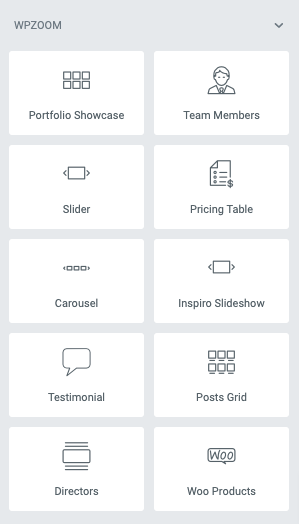
- Slideshow – Fullscreen image slideshows with customizable transitions
- Team Members – Showcase your team with social media icons
- Clients Carousel – Display client/partner logos
- Testimonials – Customer reviews and quotes
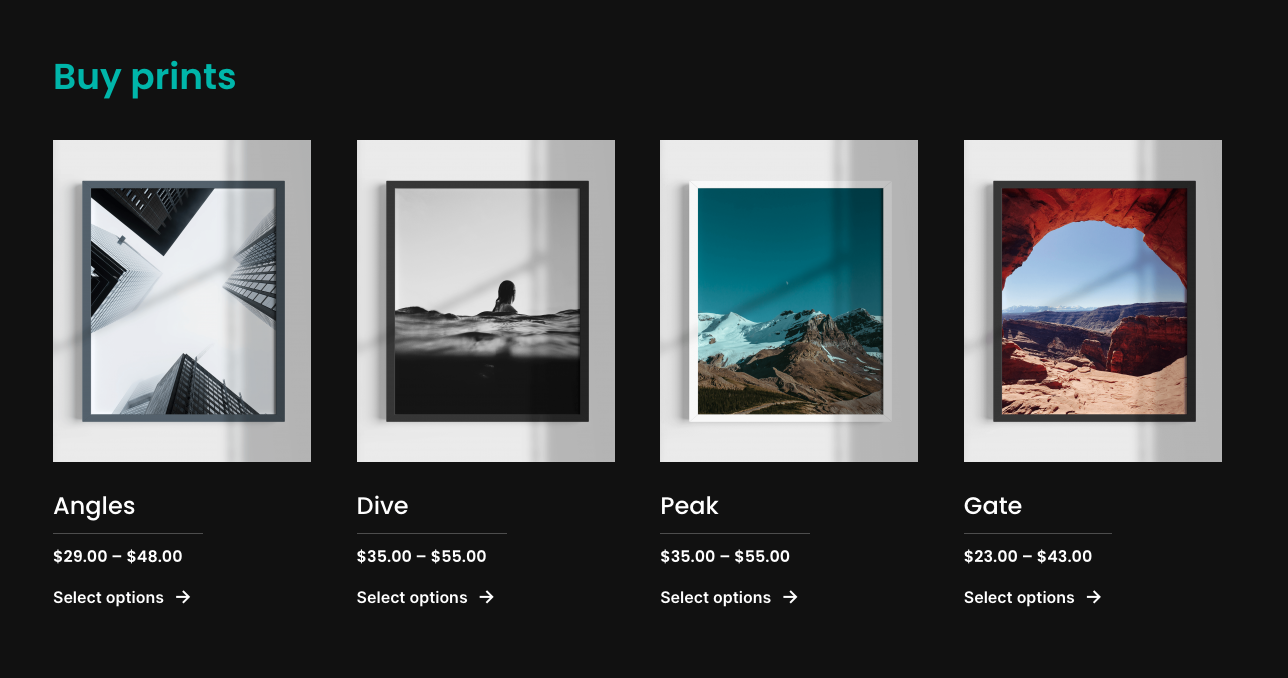
- WooCommerce Products – Product showcases for online stores
- Image Box – Images with text overlays and hover effects
- Featured Category – Highlight specific categories
- Posts Grid – Display blog posts in multiple layout styles
- Portfolio – Portfolio showcase (Inspiro/Inspiro PRO themes)
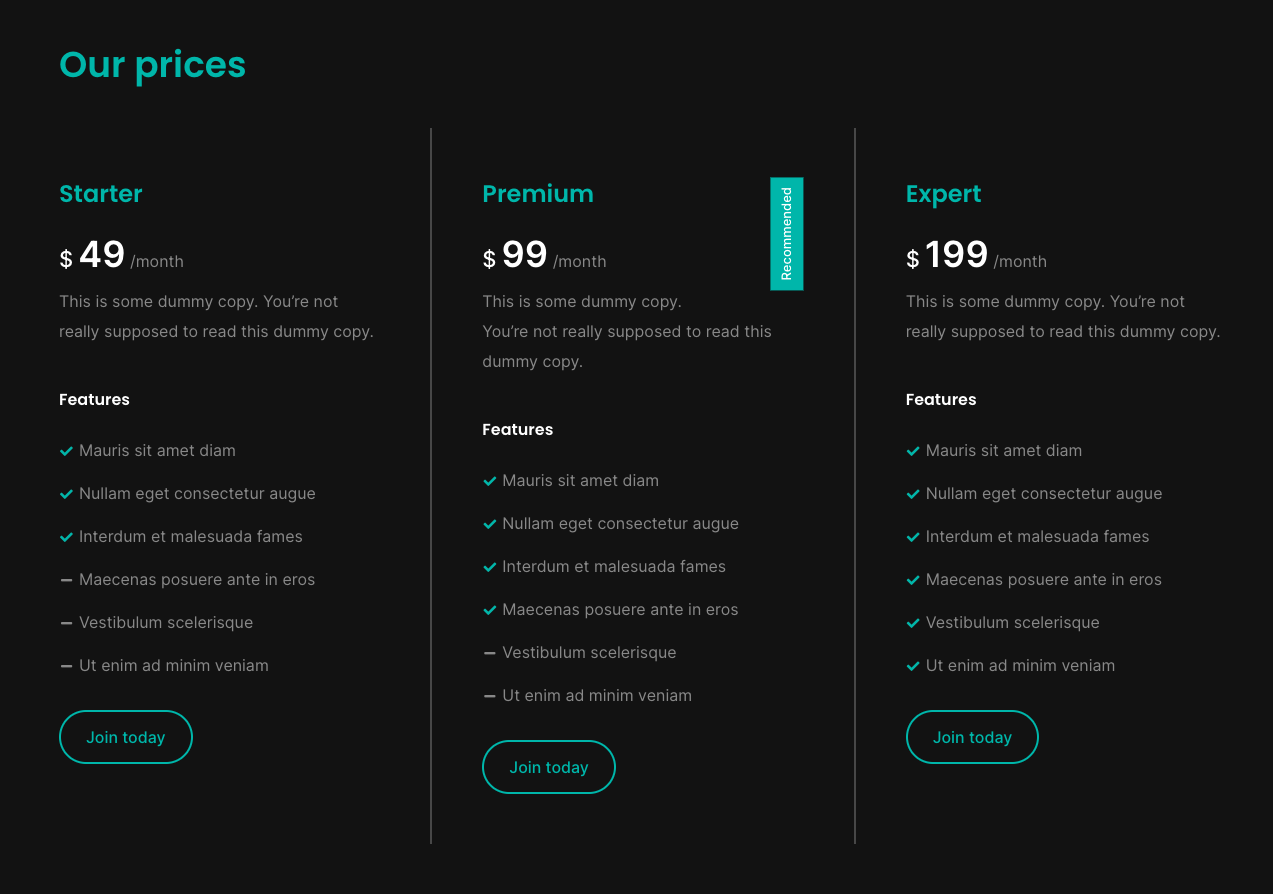
- Pricing Table – Pricing plan comparisons
- Directors – Showcase for video creators and filmmakers
- Video Lightbox Button – Button that opens a video (YouTube, Vimeo, or MP4) in a modal lightbox
Recommended Themes & DEMO
Even though the plugin works great with any theme, it includes templates optimized for the following WPZOOM themes:
- Inspiro PRO – View Demos
- Inspiro Premium – View Demos
- Inspiro Lite (Free) – View Demo
- Reel – View Demo
- Foodica PRO – View Demo
- CookBook – View Demo
- Cookely – View Demo
- Gourmand – View Demo
Additional Resources
To contribute to this plugin, please visit the GitHub repository.
Installation
- Go to Plugins > Add New in your WordPress admin
- Search for “WPZOOM Addons for Elementor”
- Click Install Now and then Activate
Manual Installation:
- Upload the
wpzoom-elementor-addonsfolder to/wp-content/plugins/ - Activate the plugin through the Plugins menu
Usage:
Once activated, edit any page with Elementor and click the WPZOOM Library button to browse and import pages, sections, or wireframes. Use the search, filters, and the No Media toggle to speed up imports.
Frequently asked questions
What to do if a template is not loading?
Try importing again – this works in most cases. Templates with many images may take longer to import because Elementor uploads all images to the Media Library and generates thumbnails for each registered image size.
Who should use this plugin?
Anyone using Elementor who wants access to professionally designed templates, sections, and widgets to build pages faster.
What are the requirements?
You only need the Elementor plugin installed and activated.
What themes does it work with?
The plugin works with any WordPress theme. Templates are optimized for WPZOOM themes but can be customized for any theme.
Will it slow down my website?
No. The plugin only adds templates and widgets to the Elementor editor. It does not affect your website’s frontend performance.
Changelog
1.4.13
- Video Lightbox Button and Video Slideshow widgets: private and unlisted Vimeo videos (links with a privacy hash, e.g. vimeo.com/ID/HASH or player.vimeo.com/video/ID?h=HASH) now play in the lightbox. The privacy hash was dropped when building the embed URL, and player.vimeo.com links were not recognized at all
1.4.12
- Slider Pro, Portfolio Showcase and Portfolio Reel widgets: the “no slides / no portfolio posts” setup notices are now shown only to editors/administrators, not to site visitors
1.4.11
- Minor fixes
1.4.10
- Minor fixes
1.4.9
- FIX: Posts Grid widget – Image Border Radius and Margin settings now apply in Layout 8 (Overlay)
1.4.8
- Improvements to the Image Slider widget
Screenshots

For developers
Is this your plugin? Show off the numbers.
Add a live badge to your site, docs or GitHub README. It updates on its own — no account needed.
Best WPZOOM Addons for Elementor alternatives
All elementor plugins →





FAQ
WPZOOM Addons for Elementor: quick answers
Straight answers, pulled from live WordPress.org data.
Live data from WordPress.org · checked Sep 27, 2026
Is WPZOOM Addons for Elementor free?
Yes. WPZOOM Addons for Elementor is free to download and use from the official WordPress.org plugin directory.
Is WPZOOM Addons for Elementor safe to use in 2026?
Yes — WPZOOM Addons for Elementor is a safe, well-maintained plugin to use in 2026. It runs on 20K+ sites, is rated 5/5 and was last updated 1 week ago, and scores 84/100 on our health check.
How many websites use WPZOOM Addons for Elementor?
WPZOOM Addons for Elementor is active on 20K+ WordPress websites and has been downloaded 1,034,365 times since it launched in July 2021. It was downloaded 15,584 times in the last 30 days.
Does WPZOOM Addons for Elementor work with WordPress 7.1?
Yes. The developer has tested WPZOOM Addons for Elementor up to WordPress 7.1.2, the latest release. It requires WordPress 6.5 or newer.
What PHP version does WPZOOM Addons for Elementor need?
WPZOOM Addons for Elementor requires PHP 7.4 or higher. Most hosts run PHP 8.x today, so it works on any modern WordPress hosting.
When was WPZOOM Addons for Elementor last updated?
The latest version, 1.4.13, was released on September 19, 2026 (1 week ago).
Who makes WPZOOM Addons for Elementor?
WPZOOM Addons for Elementor is developed and maintained by WPZOOM.
What are the best alternatives to WPZOOM Addons for Elementor?
The most popular alternatives to WPZOOM Addons for Elementor are Ultimate Addons for Element… (2M+ installs), Essential Addons for Elemen… (1M+ installs) and Royal Addons for Elementor (600K+ installs).
Powered by PageForge
Want thousands of pages that rank like these? Build them in an afternoon.
This directory runs on the same engine as PageForge. Turn any spreadsheet, CSV or API into thousands of fast, SEO-ready WordPress pages — with schema, internal links and AI-written copy baked in.
- CSV, Google Sheets & API data sources
- AI content, schema & internal links per page
- Works with Elementor, Gutenberg, Yoast & Rank Math
- Free on WordPress.org — no credit card


