



WP REST Cache
Enable caching of the WordPress REST API and auto-flush caches upon wp-admin editing.

Safe pick
Yes — WP REST Cache is a safe, well-maintained plugin to use in 2026. It runs on 10K+ sites, is rated 4.9/5 and was last updated 3 weeks ago, and scores 89/100 on our health check.
- Proven at scale on 10K+ active sites
- Loved by users — 4.9/5 from 42 reviews
- Actively developed — last update 3 weeks ago
- Momentum — downloads up 186.4% vs the previous 30 days
How does it stack up?
Side-by-side on installs, updates, ratings & support



Daily downloads
Download spikes usually follow a new release — each site that auto-updates counts as a download.
Rankings
Where WP REST Cache stands todayWordPress.org search rankings
Live position in the plugin search, top 100| Keyword | Position |
|---|---|
| api | #63 |
| cache | #12 |
| rest | #1 |
| rest cache | #2 |
| wp-rest-api | #2 |
Version adoption
Share of active sites per release.
Rating breakdown
★★★★★★★★★★ 4.9 from 42 reviews
About WP REST Cache
From the official readme · v2026.4.2Description
Are you facing speed issues, using the WordPress REST API? This plugin will allow WordPress to cache the responses of the REST API, making it much faster.
This plugin offers:
- Caching of all default WordPress REST API
GET-endpoints. - Caching of (custom) post type endpoints.
- Caching of (custom) taxonomy endpoints.
- Automated flushing of caches if (some of) its contents are edited.
- Manual flushing of all caches.
- Manual flushing of specific caches.
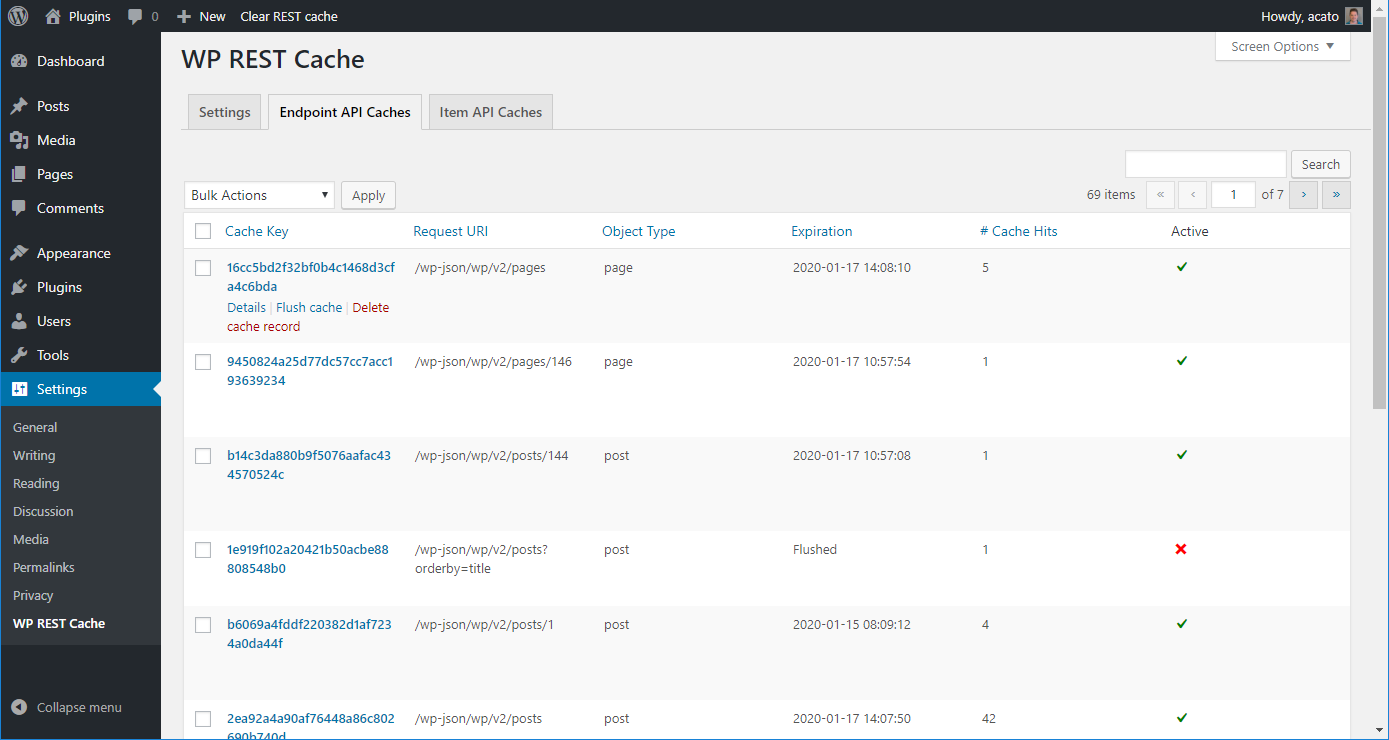
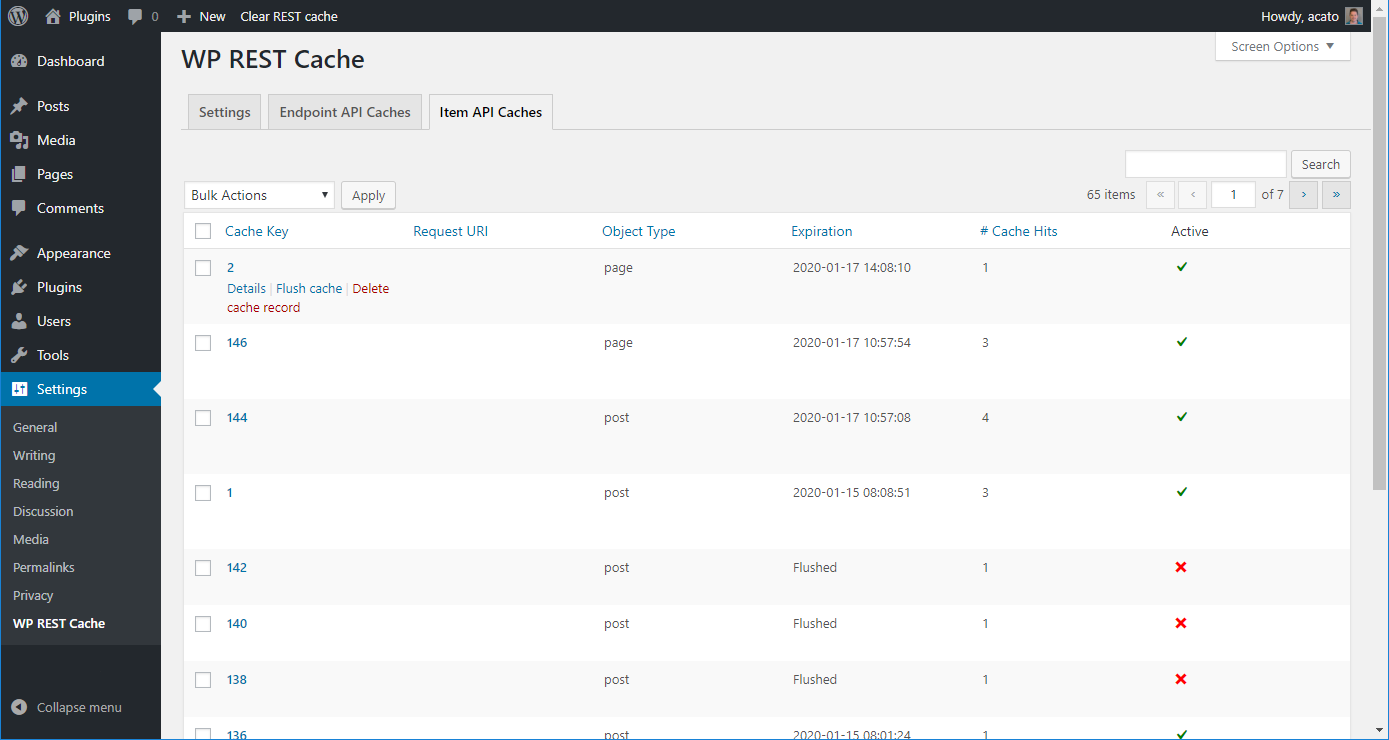
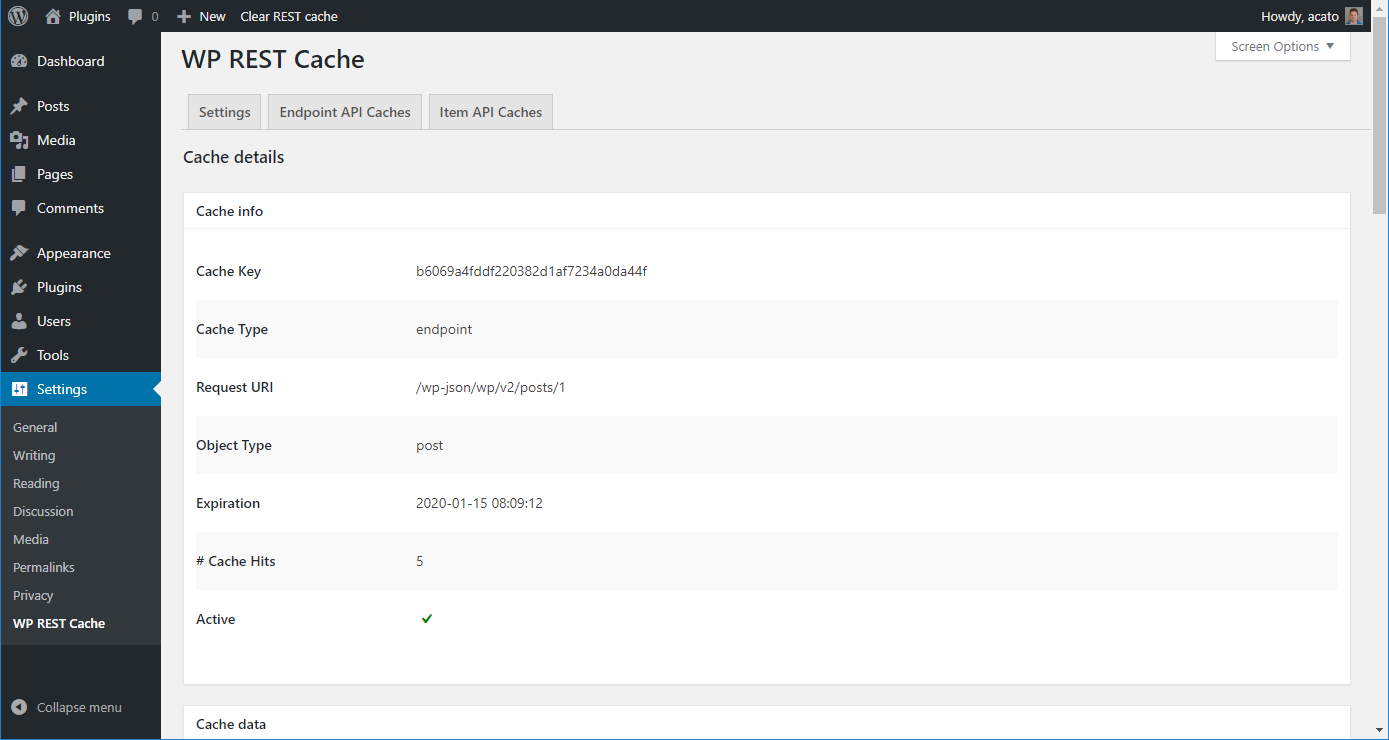
- A counter how many times a cache has been retrieved.
- Specifying after what time the cache should be timed out.
- Registering custom endpoints for caching.
- Automatic cache regeneration.
WP REST Cache Pro
For more advanced features, check out our WP REST Cache Pro plugin:
- Configure custom endpoints for caching through the wp-admin interface.
- Configure relationships within endpoints.
- No coding required.
Installation from within WordPress
- Visit ‘Plugins > Add New’ (or ‘My Sites > Network Admin > Plugins > Add New’ if you are on a multisite installation).
- Search for ‘WP REST Cache’.
- Activate the WP REST Cache plugin through the ‘Plugins’ menu in WordPress.
- Go to “after activation” below.
Installation manually
- Upload the
wp-rest-cachefolder to the/wp-content/plugins/directory. - Activate the WP REST Cache plugin through the ‘Plugins’ menu in WordPress.
- Go to “after activation” below.
After activation
- Visit ‘Plugins > Must-Use’ (or ‘My Sites > Network Admin > Plugins > Must-Use’ if you are on a multisite installation).
- Check if the ‘WP REST Cache – Must-Use Plugin’ is there, if not copy the file
wp-rest-cache.phpfrom the/sourcesfolder of the WP REST Cache Plugin to the folder/wp-content/mu-plugins/.
Optionally:
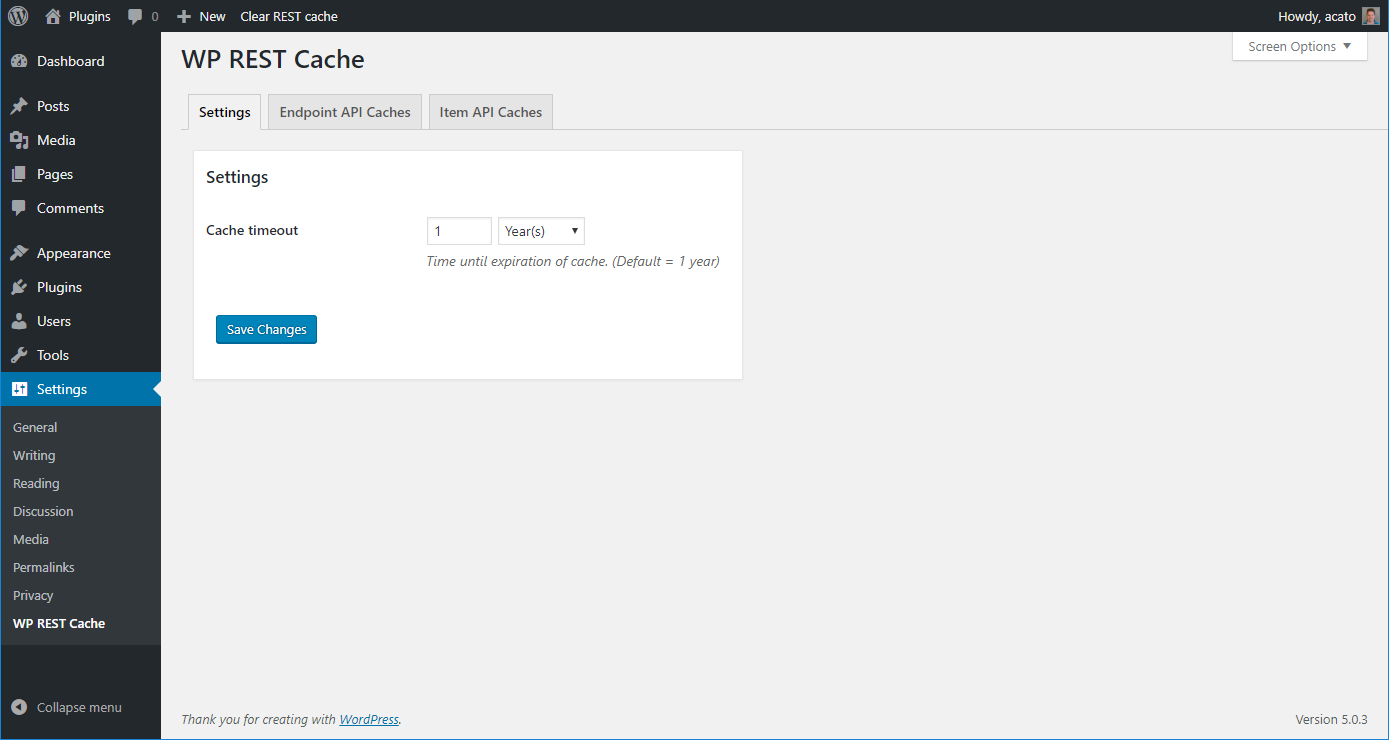
The default timeout for caches generated by the WP REST Cache plugin is set to 1 year. If you want to change this:
- Visit ‘Settings > WP REST Cache’.
- Change the Cache timeout.
Changelog
2026.4.2
Release Date: October 29th, 2026
Fix: Caches that expired, or that were flushed and cleaned up, were never removed from the database, causing the caches table to grow indefinitely. A daily cron job now removes them (unless cache regeneration is enabled). It was reported by krstarica.
Improvement: The cache regeneration cron no longer loads the entire caches table into memory.
Feature: Added filters wp_rest_cache/purge_stale_caches, wp_rest_cache/stale_cache_grace_period and wp_rest_cache/max_purge_caches.
2026.4.1
Release Date: October 29th, 2026
Fix: Deleted caches that had been flushed and cleaned up before were never removed from the database, causing the caches table to grow indefinitely. Existing leftover caches are removed by the cleanup cron. It was reported by krstarica.
2026.4.0
Release Date: October 27th, 2026
Security: Responses generated for authenticated users (e.g. through Application Passwords or Basic auth) could be cached and served to unauthenticated visitors. Requests with an Authorization header and requests with context=edit are no longer cached, responses for authenticated users are only cached if the cache key is user specific, and nonce cached requests are now cached per session. All existing caches are flushed on update.
Feature: Added filter wp_rest_cache/cache_authenticated_response to allow caching of responses generated for authenticated users when the cache key is made user specific.
2026.3.1
Release Date: July 25th, 2026
Improvement: Make the mu-plugin use the same version as the main plugin.
2026.3.0
Release Date: July 24th, 2026
Fix: several small fixes and improvements.
Improvement: Add support for using regex inside wp_rest_cache/allowed_endpoints and wp_rest_cache/disallowed_endpoints filters.
2026.2.0
Release Date: May 19th, 2026
Fix: specified key was too long error.
Improvement: Extra filters and actions.
Screenshots
For developers
Is this your plugin? Show off the numbers.
Add a live badge to your site, docs or GitHub README. It updates on its own — no account needed.
Best WP REST Cache alternatives
All api plugins →





FAQ
WP REST Cache: quick answers
Straight answers, pulled from live WordPress.org data.
Live data from WordPress.org · checked Nov 17, 2026
Is WP REST Cache free?
Yes. WP REST Cache is free to download and use from the official WordPress.org plugin directory.
Is WP REST Cache safe to use in 2026?
Yes — WP REST Cache is a safe, well-maintained plugin to use in 2026. It runs on 10K+ sites, is rated 4.9/5 and was last updated 3 weeks ago, and scores 89/100 on our health check.
How many websites use WP REST Cache?
WP REST Cache is active on 10K+ WordPress websites and has been downloaded 428,958 times since it launched in January 2019. It was downloaded 16,257 times in the last 30 days.
Does WP REST Cache work with WordPress 7.1?
WP REST Cache is officially tested up to WordPress 7.0.8, while the latest release is 7.1.4. It may still work, but try it on a staging site first.
What PHP version does WP REST Cache need?
WP REST Cache requires PHP 7.0 or higher. Most hosts run PHP 8.x today, so it works on any modern WordPress hosting.
When was WP REST Cache last updated?
The latest version, 2026.4.2, was released on October 30, 2026 (3 weeks ago).
Who makes WP REST Cache?
WP REST Cache is developed and maintained by Acato.
What are the best alternatives to WP REST Cache?
The most popular alternatives to WP REST Cache are WP Consent API (300K+ installs), Disable REST API (80K+ installs) and Mailgun for WordPress (70K+ installs).
Powered by PageForge
Want thousands of pages that rank like these? Build them in an afternoon.
This directory runs on the same engine as PageForge. Turn any spreadsheet, CSV or API into thousands of fast, SEO-ready WordPress pages — with schema, internal links and AI-written copy baked in.
- CSV, Google Sheets & API data sources
- AI content, schema & internal links per page
- Works with Elementor, Gutenberg, Yoast & Rank Math
- Free on WordPress.org — no credit card


