


WP Media Category Management
A plugin to provide bulk category management functionality for media in WordPress sites.

Solid choice
WP Media Category Management is a solid plugin choice in 2026, with a few things worth checking first. It runs on 6K+ sites, is rated 4.7/5 and was last updated 2 months ago, and scores 68/100 on our health check.
- Loved by users — 4.7/5 from 35 reviews
Daily downloads
Download spikes usually follow a new release — each site that auto-updates counts as a download.
Rankings
Where WP Media Category Management stands todayWordPress.org search rankings
Live position in the plugin search, top 100| Keyword | Position |
|---|---|
| bulk toggle | #3 |
| media category | #1 |
| media filter | #14 |
| toggle category | #1 |
| user media management | #2 |
Version adoption
Share of active sites per release.
Rating breakdown
★★★★★★★★★★ 4.7 from 35 reviews
About WP Media Category Management
From the official readme · v2.5.4Description
This WordPress plugin will ease the management of media categories, including bulk actions.
It supports categories for media using either the existing post categories or a dedicated media_category custom taxonomy.
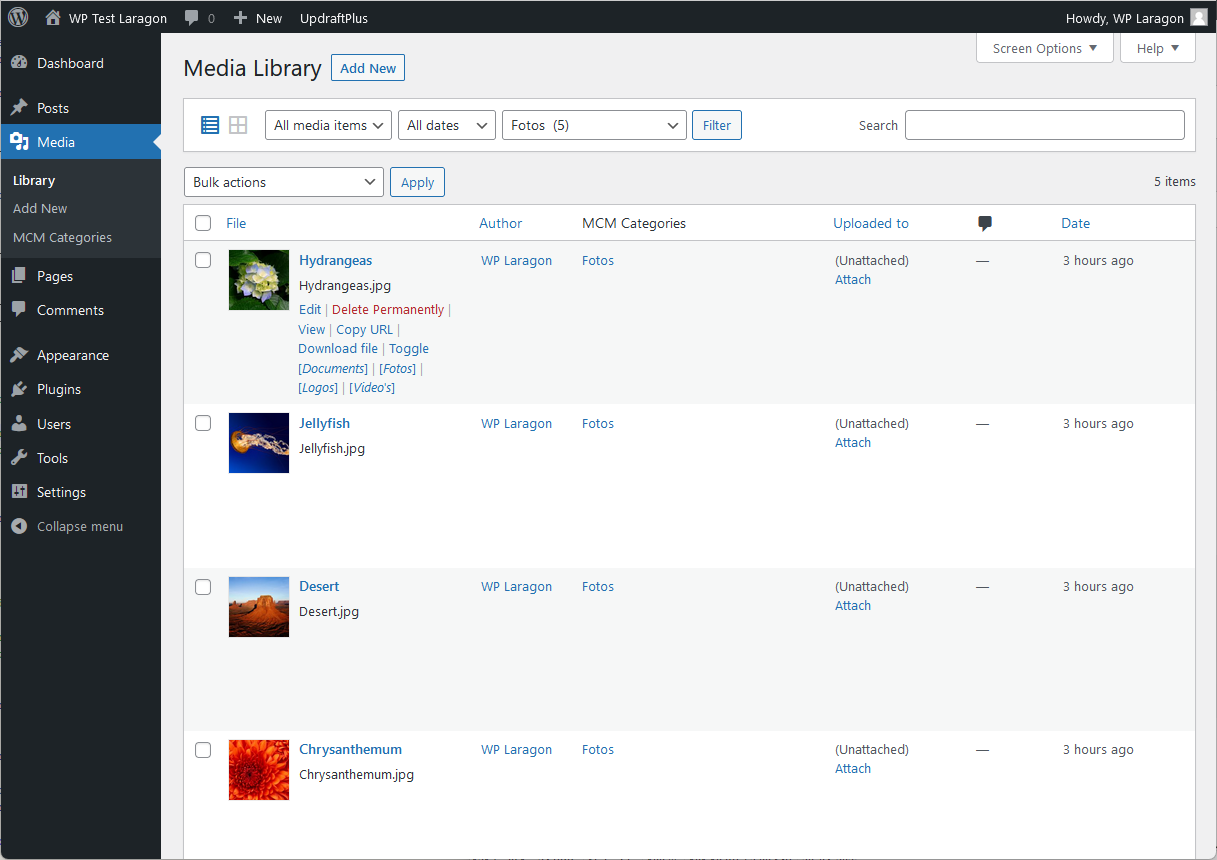
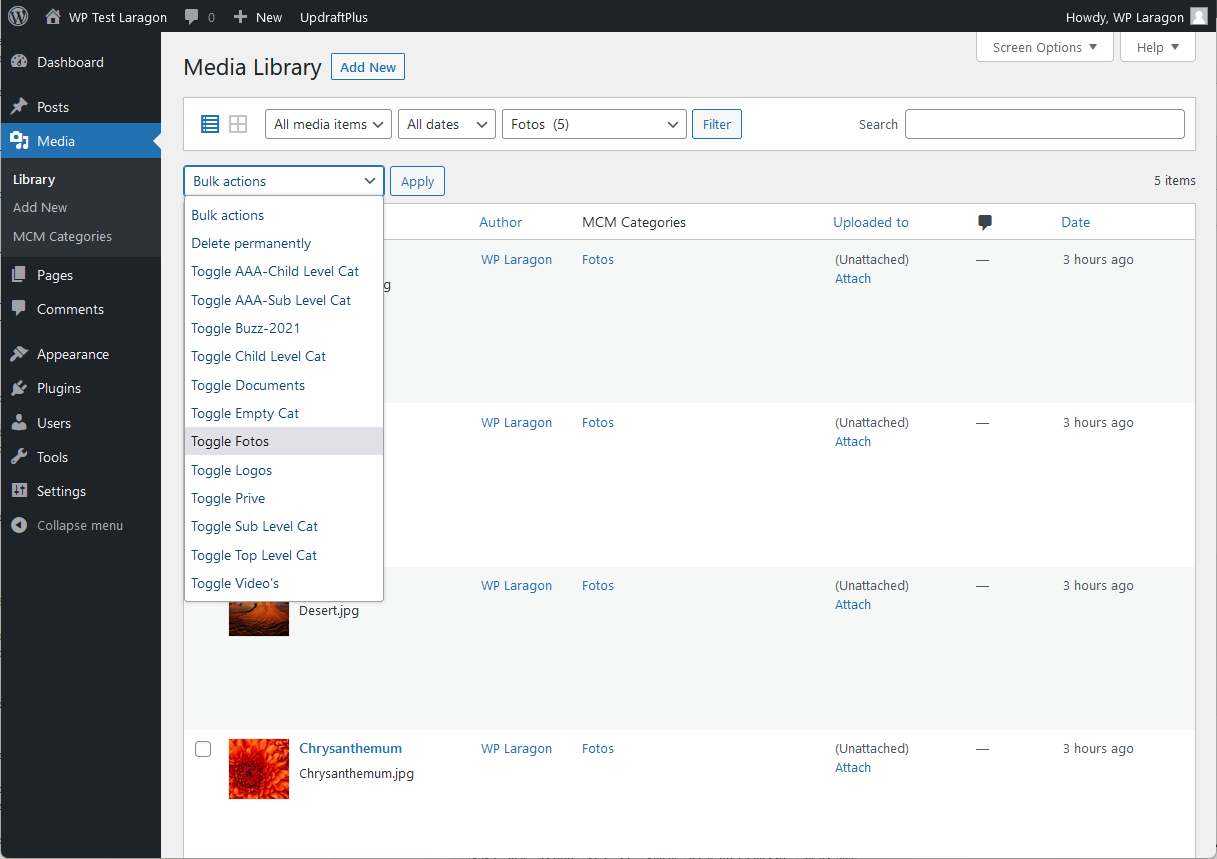
The plugin supports easy category toggling on the media list page view and also bulk toggling for multiple media at once.
It now also supports post tags and media taxonomies defined by other plugins.
The premium version will include media folder management for organizing files into hierarchical folders.
Main Features
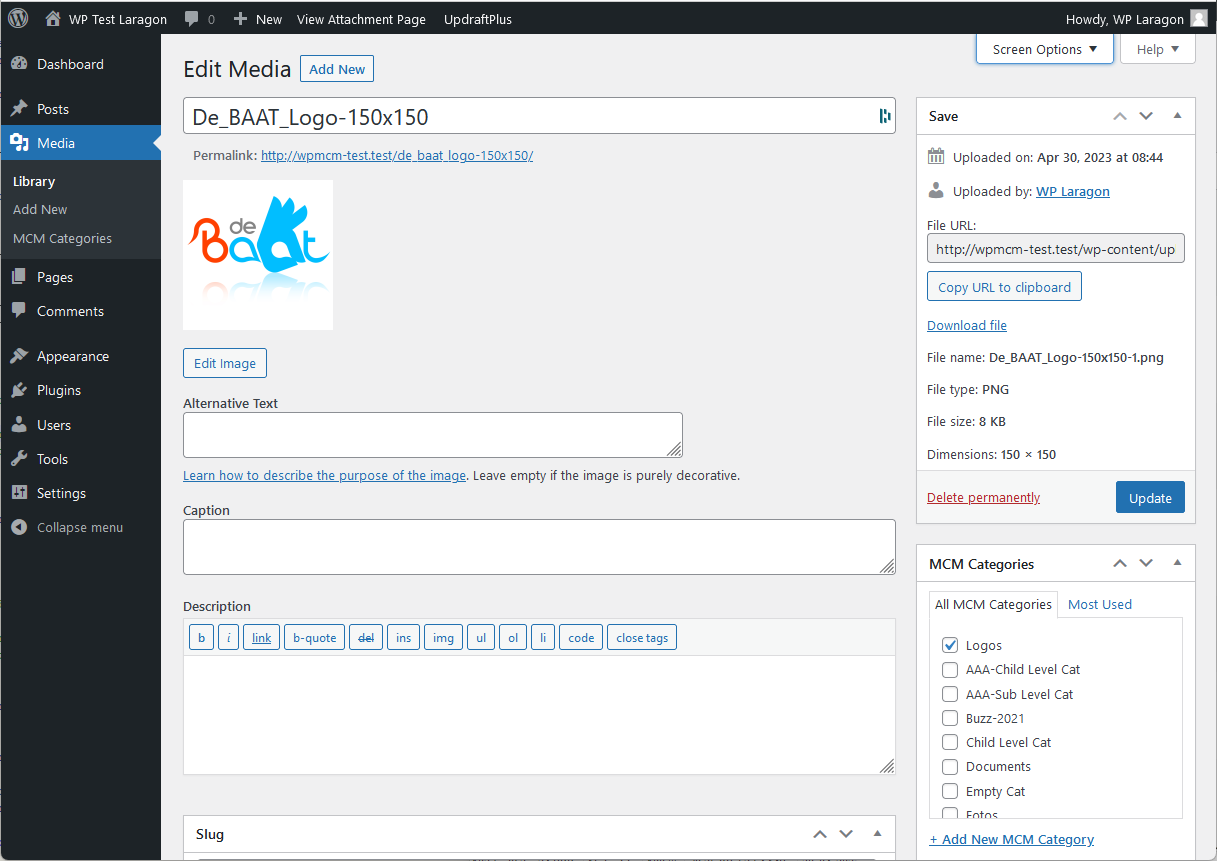
- Use post categories or dedicated MCM media categories.
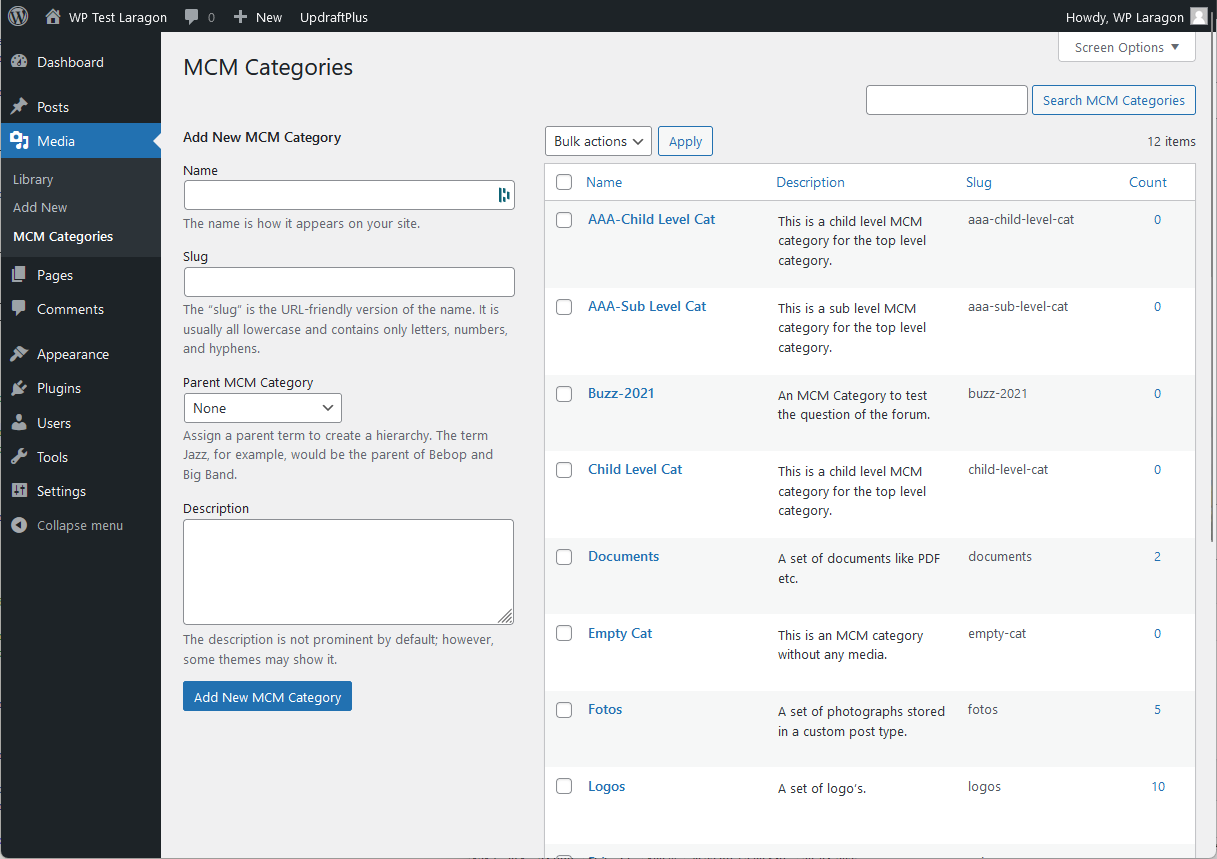
- Control your media categories via admin the same way as post categories.
- Organize media into hierarchical folders for better file management.
- Optionally organize uploaded files into physical folder subdirectories.
- Bulk toggle any media taxonomy assignment from Media Library via admin.
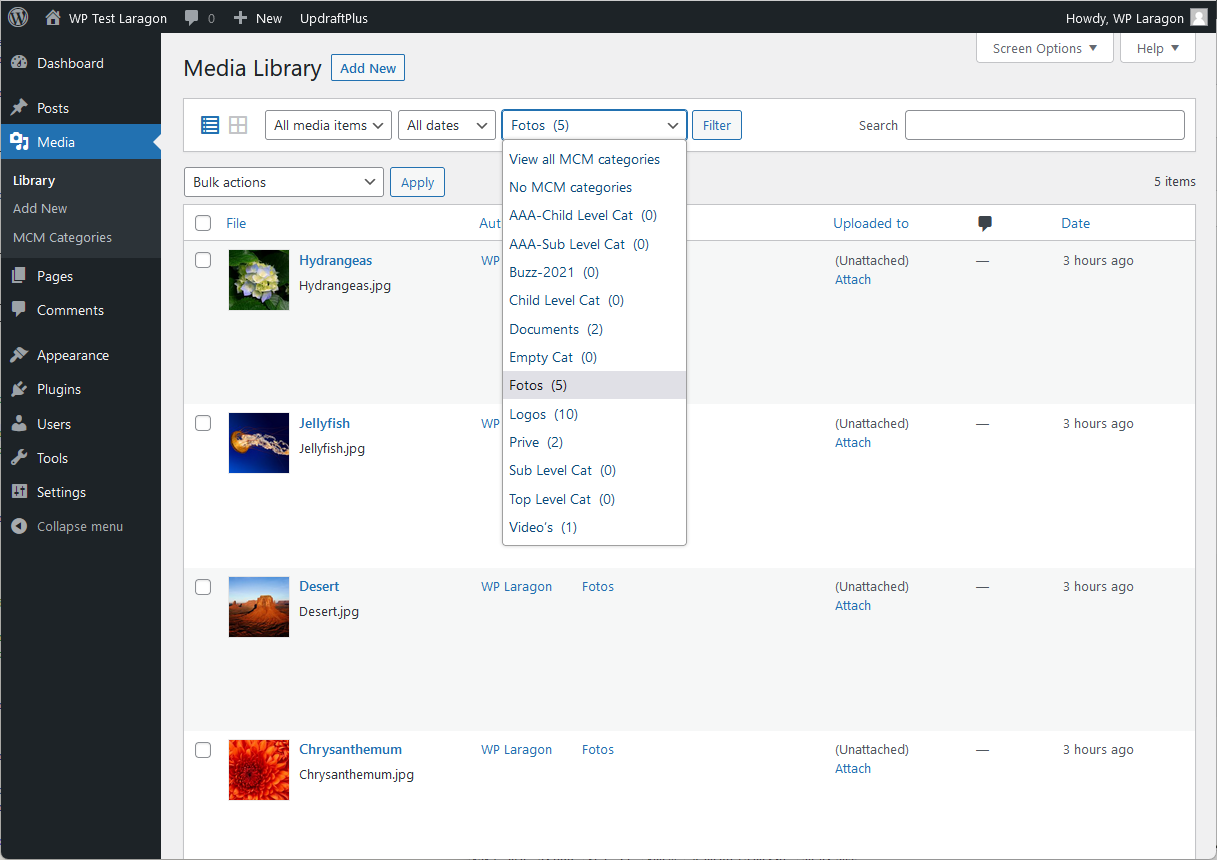
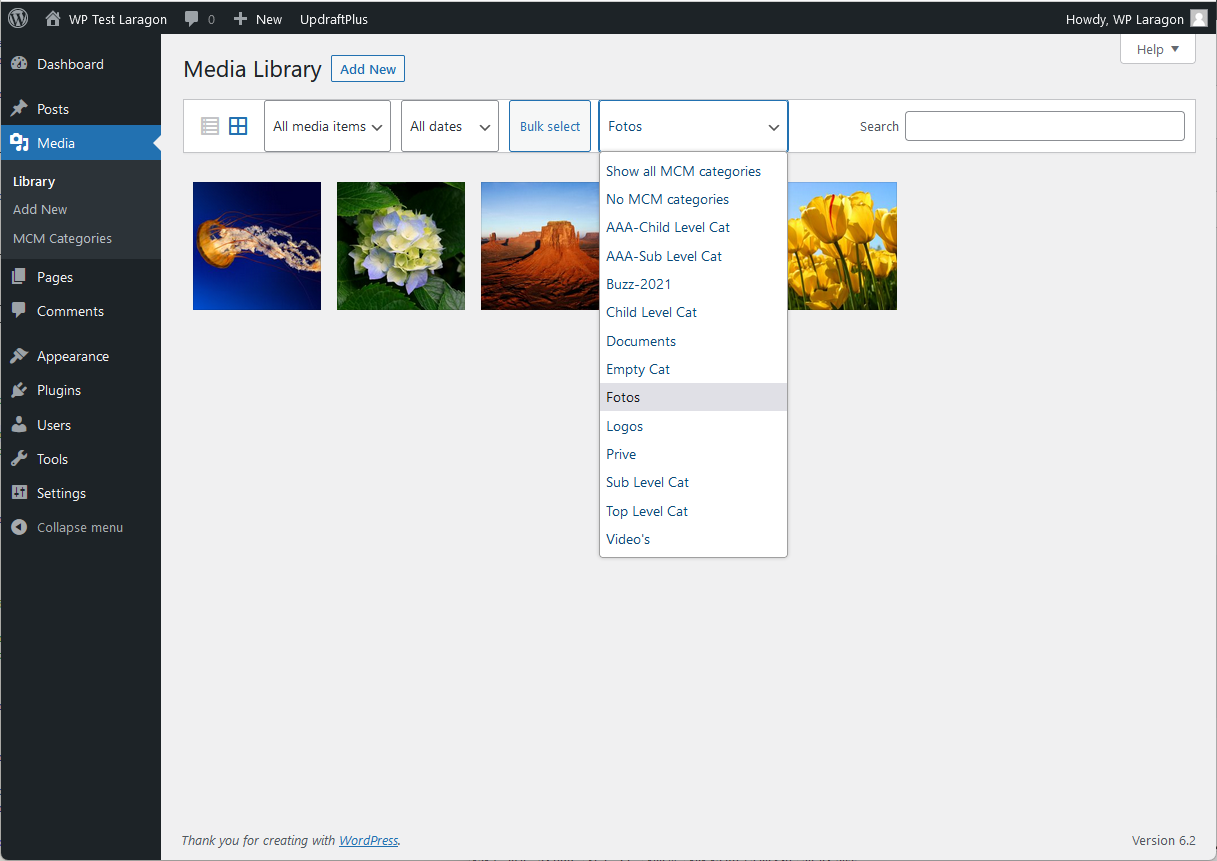
- Filter media files in Media Library by your custom taxonomies and folders, both in List and Grid view.
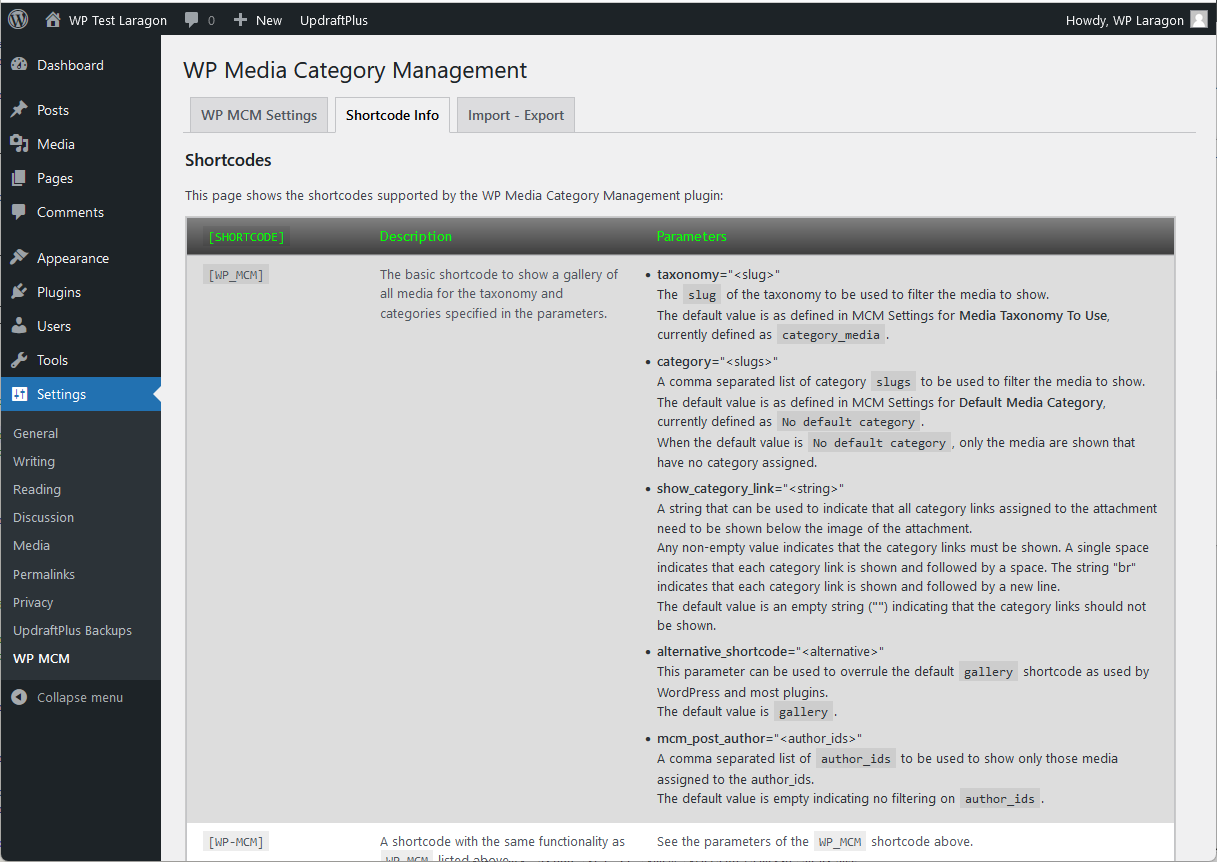
- Use new or existing shortcode to filter the media on galleries in posts and pages.
- Use a default category while uploading (see FAQ section).
Premium Features
- Use functionality to manage whether users are allowed or disallowed to manage media.
- Use WPMCM Gallery block to filter the media on galleries in posts and pages.
- Filter media per user on several places like List or Grid view and showing media with block or shortcode.
- Export MCM Categories and / or attachment information filtered by user.
- Use WP Importer functionality for exported information, even on sites without WP MCM Premium installed.
- Use WPMCM Gallery block layout when using wp-mcm shortcode to filter the media in posts and pages.
Installation
- Upload plugin folder to ‘/wp-content/plugins/’ directory
- Activate the plugin through ‘Plugins’ menu in WordPress admin
- Adjust plugin’s settings on WP MCM -> Settings
- Enjoy WordPress Media Category Management!
- Use shortcode
[wp_mcm taxonomy="<slug>" category="<slugs>"]in your posts or pages, see also WP MCM -> Shortcodes
Frequently asked questions
How do I use this plugin?
On the options page, define which taxonomy to use for media: either use the standard post taxonomy, a dedicated media taxonomy or a custom media taxonomy. Define the categories to be used for media. Toggle category assignments to media, either individually or in bulk. Use category filter when adding media to posts or pages.
How do I use this plugin to support the media taxonomy of another plugin?
There are a number of plugins available for managing media categories. This plugin now supports the settings previously defined to support those media categories. Check out the MCM Settings page which shows an option “Media Taxonomy To Use”. The dropdown list of this option shows a list of all taxonomies currently used by this WordPress installation. The option “(P) Categories” is the taxonomy defined by default for posts. The option “MCM Categories” is the taxonomy previously defined as “Media Categories” by version 1.1 and earlier of this plugin. If there are other taxonomies currently…
How can I use the “Default Media Category”?
First enable the option “Use Default Category” on the MCM Settings page. When enabled and a media attachment has no category defined yet, the value of “Default Media Category” will be assigned automatically when a media attachment is added or edited. The default value is also used in the [wp_mcm] shortcode to automatically filter the attachments to be shown.
Steps to assign a default category while uploading:
Enable “Use default category” in Settings Define the default category to use Upload the media for this category Repeat from step 2 for other categories
How do I use the shortcode of this plugin?
Use the [wp_mcm] shortcode. Various shortcode uses are explained in the WP MCM -> Shortcodes page.
Changelog
See change log.
2.5.4
- Tested for WP 7.0.3
- Fixed issue Function _load_textdomain_just_in_time was called incorrectly
- Fixed issue missing WPMCM Blocks
- Fixed issue WPMCM-Gallery block resetting category selection when taxonomy changed
- Fixed issue typo in variable usage
2.5.3
- Tested for WP 7.0.1
- Fixed issue when using global variable
- Updated Freemius sdk to v2.13.4
2.5.2
- Fixed issue when uploading and editing media
- Updated Freemius sdk to v2.13.2
2.5.1
- Tested for WP 7.0
- Updated Freemius sdk to v2.13.1
- Fixed some small security issues
- Started Folder Management
2.5.0
- Tested for WP 6.9
- Fixed some small security issues
- Moved Freemius sdk v2.13.0 to vendor folder
2.4.2
- Tested for WP 6.8.3
- Updated Freemius sdk to v2.13.0
Screenshots

![The post edit page showing an example using the [wp-mcm category="fotos"] shortcode.](https://ps.w.org/wp-media-category-management/assets/screenshot-9.png?rev=2908890)
For developers
Is this your plugin? Show off the numbers.
Add a live badge to your site, docs or GitHub README. It updates on its own — no account needed.
FAQ
WP Media Category Management: quick answers
Straight answers, pulled from live WordPress.org data.
Live data from WordPress.org · checked Sep 26, 2026
Is WP Media Category Management free?
Yes. WP Media Category Management is free to download and use from the official WordPress.org plugin directory.
Is WP Media Category Management safe to use in 2026?
WP Media Category Management is a solid plugin choice in 2026, with a few things worth checking first. It runs on 6K+ sites, is rated 4.7/5 and was last updated 2 months ago, and scores 68/100 on our health check.
How many websites use WP Media Category Management?
WP Media Category Management is active on 6K+ WordPress websites and has been downloaded 259,092 times since it launched in October 2014. It was downloaded 1,661 times in the last 30 days.
Does WP Media Category Management work with WordPress 7.1?
WP Media Category Management is officially tested up to WordPress 7.0.6, while the latest release is 7.1.2. It may still work, but try it on a staging site first.
When was WP Media Category Management last updated?
The latest version, 2.5.4, was released on August 9, 2026 (2 months ago).
Who makes WP Media Category Management?
WP Media Category Management is developed and maintained by Jan DeBAAT.
Powered by PageForge
Want thousands of pages that rank like these? Build them in an afternoon.
This directory runs on the same engine as PageForge. Turn any spreadsheet, CSV or API into thousands of fast, SEO-ready WordPress pages — with schema, internal links and AI-written copy baked in.
- CSV, Google Sheets & API data sources
- AI content, schema & internal links per page
- Works with Elementor, Gutenberg, Yoast & Rank Math
- Free on WordPress.org — no credit card


