



WordProof Timestamp
Timestamp your WordPress content on the blockchain for protection and trust. No blockchain knowledge required.

Consider an alternative
WordProof Timestamp shows warning signs in 2026 — compare the alternatives below before installing. It runs on 200+ sites, is rated 4.2/5 and was last updated 2 years ago, and scores 35/100 on our health check.
- Small user base (200+ active installs)
- No update in 2 years
- Only tested up to WordPress 6.5 (latest is 7.1)
How does it stack up?
Side-by-side on installs, updates, ratings & support



Daily downloads
Download spikes usually follow a new release — each site that auto-updates counts as a download.
Rankings
Where WordProof Timestamp stands todayWordPress.org search rankings
Live position in the plugin search, top 100| Keyword | Position |
|---|---|
| blockchain | #61 |
| eos | #7 |
| eosio | #1 |
| telos | #2 |
| timestamp | #44 |
Version adoption
Share of active sites per release.
Rating breakdown
★★★★★★★★★★ 4.2 from 15 reviews
About WordProof Timestamp
From the official readme · v3.0.15Description
WordProof: Timestamp your WordPress Content on the Blockchain
With WordProof Timestamp, you can timestamp your WordPress content on any EOSIO blockchain from the comfort of your WordPress site. No prior blockchain experience necessary. After the set-up, everything is taken care of automatically!
Why do I need to timestamp my content?
WordProof Timestamp does everything in its power to bring the benefits of blockchain to your WordPress website. Here are some reasons why you should timestamp your content:
- Copyright protection
- Transparency: increase trust and claim authenticity
- Next-generation SEO benefits
- Proof of existence at certain moments in time
- Prepare for upcoming EU regulations
- Be your own notary
Features
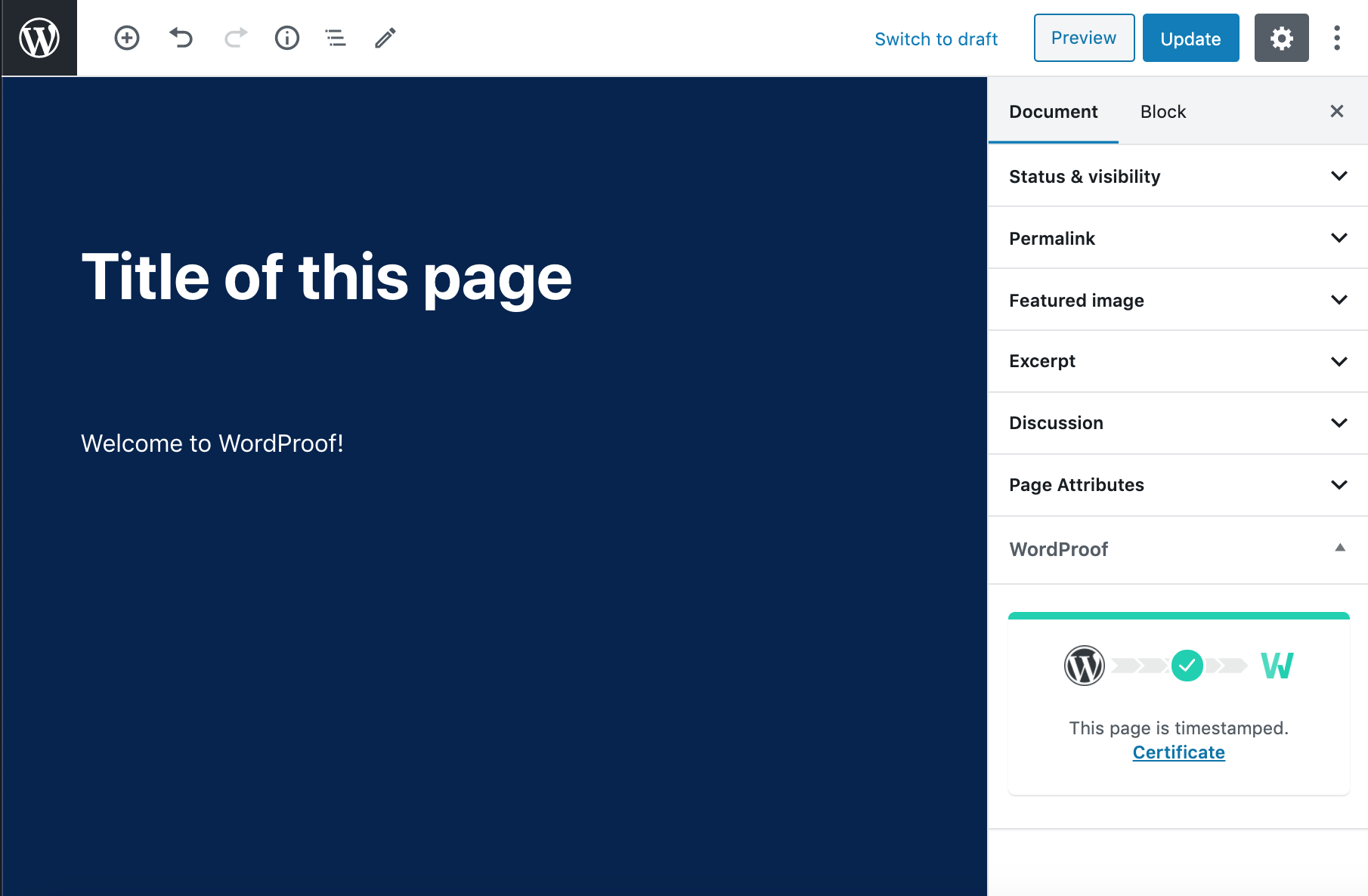
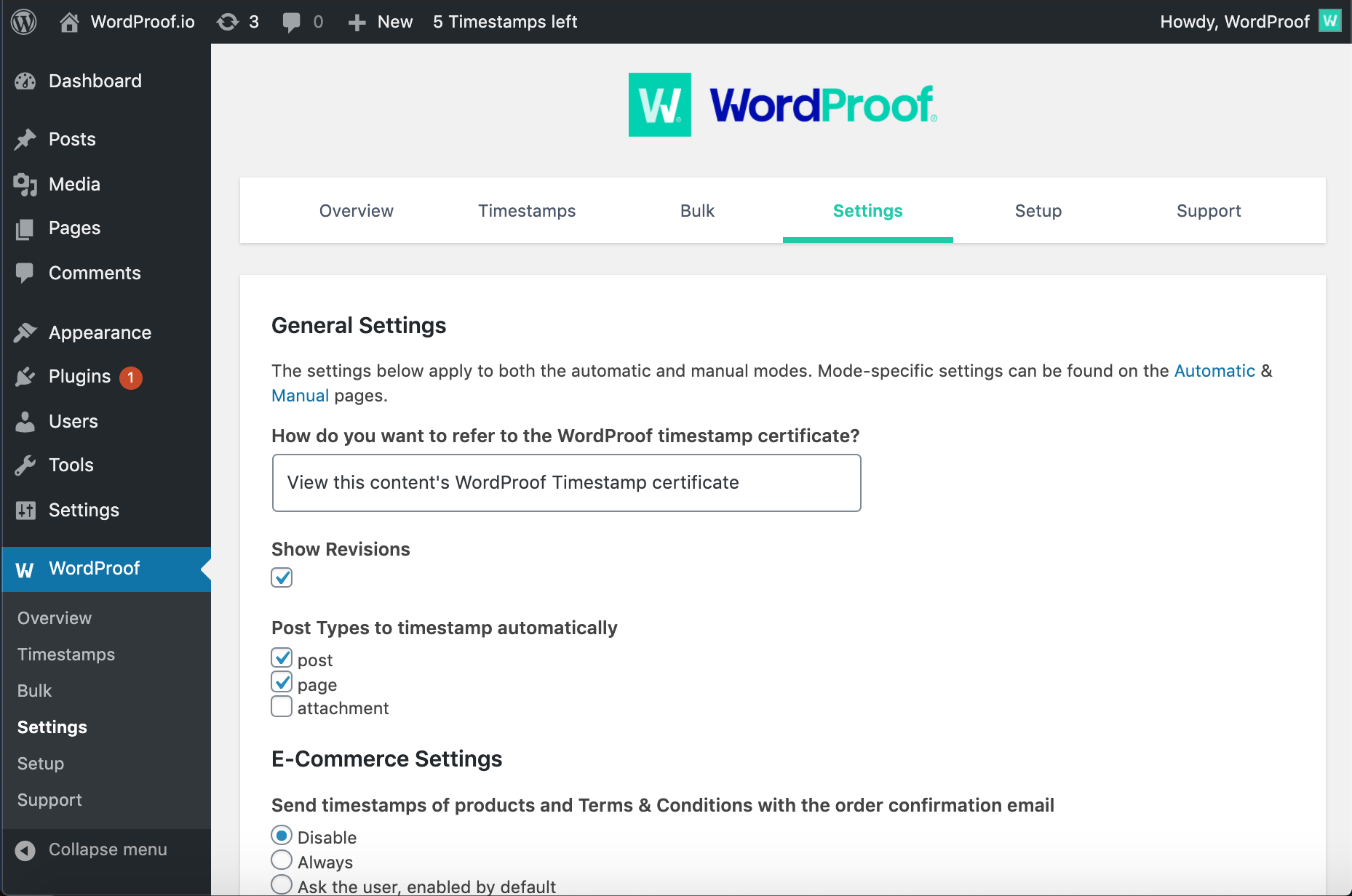
- Automatically timestamp your content on the blockchain
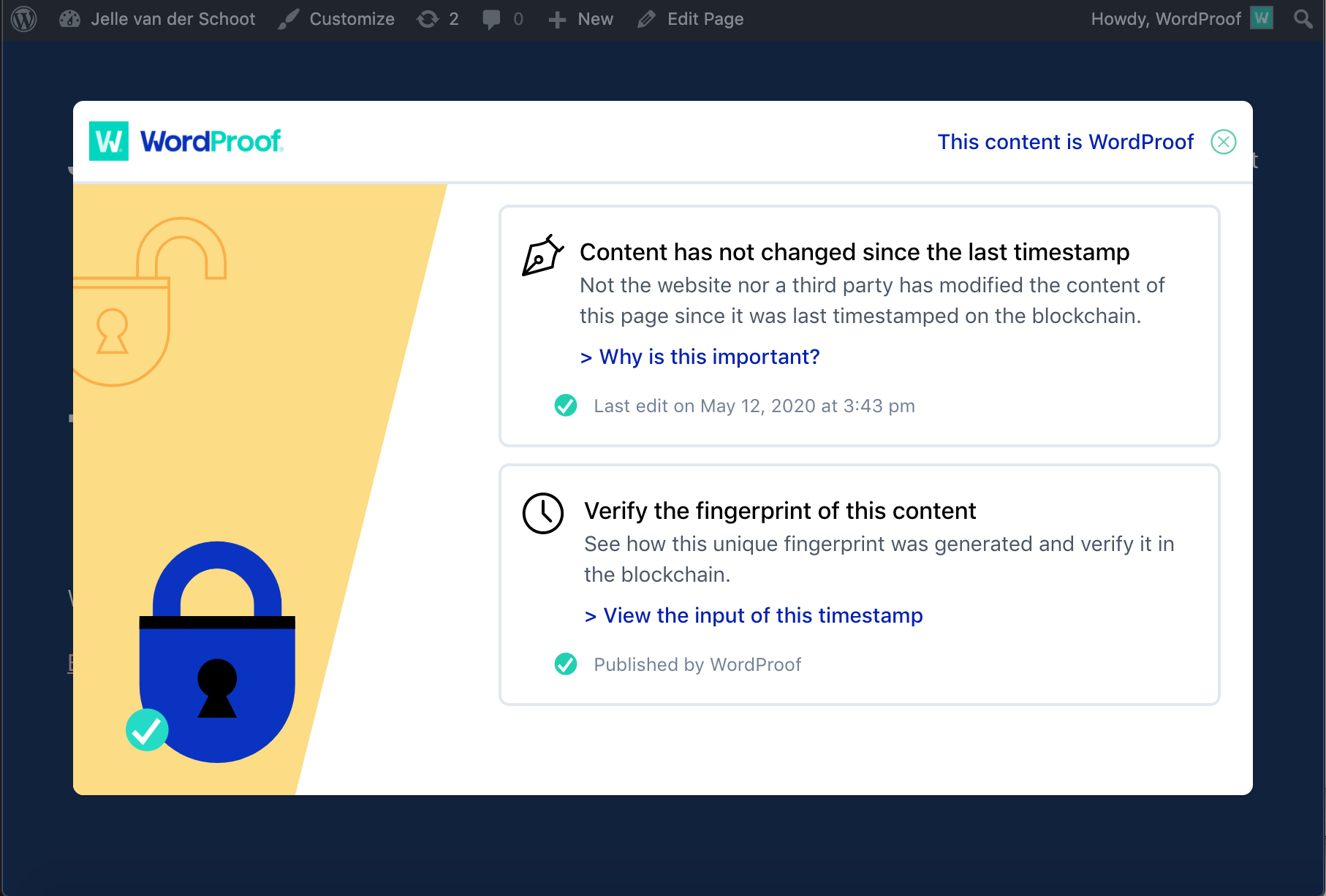
- Show the blockchain certificate pop-up on your website
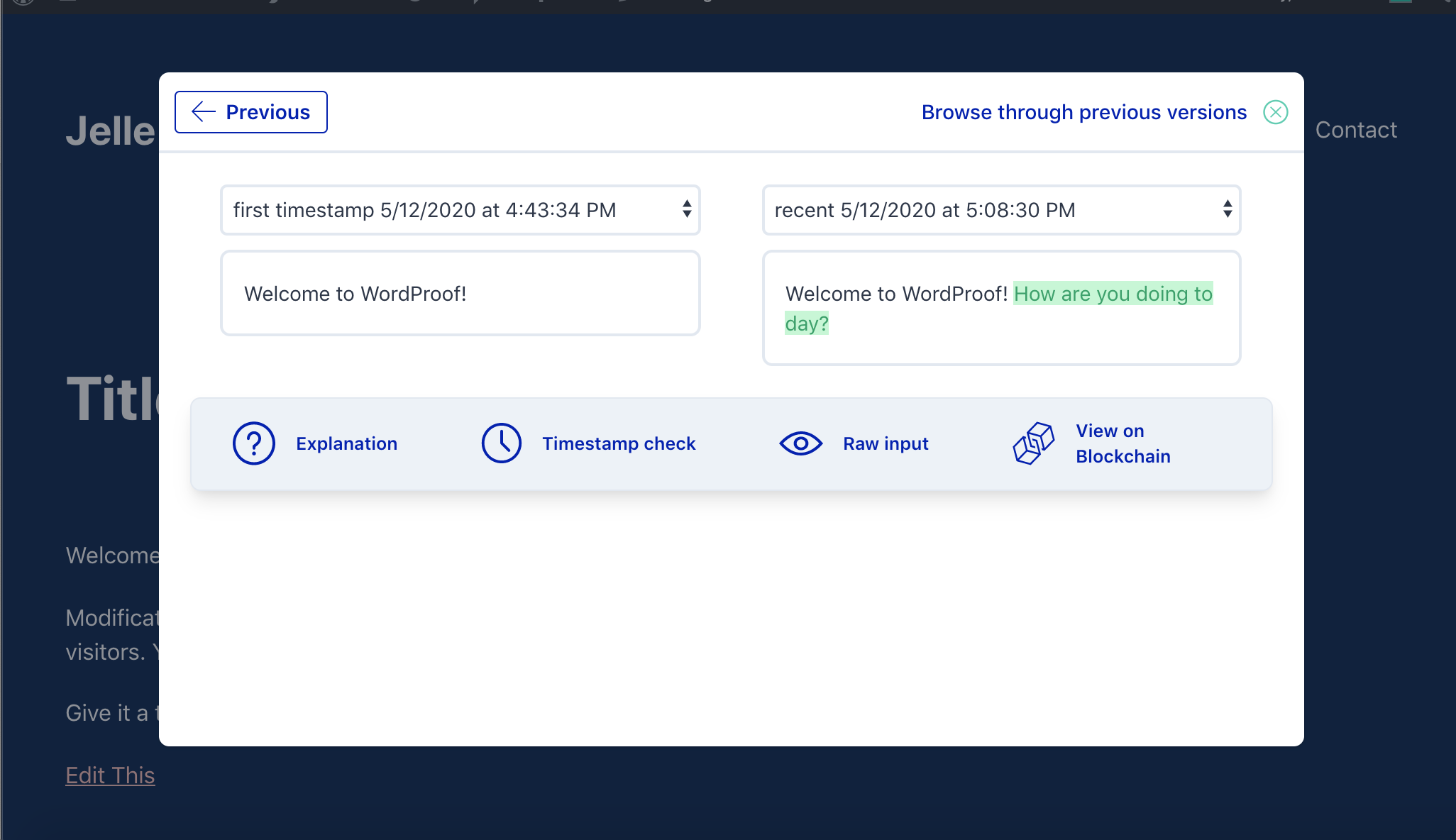
- Let your visitors verify when and how your content changed
- Downloadable blockchain certificate as proof of existence
How does WordProof Timestamp work?
Timestamping creates a unique and universal fingerprint (the ‘hash’) for all your posts, pages and media files. If the input changes, the hash becomes totally different.
This hash is added to the blockchain with a date and time. Because you (the website owner) have the input that results in this specific hash, you can prove that you published the content at that point in time.
Further Reading on WordProof, WordPress, and Blockchain
For more info on WordProof, WordPress, and Blockchain, check out the following:
- The WordProof Plugin official homepage.
- WordPress and Blockchain – The Manifest for a 100% Open Source Future by Sebastiaan van der Lans.
- Join the WordProof Telegram for feedback, updates and support.
Special thanks to the Telos Foundation for co-funding a first version WordProof via their Worker Proposal System.
From within WordPress
- Visit ‘Plugins > Add New’
- Search for ‘WordProof’
- Activate WordProof Timestamp from your Plugins page.
- Go to “after activation” below.
Manually
- Upload the
wordproof-timestampfolder to the/wp-content/plugins/directory - Activate the WordProof Timestamp plugin through the ‘Plugins’ menu in WordPress
- Go to “after activation” below.
After activation
- Authenticate using your WordProof account
Changelog
The is a major overhaul of the plugin. After upgrading, you need to login with your WordProof account again. On sites with a large number of timestamps the migration will take longer. This process will be done in the background.
3.0.15
Release date: May 7th, 2024
* Updated for latest WordPress version.
Screenshots
For developers
Is this your plugin? Show off the numbers.
Add a live badge to your site, docs or GitHub README. It updates on its own — no account needed.
Best WordProof Timestamp alternatives
All blockchain plugins →





FAQ
WordProof Timestamp: quick answers
Straight answers, pulled from live WordPress.org data.
Live data from WordPress.org · checked Sep 28, 2026
Is WordProof Timestamp free?
Yes. WordProof Timestamp is free to download and use from the official WordPress.org plugin directory.
Is WordProof Timestamp safe to use in 2026?
WordProof Timestamp shows warning signs in 2026 — compare the alternatives below before installing. It runs on 200+ sites, is rated 4.2/5 and was last updated 2 years ago, and scores 35/100 on our health check.
How many websites use WordProof Timestamp?
WordProof Timestamp is active on 200+ WordPress websites and has been downloaded 32,309 times since it launched in May 2019. It was downloaded 107 times in the last 30 days.
Does WordProof Timestamp work with WordPress 7.1?
WordProof Timestamp is officially tested up to WordPress 6.5.12, while the latest release is 7.1.2. It may still work, but try it on a staging site first.
What PHP version does WordProof Timestamp need?
WordProof Timestamp requires PHP 7.3 or higher. Most hosts run PHP 8.x today, so it works on any modern WordPress hosting.
When was WordProof Timestamp last updated?
The latest version, 3.0.15, was released on May 7, 2024 (2 years ago).
Who makes WordProof Timestamp?
WordProof Timestamp is developed and maintained by WordProof.
What are the best alternatives to WordProof Timestamp?
The most popular alternatives to WordProof Timestamp are Web3Press (400+ installs), Chainwire Integration (200+ installs) and SteemPress (100+ installs).
Powered by PageForge
Want thousands of pages that rank like these? Build them in an afternoon.
This directory runs on the same engine as PageForge. Turn any spreadsheet, CSV or API into thousands of fast, SEO-ready WordPress pages — with schema, internal links and AI-written copy baked in.
- CSV, Google Sheets & API data sources
- AI content, schema & internal links per page
- Works with Elementor, Gutenberg, Yoast & Rank Math
- Free on WordPress.org — no credit card


