



Product Category Slider & Grid for WooCommerce – Reno Product Category
Display product categories in responsive sliders or grids to showcase them effectively on your WooCommerce store and improve shoppers' navigation.

Safe pick
Yes — Product Category Slider & Grid… is a safe, well-maintained plugin to use in 2026. It runs on 9K+ sites, is rated 4.8/5 and was last updated 1 month ago, and scores 88/100 on our health check.
- Loved by users — 4.8/5 from 91 reviews
- Tested with the latest WordPress (7.1)
Daily downloads
Download spikes usually follow a new release — each site that auto-updates counts as a download.
Rankings
Where Product Category Slider & G… stands todayWordPress.org search rankings
Live position in the plugin search, top 100| Keyword | Position |
|---|---|
| category carousel | #5 |
| product category | #1 |
| product category showcase | #2 |
| shop category grid | #1 |
| WooCommerce category slider | #3 |
Version adoption
Share of active sites per release.
Rating breakdown
★★★★★★★★★★ 4.8 from 91 reviews
About Product Category Slider & Grid for WooC…
From the official readme · v1.7.2Description
Product Category Showcase for WooCommerce
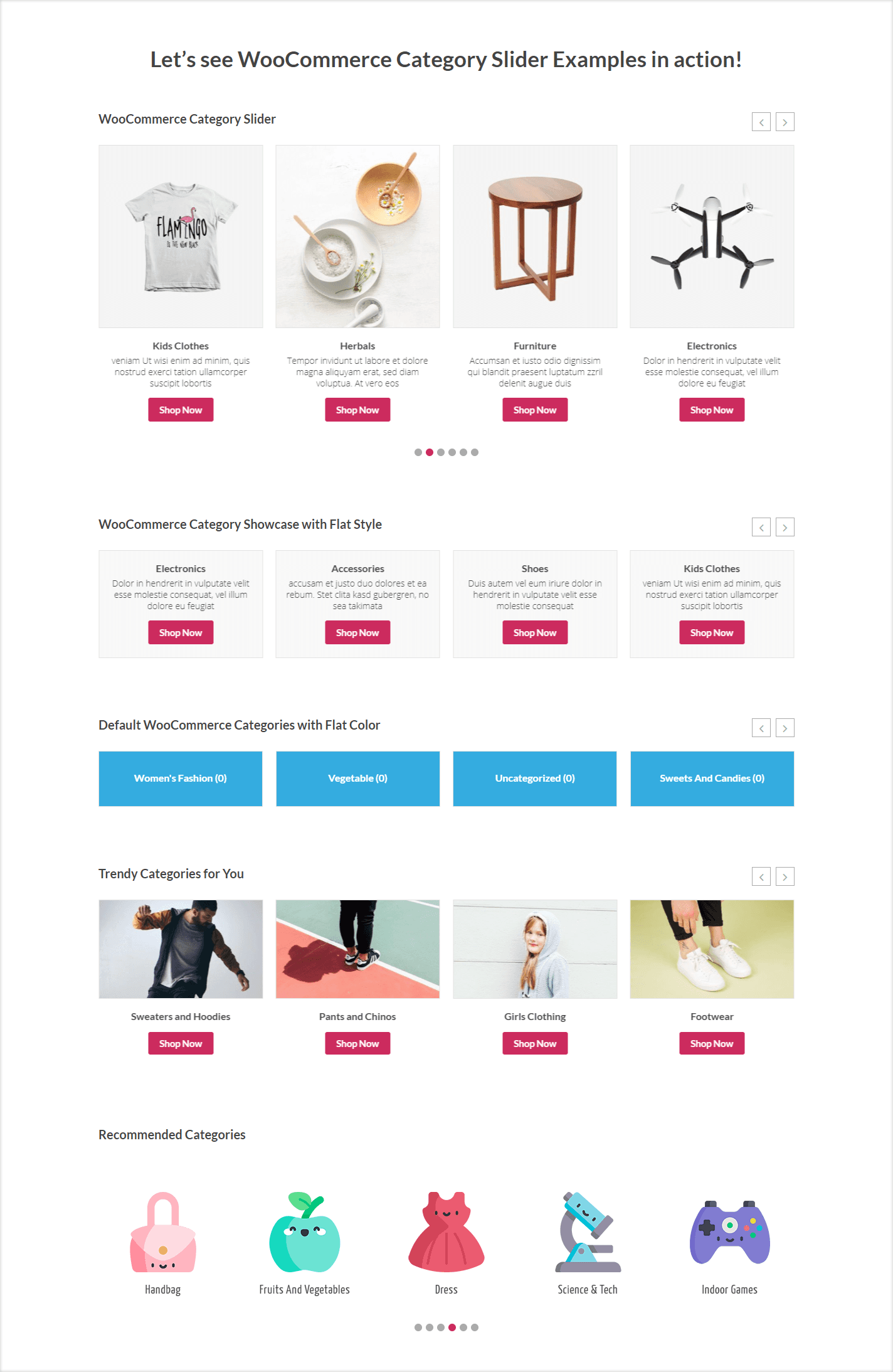
Reno Product Category is a powerful yet lightweight Product Category Slider & Grid for WooCommerce plugin that helps you beautifully display your store’s product categories. You can showcase WooCommerce featured categories in a responsive slider, carousel, or grid layout with thumbnails, titles, product counts, descriptions, and a Shop Now button.
Live Demo | Documentation | Upgrade to Pro!
👉 How This Plugin Helps Your WooCommerce Store
- Highlight featured categories on the homepage, shop page, or anywhere with a shortcode.
- Engage shoppers visually with clean, modern category sliders and grid layouts.
- Guiding customers directly to the categories they’re most interested in.
No coding required – simply generate shortcodes and customize layouts directly from your dashboard.
👉 Exciting Main Features
Responsive & Mobile Friendly: The plugin is fully mobile-friendly and works seamlessly on desktops, tablets, and mobile devices.
Unlimited Category Sliders & Grids: Create as many sliders and grids as you need, and customize each one with simple shortcode options.
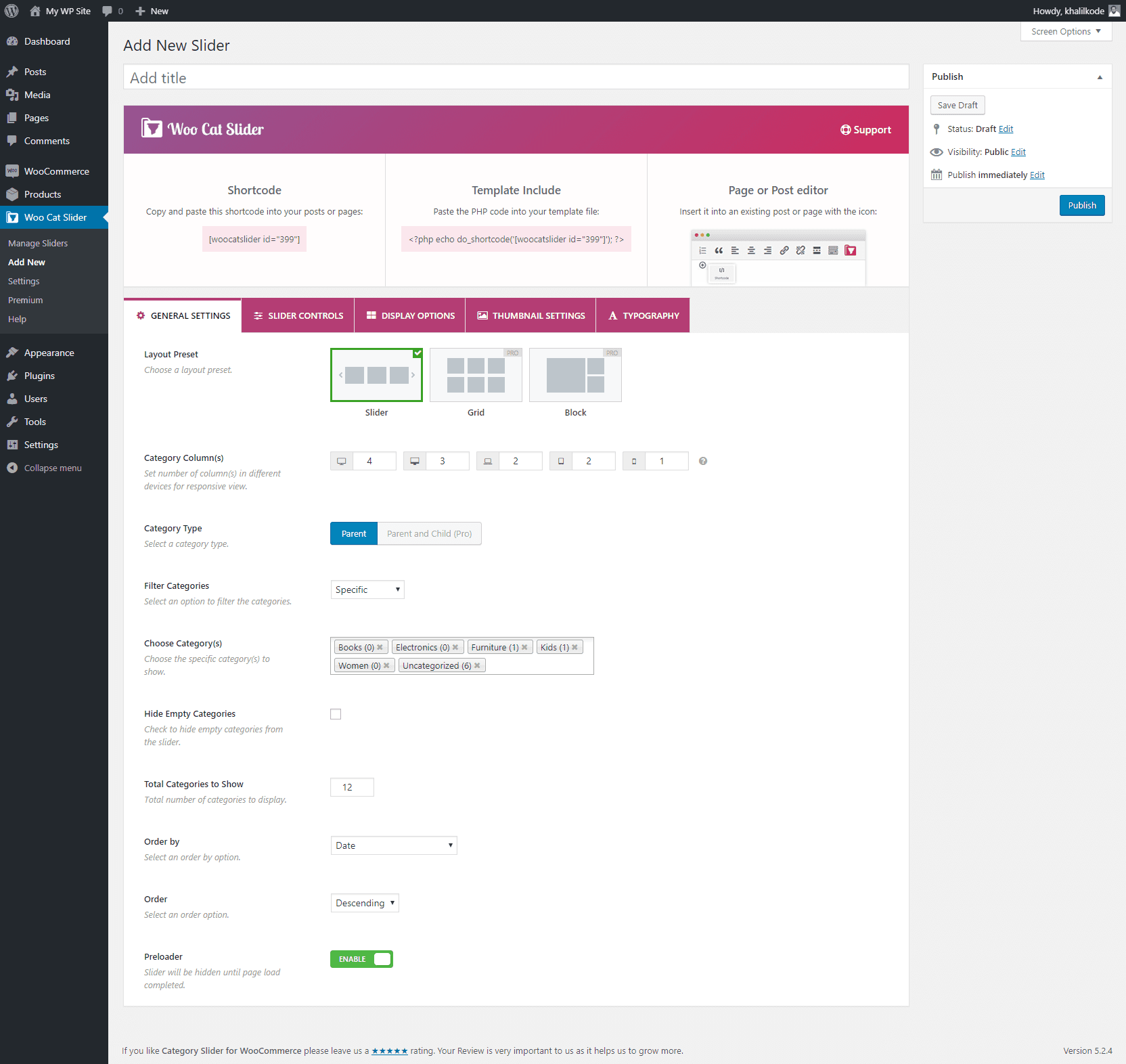
Category Filters & Display: Show or hide specific categories, hide empty ones, and limit the number of categories displayed. Easily choose which product categories to include or exclude.
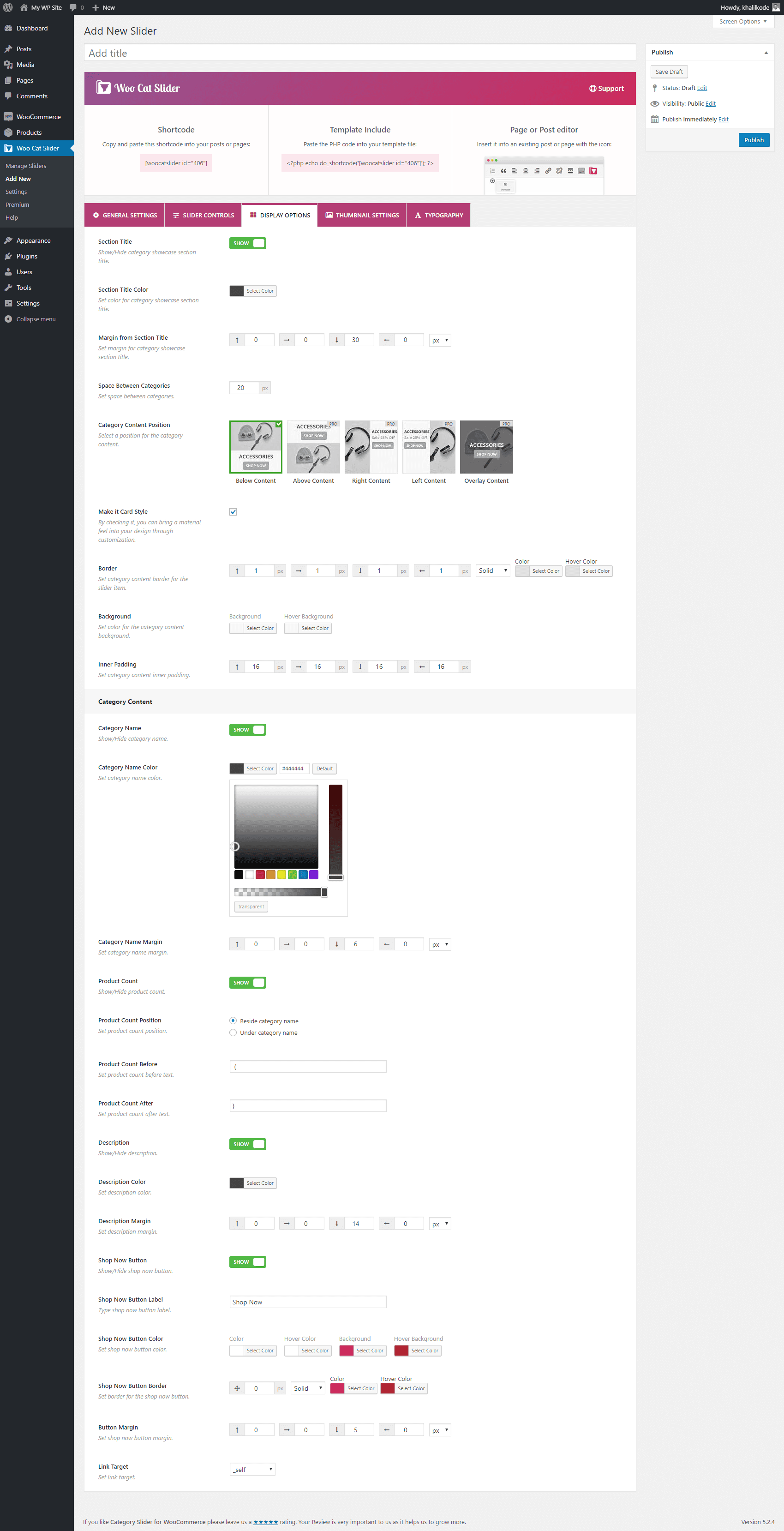
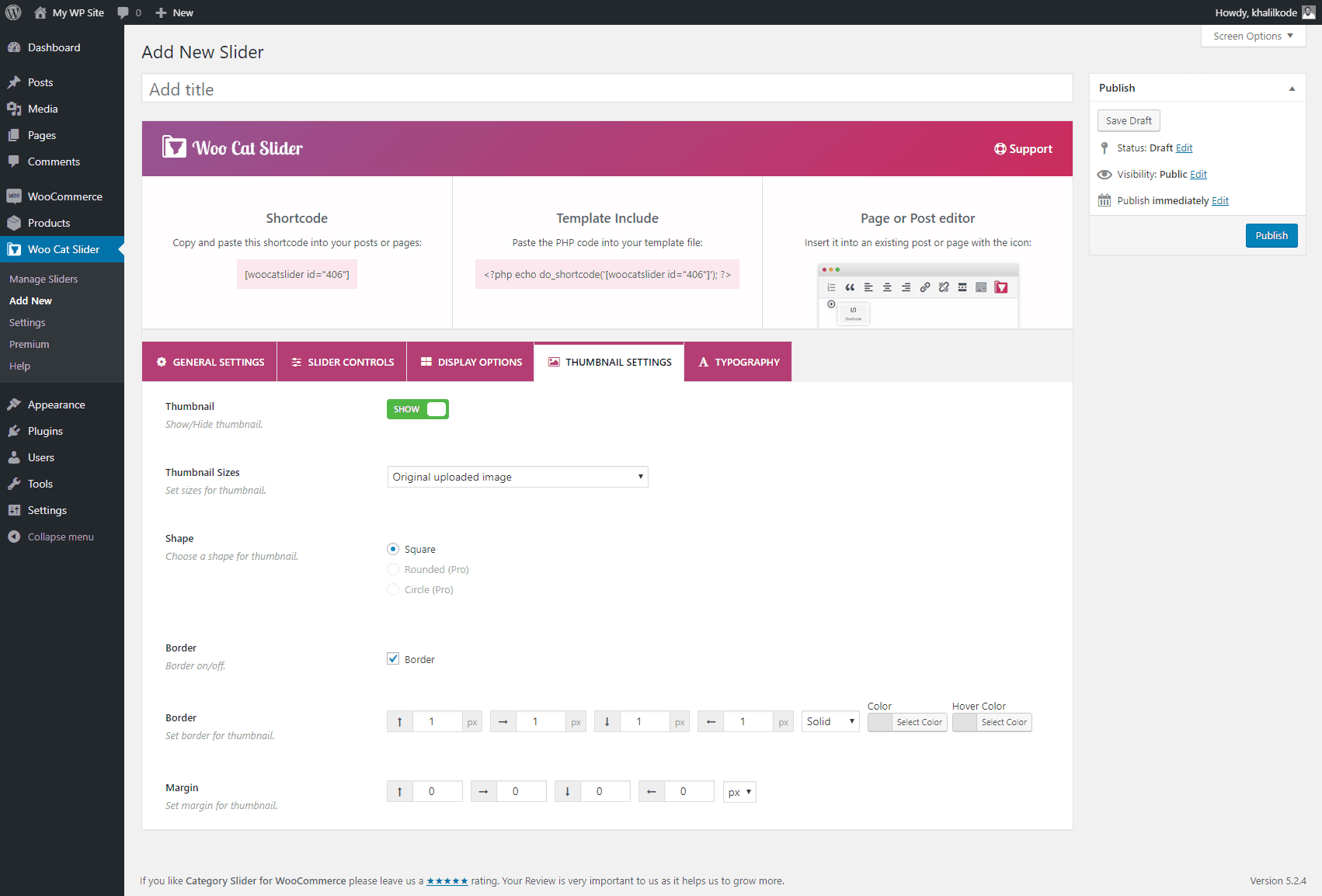
Category Display Options: Display category details such as the name, thumbnail or color background, product count, description, and a shop now button.
Product Category Thumbnail or Image: Choose from existing category thumbnails, add custom images, and customize appearance with borders, box shadows, padding, and margins.
Color & Styling Options: Customize colors, layouts, contents, and spacing to match your theme and store’s design.
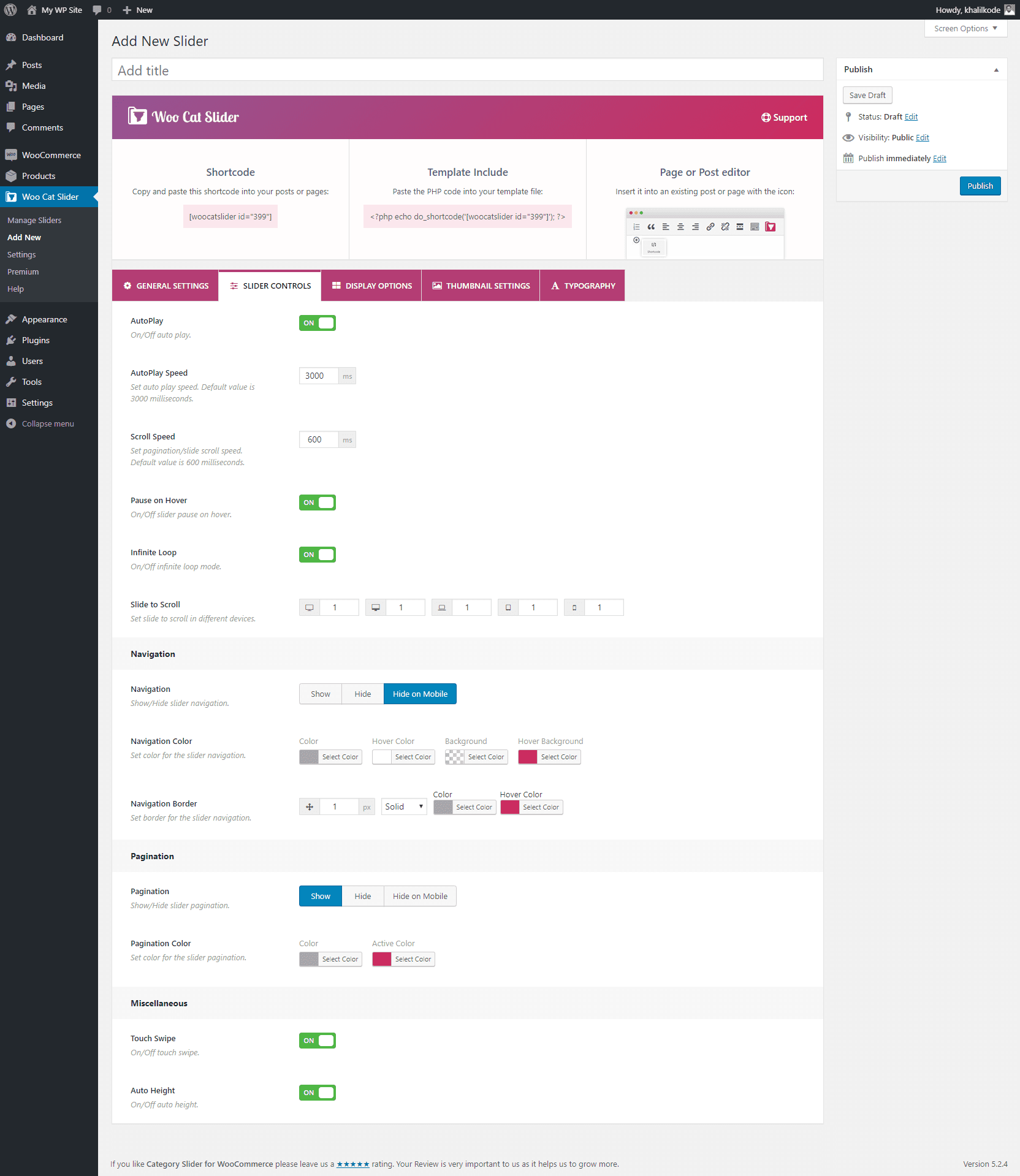
Advanced Slider Settings: Control autoplay and slide speed, enable infinite loop, show navigation arrows and dots, support touch/swipe gestures, and pause on hover.
Lightweight & Fast: Optimized for performance to load quickly and run smoothly on your store.
Import and Export Category Showcases: Easily import or export category sliders and grids with just a few clicks.
Support, Feature Requests, & Bug Reporting: For any issues, feature requests, or bug reports, please contact our Support team. We are happy to assist you and address your queries.
👉 Want More Features?
Reno Product Category also comes with a Pro version that extends functionality with more layouts, design flexibility, and advanced controls.
- Choose which categories to show or hide.
- Display multi-level categories (parent, child, grandchild, great-grandchild).
- Access extra slider and grid layouts.
- Unlock advanced customization and styling options.
- Get priority updates and premium support.
Multilingual Ready
Page Builders Ready
- Gutenberg
- Elementor
- Divi Builder
- WPBakery
- BeaverBuilder
- SiteOrigin
- Fusion Builder
Author
The Reno Product Category plugin is developed and maintained by ShapedPlugin LLC.
Installation
This section describes how to install the plugin and get it working
AUTOMATIC INSTALLATION (EASIEST WAY)
To do an automatic install of Reno Product Category, log in to your WordPress dashboard, navigate to the Plugins menu and click Add New.
In the search field type “Reno Product Category”. Once you have found it you can install it by simply clicking “Install Now” and then “Activate”.
MANUAL INSTALLATION
Uploading in WordPress Dashboard
- Download woo-category-slider-grid.zip
- Navigate to the ‘Add New’ in the plugins dashboard
- Navigate to the ‘Upload’ area
- Select woo-category-slider-grid.zip from your computer
- Click ‘Install Now’
- Activate the plugin in the Plugin dashboard
Using FTP
- Download woo-category-slider-grid.zip
- Extract the woo-category-slider-grid directory to your computer
- Upload the woo-category-slider-grid directory to the /wp-content/plugins/ directory
- Activate the plugin in the Plugin dashboard
You will now see the Product Category menu in your WordPress admin panel.
The WordPress codex contains instructions on how to install a WordPress plugin.
Frequently asked questions
What is Reno Product Category, and is it free?
Reno Product Category is a free WordPress plugin that allows WooCommerce store owners to display product categories in responsive sliders and grids. You can showcase categories with thumbnails, names, product counts, descriptions, and a “Shop Now” button to improve navigation and engagement. The core version is free on WordPress.org, with an optional Pro version that adds advanced layouts, styling options, and additional customization features.
Can I customize the appearance of the category sliders or grids?
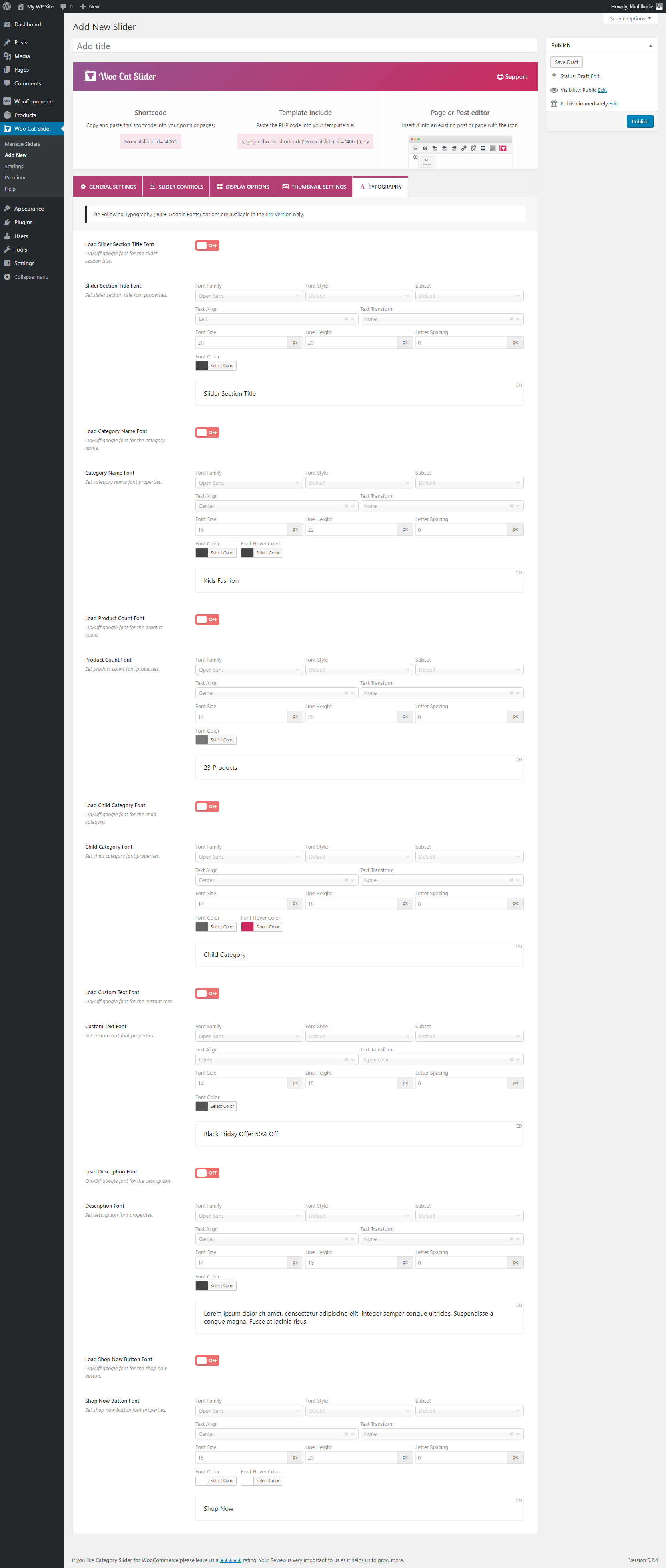
Yes, Reno Product Category offers extensive customization options. You can adjust colors, layouts, spacing, and typography to match your store’s design. Additionally, you can control the visibility of category elements like names, thumbnails, descriptions, and the “Shop Now” button.
Is Reno Product Category mobile-friendly?
Absolutely. Reno Product Category is fully responsive and optimized for mobile devices, ensuring that your category sliders and grids look great on desktops, tablets, and smartphones.
How do I add a product category slider or grid layout to my site?
You can add a category slider or grid using the built-in shortcode generator. Simply configure your desired settings, generate the shortcode, and place it in any post, page, or widget area. Alternatively, Reno Product Category is compatible with the Gutenberg block editor, allowing you to insert the slider directly into your content.
Can I filter which categories to display?
Yes, Reno Product Category provides filtering options to display specific categories. You can choose to show or hide particular categories, exclude empty ones, and limit the number of categories displayed in the slider or grid.
Is there a premium version of Reno Product Category?
Yes, Reno Product Category offers a Pro version with additional features, including advanced styling options, more slider controls, and enhanced customization capabilities. You can upgrade to the Pro version to access these premium features.
Does Reno Product Category work with any theme or plugin?
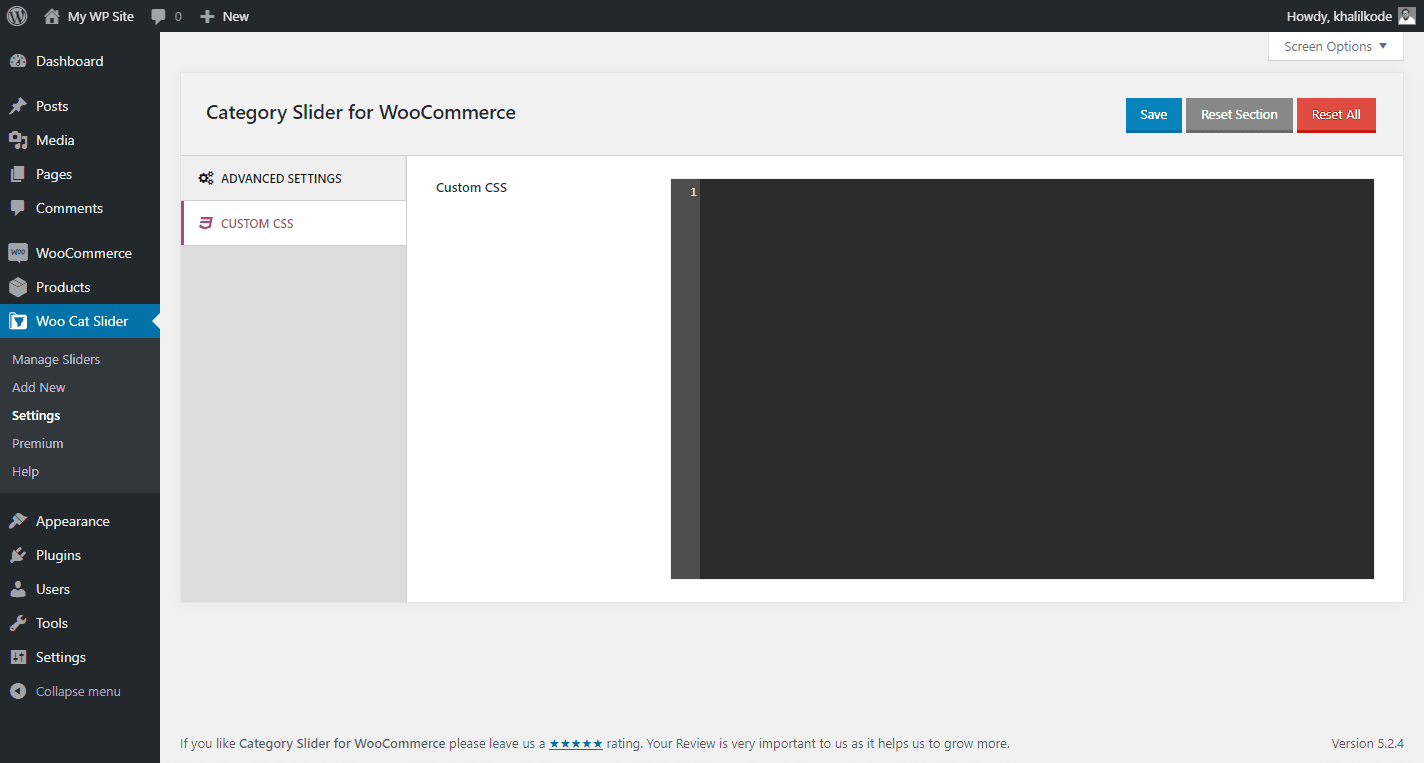
Yes, Reno Product Category is compatible with most standard WordPress themes that support WooCommerce. In some cases, minor adjustments or custom CSS may be needed to ensure proper display.
Changelog
1.7.2 – August 24, 2026
- Fixed: The JavaScript syntax error (missing comma) in minified file that prevented slider initialization.
1.7.1 – August 21, 2026
- Fixed: The Reno Product Category block now works correctly in WordPress 7.1 iframed editor.
- Tested: WordPress 7.1 compatibility.
- Tested: Woocommerce 11.0.1 compatibility.
1.7.0 – Jul 30, 2026
- New: The plugin has been rebranded from ‘WooCategory’ to ‘Reno Product Category’.
- New: The
[renocatslider]shortcode added. - Improved: The plugin menu name was renamed to ‘Product Category’.
- Improved: The WooCategory block was renamed to Reno Product Category.
- Updated: The translation (POT) file with the rebranded strings.
- Tested: WooCommerce 10.9.4 compatibility.
- Dev: The legacy
[woocatslider]shortcode remains registered and fully supported.
1.6.6 – Jul 06, 2026
- Improved: The recommended plugins section now uses the plugins_api function for more reliable data.
- Improved: Hardened plugin security with proper capability checks.
- Tested: Compatibility confirmed with WooCommerce 10.9.1.
1.6.5 – Apr 15, 2026
- Improved: The plugin Admin UI styling has been improved for WP 7.0.
- Tested: WordPress 7.0 compatibility.
- Tested: WooCommerce 10.7.0 compatibility.
1.6.4 – Jan 13, 2026
- Improved: Standardized singleton instance property naming.
- Improved: Code readability and maintainability improved.
- Tested: WooCommerce 10.4.3 compatibility.
Screenshots
For developers
Is this your plugin? Show off the numbers.
Add a live badge to your site, docs or GitHub README. It updates on its own — no account needed.
FAQ
Product Category Slider & Grid for…: quick answers
Straight answers, pulled from live WordPress.org data.
Live data from WordPress.org · checked Sep 27, 2026
Is Product Category Slider & Grid… free?
Yes. Product Category Slider & Grid… is free to download and use from the official WordPress.org plugin directory. The developer also sells premium add-ons or a Pro version with extra features.
Is Product Category Slider & Grid… safe to use in 2026?
Yes — Product Category Slider & Grid… is a safe, well-maintained plugin to use in 2026. It runs on 9K+ sites, is rated 4.8/5 and was last updated 1 month ago, and scores 88/100 on our health check.
How many websites use Product Category Slider & Grid…?
Product Category Slider & Grid… is active on 9K+ WordPress websites and has been downloaded 267,525 times since it launched in July 2018. It was downloaded 2,571 times in the last 30 days.
Does Product Category Slider & Grid… work with WordPress 7.1?
Yes. The developer has tested Product Category Slider & Grid… up to WordPress 7.1.2, the latest release. It requires WordPress 5.0 or newer.
What PHP version does Product Category Slider & Grid… need?
Product Category Slider & Grid… requires PHP 7.0 or higher. Most hosts run PHP 8.x today, so it works on any modern WordPress hosting.
When was Product Category Slider & Grid… last updated?
The latest version, 1.7.2, was released on August 24, 2026 (1 month ago).
Who makes Product Category Slider & Grid…?
Product Category Slider & Grid… is developed and maintained by ShapedPlugin LLC.
Powered by PageForge
Want thousands of pages that rank like these? Build them in an afternoon.
This directory runs on the same engine as PageForge. Turn any spreadsheet, CSV or API into thousands of fast, SEO-ready WordPress pages — with schema, internal links and AI-written copy baked in.
- CSV, Google Sheets & API data sources
- AI content, schema & internal links per page
- Works with Elementor, Gutenberg, Yoast & Rank Math
- Free on WordPress.org — no credit card


