


Website Update Viewer
Website Update Viewer is a lightweight utility plugin designed to make site maintenance easier by providing a centralized view of all available updates. Many web developers and site maintainers spend unnecessary time…

Consider an alternative
Website Update Viewer shows warning signs in 2026 — compare the alternatives below before installing. It runs on 90+ sites and was last updated 1 year ago, and scores 34/100 on our health check.
- Small user base (90+ active installs)
- Very few reviews so far
- No update in over a year
- Only tested up to WordPress 6.8 (latest is 7.1)
Daily downloads
Download spikes usually follow a new release — each site that auto-updates counts as a download.
Rankings
Where Website Update Viewer stands todayWordPress.org search rankings
Live position in the plugin search, top 100| Keyword | Position |
|---|---|
| plugin updates viewer | #80 |
| theme updates viewer | #72 |
| viewer | >100 |
| website maintenance | >100 |
| wordpress core updates viewer | #37 |
Version adoption
Share of active sites per release.
About Website Update Viewer
From the official readme · v1.0Description
Website Update Viewer – A Simplified Way to Track WordPress Updates
Website Update Viewer is a lightweight utility plugin designed to make site maintenance easier by providing a centralized view of all available updates. Many web developers and site maintainers spend unnecessary time manually copying and tracking plugin, theme, and WordPress updates.
Key Features:
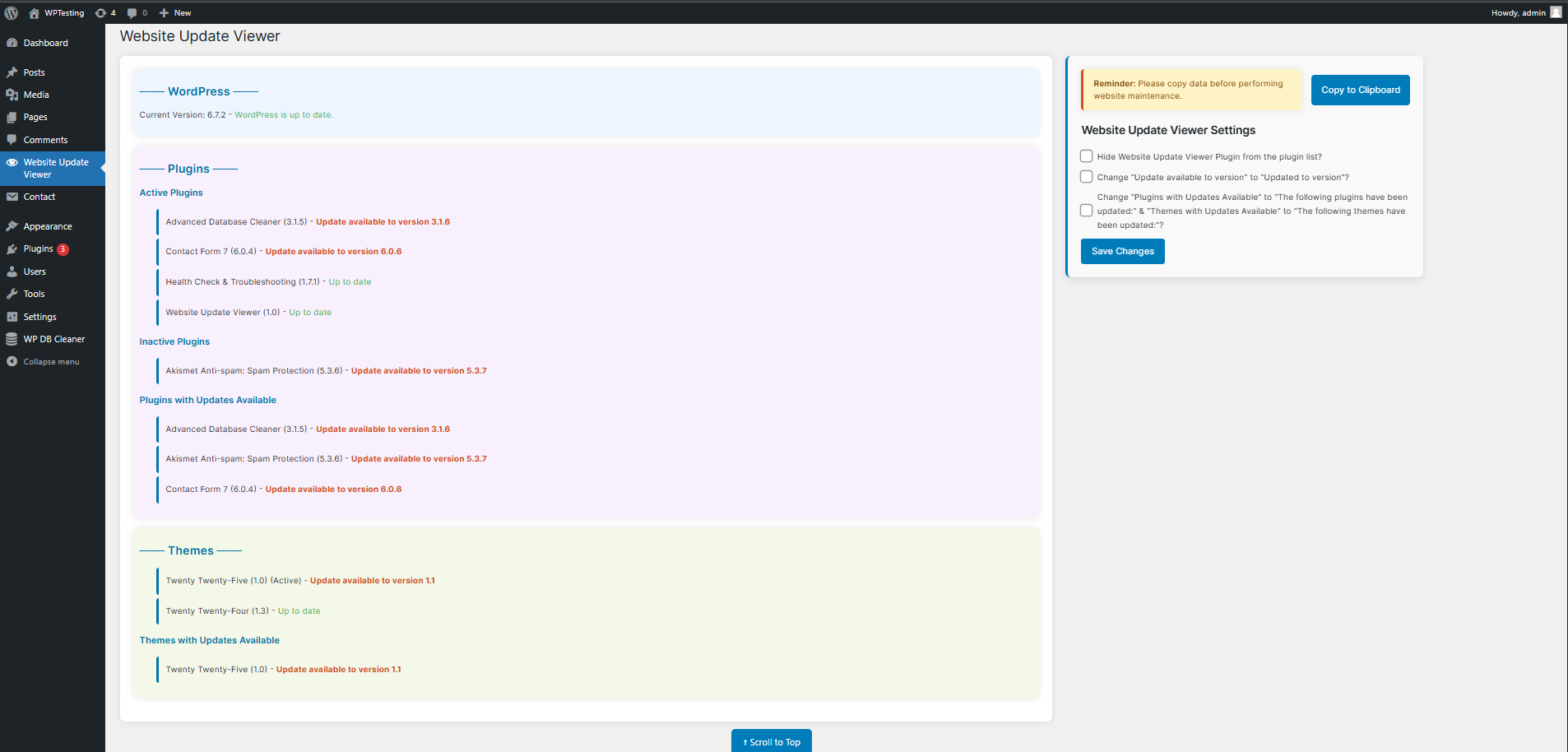
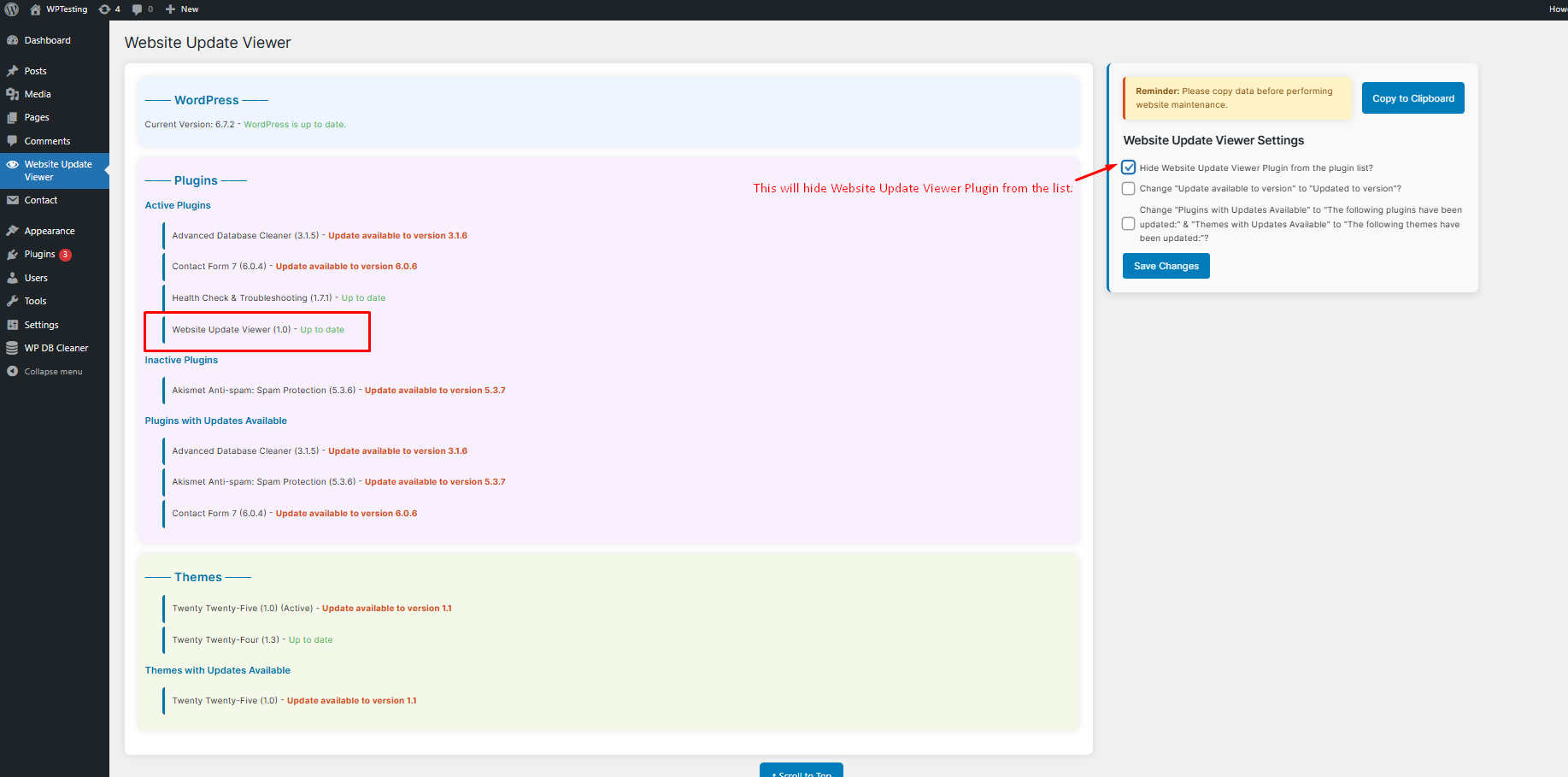
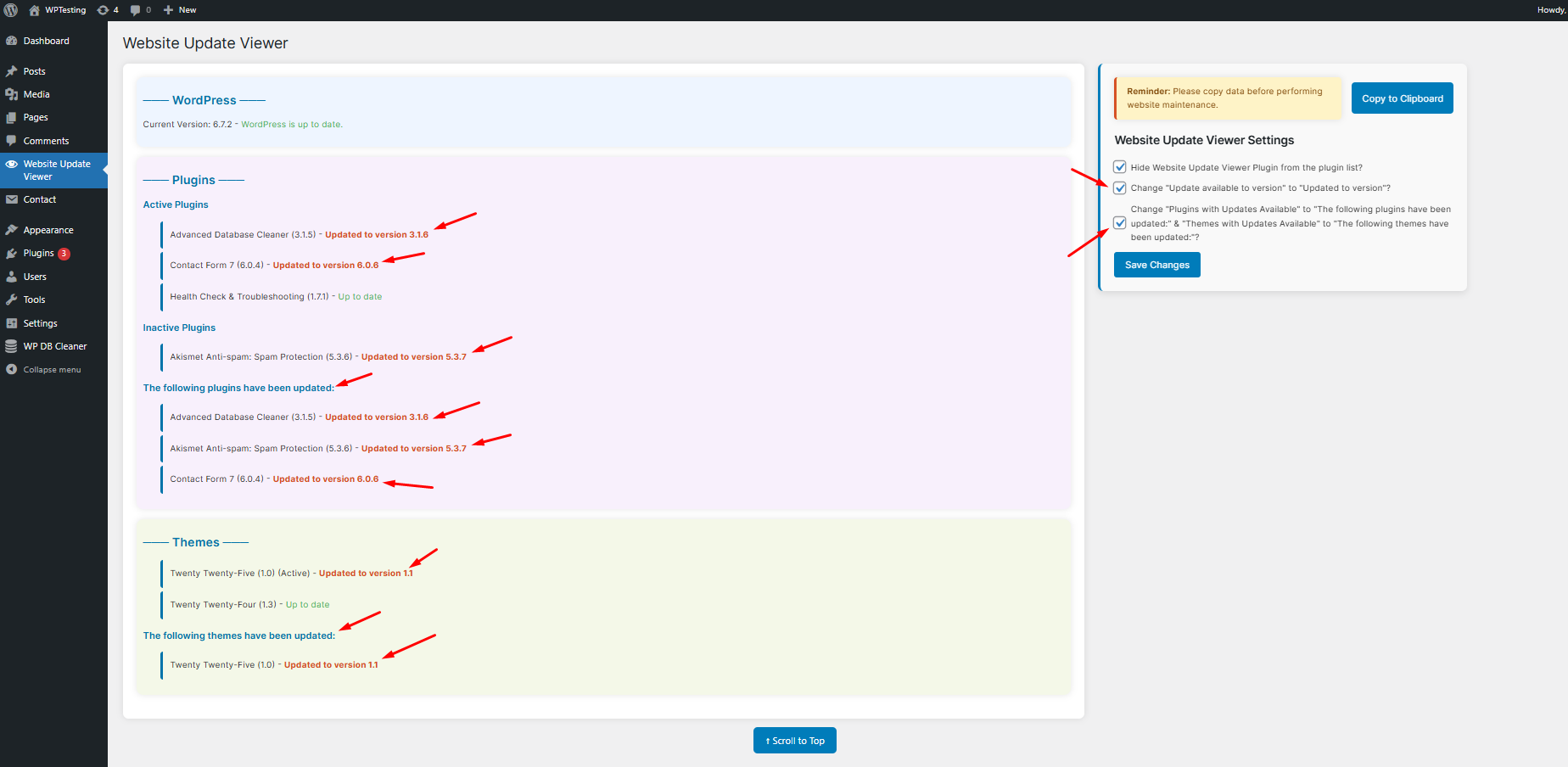
– A structured admin page displaying available updates for WordPress core, plugins, and themes.
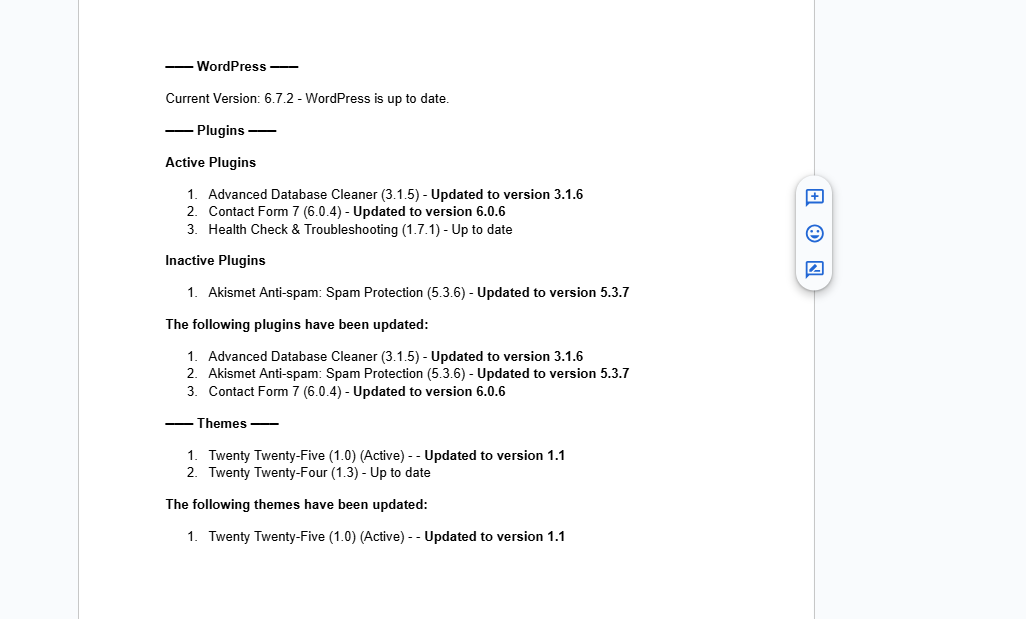
– A Copy to Clipboard feature, allowing users to copy update details instantly in a formatted structure.
– No data is stored — updates are fetched dynamically in real-time.
– A simple and efficient way to track versions without manually listing them.
Important Notes
- The plugin displays version details of installed plugins, themes, and WordPress core.
- If a plugin or theme requires a license or manual steps for updating, you may need to adjust the copied output accordingly.
- This plugin does not perform updates automatically — it only lists them for review and manual action.
- The main goal of creating this plugin is to reduce the time taken by manual work of listing things which is a tedious and time consuming.
This plugin is a must-have for anyone managing multiple sites, ensuring efficient maintenance with minimal effort and time.
Installation
- Upload the
website-update-viewerfolder to the/wp-content/plugins/directory. - Activate the plugin through the ‘Plugins’ menu in WordPress.
- Navigate to “Website Update Viewer” in the WordPress admin panel to view update details.
Frequently asked questions
Does this plugin store data in the database?
No. The plugin retrieves update information dynamically and does not store any data in the database.
Can I copy update details for reporting?
Yes. The built-in “Copy to Clipboard” feature allows you to copy all update information in a clean, readable format.
Does this plugin send notifications?
No. This plugin only displays update information within the admin dashboard.
Changelog
Initial release of Website Update Viewer.
1.0
- Initial release.
Screenshots
For developers
Is this your plugin? Show off the numbers.
Add a live badge to your site, docs or GitHub README. It updates on its own — no account needed.
FAQ
Website Update Viewer: quick answers
Straight answers, pulled from live WordPress.org data.
Live data from WordPress.org · checked Oct 21, 2026
Is Website Update Viewer free?
Yes. Website Update Viewer is free to download and use from the official WordPress.org plugin directory.
Is Website Update Viewer safe to use in 2026?
Website Update Viewer shows warning signs in 2026 — compare the alternatives below before installing. It runs on 90+ sites and was last updated 1 year ago, and scores 34/100 on our health check.
How many websites use Website Update Viewer?
Website Update Viewer is active on 90+ WordPress websites and has been downloaded 1,253 times since it launched in April 2025. It was downloaded 111 times in the last 30 days.
Does Website Update Viewer work with WordPress 7.1?
Website Update Viewer is officially tested up to WordPress 6.8.11, while the latest release is 7.1.3. It may still work, but try it on a staging site first.
What PHP version does Website Update Viewer need?
Website Update Viewer requires PHP 7.2 or higher. Most hosts run PHP 8.x today, so it works on any modern WordPress hosting.
When was Website Update Viewer last updated?
The latest version, 1.0, was released on May 20, 2025 (1 year ago).
Who makes Website Update Viewer?
Website Update Viewer is developed and maintained by Jekit Parekh.
Powered by PageForge
Want thousands of pages that rank like these? Build them in an afternoon.
This directory runs on the same engine as PageForge. Turn any spreadsheet, CSV or API into thousands of fast, SEO-ready WordPress pages — with schema, internal links and AI-written copy baked in.
- CSV, Google Sheets & API data sources
- AI content, schema & internal links per page
- Works with Elementor, Gutenberg, Yoast & Rank Math
- Free on WordPress.org — no credit card


