



Vision – Interactive Image Map with Hotspots Builder
Empower your site with interactive visuals! Our plugin seamlessly transforms static images into engaging media, enabling publishers and bloggers.

Solid choice
Vision is a solid plugin choice in 2026, with a few things worth checking first. It runs on 2K+ sites, is rated 4.9/5 and was last updated 3 months ago, and scores 78/100 on our health check.
How does it stack up?
Side-by-side on installs, updates, ratings & support



Daily downloads
Download spikes usually follow a new release — each site that auto-updates counts as a download.
Rankings
Where Vision stands todayWordPress.org search rankings
Live position in the plugin search, top 100| Keyword | Position |
|---|---|
| floor plan | #2 |
| hotspots | #2 |
| image maps | #16 |
| infographics | #3 |
| interactive images | #7 |
Version adoption
Share of active sites per release.
Rating breakdown
★★★★★★★★★★ 4.9 from 9 reviews
About Vision
From the official readme · v1.12.2Description
📢 Note from the Developer
To our amazing Vision community! We are proud to introduce PicPoints – our next-generation interactive image map builder.
It is built on modern web standards to solve old layout problems once and for all. It features full CSS/JS isolation (Shadow DOM) to prevent theme conflicts, a powerful Figma-like vector editor, and enhanced performance for multi-level floor plans or shoppable lookbooks.
🎁 Check out PicPoints and download it for FREE!
Vision – Interactive Image Map Builder
Vision Interactive is a lightweight and rich-feature plugin helps you enhance images with additional information and links. With this plugin you are able to easily annotate images with text, shapes and icons, draw attention to areas and features on images. You can then use them in posts that empower publishers and bloggers to create more engaging content. It provides an easy way for you to convert a static image into the online interactive media brochures or booklets, image maps, immersive storytelling in seconds. The plugin can be deployed easily and runs on all modern browsers and mobile devices.
📋 DEMO & DESCRIPTION 📋
🔥 DON’T DELAY, BE PRO TODAY!!! 🔥
Note: the video tutorial above also uses a WordPress media folder management plugin iFolders, you can learn more at this link.
Discover the joy of effectively creating media presentations with this innovative tool.
🔥 Features
With a suite of powerful features, you can effortlessly add a wide range of interactive elements to your images, including:
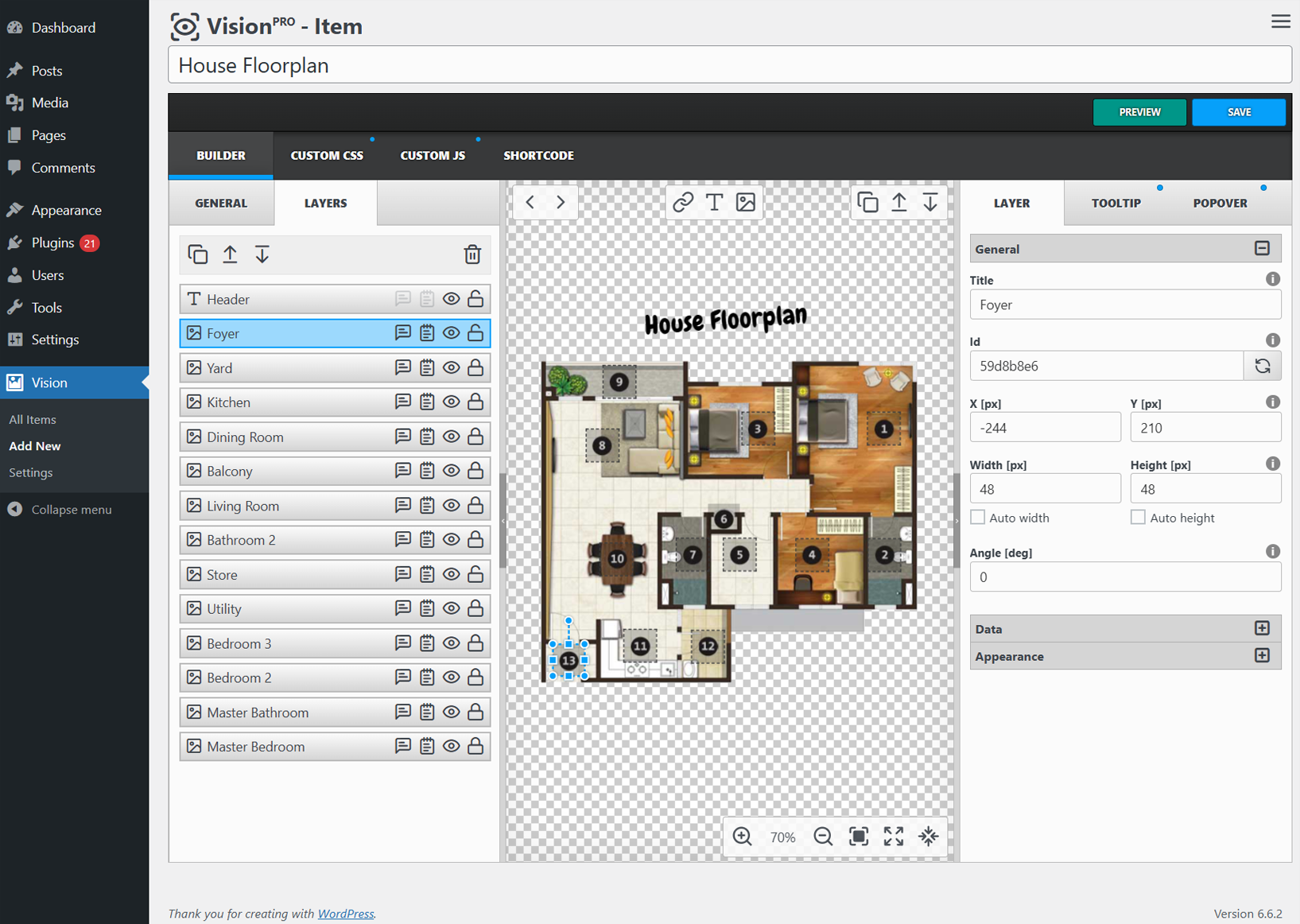
✅ Powerful Interface – the drag-and-drop feature takes this experience to the next level, allowing you to intuitively position and rearrange your interactive elements with ease.
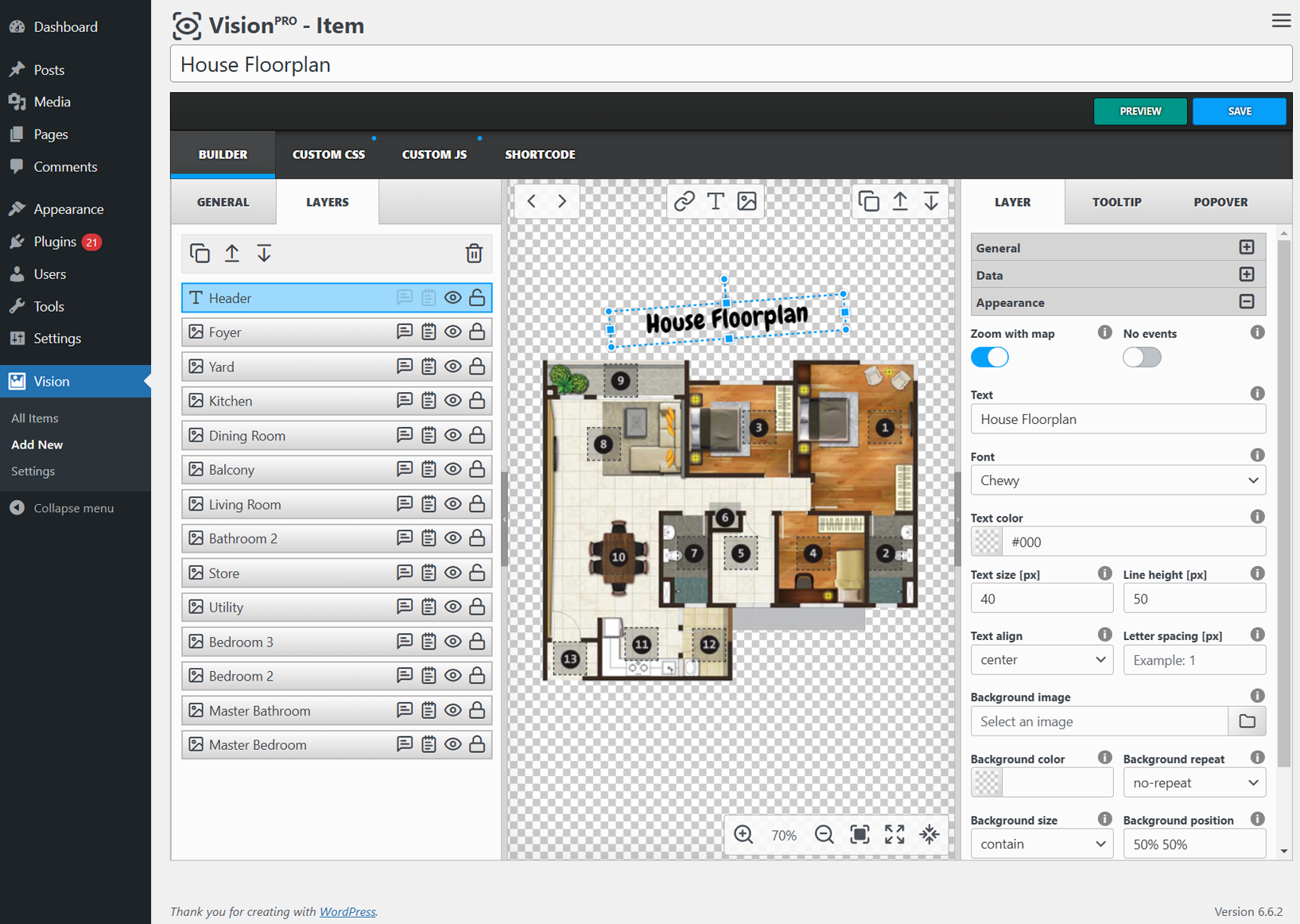
✅ Layers – properly place clickable markers on images to link to relevant content, this can be an image, text or just an area.
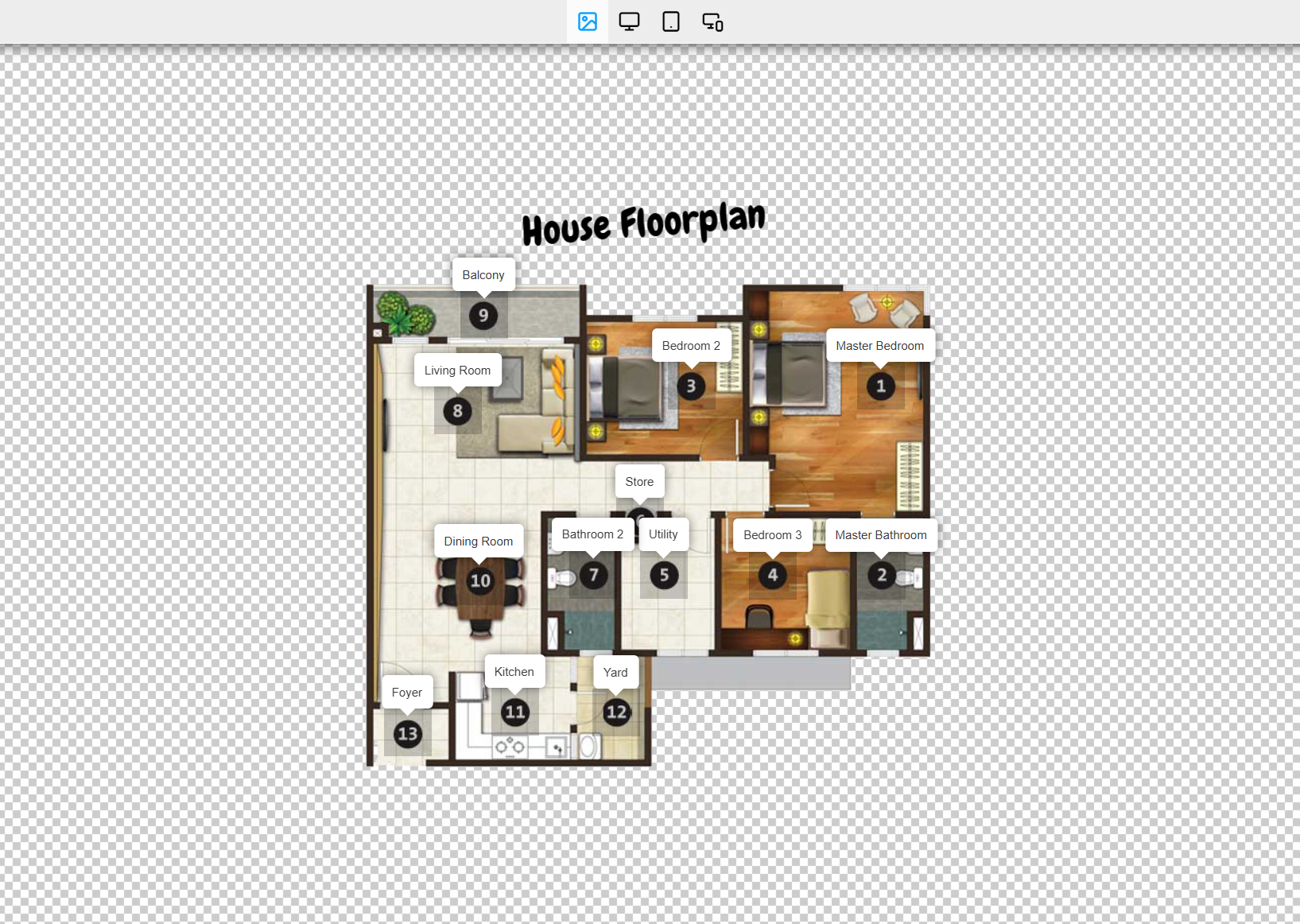
✅ Tooltips – provide concise, informative tooltips that appear when users hover over specific areas of your image.
✅ Popovers – showcase detailed information or multimedia content in eye-catching popup boxes, both in-line and lightbox styles.
✅ Smart – advanced algorithms ensure that your interactive elements are always positioned in the optimal location.
✅ Responsive – the responsive design automatically adjusts the size and placement of your markers, tooltips, and popovers to maintain a clean, professional look across all devices.
✅ Animations – elevate your interactive image maps with a wide range of captivating animations, choose from over 100 show/hide effects to make your tooltips come alive, captivating your audience and keeping them engaged.
✅ Code editors & Customization – tailor the appearance and behavior of your interactive elements to match your brand’s unique style, or dive into the code editors to add custom CSS and JavaScript for even greater control.
Unlock the full potential of your WordPress site and start your journey towards interactive excellence today. Experience the power of our cutting-edge plugin and watch as your audience becomes captivated by the immersive visuals you create.
⚙️ Compatibility
At the heart of our plugin lies a deep commitment to compatibility. We understand that the WordPress ecosystem is a diverse and vibrant landscape, with a wide array of themes, plugins, and page builders to choose from. That’s why we’ve designed our interactive map creation plugin to seamlessly integrate with your unique WordPress setup, ensuring a smooth and cohesive experience.
Our plugin is proudly compatible with the most popular WordPress page builders, themes, and plugins, allowing you to effortlessly incorporate interactive maps into your content, no matter your existing WordPress configuration. We’ve put in the work to ensure our plugin plays nicely with the tools you already love and trust.
PAGE BUILDERS
* Gutenberg – modern built-in WordPress block editor
* Classic Editor – classic built-in WordPress editor
* Elementor – leading website builder platform on WordPress
* WP Bakery – create any layout in an intuitive way
* Beaver – page builder you can trust with your business
* Bricks – amazing block editor with many templates
* Brizy – next-gen website builder that anyone can use
* and more…
THEMES
* Avada – swiss army knife of WordPress themes
* Divi – most popular WordPress theme in the world
* BeTheme – more than just WordPress theme
* Bridge – not just a theme, it’s a collection of amazing examples
* Flatsome – multi-purpose responsive WooCommerce theme
* and more…
In the rare event that you encounter a compatibility challenge with a specific tool, our dedicated support team is here to help. We’re committed to ensuring a seamless integration, no matter your WordPress setup.
🎓 Conclusion
Unlock the power of interactive maps: elevate your WordPress content with our innovative plugin.
Are you tired of static images on your WordPress site? Unlock a new world of interactivity and engagement with our cutting-edge plugin – the ultimate solution for creating dynamic, interactive image maps. Say goodbye to the limitations of traditional media management and embrace the future of WordPress content creation.
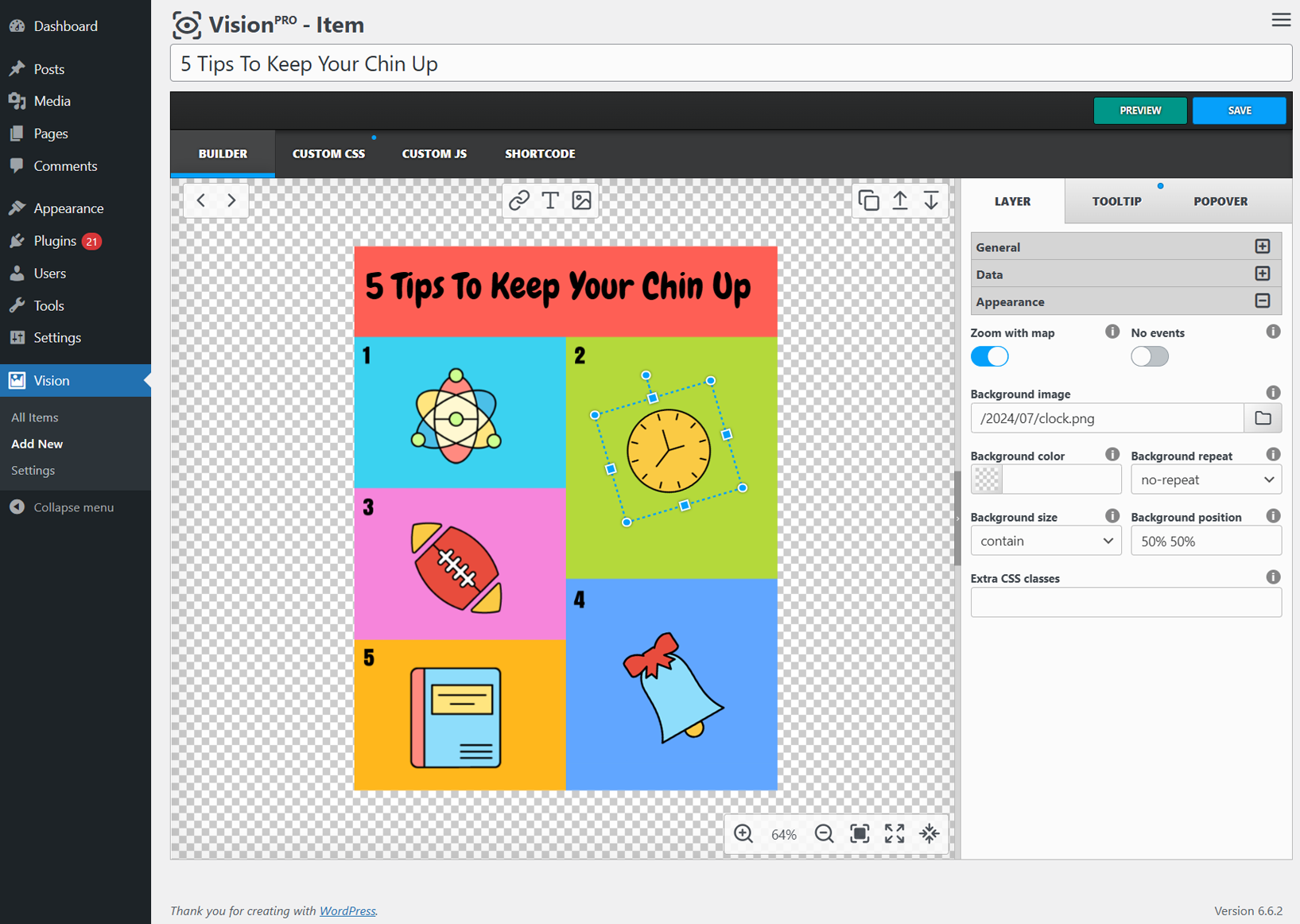
Vision is a revolutionary plugin that lets you turn ordinary images into engaging interactive maps, floorplans, infographics, and more. With its intuitive interface and powerful features, you can easily add clickable dots, informative tooltips, and easy navigation to your WordPress content, taking user experience to new heights.
Vision seamlessly integrates with your WordPress, providing a user-friendly environment to create, customize, and manage your interactive imagemaps. Transform your WordPress site into a dynamic, immersive experience. With Vision, you can captivate your audience with interactive maps that showcase your products, services, or any other content. Leverage the power of interactivity to increase user engagement, boost conversions, and leave a lasting impression on your visitors.
We understand the diverse nature of the WordPress ecosystem, which is why Vision is designed to work seamlessly with a wide range of popular page builders, themes, and plugins. Seamlessly integrate interactive maps into your existing WordPress setup and enjoy a cohesive, streamlined experience.
Vision is the ultimate tool for anyone seeking to enhance their online presence, engage their audience, and stand out in the crowded digital landscape. Start your journey towards interactive excellence today and unlock the full potential of your WordPress site.
💼 GDPR & Privacy
- We do not collect or store any information about our visitors or users without their consent.
- We also do not transfer any data to external servers without users’ consent.
- The purpose of our folder manager plugin is to help organize the WordPress media library, pages, posts, and custom post types.
🔥 Check out other best WordPress Plugins
HappyVR – virtual tour builder and 360 panorama viewer for WordPress
MediaCommander – bring folders to media, posts, and pages
NinjaDraw – create diagrams, sketches & visual workflows
PicPoints – create interactive images and multi-level floor plans in minutes
Installation
Setup is easy and takes only a few minutes.
- From the WP admin panel, click “Plugins” -> “Add new”
- In the browser input box, type “Vision”
- Select the “Vision” plugin and click “Install”
- Activate the plugin
You’re done. Enjoy.
Frequently asked questions
Why should I use Vision?
In today’s digital landscape, captivating visuals and engaging interactivity are the keys to capturing your audience’s attention and driving meaningful interactions. That’s where Vision, our cutting-edge interactive image map builder, comes into play.
Installation
You can download the plugin from wordpress.org. Once you have downloaded it, you can go to your dashboard, select plugins item and upload the file. Then activate the plugin. Once activated, on the left side under your dashboard, you will find the option Vision at the bottom.
Where is the developer version hosted?
The developer version is available here.
I’d like access to more features and support. How can I get them?
You can get access to more features and support by visiting the CodeCanyon website and buy the pro version. Purchasing the plugin gets you access to the full version of the Vision plugin, automatic updates and support.
What is the difference between Lite and PRO
The lite version has only one limit. You can create and use only one interactive image map, but all other powerful features are available to you at no cost.
Is that a one-time payment for Vision Pro?
Absolutely!!! Vision has a lifetime license plan too. All you have to do is pay a one-time fee and you can use our plugin and get unlimited updates.
Changelog
1.12.2
- Changed: promotional notice introducing PicPoints
1.12.1
- Fixed: frontend 403 errors on expired REST API nonces (completes the 1.11.0 fix)
1.12.0
- Added: promotional notice introducing PicPoints
1.11.0
- Fixed: resolved 403 errors on the frontend caused by expired REST API nonces
1.10.0
- Added: ability to change the author of an item directly from the items list
1.9.10
- Changed: save data with chunks
Screenshots

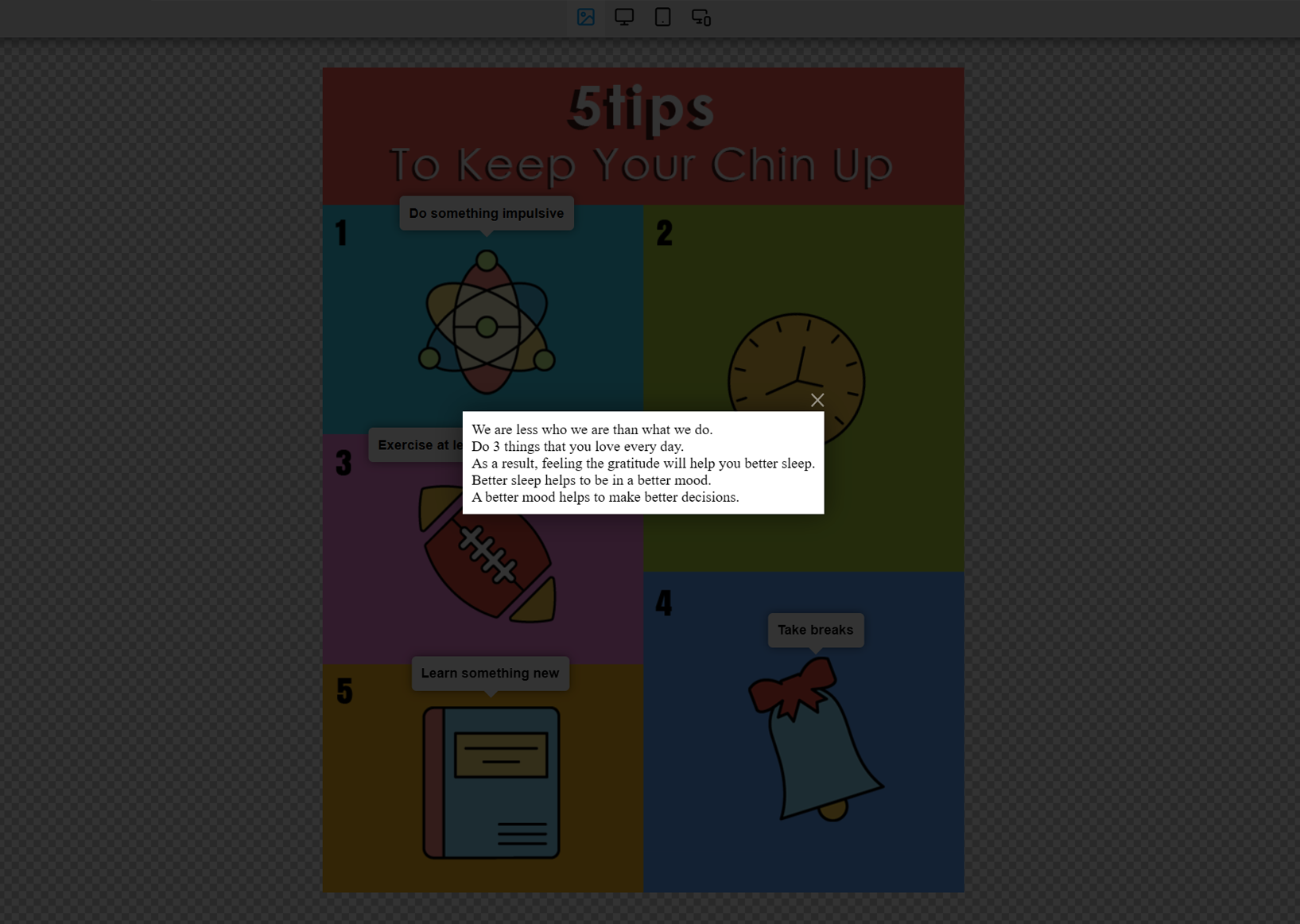


For developers
Is this your plugin? Show off the numbers.
Add a live badge to your site, docs or GitHub README. It updates on its own — no account needed.
Best Vision alternatives
All floor plan plugins →





FAQ
Vision: quick answers
Straight answers, pulled from live WordPress.org data.
Live data from WordPress.org · checked Sep 26, 2026
Is Vision free?
Yes. Vision is free to download and use from the official WordPress.org plugin directory.
Is Vision safe to use in 2026?
Vision is a solid plugin choice in 2026, with a few things worth checking first. It runs on 2K+ sites, is rated 4.9/5 and was last updated 3 months ago, and scores 78/100 on our health check.
How many websites use Vision?
Vision is active on 2K+ WordPress websites and has been downloaded 78,415 times since it launched in November 2018. It was downloaded 512 times in the last 30 days.
Does Vision work with WordPress 7.1?
Vision is officially tested up to WordPress 7.0.6, while the latest release is 7.1.2. It may still work, but try it on a staging site first.
What PHP version does Vision need?
Vision requires PHP 7.4 or higher. Most hosts run PHP 8.x today, so it works on any modern WordPress hosting.
When was Vision last updated?
The latest version, 1.12.2, was released on July 3, 2026 (3 months ago).
Who makes Vision?
Vision is developed and maintained by Avirtum.
What are the best alternatives to Vision?
The most popular alternatives to Vision are Interactive Image Map Plugin (20K+ installs), Image Map Connect (100+ installs) and PicPoints (50+ installs).
Powered by PageForge
Want thousands of pages that rank like these? Build them in an afternoon.
This directory runs on the same engine as PageForge. Turn any spreadsheet, CSV or API into thousands of fast, SEO-ready WordPress pages — with schema, internal links and AI-written copy baked in.
- CSV, Google Sheets & API data sources
- AI content, schema & internal links per page
- Works with Elementor, Gutenberg, Yoast & Rank Math
- Free on WordPress.org — no credit card


