



UpStream: a Project Management Plugin for WordPress
UpStream is a free but very powerful project management plugin for WordPress.

Solid choice
UpStream: a Project Management… is a solid plugin choice in 2026, with a few things worth checking first. It runs on 500+ sites, is rated 4.2/5 and was last updated 2 months ago, and scores 74/100 on our health check.
- Small user base (500+ active installs)
How does it stack up?
Side-by-side on installs, updates, ratings & support



Daily downloads
Download spikes usually follow a new release — each site that auto-updates counts as a download.
Rankings
Where UpStream: a Project Managem… stands todayWordPress.org search rankings
Live position in the plugin search, top 100| Keyword | Position |
|---|---|
| manage | >100 |
| management | #67 |
| project | #6 |
| project management | #5 |
| project manager | #14 |
Version adoption
Share of active sites per release.
Rating breakdown
★★★★★★★★★★ 4.2 from 74 reviews
About UpStream: a Project Management Plugin f…
From the official readme · v2.1.1Description
UpStream is a free project management plugin.
UpStream allows you to manage any type of project from inside your WordPress site.
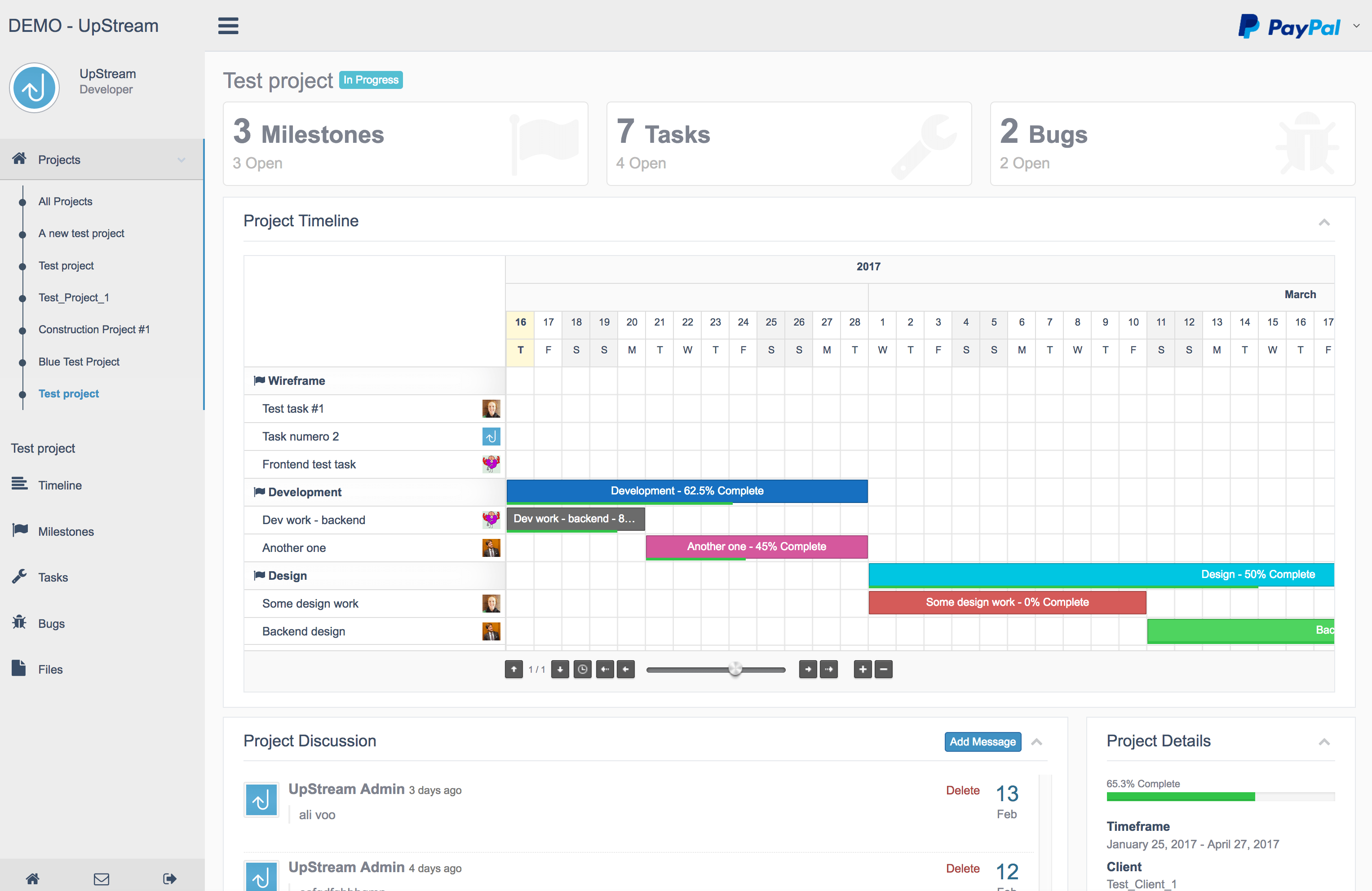
Your clients can track the progress of their project via the frontend project view. Your team can see all the tasks and bugs that are assigned to them.
Click here to try a free demo of UpStream
The UpStream core is totally free. We encourage you to try the demo and see how it works. UpStream also has a range of extensions that allow you to extend the features available for your projects.
View our Premium Extensions here.
Project Features
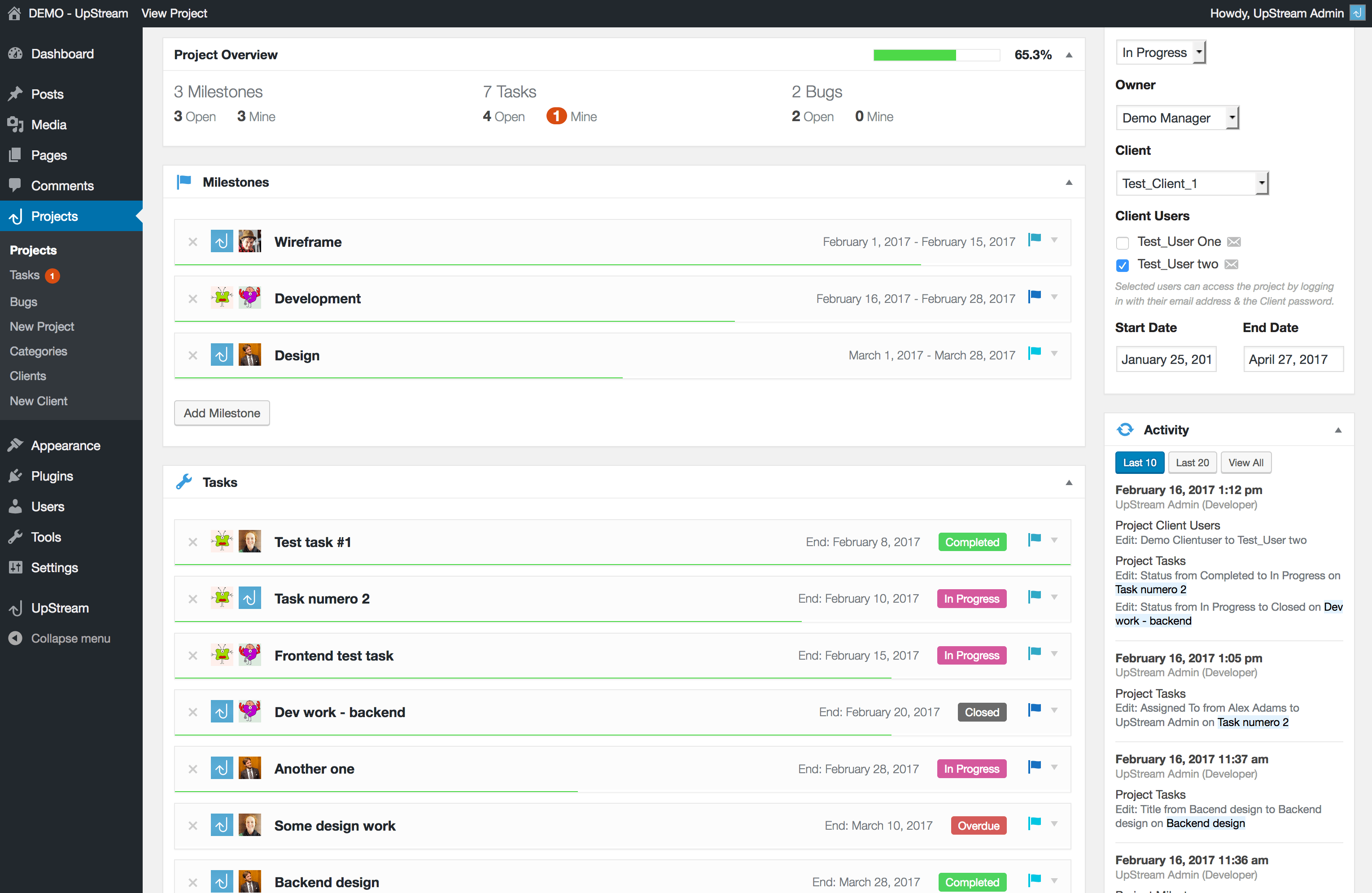
- Milestones & Tasks (that can be linked)
- Bug/Issue Tracker
- Upload Files & Documents
- Project Discussion thread
- Automatic Progress Tracking
- Custom Fields
- Custom Statuses
Client Features
- Client contact details, address, logo
- Custom fields
- Client Users (employees)
- Client login page to view their projects
General Features
- Built in Roles – Project Manager & Project User
- Custom Capabilities & Permissions
- Awesome looking frontend
- Customizable frontend templates
- Label Projects, Clients, Milestones, Tasks, Files & Bugs anything you like
- Developer friendly and highly customizable
- Translation ready
Premium Extensions
Add even more awesome features through the use of our extensions.
- Frontend Edit
- Project Timeline
- Customizer
- Email Notifications
- Copy Project
- Calendar View
- Custom Fields
Milestones & Tasks
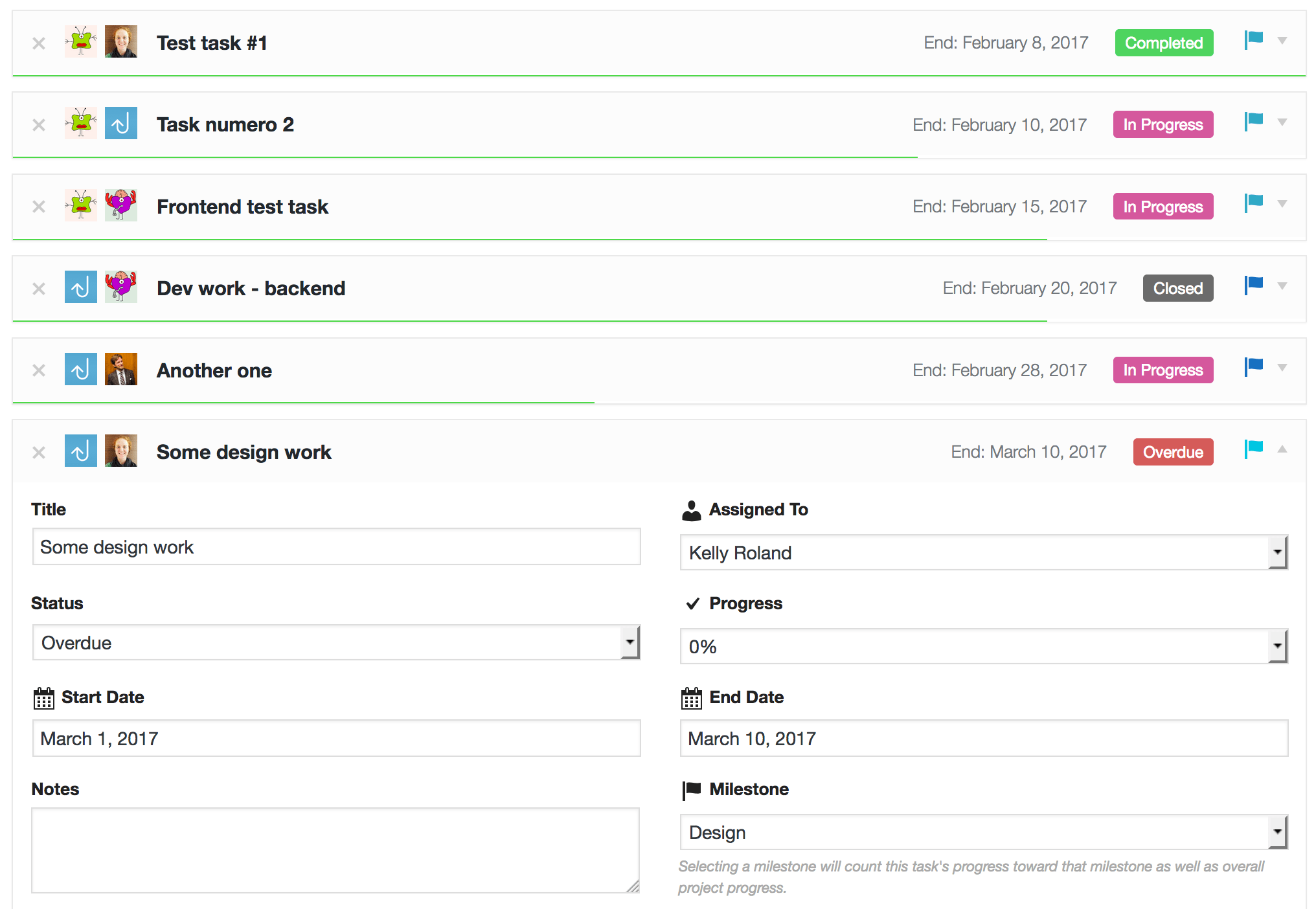
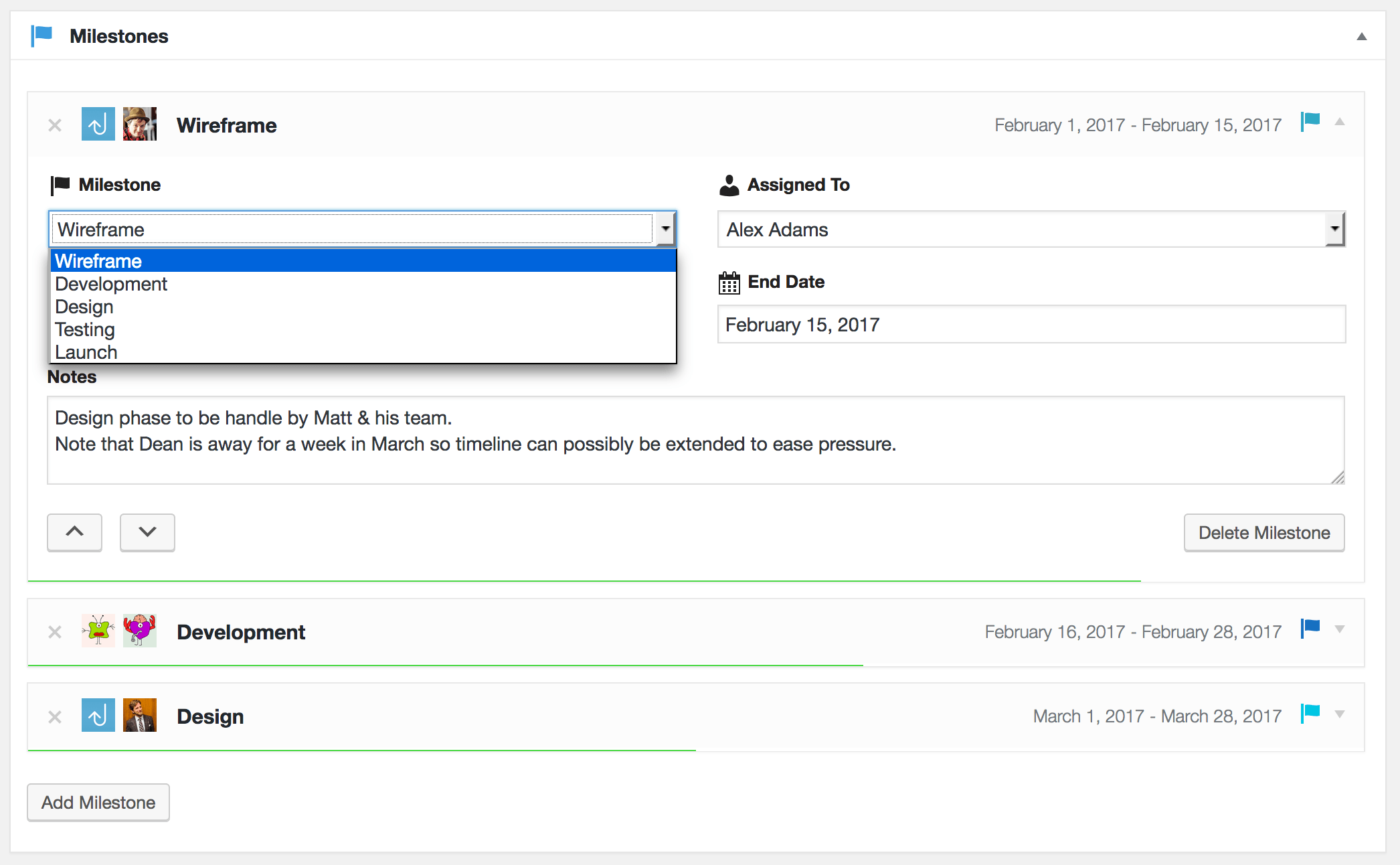
Milestones & tasks help you to successfully plan, track and manage your project from start to finish. Assign tasks & milestones to users, add start & end dates, color-coded statuses, notes and progress of the tasks & milestones. You can even add your own custom fields.
Bug Tracking & Issue Reporting
Easily report bugs or issues as they arise and just like milestones & tasks, you can assign the bug to a user, add a status, severity of the bug, a description, due date & attach files to each individual bug.
Project Discussion
Avoid email trails and keep the entire discussion about your project right where it should be, within the project! Any user can add to the discussion and with the Front End Edit extension and you can also allow your clients to add to the discussion.
Front End View
Your clients can view the details and the progress of the project via the front end. Clients can never access the WordPress admin. Using a customized login system, you can determine which users of your client can have access to the project and also to which parts of the project they can view.
Highly Customizable
Well thought out settings and options, customizable templates, add your own CSS, create custom fields wherever you like, create your own statuses with whatever colors you choose plus lots more. You can even rename projects, milestones, tasks, bugs, files and clients. Prefer to rename ‘Bugs’ as ‘Issues’? Rather call a ‘Project’ a ‘Plan’ or call a ‘Client’ a ‘Customer’? Go for it!
Installation
Minimum Requirements
- WordPress 4.5 or greater
- PHP version 5.6.20 or greater
Setting Up
- Activate the plugin
- Go to UpStream > General Settings and configure the options as required
- Create a Client by going to Projects > New Client
- Create a Project by going to Projects > New Project
- For a Quick Start guide and more detailed instructions, please visit the Documentation page.
Frequently asked questions
Where can I find UpStream documentation?
For a Quick Start guide and more detailed instructions, please visit the official Documentation page
Where can I get support?
You can ask for help in the UpStream Plugin Forum.
Will UpStream work with my theme?
Yes, UpStream works independent of any theme.
Why doesn’t the UpStream frontend look like my theme?
UpStream does not use the existing styling of your theme. The features and the very specific nature of the plugin make it impossible to integrate into existing themes. The plugin is highly customizable though, so you can tweak it to look the way you want it to.
Included libraries
UpStream includes the following minified libraries. Links to source are below: Bootstrap https://getbootstrap.com/ Fontawesome https://fontawesome.com/
Changelog
The format is based on Keep a Changelog
[2.1.1] – 2026-08-04
- Tested on WordPress v7.0
[2.1.0] – 2024-05-22
- Fixed the compatibility issue with Elementor plugin
- Tested on WordPress v6.5.3
[2.0.9] – 2022-11-02
- Fixed: Upstream Client User Role can’t view projects that were assigned to them
- Fixed some label issues
[2.0.8] – 2022-10-23
- Fixed admin notification appearance
- Fixed failed to open stream: includes/libraries/cmb2/includes/CMB2_Hookup.php
[2.0.7] – 2022-06-27
- Code refactoring to WordPress Coding Standard
[2.0.0] – 2022-04-30
- Updated CMB2 v2.10.1
- Updated Bootstrap to v5.1.3
- Fixed: New bugs-severity is not listed
- Fixed: Listing error on bugs-severity with a default color
- Fixed: Cannot edit ‘Assigned To’ field on ‘Milestones’ editor
- Fixed: “Milestones Categories” submenu is not highlighted when “Milestones Categories” page is opened
- Fixed: “Clients” submenu is not highlighted when Add or Edit client
- Fixed: PHP7 deprecated arguments on preg_replace_callback
- Fixed: Bug on new comment notification
- Fixed: Warning notification on project table submission
- Updated: Redirect the edit milestone link on admin page to the edit project page
- Various CSS fixes and code updates
Screenshots

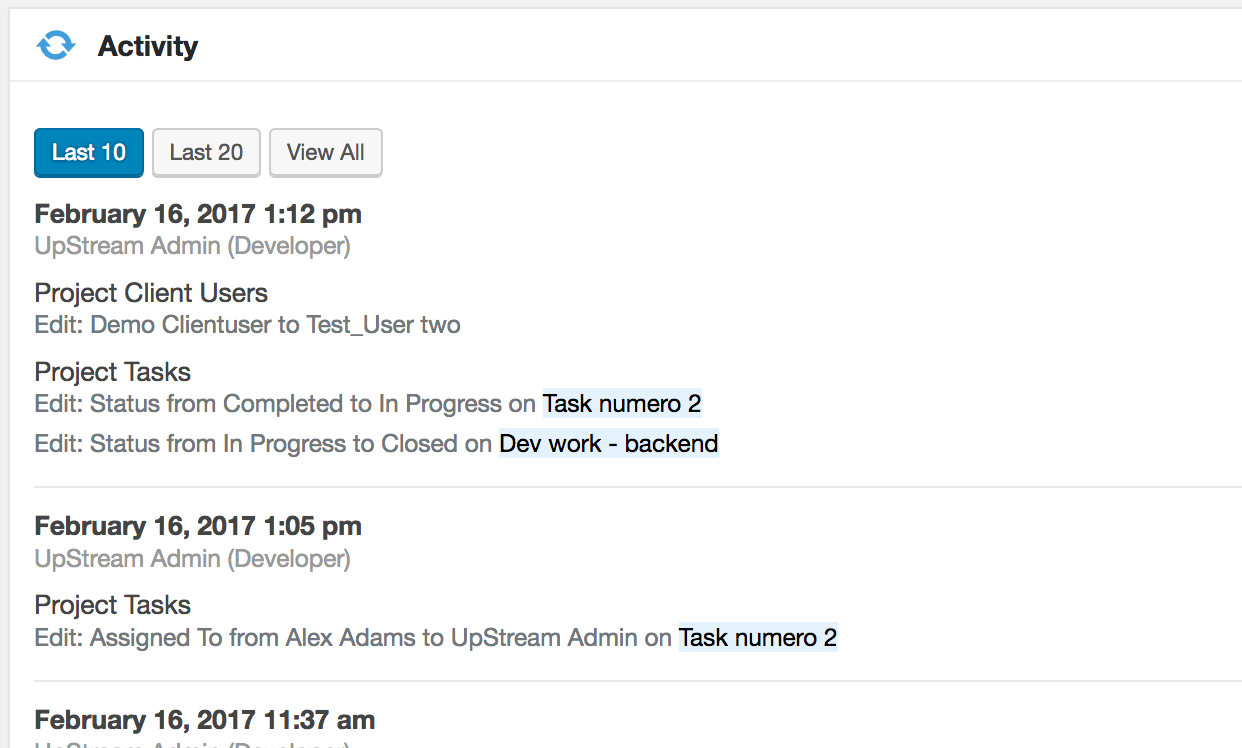
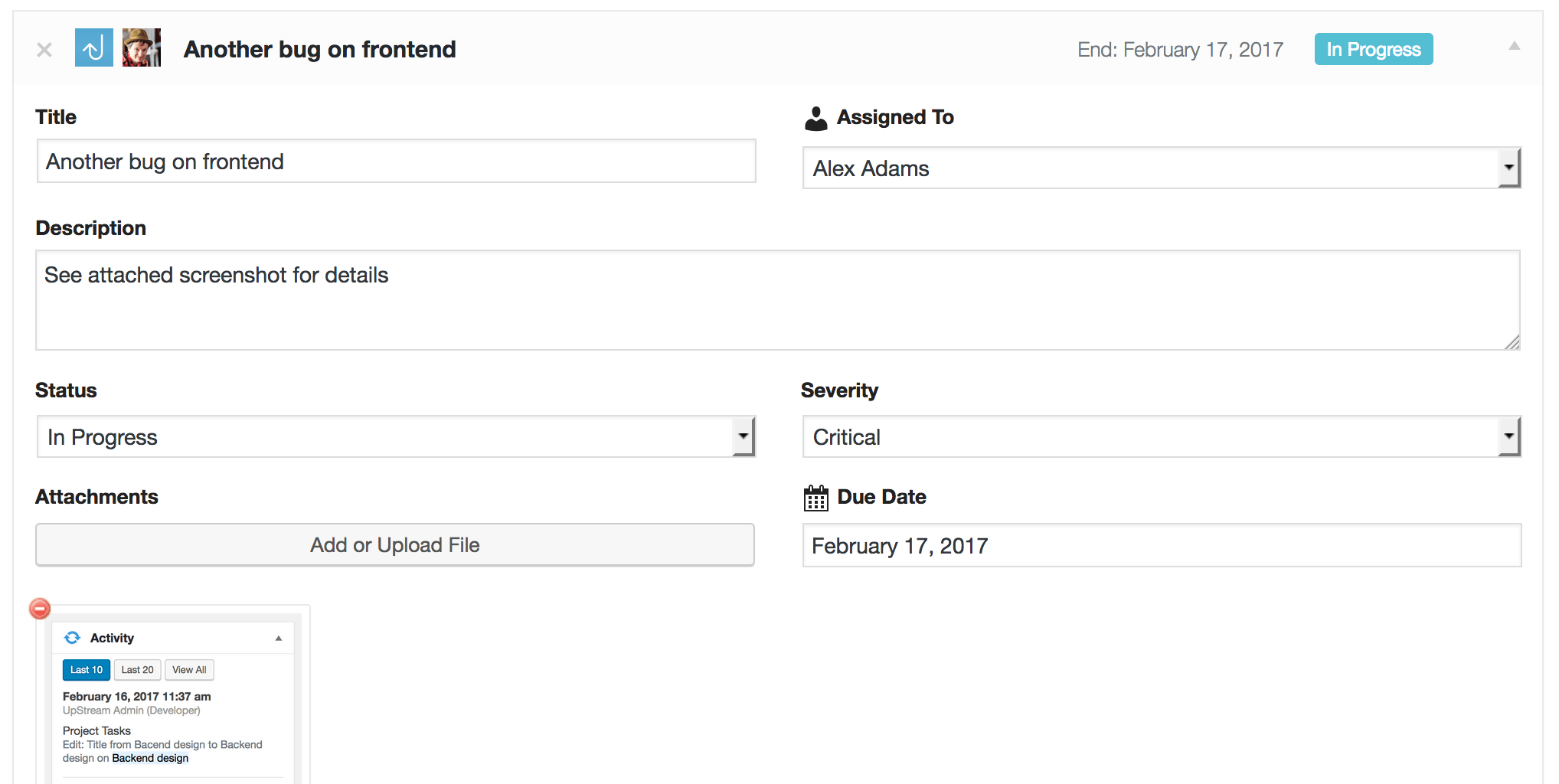
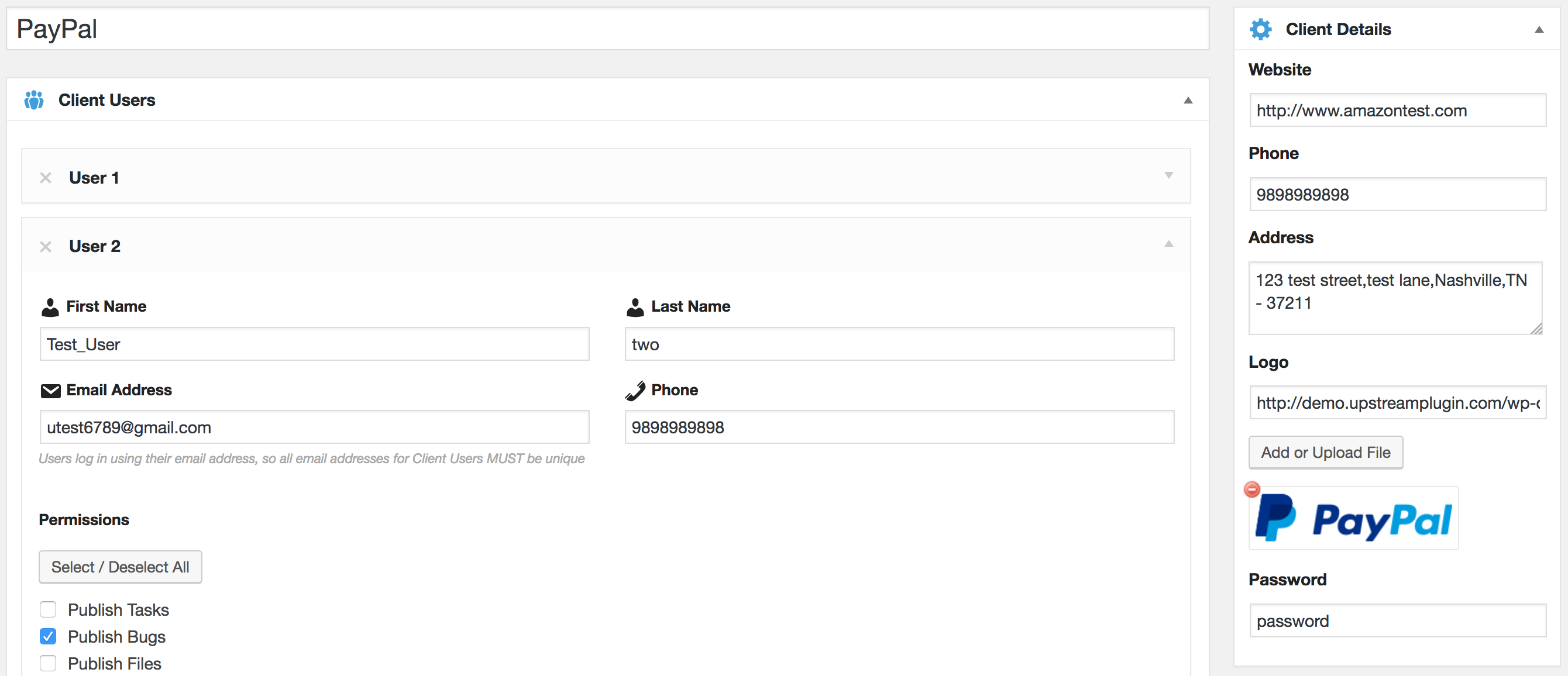
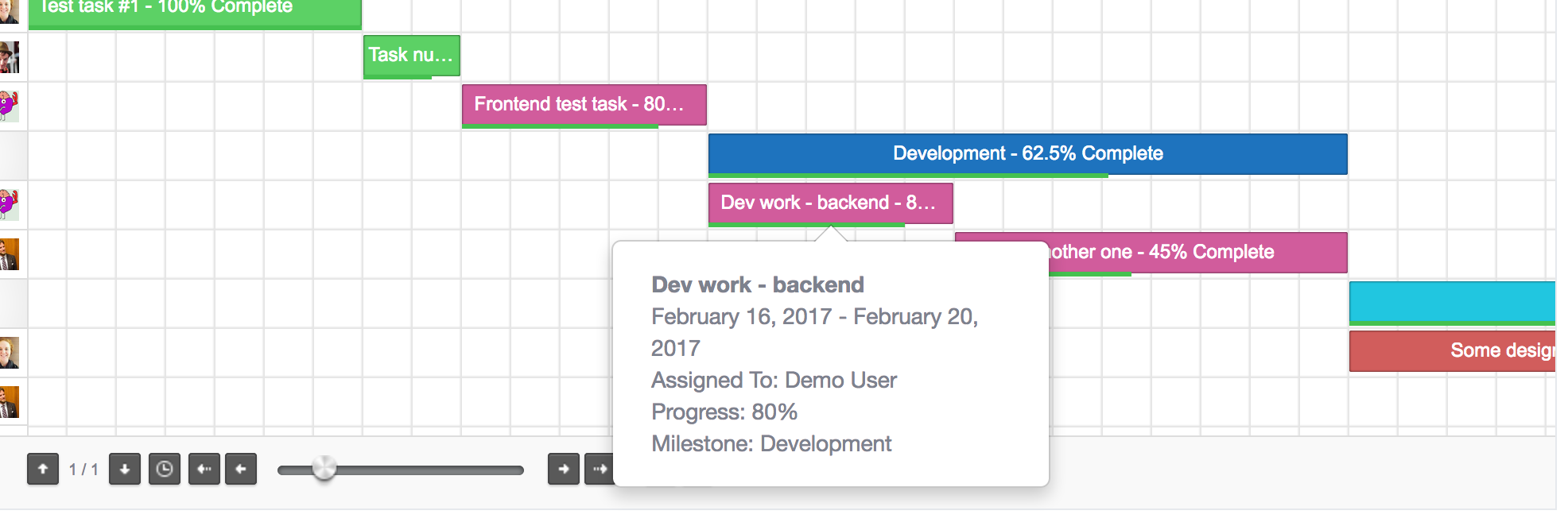
For developers
Is this your plugin? Show off the numbers.
Add a live badge to your site, docs or GitHub README. It updates on its own — no account needed.
Best UpStream: a Project Managemen… alternatives
All manage plugins →



FAQ
UpStream: a Project Management Plug…: quick answers
Straight answers, pulled from live WordPress.org data.
Live data from WordPress.org · checked Oct 3, 2026
Is UpStream: a Project Management… free?
Yes. UpStream: a Project Management… is free to download and use from the official WordPress.org plugin directory.
Is UpStream: a Project Management… safe to use in 2026?
UpStream: a Project Management… is a solid plugin choice in 2026, with a few things worth checking first. It runs on 500+ sites, is rated 4.2/5 and was last updated 2 months ago, and scores 74/100 on our health check.
How many websites use UpStream: a Project Management…?
UpStream: a Project Management… is active on 500+ WordPress websites and has been downloaded 97,457 times since it launched in January 2017. It was downloaded 300 times in the last 30 days.
Does UpStream: a Project Management… work with WordPress 7.1?
UpStream: a Project Management… is officially tested up to WordPress 7.0.6, while the latest release is 7.1.2. It may still work, but try it on a staging site first.
What PHP version does UpStream: a Project Management… need?
UpStream: a Project Management… requires PHP 5.6.20 or higher. Most hosts run PHP 8.x today, so it works on any modern WordPress hosting.
When was UpStream: a Project Management… last updated?
The latest version, 2.1.1, was released on August 4, 2026 (2 months ago).
Who makes UpStream: a Project Management…?
UpStream: a Project Management… is developed and maintained by upstreamplugin.
What are the best alternatives to UpStream: a Project Management…?
The most popular alternatives to UpStream: a Project Management… are VOD Infomaniak (20K+ installs), iControlWP (1K+ installs) and Dashboard Commander (800+ installs).
Powered by PageForge
Want thousands of pages that rank like these? Build them in an afternoon.
This directory runs on the same engine as PageForge. Turn any spreadsheet, CSV or API into thousands of fast, SEO-ready WordPress pages — with schema, internal links and AI-written copy baked in.
- CSV, Google Sheets & API data sources
- AI content, schema & internal links per page
- Works with Elementor, Gutenberg, Yoast & Rank Math
- Free on WordPress.org — no credit card


