



UpdraftCentral Dashboard
Remote, single-dashboard management for WordPress/theme/plugin updates and UpdraftPlus backups across all your WP sites

Safe pick
Yes — UpdraftCentral Dashboard is a safe, well-maintained plugin to use in 2026. It runs on 5K+ sites, is rated 4.5/5 and was last updated 1 month ago, and scores 87/100 on our health check.
- Loved by users — 4.5/5 from 22 reviews
- Tested with the latest WordPress (7.1)
Daily downloads
Download spikes usually follow a new release — each site that auto-updates counts as a download.
Rankings
Where UpdraftCentral Dashboard stands todayWordPress.org search rankings
Live position in the plugin search, top 100| Keyword | Position |
|---|---|
| management dashboard | #6 |
| multiple site management | #20 |
| remote control | #6 |
| remote dashboard | #2 |
| remote management | #5 |
Version adoption
Share of active sites per release.
Rating breakdown
★★★★★★★★★★ 4.5 from 22 reviews
About UpdraftCentral Dashboard
From the official readme · v0.8.33Description
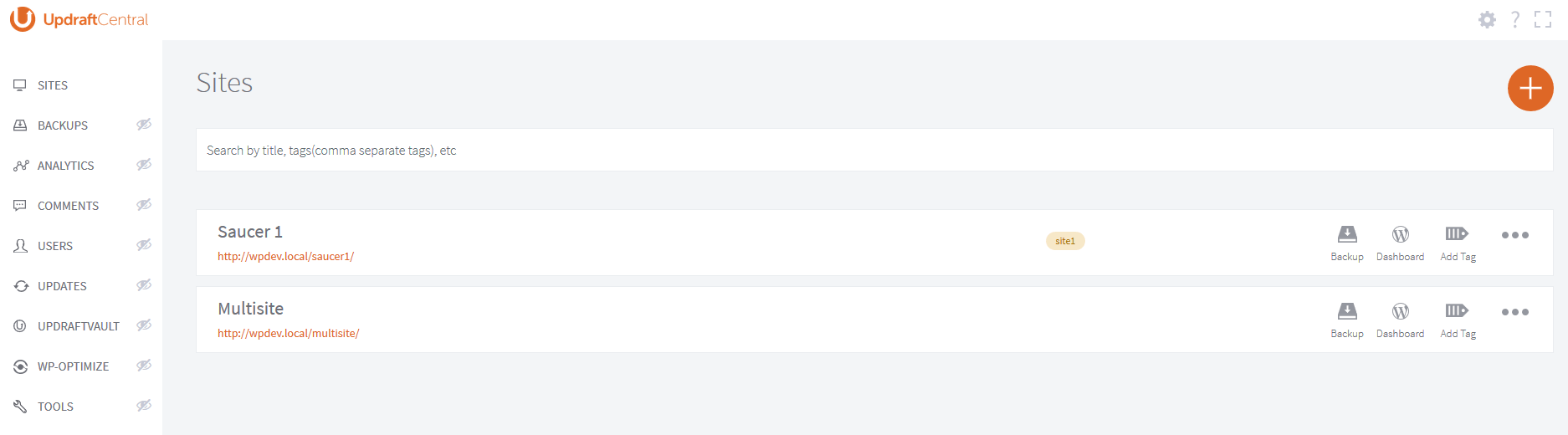
UpdraftCentral is a powerful remote control dashboard for WordPress that allows you to manage your WordPress sites from one central location.
You can centrally manage backups, updates and more, accessing each site quickly and efficiently.
This plugin is the central dashboard plugin for installing on the site you want your dashboard (the “mothership”). On the sites you want to control, you instead install UpdraftPlus.
Don’t want to self-host a dashboard? A premium cloud version of UpdraftCentral hosted and maintained by us is also available with many more features – with control of 5 sites available for free.
UpdraftCentral is the latest release from the makers of UpdraftPlus, WordPress’ #1 most installed and trusted backup plugin (active on over a million WordPress sites). As a relatively young plugin we’re keen to get your feedback. If you discover a problem, please let us know (rather than slamming us with a bad review!). You can find support or make suggestions here.
Quick links: how to install | how to add a site | FAQs
Features of this self-install version
Built with state-of-the-art technology, UpdraftCentral is full of features that increase your efficiency and productivity.
With UpdraftCentral, you can…
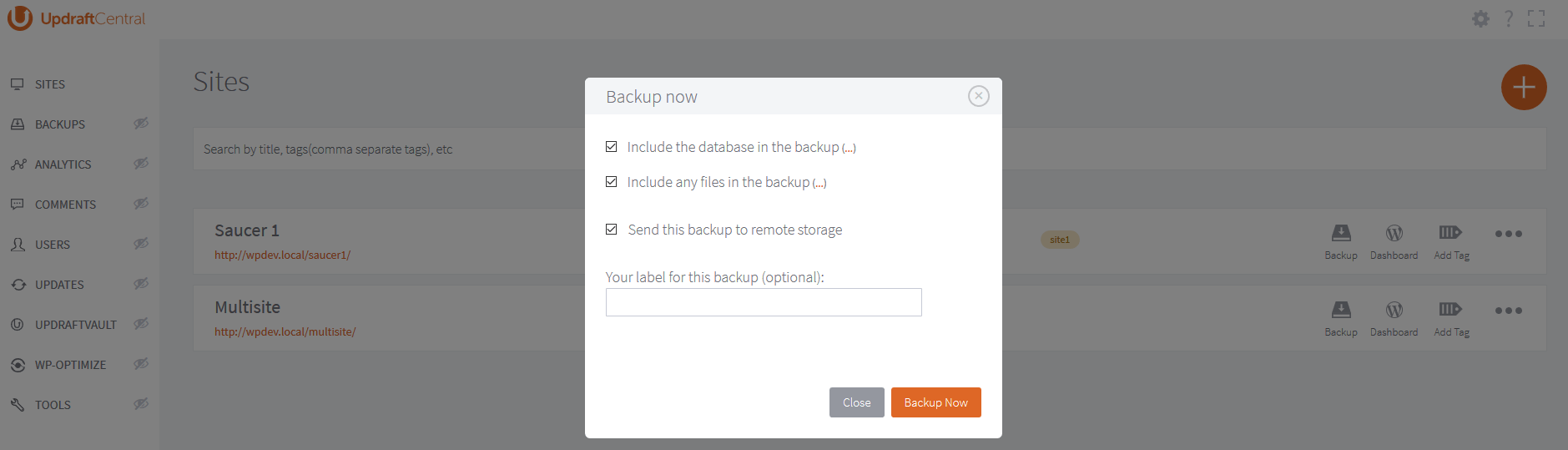
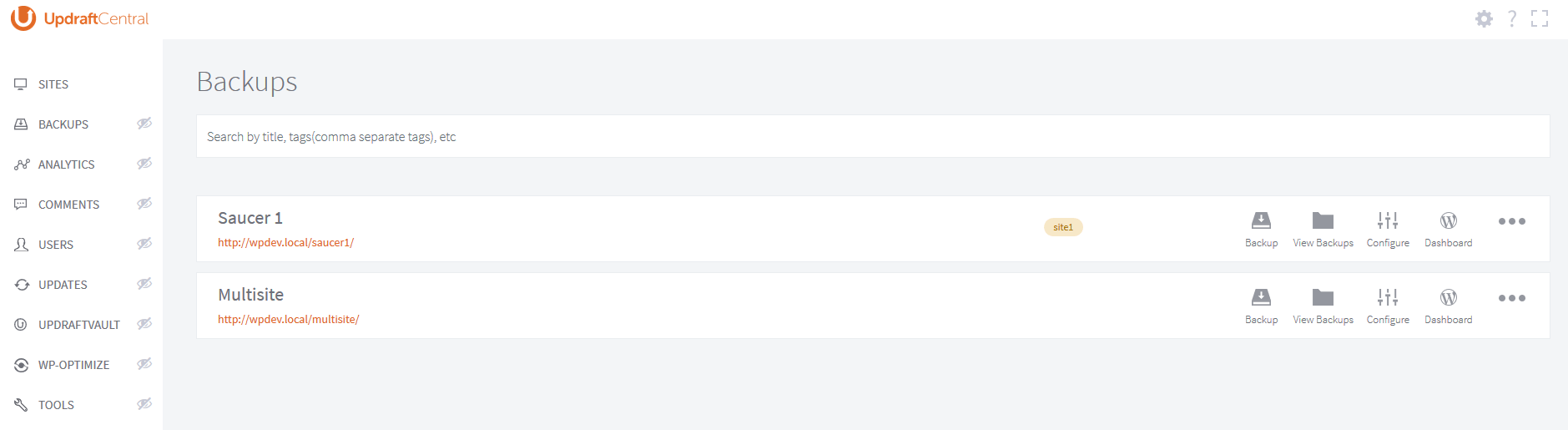
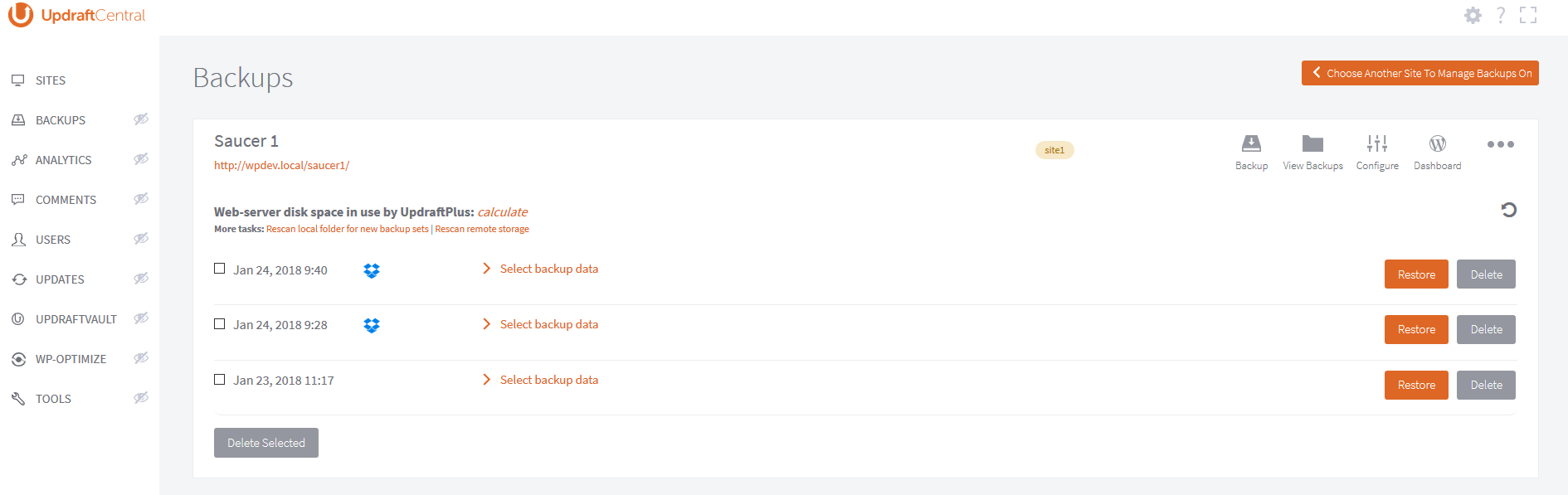
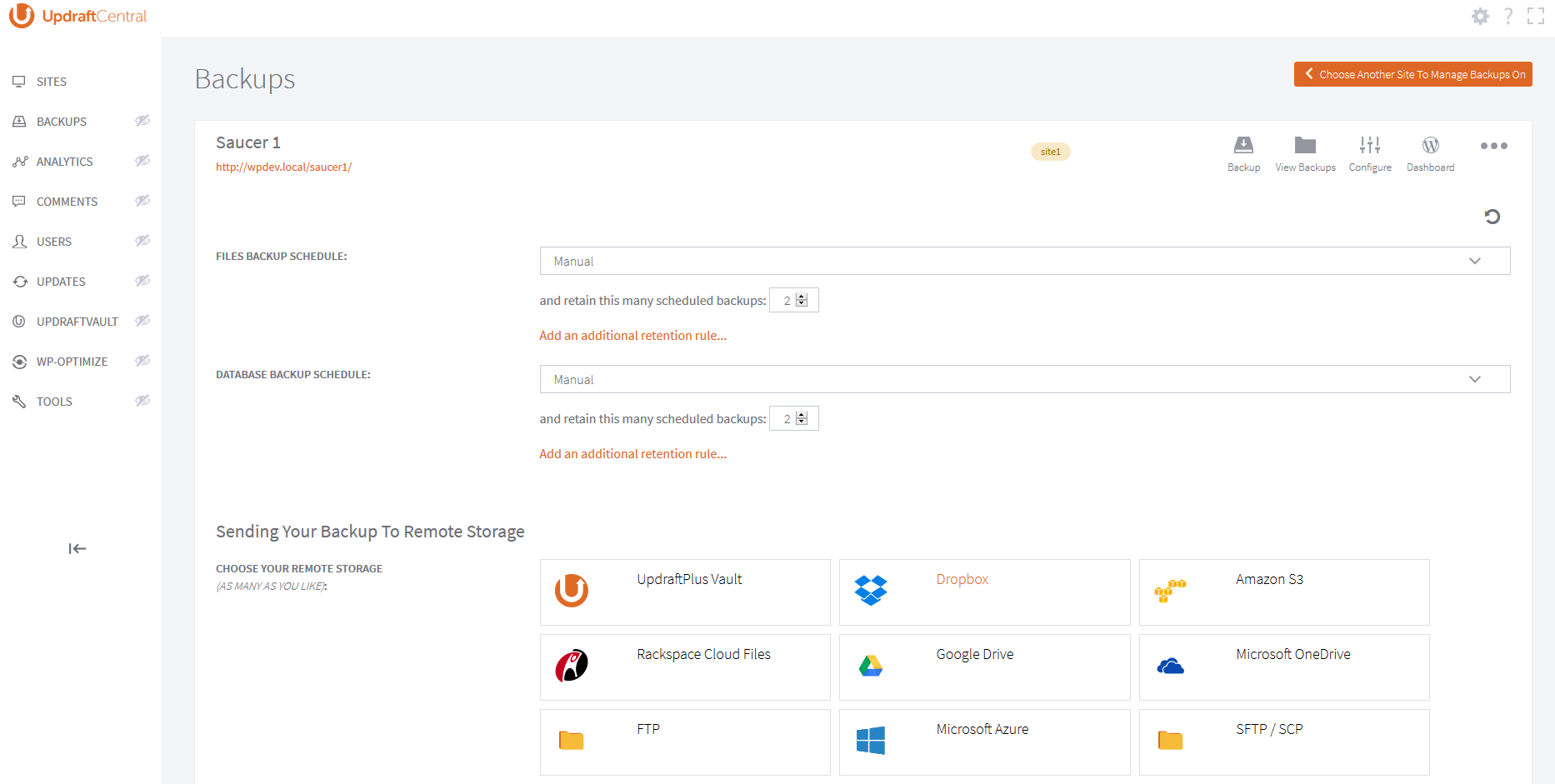
- Quickly manage all your UpdraftPlus backups from a single place (backup, see/edit settings, see/download/delete backups, initiate restore)
- Log in to the WP dashboard of any connected site with a single click.
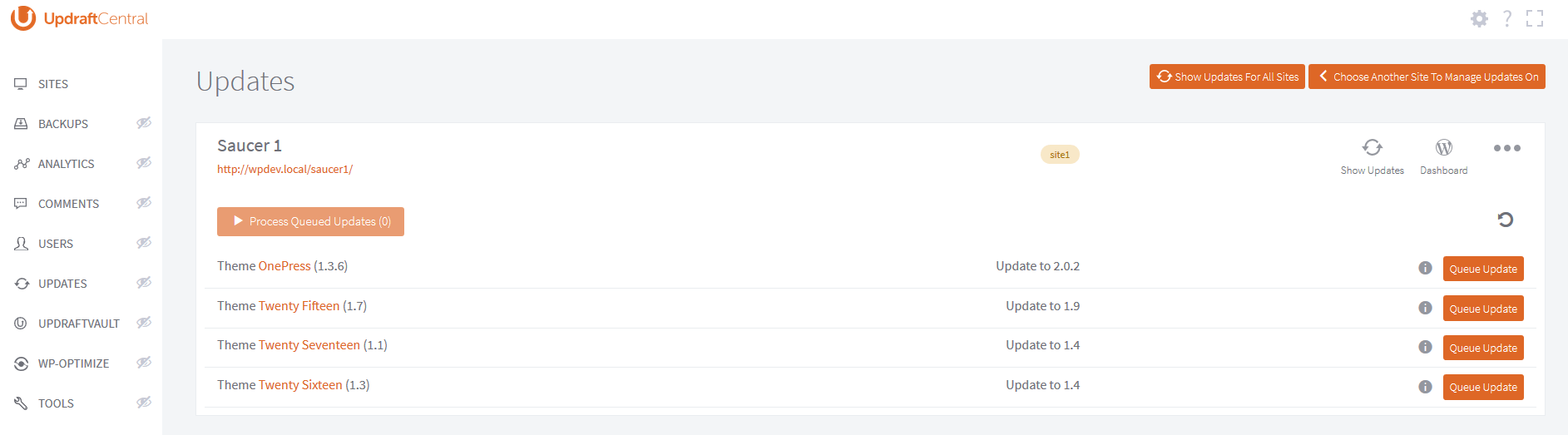
- Update the WordPress core, plus plugins and themes of any connected site.
- Clearly view updates from all sites and carry them out according to sophisticated filters from a single screen.
- Clean your database on any site by remotely controlling our WP-Optimize plugin, the #1 most-installed WP database optimization plugin
- Control policies for updates via control of Easy Updates Manager
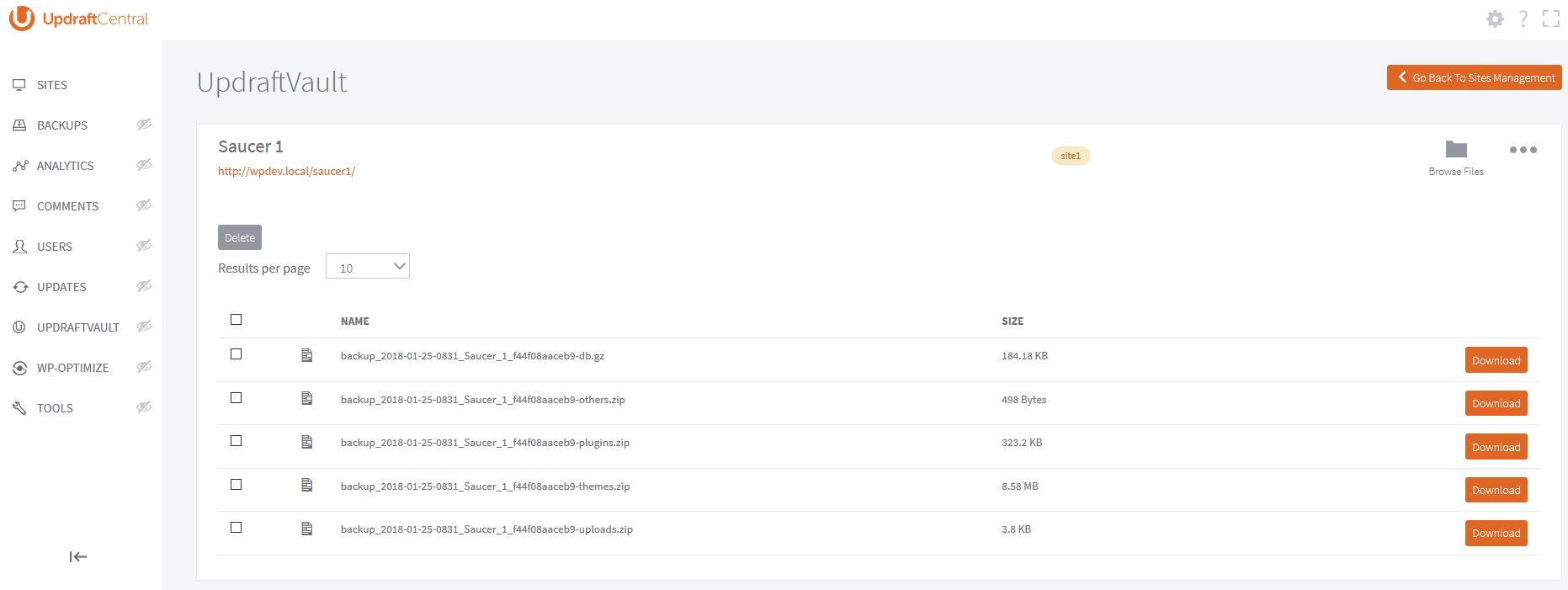
- Manage UpdraftVault storage
- Easily inspect current system information in order to manage site configurations and settings, and troubleshoot problems.
- See below for extra features in UpdraftCentral Premium
UpdraftCentral Advantages:
- No annoying page refreshes and no WP dashboard to get in your way (this is a single-page/dynamic JavaScript application which runs in the front end and on full-screen mode).
- Fast and efficient: all communications are sent directly from the browser where possible, rather than through a back-end server).
- Secure: all communications between sites are RSA encrypted and signed, and every connection has a unique key-pair. Can be run by localhost, so you can have the dashboard website (i.e. the one that controls all the others) off the public Internet.
- Mobile-ready and responsive
- Extensible and developer friendly: it uses WordPress hooks widely, and all of its JavaScript is documented with JSDoc.
Features of UpdraftPlus Premium Cloud:
UpdraftCentral Premium Cloud is a hosted, cloud version of UpdraftCentral which we maintain so that you don’t have to.
It has many more features:
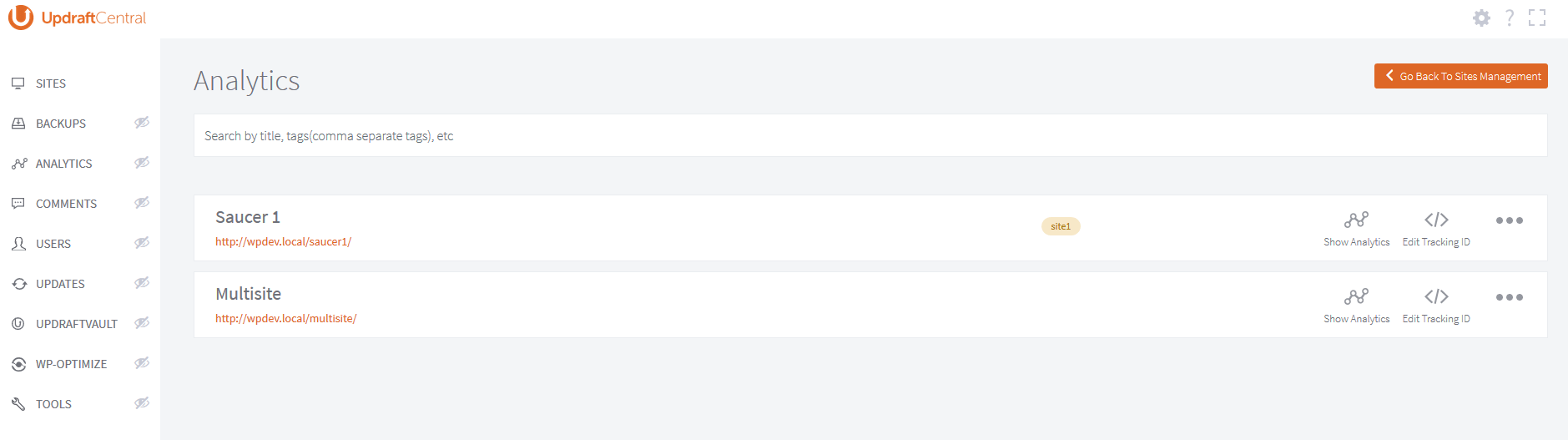
- Run Google Analytics to get an instant overview of important KPIs from all sites
- Easily manage comments on all your sites from one place
- Manage users, giving different levels of access
- Create tags to organize websites into different categories
- Fully supported via a fast, professional ticketed support service and active forum.
- Manage (activate, deactivate or delete) plugins from one or multiple websites all in one place
- Install one or more plugins straight from wordpress.org and automatically activate them
- Manage themes, choose and set your default theme easily and automatically
- Search, choose and click to install themes to one or multiple websites
Installation
How to install:
Using the WordPress dashboard
- Navigate to the ‘Add New’ in the plugins dashboard
- Search for ‘UpdraftCentral’
- Click ‘Install Now’
- Activate the plugin on the Plugin dashboard
Uploading in WordPress Dashboard
- Download the latest version of this plugin from https://wordpress.org/plugins/updraftcentral/
- Navigate to the ‘Add New’ in the plugins dashboard
- Navigate to the ‘Upload’ area
- Select the zip file (from step 1.) from your computer
- Click ‘Install Now’
- Activate the plugin in the Plugin dashboard
Using FTP
- Download the latest version of this plugin from https://wordpress.org/plugins/updraftcentral/
- Unzip the zip file, which will extract the updraftcentral directory to your computer
- Upload the updraftcentral directory to the /wp-content/plugins/ directory in your web space
- Activate the plugin in the Plugin dashboard
From our YouTube channel, here’s how to add a new site:
Requirements
The website being controlled must have all of these:
- WordPress 3.4 (June 2012) or later. There are no further version PHP/MySQL requirements.
- UpdraftPlus version 1.12.2 (free version) / 2.12.2 (paid versions) or later installed and active (but, for full functionality and compatibility, you should have the latest release)
- No active security modules (whether a WordPress plugin, or webserver component) that block traffic based on unusual patterns – encrypted traffic from a remote control plugin is likely to be blocked, as it looks very different to regular website visits from a web browser. We have tested with the most popular WordPress plugins, and these are all not a problem in all the configurations we have tested.
The website that is running the dashboard (i.e. this plugin, UpdraftCentral) must have:
- WordPress 4.4 (Dec 2015) or later
- PHP 5.6 or later
The web browser that you visit the UpdraftCentral dashboard must not have not been end-of-lifed by its maker. Specifically, Internet Explorer 9 (or earlier) is not supported. UpdraftCentral is built using modern JavaScript technologies.
Acknowledgements
We recognise and thank all those whose code and/or libraries are used and/or modified under the terms of their open source licences in UpdraftCentral, at: https://updraftplus.com/acknowledgements/You should install using the standard WordPress procedure:
- Search for ‘UpdraftCentral’ via the ‘Plugins’ dashboard page in WordPress.
- Click the ‘Install’ button. (Make sure you pick the right one)
- Activate the plugin through the ‘Plugins’ menu in WordPress
Then, you must create a front-end page for your site, to contain the dashboard. i.e. Go to the “Pages” screen in your WordPress dashboard, and follow the link for “Add New”. You are recommended to use a template that allows UpdraftCentral as much width as possible – but, note that UpdraftCentral has a “full screen” mode; so, even if your theme is narrow, it’s not a problem.
Upon this front-end page, place this shortcode: [updraft_central] . This will allow logged-in site administrators, who visit that page, to use UpdraftCentral. If you want users with roles to also be able to use UpdraftCentral (note that every user has their own list of sites – giving users access to UpdraftCentral does not give them access to your sites, only to their own list of sites), then please see this FAQ for information on how it is done: https://updraftplus.com/faqs/can-allow-non-admin-users-updraftcentral-dashboard/
Then, to start using UpdraftCentral, simply visit the page, and you can begin adding sites, using this guide.
Changelog
0.8.33 : A security fix. See changelog for full details. A recommended update for all.
0.8.33 – 10/Aug/2026
- SECURITY: Fix improper sanitisation of a parameter. A logged-in hostile user could carry out an SQL query which would allow him to test database contents for matches. This allows eventual (very slow) extraction of database contents, if the user is allowed to carry out enough queries (by looking for matches, piece by piece).
0.8.32 – 05/Jun/2026
- SECURITY: If UpdraftPlus is installed and active, then previous versions allowed sites with an active Migrator key (paid versions only) or UpdraftCentral key (free and paid versions) to have unauthorised operations carried out on them. All users should update immediately both UpdraftCentral and UpdraftPlus.
- TWEAK: Update bundled common-libs version
- TWEAK: Update Updraft_Notice interface
0.8.30 – 27/Mar/2024
- FIX: “Manage Themes” items list is broken when anchor links are present in the displayed description
- FIX: Convert to InnoDB table not working under the WP-Optimize module’s “Table Info” area
- FIX: Select/deselect buttons not working when choosing WordPress database tables for backup
- FIX: UpdraftCentral unresponsive after closing the “test connection methods” dialog
- TWEAK: Add WP-Optimize action button (tab) images
- TWEAK: Add styles for the latest changes applied to the WP-Optimize module
- TWEAK: Fix WP_Theme_JSON_Resolver::theme_has_support deprecation error
- TWEAK: Fix deprecated notices for sites_table and sitemeta_table
- TWEAK: Fix dropdown menu’s transparency and alignment
- TWEAK: Replace the default Datatable sorting symbols with HTML entities to prevent unfamiliar sorting arrows caused by different charsets
- TWEAK: Suppress some PHP 8.2 deprecation notices from use of ${} style variables
- TWEAK: The installation modal dialog of plugin/theme now has a new look where the option to activate or not to activate the plugin/theme is transformed to a checkbox
- TWEAK: To stay the user remains on the dashboard, open the documentation page in a new tab.
- TWEAK: Update phpseclib library from version 1 to 2.
- TWEAK: Use UpdraftCentral version when loading bootstrap style
- TWEAK: Fix popup window close button UI.
- TWEAK: Include WP_Screen class while enqueuing editor scripts. This is to ensure that the WordPress class which is by default included for the admin dashboard is also included for the UpdraftCentral dashboard as well thus preventing fatal error from happening especially when the class is instantiated by other plugins during UpdraftCentral page load.
- TWEAK: Resolve accessibility issue.
- TWEAK: Add the ability for user to add the UpdraftCentral dashboard as a Gutenberg block
- TWEAK: Add updates filter/option to show/hide incompatible plugins/themes for update
- TWEAK: Translation items are added in the search result when the “Patch releases” checkbox is checked
- TWEAK: Split multiple sentences into separate translation calls
0.8.29 – 23/May/2023
- FIX: Don’t check what file type of chunks that are sent from the browser when manually uploading a plugin/theme in chunks because it can lead to a false positive result
- FIX: “Show updates for all updates” hangs and never completes when UTF8MB4 characters and/or double and single quotes are present on the site title.
- TWEAK: Create abstraction layer for access to UpdraftCentral tables
- TWEAK: Show the install and/or activate option when UpdraftPlus plugin is not active on the remote site and the backup feature is accessed outside the “Backups” area.
- TWEAK: Disable backup feature if UpdraftPlus is currently not active on the remote website
0.8.28 – 23/Dec/2022
- FIX: Remove double-escaping leading to printing of HTML in site-row template
0.8.27 – 20/Dec/2022
- TWEAK: Tweak query for site tags retrieval
- TWEAK: Tweak query for setting and retrieving of user metas
- FIX: Fix broken horizontal notice
Screenshots
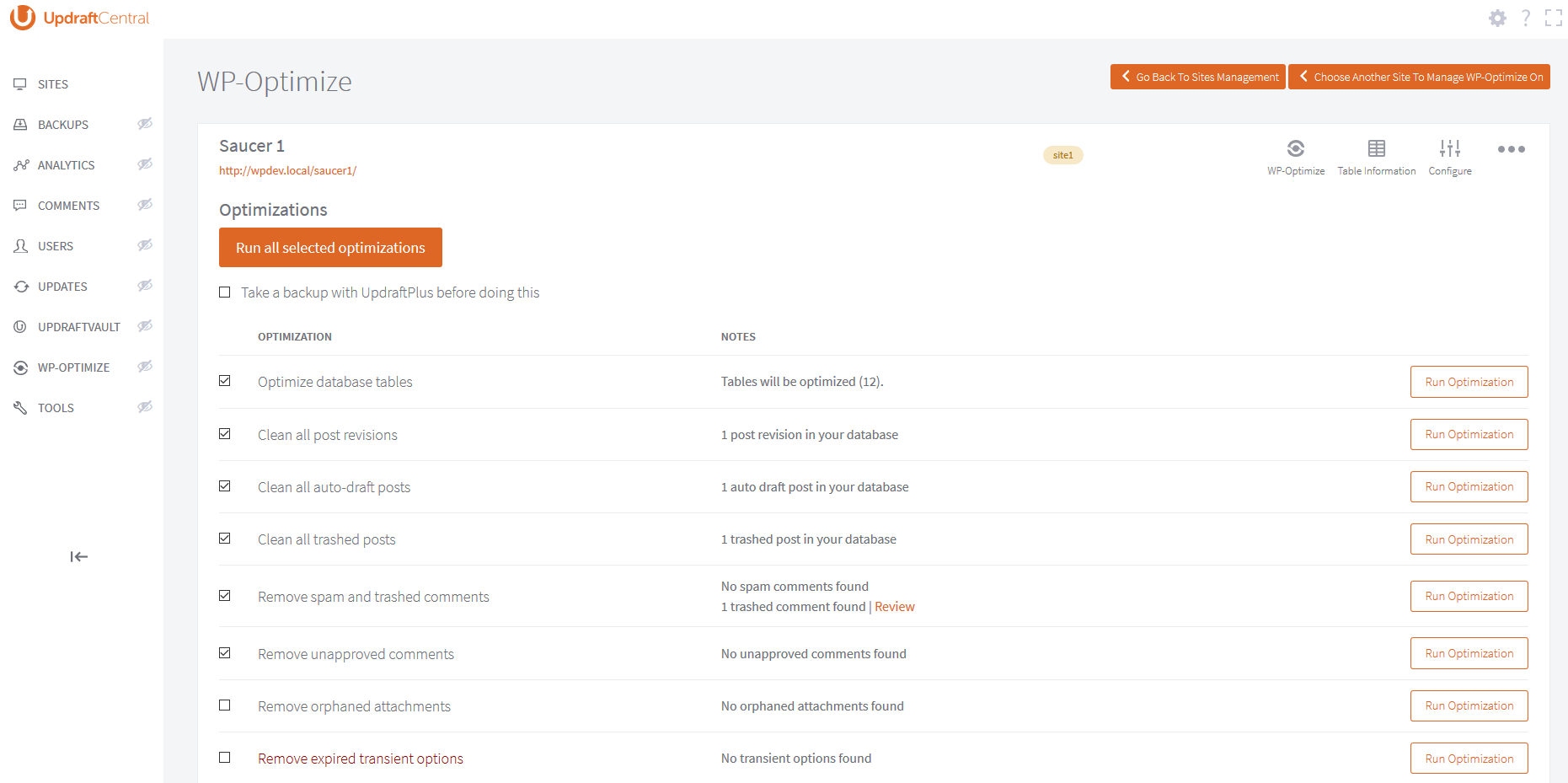
For developers
Is this your plugin? Show off the numbers.
Add a live badge to your site, docs or GitHub README. It updates on its own — no account needed.
FAQ
UpdraftCentral Dashboard: quick answers
Straight answers, pulled from live WordPress.org data.
Live data from WordPress.org · checked Sep 26, 2026
Is UpdraftCentral Dashboard free?
Yes. UpdraftCentral Dashboard is free to download and use from the official WordPress.org plugin directory.
Is UpdraftCentral Dashboard safe to use in 2026?
Yes — UpdraftCentral Dashboard is a safe, well-maintained plugin to use in 2026. It runs on 5K+ sites, is rated 4.5/5 and was last updated 1 month ago, and scores 87/100 on our health check.
How many websites use UpdraftCentral Dashboard?
UpdraftCentral Dashboard is active on 5K+ WordPress websites and has been downloaded 284,498 times since it launched in March 2016. It was downloaded 1,726 times in the last 30 days.
Does UpdraftCentral Dashboard work with WordPress 7.1?
Yes. The developer has tested UpdraftCentral Dashboard up to WordPress 7.1.2, the latest release. It requires WordPress 4.6 or newer.
What PHP version does UpdraftCentral Dashboard need?
UpdraftCentral Dashboard requires PHP 5.6 or higher. Most hosts run PHP 8.x today, so it works on any modern WordPress hosting.
When was UpdraftCentral Dashboard last updated?
The latest version, 0.8.33, was released on August 13, 2026 (1 month ago).
Who makes UpdraftCentral Dashboard?
UpdraftCentral Dashboard is developed and maintained by David Anderson / Team Updraft.
Powered by PageForge
Want thousands of pages that rank like these? Build them in an afternoon.
This directory runs on the same engine as PageForge. Turn any spreadsheet, CSV or API into thousands of fast, SEO-ready WordPress pages — with schema, internal links and AI-written copy baked in.
- CSV, Google Sheets & API data sources
- AI content, schema & internal links per page
- Works with Elementor, Gutenberg, Yoast & Rank Math
- Free on WordPress.org — no credit card


