


underConstruction
Creates a 'Coming Soon' page that will show for all users who are not logged in

Use with caution
underConstruction works, but test it on a staging site before relying on it in 2026. It runs on 40K+ sites, is rated 4.5/5 and was last updated 3 years ago, and scores 46/100 on our health check.
- Proven at scale on 40K+ active sites
- Loved by users — 4.5/5 from 111 reviews
- No update in 2 years
- Only tested up to WordPress 6.4 (latest is 7.1)
How does it stack up?
Side-by-side on installs, updates, ratings & support



Daily downloads
Download spikes usually follow a new release — each site that auto-updates counts as a download.
Rankings
Where underConstruction stands todayWordPress.org search rankings
Live position in the plugin search, top 100| Keyword | Position |
|---|---|
| construction | #91 |
| preview | >100 |
| private | >100 |
| security | >100 |
| under construction | #72 |
Version adoption
Share of active sites per release.
Rating breakdown
★★★★★★★★★★ 4.5 from 111 reviews
About underConstruction
From the official readme · v1.22Description
Check out the latest WordPress deals for your site.
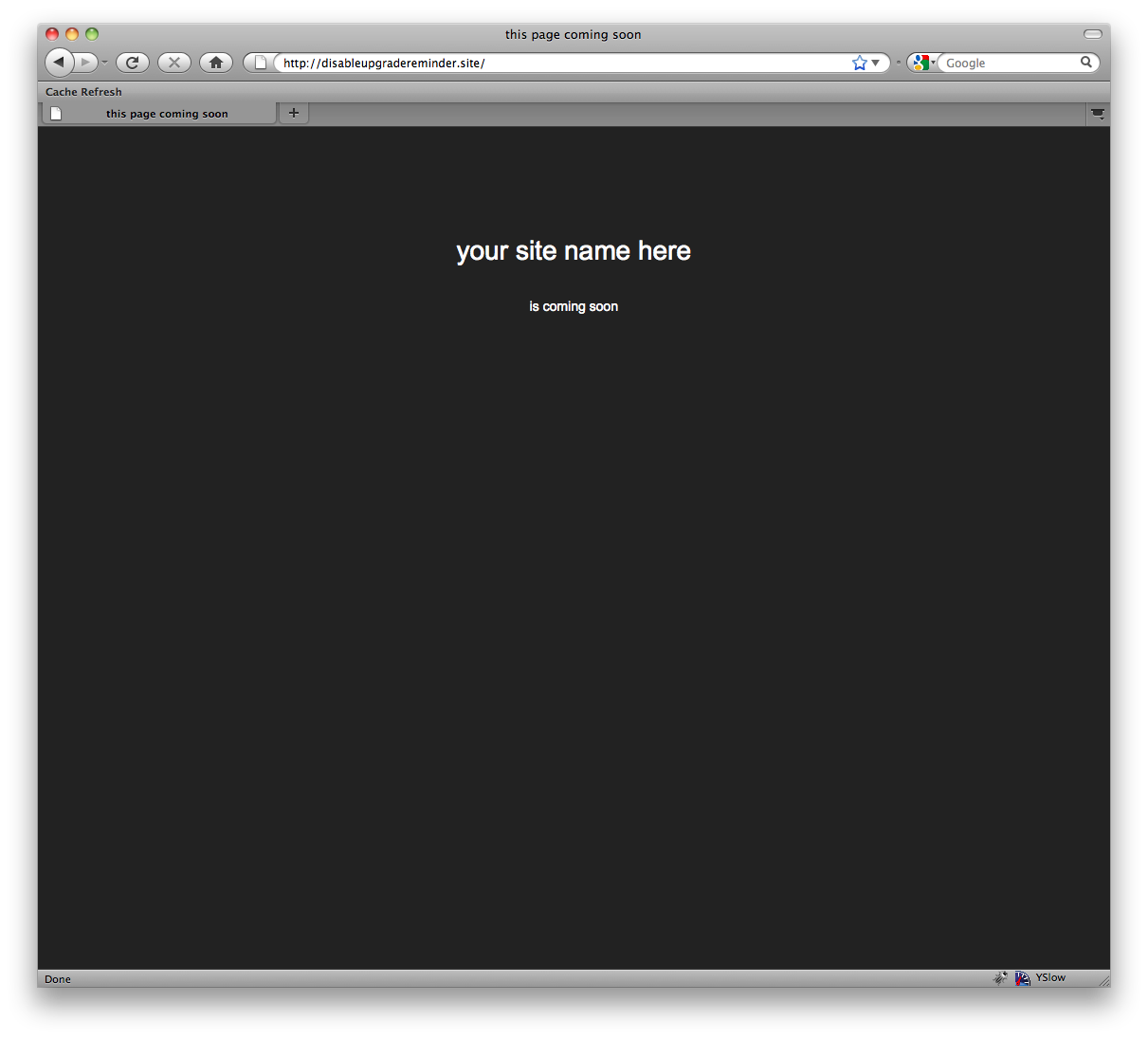
Creates a ‘Coming Soon’ page that will show for all users who are not logged in. Useful for developing a site on a live server, without the world being able to see it
Installation
- Upload the folder to the
/wp-content/plugins/directory - Activate the plugin through the ‘Plugins’ menu in WordPress
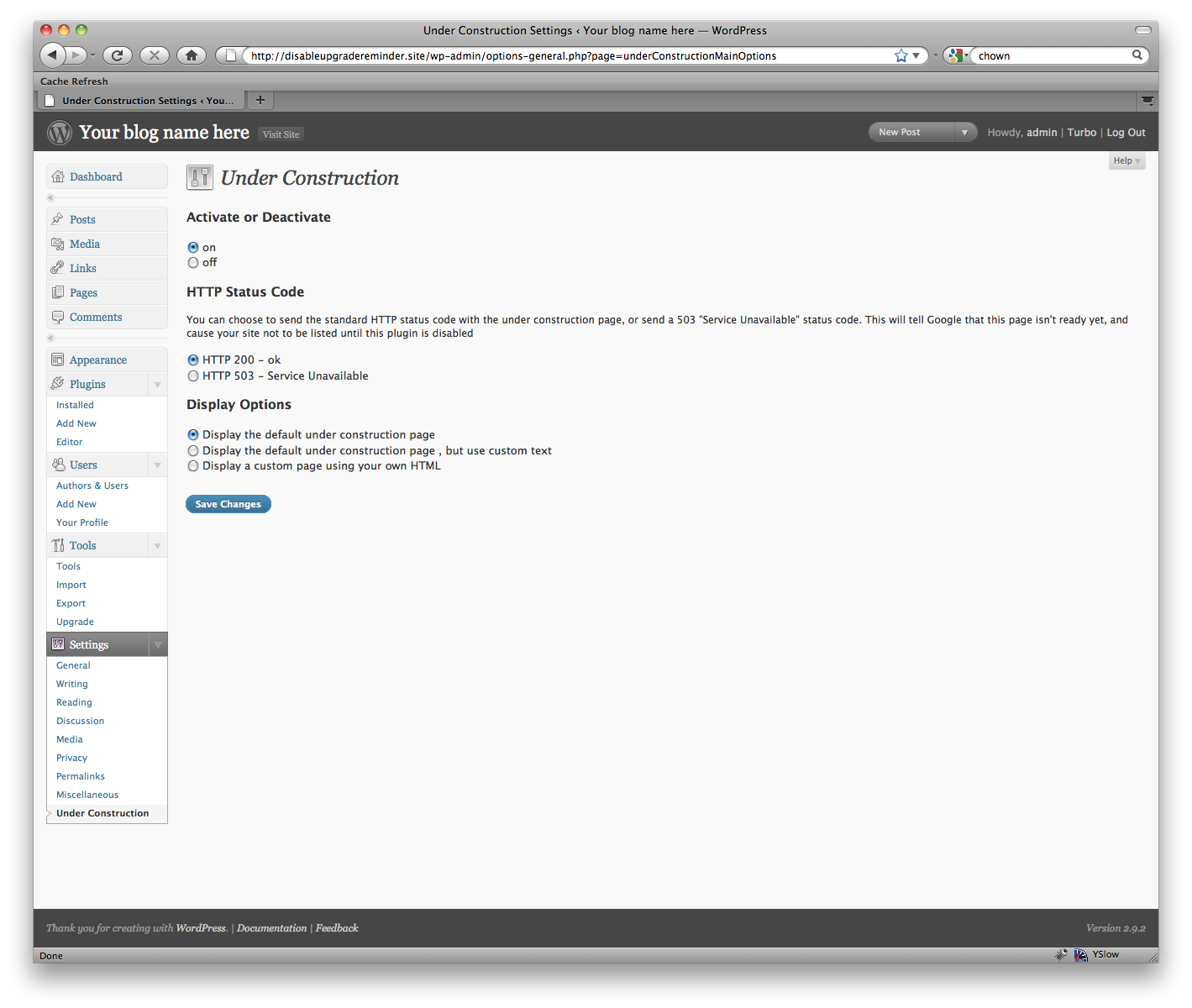
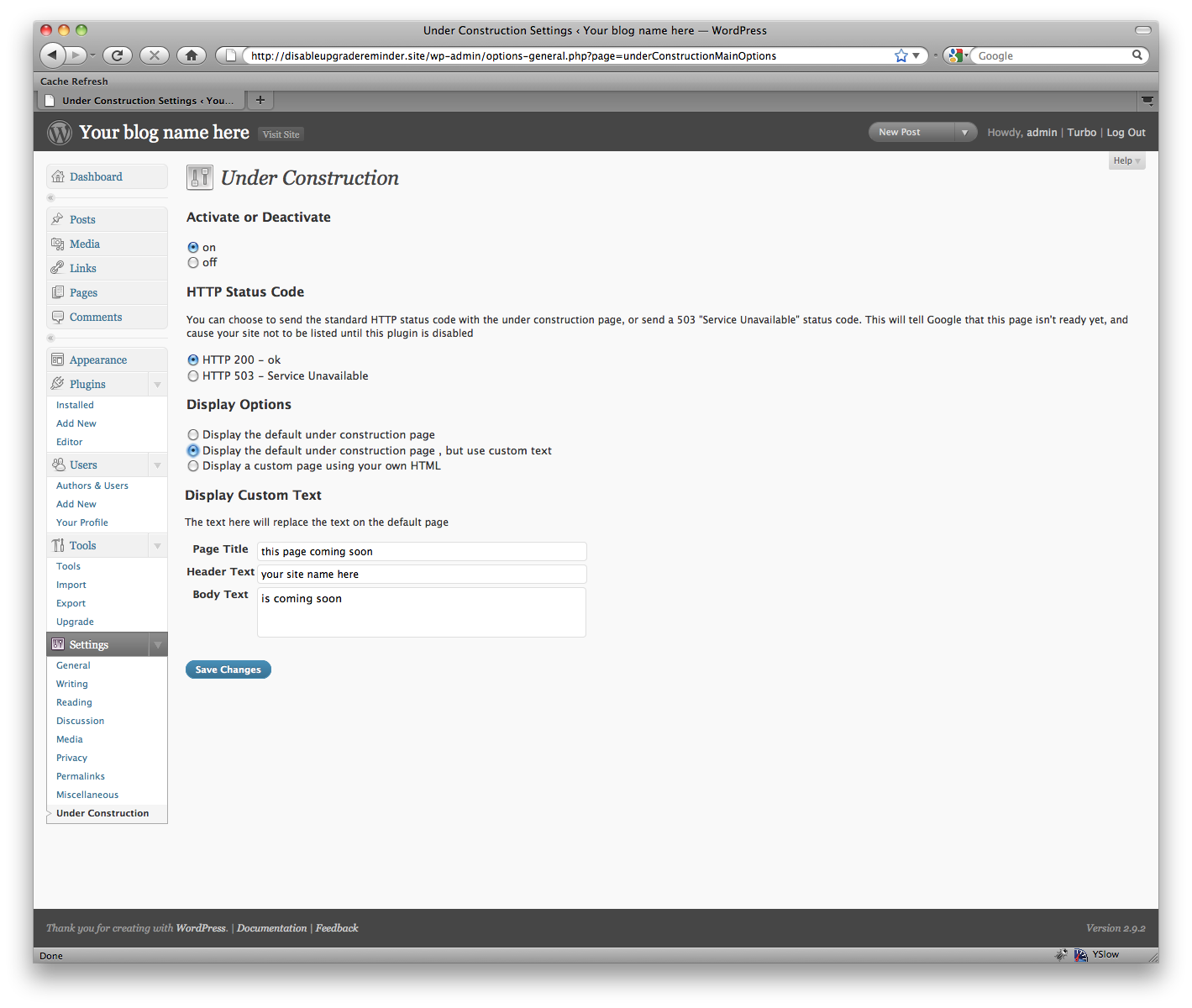
- If you want to change the look of the page that is displayed, click Settings->Under Construction and change the settings there.
Frequently asked questions
I’m finished with it, and disabled the plugin, but the “under construction” message is still showing up!
If you’ve disabled the plugin, it won’t show anything anymore. To be extra super-sure, try deleting the plugin files. Usually, though, the issue is that you’re seeing a cached version of the page. Try force-refreshing your browser, and then try clearing your cache on the server and force refreshing again. If you have a caching plugin like W3 Total Cache, make sure you clear that too!
I can’t see the under construction page!
As long as you’re logged in, you won’t be able to see it. That’s a feature! This way, while you’re logged in you can work as usual. To preview what it looks like, either a) log out, or b) try viewing it in another browser
What kind of HTML can I put in?
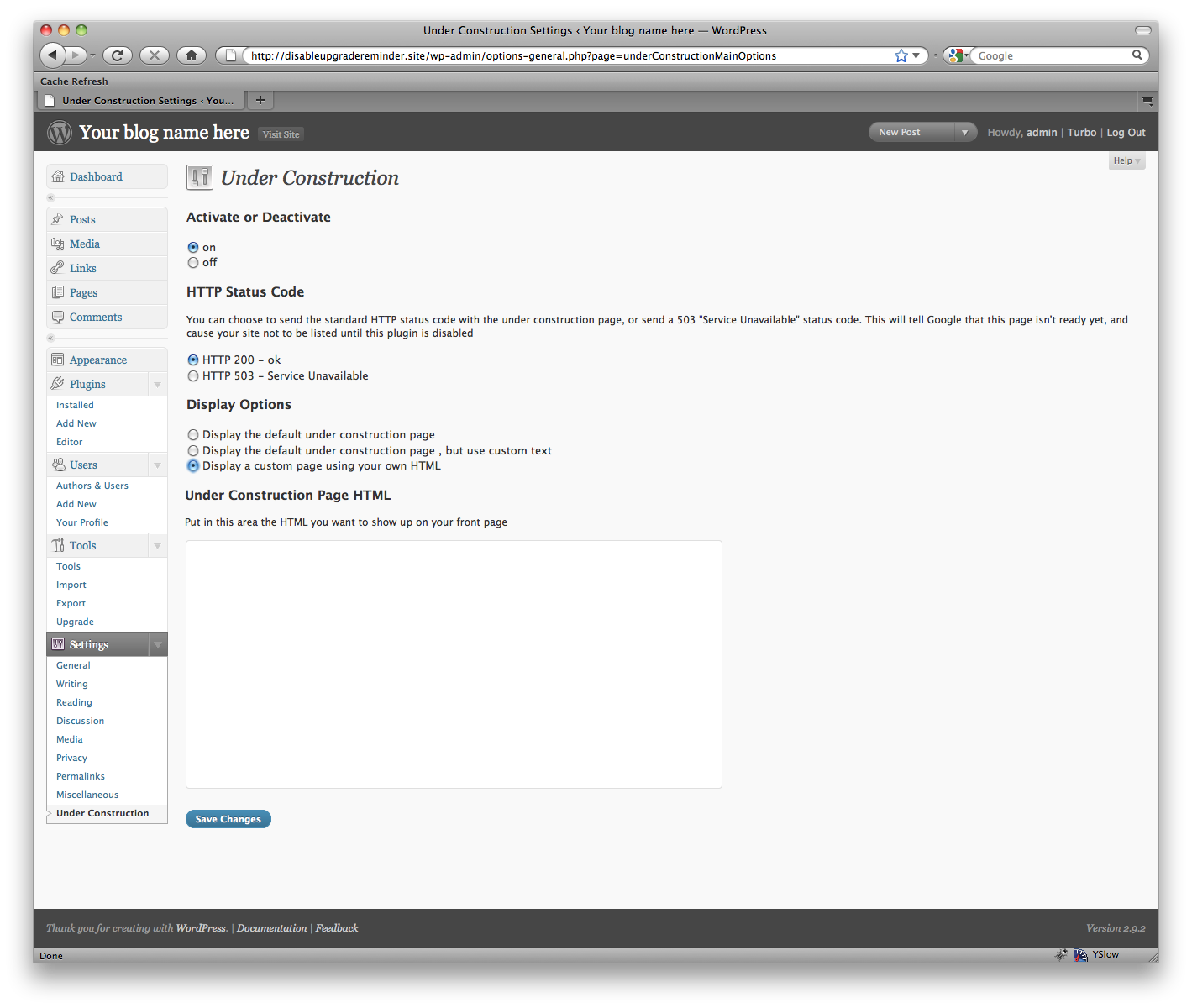
You enter the contents of the entire HTML file. You can include inline styles, or links to external style sheets and external images.
I have an idea for your plugin!
That’s great. I’m always open to user input, and I’d like to add anything I think will be useful to a lot of people. Visit the homepage for this plugin and leave a comment, and I’ll add the functionality as soon as I can.
I found a bug!
Oops. That’s sure awkward. If you find a problem with this plugin that you can reproduce, if you wouldn’t mind leaving a message on the homepage for this plugin with how you made it break, I’d really like to try and fix it! Also, this is incompatible with a couple plugins out there, specifically ones that change the default login url.
This plugin has helped me a lot, how can I support it?
I’ve had a few people ask me this. If you like it, please go to WordPress.org and rate it! Then more people can enjoy it. If you REALLY like it, you can always buy me a coffee. 🙂 There’s a donate link on my site.
You didn’t answer my question here
Sorry, I get a lot of questions. But visit the homepage for this plugin and leave me a comment. They go right to my inbox, and well I might not be able to for a few days, I promise I’ll get back to you.
Changelog
Fixed an issue where single quotes were being escaped on custom HTML pages. They will now be unquoted when printed to the screen
1.22
- Address XSS vulnerability on admin inputs.
1.21
- Improve input sanitation.
1.20
- Add support for 404 status code.
- Address security vulnerabilies.
1.19
- Address security vulnerability.
1.18
- Fix PHP warnings and update WordPress version compatibility.
1.17
- Add ipv6 support https://wordpress.org/support/topic/underconstruction-ipv6-support
Screenshots
For developers
Is this your plugin? Show off the numbers.
Add a live badge to your site, docs or GitHub README. It updates on its own — no account needed.
Best underConstruction alternatives
All construction plugins →





FAQ
underConstruction: quick answers
Straight answers, pulled from live WordPress.org data.
Live data from WordPress.org · checked Sep 27, 2026
Is underConstruction free?
Yes. underConstruction is free to download and use from the official WordPress.org plugin directory.
Is underConstruction safe to use in 2026?
underConstruction works, but test it on a staging site before relying on it in 2026. It runs on 40K+ sites, is rated 4.5/5 and was last updated 3 years ago, and scores 46/100 on our health check.
How many websites use underConstruction?
underConstruction is active on 40K+ WordPress websites and has been downloaded 1,754,590 times since it launched in June 2009. It was downloaded 1,523 times in the last 30 days.
Does underConstruction work with WordPress 7.1?
underConstruction is officially tested up to WordPress 6.4.12, while the latest release is 7.1.2. It may still work, but try it on a staging site first.
When was underConstruction last updated?
The latest version, 1.22, was released on March 8, 2024 (3 years ago).
Who makes underConstruction?
underConstruction is developed and maintained by Garrett Grimm.
What are the best alternatives to underConstruction?
The most popular alternatives to underConstruction are WP Maintenance (60K+ installs), YITH Maintenance Mode (5K+ installs) and Under Construction Light (1K+ installs).
Powered by PageForge
Want thousands of pages that rank like these? Build them in an afternoon.
This directory runs on the same engine as PageForge. Turn any spreadsheet, CSV or API into thousands of fast, SEO-ready WordPress pages — with schema, internal links and AI-written copy baked in.
- CSV, Google Sheets & API data sources
- AI content, schema & internal links per page
- Works with Elementor, Gutenberg, Yoast & Rank Math
- Free on WordPress.org — no credit card


