


Transferito: WP Migration
The easiest 1-Click WordPress Migration plugin that will migrate, clone, transfer and move your WordPress site to any host in seconds.

Solid choice
Transferito: WP Migration is a solid plugin choice in 2026, with a few things worth checking first. It runs on 300+ sites, is rated 4.5/5 and was last updated 5 days ago, and scores 79/100 on our health check.
- Actively developed — last update 5 days ago
- Tested with the latest WordPress (7.1)
- Momentum — downloads up 232.3% vs the previous 30 days
- Small user base (300+ active installs)
Daily downloads
Download spikes usually follow a new release — each site that auto-updates counts as a download.
Rankings
Where Transferito: WP Migration stands todayWordPress.org search rankings
Live position in the plugin search, top 100| Keyword | Position |
|---|---|
| clone wordpress | #46 |
| migrate wordress | #1 |
| move wordpress | #64 |
| wordpress migration | #37 |
| wordpress transfer | #34 |
Version adoption
Share of active sites per release.
Rating breakdown
★★★★★★★★★★ 4.5 from 16 reviews
About Transferito: WP Migration
From the official readme · v15.7.3Description
Transferito is a 1-Click WordPress Migration plugin that allows you to automatically transfer, migrate or clone a WordPress installation to a new location.
Now quicker, easier and simpler than ever. Our WordPress Migration plugin, has the ability migrate any WordPress site (Yes.. even localhost installations) in seconds.
Whether your WordPress migration is a small WordPress site from your local development environment or a large WordPress site on live web server. Our WordPress migration plugin has the capability to successfully move, clone, migrate and transfer your WordPress site.
Transferito Documentation
Get Started with Transferito view our guides to see how to get started!
FREE Features
- Unlimited FREE WordPress Migrations upto 250MB
- Real 1-Click WordPress Migration
- Full automatic restoration & installation to a new location – No import tools needed
- Move your WordPress site quicker than ever
- Migrate local WordPress websites
- We automatically update all your links and URLs
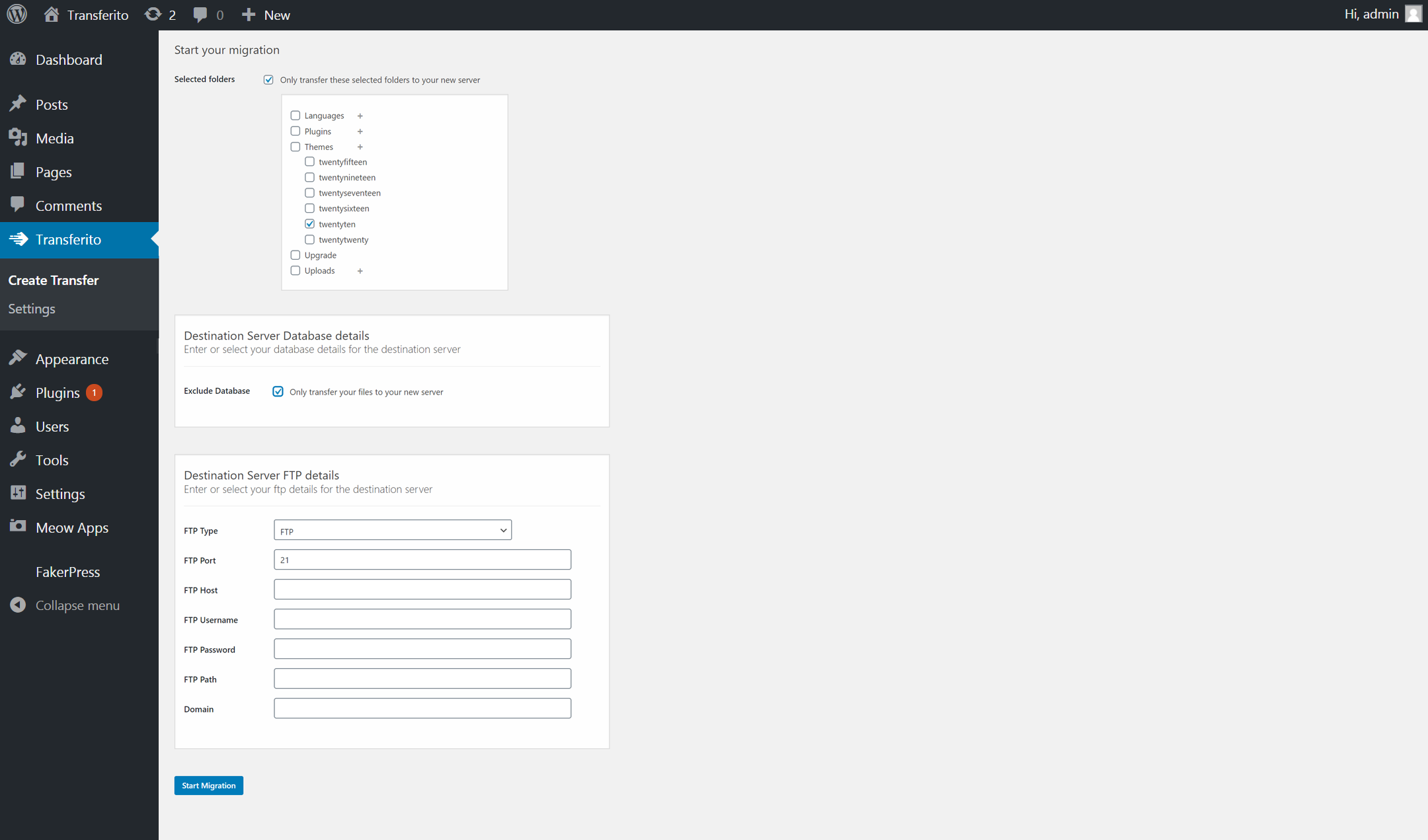
- Choose what to migrate – Exclude the database during migration or just transfer selected folders
- Clone, Transfer, Migrate, Move, Copy, Restore WordPress websites without any downtime
- Migrations happen on your server – So we never copy your site
- Use FTP, SFTP or cPanel credentials to migrate your WordPress site
- Any FTP, SFTP, Database or cPanel details are immediately deleted once the transfer has finished
- We remove the plugin from your new location so you don’t have to
How our plugin works
We pride our WordPress migration plugin on being a real 1-Click WordPress duplicator / migrator plugin. That just works!
We’ve worked hard to simplify the WordPress migration process and make it easier than ever to move your WordPress site to new domain or to a new host.
We have two migration methods:
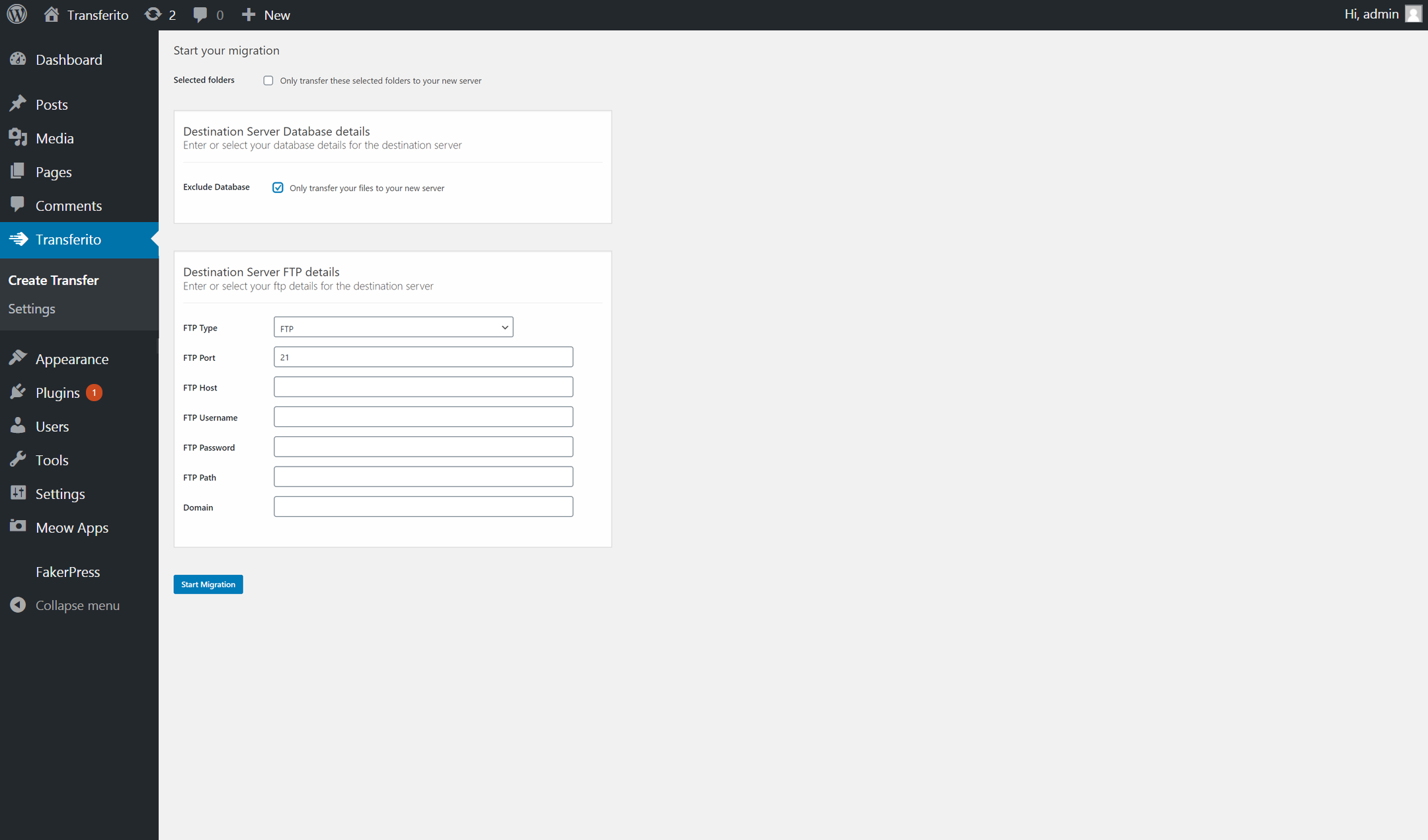
1. Manually enter your SFTP/FTP and database details
2. Enter your cPanel login & choose your domain – Then your database & FTP details are created automatically for you. Making WordPress migrations even easier. Brilliant for the less technical user.
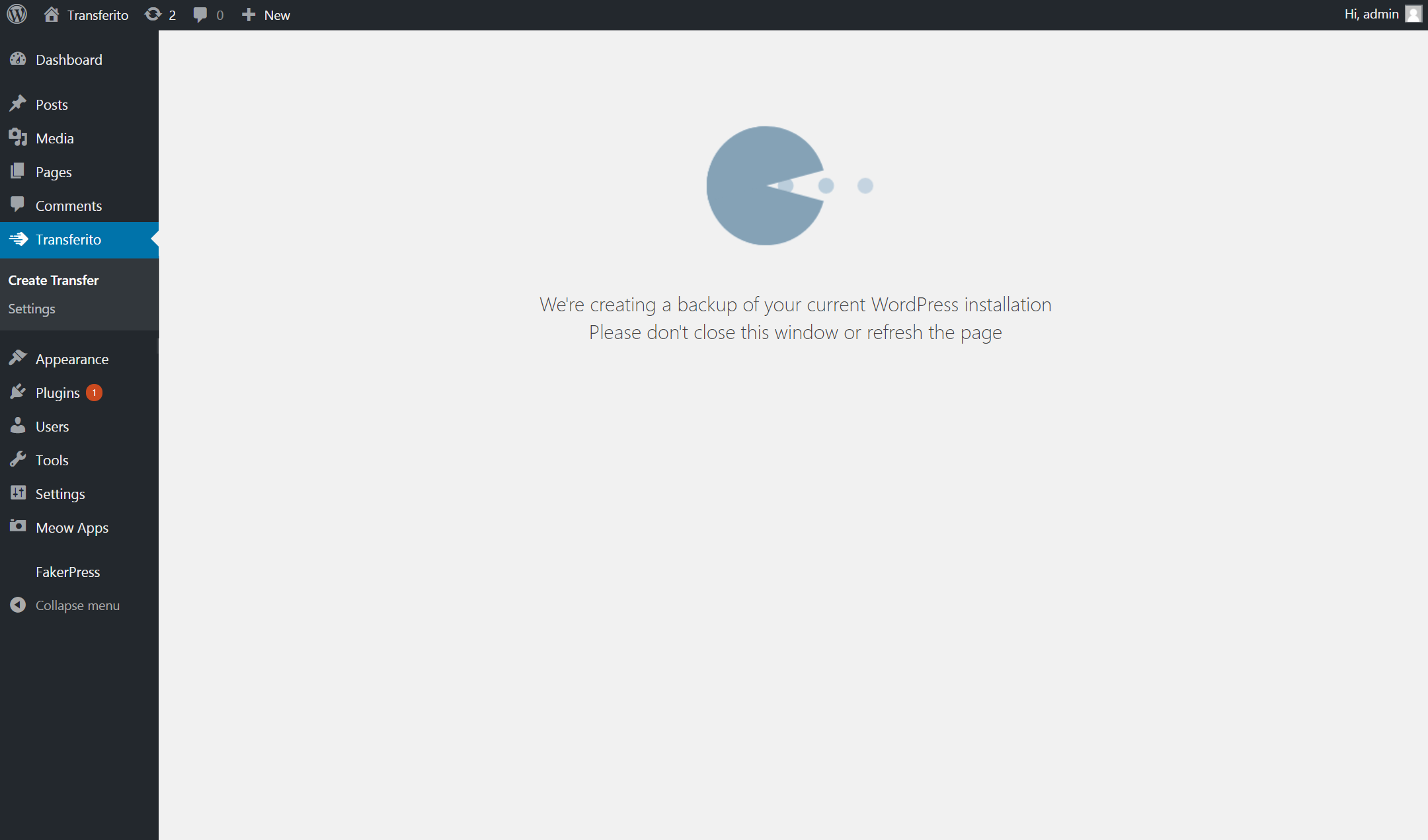
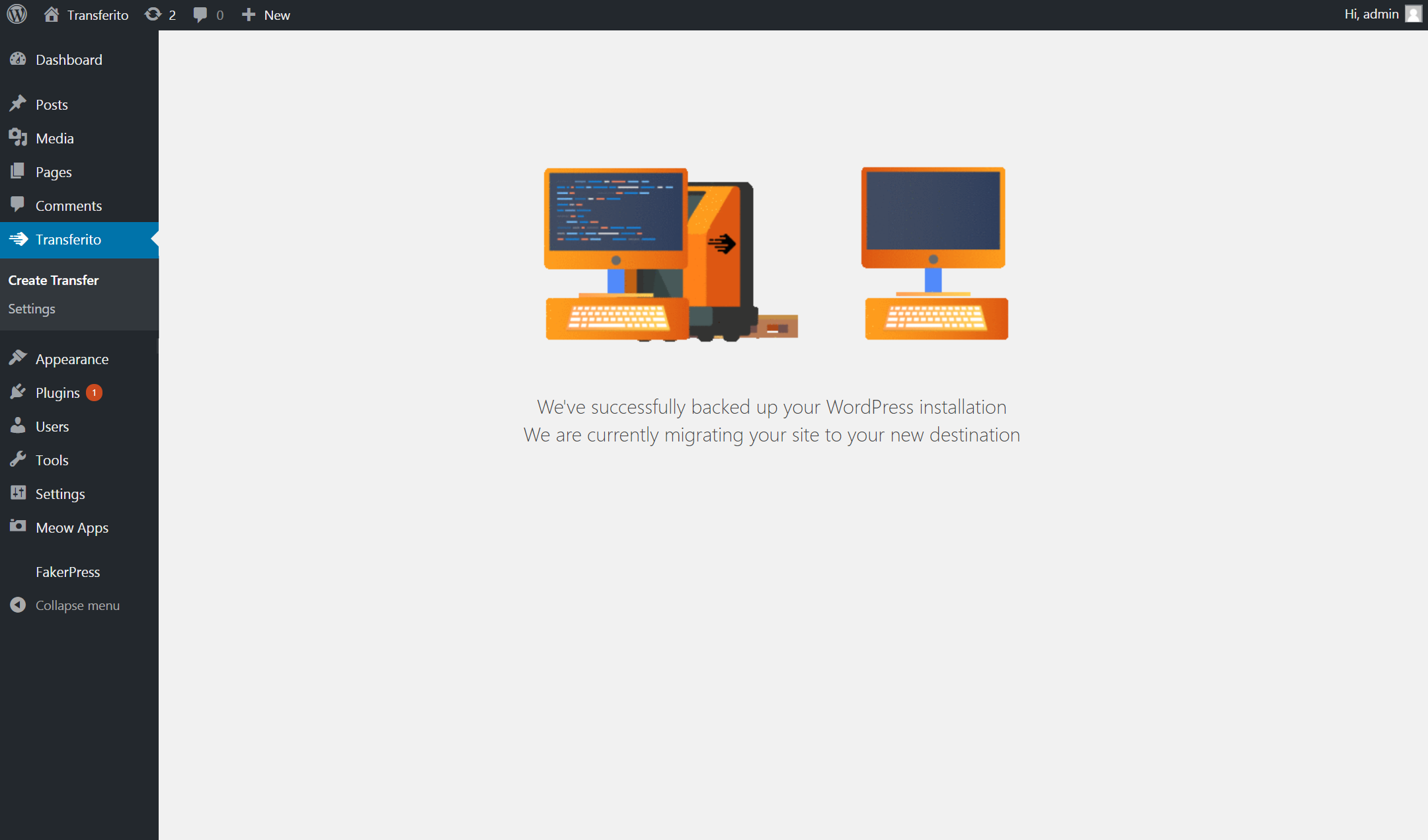
Once you click the “Start Migration” button. We export your WordPress site and then automatically (Yes.. you read that correctly!) migrate your WordPress site with updated links & URLs to your new location.
Want to unlock our extra features?
With Transferito Premium, you get access to our extra amazing features.
- 24/7 dedicated support for your WordPress migrations
- Access to migration specialists on hand to deal with complex WordPress migrations
- Migrate, move, transfer, clone WordPress sites larger than 250MB
- Access to our cloud platform – migrate without ever having to install a plugin
- Use our cloud migration tool that copies a site to your local environment
Check out Transferito Premium pricing today!
External services
Sentry:
This plugin connects to an API for application an error monitoring. It captures and reports errors if they happen and
sends them to sentry, these errors can be viewed by Transferito. There is a checkbox that allows the user to opt-in to give their consent
to enable the tracking.
This service is provided by “Functional Software, Inc”: terms of use, privacy policy
Amplitude:
This plugin will connect to an API to report where the user is in the migration process, the data sent information will contain the name of the event and supporting data,
around the event that is being tracked. No personal information, migration details or personal identifiable information is sent.
Data is sent when major actions are performed in the plugin, such as a migration failing.
There is a checkbox that allows the user to opt-in to give their consent to send this data.
This service is provided by “Amplitude, Inc”: privacy policy
Amazon S3:
This plugin at times will connect to an API to upload backups to an Amazon S3 bucket that is not publicly accessible.
Backups are temporarily stored, to enable the backup to be downloaded to the new server.
If the backup is stored in S3, it is deleted once the migration has completed or if the migration fails.
This service is provided by “Amazon Web Services, Inc”: privacy policy
Transferito:
This plugin will connect to an API that allows the plugin to create migrations, authenticate user accounts. The data that gets sent,
is migration data that has been provided the by the user to do with the migration details. This information is sent when a
migration is started, fails or details need to be validated.
This service is provided by “Transferito, Ltd”: privacy policy
Changelog
2.6.29: Breaking changes: - New migration method, it's important you update in order to migrate your WordPress site 1.1.12: Breaking changes: - You need to update to this version in order to transfer a WordPress site
14.1.4 – 27/04/26
Bug fix – ClassExists
14.1.1 – 15/10/25
Fixed security issue
13.0.0 – 09/08/25
Plugin Name change
11.3.1 – 06/03/25
Fixed settings not saving correctly on first save
Added Upload Chunk Size field
Fixed frame not loading correctly
Fixed slow migrations
11.2.5 – 28/02/25
Database import – Bug Fix
Blank Screen – Bug Fix
Archive Extraction – Bug Fix
11.2.0 – 20/02/25
[BugFix] – Database Import failure fix for some migration users
Screenshots
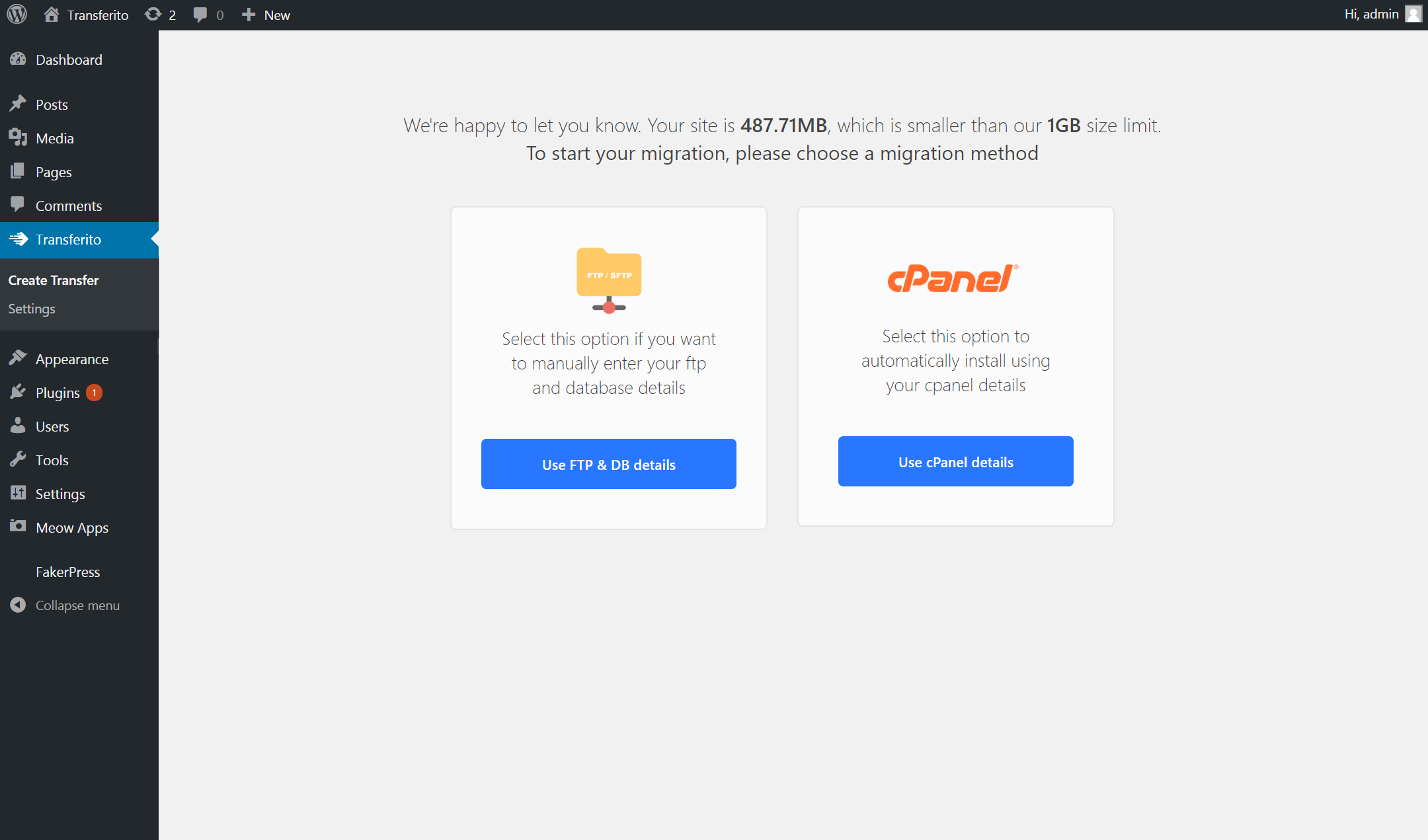
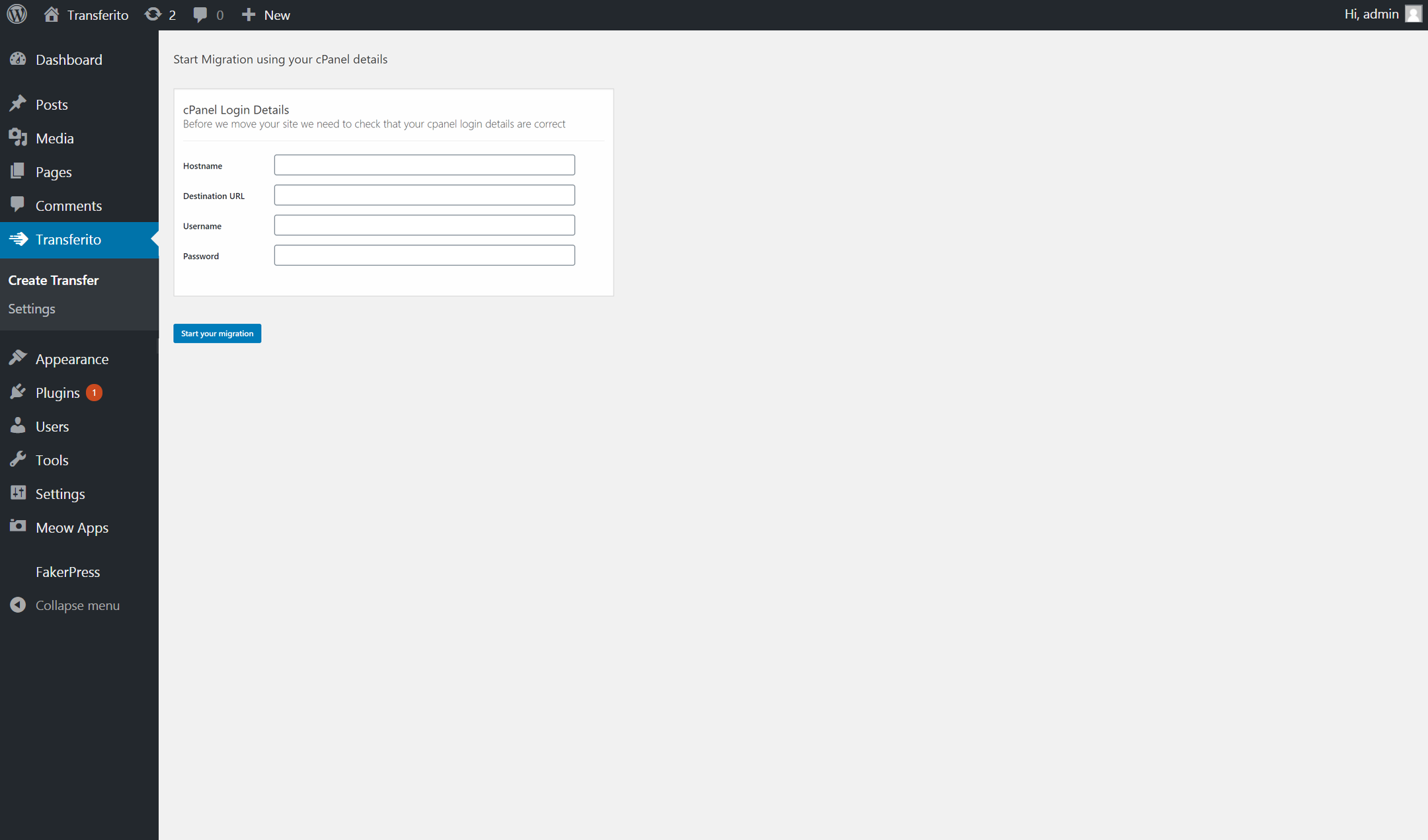
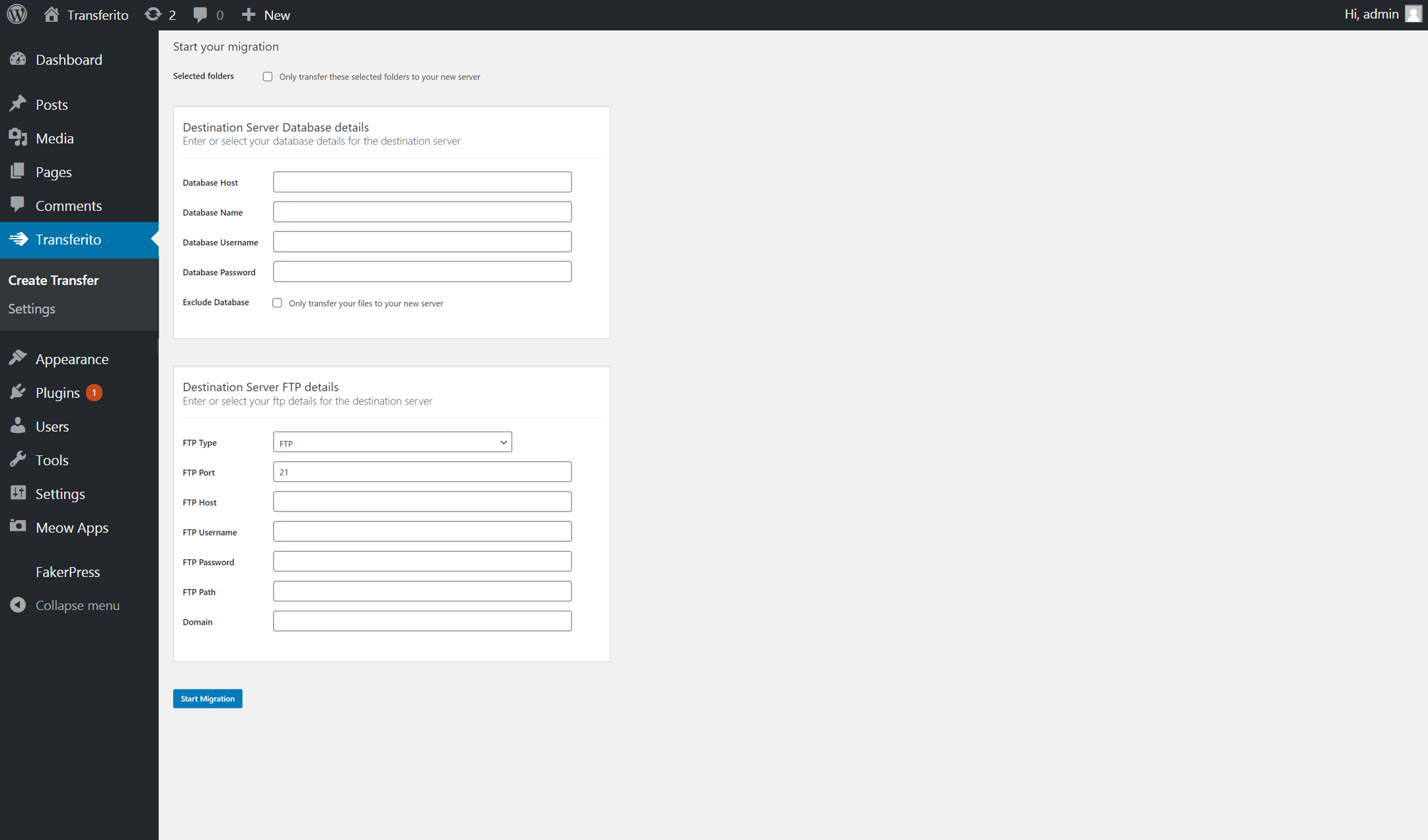
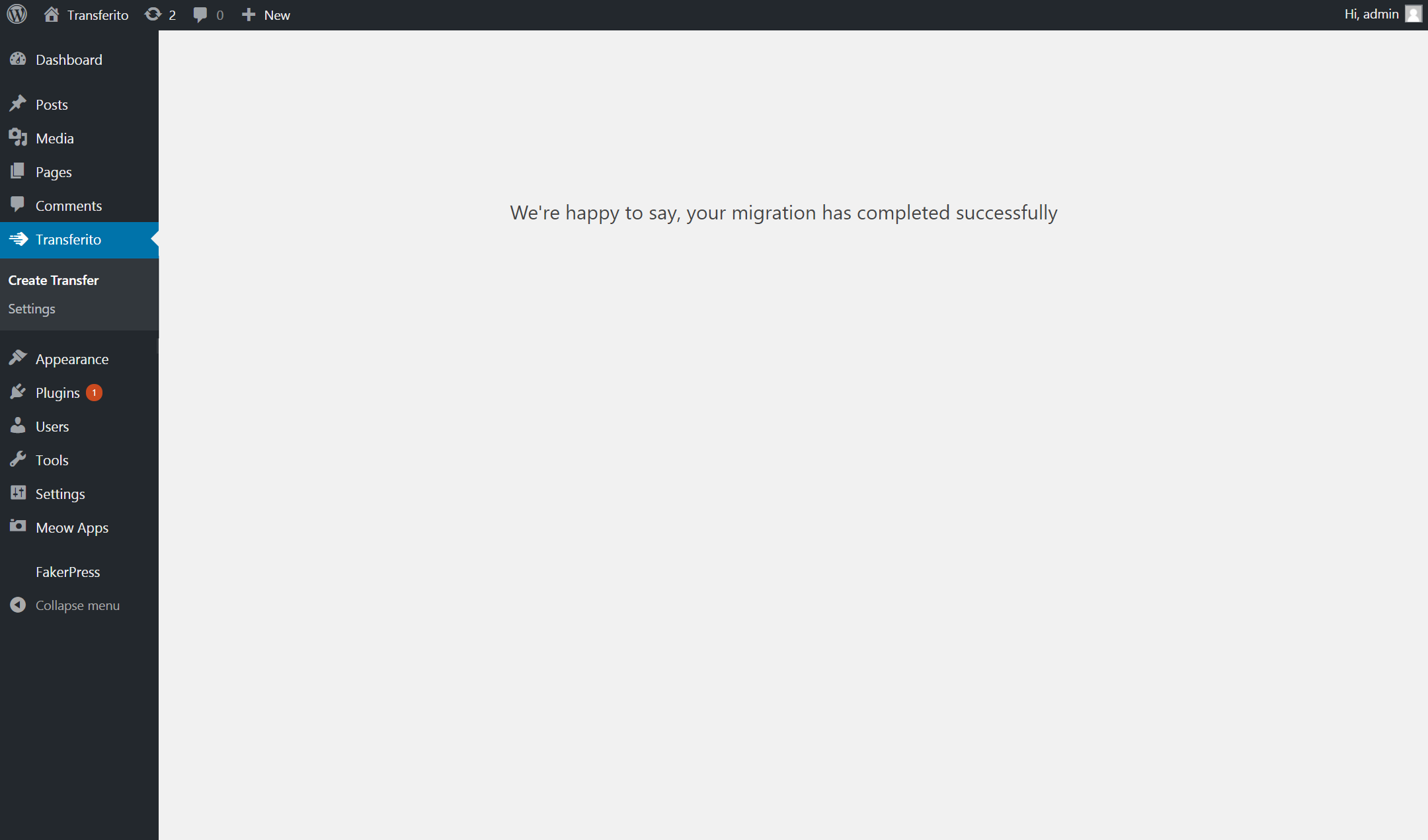
For developers
Is this your plugin? Show off the numbers.
Add a live badge to your site, docs or GitHub README. It updates on its own — no account needed.
FAQ
Transferito: WP Migration: quick answers
Straight answers, pulled from live WordPress.org data.
Source: WordPress.org
Is Transferito: WP Migration free?
Yes. Transferito: WP Migration is free to download and use from the official WordPress.org plugin directory.
Is Transferito: WP Migration safe to use in 2026?
Transferito: WP Migration is a solid plugin choice in 2026, with a few things worth checking first. It runs on 300+ sites, is rated 4.5/5 and was last updated 5 days ago, and scores 79/100 on our health check.
How many websites use Transferito: WP Migration?
Transferito: WP Migration is active on 300+ WordPress websites and has been downloaded 36,624 times since it launched in November 2017. It was downloaded 1,153 times in the last 30 days.
Does Transferito: WP Migration work with WordPress 7.1?
Yes. The developer has tested Transferito: WP Migration up to WordPress 7.1.5, the latest release. It requires WordPress 5.9 or newer.
What PHP version does Transferito: WP Migration need?
Transferito: WP Migration requires PHP 5.6 or higher. Most hosts run PHP 8.x today, so it works on any modern WordPress hosting.
When was Transferito: WP Migration last updated?
The latest version, 15.7.3, was released on November 24, 2026 (5 days ago).
Who makes Transferito: WP Migration?
Transferito: WP Migration is developed and maintained by Transferito.
Powered by PageForge
One template and a spreadsheet. A real page for every search.
PageForge turns each row of a CSV into a WordPress page with its own title, URL, SEO fields and schema, built on the layout you already designed. Free on WordPress.org.
- CSV and XLSX, plus Google Sheets on Professional and Enterprise
- Its own title, URL, SEO fields and schema for every page
- Works with the block editor, Elementor, Divi and Avada
- Free on WordPress.org, no credit card