



Subscriber by BestWebSoft
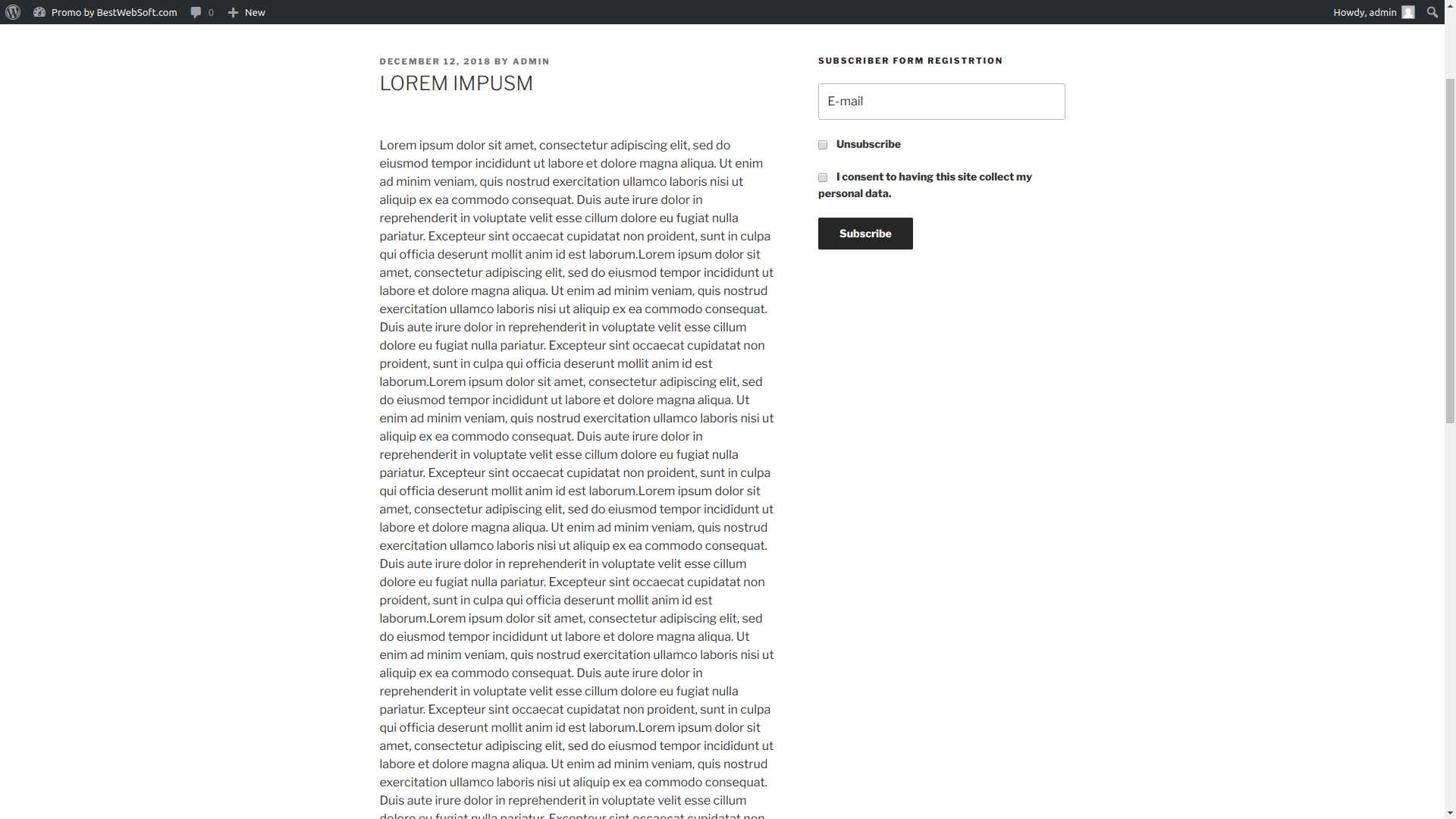
Subscriber plugin adds email newsletter signup form to collect customer data on your WordPress website. Subscribe your visitors to a company newsletter or simply collect leads.

Consider an alternative
Subscriber by BestWebSoft shows warning signs in 2026 — compare the alternatives below before installing. It runs on 900+ sites, is rated 4.6/5 and was last updated 1 year ago, and scores 40/100 on our health check.
- Small user base (900+ active installs)
- No update in over a year
- Only tested up to WordPress 6.5 (latest is 7.1)
Daily downloads
Download spikes usually follow a new release — each site that auto-updates counts as a download.
Rankings
Where Subscriber by BestWebSoft stands todayWordPress.org search rankings
Live position in the plugin search, top 100| Keyword | Position |
|---|---|
| add subsribe form | #1 |
| display subscribe form | >100 |
| subscribe to newsletters | #75 |
| subscriber | #25 |
| subscriber plugin | #22 |
Version adoption
Share of active sites per release.
Rating breakdown
★★★★★★★★★★ 4.6 from 11 reviews
About Subscriber by BestWebSoft
From the official readme · v1.4.9Description
Subscriber plugin adds email newsletter signup form to collect customer data on your WordPress website. Subscribe your visitors to a company newsletter or simply collect leads.
Communicate with your audience directly. Convert your visitors to subscribers and customers easily!
NOTE: Subscriber plugin is an exclusive add-on to the Sender plugin.
Free Features
- Add newsletter email subscription form to the:
- Posts
- Pages
- Widgets
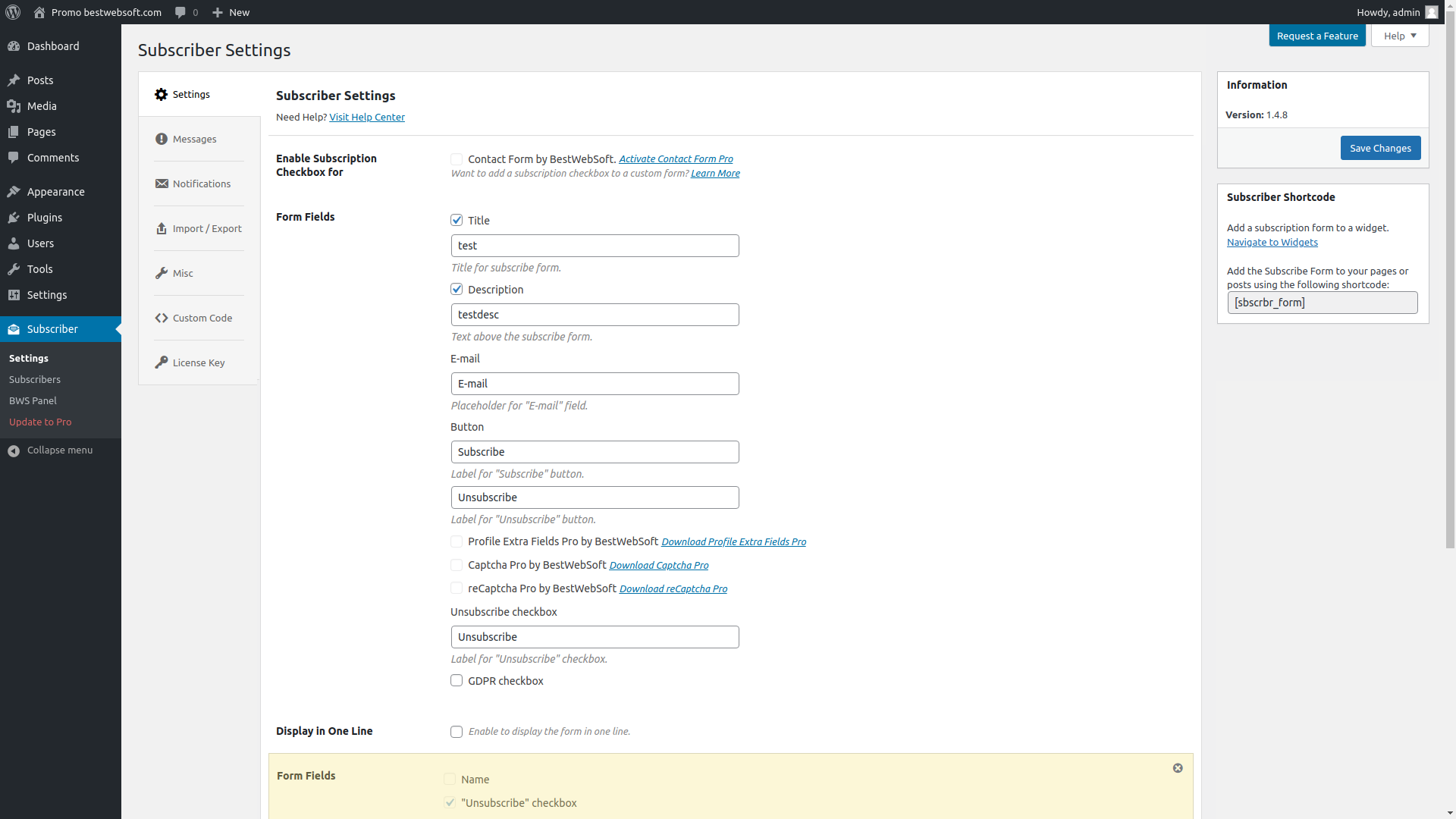
- Add labels to:
- Text above the subscription form
- Email field
- Unsubscribe checkbox
- Subscribe button
- GDPR Compliant
- Compatible with:
- Customize service messages
- Display the form on one line
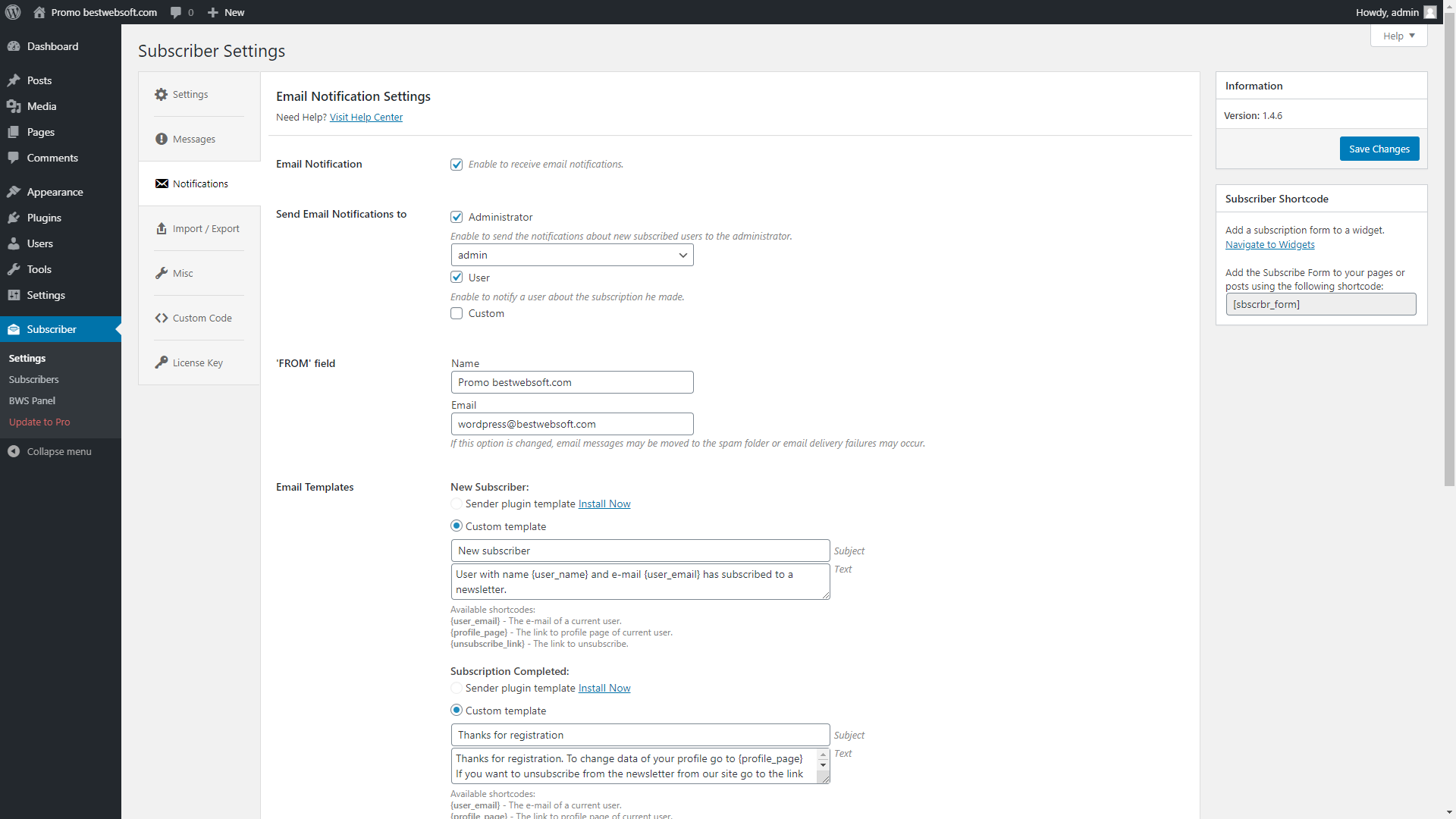
- Notify administrator via email about new subscribers
- Change recipient email to:
- Administrator email
- Custom email
- Customize message content sent to:
- Administrator
- Subscribed user
- Add unsubscribe link and additional text to email template
- Add subscription checkbox to Woocommerce forms
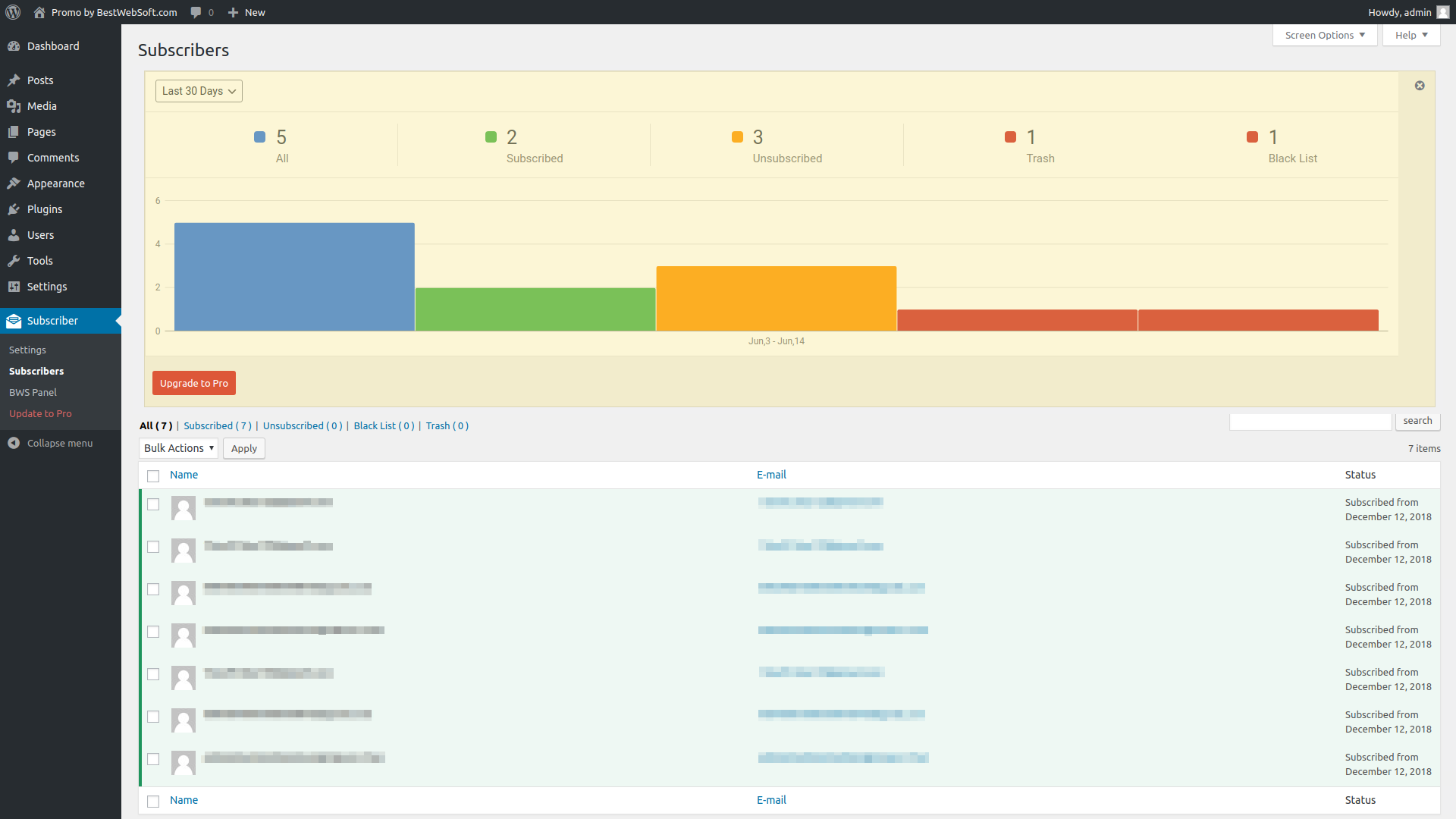
- View information about subscribers:
- Name
- Status
- Sort your subscribers by:
- All
- Subscribed
- Unsubscribed
- Black listed
- Trashed
- Compatible with latest WordPress version
- Incredibly simple settings for fast setup without modifying code
- Detailed step-by-step documentation and videos
Pro Features
All features from Free version included plus:
- Add email newsletter subscription checkbox to registration form
- Send email with subscription confirmation
- Set time limit for subscription confirmation
- Import and export subscribers
- Add the following fields to the subscription form:
- Name
- Unsubscribe (checkbox)
- Add custom code via plugin settings page
- View reason of unsubscribing
- Summary diagram with subscribers statistic
- Get answer to your support question within one business day (Support Policy)
If you have a feature suggestion or idea you’d like to see in the plugin, we’d love to hear about it! Suggest a Feature
Documentation & Videos
- [Doc] User Guide
- [Doc] Installation
- [Doc] Purchase
- [Video] Purchase, Installation, Configuration Tutorial
- [Video] Installation Instruction
Help & Support
Visit our Help Center if you have any questions, our friendly Support Team is happy to help — https://support.bestwebsoft.com/
Affiliate Program
Earn 20% commission by selling the premium WordPress plugins and themes by BestWebSoft — https://bestwebsoft.com/affiliate/
Translation
- Czech (cs_CZ) (thanks to PaMaDeSSoft, www.pamadessoft.cz)
- Indonesian (id_ID) (thanks to Jordan Silaen, www.chameleonjohn.com)
- Russian (ru_RU)
- Ukrainian (uk)
Some of these translations are not complete. We are constantly adding new features which should be translated. If you would like to create your own language pack or update the existing one, you can send the text of PO and MO files to BestWebSoft and we’ll add it to the plugin. You can download the latest version of the program for work with PO and MO files Poedit.
Recommended Plugins
- Updater – Automatically check and update WordPress website core with all installed plugins and themes to the latest versions.
- Contact Form – Simple contact form plugin any WordPress website must have.
- Captcha – #1 super security anti-spam captcha plugin for WordPress forms.
- Sender – Send bulk email messages to WordPress users. Custom templates, advanced settings and detailed reports.
- SMTP – Configure SMTP server to receive email messages from WordPress to Gmail, Yahoo, Hotmail and other services.
Installation
- Upload the
subscriberfolder to the/wp-content/plugins/directory. - Activate the plugin through the ‘Plugins’ menu in WordPress.
- Plugin settings are located in ‘Subscriber’ -> ‘Settings’.
Frequently asked questions
Can I create a newsletter subscriber in the backend of the site?
Yes. You just need to create a new user with the role of “Mail Subscriber” in Users > Add New.
How can the user unsubscribe from the newsletter?
1) The user should go to your site, enter his/her e-mail in the Subscribe Form, mark the “unsubscribe” checkbox and click the “Submit” button. 2) If everything has been done correctly, he/she will recieve a mail with a link for unsubscription. 3) If the user follows that link, he/she will be automatically unsubscribed from the newsletters.
How can the previously registered users subscribe for the newsletter?
The previously registered users can subscribe for the newsletter exactly as any other site visitor through the Subscribe Form or mark the “Subscribe for newsletters” checkbox on their Profile editing page.
Why do I need the blacklist?
If you do not want the user to receive letters of mailing for some reason, you can move him to the blacklist. Users from the black list can not receive letters and resubscribe for the mailing.
I would like to add checkbox “Subscribe” to the custom form on my website. How can I do this?
Install the Subscriber plugin and activate it. Open the file with the form (where you would like to add checkbox “Subscribe”). Find a place to insert the code for the checkbox “Subscribe” output. Insert the necessary lines: if ( has_filter( ‘sbscrbr_checkbox_add’ ) ) { $sbscrbr_checkbox = apply_filters( ‘sbscrbr_checkbox_add’, false ); if ( isset( $sbscrbr_checkbox[‘content’] ) ) { echo $sbscrbr_checkbox[‘content’]; } } If the form is HTML you should insert the line with the PHP tags: Then you should add the lines to the function of the entered data checking: if ( isset( $_POST[‘submit’] ) &&…
I have some problems with the plugin’s work. What Information should I provide to receive proper support?
Please make sure that the problem hasn’t been discussed yet on our forum (https://support.bestwebsoft.com). If no, please provide the following data along with your problem’s description: the link to the page where the problem occurs the name of the plugin and its version. If you are using a pro version – your order number. the version of your WordPress installation copy and paste into the message your system status report. Please read more here: Instruction on System Status
Changelog
The compatibility with new WordPress version updated. Usability improved. New features added.
V1.4.9 – 20.05.2024
- Update : All functionality was updated for WordPress 6.5.
- Update : BWS menu has been updated.
- PRO: Ability to add subscription checkbox to Woocommerce Login and Checkout forms.
V1.4.8 – 25.08.2021
- Update : All functionality was updated for WordPress 5.8.
- NEW: Compatibility with Profile Extra Fields by BestWebSoft.
V1.4.7 – 01.07.2021
- Update : BWS menu has been updated.
- Update : All functionality was updated for WordPress 5.7.2.
- Pro: Statistics on the number of ‘Subscribed’, ‘Unsubscribed’, ‘Trash’ and ‘Black List’ has been added.
V1.4.6 – 20.04.2020
- Update : BWS menu has been updated.
- Update : All functionality was updated for WordPress 5.4.
V1.4.5 – 04.09.2019
- Update: The deactivation feedback has been changed. Misleading buttons have been removed.
V1.4.4 – 16.05.2019
- Update : BWS menu has been updated.
- Update : The function for returning an array of objects has been added.
Screenshots
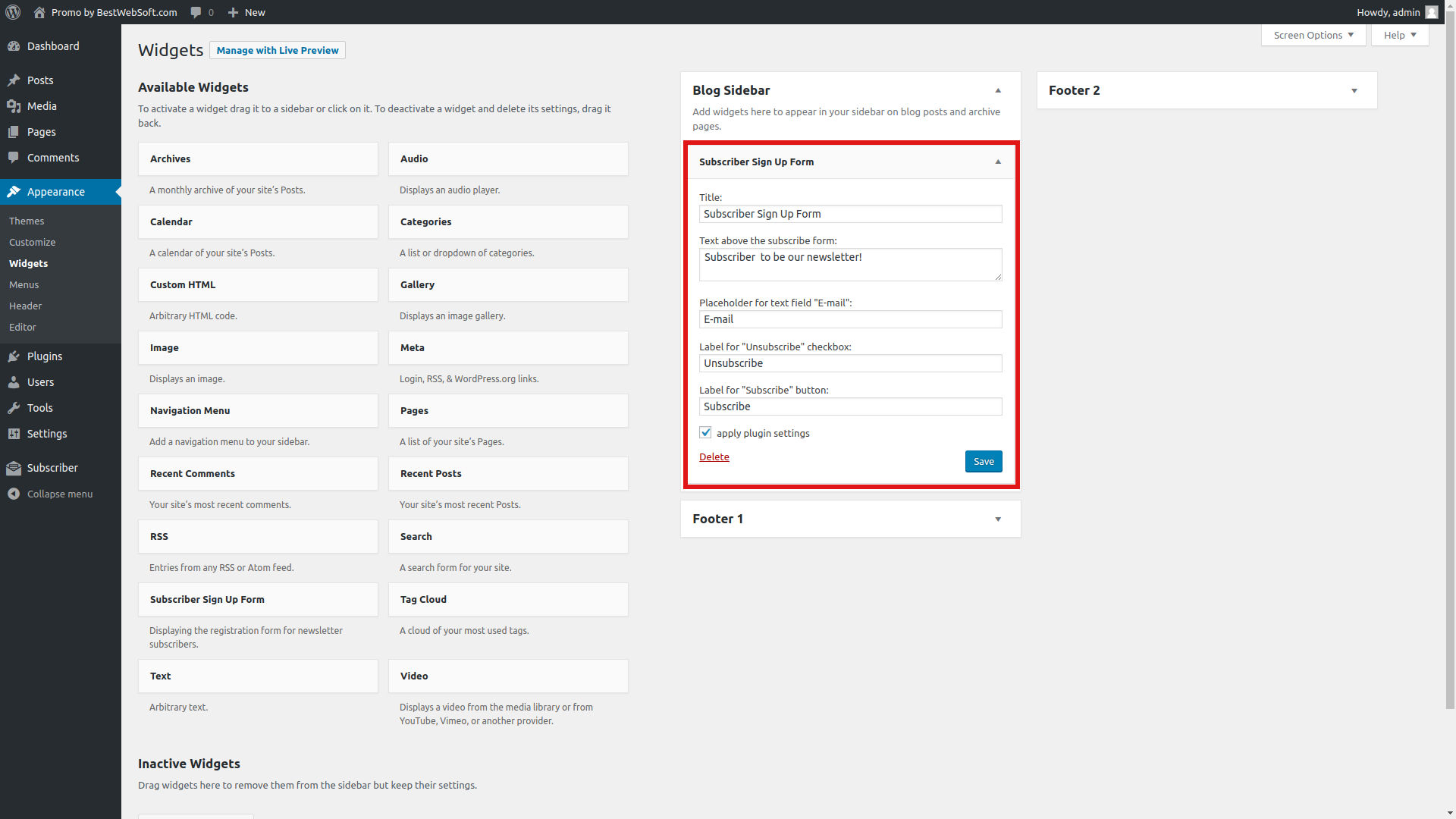
For developers
Is this your plugin? Show off the numbers.
Add a live badge to your site, docs or GitHub README. It updates on its own — no account needed.
FAQ
Subscriber by BestWebSoft: quick answers
Straight answers, pulled from live WordPress.org data.
Live data from WordPress.org · checked Oct 6, 2026
Is Subscriber by BestWebSoft free?
Yes. Subscriber by BestWebSoft is free to download and use from the official WordPress.org plugin directory.
Is Subscriber by BestWebSoft safe to use in 2026?
Subscriber by BestWebSoft shows warning signs in 2026 — compare the alternatives below before installing. It runs on 900+ sites, is rated 4.6/5 and was last updated 1 year ago, and scores 40/100 on our health check.
How many websites use Subscriber by BestWebSoft?
Subscriber by BestWebSoft is active on 900+ WordPress websites and has been downloaded 118,758 times since it launched in March 2014. It was downloaded 249 times in the last 30 days.
Does Subscriber by BestWebSoft work with WordPress 7.1?
Subscriber by BestWebSoft is officially tested up to WordPress 6.5.12, while the latest release is 7.1.2. It may still work, but try it on a staging site first.
When was Subscriber by BestWebSoft last updated?
The latest version, 1.4.9, was released on June 9, 2025 (1 year ago).
Who makes Subscriber by BestWebSoft?
Subscriber by BestWebSoft is developed and maintained by bestweblayout.
Powered by PageForge
Want thousands of pages that rank like these? Build them in an afternoon.
This directory runs on the same engine as PageForge. Turn any spreadsheet, CSV or API into thousands of fast, SEO-ready WordPress pages — with schema, internal links and AI-written copy baked in.
- CSV, Google Sheets & API data sources
- AI content, schema & internal links per page
- Works with Elementor, Gutenberg, Yoast & Rank Math
- Free on WordPress.org — no credit card


