



Starter Sites
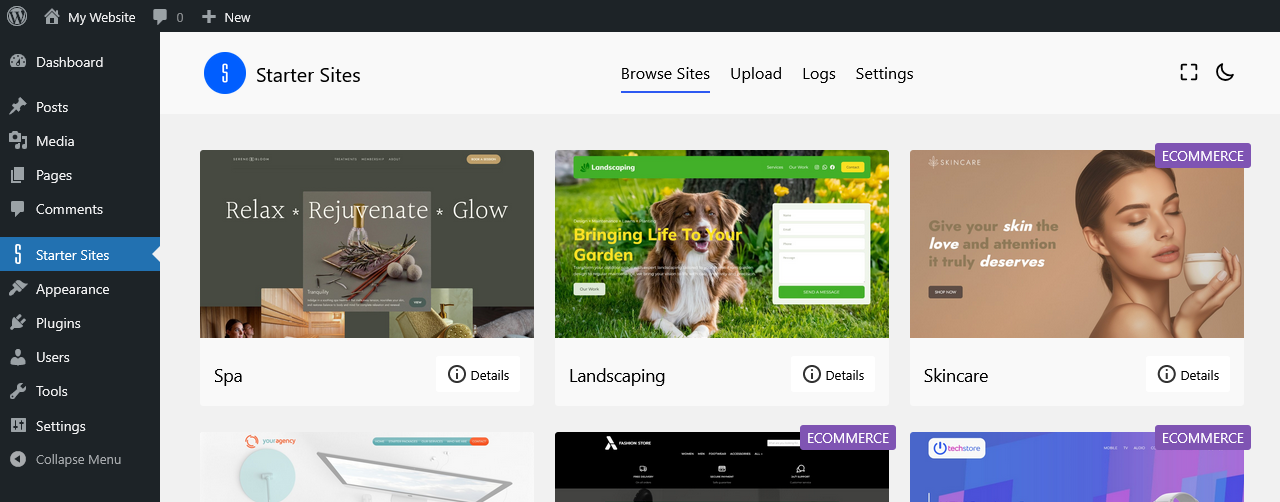
Import website demos, full pages of block editor content, posts, products, images, global styles, templates, template parts, patterns and fonts.

Use with caution
Starter Sites works, but test it on a staging site before relying on it in 2026. It runs on 900+ sites, is rated 3/5 and was last updated 4 months ago, and scores 56/100 on our health check.
- Small user base (900+ active installs)
- Very few reviews so far
How does it stack up?
Side-by-side on installs, updates, ratings & support



Daily downloads
Download spikes usually follow a new release — each site that auto-updates counts as a download.
Rankings
Where Starter Sites stands todayWordPress.org search rankings
Live position in the plugin search, top 100| Keyword | Position |
|---|---|
| content | >100 |
| demo | >100 |
| import | >100 |
| starter site | #6 |
| website | >100 |
Version adoption
Share of active sites per release.
Rating breakdown
★★★★★★★★★★ 3 from 2 reviews
About Starter Sites
From the official readme · v2.6Description
Build Stunning WordPress Sites in Minutes with Real Content, Beautiful Designs and the Power of Full Site Editing!
Unlock the power of easy web design with a collection of ready-to-go WordPress starter site themes and beautifully crafted website demos, all built with the Full Site Editing block editor. You can launch a complete website in just one click, with real content already in place to make your site look polished and professional right from the start.
Each starter site is packed with everything you need. Color palettes, global styles, page templates, template parts such as headers and footers, custom block patterns, fonts, and full demo content including pages, blog posts, WooCommerce products, and images. Everything is designed to work together smoothly and help you get online fast.
Whether you’re creating a blog, a business site, or a full-featured online store, these starter sites are built to make the process fast, fun, and stress-free. Just pick a design, import it in one click, and start customizing. It’s that simple.
Bring your ideas to life with starter sites that look great and work perfectly. No more blank pages or complicated setup. Just beautiful, functional websites ready for you to make your own.
Want to see what’s possible? Take a look at our gallery of starter site demos and explore how easy it is to get started. One click is all it takes to launch your next WordPress website.
Installation
From your WordPress dashboard
- Visit ‘Plugins > Add New Plugin’.
- Search for ‘Starter Sites’ and install the plugin.
- Activate ‘Starter Sites’ from your Plugins page.
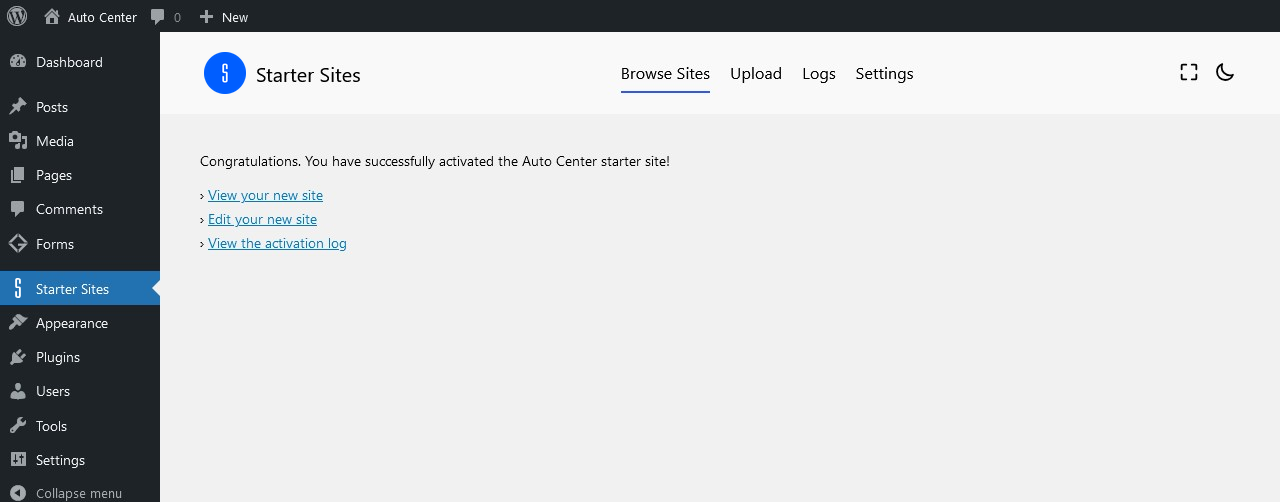
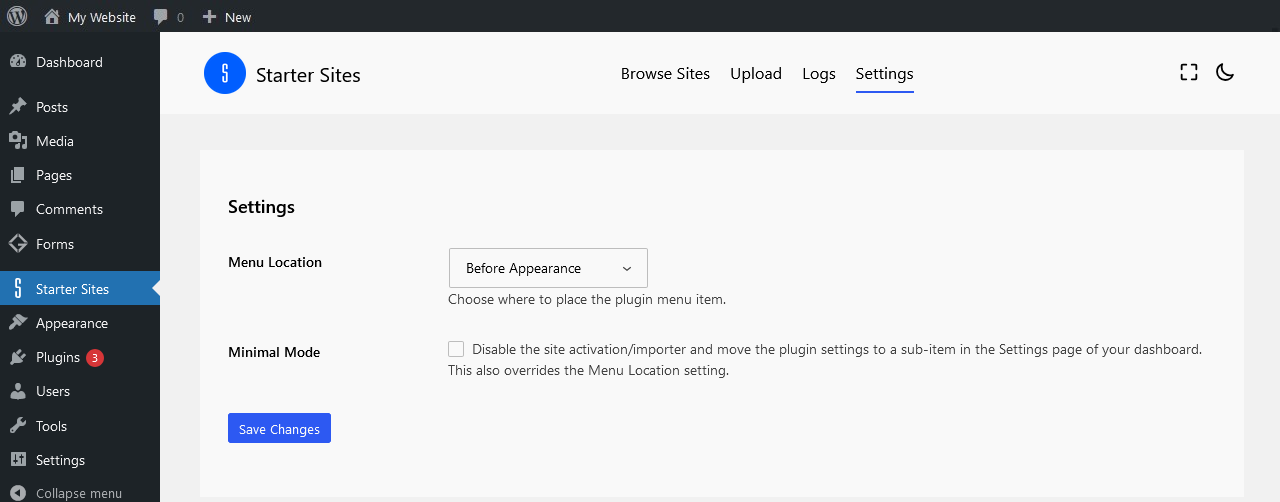
Once the plugin is activated you will find the starter sites page in wp-admin -> Starter Sites.
Frequently asked questions
I have activated the plugin. Where is the “Starter Sites” page?
You will find the plugin page at wp-admin -> Starter Sites.
What theme do I need?
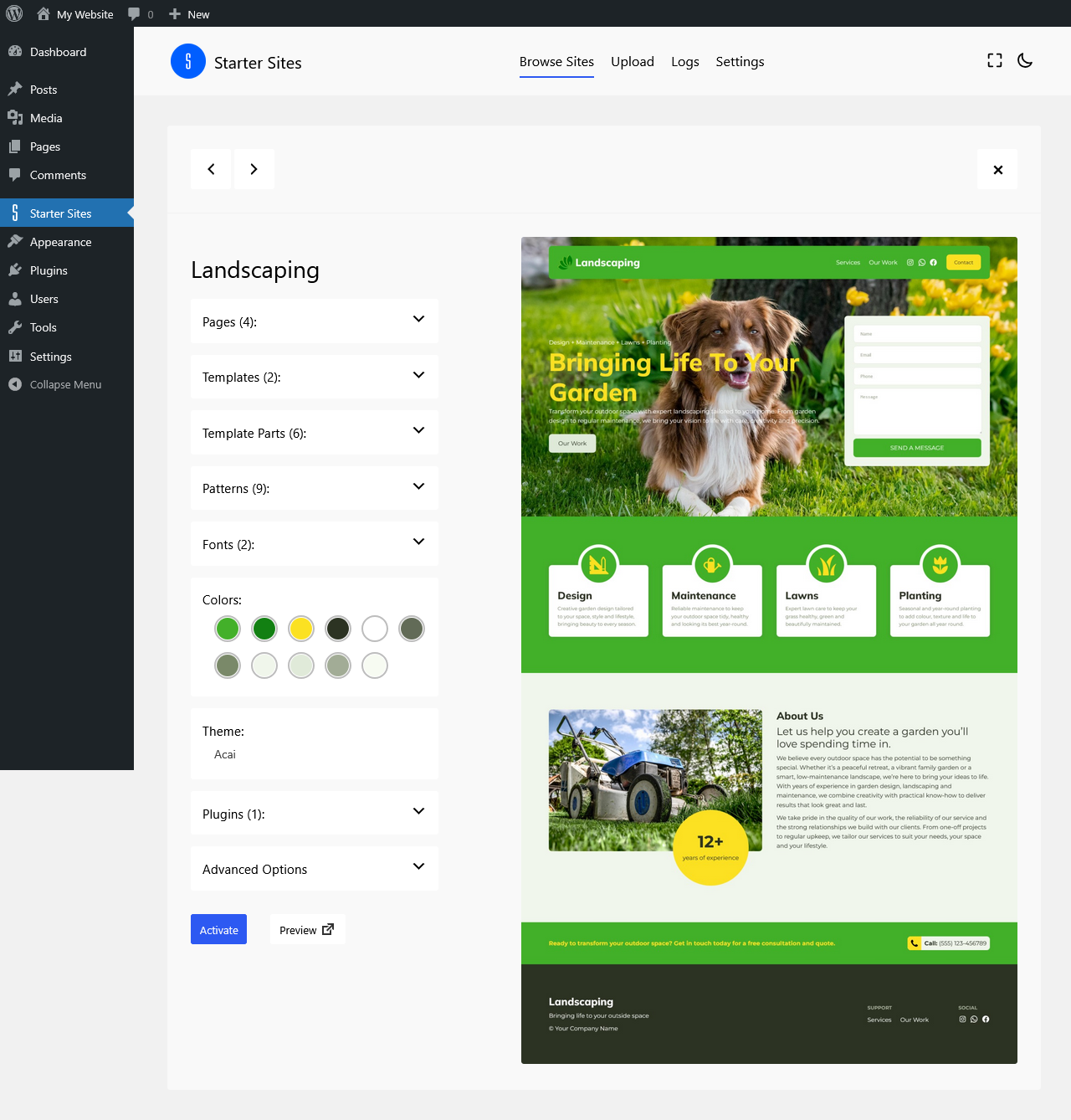
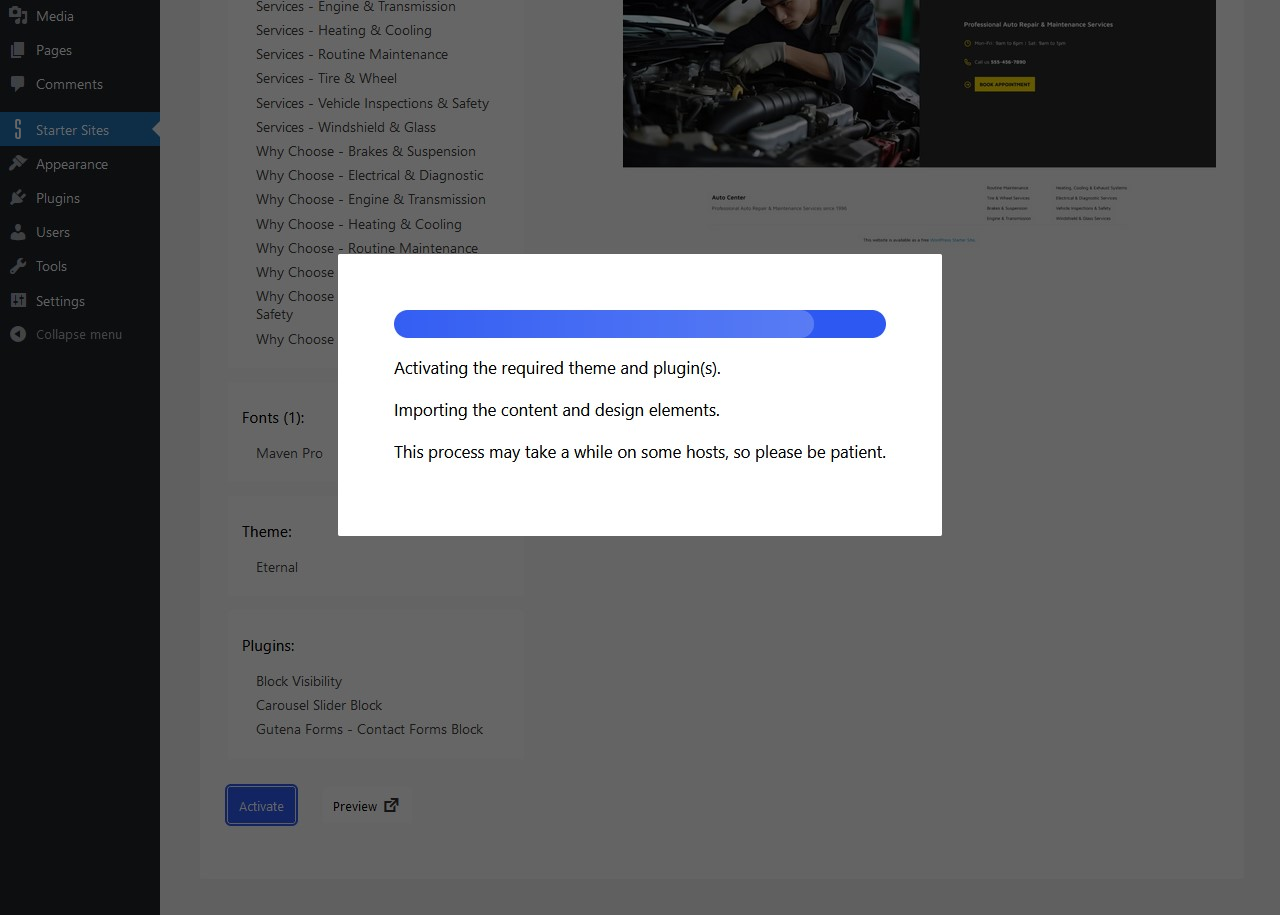
When viewing the details of a demo site, you can see the theme that is required before deciding whether to activate the demo site. If the theme is not already installed, it will be automatically installed and activated when you activate the demo site.
Do I need to install any other plugins?
Some of the starter sites will be created with additional 3rd party plugins. An example would be the WooCommerce plugin for ecommerce sites. When viewing the details of a demo site, you can see any plugins that are required before deciding whether to activate the demo site. If any of the required plugins are not already installed, they will be automatically installed and activated when you activate the demo site.
Where is the Starter Sites content located?
The contents of the pages, posts, templates and patterns are bundled in the plugin. Media files/images and fonts will be imported from WP Starter Sites when activating a demo site. The Starter Sites plugin acts as a service through which you can import and install the images from our cloud server. Please also see the Terms of Use.
Can I request or make a suggestion for new a new starter site?
We welcome your suggestions for new sites. Please let us know what new Starter Sites you would like to see included in the plugin.
How does the plugin make use of my data?
As the media files/images are located on our server, we may receive some non-personal information such as your website IP address. Please see the Terms of Use.
Where are the imported image files saved?
The media files/images in the activated demo site will be saved to the default WordPress uploads directory. An example of that directory would be: ../wp-content/uploads/2025/07/. These images can be viewed at wp-admin -> Media -> Library
Changelog
2.6 – June 2026
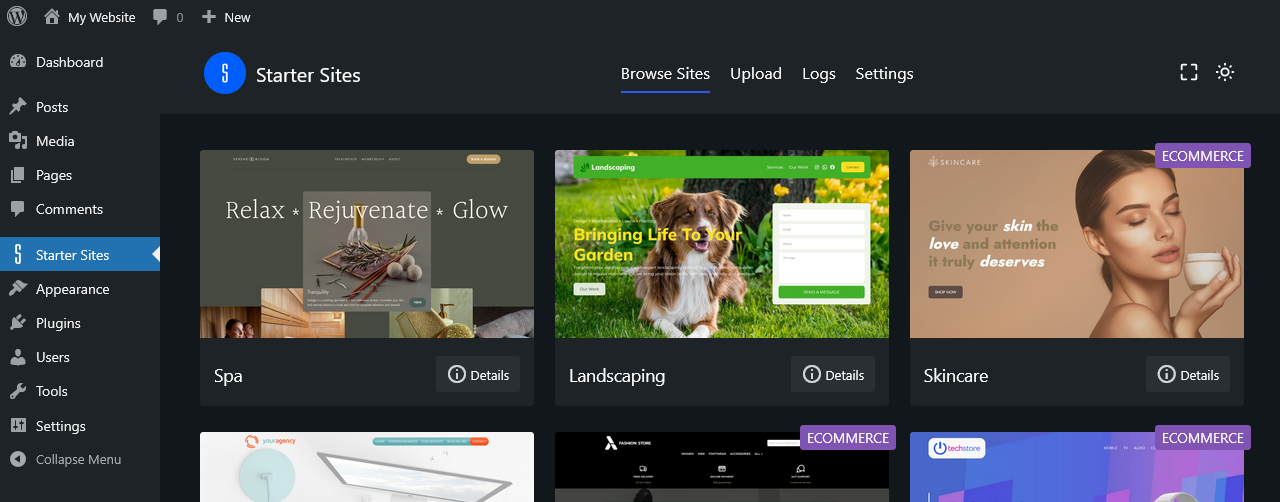
– Update: dark mode background colors for WP 7.0
– Update: Tested with WP 7.0
2.5 – February 2026
– Update: do not automatically activate some third-party plugins
2.4 – August 2025
– Update: improved import of images
– Update: display name of starter site in logs instead of site title
– New: option to re-apply imported global styles if changed or reset by user
– New: added pattern category for Starter Sites Content
– New: added pattern category for Starter Sites Template Designs
– New: added pattern category for Starter Sites Template Part Designs
2.3.2 – July 2025
– Update: added help & support link
– Update: icon
2.3.1 – July 2025
– Fix: site background image in global styles
2.3 – July 2025
– Update: do not generate additional sizes for uploaded demo images
– Fix: make sure not to pass null parameter to str_starts_with when mapping WooCommerce block attributes
2.2.4 – July 2025
– Added posts edit links in log viewer
2.2.3 – July 2025
– Removed “free” label from included sites
– Added preview of “coming soon” sites not yet released
2.2.2 – June 2025
– Updated custom fonts import
– Updated the editor links in activation log view
2.2.1 – May 2025
– Update tested up to WP 6.8
2.2 – March 2025
– No longer stopping the site import if a plugin cannot be installed/activated.
– Check plugin(s) incompatibility (requires PHP or requires WP) and display warning as appropriate.
– Disable site activation if the required theme is not already active and environment does not meet requires PHP or requires WP.
– Now displaying error logs in addition to previous success logs.
– Added dismissable review request admin notice.
2.1.3 – February 2025
– Update to site preview screenshots
2.1.2 – January 2025
– Imports/updates Block Visibility settings if available
2.1.1 – January 2025
– Updated the file uploader
2.1 – December 2024
– Remove redundant bundled demo sites content
– Allow themes to choose a particular demo site to display prominently
– Add option to change default view when browsing sites
– Display color palette of each starter site
– Make site title more prominent in activation log viewer
– Remove the disabled custom theme form
– Navigation link block, unset ‘id’, ‘type’, ‘kind’ attrs if url is #
– Minor update to cover block image url
2.0.5 – December 2024
– Fixed navigation submenu link id mapping
2.0.4 – November 2024
– Minor update to template and template part design patterns
– Improved import of WooCommerce blocks
2.0.3 – November 2024
– Fixed product gallery images mapping
– Fixed product variation image mapping
2.0.2 – November 2024
– Fix for image id mapping in parallax cover block
– Fix for Query Loop taxonomy filters mapping
2.0.1 – September 2024
– Added Interior Designer site
– Fixed issue where some images would not be properly mapped to imported content
2.0 – September 2024
– Complete overhaul of plugin and demos to use only block themes
– Removed old demo sites
– Added new block based demo sites
– Tested up to WP 6.6
– Minimum version of WP 6.4
– Minimum version of PHP 7.4
1.5.3 – September 2024
– Tested up to WP 6.6
1.5.2 – March 2023
– Tested up to WP 6.2
1.5.1 – Mar 10, 2021
– Updated compatibility to WP 5.7
1.5 – Jan 5, 2021
– Added fallback demo sites file
1.4.1 – Dec 9, 2020
– Updated compatibility to WP 5.6
1.4 – Aug 31, 2020
– Added compatibility for pro themes
1.3.1 – Jul 10, 2020
– Fix where wrong demo import would be sometimes attempted
– Fix buttons overflowing on mobile
– Minor CSS changes
1.3 – Jun 30, 2020
– Added assign WooCommerce pages after import
– Added theme and plugin install/activate option
1.2 – Jun 22, 2020
– Display demo sites created with current active theme first, then sites created with other themes
1.1 – Jun 18, 2020
– Better error handling if demo not available
– Added information to clarify how the plugin makes use of an external service, along with links to the Terms of Use
1.0 – Jun 16, 2020
– Initial release
Screenshots

For developers
Is this your plugin? Show off the numbers.
Add a live badge to your site, docs or GitHub README. It updates on its own — no account needed.
Best Starter Sites alternatives
All content plugins →





FAQ
Starter Sites: quick answers
Straight answers, pulled from live WordPress.org data.
Live data from WordPress.org · checked Oct 17, 2026
Is Starter Sites free?
Yes. Starter Sites is free to download and use from the official WordPress.org plugin directory.
Is Starter Sites safe to use in 2026?
Starter Sites works, but test it on a staging site before relying on it in 2026. It runs on 900+ sites, is rated 3/5 and was last updated 4 months ago, and scores 56/100 on our health check.
How many websites use Starter Sites?
Starter Sites is active on 900+ WordPress websites and has been downloaded 52,225 times since it launched in June 2020. It was downloaded 324 times in the last 30 days.
Does Starter Sites work with WordPress 7.1?
Starter Sites is officially tested up to WordPress 7.0.7, while the latest release is 7.1.3. It may still work, but try it on a staging site first.
What PHP version does Starter Sites need?
Starter Sites requires PHP 7.4 or higher. Most hosts run PHP 8.x today, so it works on any modern WordPress hosting.
When was Starter Sites last updated?
The latest version, 2.6, was released on June 8, 2026 (4 months ago).
Who makes Starter Sites?
Starter Sites is developed and maintained by UXL Themes.
What are the best alternatives to Starter Sites?
The most popular alternatives to Starter Sites are One Click Demo Import (1M+ installs), Advanced Excerpt (80K+ installs) and Rara One Click Demo Import (20K+ installs).
Powered by PageForge
Want thousands of pages that rank like these? Build them in an afternoon.
This directory runs on the same engine as PageForge. Turn any spreadsheet, CSV or API into thousands of fast, SEO-ready WordPress pages — with schema, internal links and AI-written copy baked in.
- CSV, Google Sheets & API data sources
- AI content, schema & internal links per page
- Works with Elementor, Gutenberg, Yoast & Rank Math
- Free on WordPress.org — no credit card


