


splitforms
Add a working contact form to any WordPress site in seconds. Free for 500 submissions/month — no SMTP, no database tables, no spam plugins.

Use with caution
splitforms works, but test it on a staging site before relying on it in 2026. Was last updated 4 months ago, and scores 49/100 on our health check.
- Small user base (<10 active installs)
- Very few reviews so far
How does it stack up?
Side-by-side on installs, updates, ratings & support



Daily downloads
Download spikes usually follow a new release — each site that auto-updates counts as a download.
Rankings
Where splitforms stands todayWordPress.org search rankings
Live position in the plugin search, top 100| Keyword | Position |
|---|---|
| contact | >100 |
| contact form | >100 |
| form | >100 |
| form backend | >100 |
| forms | >100 |
About splitforms
From the official readme · v1.7.1Description
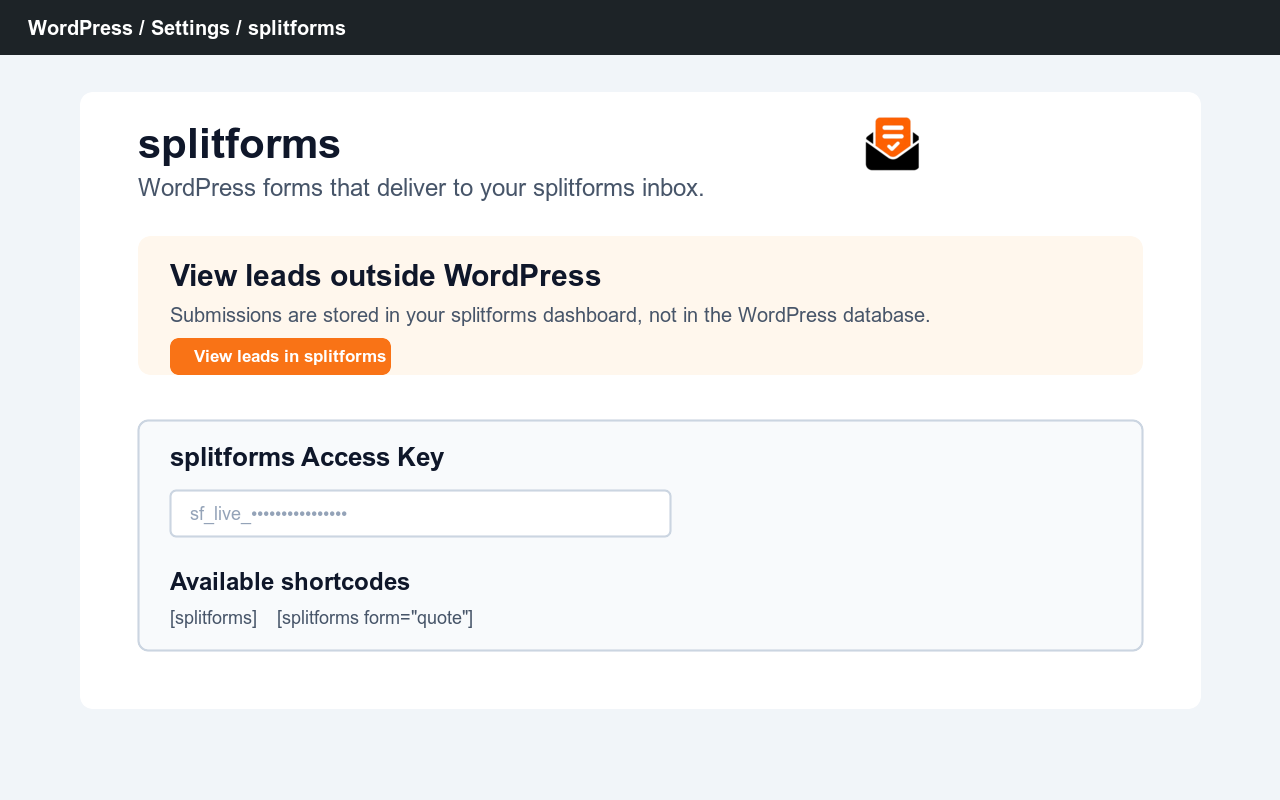
splitforms is the simplest way to add working forms to WordPress. No database tables. No SMTP setup. No spam-fighting plugins to layer on top. Drop in your free splitforms access key, place the [splitforms] shortcode on any page, or build custom forms with the visual builder and embed them with [splitforms form="quote"]. Submissions are emailed straight to your inbox by the splitforms form-backend API at https://splitforms.com.
Free forever — 500 submissions/month, no credit card.
If you’ve ever fought with wp_mail(), deliverability, SPF/DKIM, SMTP plugins, contact-form-as-database, or spam-protection-as-a-service, splitforms exists to delete that pain. You paste an access key. You drop a shortcode. Submissions arrive in your inbox. That is the entire setup.
Why splitforms instead of a heavier form plugin?
- Zero database overhead. Submissions go to the splitforms API and get emailed to you — they never touch
wp_options,wp_postmeta, or any custom table. Your site stays fast and your backups stay small. - Honeypot spam protection built in. A hidden honeypot field is included on every form by default — bots fill it, humans don’t, and the splitforms backend rejects the submission.
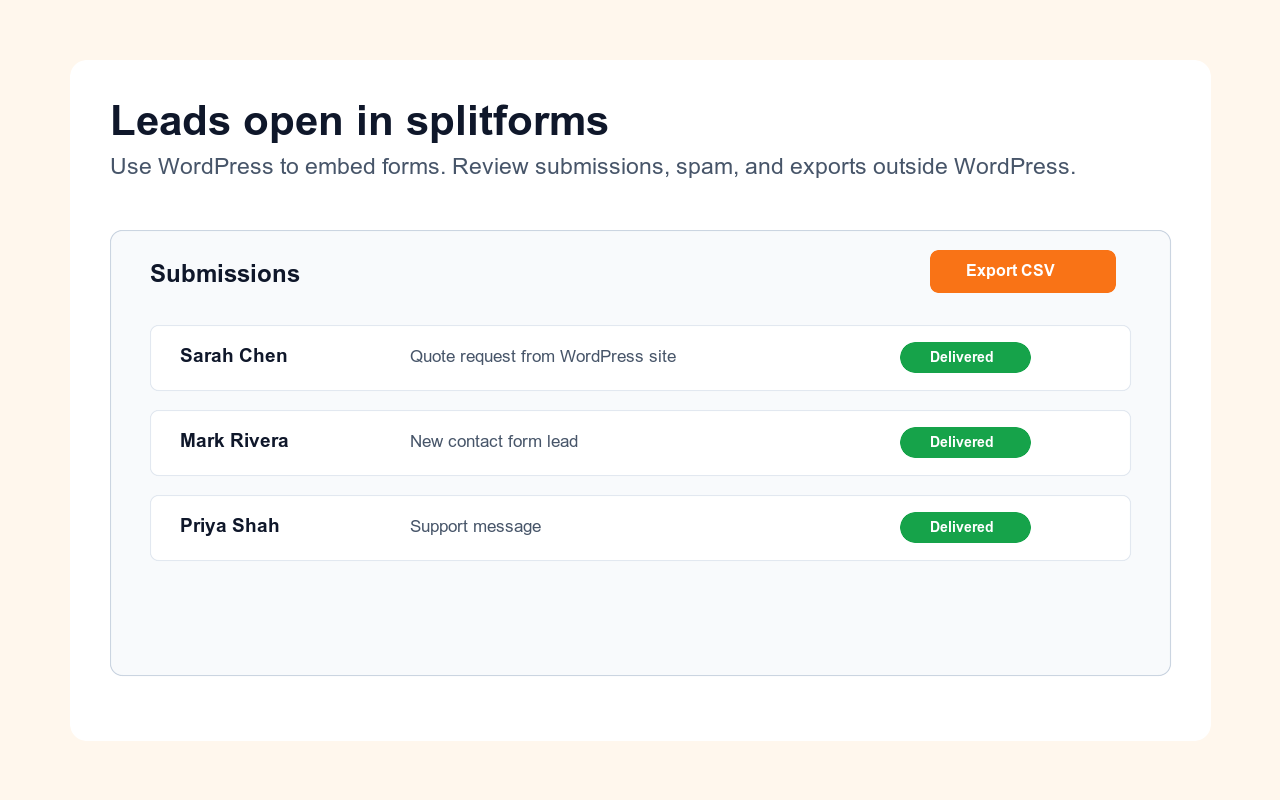
- Leads stay outside WordPress. Review submissions in the splitforms dashboard instead of storing lead data in your WordPress database.
- Server-side rendered HTML. The form HTML is in your page source. Search engines, screen readers, and form fillers see it natively. No client-side JavaScript required to display the form.
- Lightweight and themeable. Minimal CSS, themed via CSS custom properties. Plays nicely with any theme — override one variable and you’re done.
- Multiple saved forms. Create custom WordPress-side forms like contact, quote, support, or booking, then embed each one with its own shortcode.
- Splitforms dashboard shortcuts. Open your dashboard, submissions, WordPress forms, billing, and settings from inside WordPress.
- Shortcode manager. See every available shortcode in one place and delete saved forms you no longer need.
- Visual form builder. Click to add fields (name, email, phone, message, dropdown, URL, number, date), edit labels, reorder, mark fields required, and pick a style preset — no code needed.
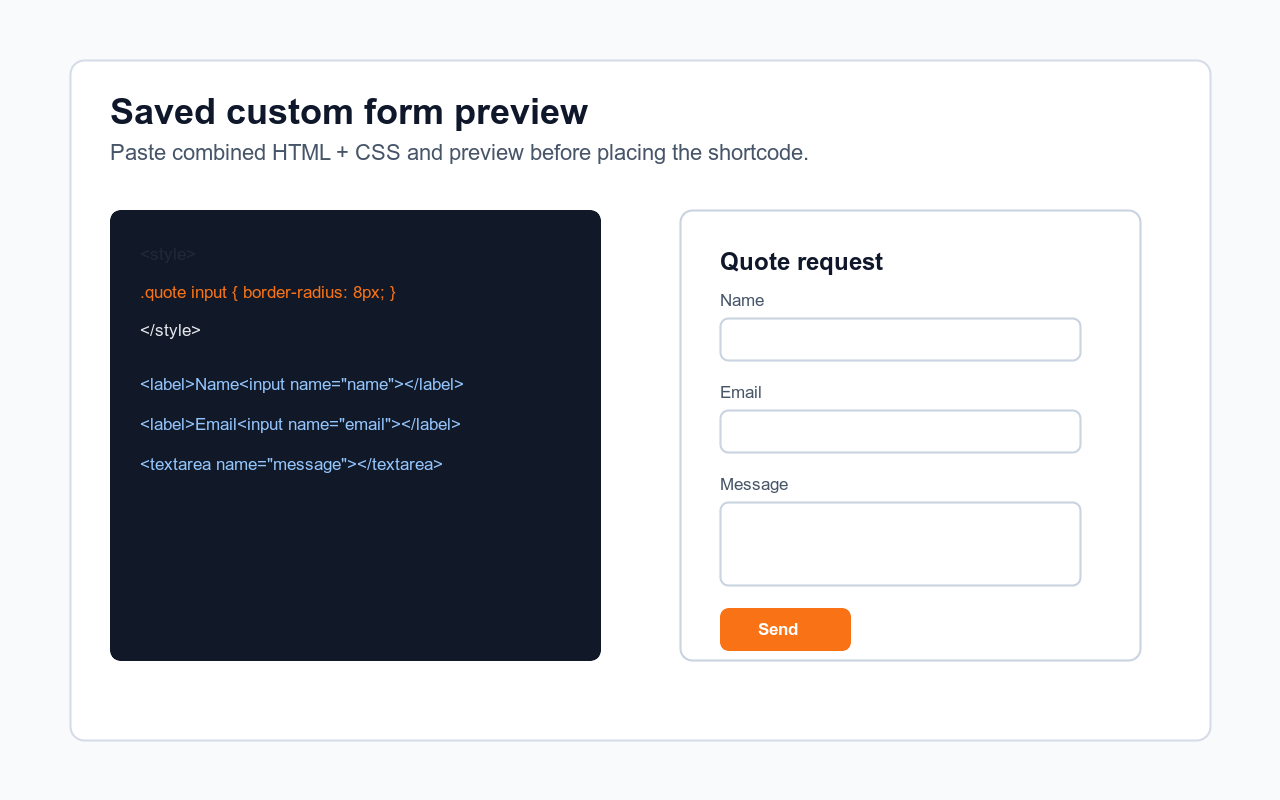
- Live form preview. Preview saved custom forms in Settings before placing the shortcode on a live page.
- Optional reCAPTCHA. Turn on Google reCAPTCHA globally or only for specific saved forms by adding a public site key.
- Multiple forms per page. Stack as many forms on a single page as you like — every shortcode instance gets unique field IDs.
Pricing
- Free — 500 submissions/month, forever, no credit card.
- Pro — $5/month for higher submission volume and advanced routing.
- $59 3-year plan — pay every 3 years, 36 months of Pro.
Sign up at https://splitforms.com to grab your free access key.
Privacy
This plugin is a front-end for the splitforms form-backend service and does not store submissions in WordPress. Form submissions are posted from the visitor’s browser to the splitforms API; the server also fetches your form’s field definition from splitforms.com when a shortcode renders, and if you connect your account the plugin stores a private, revocable connection token plus your account email in your site’s options. See the External Services section below for every remote call. The splitforms service is governed by its Terms of Service and Privacy Policy.
External Services
splitforms is a connector plugin for the splitforms form-backend service (https://splitforms.com). It communicates with the following external services:
splitforms API — required (this is the service the plugin connects to)
- When a visitor submits a form, the data they entered (plus the page URL and your access key) is sent from their browser to
https://splitforms.com/api/submit, which delivers it to your inbox and dashboard. - When a page containing a
[splitforms]shortcode renders, your server fetches that form’s field definition fromhttps://splitforms.com/api/forms/definitionfor your access key (cached for about 5 minutes) so the designed form can be rendered server-side. - If you connect your splitforms account in Settings → splitforms, the plugin stores a private, revocable connection token and your account email, used only to link this site to your account.
The splitforms service is provided by splitforms: Terms of Service — Privacy Policy.
Google reCAPTCHA — optional (off by default)
- Only if you enable reCAPTCHA and add a site key in Settings → splitforms, pages with an embedded form load Google’s widget script from
https://www.google.com/recaptcha/api.js, and Google processes visitor interactions to verify they are human. - Google’s terms and privacy policy: Terms — Privacy.
No data is sent anywhere else, and nothing is transmitted until a form is rendered or submitted, or you explicitly enable the optional features above.
Installation
- Install splitforms from Plugins → Add New in WordPress, or upload the
splitformsfolder to/wp-content/plugins/. - Activate the plugin in Plugins.
- Go to Settings → splitforms and paste your access key from https://splitforms.com, then add the
[splitforms]shortcode to any page or post. - Optional: save custom forms in Settings → splitforms, then embed them with shortcodes like
[splitforms form="quote"],[splitforms form="support"], or[splitforms form="booking"].
Changelog
Shortcode list and saved-form delete controls in Settings.
1.7.1
- Removes the custom CSS and combined HTML+CSS paste inputs per WordPress.org plugin guidelines. Custom forms are now built exclusively with the visual builder, and its whitelisted field model renders server-side with escaping.
- Style presets (Minimal, Modern, Dark) now ship as static CSS in the plugin stylesheet instead of generated inline style blocks.
- Removes WordPress.org directory asset files from the plugin package.
1.7.0
- Documents every external service call in the readme (splitforms API, optional Google reCAPTCHA) with terms and privacy links.
- Uninstall now also removes the account connection token and cached form definitions.
- Removes leftover code from the retired embedded dashboard.
- Hardens output escaping for saved custom form HTML and CSS.
1.6.1
- Fix: multipart uploads on the no-JS fallback form.
1.6.0
- Forms designed in the new drag-and-drop builder now render fully through the shortcode: file-upload fields and per-field column widths (two fields side by side) are supported. Fields laid out as “Half” in the builder appear side by side on your WordPress page.
1.5.0
- Simplified the plugin: removed the embedded account dashboard. Build and design your forms on splitforms.com, then add them to WordPress with the [splitforms] shortcode (or a self-contained iframe). Each form uses its own key — connect your account or paste a key, and the plugin renders the form.
1.4.0
- The connected dashboard now embeds your real splitforms.com dashboard directly inside wp-admin — the same live submissions, forms, and stats you see on the web, authenticated with your private per-site connection token. Replaces the previous static placeholder dashboard.
Screenshots
For developers
Is this your plugin? Show off the numbers.
Add a live badge to your site, docs or GitHub README. It updates on its own — no account needed.
Best splitforms alternatives
All contact plugins →





FAQ
splitforms: quick answers
Straight answers, pulled from live WordPress.org data.
Source: WordPress.org
Is splitforms free?
Yes. splitforms is free to download and use from the official WordPress.org plugin directory.
Is splitforms safe to use in 2026?
splitforms works, but test it on a staging site before relying on it in 2026. Was last updated 4 months ago, and scores 49/100 on our health check.
How many websites use splitforms?
splitforms is active on <10 WordPress websites and has been downloaded 304 times since it launched in July 2026. It was downloaded 67 times in the last 30 days.
Does splitforms work with WordPress 7.1?
splitforms is officially tested up to WordPress 7.0.9, while the latest release is 7.1.5. It may still work, but try it on a staging site first.
What PHP version does splitforms need?
splitforms requires PHP 7.4 or higher. Most hosts run PHP 8.x today, so it works on any modern WordPress hosting.
When was splitforms last updated?
The latest version, 1.7.1, was released on July 21, 2026 (4 months ago).
Who makes splitforms?
splitforms is developed and maintained by splitform.
What are the best alternatives to splitforms?
The most popular alternatives to splitforms are Flamingo (800K+ installs), Contact Form 7 add confirm (50K+ installs) and WPZOOM Forms (10K+ installs).
Powered by PageForge
One template and a spreadsheet. A real page for every search.
PageForge turns each row of a CSV into a WordPress page with its own title, URL, SEO fields and schema, built on the layout you already designed. Free on WordPress.org.
- CSV and XLSX, plus Google Sheets on Professional and Enterprise
- Its own title, URL, SEO fields and schema for every page
- Works with the block editor, Elementor, Divi and Avada
- Free on WordPress.org, no credit card