


SpawnWP Deploy — WordPress Blueprint Capture & Site Migration
Deploy and migrate WordPress sites with reusable blueprints — capture a configured site once, publish it to a fresh installation.

Use with caution
SpawnWP Deploy works, but test it on a staging site before relying on it in 2026. Was last updated 3 weeks ago, and scores 59/100 on our health check.
- Actively developed — last update 3 weeks ago
- Small user base (<10 active installs)
- Very few reviews so far
How does it stack up?
Side-by-side on installs, updates, ratings & support

Daily downloads
Download spikes usually follow a new release — each site that auto-updates counts as a download.
Rankings
Where SpawnWP Deploy stands todayWordPress.org search rankings
Live position in the plugin search, top 100| Keyword | Position |
|---|---|
| blueprint | #22 |
| deployment | >100 |
| development | >100 |
| migration | >100 |
| staging | >100 |
About SpawnWP Deploy
From the official readme · v0.3.7Description
SpawnWP Deploy provides two administrator-initiated workflows:
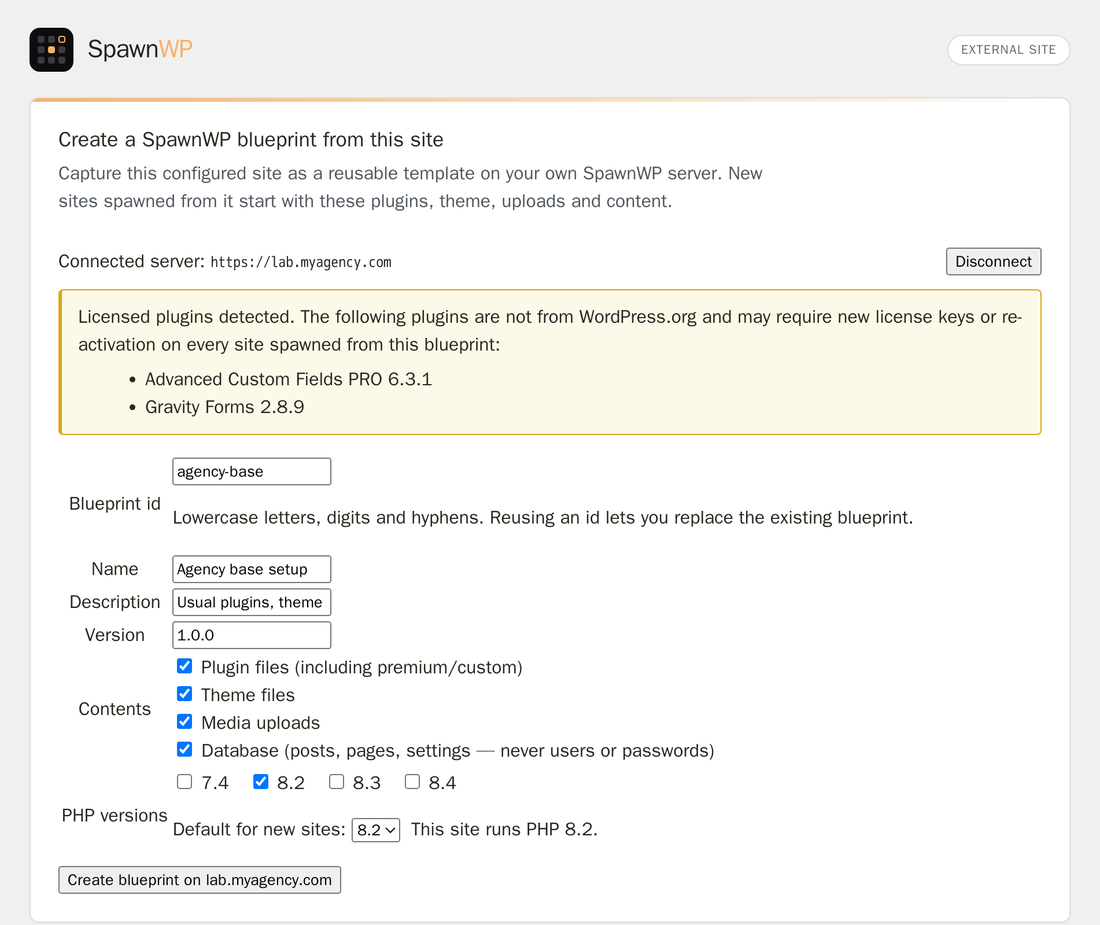
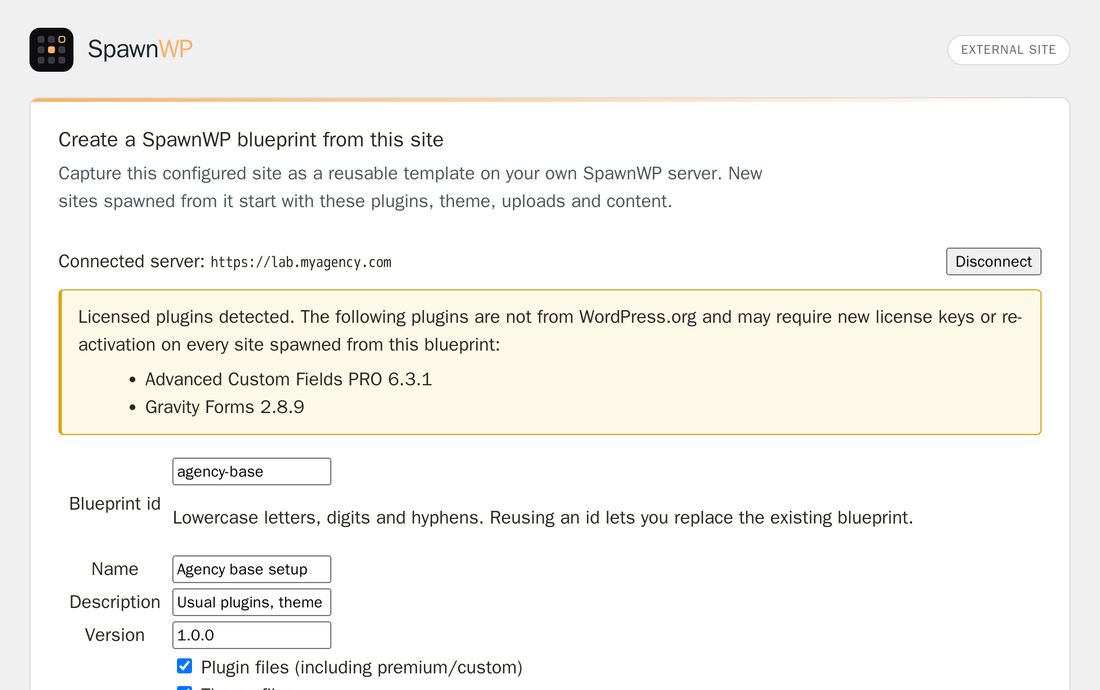
- Capture a configured WordPress site as a reusable blueprint on a self-hosted SpawnWP server.
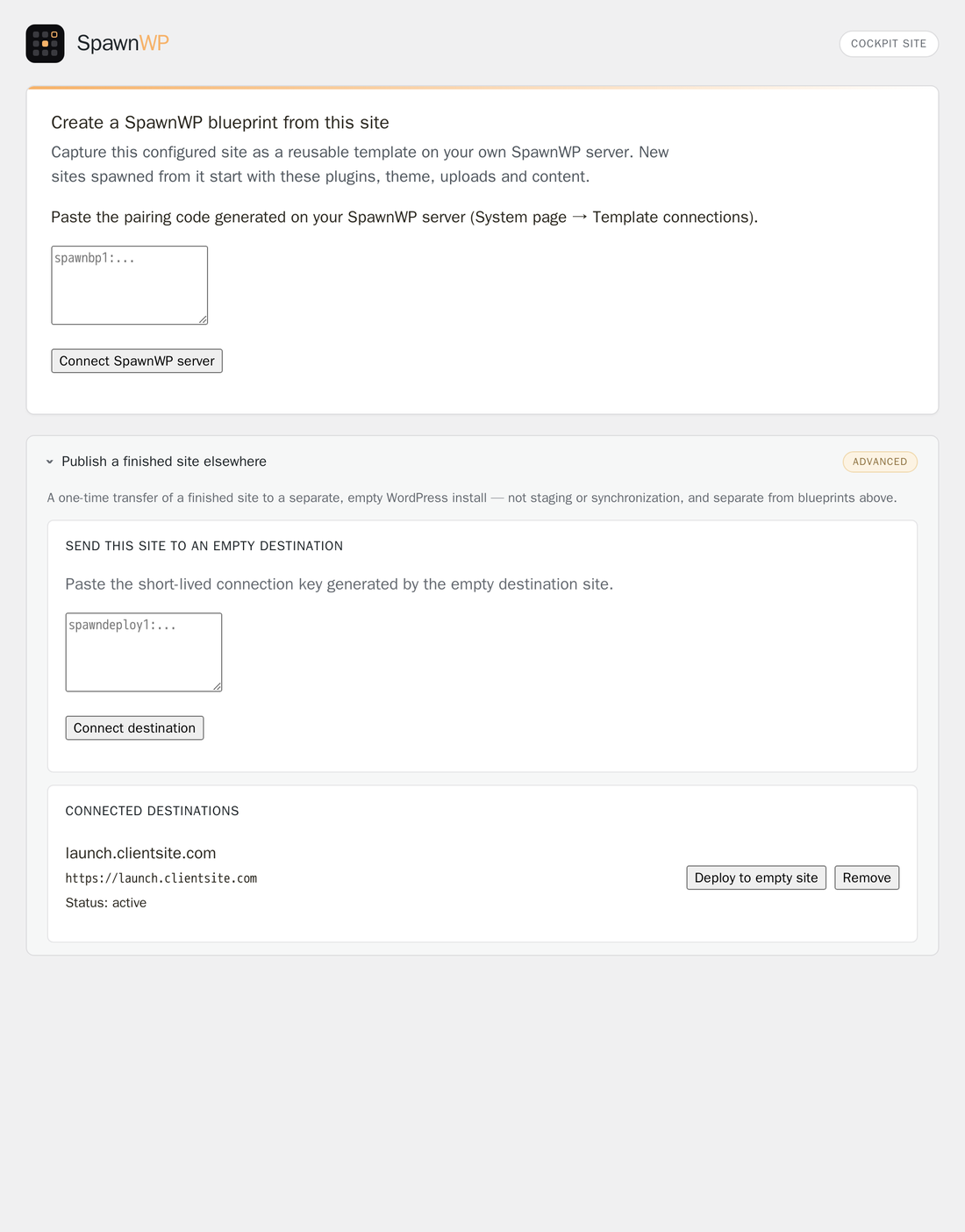
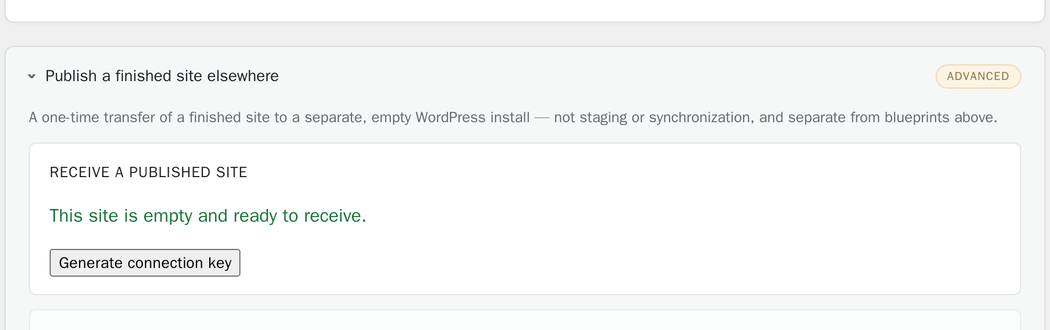
- Publish a finished site once to a separate, fresh WordPress installation.
It is not a continuous staging or synchronization system. Site-to-site deployment is
limited to an empty destination and keeps rollback data for seven days. Connections use
single-use pairing codes, signed requests and replay protection.
For blueprint capture, the administrator chooses whether to include plugins, themes,
uploads and database content. WordPress users and user metadata are excluded. The source
site URL is replaced with a fixed placeholder in captured database content, and each site
created from the blueprint receives its own administrator credentials.
Requirements
- WordPress single-site.
- PHP 7.4 or later with the Sodium and ZIP extensions.
- HTTPS with a publicly trusted certificate on paired endpoints.
- A reachable WordPress REST API without an additional HTTP password.
- Write access to the WordPress plugin, theme and uploads directories.
- Sufficient free disk space for staging and rollback data.
Always back up important sites before using deployment or capture tools.
External Connections
This plugin does not contact a SpawnWP-operated SaaS platform and does not send telemetry
to SpawnWP merely because it is installed, activated or loaded.
An administrator can explicitly pair the plugin with either:
- another WordPress site running SpawnWP Deploy; or
- a self-hosted SpawnWP server whose URL is supplied by the administrator.
During a requested deployment or capture, the plugin sends the selected package and
technical metadata to that administrator-selected endpoint. Depending on the selected
options, this can include plugin and theme files, media uploads, database content,
WordPress and PHP versions, the database table prefix, plugin names and versions, package
checksums, job identifiers and connection signatures. WordPress user and user-meta tables
are excluded.
The remote endpoint is operated by the site administrator or their chosen provider. Its
privacy and retention practices are therefore controlled by that operator. SpawnWP is
self-hosted open-source software distributed under the MIT License:
- SpawnWP project: https://spawnwp.com/
- Source code and license: https://github.com/tts-empire/spawnwp
- Security documentation: https://spawnwp.com/docs/security/
- Optional SpawnWP platform telemetry notice: https://spawnwp.com/privacy/telemetry/
When the plugin inventory is displayed and WordPress does not already have cached update
information for an active plugin, SpawnWP Deploy may query the WordPress.org Plugins API
using WordPress core’s plugins_api() function. It sends the plugin slug and uses the
response only to classify the plugin as WordPress.org-hosted or custom. The result is
cached for one day. WordPress.org privacy policy: https://wordpress.org/about/privacy/
Installation
- Install and activate SpawnWP Deploy.
- Open Tools > SpawnWP Deploy.
- Choose the workflow that applies to the current site.
- Generate or paste the single-use pairing code at the administrator’s request.
- Review the selected content and confirmations before starting the operation.
Frequently asked questions
Does this continuously synchronize two sites?
No. It performs a one-time publish to an empty destination. It does not merge later changes, orders, comments, form submissions or users.
Is a SpawnWP server required?
Only for reusable blueprint capture. A one-time site-to-site publish uses SpawnWP Deploy on both WordPress installations.
Does the plugin send data automatically?
No deployment or capture payload is sent automatically. An administrator must pair an endpoint and explicitly start the operation. A cached WordPress.org plugin-information lookup may occur when an administrator opens the blueprint inventory, as documented in External Connections.
Are WordPress users copied?
No. User and user-meta tables are excluded. On deployment, ownership of imported content is assigned to the administrator of the destination site.
Can I deploy over an existing site?
No. The destination guard rejects sites containing application content or unexpected active plugins. Use a dedicated backup or migration product when merging into an active site.
Where is temporary data stored?
Packages and receiver workspaces are stored below the WordPress uploads directory in spawnwp-deploy/, protected from direct web access, and removed after completion or expiry. Rollback data is retained for up to seven days.
Changelog
Update when capturing blueprints that should support PHP 8.5.
0.3.7
- Added PHP 8.5 to the runtime choices stored in captured SpawnWP blueprints.
0.3.6
- Rewrote the plugin listing title and short description for discoverability. No functional changes.
0.3.5
- Added the exact source table prefix to authenticated blueprint captures so SpawnWP can safely distinguish active tables from abandoned table sets.
0.3.4
- Added remembered blueprint capture fields and safe patch-version suggestions.
- Added a clear reset flow for starting a different blueprint.
- Prepared the plugin for WordPress.org distribution and validation.
Screenshots
For developers
Is this your plugin? Show off the numbers.
Add a live badge to your site, docs or GitHub README. It updates on its own — no account needed.
Best SpawnWP Deploy alternatives
All blueprint plugins →FAQ
SpawnWP Deploy: quick answers
Straight answers, pulled from live WordPress.org data.
Live data from WordPress.org · checked Sep 30, 2026
Is SpawnWP Deploy free?
Yes. SpawnWP Deploy is free to download and use from the official WordPress.org plugin directory.
Is SpawnWP Deploy safe to use in 2026?
SpawnWP Deploy works, but test it on a staging site before relying on it in 2026. Was last updated 3 weeks ago, and scores 59/100 on our health check.
How many websites use SpawnWP Deploy?
SpawnWP Deploy is active on <10 WordPress websites and has been downloaded 985 times since it launched in July 2026. It was downloaded 171 times in the last 30 days.
Does SpawnWP Deploy work with WordPress 7.1?
SpawnWP Deploy is officially tested up to WordPress 7.0.6, while the latest release is 7.1.2. It may still work, but try it on a staging site first.
What PHP version does SpawnWP Deploy need?
SpawnWP Deploy requires PHP 7.4 or higher. Most hosts run PHP 8.x today, so it works on any modern WordPress hosting.
When was SpawnWP Deploy last updated?
The latest version, 0.3.7, was released on September 6, 2026 (3 weeks ago).
Who makes SpawnWP Deploy?
SpawnWP Deploy is developed and maintained by wpvoicer.
What are the best alternatives to SpawnWP Deploy?
The most popular alternatives to SpawnWP Deploy are Simple blueprint installer (20+ installs) and Neutrope Blueprint Drafts (<10 installs).
Powered by PageForge
Want thousands of pages that rank like these? Build them in an afternoon.
This directory runs on the same engine as PageForge. Turn any spreadsheet, CSV or API into thousands of fast, SEO-ready WordPress pages — with schema, internal links and AI-written copy baked in.
- CSV, Google Sheets & API data sources
- AI content, schema & internal links per page
- Works with Elementor, Gutenberg, Yoast & Rank Math
- Free on WordPress.org — no credit card


