



Small Tools – The Ultimate All-in-One WordPress Utility Toolkit
Small Tools is a comprehensive WordPress plugin that combines multiple essential features into one lightweight package. Unlike other plugins, Small Tools stores settings in a file instead of the database, ensuring zero…

Use with caution
Small Tools works, but test it on a staging site before relying on it in 2026. It runs on 10+ sites, is rated 5/5 and was last updated 10 months ago, and scores 45/100 on our health check.
- Small user base (10+ active installs)
- Very few reviews so far
- Only tested up to WordPress 6.9 (latest is 7.1)
Daily downloads
Download spikes usually follow a new release — each site that auto-updates counts as a download.
Rankings
Where Small Tools stands todayWordPress.org search rankings
Live position in the plugin search, top 100| Keyword | Position |
|---|---|
| Admin and Site Enhancements | >100 |
| dark mode | >100 |
| small tools | #12 |
| smiling syntax | #1 |
| svg upload | >100 |
Version adoption
Share of active sites per release.
Rating breakdown
★★★★★★★★★★ 5 from 2 reviews
About Small Tools
From the official readme · v2.3.0Description
Small Tools is a comprehensive WordPress plugin that combines multiple essential features into one lightweight package. Unlike other plugins, Small Tools stores settings in a file instead of the database, ensuring zero database queries on load for better performance.
Key Features
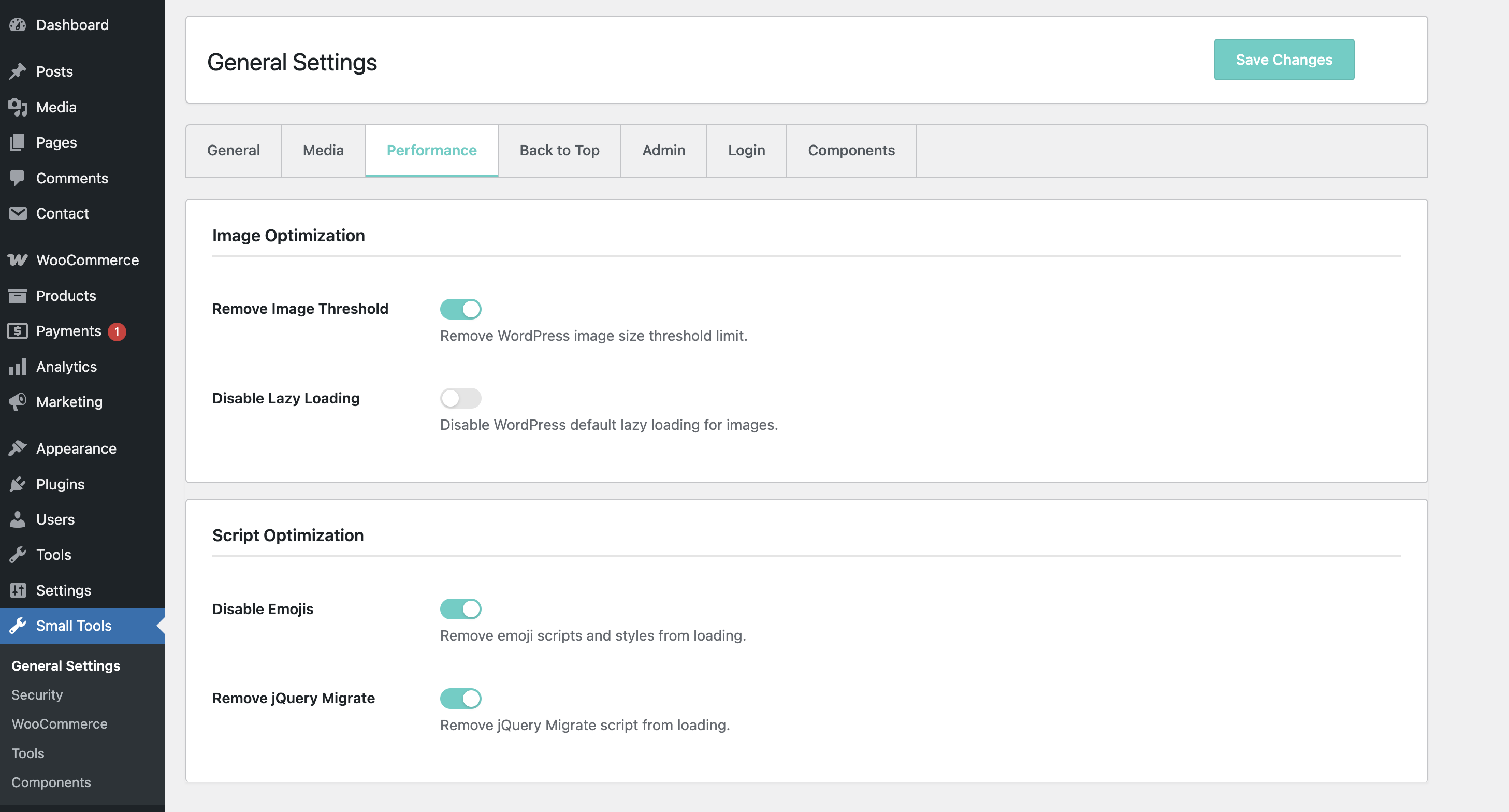
Performance Optimization
- Image Handling
- Remove image size threshold
- Control WordPress image scaling
- Disable default lazy loading
- Script Optimization
- Remove emoji scripts
- Remove jQuery Migrate
- Conditional asset loading
- Heartbeat Control
- Disable Heartbeat API completely
- Disable Heartbeat on frontend only
- Customize Heartbeat interval (5-300 seconds)
- Reduce server load and improve performance
Frontend Enhancements
* Custom Colors for background and text on selecting text on frontend
Updates Control
* Selectively disable WordPress core updates
* Disable plugin updates
* Disable theme updates
* Disable translation updates
* Disable update notification emails
* Hide WordPress update page
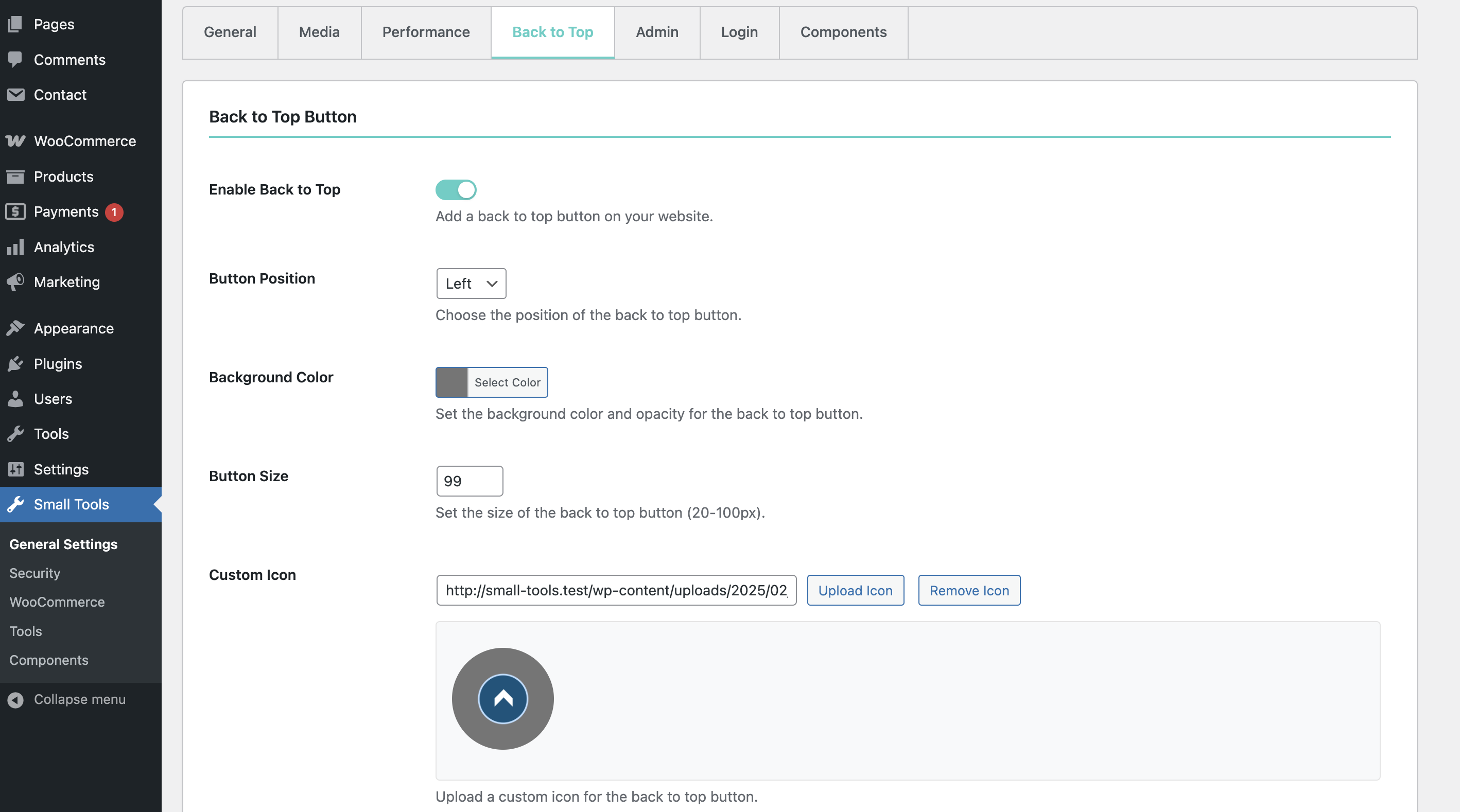
Back to Top Button
- Customizable Appearance
- Adjustable button size (20-100px)
- Custom background color with opacity
- Custom icon upload support
- Default arrow icon fallback
- Position Control
- Left or right placement
- Fixed position at bottom
- Smooth scrolling animation
- Responsive Design
- Mobile-friendly
- Adaptive sizing
- Touch-compatible
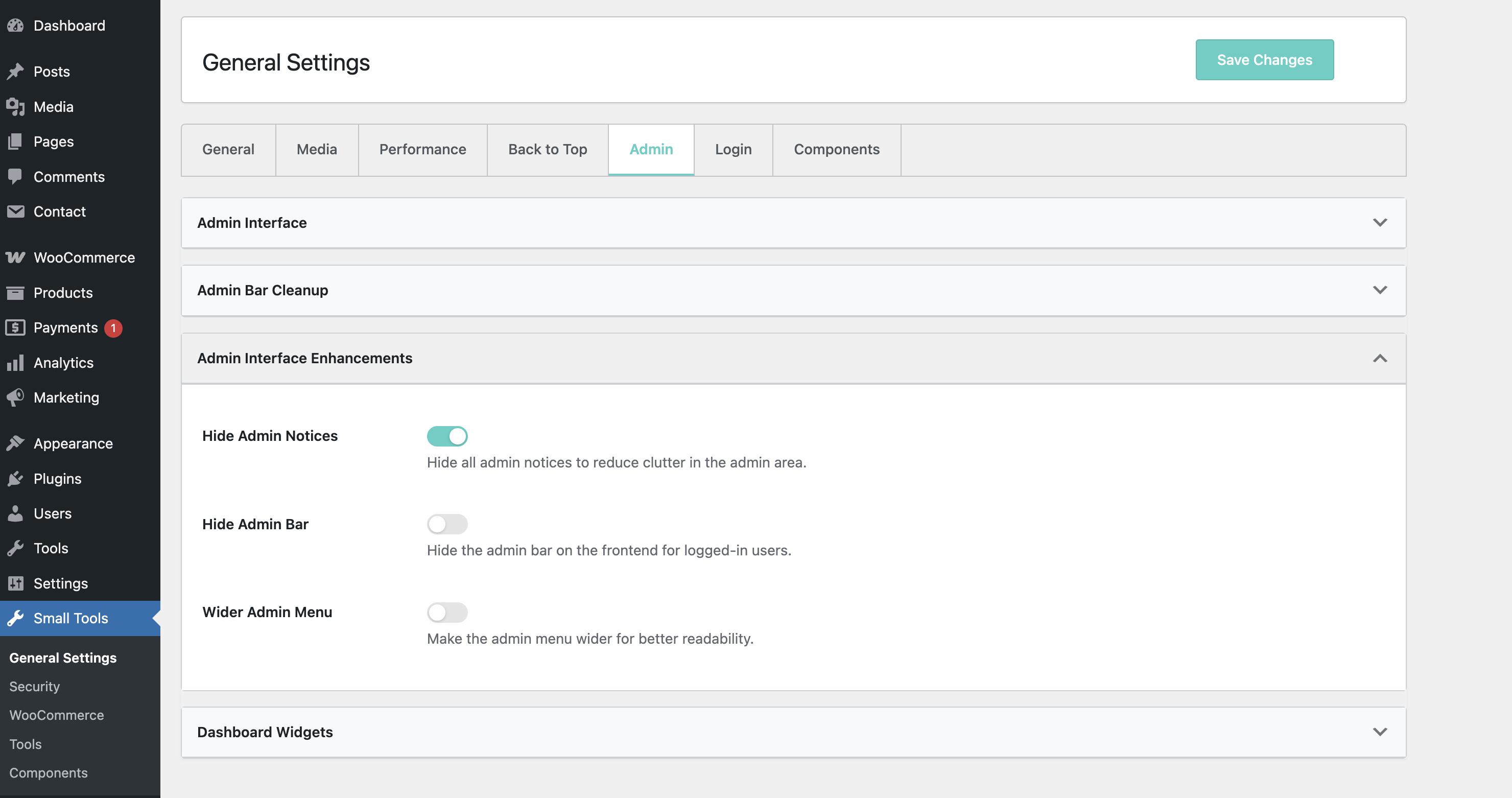
Admin Interface
- Dark Mode
- Complete admin panel dark theme
- Eye-friendly color scheme
- Automatic theme switching
- Custom Branding
- Customizable admin footer text
- Support for HTML in footer
- Brand-specific messaging
- Media Management
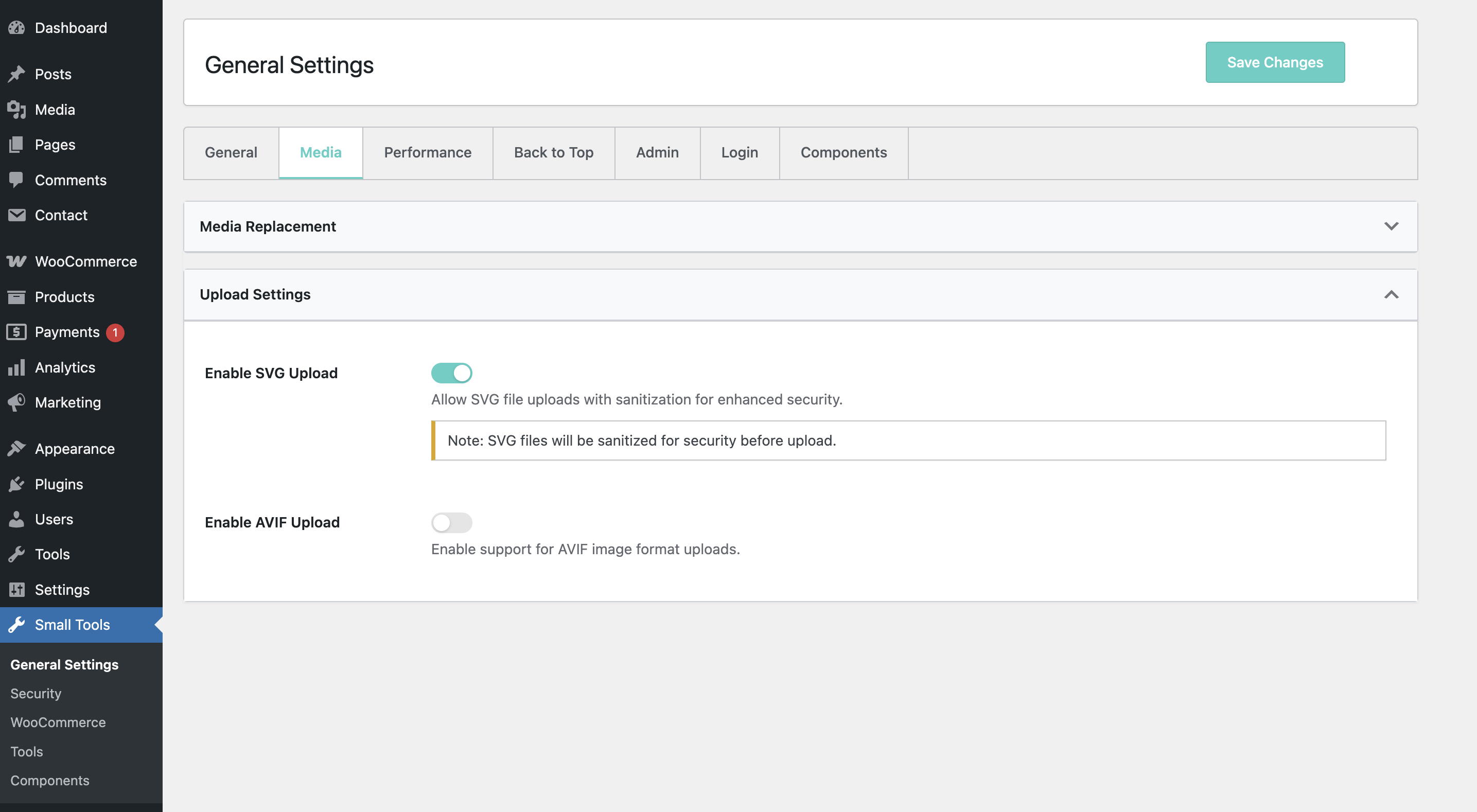
- Media replacement feature
- SVG support
- AVIF support
Content Management
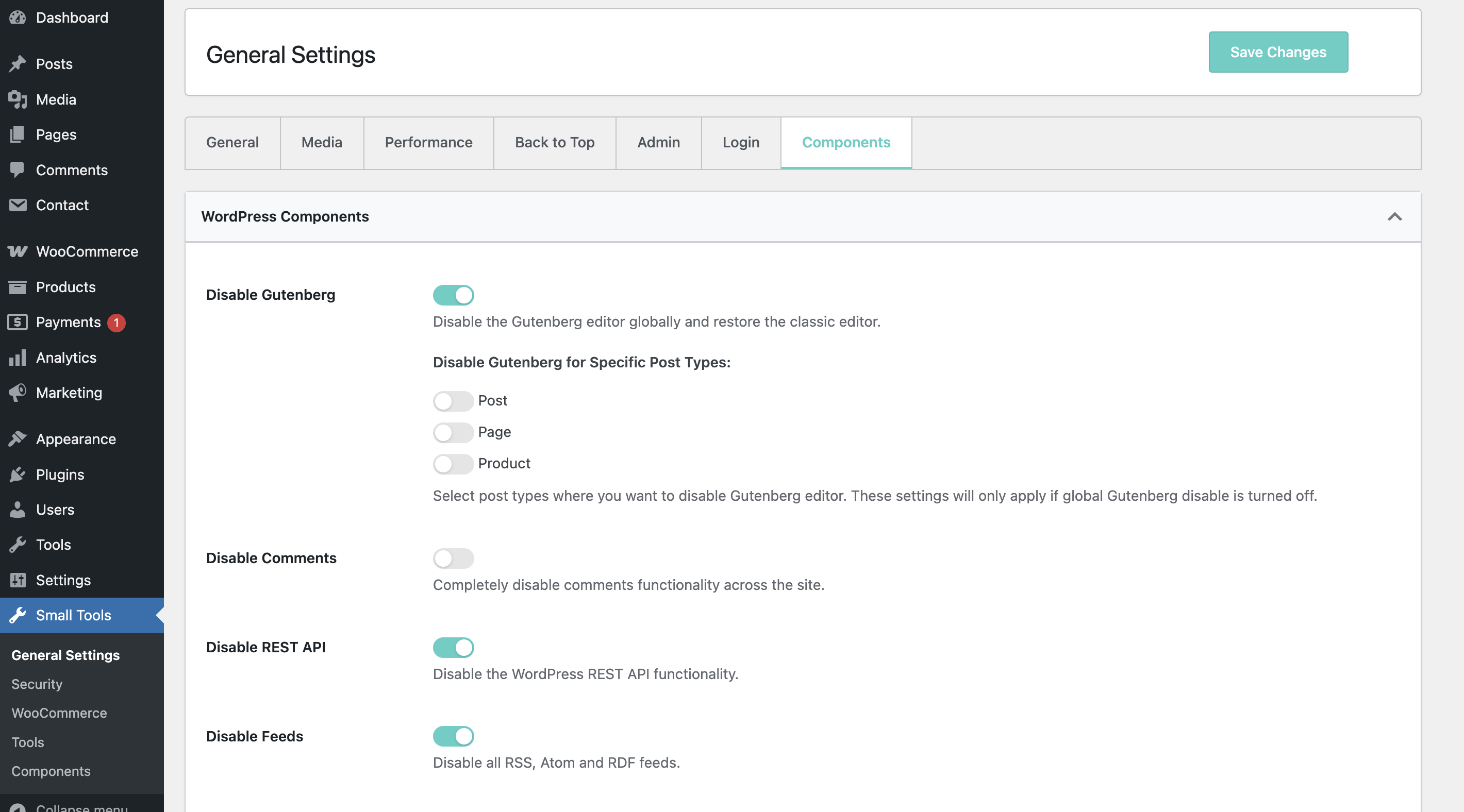
- Gutenberg Control
- Disable per post type
- Global enable/disable
- Custom post type support
- Content Duplication
- One-click post/page duplication
- Copy all metadata
- Copy taxonomies
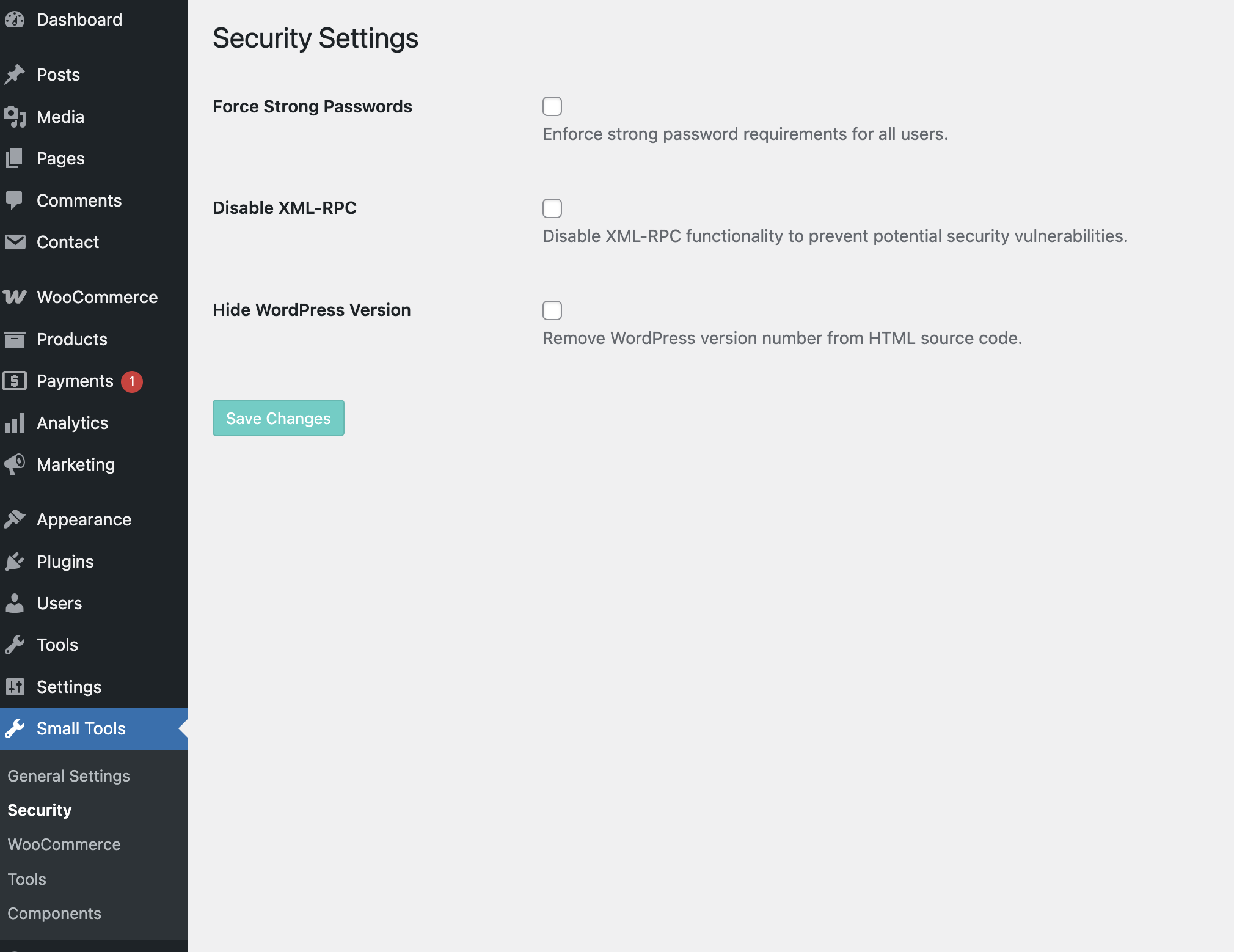
Security Features
- Access Control
- Force strong passwords
- Disable XML-RPC
- Hide WordPress version
- Content Protection
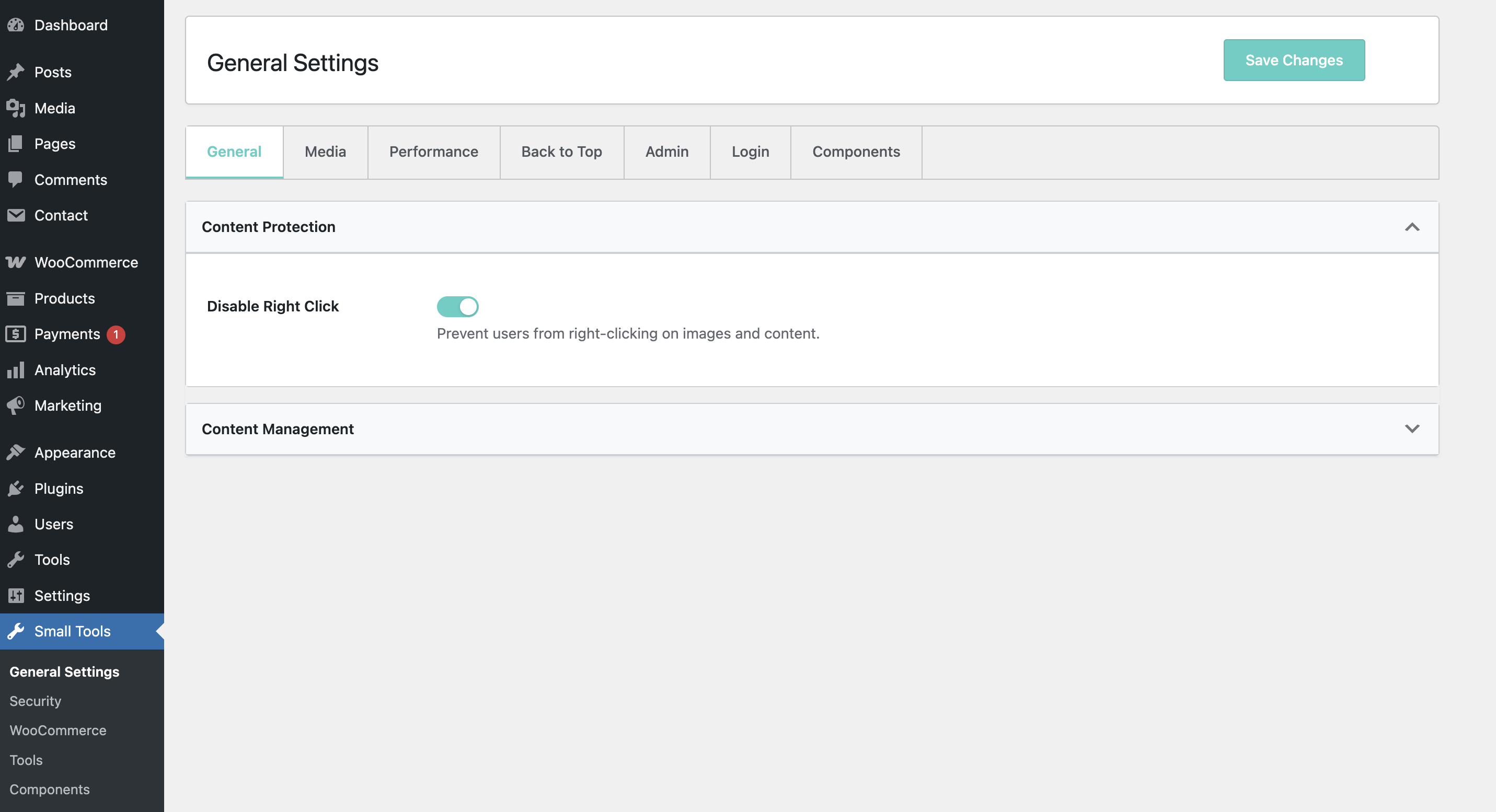
- Disable right-click functionality
- Prevent unauthorized copying
- Custom protection messages
- Prevent Content copying
- Login Security
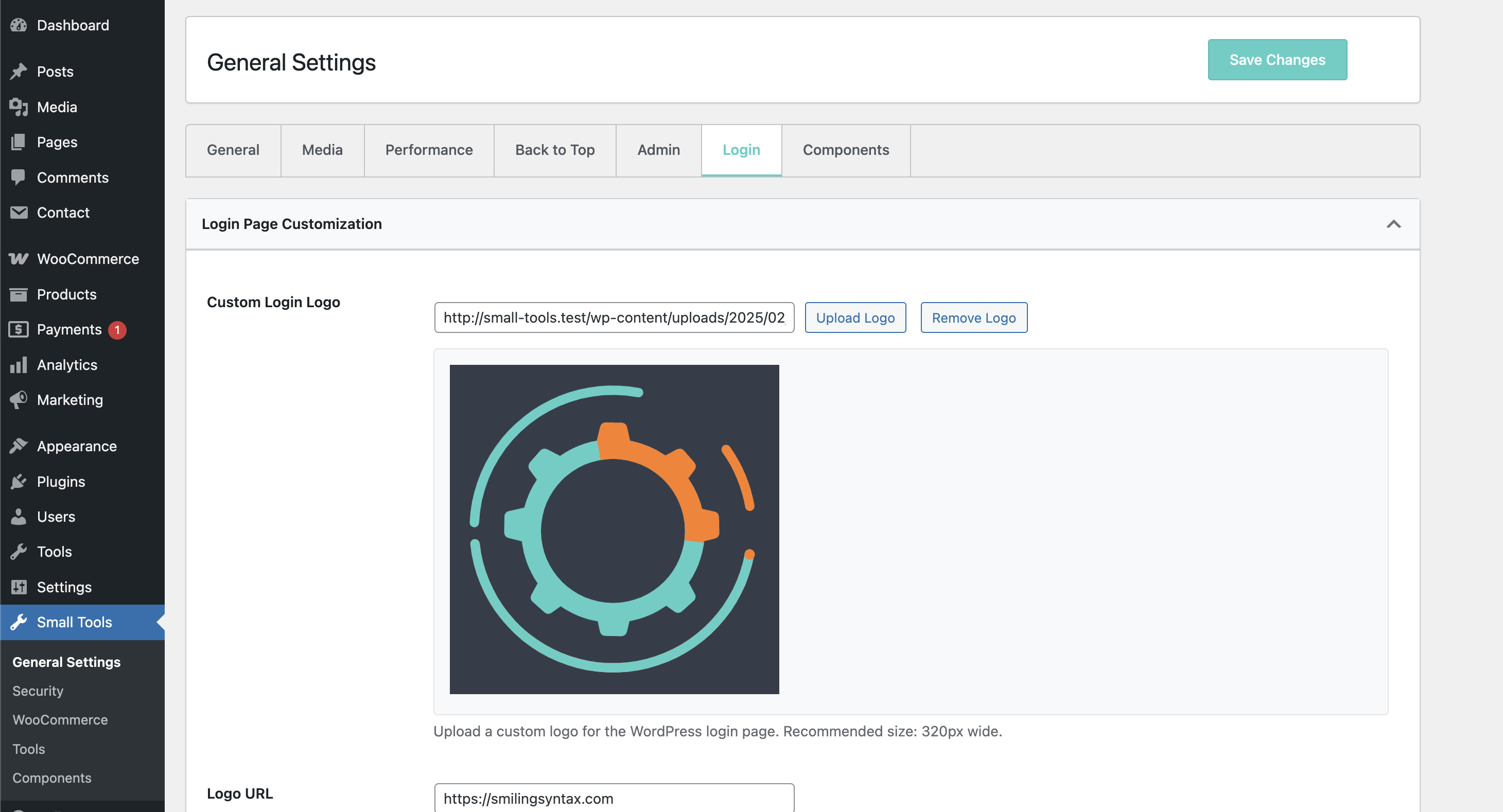
- Custom login logo
- Login/logout redirects
- Role-based redirects
WooCommerce Integration
- Performance
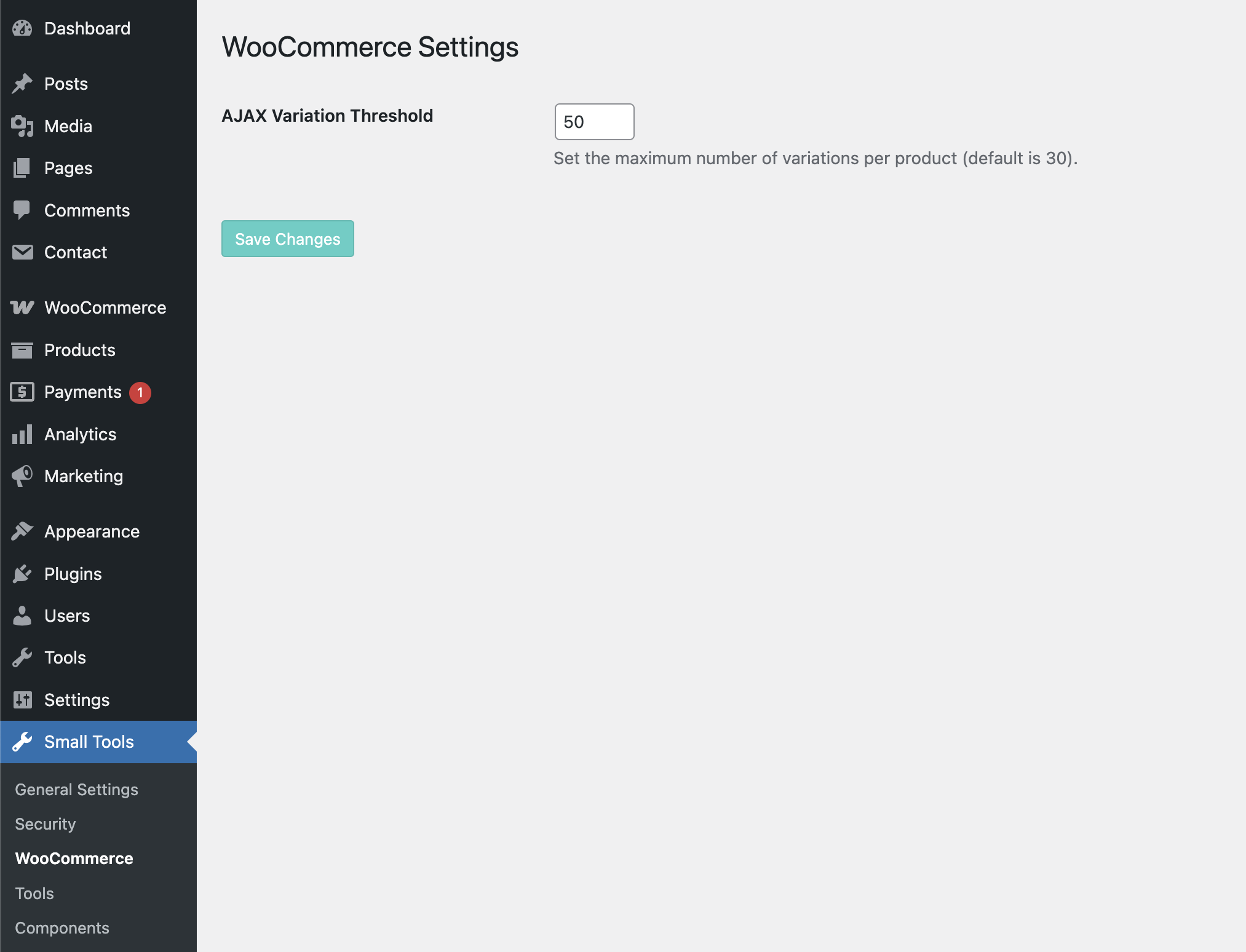
- Customizable variation threshold
- AJAX optimization
- Enhanced loading times
Settings Management
- Import/Export
- JSON-based settings export
- Settings backup support
- Easy site migration
- File Management
- Automatic settings file generation
- Performance-optimized loading
- Secure file storage
User Management
- Enhanced User Columns
- Registration date display
- Last login tracking
- Role-based features
Zero Database Queries
Unlike other plugins that constantly query the database for settings, Small Tools stores all settings in a PHP file located at /uploads/small-tools/small-settings.php. This means:
- Zero database queries on load
- Faster page load times
- Reduced server load
- Better scalability
WooCommerce Compatible
Enhance your WooCommerce store with optimized variation handling and improved performance, all without additional database queries.
Additional Information
Requirements
* WordPress 6.0 or higher
* PHP 7.4 or higher
* MySQL 5.6 or higher
* WooCommerce 6.0+ (for WooCommerce features)
For support, bug reports, or feature requests:
* Create an issue on GitHub
* Visit our support forum
* Email: support@smilingsyntax.com
Installation
- Upload the plugin files to
/wp-content/plugins/small-tools/directory - Activate the plugin through the ‘Plugins’ menu in WordPress
- Configure the plugin via ‘Small Tools’ menu in admin panel
Frequently asked questions
Is this plugin compatible with my theme?
Yes, Small Tools is designed to work with any WordPress theme. It uses standard WordPress hooks and follows best practices for compatibility.
Will this slow down my site?
No, the plugin is optimized for performance and actually improves site speed by: * Storing settings in a file instead of database * Loading assets only when needed * Optimizing script and style loading
Changelog
New feature: Granular WordPress Updates Control - selectively disable different types of updates including core, plugin, theme, and translation updates.
2.3.0
- Heartbeat Control Feature added
2.3.0
- Fixed some existing bugs, Added few more
2.2.2
- Bug Fixed: Dark mode Css issue fixed
2.2.1
- Bug Fixed: Notice Being shown inside admin heading Solved
- Added: Language Updated
2.2.0
- Added: Granular WordPress Updates Control – selectively disable different types of updates
- Added: New Updates tab in the settings page
- Improved: Settings organization and user interface
- Added: Prevent Content copying
2.1.0
- Added: Custom Colors for background and text on selecting text on frontend
Screenshots
For developers
Is this your plugin? Show off the numbers.
Add a live badge to your site, docs or GitHub README. It updates on its own — no account needed.
FAQ
Small Tools: quick answers
Straight answers, pulled from live WordPress.org data.
Live data from WordPress.org · checked Oct 16, 2026
Is Small Tools free?
Yes. Small Tools is free to download and use from the official WordPress.org plugin directory.
Is Small Tools safe to use in 2026?
Small Tools works, but test it on a staging site before relying on it in 2026. It runs on 10+ sites, is rated 5/5 and was last updated 10 months ago, and scores 45/100 on our health check.
How many websites use Small Tools?
Small Tools is active on 10+ WordPress websites and has been downloaded 1,196 times since it launched in February 2025. It was downloaded 44 times in the last 30 days.
Does Small Tools work with WordPress 7.1?
Small Tools is officially tested up to WordPress 6.9.10, while the latest release is 7.1.3. It may still work, but try it on a staging site first.
What PHP version does Small Tools need?
Small Tools requires PHP 7.4 or higher. Most hosts run PHP 8.x today, so it works on any modern WordPress hosting.
When was Small Tools last updated?
The latest version, 2.3.0, was released on December 23, 2025 (10 months ago).
Who makes Small Tools?
Small Tools is developed and maintained by SmilingSyntax.
Powered by PageForge
Want thousands of pages that rank like these? Build them in an afternoon.
This directory runs on the same engine as PageForge. Turn any spreadsheet, CSV or API into thousands of fast, SEO-ready WordPress pages — with schema, internal links and AI-written copy baked in.
- CSV, Google Sheets & API data sources
- AI content, schema & internal links per page
- Works with Elementor, Gutenberg, Yoast & Rank Math
- Free on WordPress.org — no credit card


