



Simple Analytics
Simple, free, and privacy-friendly website analytics https://vimeo.com/1033359807/dde00e7f39

Solid choice
Simple Analytics is a solid plugin choice in 2026, with a few things worth checking first. It runs on 1K+ sites, is rated 5/5 and was last updated 6 days ago, and scores 77/100 on our health check.
- Actively developed — last update 6 days ago
- Tested with the latest WordPress (7.1)
- Momentum — downloads up 211.1% vs the previous 30 days
- Very few reviews so far
Daily downloads
Download spikes usually follow a new release — each site that auto-updates counts as a download.
Rankings
Where Simple Analytics stands todayWordPress.org search rankings
Live position in the plugin search, top 100| Keyword | Position |
|---|---|
| free analytics | #21 |
| privacy friendly | #26 |
| privacy-first | #24 |
| simple analytics | #6 |
| website analytics | #24 |
Version adoption
Share of active sites per release.
Rating breakdown
★★★★★★★★★★ 5 from 3 reviews
About Simple Analytics
From the official readme · v1.113Description
Simple Analytics gives you the analytics you need without invading the privacy of your users, with a clean interface and simple integration.
- Privacy-friendly by design: Simple Analytics is built with privacy in mind. Get the insights you need while respecting your users’ privacy.
- Simple interface: Google Analytics is a monstrosity of custom dashboards and features. At Simple Analytics, we provide the insights you need in a clear and straightforward interface.
- No cookiebanner required. Simple Analytics does not use cookies or any other identifiers, meaning you don’t need to add an annoying cookiebanner to your website. You can use Simple Analytics without the need for consent.
- GDPR-compliant. Simple Analytics is GDPR-compliant and out-of-the-box since we don’t collect, store, or process personally identifiable information.
- Easy integration. Simple Analytics is easy to install. You can use our WordPress plugin to get started right away. It’s also possible to import your historical Google Analytics traffic so you don’t lose any data switching to Simple Analytics.
- It’s free. Simple Analytics has a free option to get started. There is a 14-day free trial to explore our paid features. However, you can use Simple Analytics for free forever if you like.
Check our live demo
Simple Analytics is entirely self-funded and proudly supported by our 18500+ users. We don’t sell your data, we don’t do ads, and we don’t have investors that tell us what to do. We’re here to build a product that you love.
Use it for free as long as you need, or if you’re happy, consider one of our paid options for more features and more data history.
Features
Events
– Event Tracking: Monitor specific user interactions that are not captured by standard page views, such as button clicks, form submissions, or video plays.
Goals
– Goal Tracking: Set specific goals to monitor user interactions on your website, such as conversions or engagement metrics.
– Goal Cards: Visual representations of your goals that allow for quick performance assessments.
– Custom Filters: Create filters to refine the data associated with each goal, making it easier to analyze specific user behaviors.
Ai Analytics
– Chat with your analytics to generate custom insights and dashboards.
Custom Views
– Permanent Filters: Establish permanent filters on your dashboard to focus on specific data sets.
– Multi-Domain Merging: Combine data from multiple domains into a single dashboard for a comprehensive overview.
– Access Control: Share limited views of your analytics data with team members or stakeholders.
Filters
– Data Filtering: Apply filters to exclude certain traffic sources or user behaviors, allowing for cleaner, more relevant data analysis.
Export Your Data
– Data Export Options: Easily export your analytics data in various formats for further analysis or reporting.
Import Google Analytics Data
– Data Migration: Import historical data from Google Analytics to maintain continuity in your analytics tracking.
Email Reports
– Automated Reporting: Set up automated email reports to receive regular updates on your website’s performance metrics.
Bypass Ad-Blockers
– Ad-Blocker Resilience: The tracking script is designed to bypass common ad-blockers, ensuring that you capture more accurate visitor data.
Robot Blocking
– Bot Traffic Management: Automatically block known bots from skewing your analytics data, leading to more reliable insights.
Hide Referral SPAM
– Spam Filtering: Filter out referral spam to ensure that your analytics data reflects genuine user interactions.
Embed Chart on Your Site
– Data Visualization: Embed analytics charts directly on your website for live data displays, enhancing transparency.
Trend Lines
– Performance Tracking: Utilize trend lines in your analytics to visualize performance over time, aiding in identifying patterns and forecasting.
Annotations
– Event Marking: Add annotations to your data to mark significant events or changes, providing context for fluctuations in your analytics.
Block Your Visits Extension
– Personal Visit Exclusion: Use an extension to block your own visits from being tracked, ensuring that your analytics reflect genuine user activity.
iOS App
– Mobile Access: Access your analytics data on the go with a dedicated iOS app, allowing for real-time insights wherever you are.
Installation
Installing “Simple Analytics” can be done in multiple ways.
Install via WordPress Plugins
- Search for
simpleanalyticsplugin in your WordPress admin - Upload the ZIP file through the ‘Plugins > Add New > Upload’ screen in your WordPress dashboard
- Activate the plugin through the ‘Plugins’ menu in WordPress
Download the ZIP via WordPress.org
- Download the plugin via wordpress.org/plugins/simpleanalytics
- Upload the ZIP file through the ‘Plugins > Add New > Upload’ screen in your WordPress dashboard
- Activate the plugin through the ‘Plugins’ menu in WordPress
Download the ZIP via GitHub
- Download the plugin via github.com/simpleanalytics/wordpress-plugin
- Upload the ZIP file through the ‘Plugins > Add New > Upload’ screen in your WordPress dashboard
- Activate the plugin through the ‘Plugins’ menu in WordPress
Frequently asked questions
Is Simple Analytics free?
Yes. You can use Simple Analytics for free forever. You only need to create an account at Simple Analytics.
Where can I see my dashboard?
You can see your dashboard here.
Where can I find the documentation and features?
See our documentation here.
Where can I leave feedback?
You can leave your feedback here.
Changelog
No changes needed for upgrades.
1.113
- 2026-10-12
- Tested up to WordPress 7.1.3
- Requires WordPress 7.0.6
- Requires PHP 7.4.0
1.112
- 2026-09-28
- Tested up to WordPress 7.1.2
- Requires WordPress 7.0.5
- Requires PHP 7.4.0
1.111
- 2026-09-21
- Tested up to WordPress 7.1.1
- Requires WordPress 7.0.4
- Requires PHP 7.4.0
1.110
- 2026-09-16
- Tested up to WordPress 7.1
- Requires WordPress 7.0.3
- Requires PHP 7.4.0
- Changes:
- Use release app client ID (#53)
- Use release app for protected branch updates (#52)
- Execute the configured analytics load callback safely (#47)
- Preserve IP exclusions on their first save (#44)
- Preserve settings until the plugin is uninstalled (#45)
- Respect both states of automated event settings (#43)
- Fix manual pageview collection setting (#42)
- Update wp-env to fix PHP 7.4 CI (#49)
1.109
- 2026-07-20
- Tested up to WordPress 7.0.2
- Requires WordPress 6.9.4
- Requires PHP 7.2.0
1.108
- 2026-07-13
- Tested up to WordPress 7.0.1
- Requires WordPress 6.9.3
- Requires PHP 7.2.0
Screenshots
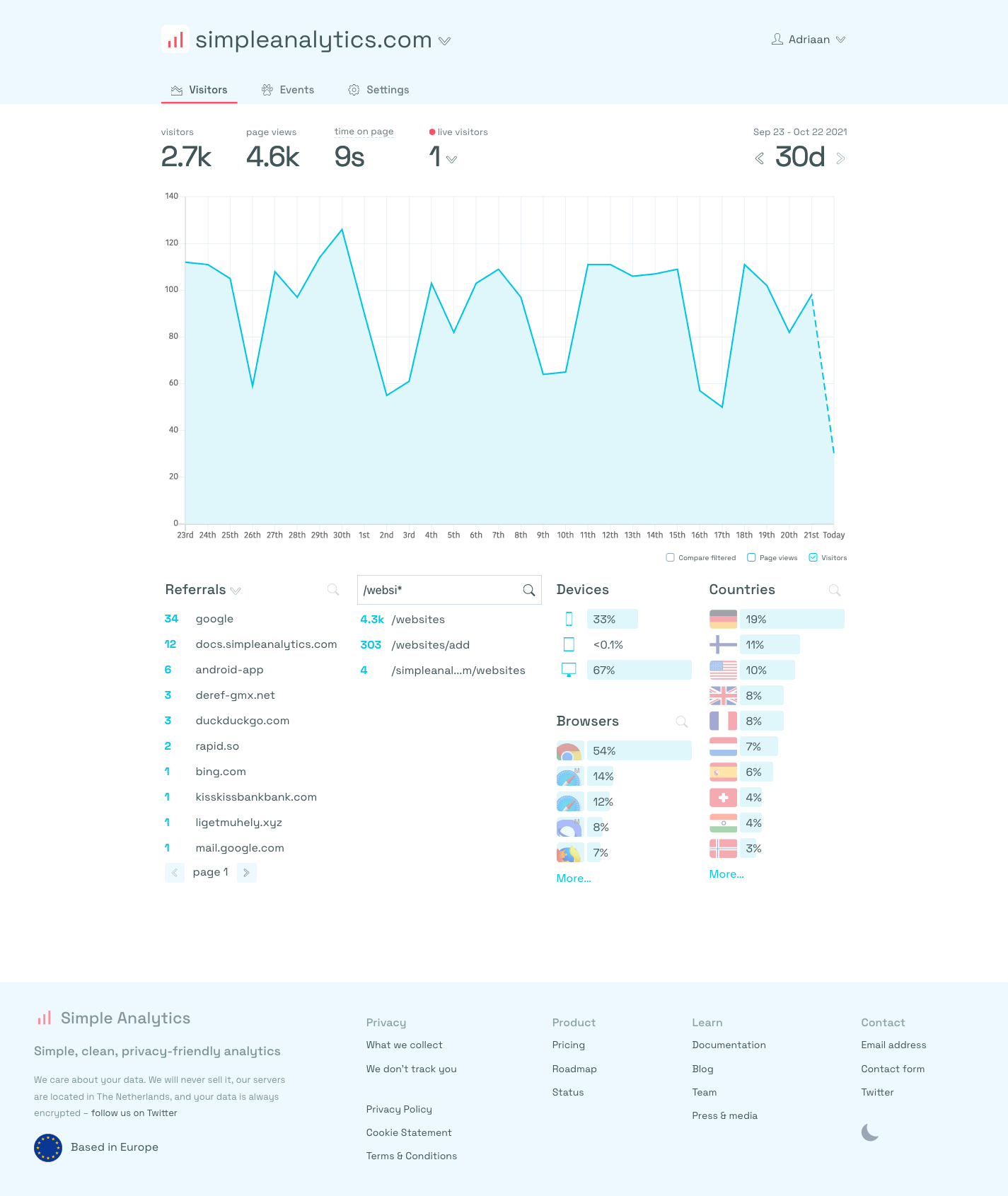
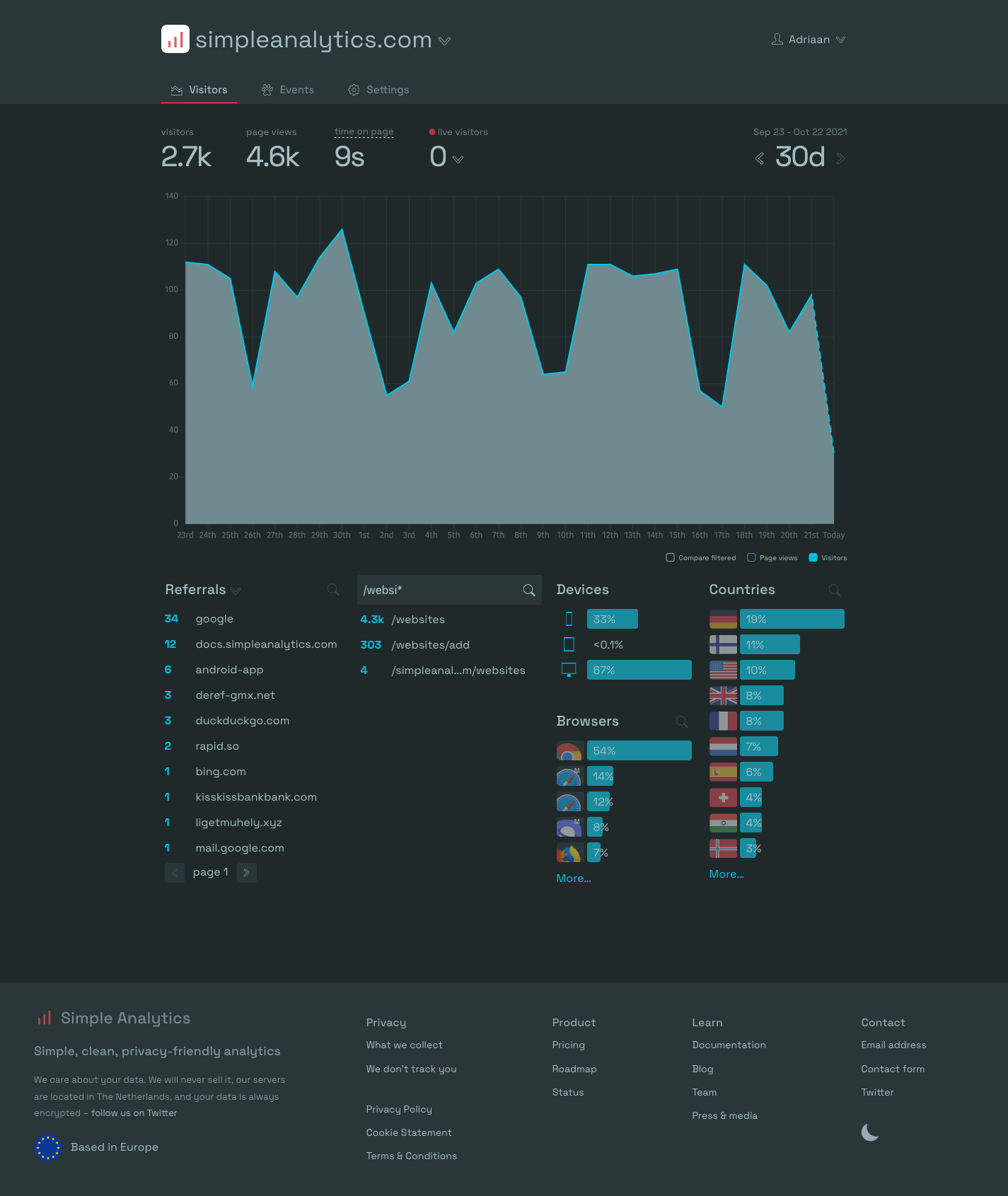

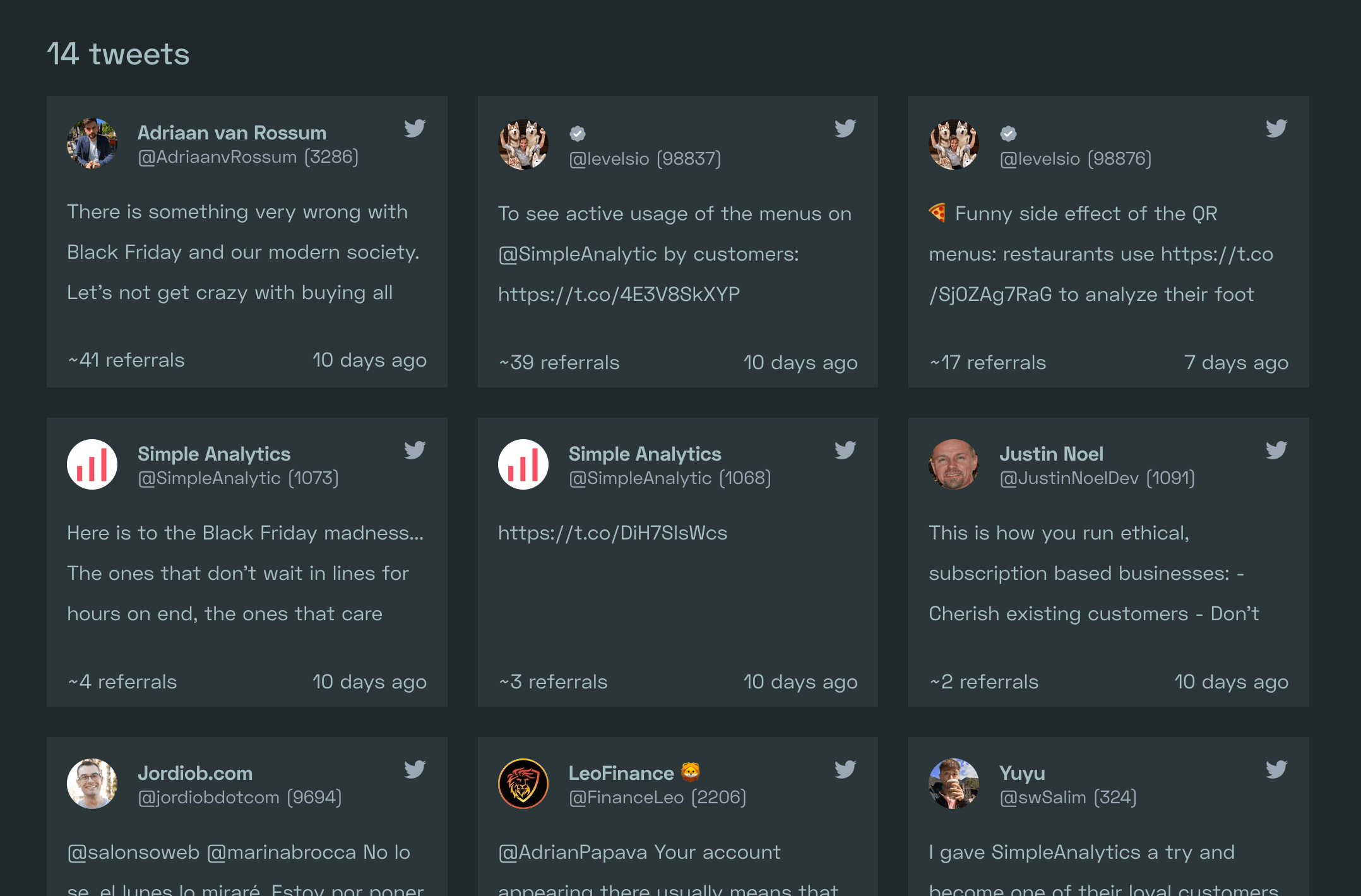
For developers
Is this your plugin? Show off the numbers.
Add a live badge to your site, docs or GitHub README. It updates on its own — no account needed.
FAQ
Simple Analytics: quick answers
Straight answers, pulled from live WordPress.org data.
Live data from WordPress.org · checked Oct 18, 2026
Is Simple Analytics free?
Yes. Simple Analytics is free to download and use from the official WordPress.org plugin directory.
Is Simple Analytics safe to use in 2026?
Simple Analytics is a solid plugin choice in 2026, with a few things worth checking first. It runs on 1K+ sites, is rated 5/5 and was last updated 6 days ago, and scores 77/100 on our health check.
How many websites use Simple Analytics?
Simple Analytics is active on 1K+ WordPress websites and has been downloaded 31,417 times since it launched in June 2019. It was downloaded 3,027 times in the last 30 days.
Does Simple Analytics work with WordPress 7.1?
Yes. The developer has tested Simple Analytics up to WordPress 7.1.3, the latest release. It requires WordPress 7.0.6 or newer.
What PHP version does Simple Analytics need?
Simple Analytics requires PHP 7.4.0 or higher. Most hosts run PHP 8.x today, so it works on any modern WordPress hosting.
When was Simple Analytics last updated?
The latest version, 1.113, was released on October 12, 2026 (6 days ago).
Who makes Simple Analytics?
Simple Analytics is developed and maintained by Adriaan.
Powered by PageForge
Want thousands of pages that rank like these? Build them in an afternoon.
This directory runs on the same engine as PageForge. Turn any spreadsheet, CSV or API into thousands of fast, SEO-ready WordPress pages — with schema, internal links and AI-written copy baked in.
- CSV, Google Sheets & API data sources
- AI content, schema & internal links per page
- Works with Elementor, Gutenberg, Yoast & Rank Math
- Free on WordPress.org — no credit card


