



Shakebug
Report bugs and crashes from WordPress websites directly to your Shakebug dashboard.

Solid choice
Shakebug is a solid plugin choice in 2026, with a few things worth checking first. Is rated 5/5 and was last updated 2 months ago, and scores 62/100 on our health check.
- Small user base (<10 active installs)
- Very few reviews so far
How does it stack up?
Side-by-side on installs, updates, ratings & support



Daily downloads
Download spikes usually follow a new release — each site that auto-updates counts as a download.
Rankings
Where Shakebug stands todayWordPress.org search rankings
Live position in the plugin search, top 100| Keyword | Position |
|---|---|
| bug reporting | >100 |
| crash reporting | #11 |
| debugging | >100 |
| feedback | >100 |
| q&a | #93 |
Rating breakdown
★★★★★★★★★★ 5 from 2 reviews
About Shakebug
From the official readme · v1.0.2Description
Shakebug helps website owners, developers, and testers effortlessly report bugs, capture screenshots, record user sessions, and intercept console logs directly from their WordPress websites.
Stop asking your users for steps to reproduce issues. Shakebug automatically attaches all the necessary technical details—like browser info, screen resolution, console errors, and invisible JavaScript crashes—to every bug report, saving you hours of debugging time.
Key Features
- One-Click Bug Reporting: Allow users or QA testers to report bugs directly from the frontend without leaving the site.
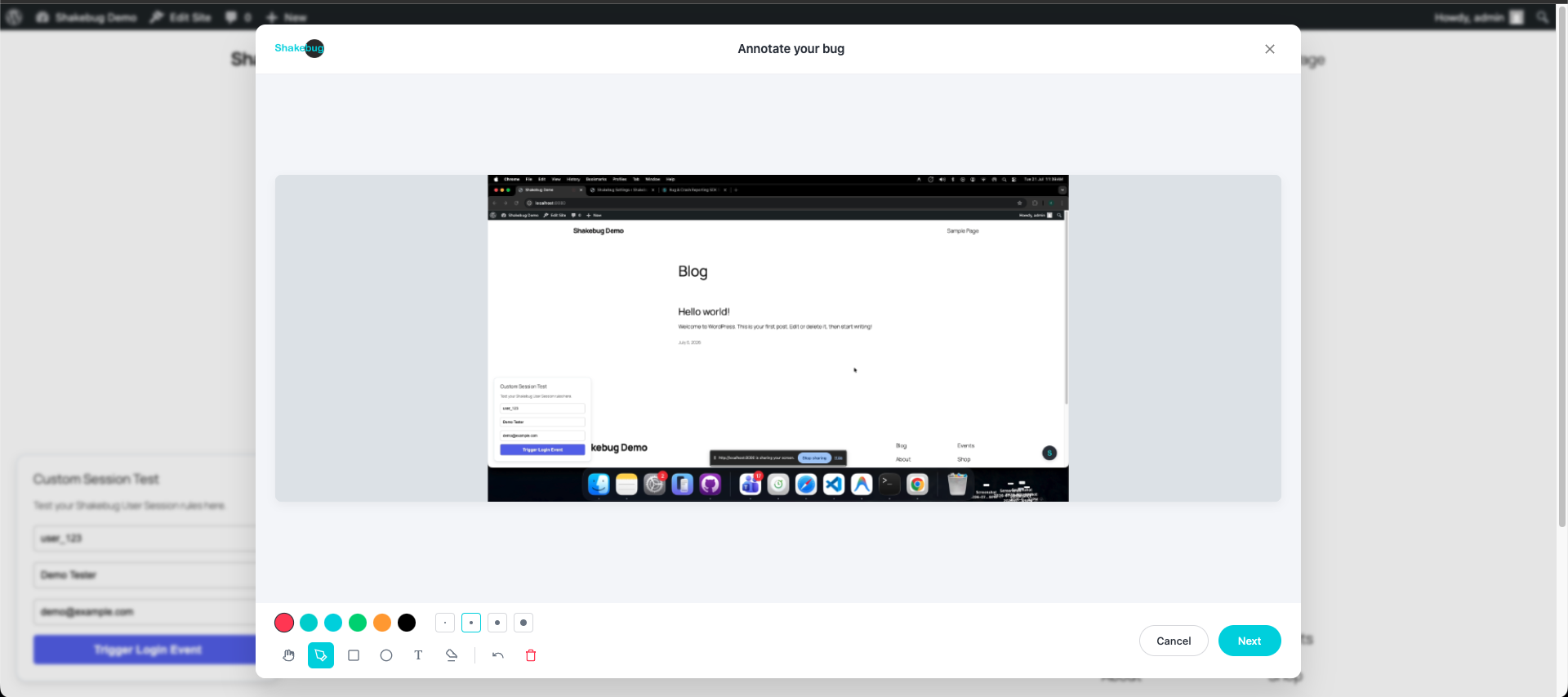
- Screenshot & Screen Recording: Users can easily capture or record their screen to visually demonstrate the issue.
- Automatic Crash Reporting: Silently catch unhandled JavaScript errors and promise rejections before your users even notice them.
- User Session Tracking: Automatically track the steps a user took leading up to a bug to reproduce issues instantly.
- Dynamic Event Tracking: Log specific clicks and interactions without writing a single line of custom code.
- Privacy & GDPR Friendly: Full control over what is recorded to ensure user data privacy.
External Services
This plugin relies on the external Shakebug service (https://shakebug.com) to provide bug tracking, crash reporting, and user session recording functionalities.
- What it is used for: The service collects bug reports submitted by users, automatically tracks unhandled JavaScript errors, and records user sessions (if enabled) to help you debug and improve your website.
- What data is sent and when: When the frontend tracking is enabled and a user interacts with the bug reporting widget or when an automatic crash is intercepted, the plugin sends technical information such as browser details, OS version, screen resolution, console logs, network requests, and optionally user-provided text/email or screen recordings to the Shakebug API. This data is securely stored on Shakebug servers and displayed in your dashboard.
- Terms of Service & Privacy Policy: For more details on how data is handled, please review the Shakebug Terms of Service and Privacy Policy.
Installation
- Upload the
Shakebug-wordpress-pluginfolder to the/wp-content/plugins/directory, or install it directly through the WordPress plugins screen. - Activate the plugin through the ‘Plugins’ screen in WordPress.
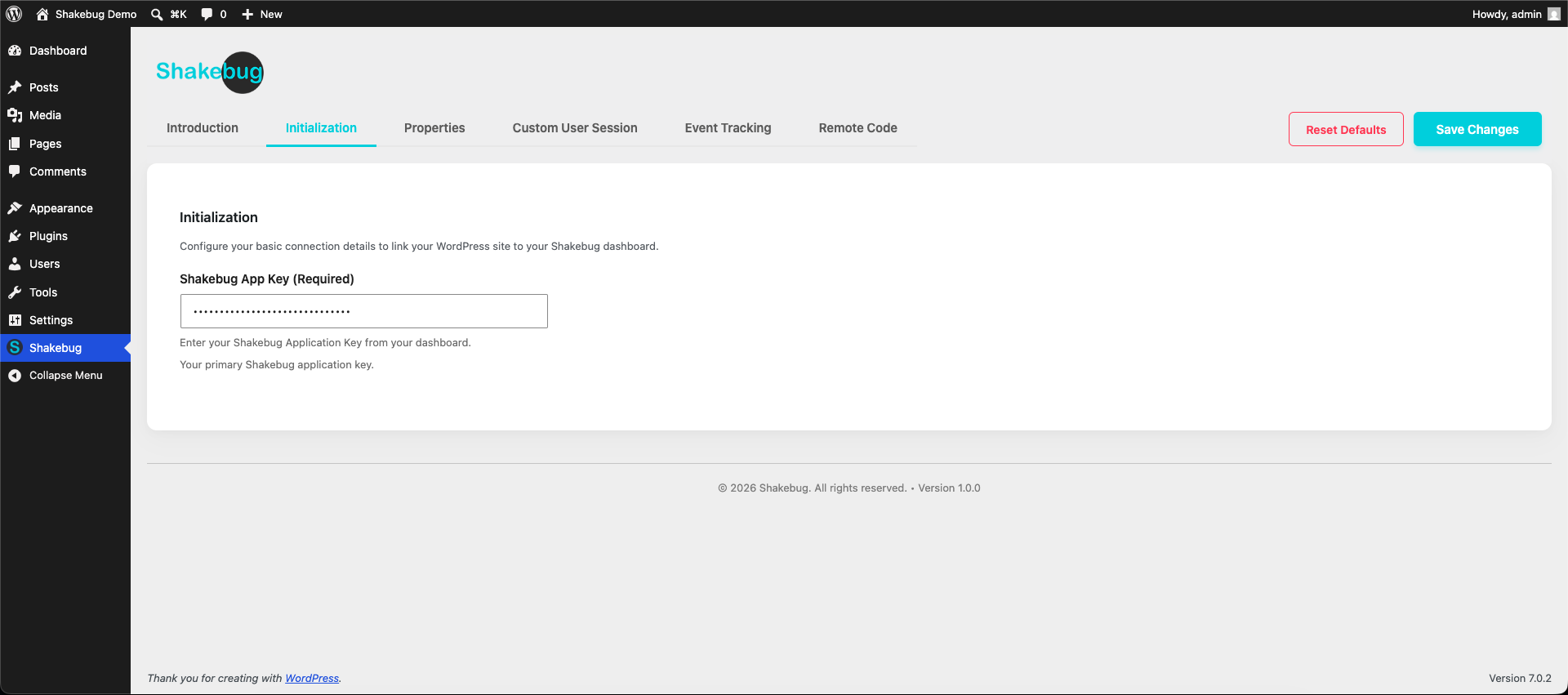
- Navigate to the Shakebug Settings menu in your WordPress admin sidebar.
- Enter your Shakebug API Key (you can get this by creating a free account at shakebug.com).
- Start receiving detailed bug reports!
Frequently asked questions
Is a Shakebug account required?
Yes. You need a free or premium Shakebug account to generate an API key and view the bugs reported from your website. You can create an account at https://www.shakebug.com.
Does it affect my website performance?
No. The Shakebug script is extremely lightweight and loads asynchronously, meaning it will not block your website from loading or negatively impact your Core Web Vitals.
How do I find my API Key?
After signing up at https://www.shakebug.com, log into your dashboard, select your project, and navigate to the project settings to copy your API key.
Can I customize the bug reporting widget?
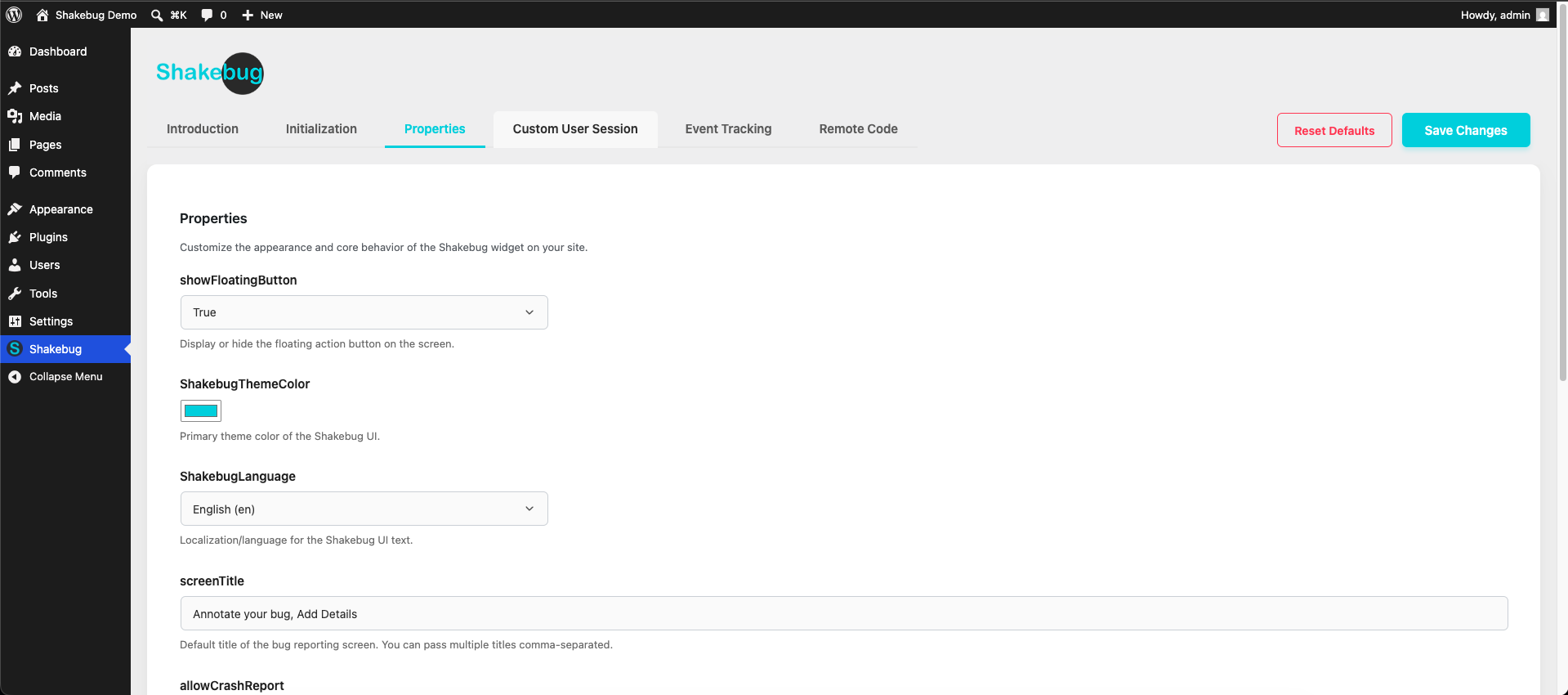
Yes! You can fully customize the widget’s appearance, colors, and behavior from your Shakebug dashboard to seamlessly match your website’s branding.
What kind of data is captured in a bug report?
Shakebug captures a screenshot, user session recording, console logs, network requests, browser version, OS version, and screen resolution to give you full context of the issue.
Does it track JavaScript errors automatically?
Yes! Shakebug silently catches unhandled JavaScript errors and promise rejections, grouping them automatically using AI in your Crash Dashboard.
Where can I get support or learn more?
For more information, features, and support, please visit our official website at https://www.shakebug.com.
Changelog
1.0.2
- Fixed asset paths.
1.0.0
- Initial release of the Shakebug WordPress plugin.
- Features: API Key integration, dynamic feature gating, session recording, crash reporting, and a fully customizable floating widget.
Screenshots


For developers
Is this your plugin? Show off the numbers.
Add a live badge to your site, docs or GitHub README. It updates on its own — no account needed.
Best Shakebug alternatives
All bug reporting plugins →



FAQ
Shakebug: quick answers
Straight answers, pulled from live WordPress.org data.
Live data from WordPress.org · checked Sep 30, 2026
Is Shakebug free?
Yes. Shakebug is free to download and use from the official WordPress.org plugin directory.
Is Shakebug safe to use in 2026?
Shakebug is a solid plugin choice in 2026, with a few things worth checking first. Is rated 5/5 and was last updated 2 months ago, and scores 62/100 on our health check.
How many websites use Shakebug?
Shakebug is active on <10 WordPress websites and has been downloaded 203 times since it launched in July 2026. It was downloaded 58 times in the last 30 days.
Does Shakebug work with WordPress 7.1?
Shakebug is officially tested up to WordPress 7.0.6, while the latest release is 7.1.2. It may still work, but try it on a staging site first.
What PHP version does Shakebug need?
Shakebug requires PHP 7.4 or higher. Most hosts run PHP 8.x today, so it works on any modern WordPress hosting.
When was Shakebug last updated?
The latest version, 1.0.2, was released on July 21, 2026 (2 months ago).
Who makes Shakebug?
Shakebug is developed and maintained by Softnoesis.
What are the best alternatives to Shakebug?
The most popular alternatives to Shakebug are Gleap (300+ installs), PagePin (10+ installs) and Honeybadger Application Mon… (10+ installs).
Powered by PageForge
Want thousands of pages that rank like these? Build them in an afternoon.
This directory runs on the same engine as PageForge. Turn any spreadsheet, CSV or API into thousands of fast, SEO-ready WordPress pages — with schema, internal links and AI-written copy baked in.
- CSV, Google Sheets & API data sources
- AI content, schema & internal links per page
- Works with Elementor, Gutenberg, Yoast & Rank Math
- Free on WordPress.org — no credit card


