



SEO AI Audit Tool
SEO AI Audit Tool revolutionizes how you optimize your WordPress website. Powered by advanced AI algorithms and integrating with Google Search Console and Ahrefs, this tool delivers actionable insights to boost your…

Use with caution
SEO AI Audit Tool works, but test it on a staging site before relying on it in 2026. It runs on 60+ sites, is rated 5/5 and was last updated 8 months ago, and scores 52/100 on our health check.
- Momentum — downloads up 84.9% vs the previous 30 days
- Small user base (60+ active installs)
- Only tested up to WordPress 6.9 (latest is 7.1)
How does it stack up?
Side-by-side on installs, updates, ratings & support



Daily downloads
Download spikes usually follow a new release — each site that auto-updates counts as a download.
Rankings
Where SEO AI Audit Tool stands todayWordPress.org search rankings
Live position in the plugin search, top 100| Keyword | Position |
|---|---|
| ai seo | >100 |
| Content analysis | #85 |
| conversion optimization | >100 |
| search intent | #40 |
| seo audit | #21 |
Version adoption
Share of active sites per release.
Rating breakdown
★★★★★★★★★★ 5 from 10 reviews
About SEO AI Audit Tool
From the official readme · v2.0.1Description
SEO AI Audit Tool revolutionizes how you optimize your WordPress website. Powered by advanced AI algorithms and integrating with Google Search Console and Ahrefs, this tool delivers actionable insights to boost your search rankings and conversion rates.
Learn More About Our SEO Audit Tool
👉 SEO AI Audit Tool Website
👉 Support (ask a question)
👉 Pricing
🎯 Key Features
SEO Fundamentals Audit
- Keyword Optimization: Analyze and optimize your content’s keyword usage
- Content Quality: Evaluate content structure and readability
- Link Structure: Assess internal and external linking strategies
- Image Optimization: Check image alt texts and optimization
Advanced SEO Analysis
- AI-Powered Content Optimization: Get intelligent recommendations for content improvements
- Search Intent Analysis: Understand user intent behind keywords
- SERP Feature Analysis: Optimize for featured snippets and rich results
- Focus Pages: Prioritize and track your most important pages
CRO Fundamentals Audit
- Content Elements: Analyze embedded videos, tables of contents, and FAQ sections
- Visual Structure: Evaluate listicle formats, charts, and graphs
- Engagement Features: Check text styling and interactive elements
- User Experience: Assess content readability and structure
Conversion Rate Optimization (CRO)
- Engagement Analysis: Track video engagement, interactive elements, and user behavior
- Content Structure: Optimize headings, FAQs, and table of contents
- Visual Elements: Analyze images, charts, and interactive components
- User Experience: Evaluate page layout and content readability
Data Integration & Analysis
- Google Search Console Integration: Import and analyze search performance data
- Ahrefs Integration: Access comprehensive backlink and keyword data
- Custom Reports: Generate detailed SEO and CRO performance reports
💡 Why Choose SEO AI Audit Tool?
- Save Time: Automated analysis and recommendations
- Increase Traffic: Target high-potential keywords and optimize content
- Boost Conversions: Implement proven CRO strategies
- Stay Competitive: Access the latest SEO and CRO best practices
- Easy to Use: Intuitive interface with actionable insights
Usage
-
Running an Audit:
- Go to
SEO AI Auditin your WordPress dashboard. - Review the generated report with improvement recommendations.
- Click on
Run Auditto initiate a comprehensive analysis of your website’s SEO elements. - Review the generated report highlighting areas of improvement and actionable recommendations.
- Go to
-
Importing Data:
- Navigate to
SEO AI Audit>Import GSC & Ahrefs Data. - Upload your CSV files from Google Search Console and Ahrefs to enhance the audit accuracy.
- Navigate to
-
Magic Keyword Finder:
- Access the
Magic Keyword Finderfrom the main menu. - Click on
Run Magic Keyword Finderto discover optimal keywords tailored to your content strategy.
- Access the
-
Managing Focus Pages:
- Open the
Focus Pagesmodal to select and prioritize the pages you want to optimize. - Use the star icons to mark pages as focus pages for targeted SEO efforts.
- Open the
Visit Our Site
Click here to view our site dedicated to this WordPress SEO Audit Tool plugin
Docs & Support
Please do not use WordPress.org for support. Visit this page https://seo-ai-audit-tool.designful.ca/#support/.
Recommended Plugins
No plugins are necessary for this plugin to work.
Purchase A Premium License
👉 https://seo-ai-audit-tool.designful.ca/
Other Plugins
👉 https://stylishcostcalculator.com/
👉 https://stylishpricelist.com
This plugin is developed by Designful.ca. Feel free to reach out for any customizations or support.
Installation
-
Download the Plugin:
- Download the latest version of SEO AI Audit Tool from the WordPress Plugin Repository.
-
Upload the Plugin:
- Navigate to your WordPress dashboard.
- Go to
Plugins>Add New>Upload Plugin. - Choose the downloaded
.zipfile and clickInstall Now.
-
Activate the Plugin:
- Once installed, click
Activateto enable the SEO AI Audit Tool.
- Once installed, click
-
Initial Setup:
- After activation, navigate to
SEO AI Auditin the WordPress admin menu. - Follow the on-screen instructions to connect your Google Search Console and Ahrefs accounts.
- After activation, navigate to
Frequently asked questions
How do I connect my Google Search Console and Ahrefs accounts?
After installing the plugin, navigate to SEO AI Audit > Import GSC & Ahrefs Data. Follow the on-screen instructions to securely connect and import data from your Google Search Console and Ahrefs accounts.
Can I customize the audit criteria?
Yes, the plugin follows WordPress codex coding best practices, allowing you to extend and customize the audit criteria as needed. Developers can create new functions with a unique suffix to avoid conflicts.
Is the plugin compatible with Elementor?
Absolutely! SEO AI Audit Tool is fully compatible with Elementor, ensuring seamless integration and enhanced audit capabilities for pages built with Elementor.
How often should I run an SEO audit?
We recommend running an SEO audit at least once a month to stay updated with your website’s performance and implement timely optimizations.
How do I sign up for an OpenAI API key?
To sign up for an OpenAI API key, follow these steps: Visit OpenAI’s Platform: Go to platform.openai.com and click “Sign Up” in the top right corner. Create an Account: Enter your email and a password, or use a Google/Microsoft account. Provide your name and verify your phone number with a code sent to you. Check your email for a verification link and click it to activate your account. Log In: Return to platform.openai.com, click “Log In,” and sign in with your credentials. Access API Keys: Click your profile icon/name in the dashboard’s top right corner. Select “API Keys” from the menu…
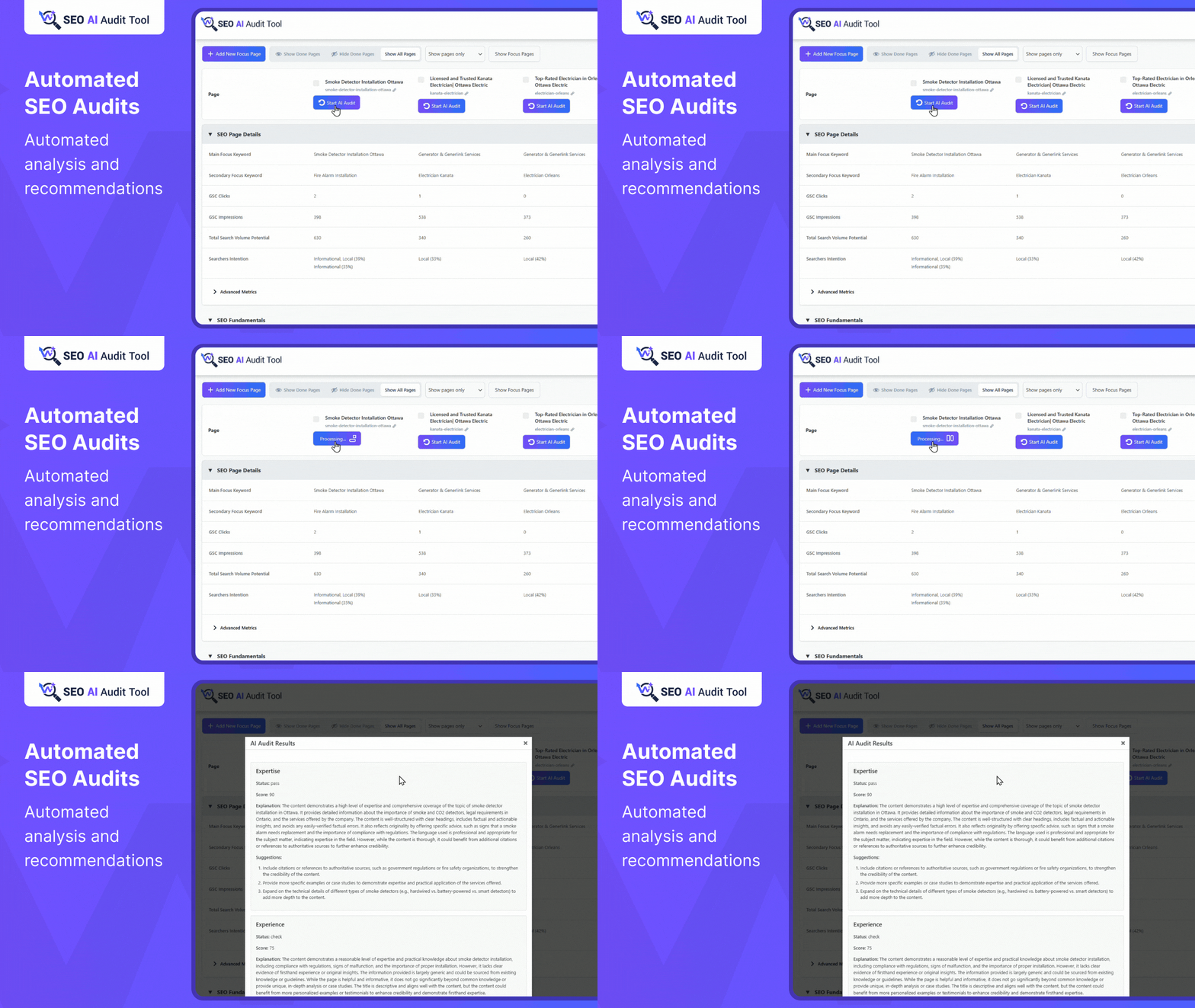
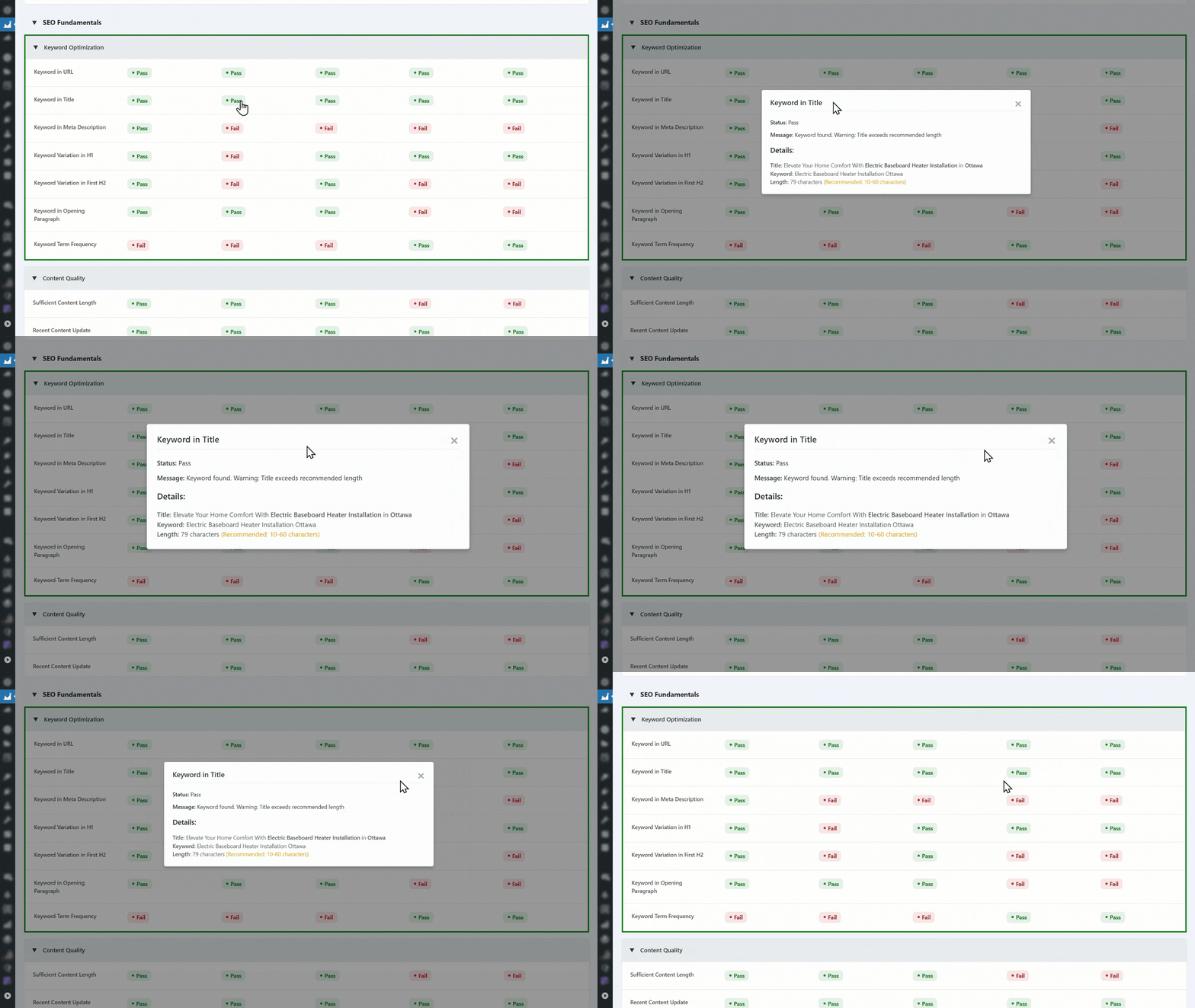
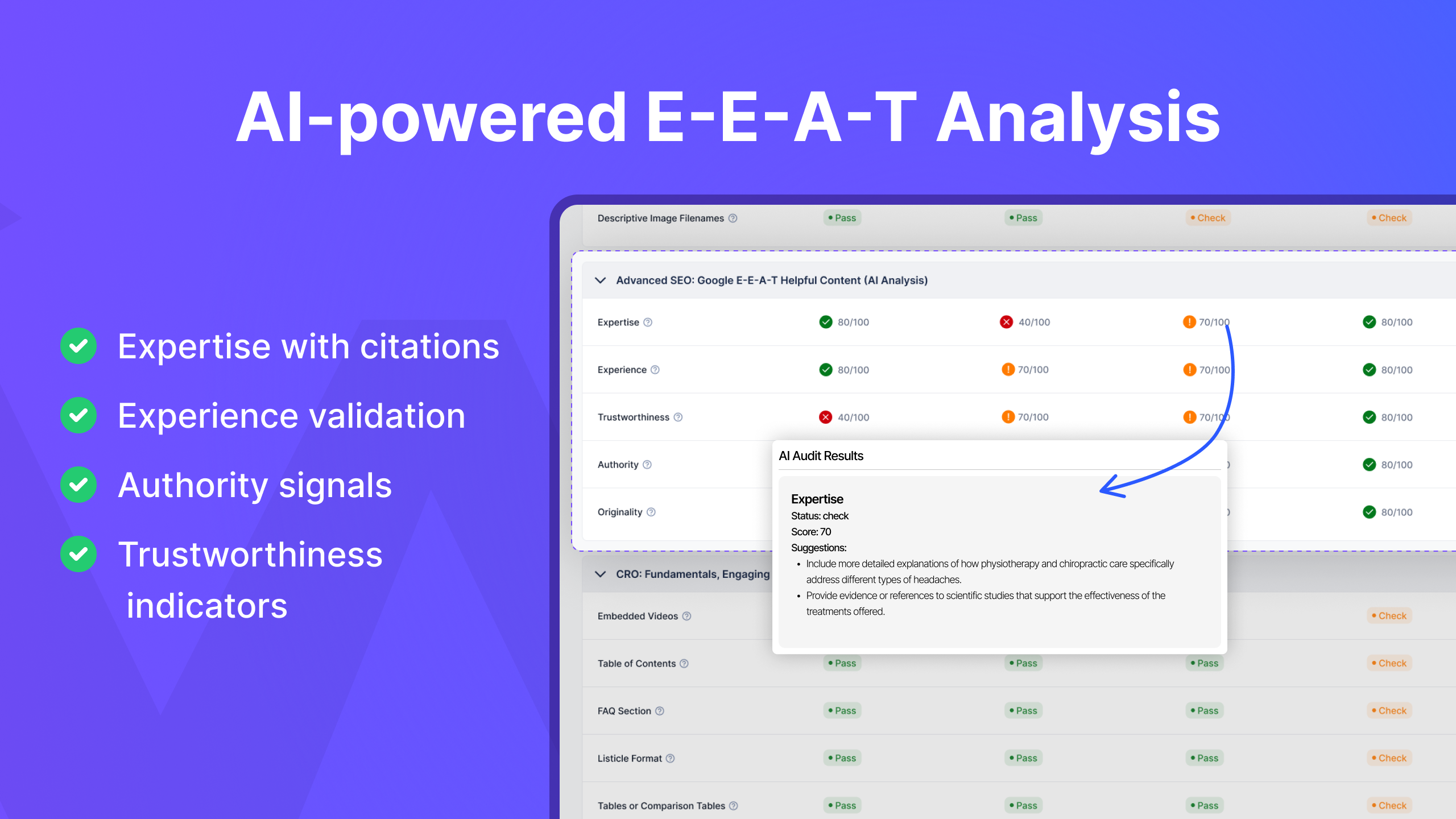
Screenshots



For developers
Is this your plugin? Show off the numbers.
Add a live badge to your site, docs or GitHub README. It updates on its own — no account needed.
Best SEO AI Audit Tool alternatives
All ai seo plugins →





FAQ
SEO AI Audit Tool: quick answers
Straight answers, pulled from live WordPress.org data.
Live data from WordPress.org · checked Oct 10, 2026
Is SEO AI Audit Tool free?
Yes. SEO AI Audit Tool is free to download and use from the official WordPress.org plugin directory.
Is SEO AI Audit Tool safe to use in 2026?
SEO AI Audit Tool works, but test it on a staging site before relying on it in 2026. It runs on 60+ sites, is rated 5/5 and was last updated 8 months ago, and scores 52/100 on our health check.
How many websites use SEO AI Audit Tool?
SEO AI Audit Tool is active on 60+ WordPress websites and has been downloaded 4,410 times since it launched in January 2025. It was downloaded 684 times in the last 30 days.
Does SEO AI Audit Tool work with WordPress 7.1?
SEO AI Audit Tool is officially tested up to WordPress 6.9.10, while the latest release is 7.1.3. It may still work, but try it on a staging site first.
What PHP version does SEO AI Audit Tool need?
SEO AI Audit Tool requires PHP 7.4 or higher. Most hosts run PHP 8.x today, so it works on any modern WordPress hosting.
When was SEO AI Audit Tool last updated?
The latest version, 2.0.1, was released on January 29, 2026 (8 months ago).
Who makes SEO AI Audit Tool?
SEO AI Audit Tool is developed and maintained by Design.
What are the best alternatives to SEO AI Audit Tool?
The most popular alternatives to SEO AI Audit Tool are SEOPress (300K+ installs), GetGenie (80K+ installs) and CrawlWP SEO (30K+ installs).
Powered by PageForge
Want thousands of pages that rank like these? Build them in an afternoon.
This directory runs on the same engine as PageForge. Turn any spreadsheet, CSV or API into thousands of fast, SEO-ready WordPress pages — with schema, internal links and AI-written copy baked in.
- CSV, Google Sheets & API data sources
- AI content, schema & internal links per page
- Works with Elementor, Gutenberg, Yoast & Rank Math
- Free on WordPress.org — no credit card


