



Schema
Super fast, light-weight plugin for adding schema.org structured data markup in recommended JSON-LD format automatically to WordPress sites.

Use with caution
Schema works, but test it on a staging site before relying on it in 2026. It runs on 30K+ sites, is rated 4.3/5 and was last updated 1 year ago, and scores 43/100 on our health check.
- Proven at scale on 30K+ active sites
- No update in over a year
- Only tested up to WordPress 6.8 (latest is 7.1)
How does it stack up?
Side-by-side on installs, updates, ratings & support



Daily downloads
Download spikes usually follow a new release — each site that auto-updates counts as a download.
Rankings
Where Schema stands todayWordPress.org search rankings
Live position in the plugin search, top 100| Keyword | Position |
|---|---|
| JSON-LD | #58 |
| rich snippets | #38 |
| schema | #16 |
| schema.org | #30 |
| structured data | #69 |
Version adoption
Share of active sites per release.
Rating breakdown
★★★★★★★★★★ 4.3 from 221 reviews
About Schema
From the official readme · v1.7.9.6Description
Like Schema plugin? Consider leaving a 5 star review.
Super fast, light-weight plugin for adding schema.org structured data markup in recommended JSON-LD format automatically to WordPress sites.
Enhanced Presentation in Search Results By including structured data appropriate to your content, your site can enhance its search results and presentation.
Check out the Plugin Homepage for more info and documentation.
What is Schema markup?
Schema markup is code (semantic vocabulary) that you put on your website to help the search engines return more informative results for users. So, Schema is not just for SEO reasons, it’s also for the benefit of the searcher.
Schema.org Structured Data Demo & Examples
-
View our Live Structured Data Demo examples site.
-
View WordPress Grade site.
Schema Key Features
- Easy to use, set it and forget it, with minimal settings.
- [Premium] Support for different schema.org types.
- Enable Schema types at once per post type or post category.
- [Premium] Enable Schema types anywhere you want on your site content.
- [Premium] Customize source data of schema.org properties.
- Valid markup, test it in Google Structured Data Testing Tool.
- Output JSON-LD format, the most recommended by Google.
- Reuse data saved in post meta, which is created by other plugins.
- Extensible, means you can extend its functionality via other plugins, extensions or within your Theme’s functions.php file.
Note: some features are Premium. Which means you need Schema Premium to have those features. Get Schema Premium here!
Free vs Premium
See: a Free vs Premium comparison.
Free Plugin Extensions
- Schema Review: Extend Schema functionality by adding review and rating Structured Data functionality for Editors and Authors.
- Schema Default Image: Add ability to set a default WordPress Featured image for schema.org markup.
Premium Plugin Extensions
- Schema for WooCommerce: Integration for WooCommerce.
- Schema FAQ Block: Add FAQ Block. ( FAQPage Demo ).
- Schema How-To Block: Add How-To Block.
- Schema Rating: Allow site visitors to submit rating ( Demo ).
- Schema Reviews: Allow site visitors to submit reviews ( Demo ).
Supported Google/Schema Markups
-
Style Your Search Results:
Supported Schema.org Types
-
Creative Work
- Article enabled on Pages
- BlogPosting enabled on Posts
- NewsArticle
- Report
- ScholarlyArticle
- TechArticle
-
Blog to markup Blog posts list page.
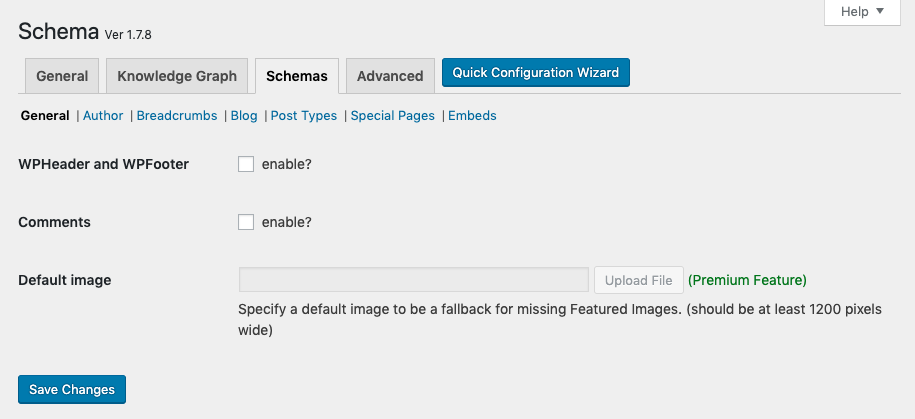
- WPHeader to markup Web Page Header.
- WPFooter to markup Web Page Footer.
- BreadcrumbList to markup Breadcrumbs.
- CollectionPage to markup Categories Archives.
- CollectionPage to markup Tags Archives.
- ItemList to markup Post Type Archives.
- AboutPage to markup the About page.
- ContactPage to markup the Contact page.
- Person enabled on Author pages
- VideoObject enable automatically on all videos embedded with oEmbed. Supports VideoPress, YouTube, TED, Vimeo, Dailymotion, and Vine.
- AudioObject enable automatically on all audio embedded with oEmbed. Supports SoundCloud, and Mixcloud.
Premium Supported Schema.org Types
Schema Premium has additional support for schema.org types, including:
- Article
- Blog Posting
- Event
- FAQPage
- HowTo
- Course
- SpecialAnnouncement
- Job Posting
- Local Business
- Person
- Product
- Recipe
- Review
- Service
- Software Application
- WebPage
Schema.org Markup Examples
View our Live Structured Data Demo examples.
Supported Plugins
Schema plugin integrates and/or play nicely with (not necessarily a full integration):
- Yoast SEO
- AMP plugin (Automattic’s Accelerated Mobile Pages)
- Accelerated Mobile Pages – AMP for WP
- WPRichSnippets
- The SEO Framework
- WPBakery Page Builder
- ThirstyAffiliates
- [Premium] WooCommerce: Schema for WooCommerce extension.
- Easy Digital Downloads (EDD)
Supported Themes
The plugin should work fine with any well coded WordPress theme, however these themes were tested and works properly with the plugin.
- Genesis 2.x
- Thesis 2.x
- Divi
Premium support
schema.press team does not always provide active support for the Schema plugin on the WordPress.org forums, as we prioritize our email support. One-on-one email support is available to people who bought Schema Premium only.
Note that the premium Schema Plugin also has several extra features too, including the option to enable more schema.org types, set content location target for markup, and map schema.org properties, so it is well worth your investment!
Developers?
Feel free to fork the project on GitHub and submit your contributions via pull request.
Installation
- Upload the entire
schemafolder to the/wp-content/plugins/directory - DO NOT change the name of the
schemafolder - Activate the plugin through the ‘Plugins’ menu in WordPress
- Navigate to the
Schema > Settingsmenu to configure the plugin - If you cache your site, make sure to clear cache after configuring the plugin settings.
Frequently asked questions
Do you offer a Premium plugin?
Yes, we do have a Schema Premium plugin that is packed with features and supports more schema.org types. See Schema Free vs Schema Premium.
The plugin isn’t working or have a bug?
Post detailed information about the issue in the support forum and we will work to fix it.
Is there any Documentation for this plugin?
Indeed, detailed information about the plugin can be found on the documentation section on our website.
Are you going to support new schema.org types in the future?
Nope! The Schema plugin is meant to add markup to a basic WordPress installation, including those types (mostly Article, BlogPosting) which needs to be supported on a fresh install. Other schema.org types shall be added via Plugin Extensions, or a custom code.
Is there a way to add a new schema.org type?
Luckily… Yes! Schema plugin has a filter which can be used to add support for new schema.org types.
Knowledge Graph is not showing?
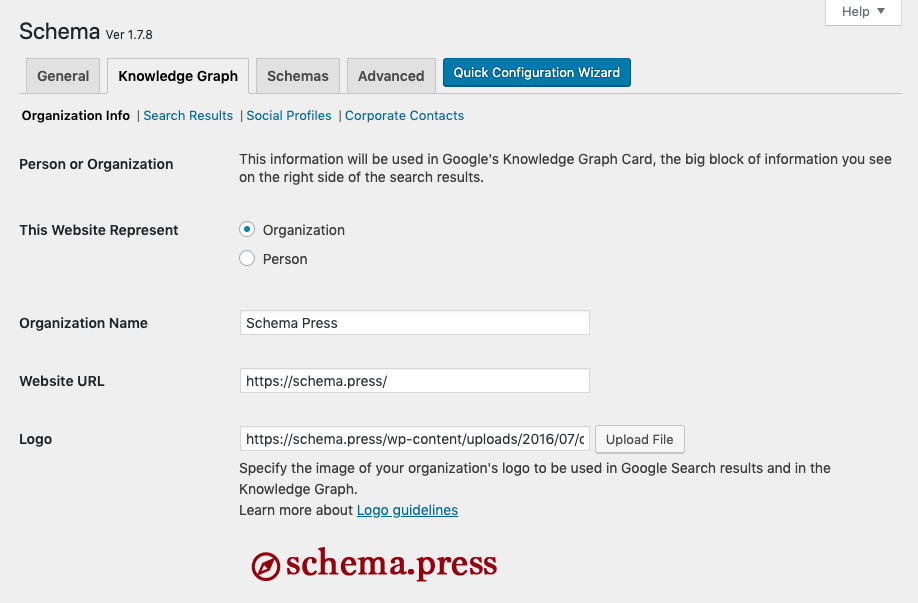
The plugin meant to validate markup in Google Structured Data Testing Tool, we don’t have control over the actual display of Knowledge Graph.
I see an error in Google Structure Data Testing Tool
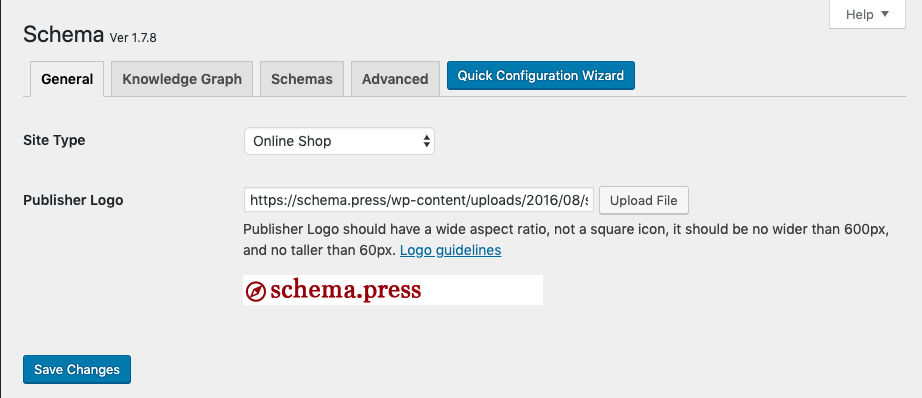
This could be for one -or more- of the following reasons: Image error: This is a missing WordPress Featured image, try to upload a Featured image. Logo error: This is a missing Publisher logo, it can be set in the plugin settings page, Schema > Settings > General > Publisher Logo. P.S. You may encounter errors for sites hosted locally, for accessibility reasons.
Compatible with Yoast SEO?
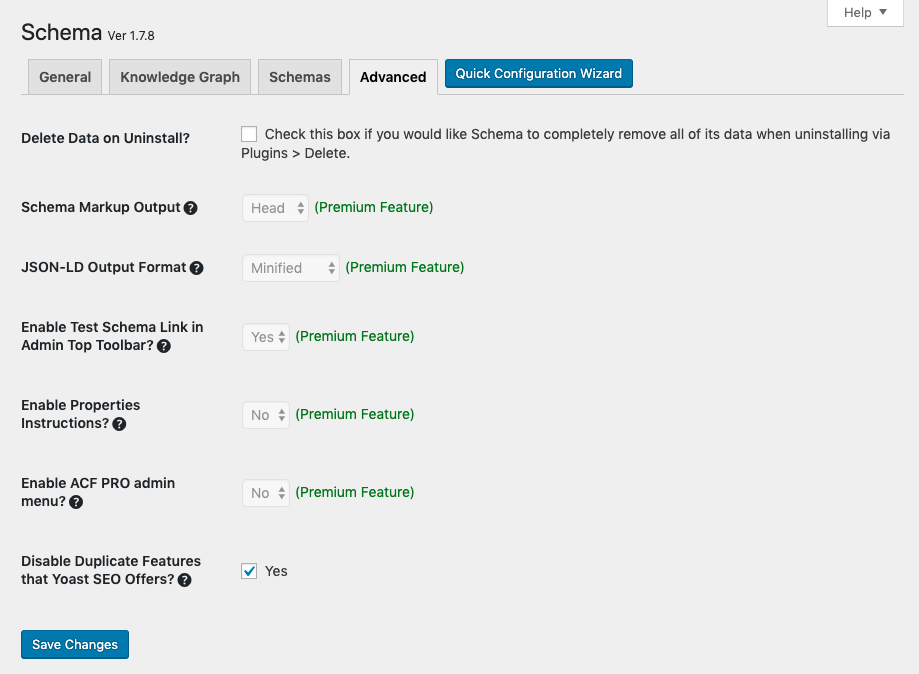
Yes, Schema plugin will detect Yoast SEO plugin and override its output on the front page of your site, this means all Knowledge Graph and Site Search output will be generated by Schema. However, the plugin settings gives you control over which plugin should output Knowledge Graph markup, Search Results, and Breadcrumbs.
Compatible with AMP plugin?
Yes, Schema plugin will detect AMP plugin and output a more complete and valid schema.org markup.
Changelog
In this release, schema.org HowTo has been introduced, plus fixes. Please, update the plugin on your website now to get these fixes and enhancements.
1.7.9.6
- Fix: A PHP notice caused when loading textdomain early.
- Fix: A PHP notice caused when calling breadcrumbs function.
- Enhancement: Added support for new translations languages.
- Update: Pumped tested WordPress version to 6.8.1 release.
1.7.9.5
- Fix: A bug within the Schema type input select field.
- Fix: A Fatal error happen with Divi on Wizard pages.
- Fix: A PHP notice on Wizard radio input field callback.
- Fix: Error caused when including the deprecated class-oembed.php file.
- Enhancement: Added site language to schema validator url.
- Update: Pumped tested WordPress version to 6.0.1 release.
1.7.9.4
- Fixed: CSS of the plugin about page.
- Update: Pumped tested WordPress version to 5.8.2 release.
1.7.9.3
- Fixed: PHP notices to comply with PHP 8.0
- Fixed: Check if class is loaded before calling it.
- Fixed: Schema Markup Validator link in admin bar.
- Update: Pumped tested WordPress version to 5.8.1 release.
- Update: Modified readme.txt file.
1.7.9.2
- Update: Pumped tested WordPress version to 5.7.2 release.
- Update: Modified readme.txt file.
1.7.9.1
- Update: Pumped tested WordPress version to 5.7 release.
Screenshots
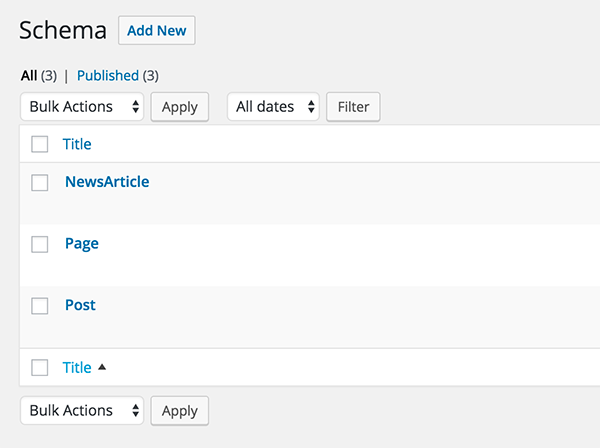
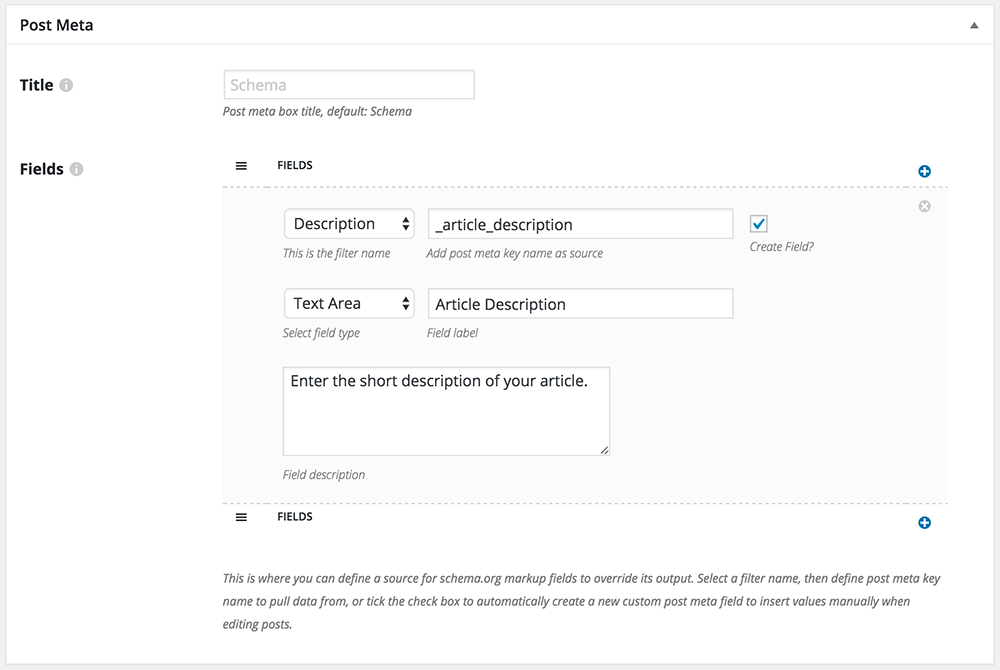
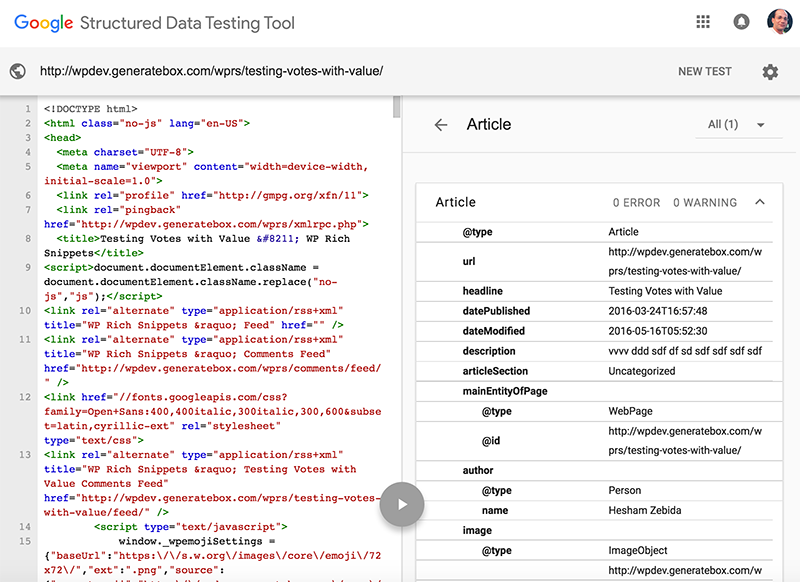

For developers
Is this your plugin? Show off the numbers.
Add a live badge to your site, docs or GitHub README. It updates on its own — no account needed.
Best Schema alternatives
All JSON-LD plugins →





FAQ
Schema: quick answers
Straight answers, pulled from live WordPress.org data.
Live data from WordPress.org · checked Sep 26, 2026
Is Schema free?
Yes. Schema is free to download and use from the official WordPress.org plugin directory.
Is Schema safe to use in 2026?
Schema works, but test it on a staging site before relying on it in 2026. It runs on 30K+ sites, is rated 4.3/5 and was last updated 1 year ago, and scores 43/100 on our health check.
How many websites use Schema?
Schema is active on 30K+ WordPress websites and has been downloaded 1,427,320 times since it launched in May 2016. It was downloaded 1,771 times in the last 30 days.
Does Schema work with WordPress 7.1?
Schema is officially tested up to WordPress 6.8.10, while the latest release is 7.1.2. It may still work, but try it on a staging site first.
What PHP version does Schema need?
Schema requires PHP 5.4 or higher. Most hosts run PHP 8.x today, so it works on any modern WordPress hosting.
When was Schema last updated?
The latest version, 1.7.9.6, was released on June 14, 2025 (1 year ago).
Who makes Schema?
Schema is developed and maintained by Hesham Zebida.
What are the best alternatives to Schema?
The most popular alternatives to Schema are Schema App Structured Data (7K+ installs), FAQ Schema For Pages And Po… (7K+ installs) and Local Business Schema (JSON… (3K+ installs).
Powered by PageForge
Want thousands of pages that rank like these? Build them in an afternoon.
This directory runs on the same engine as PageForge. Turn any spreadsheet, CSV or API into thousands of fast, SEO-ready WordPress pages — with schema, internal links and AI-written copy baked in.
- CSV, Google Sheets & API data sources
- AI content, schema & internal links per page
- Works with Elementor, Gutenberg, Yoast & Rank Math
- Free on WordPress.org — no credit card


