


ScanForge File & Theme Security
Performs deep static code audits and integrity checks across plugins and themes to detect web shells, Tiny File Manager, and malicious backdoors.

Solid choice
ScanForge File & Theme Security is a solid plugin choice in 2026, with a few things worth checking first. It runs on 10+ sites and was last updated 6 days ago, and scores 66/100 on our health check.
- Actively developed — last update 6 days ago
- Tested with the latest WordPress (7.1)
- Small user base (10+ active installs)
- Very few reviews so far
Daily downloads
Download spikes usually follow a new release — each site that auto-updates counts as a download.
Rankings
Where ScanForge File & Theme Secu… stands todayWordPress.org search rankings
Live position in the plugin search, top 100| Keyword | Position |
|---|---|
| backdoors | #29 |
| checksums | #81 |
| malware | >100 |
| scanner | >100 |
| security | >100 |
Version adoption
Share of active sites per release.
About ScanForge File & Theme Security
From the official readme · v1.1.0Description
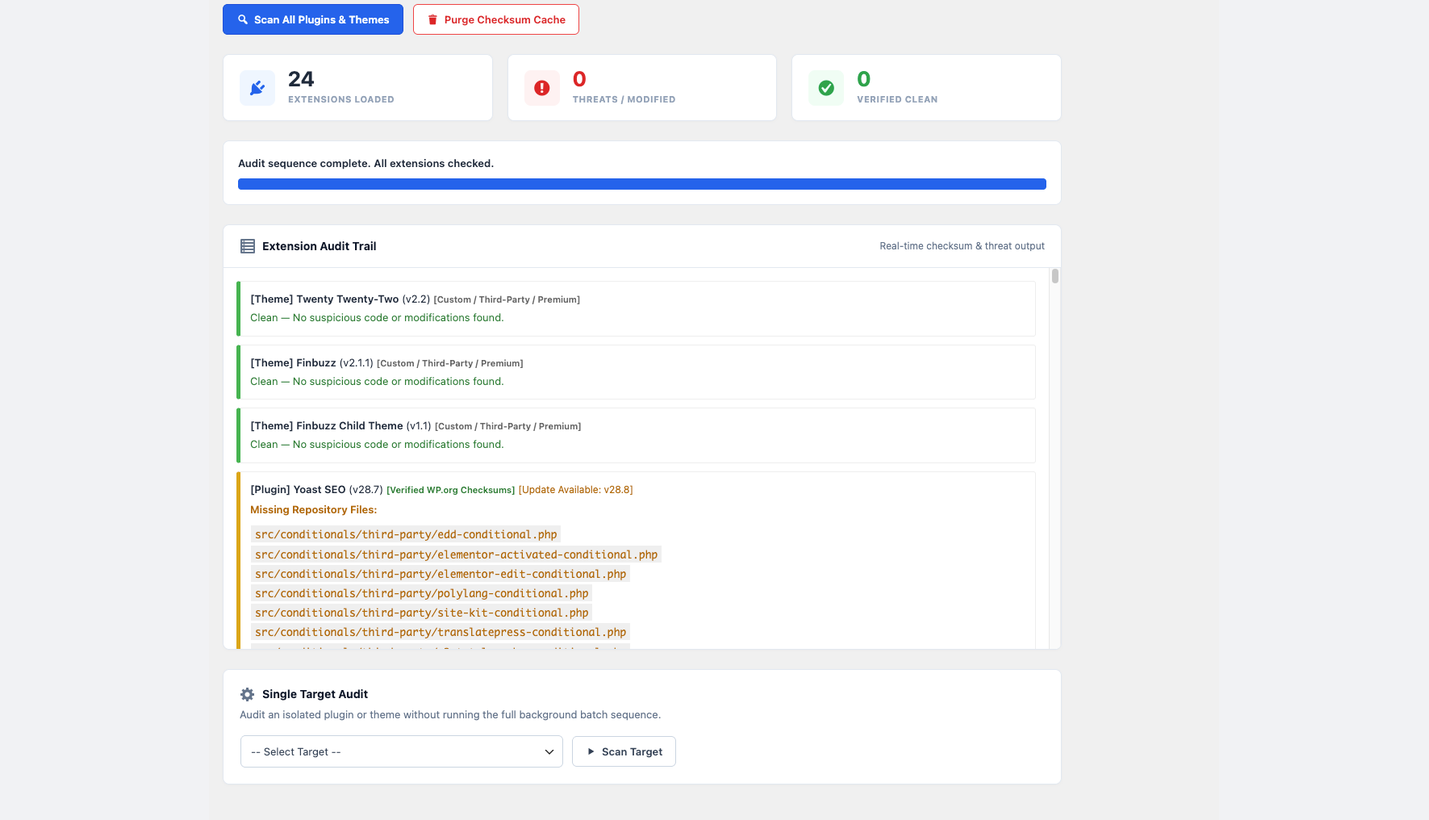
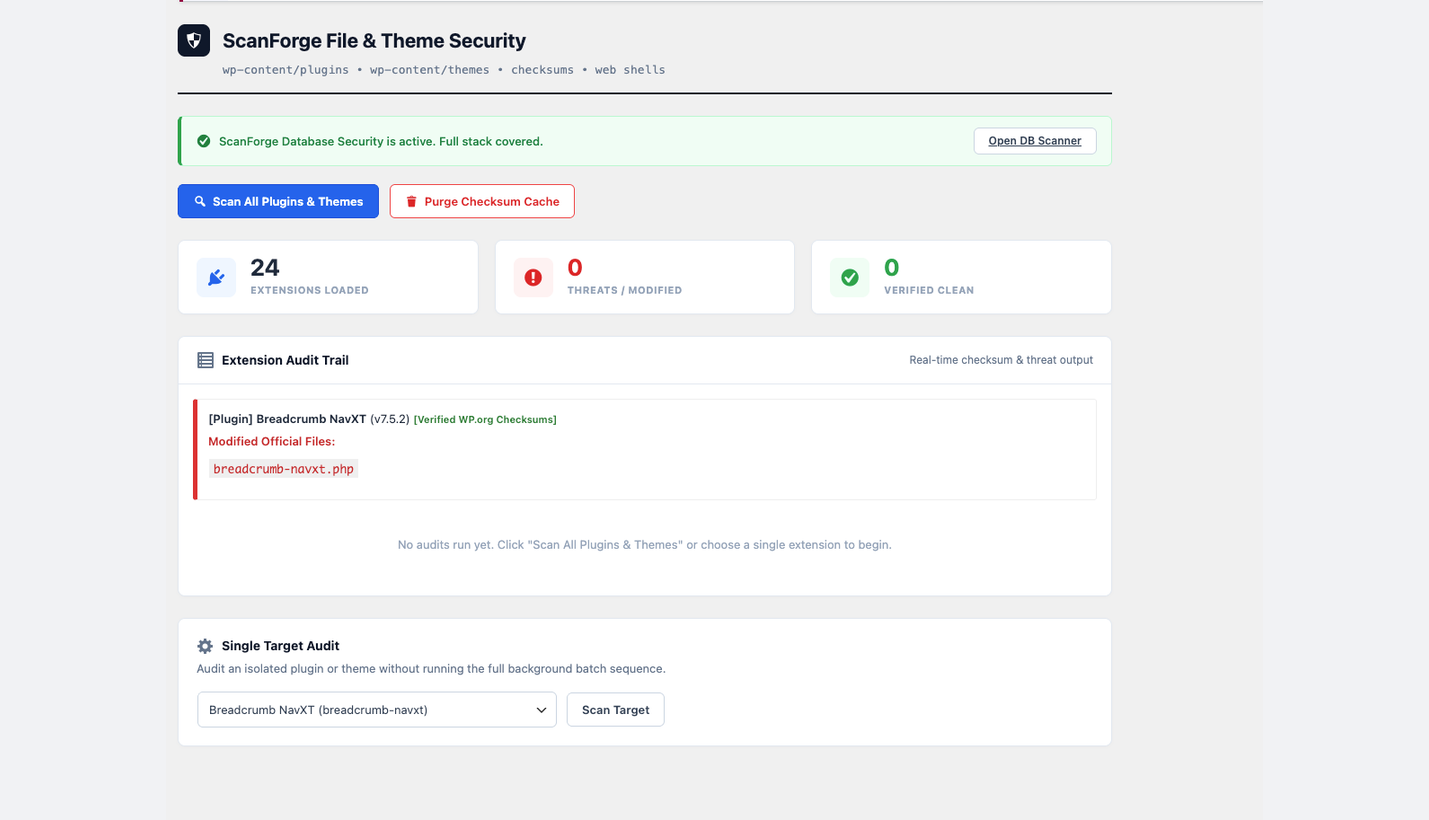
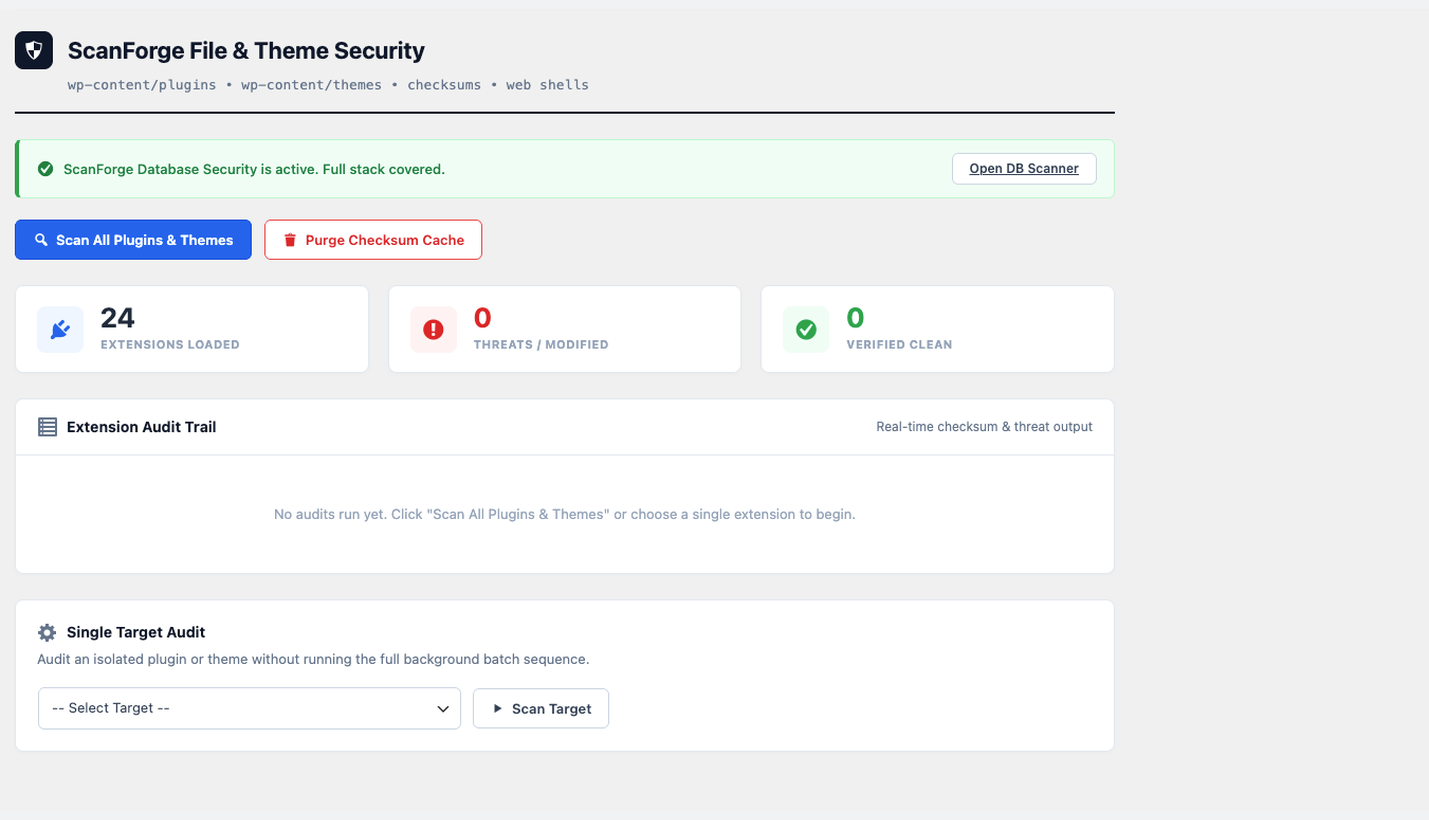
ScanForge File & Theme Security helps site administrators and WordPress developers audit installed plugins and themes for unauthorized file modifications, missing official files, and suspicious code patterns.
Key capabilities include:
- WordPress.org Checksum Verification: Compares local plugin files against official WordPress.org MD5 checksum manifests (with transient caching and automatic cache invalidation on plugin upgrades).
- Static Signature Auditing: Scans eligible files (
.php,.phtml,.ico,.inc) against local JSON threat signatures with exact file and line-number reporting. - Batch & Single-Target Scanning: Run a full audit across all loaded plugins and themes or inspect a single plugin or theme directly from the dashboard or Plugins screen.
- Configurable Scan Thresholds: Adjust the maximum file size limit (in MB) and control whether
/vendor/directories are scanned or skipped. - Checksum Cache Management: Purge cached WordPress.org checksum transients on demand from the scanner dashboard.
Installation
- Upload the
scanforge-file-securitydirectory to/wp-content/plugins/, or install the plugin directly through the WordPress Plugins screen. - Activate ScanForge File & Theme Security through the Plugins menu in WordPress.
- Navigate to Tools → ScanForge Files (or click Launch Scanner on the Plugins list) to configure scan options and run an audit.
Changelog
Adds configurable scanner thresholds, improved repository detection, and checksum cache management.
1.1.0
- Added configurable
/vendor/directory handling and max file size (MB) limit in Scanner Configuration. - Improved WordPress.org plugin and theme repository detection and status reporting.
- Added checksum transient purging on plugin upgrades and via dashboard action.
1.0.1
- Initial public release on WordPress.org.
Screenshots

For developers
Is this your plugin? Show off the numbers.
Add a live badge to your site, docs or GitHub README. It updates on its own — no account needed.
FAQ
ScanForge File & Theme Security: quick answers
Straight answers, pulled from live WordPress.org data.
Source: WordPress.org
Is ScanForge File & Theme Security free?
Yes. ScanForge File & Theme Security is free to download and use from the official WordPress.org plugin directory.
Is ScanForge File & Theme Security safe to use in 2026?
ScanForge File & Theme Security is a solid plugin choice in 2026, with a few things worth checking first. It runs on 10+ sites and was last updated 6 days ago, and scores 66/100 on our health check.
How many websites use ScanForge File & Theme Security?
ScanForge File & Theme Security is active on 10+ WordPress websites and has been downloaded 658 times since it launched in October 2026. It was downloaded 663 times in the last 30 days.
Does ScanForge File & Theme Security work with WordPress 7.1?
Yes. The developer has tested ScanForge File & Theme Security up to WordPress 7.1.5, the latest release. It requires WordPress 5.8 or newer.
What PHP version does ScanForge File & Theme Security need?
ScanForge File & Theme Security requires PHP 7.4 or higher. Most hosts run PHP 8.x today, so it works on any modern WordPress hosting.
When was ScanForge File & Theme Security last updated?
The latest version, 1.1.0, was released on November 23, 2026 (6 days ago).
Who makes ScanForge File & Theme Security?
ScanForge File & Theme Security is developed and maintained by adnan.limdi.
Powered by PageForge
One template and a spreadsheet. A real page for every search.
PageForge turns each row of a CSV into a WordPress page with its own title, URL, SEO fields and schema, built on the layout you already designed. Free on WordPress.org.
- CSV and XLSX, plus Google Sheets on Professional and Enterprise
- Its own title, URL, SEO fields and schema for every page
- Works with the block editor, Elementor, Divi and Avada
- Free on WordPress.org, no credit card