



Sajjetti – AI Audit
AI-assisted theme and plugin scanner for security, performance, and best practices. Provides clear, actionable insights.

Consider an alternative
Sajjetti – AI Audit shows warning signs in 2026 — compare the alternatives below before installing. Was last updated 1 year ago, and scores 30/100 on our health check.
- Small user base (<10 active installs)
- Very few reviews so far
- No update in over a year
- Only tested up to WordPress 6.8 (latest is 7.1)
How does it stack up?
Side-by-side on installs, updates, ratings & support



Daily downloads
Download spikes usually follow a new release — each site that auto-updates counts as a download.
Rankings
Where Sajjetti – AI Audit stands todayWordPress.org search rankings
Live position in the plugin search, top 100| Keyword | Position |
|---|---|
| audit | >100 |
| code analysis | >100 |
| performance | >100 |
| scanner | >100 |
| security | >100 |
About Sajjetti – AI Audit
From the official readme · v1.0.0Description
Sajjetti – AI Audit is a security-first code scanner for WordPress plugins and themes.
It performs static analysis of PHP, HTML, CSS, and JS files to detect vulnerabilities,
performance issues, and coding standard problems before they become real risks.
Privacy by design
– Nothing runs automatically; all scans are triggered manually by the site owner.
– Files are analyzed statically — never executed.
– Remote analysis is disabled by default. No code leaves your site until you explicitly enable “Allow remote analysis” in Settings.
– When enabled, selected file contents are sent securely over HTTPS to the Sajjetti API. Analysis data is temporary and discarded after results are returned.
– Complies with WordPress.org privacy and consent guidelines.
What it helps you find
– Security: unescaped output, missing nonces and capability checks, unsafe file operations, risky SQL patterns, and other common vulnerabilities.
– Performance: expensive loops, heavy queries, oversized assets, and inefficient patterns that slow down page loads.
– Code quality and compatibility: deprecated APIs, version-specific pitfalls, and conflicts with WordPress coding standards.
Optional AI assistance
When remote analysis is enabled, the Sajjetti API provides AI-powered suggestions with context-specific recommendations.
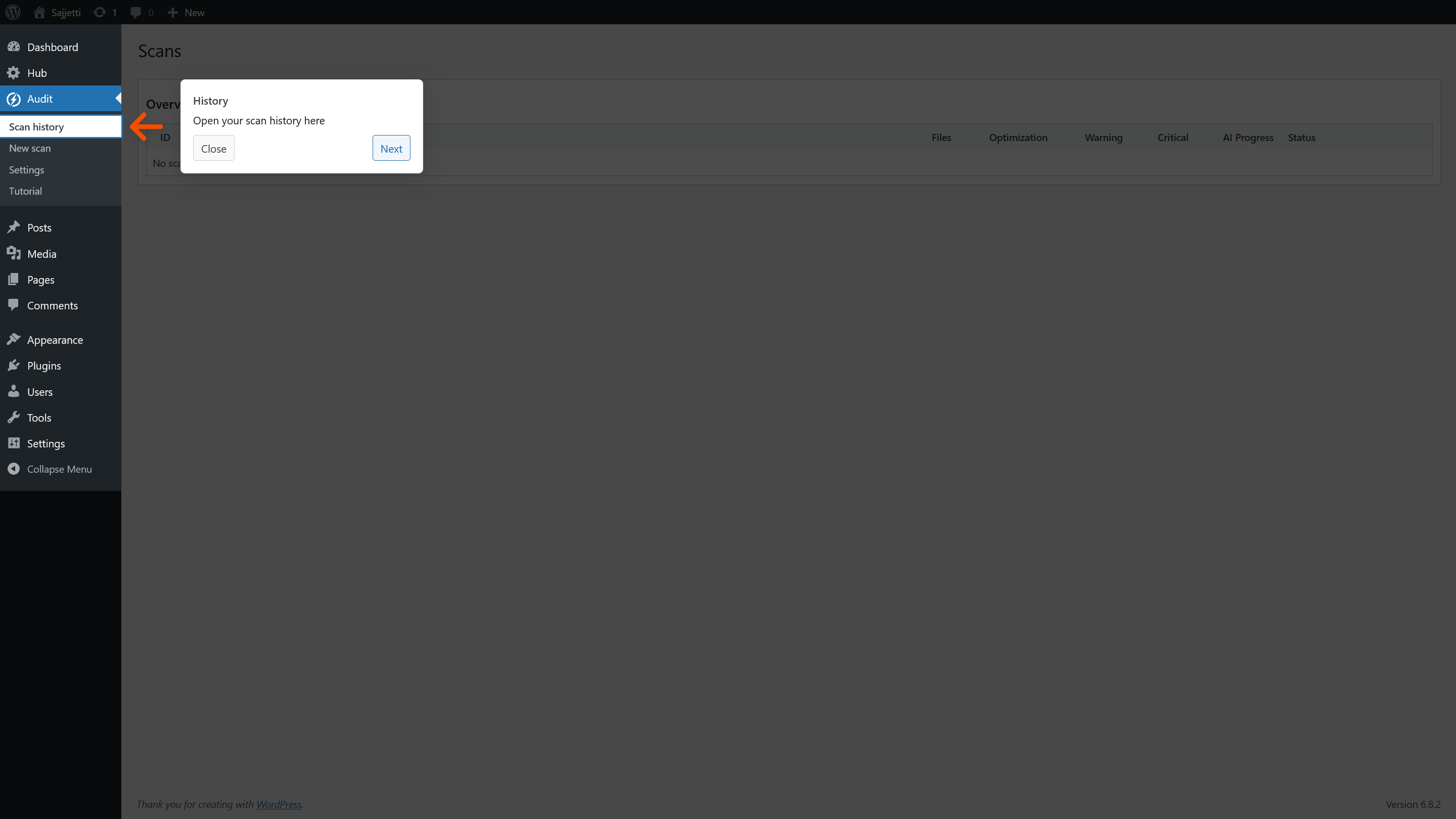
Results are presented with file-by-file drill-down, risk levels, and actionable insights. Human review is always recommended before making changes.
Key Features
- Detects vulnerabilities, warnings, and performance issues
- Provides optional AI-assisted analysis with actionable suggestions
- Offers file-by-file drill-down and detailed reports
- Built with a security-first design, including VIP-compliant validation and sanitization
Security Considerations
- All scans are user-initiated; nothing runs automatically.
- File contents are analyzed statically (never executed).
- REST endpoints require capability checks and nonces.
- All external requests use HTTPS with nonce and referer validation.
- Uninstall removes plugin data (options and tables) cleanly.
- All user-facing strings are escaped and translatable.
Pricing and API Access
The plugin includes a small allowance of free scans.
Additional scans require an API key, available through a paid subscription.
Privacy
When you initiate a scan with remote analysis enabled, this plugin may transmit selected file contents (Base64-encoded PHP, HTML, CSS, and JS), limited file metadata (filename, relative path, size, cryptographic hash such as SHA-256), your site IP address and URL (for license validation), and your Sajjetti API username to the Sajjetti API for static analysis. No WordPress user account data, passwords, or database content is transmitted or stored. Temporary analysis data is deleted after results are returned. For details, see the included privacy.md file.
Remote analysis is disabled by default. Scans cannot start until the site owner explicitly enables Allow remote analysis in Settings.
External services
This plugin connects to the Sajjetti Hub API (https://sajjetti.ai) to validate license status,
manage usage limits, upload code snippets for analysis, and fetch audit results.
Data sent:
– License key and username when validating or checking usage.
– Website URL and IP address when validating usage.
– Selected PHP/JS/CSS source files when submitting for auditing.
Data returned:
– License type and remaining file quota.
– Audit results (security, performance, and code quality insights).
Legal & Privacy:
– Terms of Service: https://sajjetti.ai/terms-of-service/
– Privacy Policy: https://sajjetti.ai/privacy-policy/
Installation
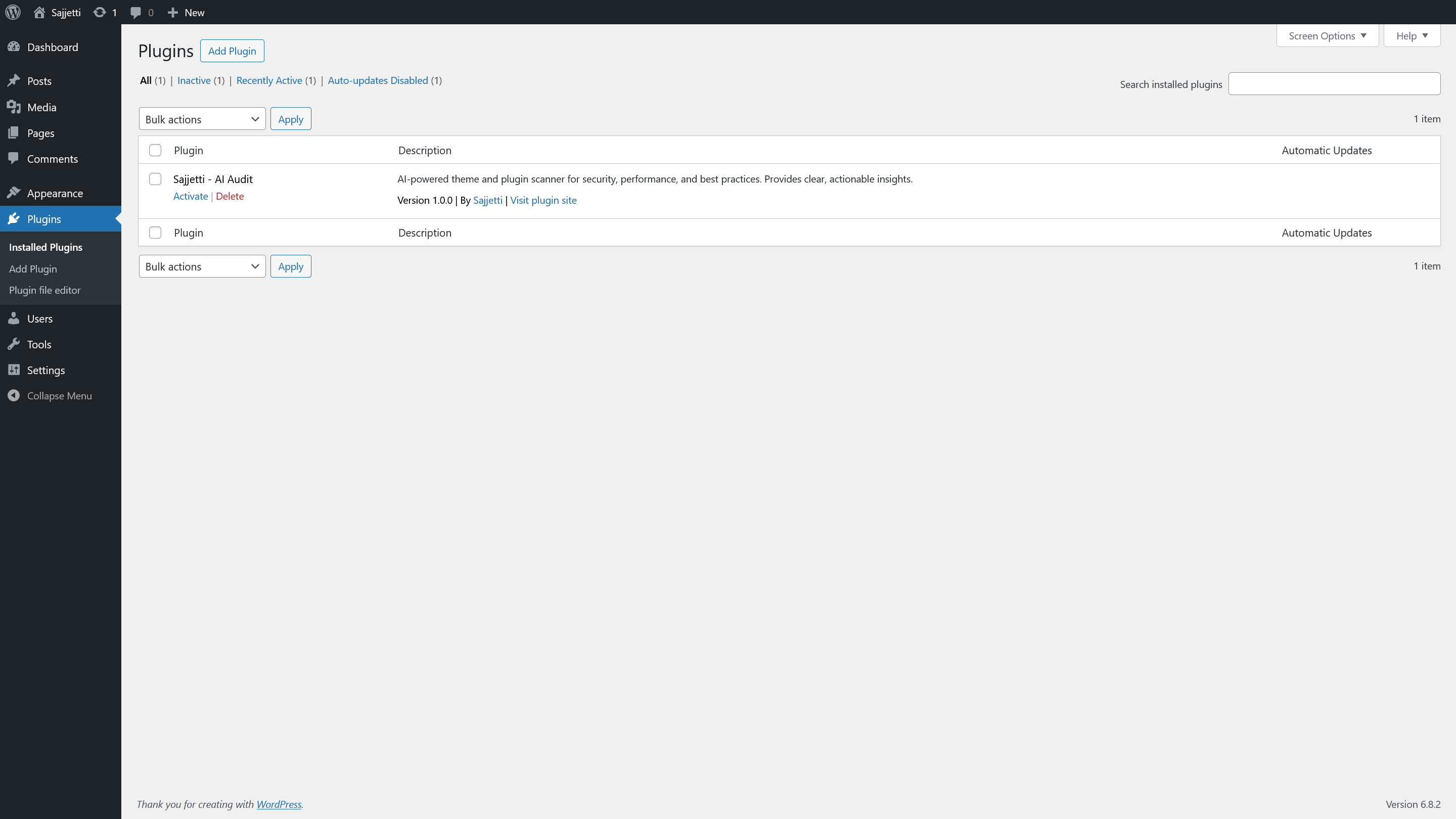
- Upload the plugin folder to /wp-content/plugins/ or install via Plugins > Add New.
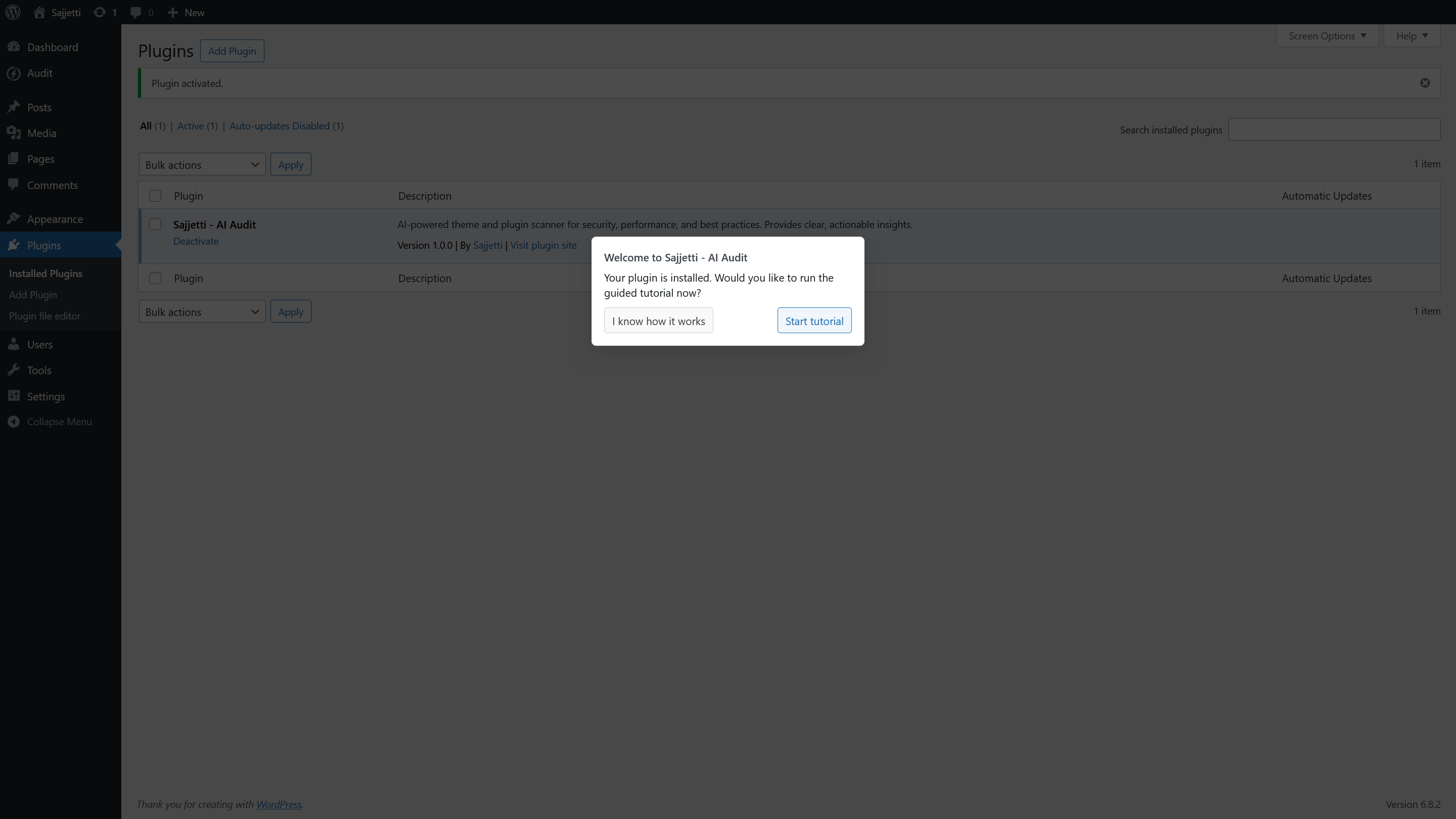
- Activate the plugin via the WordPress Plugins menu.
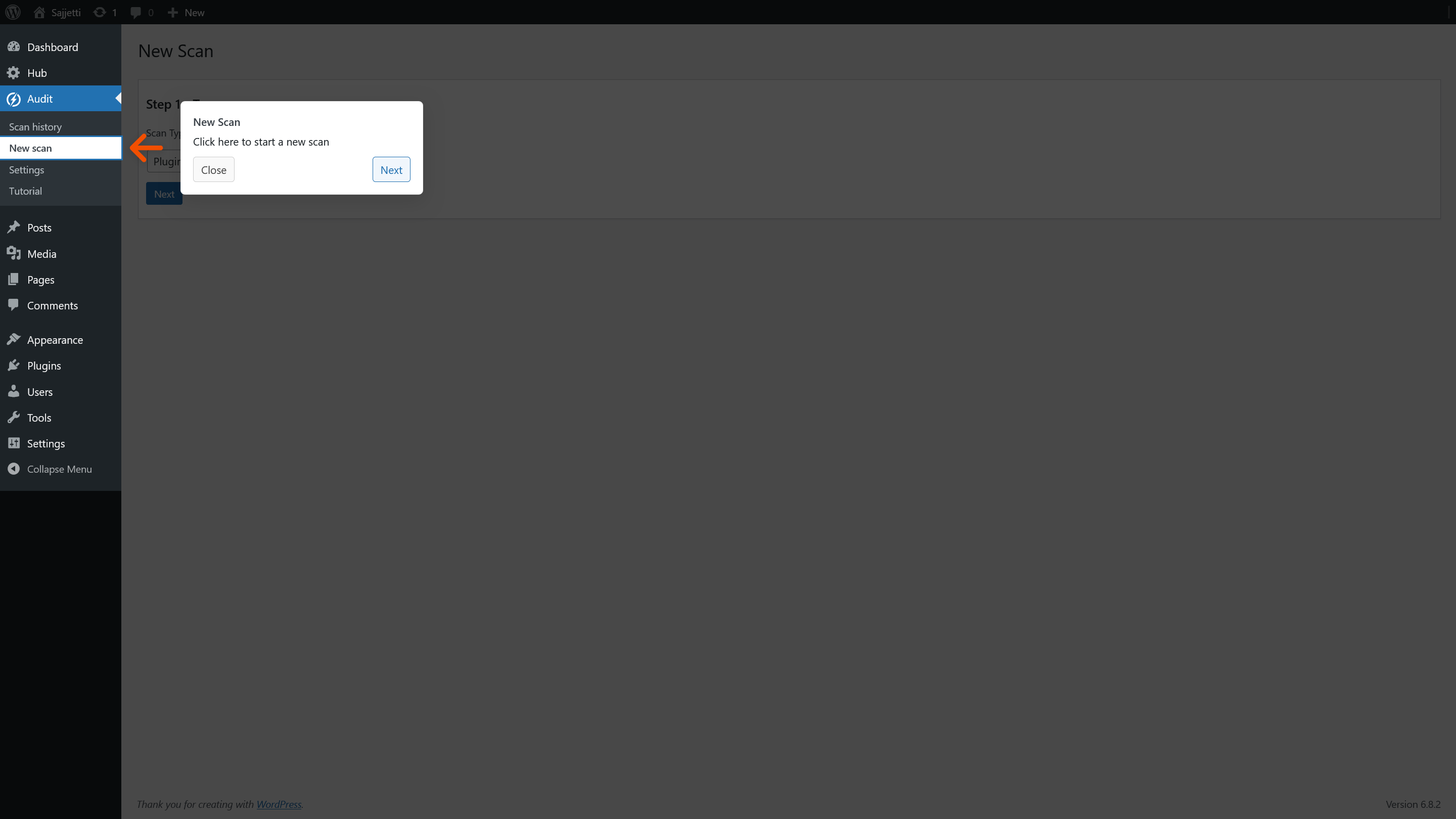
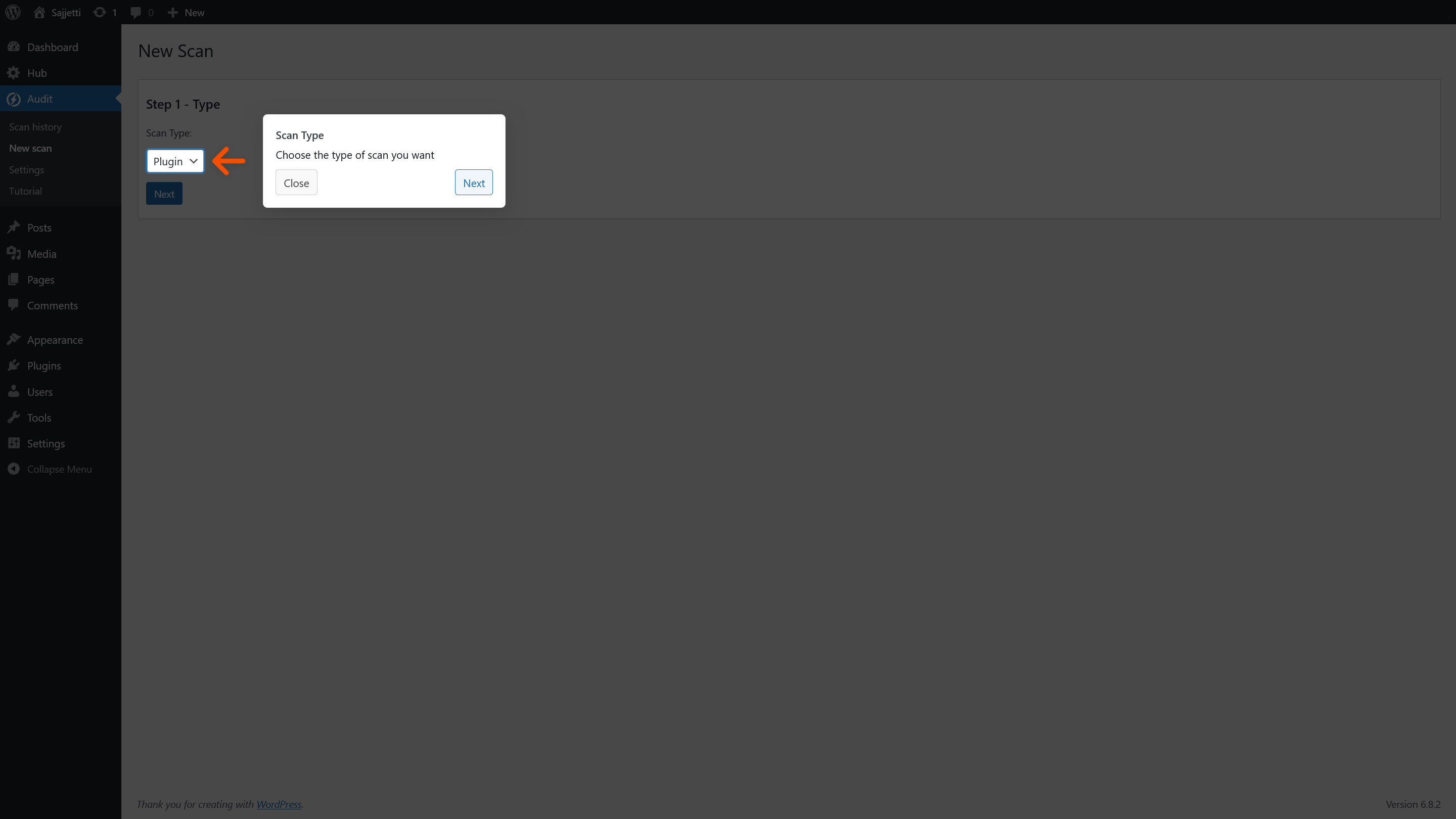
- Go to Audit > New Scan to trigger your first scan.
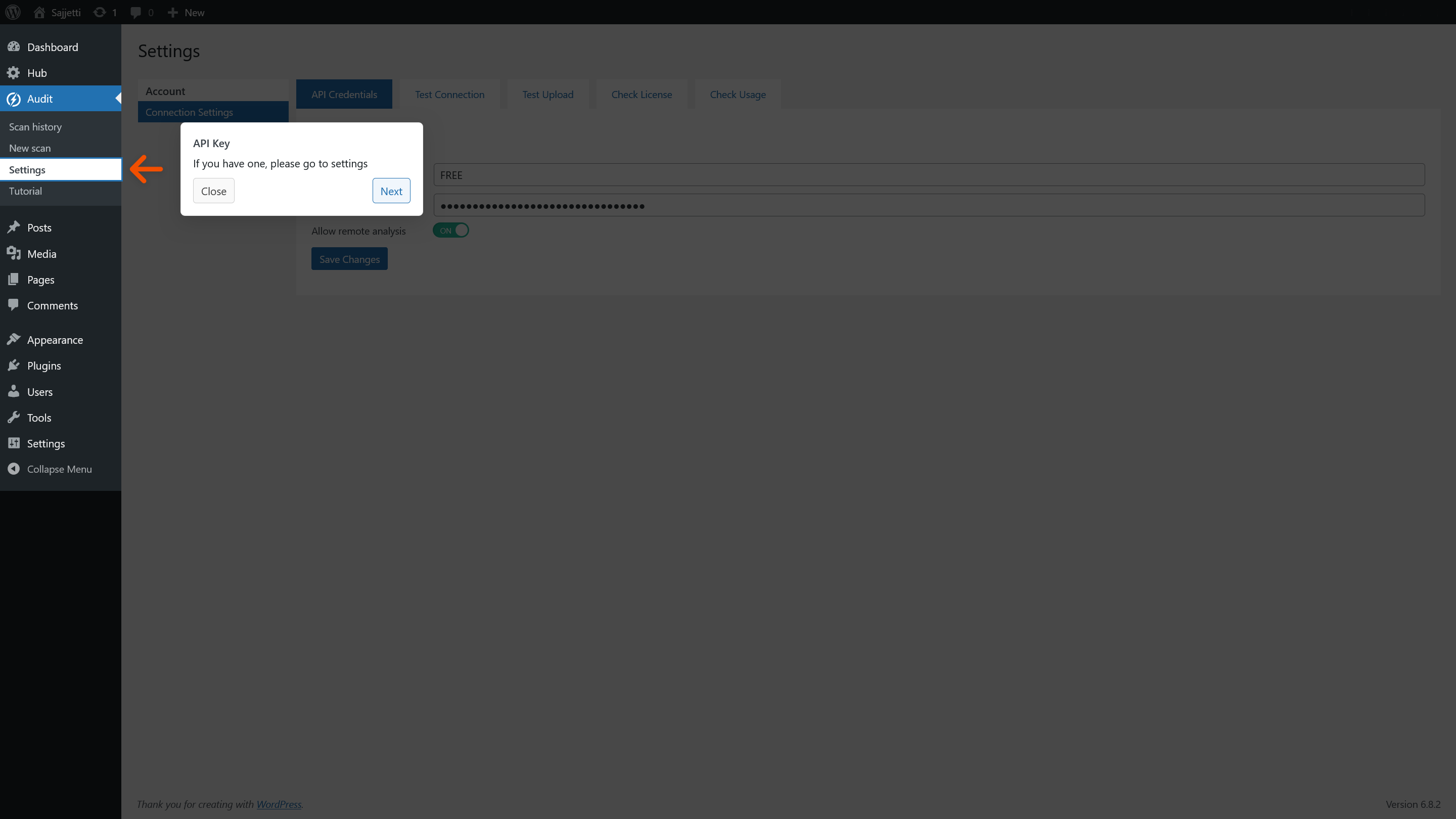
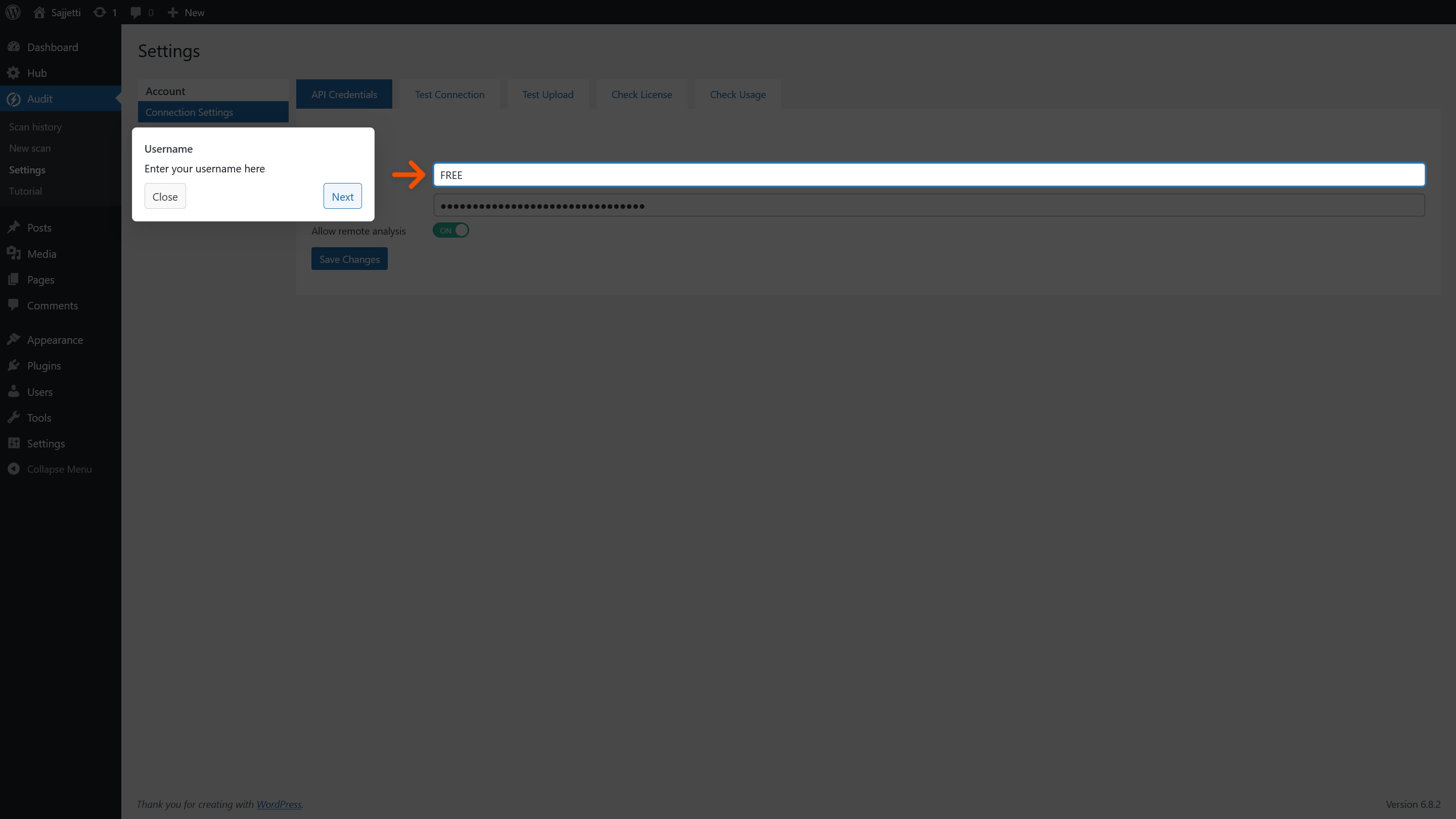
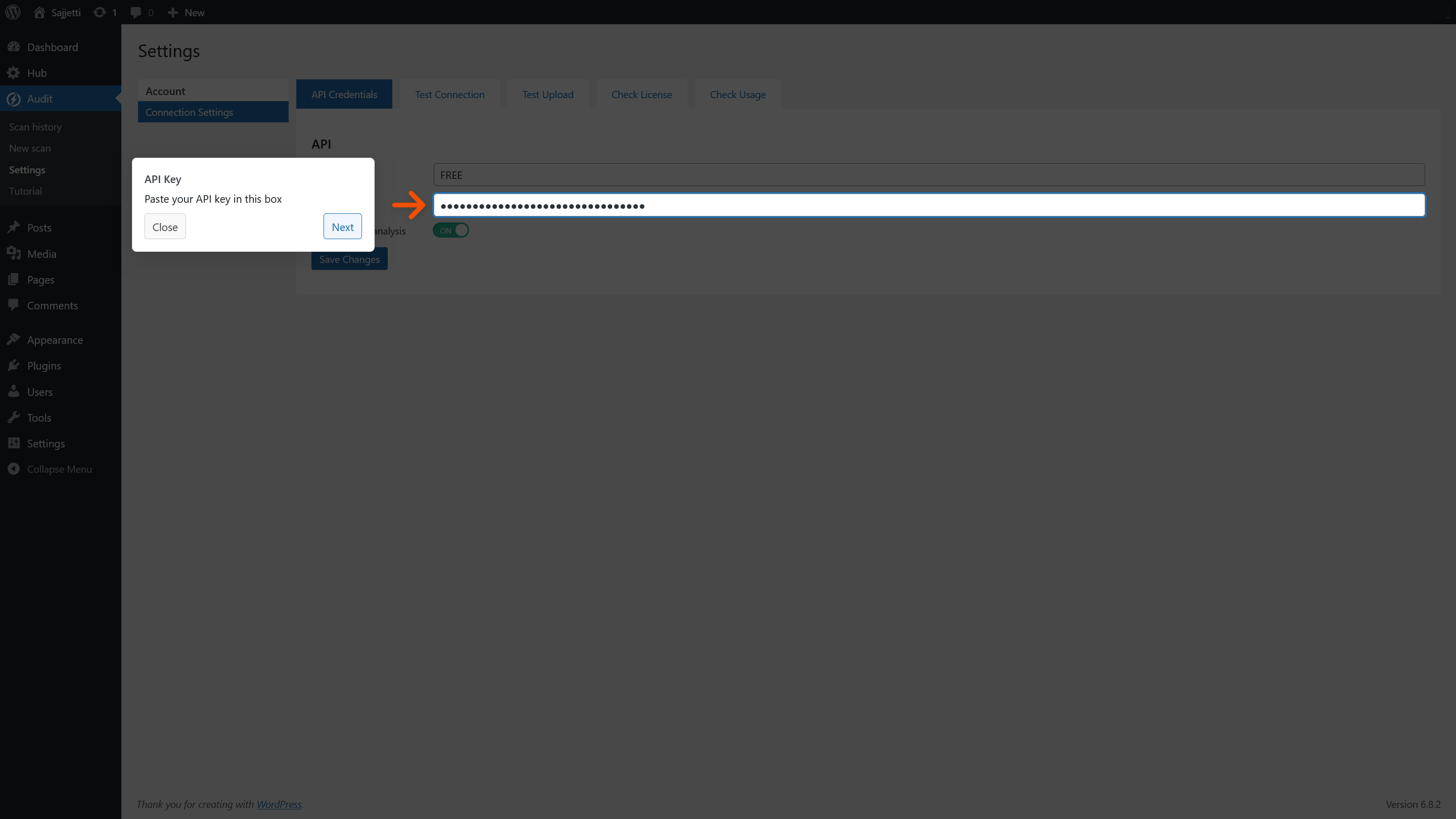
- (Optional) Enter your Sajjetti API key under Settings for additional scans.
- Enable Allow remote analysis in Settings > API Credentials to send code for analysis.
Frequently asked questions
What information is sent to the Sajjetti API?
When you start a scan with remote analysis enabled, the following data is transmitted: – Selected file contents (Base64-encoded PHP, HTML, CSS, and JS) – Your website IP address and URL (for API license validation) – Your Sajjetti API username (account identifier, not your WordPress username) – File metadata: filename, file type, file size, and internal scan identifiers No WordPress user account data, passwords, or database content is transmitted.
When does this plugin send data to external servers?
Only when you start a scan and have enabled Allow remote analysis in Settings > API Credentials. If remote analysis is disabled, nothing is sent.
What happens if the Sajjetti API is unavailable?
Remote analysis scans will not run and no files will be sent. You will see an error in the admin UI and can retry later. Your settings and scan history remain intact.
Does this plugin automatically upload files?
No. All scans are user-triggered. Nothing is sent unless you manually start a scan with remote analysis enabled.
Are my files executed on your servers?
No. Analysis is static only. Files are never executed, only analyzed for patterns and potential issues.
Do you store my files or data?
No. Transmitted data is used only for analysis and is deleted after results are returned.
Why do you need my site IP address and URL?
They are used to validate that your API license is authorized for your website. This helps prevent unauthorized use of API credentials.
Changelog
Initial release of Sajjetti - AI Audit
1.0.0
- Initial release
- Static code analysis for PHP, HTML, CSS, and JS files
- Security, performance, and code quality detection (with optional AI assistance)
- Secure API integration with license validation
- File-by-file detailed reporting with actionable recommendations
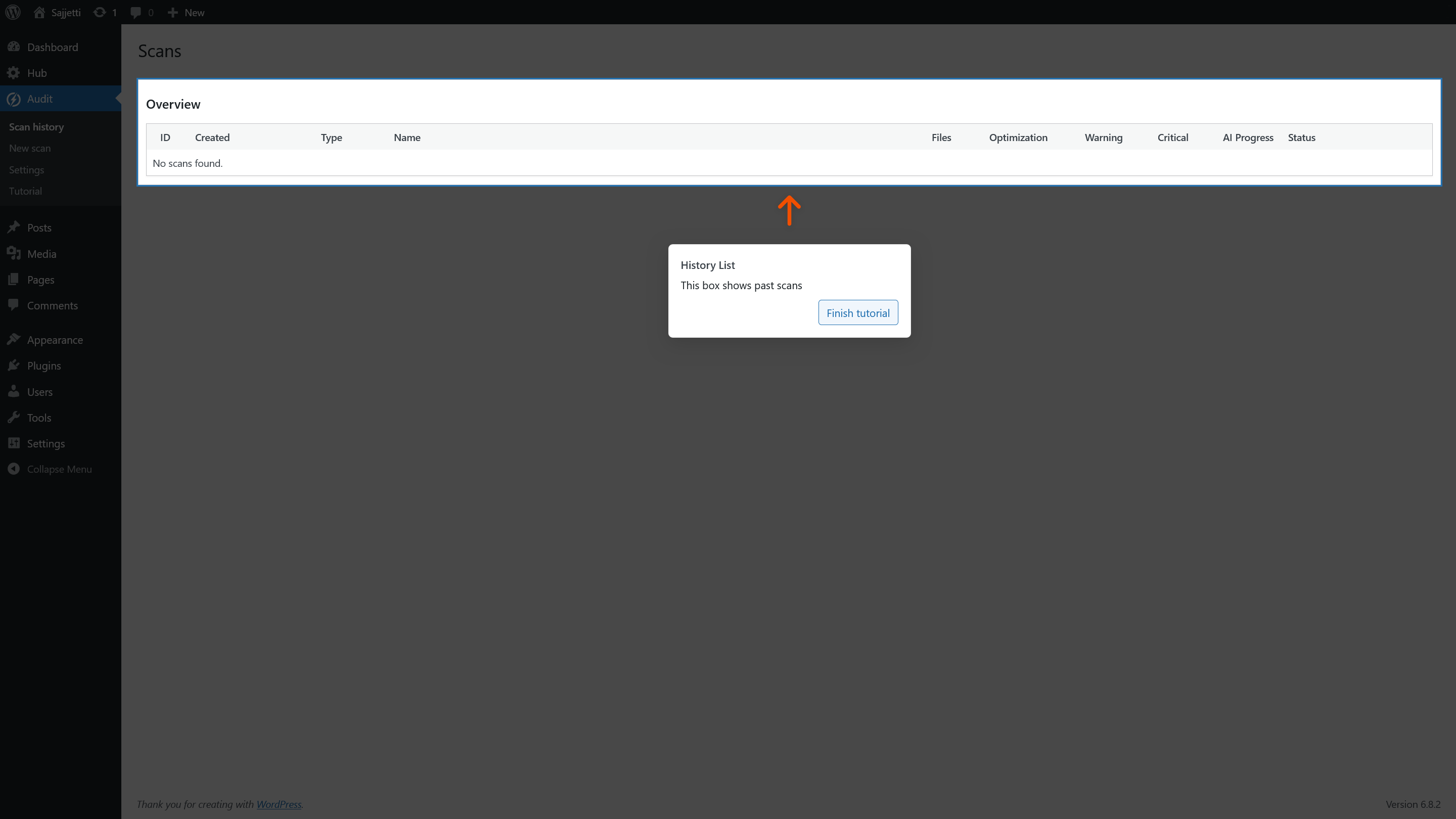
Screenshots
For developers
Is this your plugin? Show off the numbers.
Add a live badge to your site, docs or GitHub README. It updates on its own — no account needed.
Best Sajjetti – AI Audit alternatives
All audit plugins →




FAQ
Sajjetti – AI Audit: quick answers
Straight answers, pulled from live WordPress.org data.
Live data from WordPress.org · checked Oct 14, 2026
Is Sajjetti – AI Audit free?
Yes. Sajjetti – AI Audit is free to download and use from the official WordPress.org plugin directory.
Is Sajjetti – AI Audit safe to use in 2026?
Sajjetti – AI Audit shows warning signs in 2026 — compare the alternatives below before installing. Was last updated 1 year ago, and scores 30/100 on our health check.
How many websites use Sajjetti – AI Audit?
Sajjetti – AI Audit is active on <10 WordPress websites and has been downloaded 412 times since it launched in October 2025. It was downloaded 45 times in the last 30 days.
Does Sajjetti – AI Audit work with WordPress 7.1?
Sajjetti – AI Audit is officially tested up to WordPress 6.8.11, while the latest release is 7.1.3. It may still work, but try it on a staging site first.
What PHP version does Sajjetti – AI Audit need?
Sajjetti – AI Audit requires PHP 8.0 or higher. Most hosts run PHP 8.x today, so it works on any modern WordPress hosting.
When was Sajjetti – AI Audit last updated?
The latest version, 1.0.0, was released on October 9, 2025 (1 year ago).
Who makes Sajjetti – AI Audit?
Sajjetti – AI Audit is developed and maintained by Sajjetti.
What are the best alternatives to Sajjetti – AI Audit?
The most popular alternatives to Sajjetti – AI Audit are Audit Trail (20K+ installs), MYAIO (400+ installs) and Sa11y, the accessibility qu… (300+ installs).
Powered by PageForge
Want thousands of pages that rank like these? Build them in an afternoon.
This directory runs on the same engine as PageForge. Turn any spreadsheet, CSV or API into thousands of fast, SEO-ready WordPress pages — with schema, internal links and AI-written copy baked in.
- CSV, Google Sheets & API data sources
- AI content, schema & internal links per page
- Works with Elementor, Gutenberg, Yoast & Rank Math
- Free on WordPress.org — no credit card


