



Replace External Images
“Replace External Images” lets you import externally hosted images used in post content directly into your WordPress media library — either one by one or now with the new bulk import feature across multiple posts at…

Solid choice
Replace External Images is a solid plugin choice in 2026, with a few things worth checking first. It runs on 100+ sites and was last updated 2 months ago, and scores 64/100 on our health check.
- Tested with the latest WordPress (7.1)
- Small user base (100+ active installs)
- Very few reviews so far
How does it stack up?
Side-by-side on installs, updates, ratings & support


Daily downloads
Download spikes usually follow a new release — each site that auto-updates counts as a download.
Rankings
Where Replace External Images stands todayWordPress.org search rankings
Live position in the plugin search, top 100| Keyword | Position |
|---|---|
| external images | #32 |
| hotlinking | #12 |
| images | >100 |
| import | >100 |
| media | >100 |
Version adoption
Share of active sites per release.
About Replace External Images
From the official readme · v1.2.0Description
“Replace External Images” lets you import externally hosted images used in post content directly into your WordPress media library — either one by one or now with the new bulk import feature across multiple posts at once.
The plugin automatically replaces external URLs in the content with local media URLs, shows a live progress view, supports any image host, and updates featured images where needed.
Ideal for:
– site migrations
– pasted content from other sources
– cleaning up hotlinked images
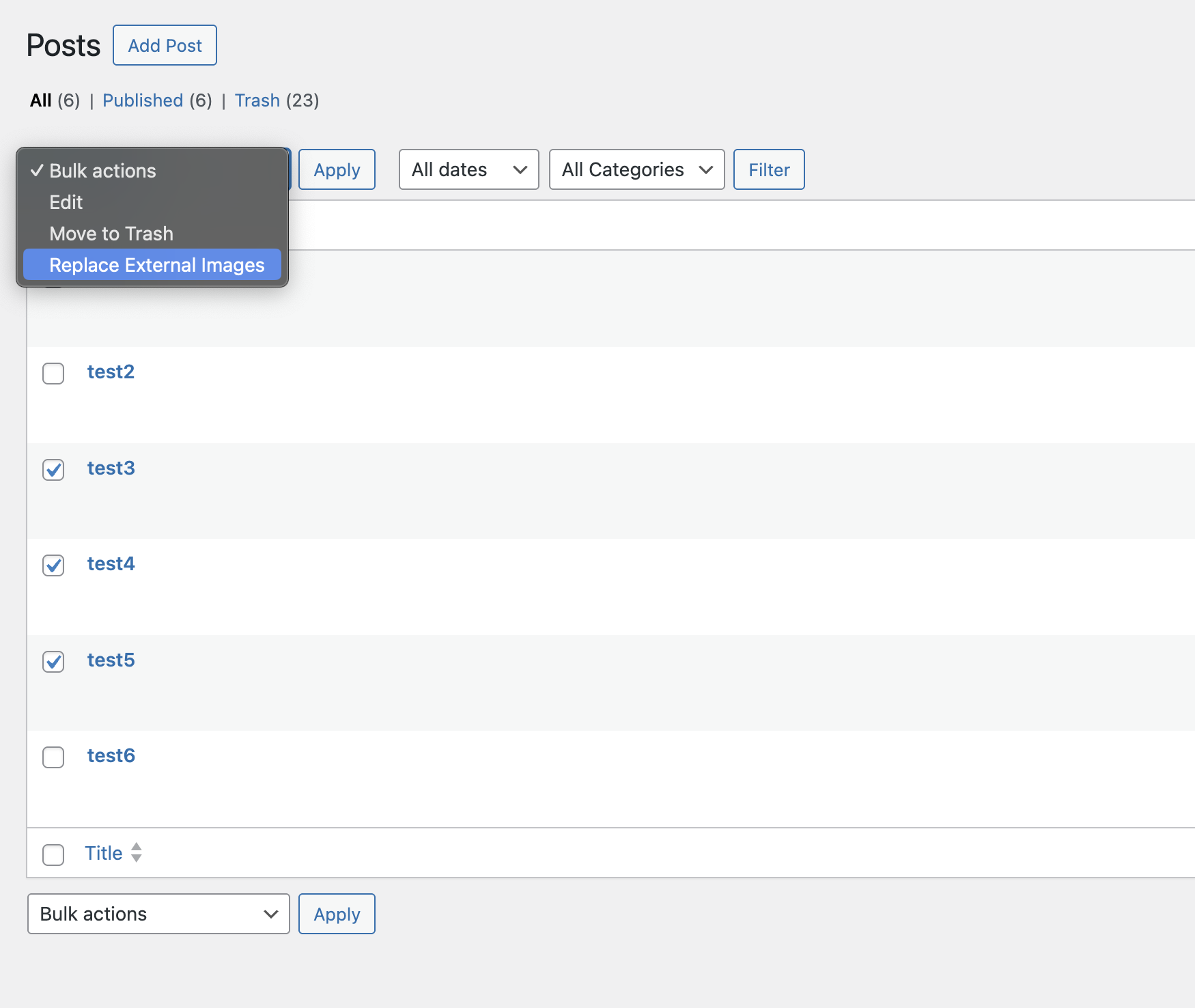
– processing many posts in one go with the bulk importer
Full documentation available here: Replace External Images Docs
Installation
- Go to your WordPress dashboard.
- Navigate to “Plugins > Add New”.
- Search for “Replace External Images”.
- Click “Install Now” and then “Activate”.
Alternatively:
- Download the plugin as a ZIP file.
- Go to “Plugins > Add New > Upload Plugin”.
- Select the ZIP file, click “Install Now”, then “Activate”.
Once activated:
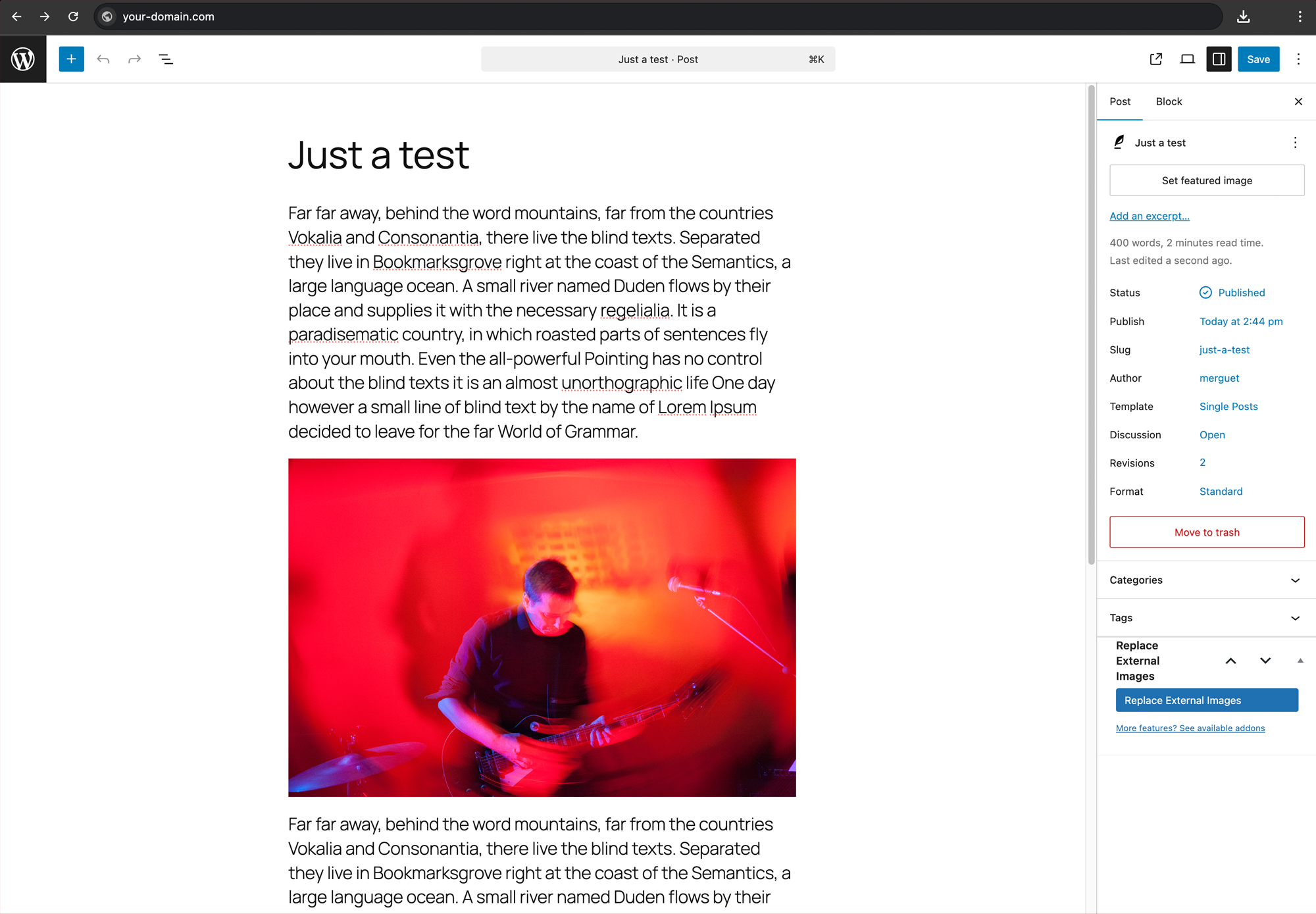
- Open a post that contains externally linked images.
- Click “Replace External Images” in the Tools section.
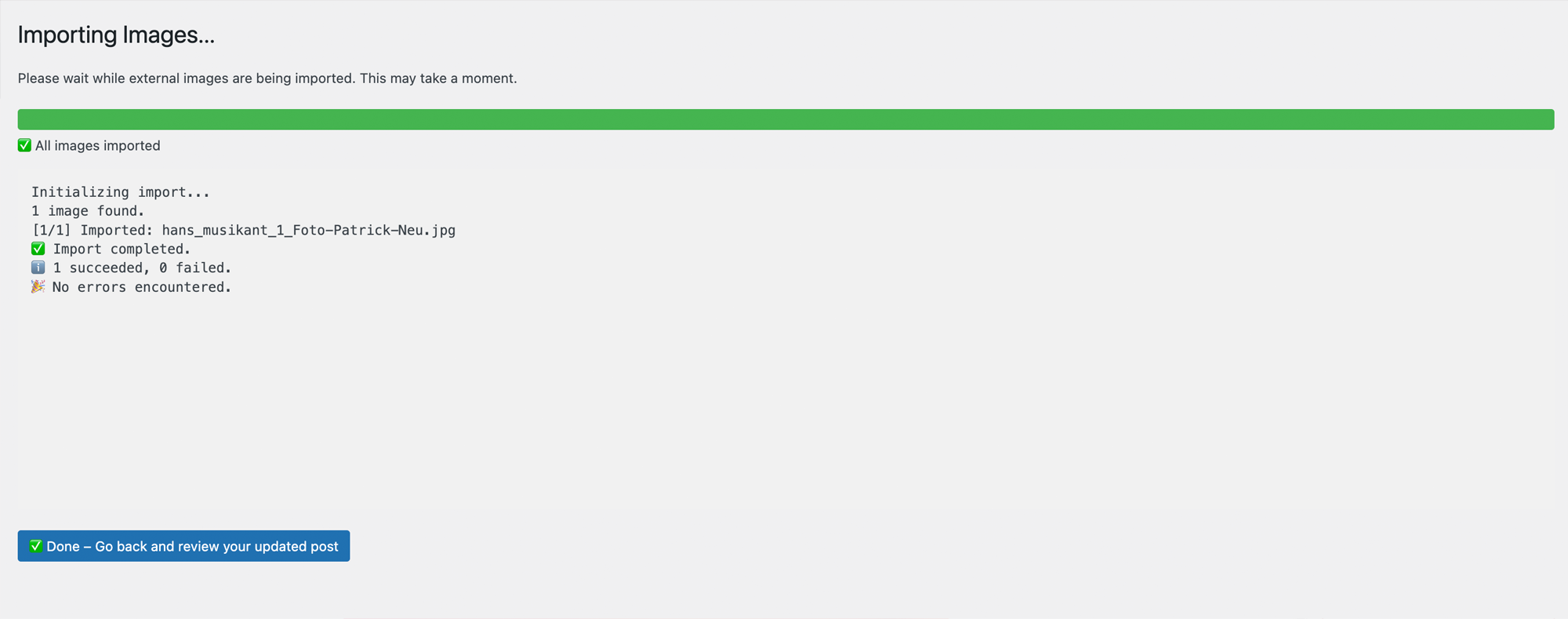
- Watch the live progress bar and wait for completion.
Frequently asked questions
Does it overwrite existing media?
No — it only imports external images and skips media already in the library.
What happens to the image URLs?
They are updated to local media paths after import.
Can I undo the import?
Not automatically. Please make a backup before running the importer if you need to restore content later.
What happens with protected or blocked images?
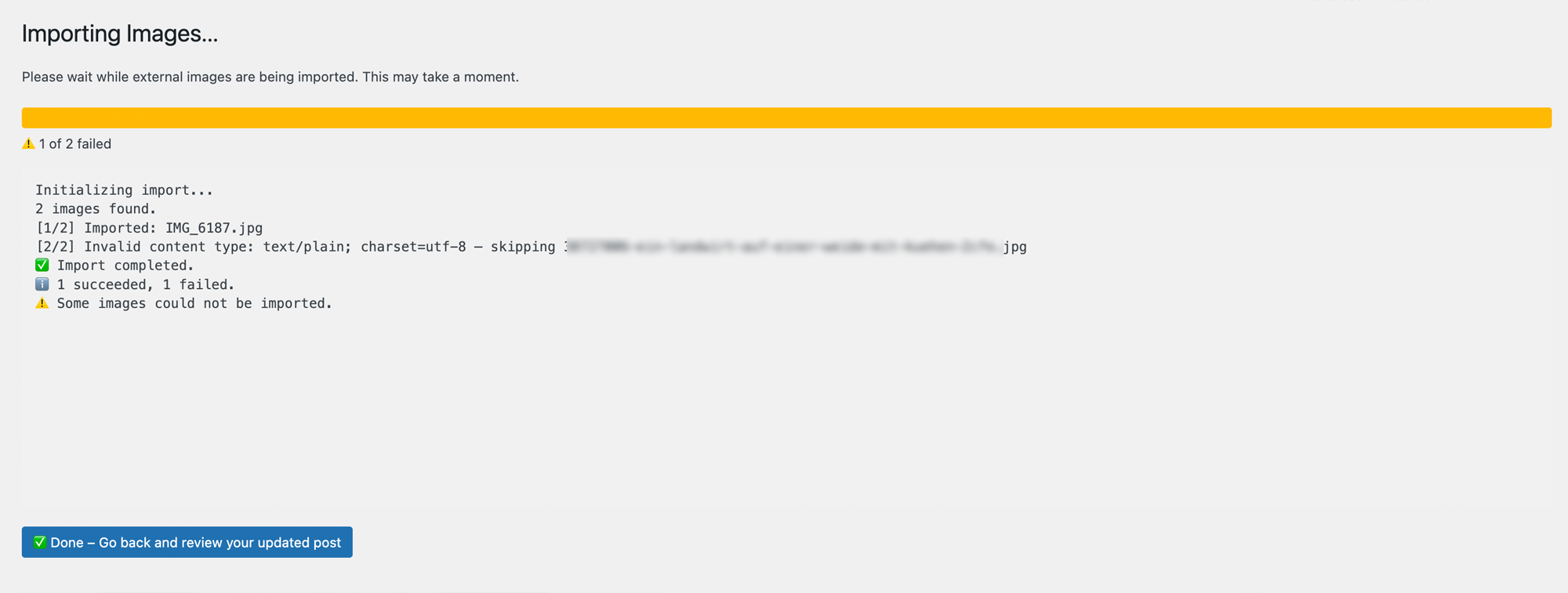
Some image sources actively block hotlinking or automated downloads by returning a different content type (e.g. text/plain instead of image/jpeg). This plugin detects such cases and skips the import gracefully — no image is saved, and the log explains why.
What if the post doesn’t have a featured image?
If a post has no featured image, the plugin will automatically set the first successfully imported image as the featured image.
Changelog
1.2.0
- Improved prefix consistency across AJAX, JS globals, script handles, and importer internals
- Hardened nonce and request sanitization in admin and AJAX flows
- Improved download handling and clearer logging for blocked sources (e.g. HTTP 403 responses)
- Improved post-type aware back navigation after single and bulk imports
1.1.0
- NEW: Bulk import for external images across multiple posts
1.0.0
- Initial public release
- Live importer for external images
- Works on individual post basis
- Tested up to WordPress 6.8.1 and PHP 8.2
Screenshots

For developers
Is this your plugin? Show off the numbers.
Add a live badge to your site, docs or GitHub README. It updates on its own — no account needed.
Best Replace External Images alternatives
All external images plugins →

FAQ
Replace External Images: quick answers
Straight answers, pulled from live WordPress.org data.
Live data from WordPress.org · checked Oct 14, 2026
Is Replace External Images free?
Yes. Replace External Images is free to download and use from the official WordPress.org plugin directory.
Is Replace External Images safe to use in 2026?
Replace External Images is a solid plugin choice in 2026, with a few things worth checking first. It runs on 100+ sites and was last updated 2 months ago, and scores 64/100 on our health check.
How many websites use Replace External Images?
Replace External Images is active on 100+ WordPress websites and has been downloaded 1,443 times since it launched in July 2025. It was downloaded 180 times in the last 30 days.
Does Replace External Images work with WordPress 7.1?
Yes. The developer has tested Replace External Images up to WordPress 7.1.3, the latest release. It requires WordPress 5.0 or newer.
What PHP version does Replace External Images need?
Replace External Images requires PHP 7.4 or higher. Most hosts run PHP 8.x today, so it works on any modern WordPress hosting.
When was Replace External Images last updated?
The latest version, 1.2.0, was released on August 18, 2026 (2 months ago).
Who makes Replace External Images?
Replace External Images is developed and maintained by Hans & Friends.
What are the best alternatives to Replace External Images?
The most popular alternatives to Replace External Images are Smart Auto Upload Images (5K+ installs), GL Import External Images (700+ installs) and Better WordPress External L… (400+ installs).
Powered by PageForge
Want thousands of pages that rank like these? Build them in an afternoon.
This directory runs on the same engine as PageForge. Turn any spreadsheet, CSV or API into thousands of fast, SEO-ready WordPress pages — with schema, internal links and AI-written copy baked in.
- CSV, Google Sheets & API data sources
- AI content, schema & internal links per page
- Works with Elementor, Gutenberg, Yoast & Rank Math
- Free on WordPress.org — no credit card


