



Relevant – Related, Featured, Latest, and Popular Posts by BestWebSoft
Add related, featured, latest, and popular posts to your WordPress website. Connect your blog readers with a relevant content.

Consider an alternative
Relevant shows warning signs in 2026 — compare the alternatives below before installing. It runs on 800+ sites, is rated 3.5/5 and was last updated 1 year ago, and scores 36/100 on our health check.
- Small user base (800+ active installs)
- No update in over a year
- Only tested up to WordPress 6.7 (latest is 7.1)
How does it stack up?
Side-by-side on installs, updates, ratings & support



Daily downloads
Download spikes usually follow a new release — each site that auto-updates counts as a download.
Rankings
Where Relevant stands todayWordPress.org search rankings
Live position in the plugin search, top 100| Keyword | Position |
|---|---|
| featured posts | >100 |
| latest posts | >100 |
| popular posts | #62 |
| related posts | >100 |
| relevant posts | #12 |
Version adoption
Share of active sites per release.
Rating breakdown
★★★★★★★★★★ 3.5 from 13 reviews
About Relevant
From the official readme · v1.4.5Description
Relevant plugin displays related, latest, popular, and featured posts on your WordPress website. Customize widgets, change the appearance, number of popular posts, and much more.
Highlight and display relevant information for your readers!
Features
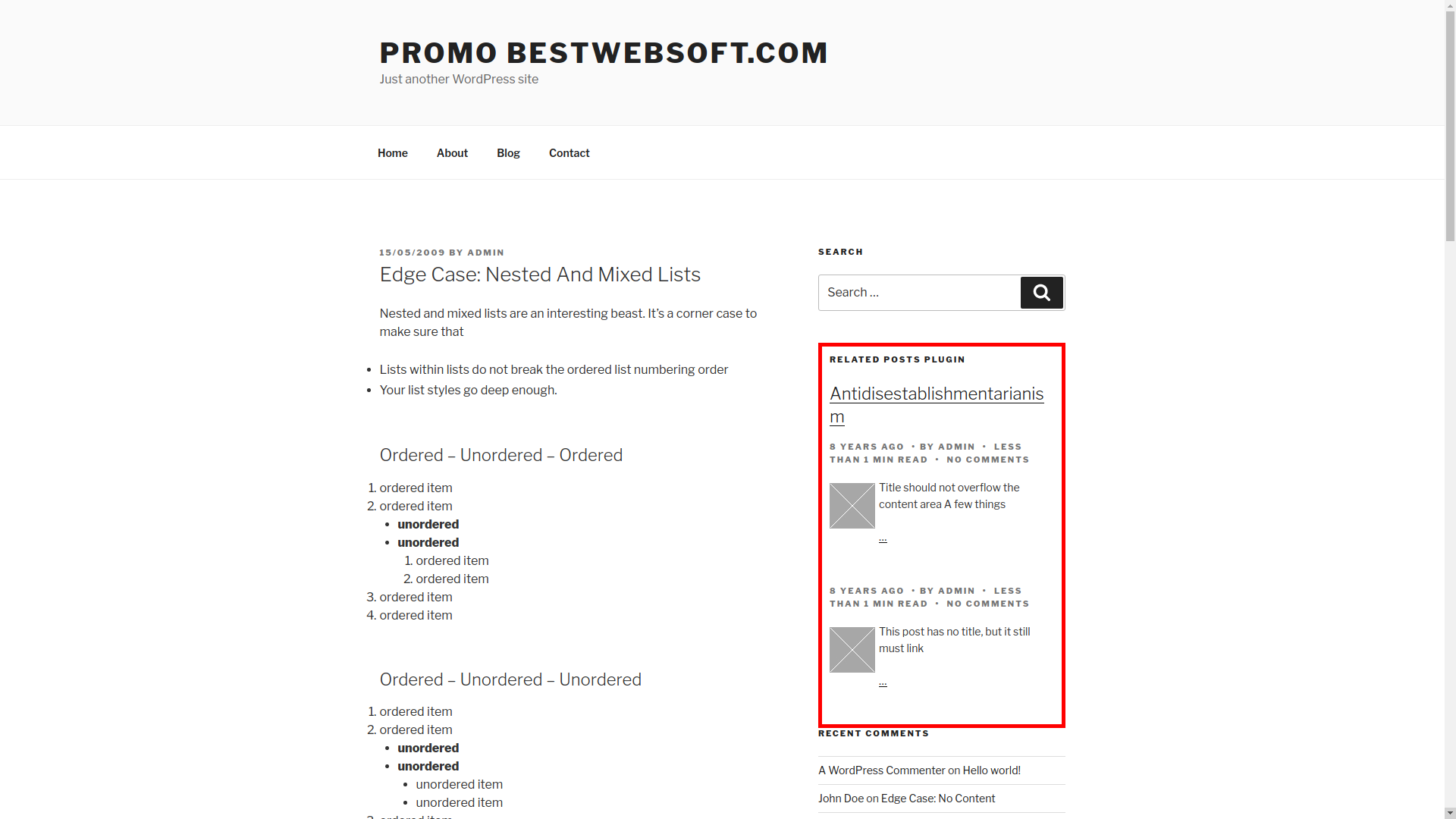
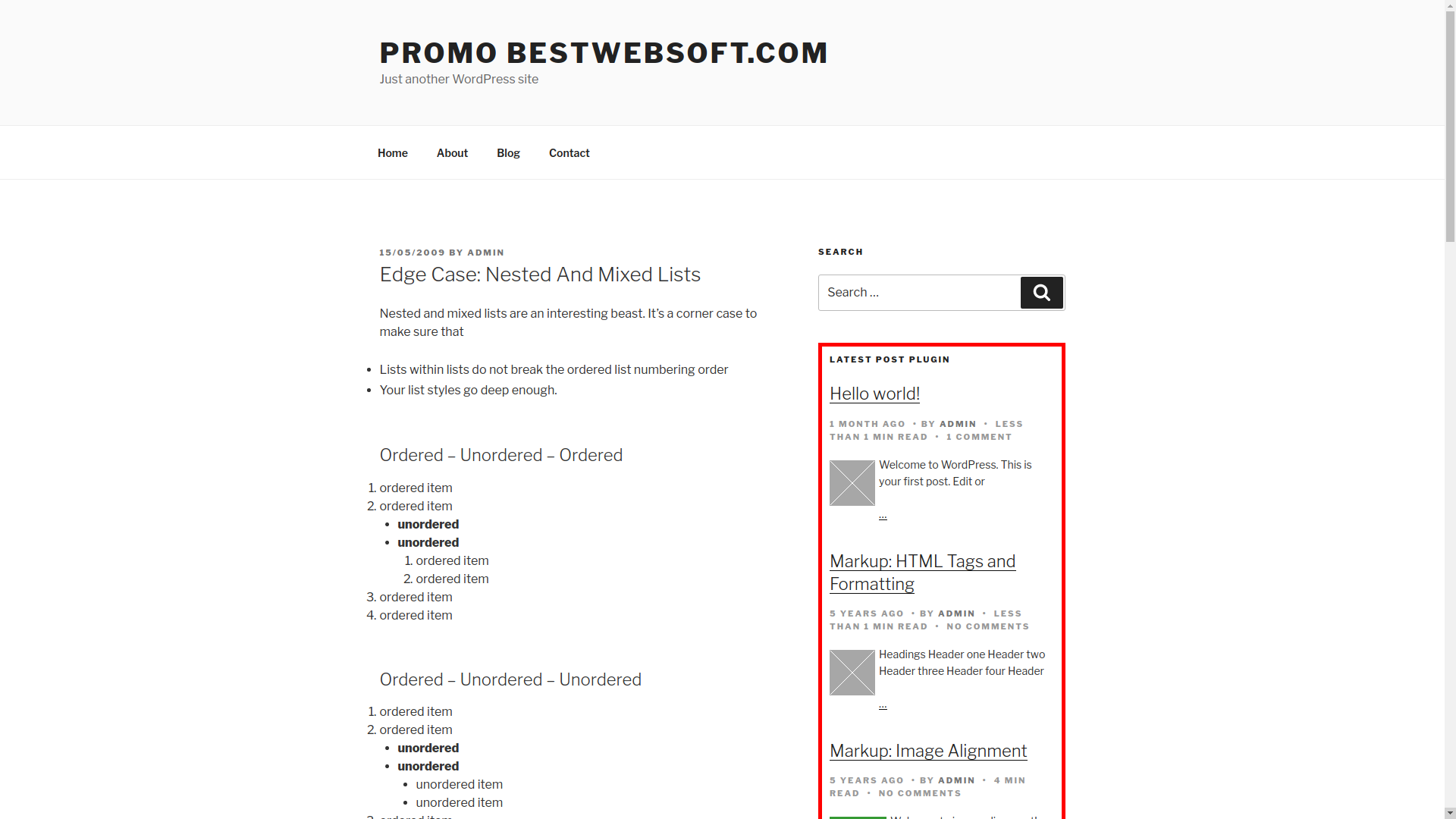
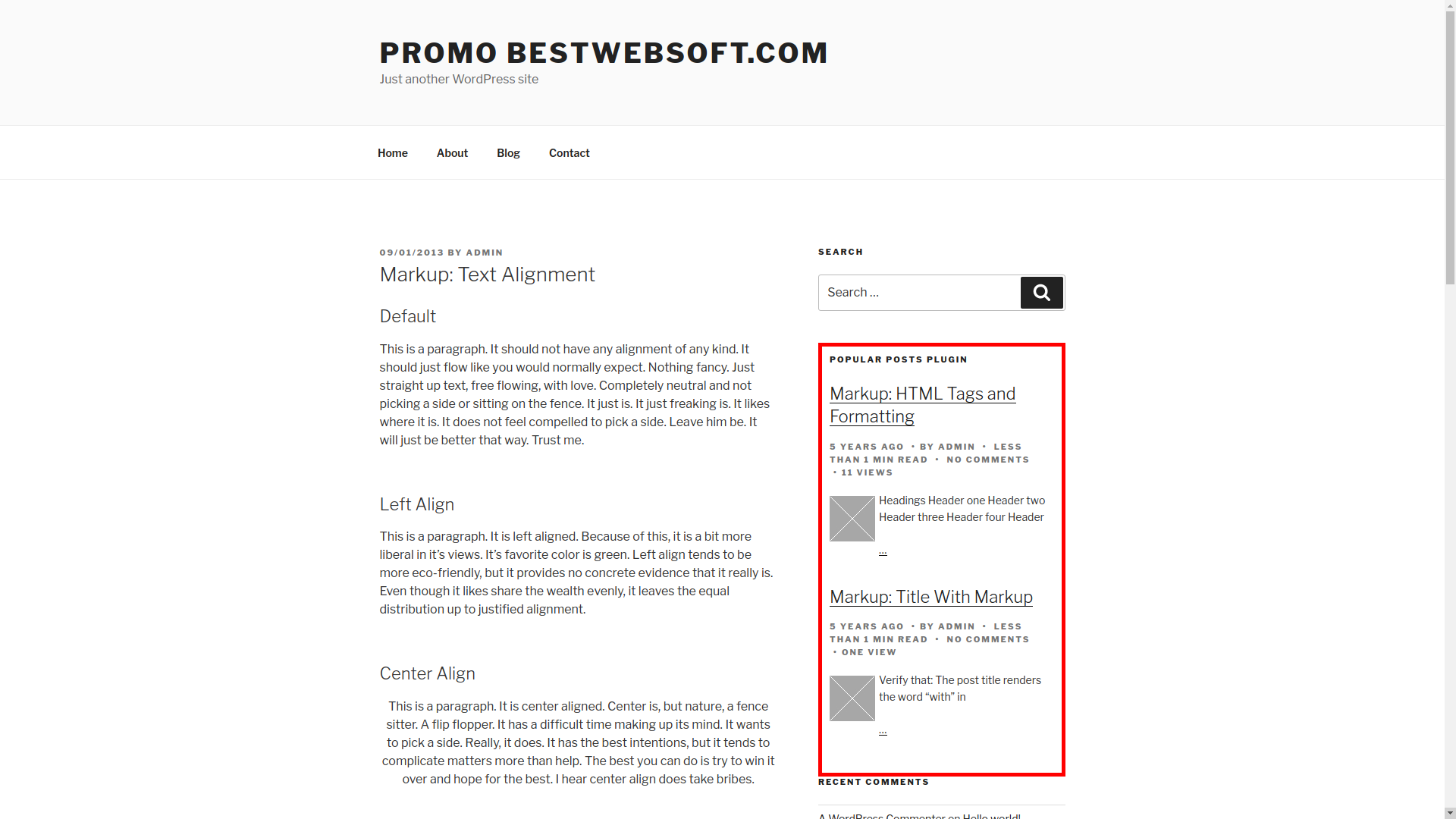
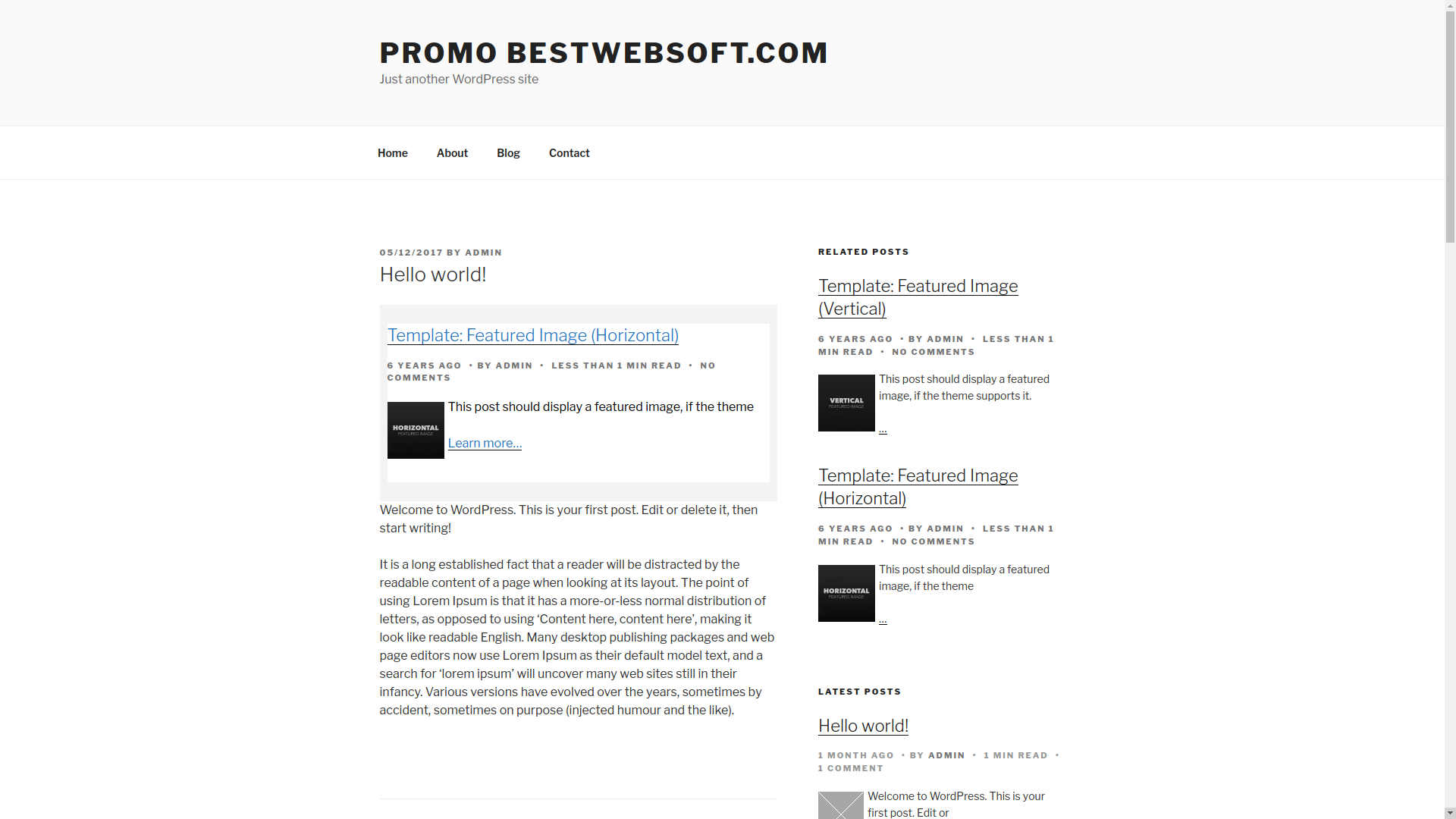
- Choose different position for related, featured, latest, and popular posts:
- Before content
- After content
- Use separate shortcodes to add related, featured, latest, and popular posts to:
- Posts
- Pages
- Custom post types
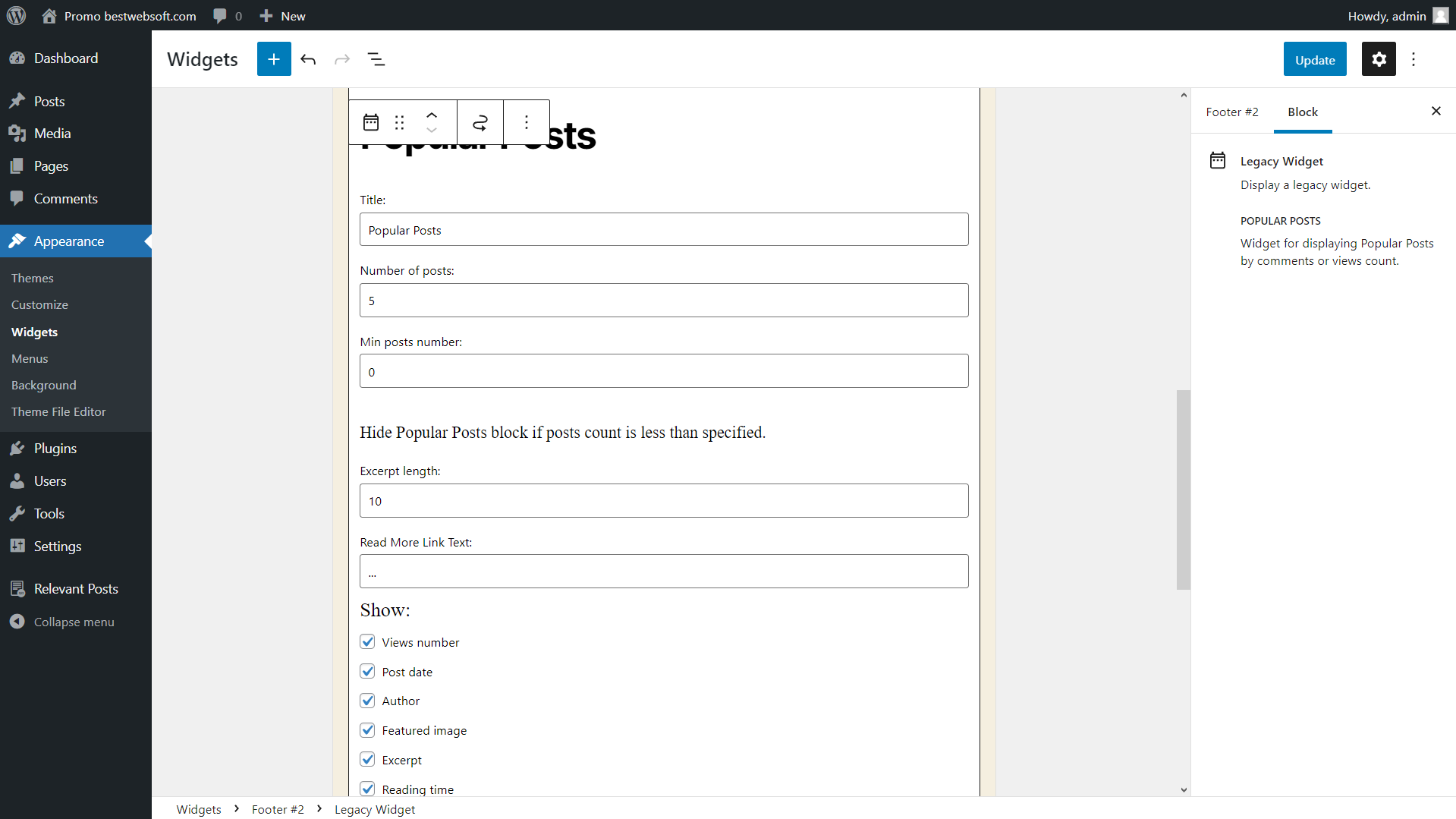
- Add related, featured, latest, and popular posts to the widgets area
- Change related, featured, latest, and popular posts:
- Title
- Number of posts
- Display related posts in posts and pages based on:
- Categories
- Tags
- Title
- Meta keyword
- Set custom size for featured image
- Display latest posts from a certain or current category [NEW]
- Display popular posts for current category
- Display featured posts for current category [NEW]
- Display latest posts for current category [NEW]
- Mark any post or page as a featured
- Set featured posts:
- Inner content width
- Section width
- Customize featured posts color:
- Section background
- Text background
- Section title
- Description
- Learn more link
- Changing featured posts with reloading
- Set the default image if post image is missing
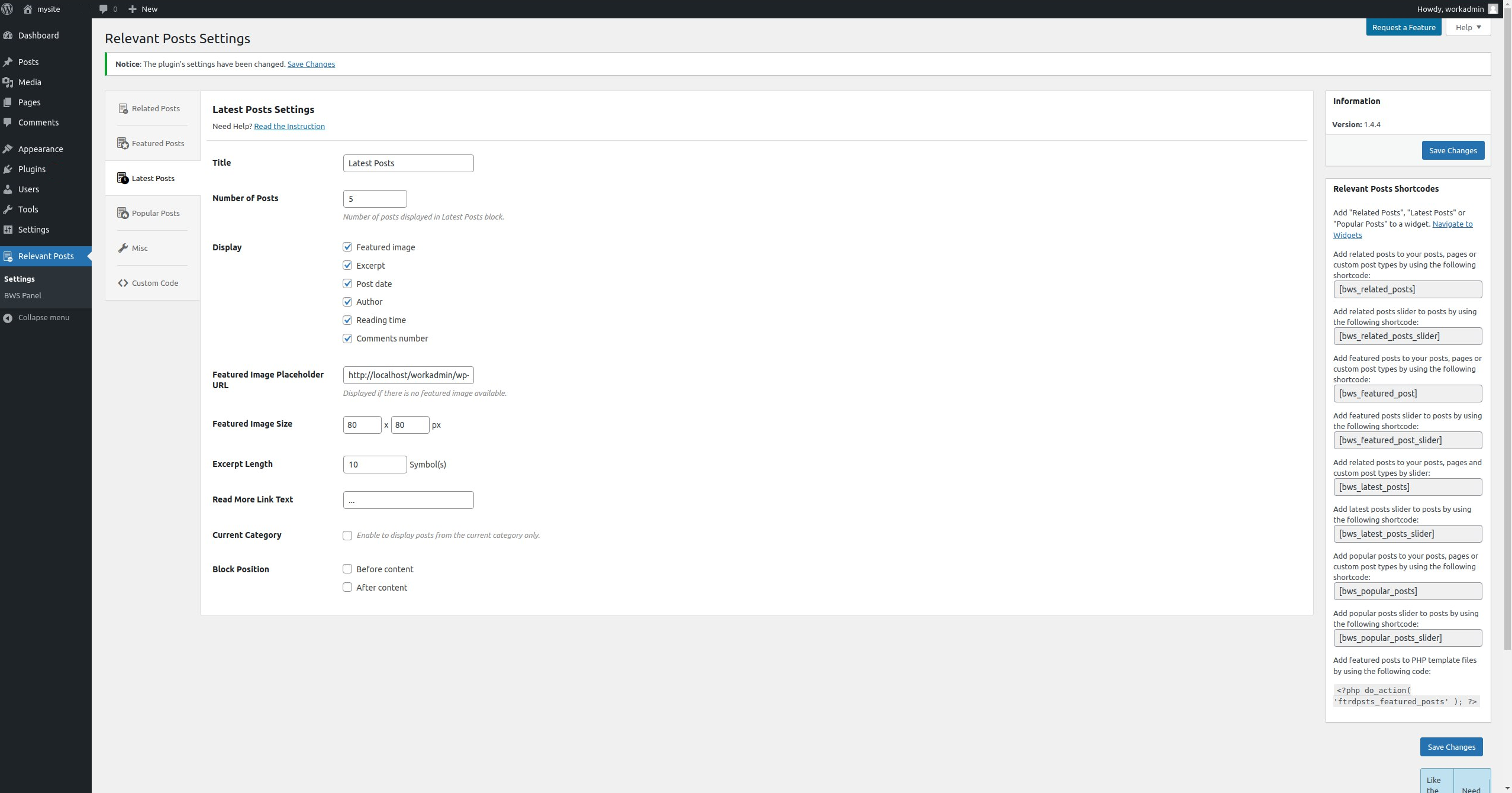
- Customize Read More text and Set the excerpt length for related, featured, latest and popular posts
- Display additional related, featured, latest and popular post info:
- Date
- Author
- Reading time
- Comments number
- Featured image
- Excerpt
- Display additional popular post info:
- Number of views
- Sort popular posts by number of:
- Comments
- Views
- Compatible with latest WordPress version
- Incredibly simple settings for fast setup without modifying code
- Detailed step-by-step documentation and videos
Pro Features
All features from Free version included plus:
- Recommend button for standart post type
- Display most recommended in the list
- Get answer to your support question within one business day (Support Policy)
If you have a feature suggestion or idea you’d like to see in the plugin, we’d love to hear about it! Suggest a Feature
Documentation & Videos
Help & Support
Visit our Help Center if you have any questions, our friendly Support Team is happy to help — https://support.bestwebsoft.com/
Translation
- Russian (ru_RU)
- Ukrainian (uk)
Some of these translations are not complete. We are constantly adding new features which should be translated. If you would like to create your own language pack or update the existing one, you can send the text of PO and MO files to BestWebSoft and we’ll add it to the plugin. You can download the latest version of the program for work with PO and MO files Poedit.
Recommended Plugins
- Updater – Automatically check and update WordPress website core with all installed plugins and themes to the latest versions.
Installation
- Upload
relevantfolder to the/wp-content/plugins/directory. - Activate the plugin through the ‘Plugins’ menu in your WordPress admin panel.
- You can adjust necessary settings through your WordPress admin panel in “Relevant Posts”.
- Create a page or a post and insert shortcode [bws_related_posts], [bws_featured_post], [bws_latest_posts] or [bws_popular_posts] into the text.
- Add Plugin widgets to the widget area.
Frequently asked questions
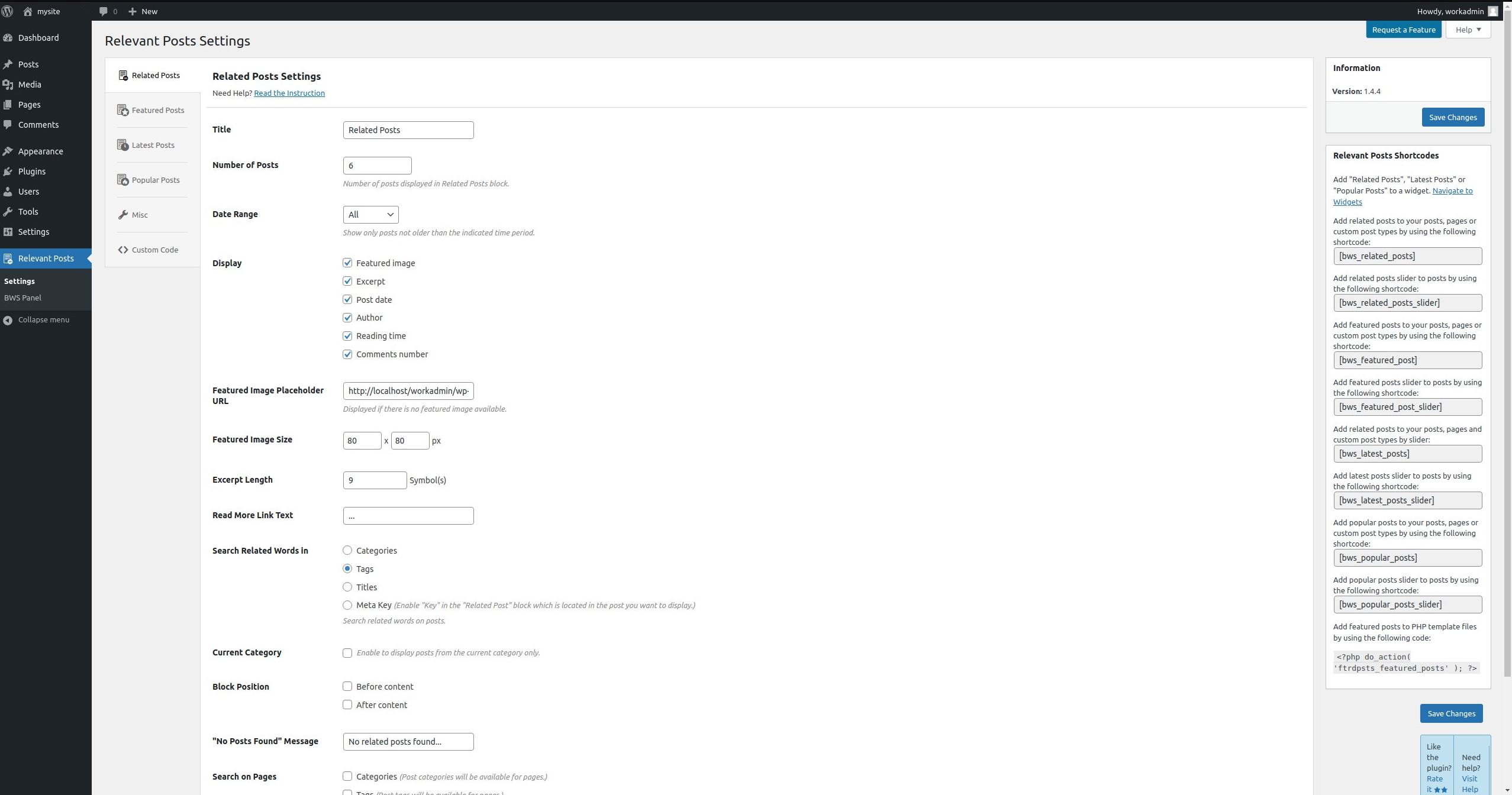
What “Categories”, “Tags”, “Title” and “Meta Key” mean for “Search Related Words in” option on the Related Posts settings page?
The plugin displays related post depending on your choice: if you select “Categories” option, then related posts will be displayed by similar words in categories; if you select “Tags” option, then related posts will be displayed by similar words in tags; if you select “Title” option, then related posts will be displayed by similar words in the posts and pages titles; if you select “Meta Key” option, then related post will be displayed by meta key.
I chose “Meta Key” in “Search Related Words in” option on Related Posts settings page, but it displays nothing
After you choose “Meta Key” option, you should complete the following: 1) Go to “All Posts”; 2) Choose the post you would like to be displayed by our plugin; 3) Click “edit” button; 4) Find “Related Posts” section; 5) Check “Key” radio button; 6) Update/Publish the post; 7) Repeat all these steps for each post you would like to display as related.
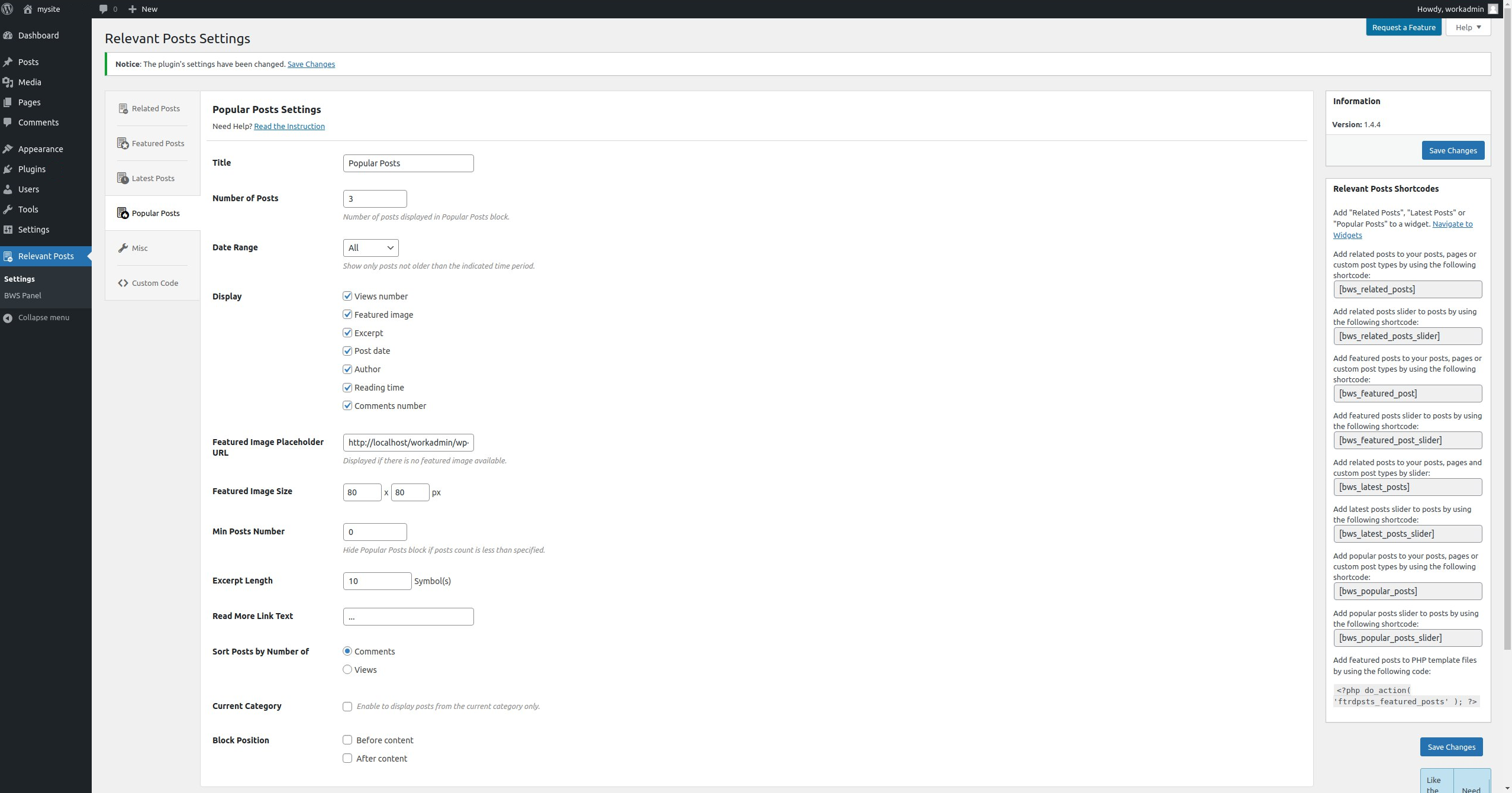
I have adjusted the Popular Posts settings, and yet nothing is displayed
You have probably selected ‘Views’ in ‘Order Posts by Number of’ option on the plugin settings page. Since the plugin hasn’t collected the necessary data yet, there is nothing to display. Once the users start visiting your pages, the plugin will start tracking, and the posts will be displayed in the widget (in the frontend).
How can I add Featured Post block to my website?
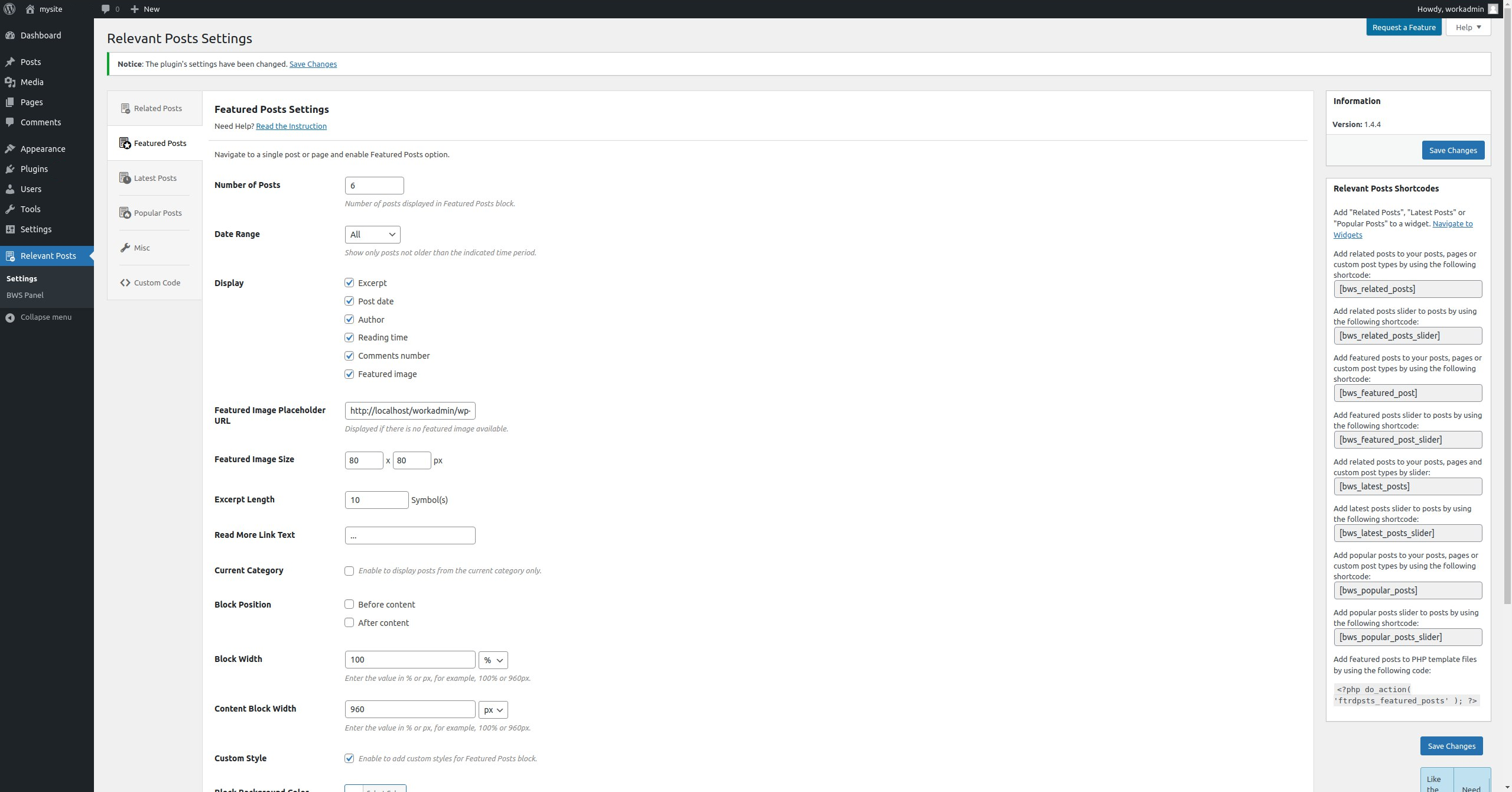
If you would like to add Featured Posts to your page or post, open the necessary posts or page in the Edit mode and mark “Enable to display this post in the Featured Posts block.” checkbox. There are several ways to add the block, please use one of them: 1. Go to Related Posts settings page, find “Block position” option and mark “Before content” and/or “After content” checkboxes. 2. Copy and paste the following shortcode into your post or page: [bws_featured_post]. 3. Copy and paste the following code to the necessary place in your theme:
I set the featured image size but the plugin scaled it. How can I crop the image?
You can manually regenerate thumbnails in any convenient way. We recommend you to use WordPress plugins in order to avoid the mistakes. Please read more here: Regenerate Thumbnails
I completed the steps you described, but Featured Post block is not displaying yet. Why?
Please select the necessary posts you would like to display (open the necessary posts or page in the Edit mode and mark “Enable to display this post in the Featured Posts block.” checkbox).
I have some problems with the plugin’s work. What Information should I provide to receive proper support?
Please make sure that the problem hasn’t been discussed yet on our forum (https://support.bestwebsoft.com). If no, please provide the following data along with your problem’s description: – The link to the page where the problem occurs. – The name of the plugin and its version. If you are using a pro version – your order number. – The version of your WordPress installation. – Copy and paste into the message your system status report. Please read more here: Instruction on System Status
Changelog
New features added.
V1.4.5 – 26.12.2023
- NEW : Add new shortcode for posts slider has been added.
- Bugfix : Bug with title duplicate has been fixed.
- Update : BWS menu has been updated.
- Update : We updated functionality for wordpress 6.7.
- Pro : Recommended functionality is added.
V1.4.4 – 10.05.2022
- NEW : Add new Date Range – 3 days, 5 days, and 7 days ago.
- Update : We updated functionality for wordpress 5.9.3.
- Update : BWS plugins section is updated.
V1.4.3 – 26.04.2022
- Bugfix : Deactivation Feedback fix.
V1.4.2 – 24.03.2022
- Update : We updated functionality for wordpress 5.9.
- Update : BWS plugins section is updated.
V1.4.1 – 14.07.2021
- NEW : The ability to display posts from the current category in Related Posts, Featured Posts and Latest Posts has been added.
- Update : We updated all functionality for wordpress 5.8.
- Update : BWS plugins section is updated.
V1.4.0 – 02.11.2020
- Bugfix : The bug with blocks for selecting the image size has been fixed.
- Update : The plugin settings page was changed.
- Update : BWS plugins section is updated.
Screenshots
For developers
Is this your plugin? Show off the numbers.
Add a live badge to your site, docs or GitHub README. It updates on its own — no account needed.
Best Relevant alternatives
All featured posts plugins →



FAQ
Relevant: quick answers
Straight answers, pulled from live WordPress.org data.
Live data from WordPress.org · checked Oct 13, 2026
Is Relevant free?
Yes. Relevant is free to download and use from the official WordPress.org plugin directory.
Is Relevant safe to use in 2026?
Relevant shows warning signs in 2026 — compare the alternatives below before installing. It runs on 800+ sites, is rated 3.5/5 and was last updated 1 year ago, and scores 36/100 on our health check.
How many websites use Relevant?
Relevant is active on 800+ WordPress websites and has been downloaded 74,000 times since it launched in October 2013. It was downloaded 253 times in the last 30 days.
Does Relevant work with WordPress 7.1?
Relevant is officially tested up to WordPress 6.7.10, while the latest release is 7.1.3. It may still work, but try it on a staging site first.
When was Relevant last updated?
The latest version, 1.4.5, was released on June 10, 2025 (1 year ago).
Who makes Relevant?
Relevant is developed and maintained by bestweblayout.
What are the best alternatives to Relevant?
The most popular alternatives to Relevant are AK Featured Post Widget (400+ installs), WP Featured Posts (300+ installs) and Featured Posts Pro (100+ installs).
Powered by PageForge
Want thousands of pages that rank like these? Build them in an afternoon.
This directory runs on the same engine as PageForge. Turn any spreadsheet, CSV or API into thousands of fast, SEO-ready WordPress pages — with schema, internal links and AI-written copy baked in.
- CSV, Google Sheets & API data sources
- AI content, schema & internal links per page
- Works with Elementor, Gutenberg, Yoast & Rank Math
- Free on WordPress.org — no credit card


