



Prodiseum – Search, Color & Manage Icons
Search, recolor, download, and save thousands of icons directly from your WordPress dashboard.

Solid choice
Prodiseum is a solid plugin choice in 2026, with a few things worth checking first. Was last updated 4 days ago, and scores 64/100 on our health check.
- Actively developed — last update 4 days ago
- Tested with the latest WordPress (7.1)
- Small user base (<10 active installs)
- Very few reviews so far
Daily downloads
Download spikes usually follow a new release — each site that auto-updates counts as a download.
Rankings
Where Prodiseum stands todayWordPress.org search rankings
Live position in the plugin search, top 100| Keyword | Position |
|---|---|
| color icons | >100 |
| iconify | #5 |
| icons | >100 |
| media library | >100 |
| SVG | >100 |
About Prodiseum – Search, Color & Manage Icons
From the official readme · v1.0.19Description
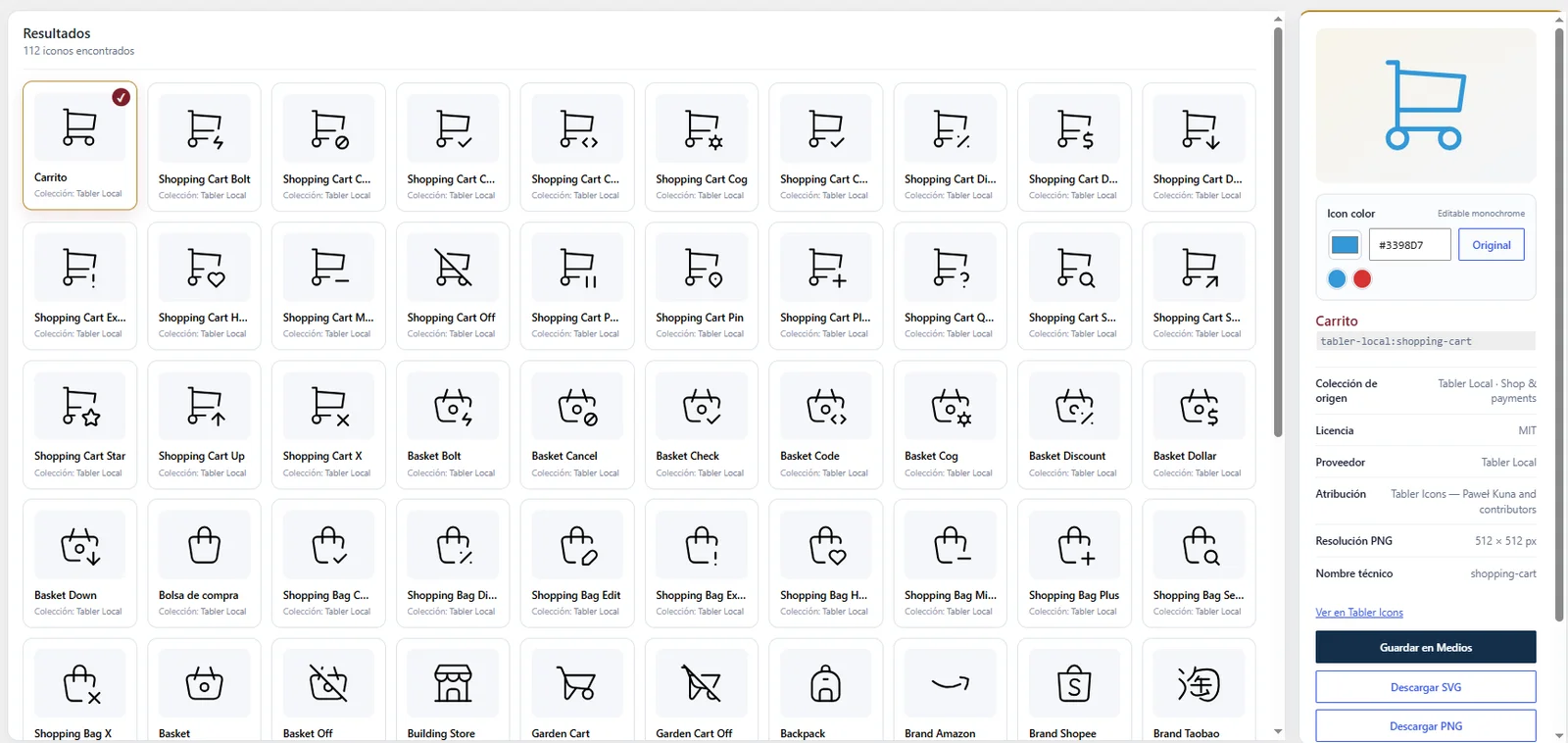
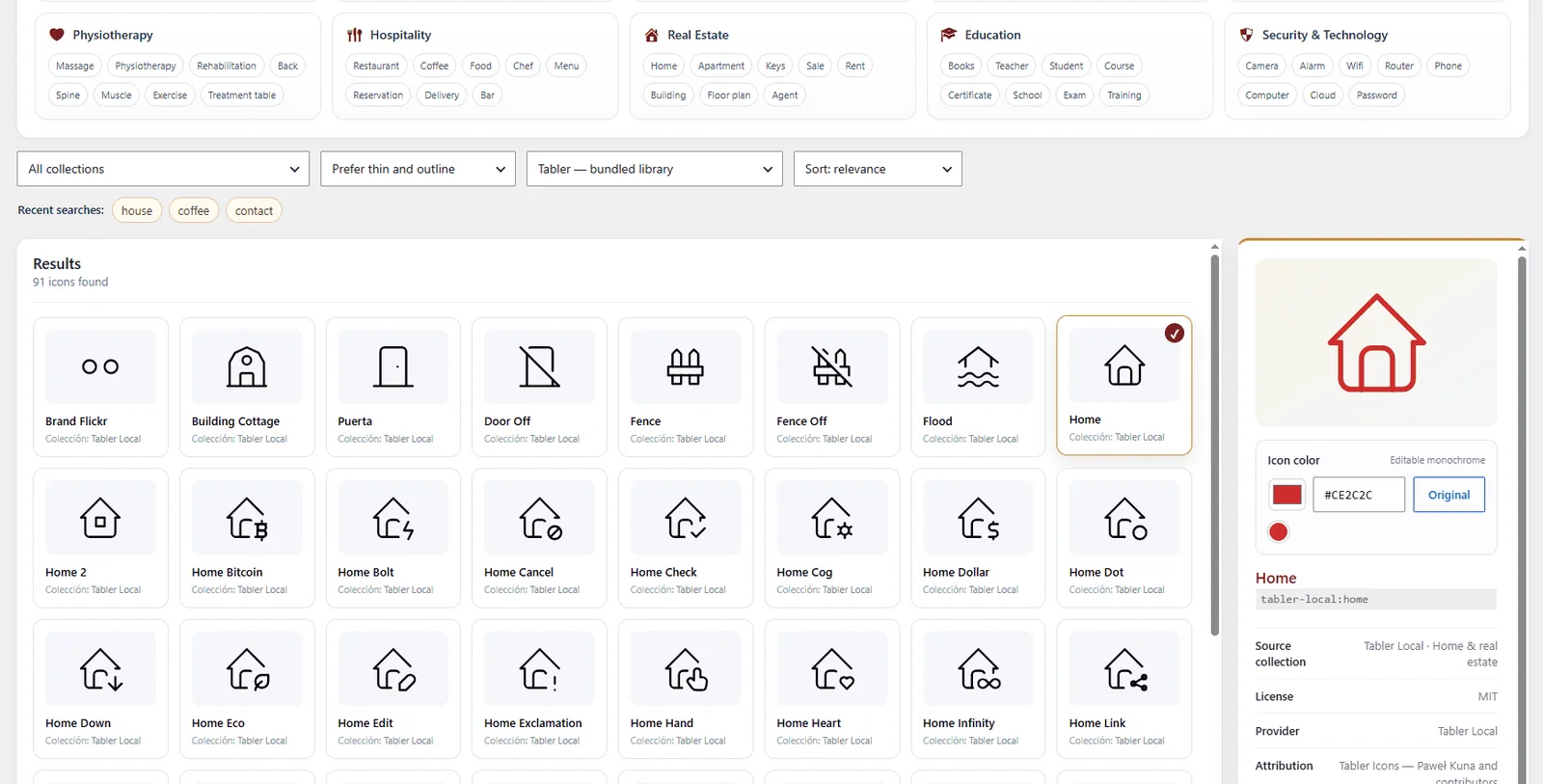
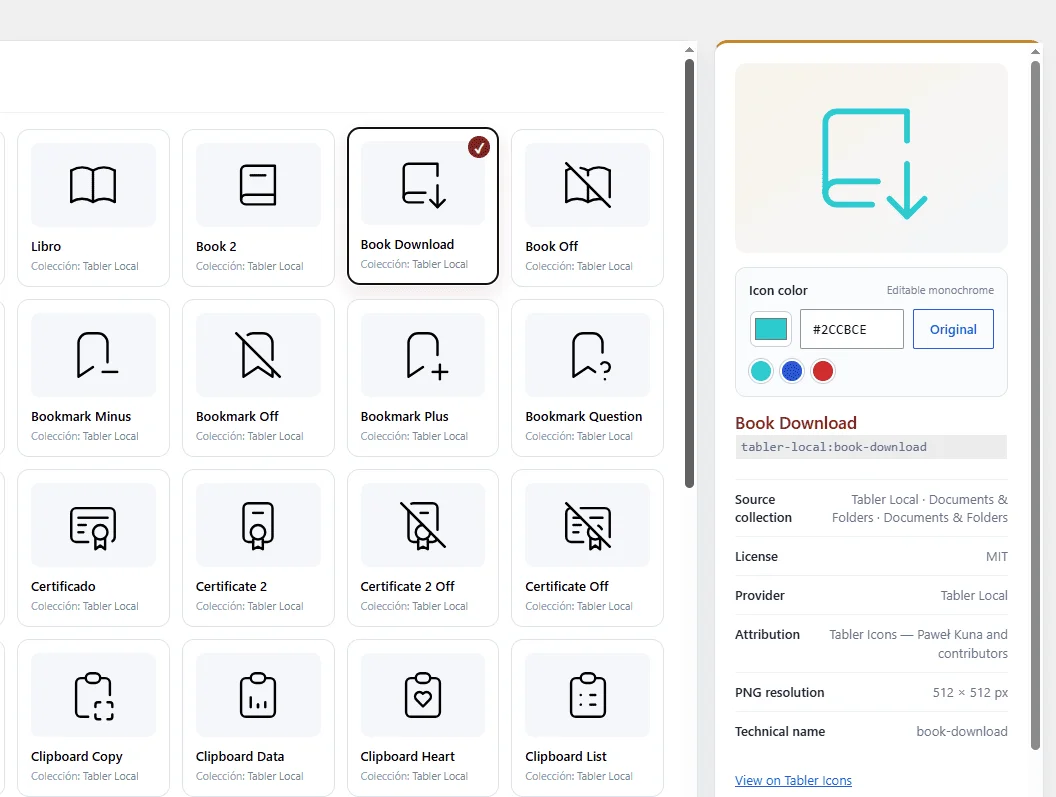
Prodiseum – Search, Color & Manage Icons brings a practical icon workflow directly into the WordPress dashboard. Search the bundled Tabler library or Iconify, recolor compatible icons, download SVG or PNG files, copy SVG code, and save ready-to-use PNG files directly to the Media Library.
Prodiseum is the publisher’s own brand, operated by Prodiseum Digital Dynamics. The official product site is https://prodiseum.com/.
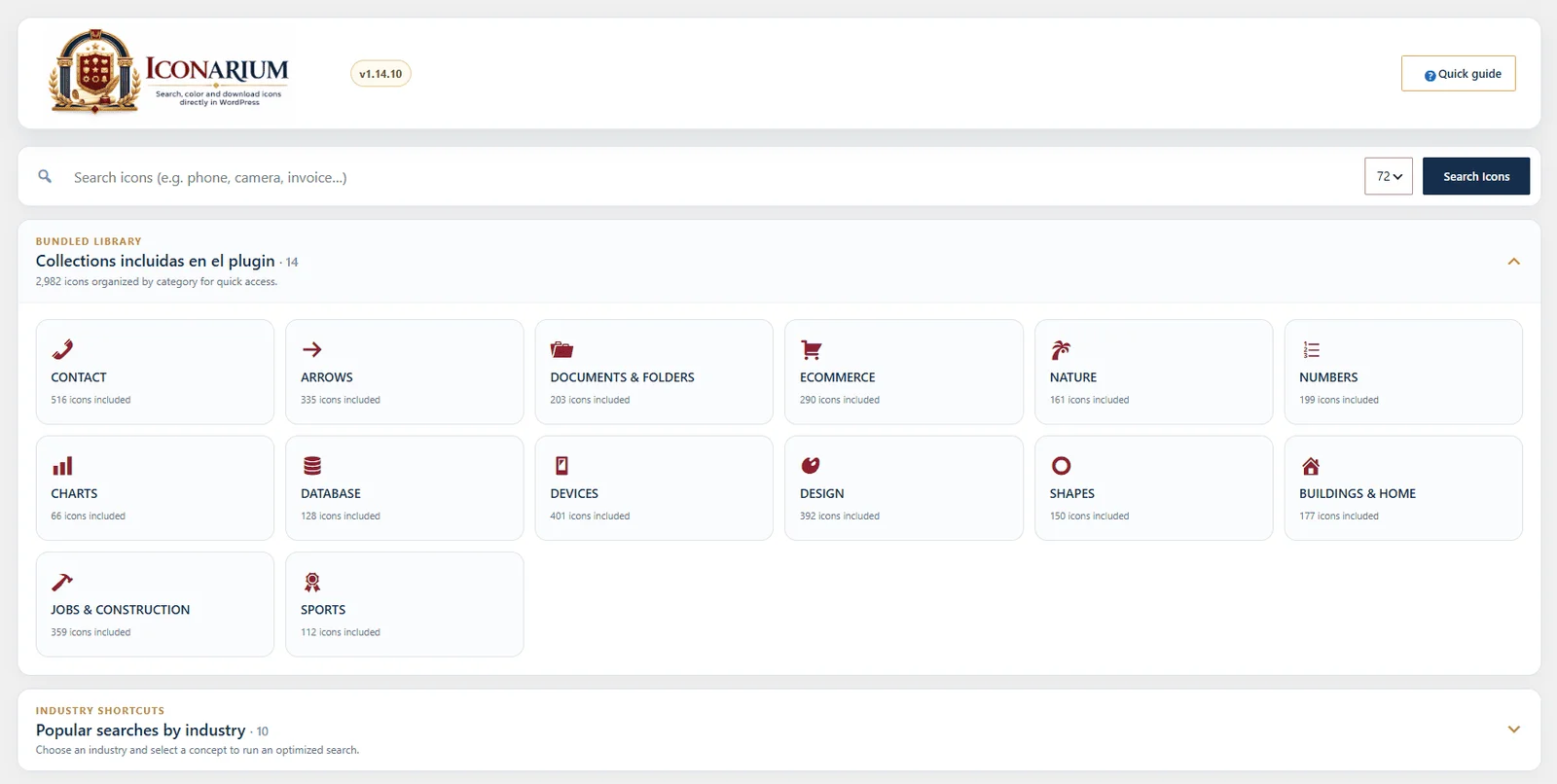
2,982 Tabler outline icons are bundled with the plugin. They work immediately after activation with no API key, synchronization, or external download.
Free features:
- 2,982 bundled Tabler outline SVG icons.
- 14 local categories: CONTACT, ARROWS, DOCUMENTS & FOLDERS, ECOMMERCE, NATURE, NUMBERS, CHARTS, DATABASE, DEVICES, DESIGN, SHAPES, BUILDINGS & HOME, JOBS & CONSTRUCTION, and SPORTS.
- Tabler is the default search provider.
- Search Iconify with no API key.
- Combined Tabler + Iconify search.
- Popular search shortcuts by industry.
- Recolor compatible monochrome icons with any HEX color.
- Preserve original colors for multicolor icons.
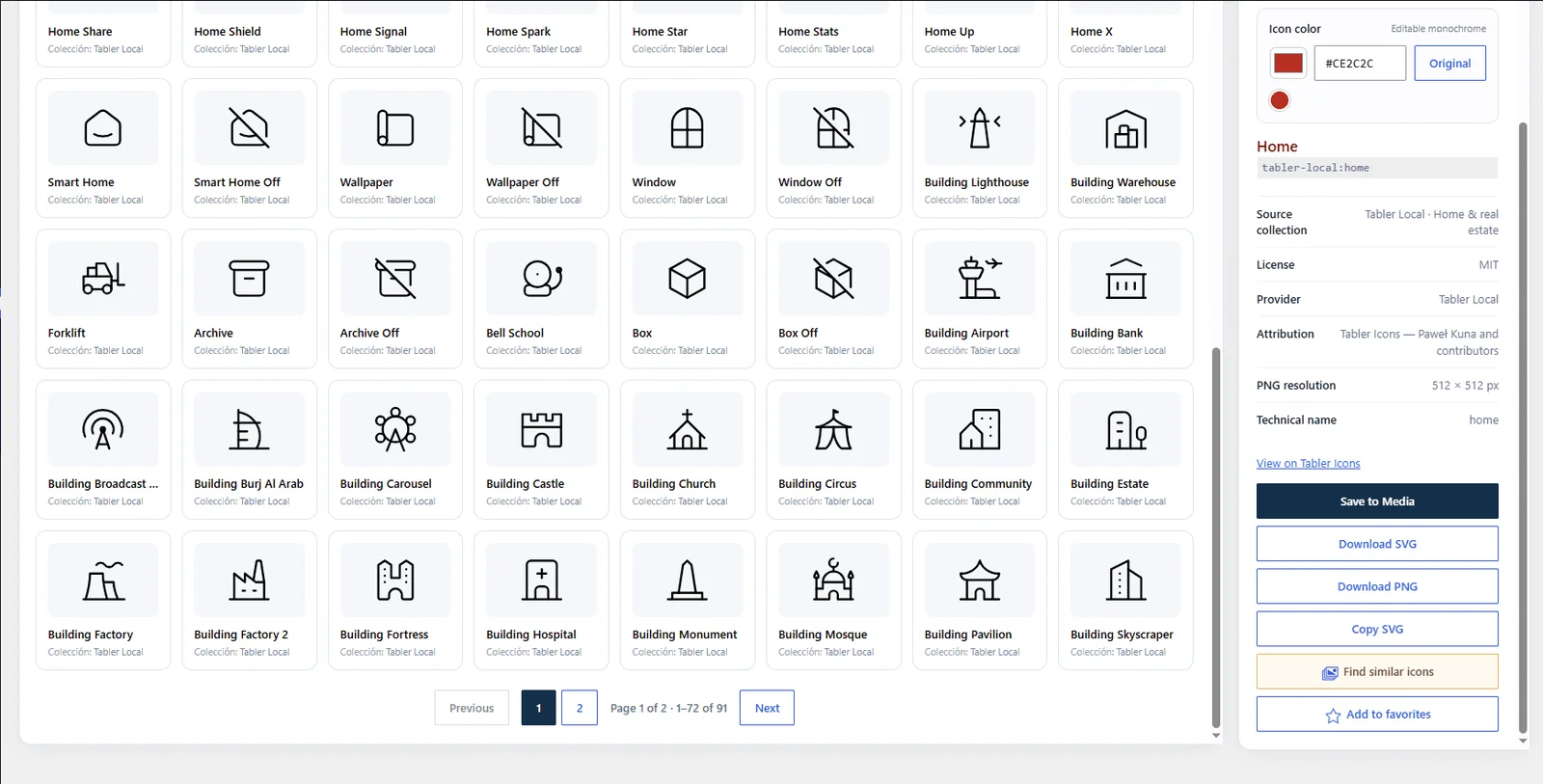
- Download SVG and PNG files.
- Copy SVG code.
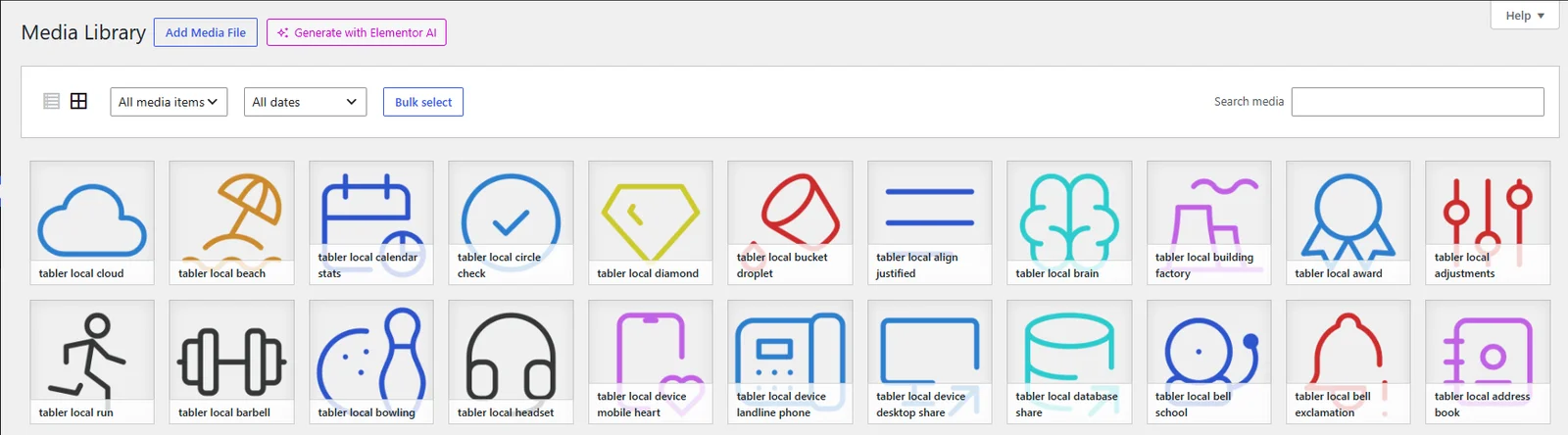
- Save 512 × 512 transparent PNG icons to the WordPress Media Library.
- Duplicate detection before saving.
- My Library for viewing, renaming, filtering, and deleting icons saved by the plugin.
A separate commercial plugin, Iconarium Pro, is available from Prodiseum and adds additional icon sources and professional library-organization workflows. Premium functionality is not included, disabled, or license-gated inside this WordPress.org plugin.
External Services
The bundled Tabler library works locally and does not require an external service.
- Iconify — optional online provider. No Iconify request is made by the default bundled Tabler provider. When the user explicitly selects Iconify or Tabler + Iconify and performs a search, the plugin sends the entered icon search term, an optional selected Iconify collection prefix, and requested icon identifiers to the official public API at
api.iconify.designto retrieve icon metadata and SVG resources. The WordPress site URL is not sent in the plugin User-Agent. Service: https://iconify.design/ ; public API usage/documentation: https://iconify.design/docs/api/ ; privacy information: https://iconify.design/privacy/.
No remote icon provider is required for the default bundled Tabler search.
Source Code
All first-party PHP, JavaScript, and CSS source code required to run this plugin is included directly in the distributed plugin in human-readable form. No build step, package manager, transpiler, or minified first-party runtime bundle is required.
The bundled Tabler SVG icon source files are included under assets/tabler/. They come from the public Tabler Icons project (@tabler/icons 3.46.0): https://github.com/tabler/tabler-icons . Tabler Icons are distributed under the MIT License; a copy is included in licenses/TABLER-ICONS-MIT.txt. The bundled catalog.json is a human-readable static metadata index used by the plugin and does not require a build step.
Installation
- Install Prodiseum – Search, Color & Manage Icons from WordPress.org or upload the plugin ZIP from Plugins > Add New > Upload Plugin.
- Activate the plugin.
- Open Prodiseum > Iconarium > Explore Icons.
- Search for an icon, select it, choose a color if desired, and download it or save it to the Media Library.
Frequently asked questions
Does the plugin require an API key?
No. The bundled Tabler library works locally and Iconify does not require an API key.
Can I recolor icons before downloading or saving them?
Yes. Compatible monochrome SVG icons can be recolored with any HEX value and previewed before SVG/PNG download or Media Library save.
Does Tabler need an internet connection?
No. The plugin includes 2,982 unique Tabler outline SVG files directly inside the plugin.
Where are saved icons stored?
PNG icons saved by the plugin are normal WordPress Media Library attachments. The My Library screen provides a focused view of those saved icons.
What does Iconarium Pro add?
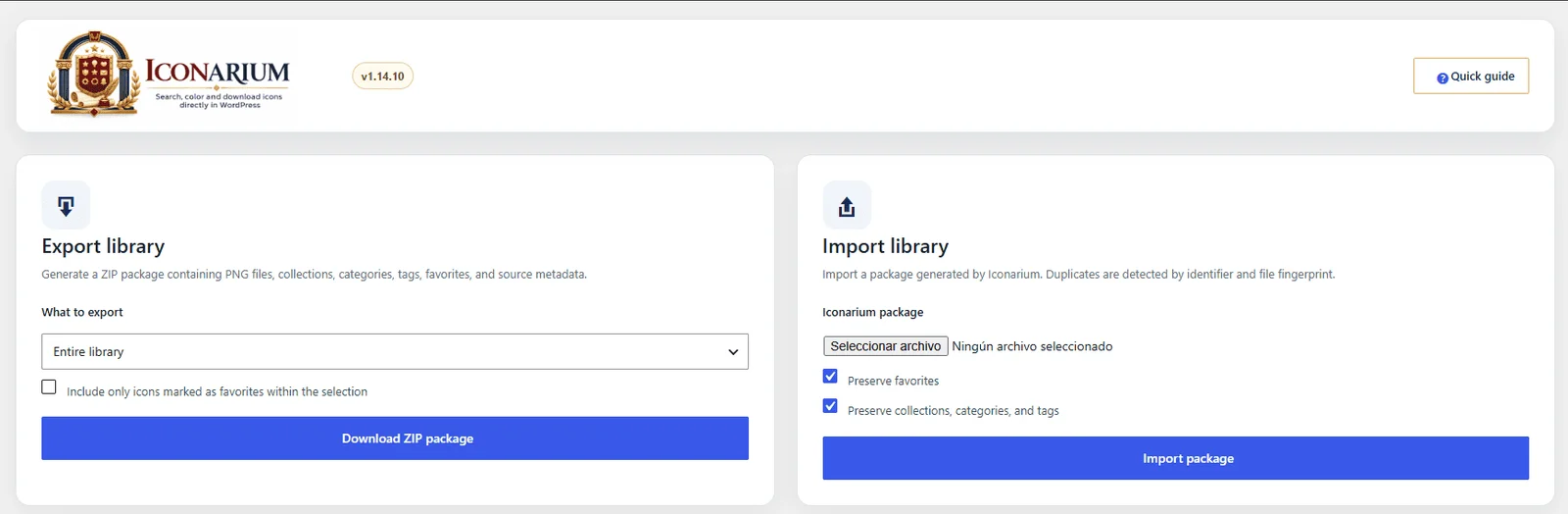
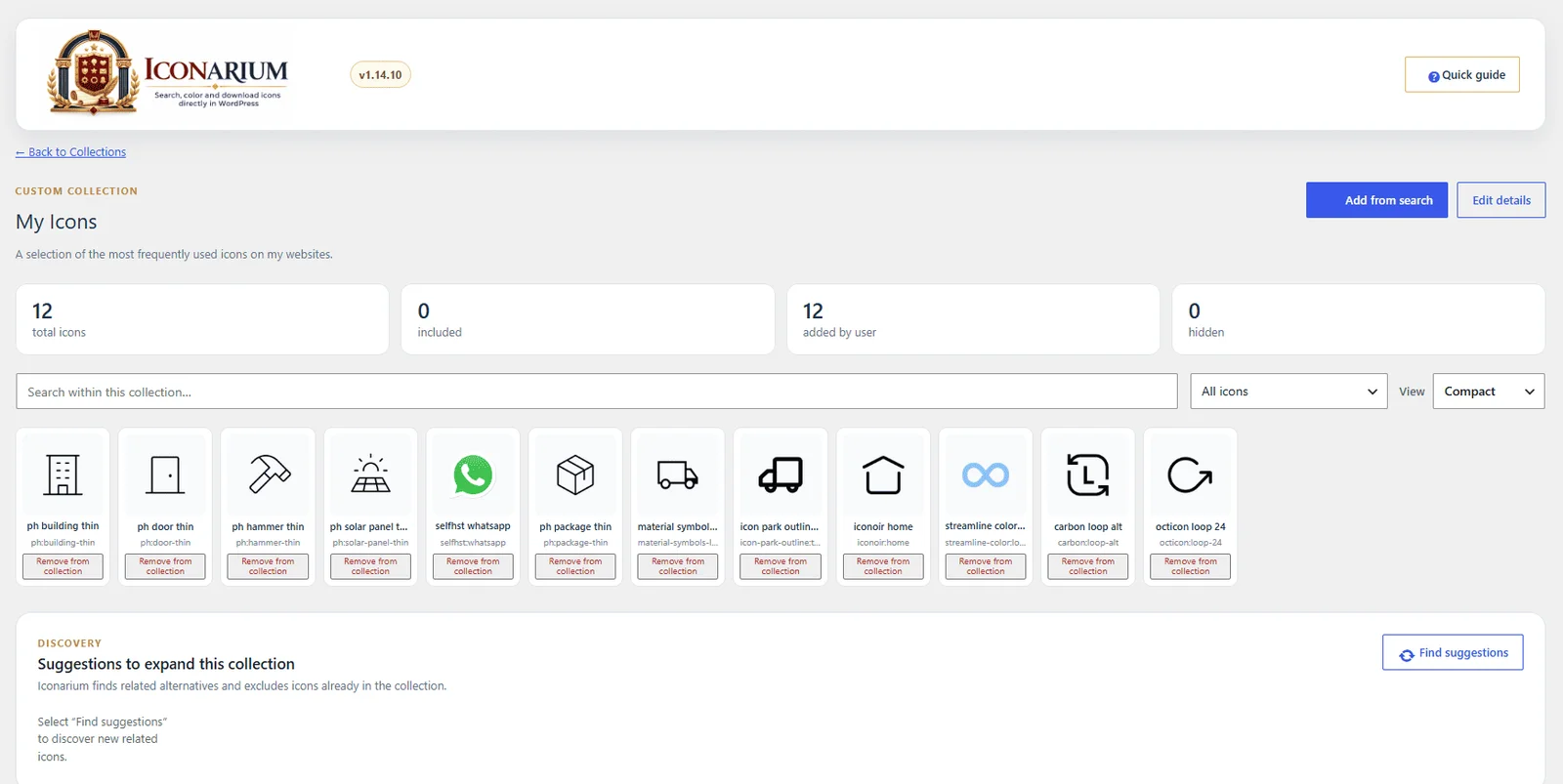
Iconarium Pro is a separate plugin distributed outside WordPress.org. It adds additional sources and professional organization features such as custom collections, advanced categories and tags, bulk organization, and library import/export.
Changelog
1.0.19
- Final WordPress.org compliance audit: removed all remaining unused legacy collection/placeholder UI code, clarified bundled Tabler source and licensing, made external Iconify consent/data disclosure more explicit, hardened dynamic admin rendering, and shipped first-party CSS/JavaScript in clearly human-readable form.
1.0.18
- Removed Freemius and all premium implementation from the WordPress.org Free codebase; premium capabilities are available only through the separate Iconarium Pro plugin.
- Aligned the plugin folder, main file and text domain with the requested
prodiseum-icon-managerslug. - Restricted automatic remote traffic to the official Iconify API, removed the site URL from the API User-Agent, tightened Media Library rename/delete authorization, documented source availability, and improved repository compliance.
1.0.16
- Renamed the Free edition to Prodiseum – Search, Color & Manage Icons to match the Prodiseum Free-plugin naming standard.
- Kept Iconarium as the product identity for the premium edition and internal icon workflow.
1.0.15
- Added the required translator comments for dynamic admin labels.
- Scoped the intentional Media Library meta-key query for Plugin Check while preserving the accurate saved-icon count.
1.0.14
- Fixed saved-icon library count accuracy.
1.0.13
- Simplified saved-icon organization: My Library is now the single saved-icons hub and Favorites has been removed from the visible Free workflow.
- Replaced the separate Save to Media / Add to favorites actions with a single Add to My Library action.
- Removed obsolete Favorites references from the Free vs Pro comparison and upgrade messaging.
Screenshots
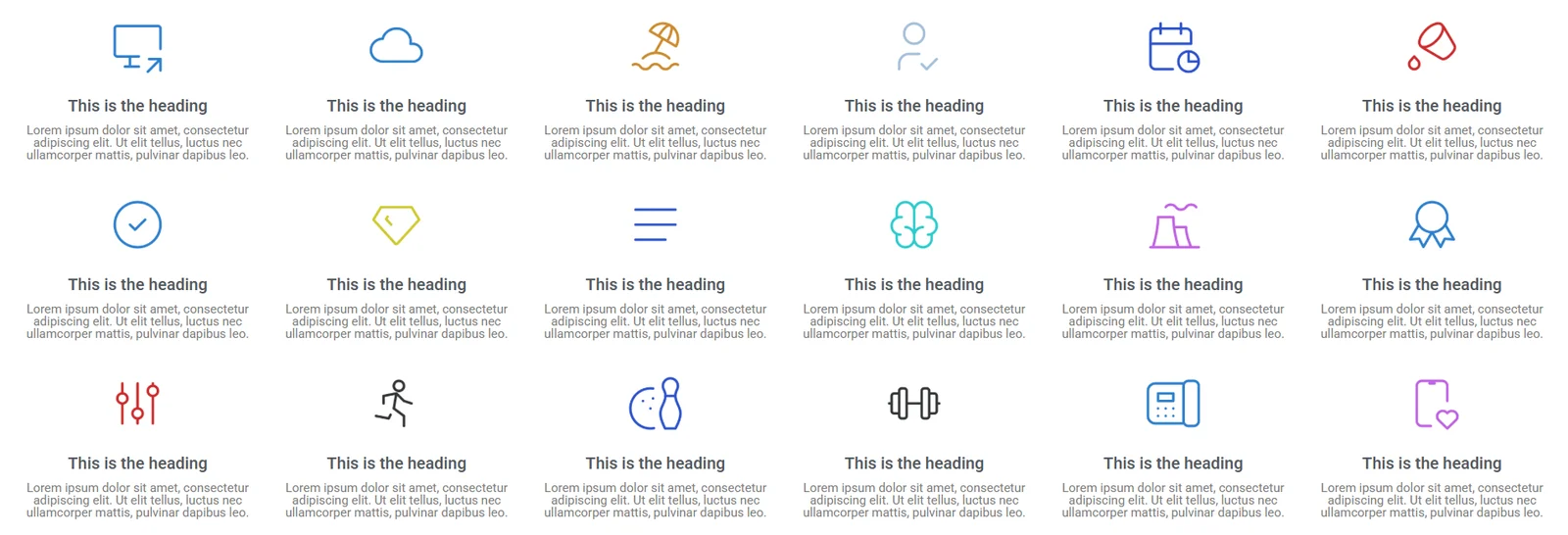
For developers
Is this your plugin? Show off the numbers.
Add a live badge to your site, docs or GitHub README. It updates on its own — no account needed.
FAQ
Prodiseum: quick answers
Straight answers, pulled from live WordPress.org data.
Live data from WordPress.org · checked Oct 22, 2026
Is Prodiseum free?
Yes. Prodiseum is free to download and use from the official WordPress.org plugin directory.
Is Prodiseum safe to use in 2026?
Prodiseum is a solid plugin choice in 2026, with a few things worth checking first. Was last updated 4 days ago, and scores 64/100 on our health check.
How many websites use Prodiseum?
Prodiseum is active on <10 WordPress websites and has been downloaded 98 times since it launched in October 2026. It was downloaded 102 times in the last 30 days.
Does Prodiseum work with WordPress 7.1?
Yes. The developer has tested Prodiseum up to WordPress 7.1.3, the latest release. It requires WordPress 6.2 or newer.
What PHP version does Prodiseum need?
Prodiseum requires PHP 7.4 or higher. Most hosts run PHP 8.x today, so it works on any modern WordPress hosting.
When was Prodiseum last updated?
The latest version, 1.0.19, was released on October 18, 2026 (4 days ago).
Who makes Prodiseum?
Prodiseum is developed and maintained by prodiseum.
Powered by PageForge
Want thousands of pages that rank like these? Build them in an afternoon.
This directory runs on the same engine as PageForge. Turn any spreadsheet, CSV or API into thousands of fast, SEO-ready WordPress pages — with schema, internal links and AI-written copy baked in.
- CSV, Google Sheets & API data sources
- AI content, schema & internal links per page
- Works with Elementor, Gutenberg, Yoast & Rank Math
- Free on WordPress.org — no credit card


