



Post Timeline
Create stunning and interactive timelines for your WordPress posts with ease. Post Timeline is the ultimate plugin for displaying your WordPress content in a visually appealing timeline format. Whether you want to…

Solid choice
Post Timeline is a solid plugin choice in 2026, with a few things worth checking first. It runs on 800+ sites, is rated 4.2/5 and was last updated 2 months ago, and scores 79/100 on our health check.
- Tested with the latest WordPress (7.1)
- Small user base (800+ active installs)
How does it stack up?
Side-by-side on installs, updates, ratings & support


Daily downloads
Download spikes usually follow a new release — each site that auto-updates counts as a download.
Rankings
Where Post Timeline stands todayWordPress.org search rankings
Live position in the plugin search, top 100| Keyword | Position |
|---|---|
| announcements | #36 |
| history | #60 |
| post timeline | #3 |
| timeline | #10 |
| vertical timeline | #7 |
Version adoption
Share of active sites per release.
Rating breakdown
★★★★★★★★★★ 4.2 from 21 reviews
About Post Timeline
From the official readme · v2.4.3Description
Create stunning and interactive timelines for your WordPress posts with ease. Post Timeline is the ultimate plugin for displaying your WordPress content in a visually appealing timeline format. Whether you want to showcase your blog history, company milestones, or any sequential content, Post Timeline offers a variety of customization options to fit your needs.
🌟 Description
Post Timeline is the WordPress Plugin that creates beautiful timeline pages for your WordPress posts. With this plugin, users can create unlimited vertical timelines and automatically generate animated scroll navigation based on tags or dates in ascending order.
✨ Simple and Single Timeline
Use the shortcode [post-timeline] to create a Post Timeline on any page or post.
🔄 Multiple Timelines
To create multiple timelines, the admin needs to create multiple categories and assign posts to those categories. Then use the shortcode below:
[post-timeline category="3"]
Where 3 is the category ID. All the posts associated with Category ID 3 will appear with the above shortcode.
How to Create Multiple Timelines
🧭 How Navigation Works?
Post Timeline Tags is an important tab of a timeline. Through this tab, admin users can create tags and associate their posts with those tags. Once all the posts are assigned to those tags, the Post Timeline will collect all the tags and use them in navigation.
📋 Supports Custom Post Types
Post Timeline supports custom post types, making it versatile for a variety of content. To create a timeline for a custom post type, use the attribute post-type as shown below:
[post-timeline post-type="custom_post_type"]
Replace custom_post_type with your desired post type. This feature allows you to display not just regular posts, but any custom post types you’ve created, such as events, products, or portfolios.
For multiple post timelines, check the documentation. Feel free to create a ticket in case of any problem or bug.
Post Timeline – Documentation
Post Timeline Documentation
Post Timeline Demos
Create a Ticket.
🌟 Post Timeline Features
- 🆓 Unlimited free timelines
- 🔀 Separate each Timeline by Category Id
[post-timeline category="xxx"], where xxx is the category Id - 🎯 Beautiful Side Navigation with Smooth Animation
- 🚀 Auto Create Navigation from Tags
- 🎨 Set Color for each Timeline Post
- 🏷️ Assign Icon for each Timeline Post
- 📅 Select Date for each Timeline Post
- 🔗 Setup Separate Page URL
- 🗂️ Assign Category and Tags
- 🏷️ Create Tag-based Timeline
- 📱 Responsive UI that looks cool on every single device
- 🖼️ Beautiful UI of the vertical timeline
- 🌍 Multi Language supported
- ⏳ Set Tag-based or Year-based Timeline with parameter
[post-timeline type="date"]for Yearly navigation. - 🔠 Select Desired GoogleFont for Timeline
- ➖ 3 different Line styles in Timeline (Solid/Dashed/Dotted)
- 🖌️ Choose post icon from FontAwesome or Upload picture
- 🖼️ Option to select post Gallery style (Slider/Popup Slider)
- 🌈 Choose Timeline Skin Color (Dark/Light)
- 🔄 Share post on social media
- 🖼️ LazyLoad option for images
- 🎥 Add video in Timeline Post
- 🗓️ Different Date formats on Timeline
- 🙈 Hide Content
- 🖼️ Hide Post image
🚀 Pro Version Post Timeline
The Pro Version of Post Timeline unlocks even more powerful features:
- 🖼️ 15+ Unique Timeline Templates: Choose from a variety of professionally designed timeline templates to suit your website’s look and feel.
- 🧭 4 Awesome Navigation Styles: Enhance user navigation with different styles that are intuitive and easy to use.
- 📜 Setup Horizontal and Vertical Timelines: Display your timeline in either horizontal or vertical layout as per your needs.
- 🎨 Set Background Color: Customize the background color of your timeline to match your brand’s color scheme.
- 🎥 Supports Multiple Animation Styles: Make your timelines more engaging with various animation styles.
- 📅 Set your Date Formats: Choose different date formats that match your regional preferences.
- 🔄 Change Sorting Order (Ascending/Descending/Term Custom Order): Sort posts in ascending, descending, or custom order to highlight key content.
- ✨ Change Animation Status: Enable or disable animations to optimize performance.
- 📍 Change Navigation Status: Choose whether or not to display navigation for a clean and minimalistic design.
- 🔆 Auto Highlight Active Navigation: Automatically highlight the active navigation item for better user experience.
- ⚡ Support AJAX and Load More button: Load more posts seamlessly without reloading the page.
- 📑 Set Posts Per Page for Timeline: Control how many posts are shown per page in the timeline.
- 🛠️ Many hidden hacks: Take advantage of various customization hacks for advanced users.
- 💎 Premium Support: Get access to priority support to help you with any issues or customization requests.
🏢 Use Cases – Tailored for Every Business
Post Timeline is a versatile plugin that can be customized for various industries and business types. Here are some examples:
- 📰 Blog History Timeline: Display your blog’s history and growth over time in a beautiful timeline format.
- 🏛️ Company Milestones Timeline: Showcase your company’s achievements, product launches, or project completions chronologically.
- 📅 Event Planning Timeline: Outline events, tasks, or planning phases leading up to an important event.
- 📚 Educational Course Timeline: Visualize the course structure or syllabus in an engaging and easy-to-understand timeline.
- 📊 Marketing Campaign Timeline: Present your marketing campaigns and strategies in a detailed timeline view.
- 🖼️ Portfolio Project Timeline: Highlight different projects and milestones in a creative portfolio timeline.
- 🚀 Product Roadmap Timeline: Show your product development journey and upcoming releases.
- 🎓 Academic Achievements Timeline: Create a timeline of achievements and accolades for educational institutions.
- 🎥 Media & Content Release Timeline: Track media releases, episodes, or content drops in a timeline format.
- 🏆 Sports Events Timeline: Chronologically display the history of sports events, achievements, or matches.
- 🛠️ Construction Project Timeline: Illustrate the progress of a construction project step-by-step.
🎥 Video Tutorial
Watch our video tutorial to learn how to set up and use Post Timeline effectively:
Click on the image above to watch the video on YouTube.
📚 Documentation & Support
For detailed documentation and support, visit the Post Timeline Documentation. If you have any questions, feel free to create a ticket.
🚀 Live Demos
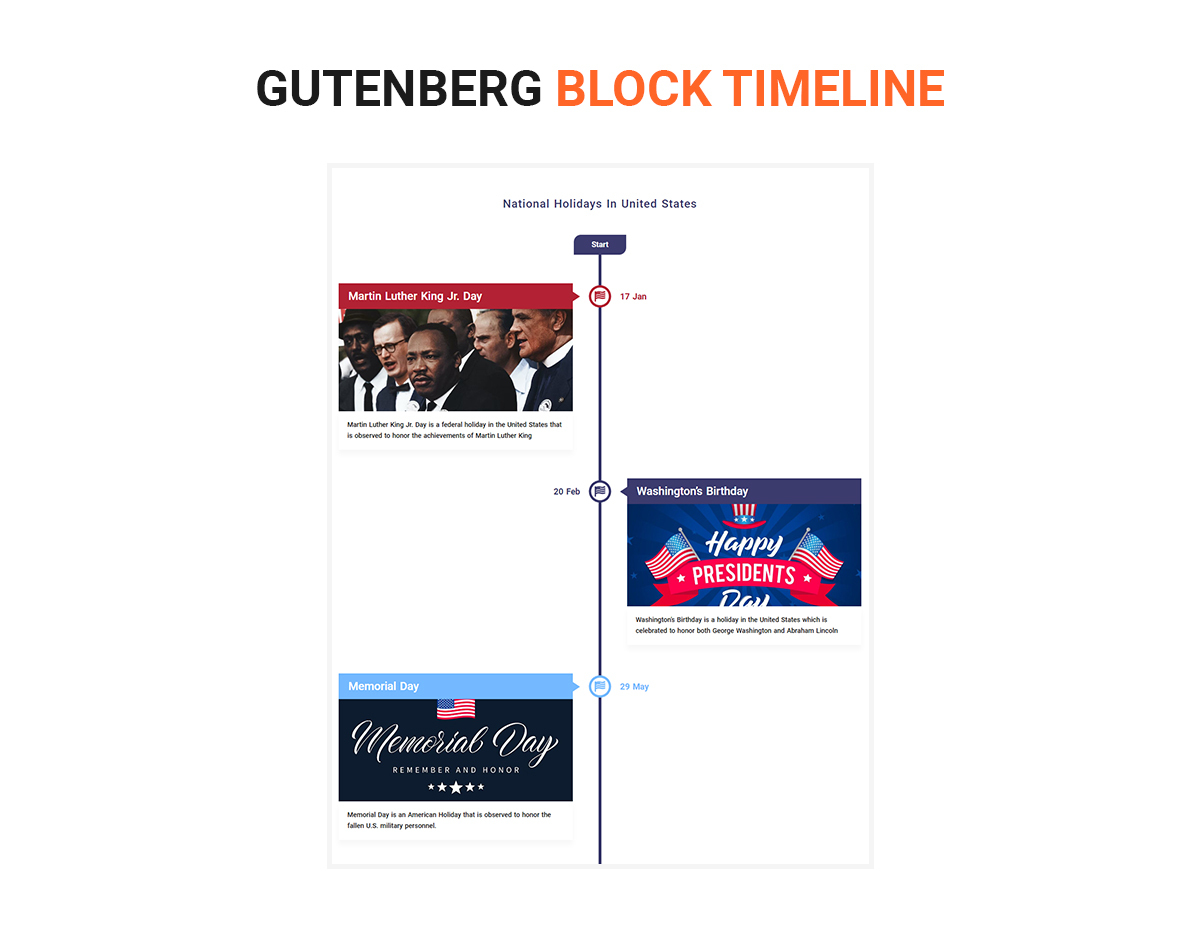
- Vertical Timelines: Vertical Timeline Templates
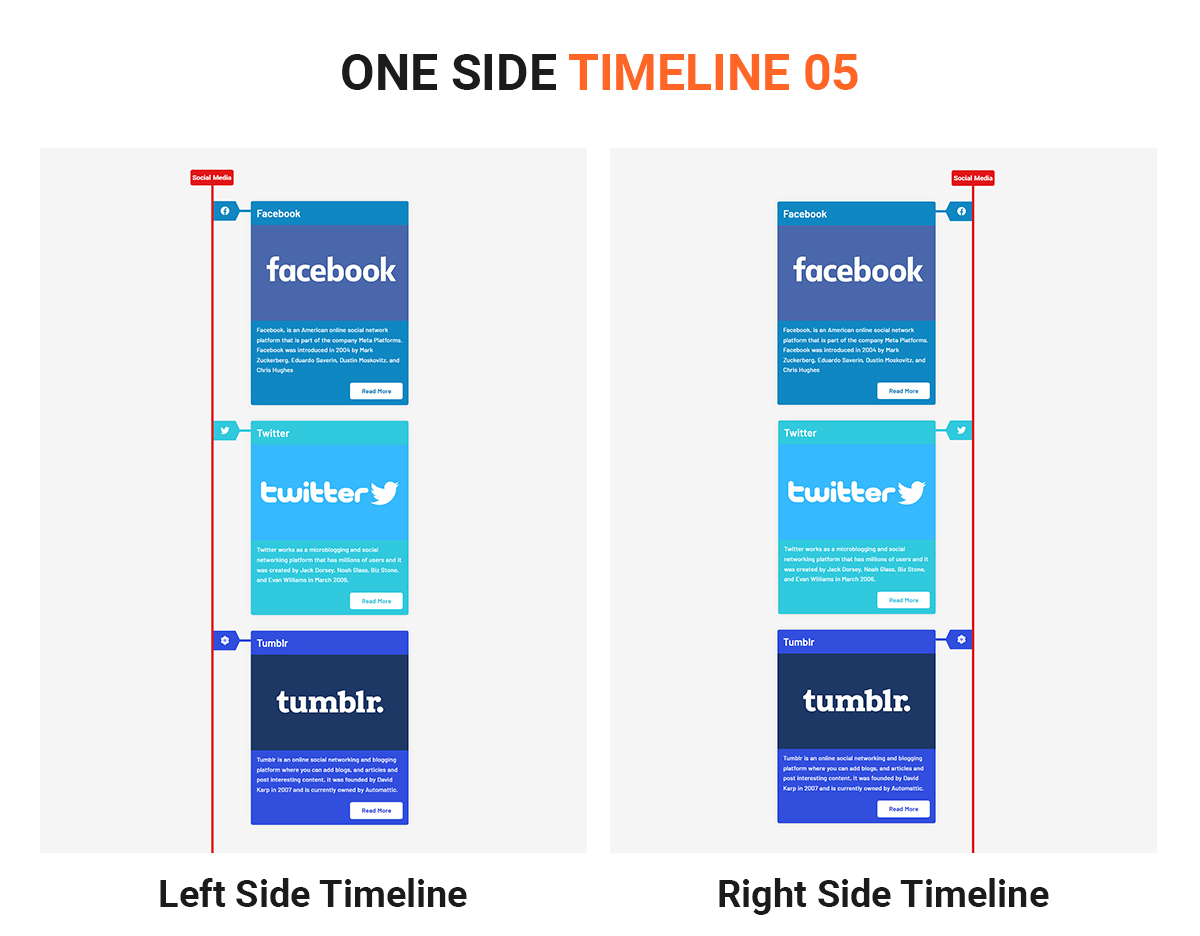
- One-Side Timelines: One-Side Timelines
- Horizontal Timeline: Horizontal Timeline Templates
🛠️ Installation
- Upload the extracted plugin folder to the
/wp-content/plugins/directory of your WordPress installation, or upload it directly from your plugins section in the WordPress admin panel. - Activate the plugin through the ‘Plugins’ menu in WordPress.
- That’s it!
❓ Frequently Asked Questions
❓ How can I show a Timeline by date?
Add the attribute [post-timeline type="date"], and the timeline will appear with yearly navigation. The default navigation is Tag-based.
❓ Getting Page Not Found on Read More button
Go to Settings -> Permalinks -> Select “Post name” -> Click Save Changes.
If “Post name” is already selected, just click Save Changes again.
❓ Why is my Post Timeline showing on the right side of the page with a scroll bar?
Timeline works with 100% space on the page. Ensure your container is set to 100% width using CSS for the timeline to appear properly.
For more information, visit Post Timeline.
📧 Feedback
YOUR IMPORTANT FEEDBACK IS HIGHLY VALUABLE TO US! PLEASE WRITE TO US IF YOU HAVE ANY PROBLEMS WITH INSTALLATION OR RECOMMEND ANY NEW FEATURES. WE WILL FIX THE ISSUE ON PRIORITY.
Create Support Ticket for help regarding Post Timeline.
Changelog
2.4.3
Fixed type issue
2.4.2
Fixed BAC for ptl_popup_gallery
2.4.1
Fix the arrow
2.4
ADA Compliance
2.3.13
- Fixed the AJAX issue with PHP 8
2.3.11
- Fixed the warning error of ptl_tag_order
Screenshots

For developers
Is this your plugin? Show off the numbers.
Add a live badge to your site, docs or GitHub README. It updates on its own — no account needed.
Best Post Timeline alternatives
All announcements plugins →




FAQ
Post Timeline: quick answers
Straight answers, pulled from live WordPress.org data.
Live data from WordPress.org · checked Oct 7, 2026
Is Post Timeline free?
Yes. Post Timeline is free to download and use from the official WordPress.org plugin directory.
Is Post Timeline safe to use in 2026?
Post Timeline is a solid plugin choice in 2026, with a few things worth checking first. It runs on 800+ sites, is rated 4.2/5 and was last updated 2 months ago, and scores 79/100 on our health check.
How many websites use Post Timeline?
Post Timeline is active on 800+ WordPress websites and has been downloaded 48,165 times since it launched in December 2016. It was downloaded 365 times in the last 30 days.
Does Post Timeline work with WordPress 7.1?
Yes. The developer has tested Post Timeline up to WordPress 7.1.3, the latest release. It requires WordPress 4.8 or newer.
When was Post Timeline last updated?
The latest version, 2.4.3, was released on August 20, 2026 (2 months ago).
Who makes Post Timeline?
Post Timeline is developed and maintained by Agile Logix.
What are the best alternatives to Post Timeline?
The most popular alternatives to Post Timeline are Announcement & Notification… (2K+ installs), Site Announcements (300+ installs) and Scheduled Announcements Wid… (100+ installs).
Powered by PageForge
Want thousands of pages that rank like these? Build them in an afternoon.
This directory runs on the same engine as PageForge. Turn any spreadsheet, CSV or API into thousands of fast, SEO-ready WordPress pages — with schema, internal links and AI-written copy baked in.
- CSV, Google Sheets & API data sources
- AI content, schema & internal links per page
- Works with Elementor, Gutenberg, Yoast & Rank Math
- Free on WordPress.org — no credit card


