



Plain Tracker
A time clock plugin to track and analyze time of employees, workers or volunteers.

Use with caution
Plain Tracker works, but test it on a staging site before relying on it in 2026. It runs on 10+ sites and was last updated 3 months ago, and scores 57/100 on our health check.
- Small user base (10+ active installs)
- Very few reviews so far
How does it stack up?
Side-by-side on installs, updates, ratings & support



Daily downloads
Download spikes usually follow a new release — each site that auto-updates counts as a download.
Rankings
Where Plain Tracker stands todayWordPress.org search rankings
Live position in the plugin search, top 100| Keyword | Position |
|---|---|
| attendance | #54 |
| clock in | >100 |
| Time Tracking | >100 |
| Timeclock | #2 |
| timesheet | #10 |
Version adoption
Share of active sites per release.
About Plain Tracker
From the official readme · v3.1.2Description
Plain Tracker is a time clock plugin designed to help your organization keep track of hours worked by employees or volunteers. Users can quickly clock in and clock out. Managers can easily keep track of employees and their time with time clock logs and reports.
Features:
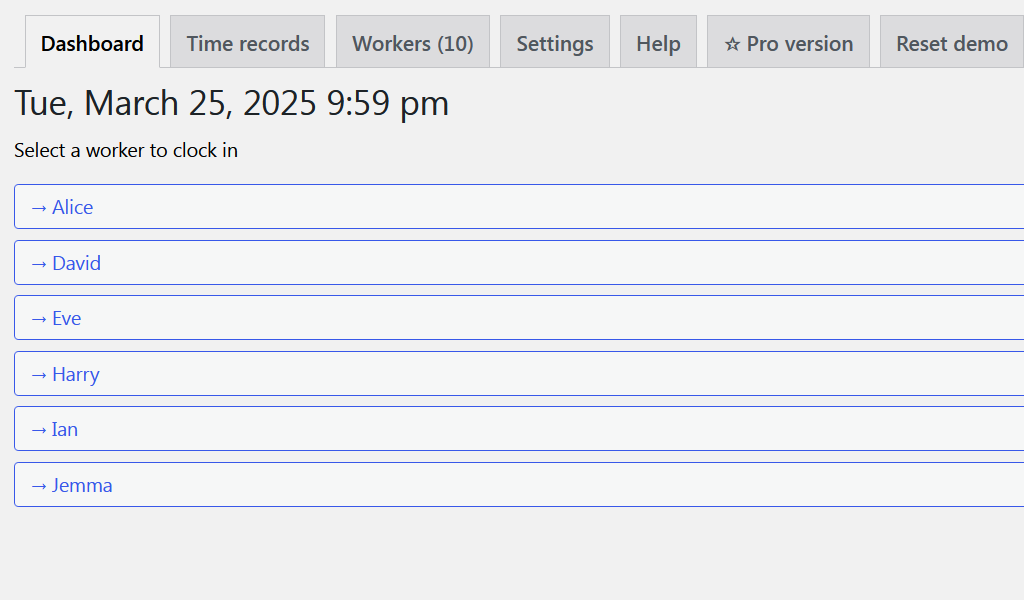
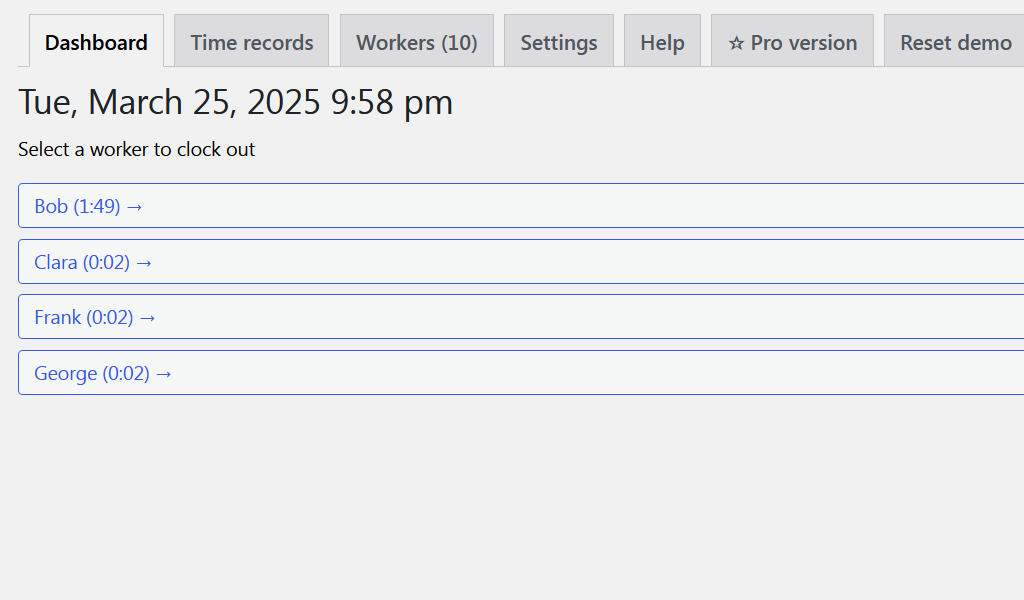
- Employees can clock in and clock out from shifts.
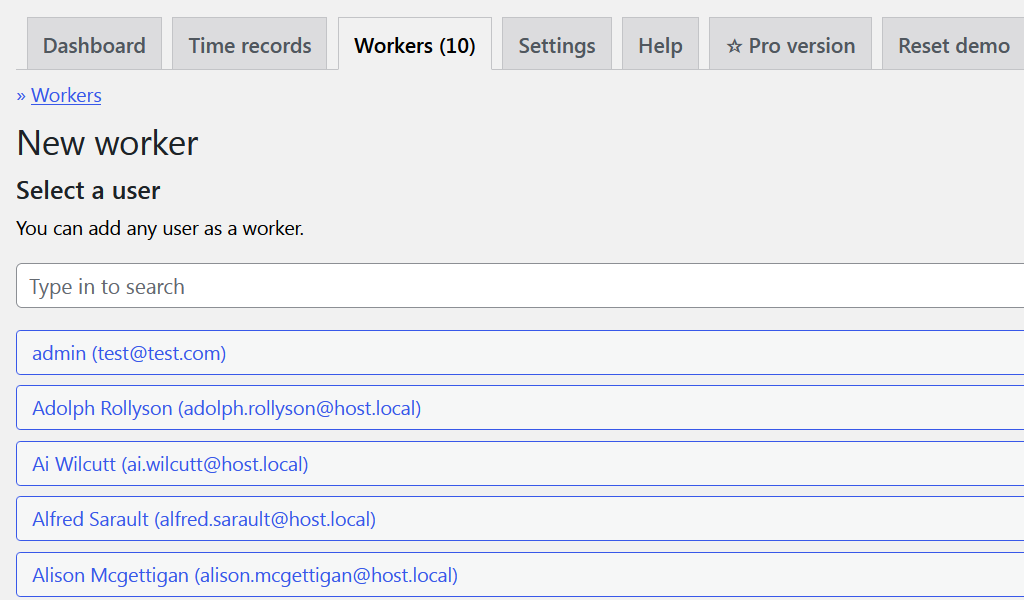
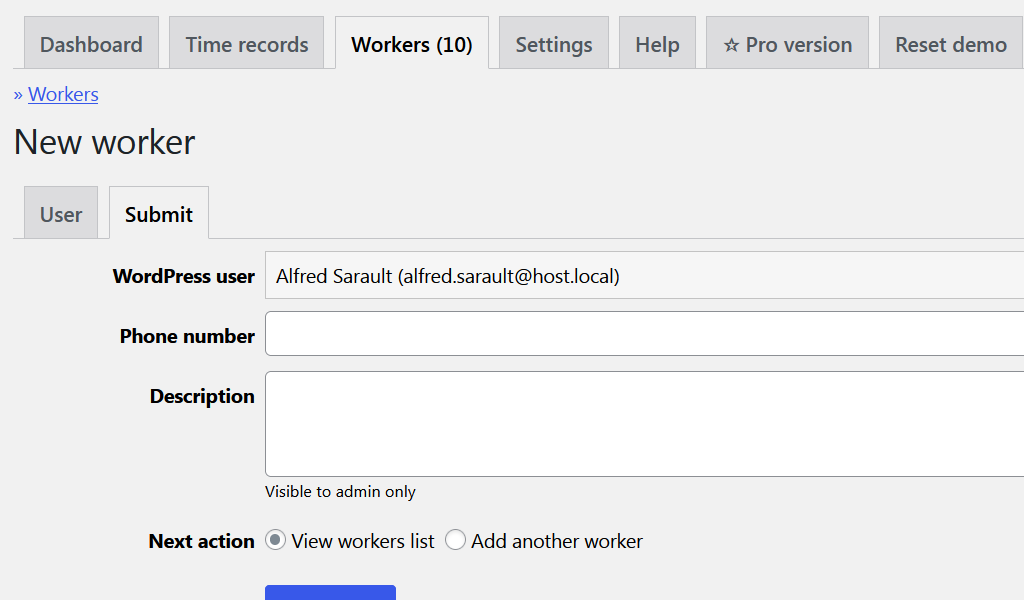
- Admins can easily create new worker accounts for existing WordPress users.
- Admins can create and edit time log records.
- Admins can view who is currently working in real time.
- Admins can filter and group the list of time clock entries to analyze their users attendance.
Pro features:
- Admins can export activity to CSV file.
- Admins can view the total number of time records and work duration within the selected date period with breakdown by worker.
- Admins can filter the time records list by one or more workers.
- More features to come very soon.
Learn more about Plain Tracker Pro
Support
Please contact us at plaintracker.new
Author: Plainware
Author URI: https://www.plainware.com
Installation
Automatic installation
Automatic installation is the easiest option as WordPress handles the file transfers itself and you don’t even need to leave your web browser.
To do an automatic install:
- Log in to your WordPress admin panel, navigate to the Plugins menu and click Add New.
- In the search field type “PlainTracker” and click Search Plugins.
- Once you’ve found the plugin you can install it by clicking Install Now.
Manual Installation
The manual installation method involves downloading the plugin and uploading it to your web server.
- Download the plugin file and unzip it.
- Using an FTP program, or your hosting control panel, upload the unzipped plugin folder to your WordPress installation’s wp-content/plugins/ directory.
- Activate the plugin through the ‘Plugins’ menu in the WordPress admin.
Frequently asked questions
How to edit an existing time record?
Simply go to Plain Tracker > Time records, find the record you are interested in, click on the worker’s name and change it to your needs.
Changelog
3.1.2 (2026-07-06)
- Minor code fixes.
3.1.1 (2025-12-01)
- Clean up some code related to web form controls.
3.1.0 (2025-11-26)
- Framework core update.
3.0.4 (2025-10-10)
- BUG: Time was displayed incorrectly if the WordPress timezone was set to an UTC-relative option (like UTC+1).
3.0.3 (2025-10-02)
- Added Clock-in note and Clock-out note text inputs.
3.0.2 (2025-04-03)
- Minor fixes.
Screenshots
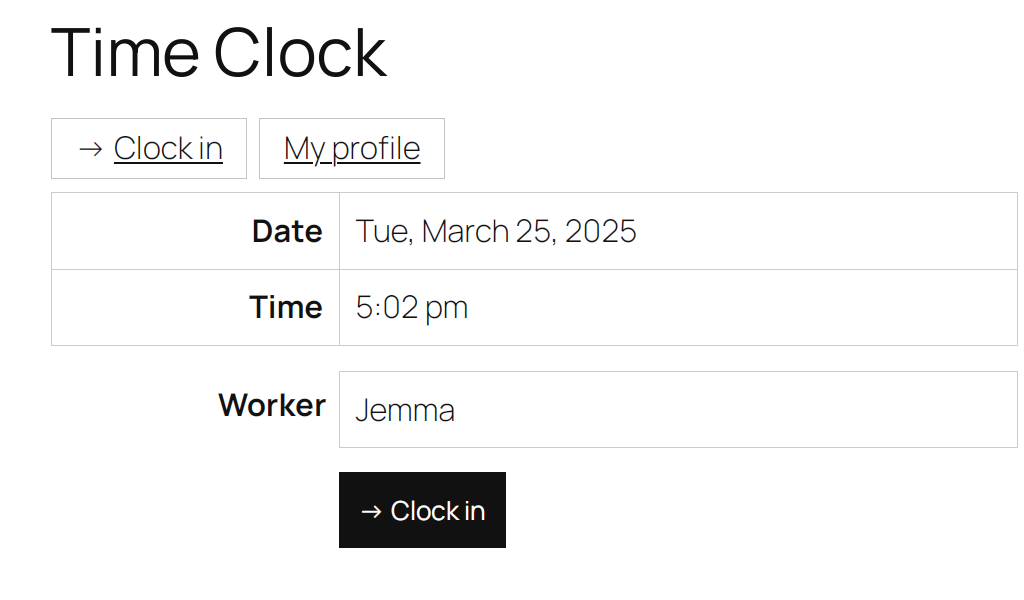
For developers
Is this your plugin? Show off the numbers.
Add a live badge to your site, docs or GitHub README. It updates on its own — no account needed.
Best Plain Tracker alternatives
All attendance plugins →




FAQ
Plain Tracker: quick answers
Straight answers, pulled from live WordPress.org data.
Live data from WordPress.org · checked Sep 29, 2026
Is Plain Tracker free?
Yes. Plain Tracker is free to download and use from the official WordPress.org plugin directory.
Is Plain Tracker safe to use in 2026?
Plain Tracker works, but test it on a staging site before relying on it in 2026. It runs on 10+ sites and was last updated 3 months ago, and scores 57/100 on our health check.
How many websites use Plain Tracker?
Plain Tracker is active on 10+ WordPress websites and has been downloaded 3,919 times since it launched in March 2022. It was downloaded 107 times in the last 30 days.
Does Plain Tracker work with WordPress 7.1?
Plain Tracker is officially tested up to WordPress 7.0.6, while the latest release is 7.1.2. It may still work, but try it on a staging site first.
What PHP version does Plain Tracker need?
Plain Tracker requires PHP 7.4 or higher. Most hosts run PHP 8.x today, so it works on any modern WordPress hosting.
When was Plain Tracker last updated?
The latest version, 3.1.2, was released on July 6, 2026 (3 months ago).
Who makes Plain Tracker?
Plain Tracker is developed and maintained by plainware.
What are the best alternatives to Plain Tracker?
The most popular alternatives to Plain Tracker are Attendance Manager (700+ installs), HR Management Lite (200+ installs) and Clock In Portal- Staff & At… (200+ installs).
Powered by PageForge
Want thousands of pages that rank like these? Build them in an afternoon.
This directory runs on the same engine as PageForge. Turn any spreadsheet, CSV or API into thousands of fast, SEO-ready WordPress pages — with schema, internal links and AI-written copy baked in.
- CSV, Google Sheets & API data sources
- AI content, schema & internal links per page
- Works with Elementor, Gutenberg, Yoast & Rank Math
- Free on WordPress.org — no credit card


