


Account Engagement
Say hello to marketing automation simplicity! With a single login, your self-hosted WordPress installation will be securely connected with Account Engagement. With the selection of your campaign, you’ll be able to track…

Consider an alternative
Account Engagement shows warning signs in 2026 — compare the alternatives below before installing. It runs on 2K+ sites, is rated 2.6/5 and was last updated 2 years ago, and scores 30/100 on our health check.
- Momentum — downloads up 49.4% vs the previous 30 days
- Mixed reviews — 2.6/5 from 16 ratings
- No update in 2 years
- Only tested up to WordPress 6.4 (latest is 7.1)
How does it stack up?
Side-by-side on installs, updates, ratings & supportDaily downloads
Download spikes usually follow a new release — each site that auto-updates counts as a download.
Rankings
Where Account Engagement stands todayWordPress.org search rankings
Live position in the plugin search, top 100| Keyword | Position |
|---|---|
| account engagement | #41 |
| dynamic content | >100 |
| forms | >100 |
| marketing automation | >100 |
| salesforce | >100 |
Version adoption
Share of active sites per release.
Rating breakdown
★★★★★★★★★★ 2.6 from 16 reviews
About Account Engagement
From the official readme · v2.1.2Description
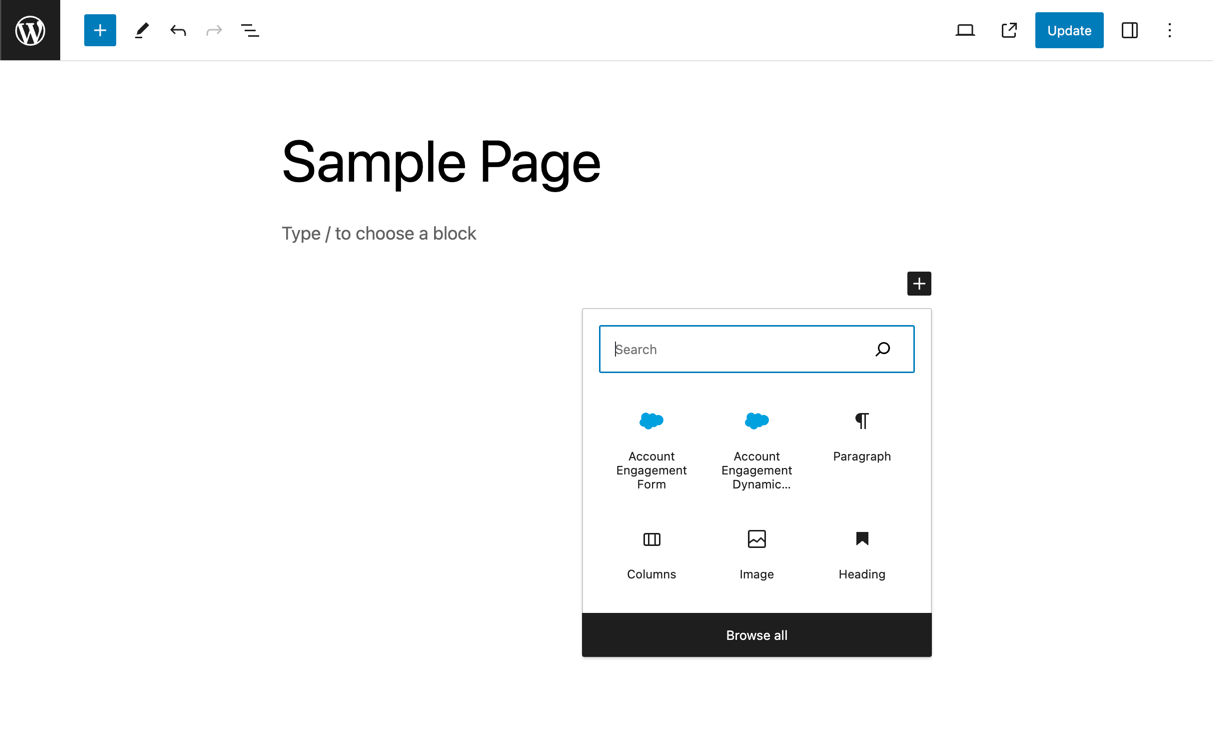
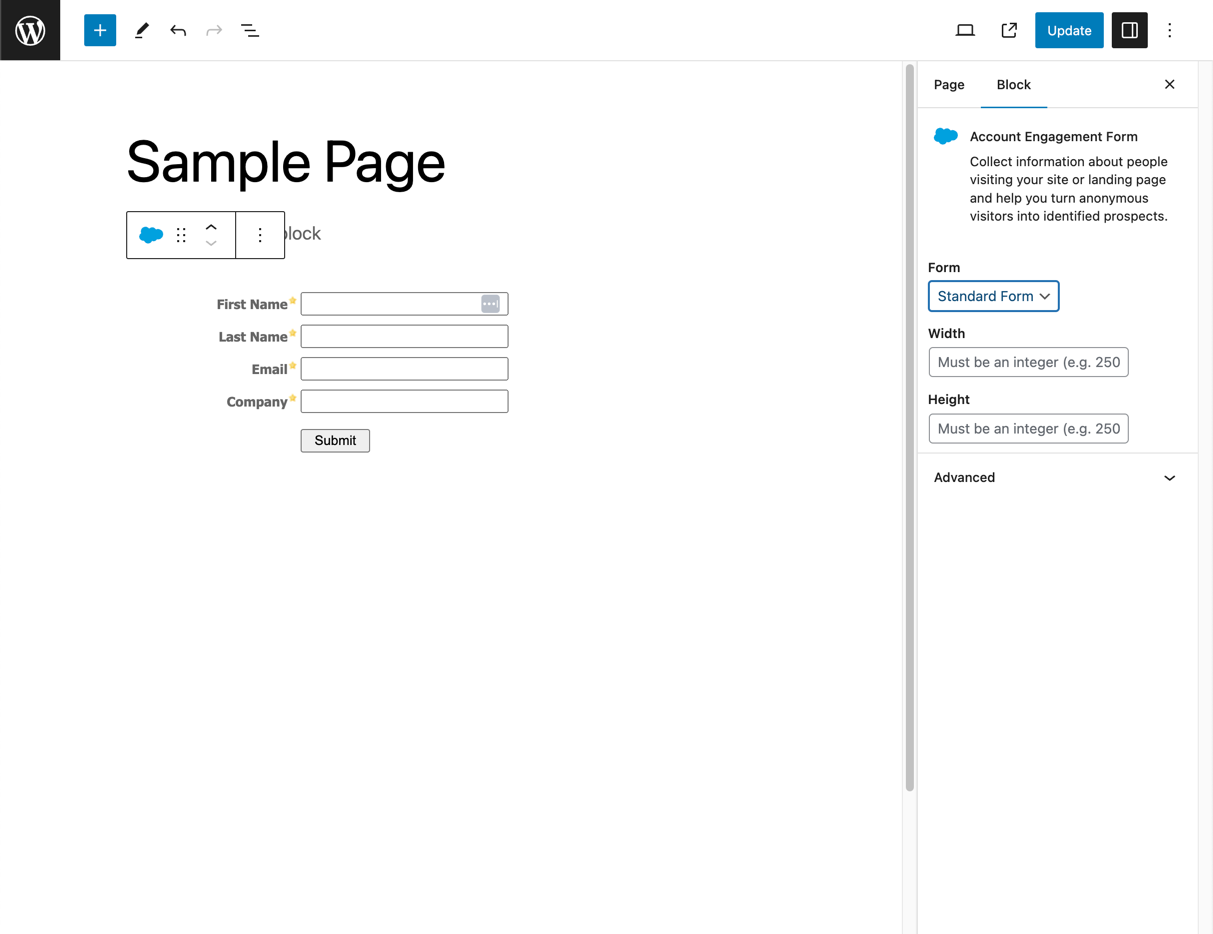
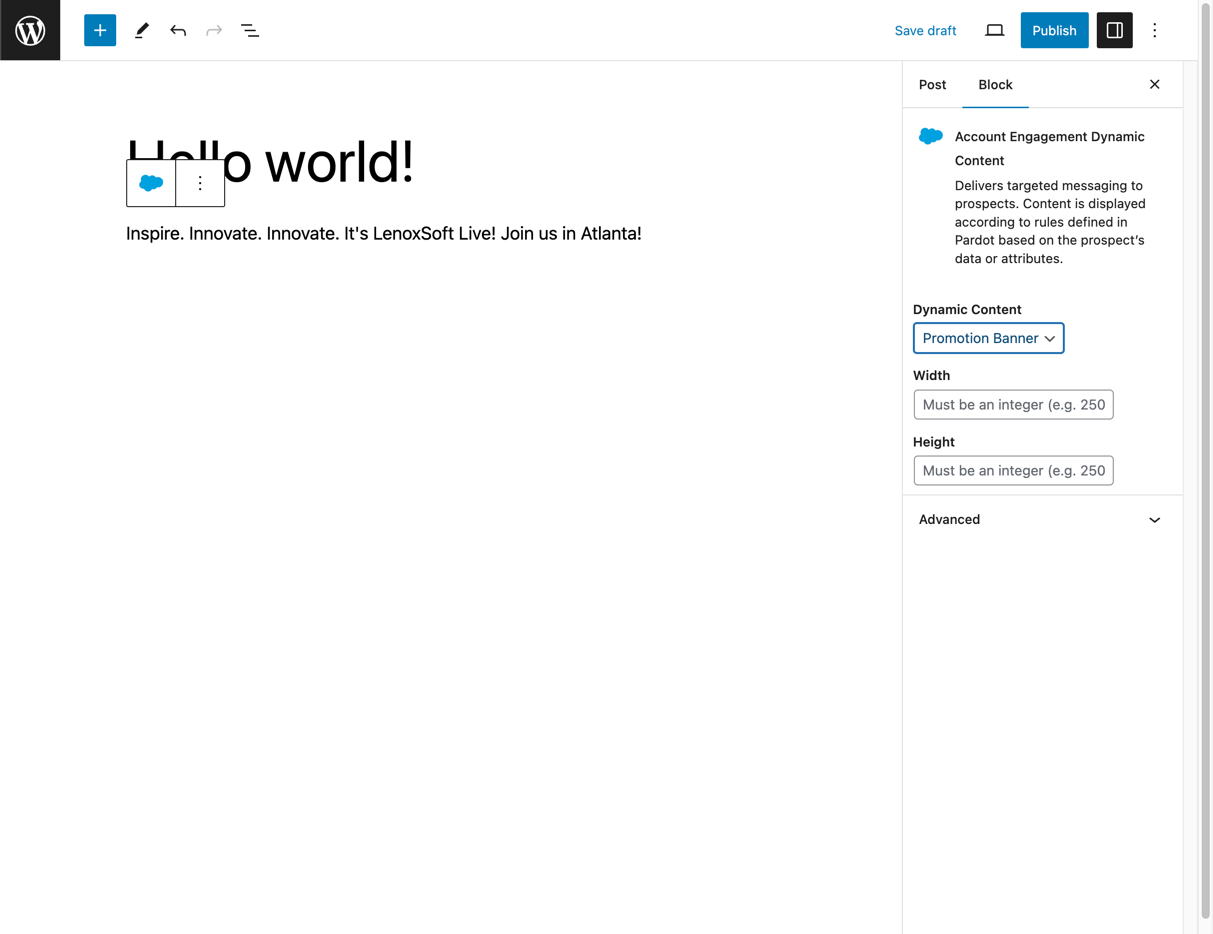
Say hello to marketing automation simplicity! With a single login, your self-hosted WordPress installation will be securely connected with Account Engagement. With the selection of your campaign, you’ll be able to track visitors and work with forms and dynamic content without touching a single line of code. You can use the widget to place a form or dynamic content anywhere a sidebar appears, or embed them in a page or post using a shortcode or the Account Engagement button on the Visual Editor’s toolbar.
Installation
- Upload
marketing-cloud-account-engagement-for-wordpress/trunkto your/wp-content/plugins/directory or go to Plugins > Add New in your WordPress Admin area and search for Account Engagement. - Activate the plugin through the ‘Plugins’ menu in WordPress.
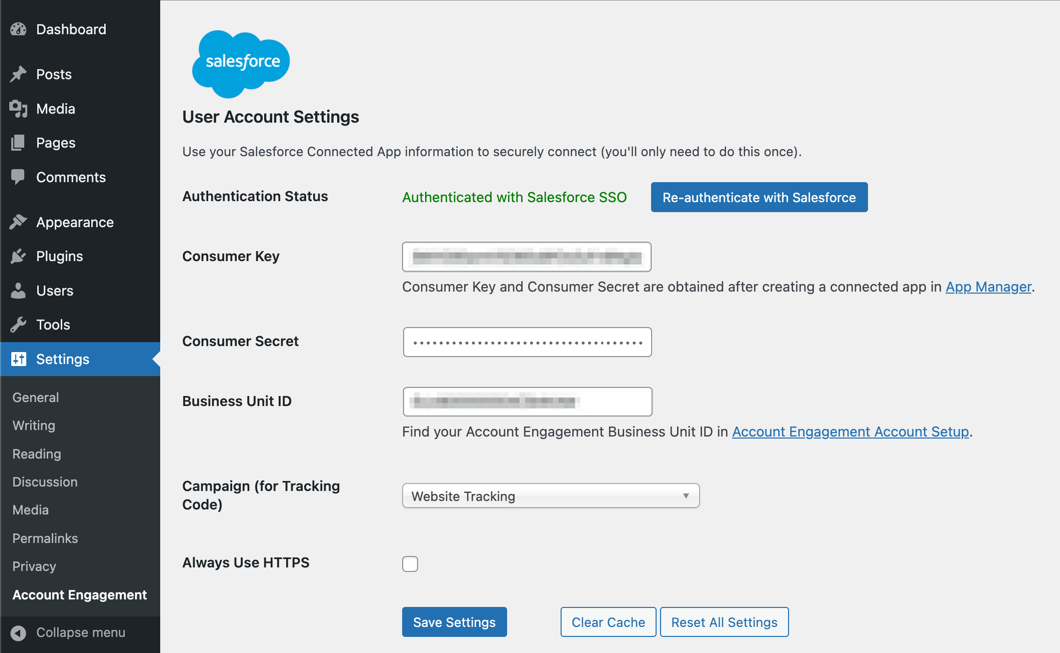
- Go to Settings > Account Engagement Settings and authenticate with Salesforce SSO.
- Select your campaign (for tracking code usage).
Changelog
Maintenance - Patch for some javascript ajax requests missing nonce
2.1.2
- Maintenance – Patch for some javascript ajax requests missing nonce
2.1.1
- Maintenance – Security patch for ajax requests
2.1.0
- Maintenance – Rebrand Pardot Plugin to Account Engagement Plugin
2.0.0
- Feature – Added support for the WordPress Block Editor
- Fix – When “Always Use HTTPS” is enabled in the plugin settings, non-HTTPS content will be properly converted to HTTPS
1.5.8
- Fix – Handled an issue that authentication failure (Pardot API Error Code 184: https://developer.salesforce.com/docs/marketing/pardot/guide/error-codes.html#numerical-list-of-error-codes) causes the settings page to be stuck in a loading state
1.5.7
- Fix – Allow custom HTTPS tracker domains
- Fix – Campaign dropdown now appears immediately after authentication
- Improvement – Automatically update form & dynamic cached HTML after selection
- Improvement – Eliminate Pardot Authentication Option (Not functional since February 2021)
Screenshots
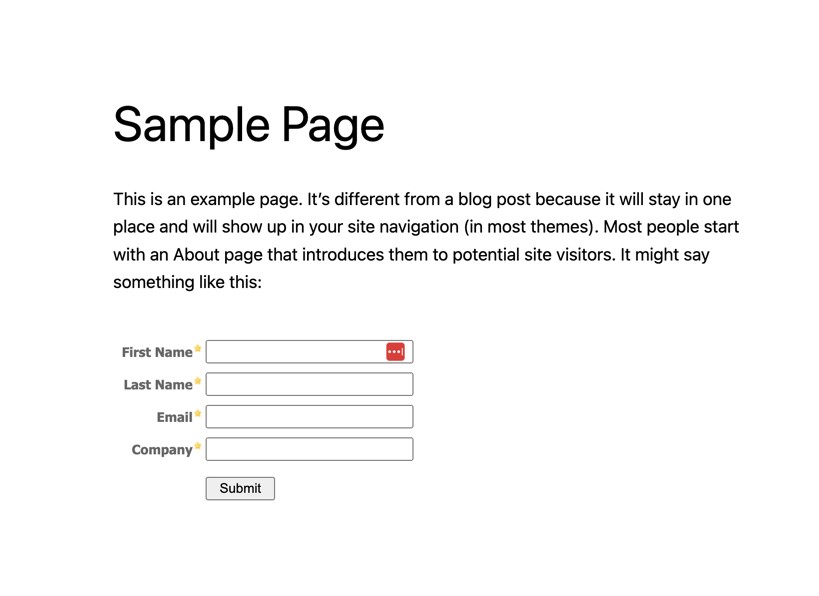
For developers
Is this your plugin? Show off the numbers.
Add a live badge to your site, docs or GitHub README. It updates on its own — no account needed.
Best Account Engagement alternatives
All account engagement plugins →| Rank | Plugin | Active installs |
|---|---|---|
| 2 |
 Mercury – Auto Height for Pardot Forms
Automatically resizes embedded Marketing Cloud Account Engagement (Pardot) form iframes to… |
<10 |
FAQ
Account Engagement: quick answers
Straight answers, pulled from live WordPress.org data.
Source: WordPress.org
Is Account Engagement free?
Yes. Account Engagement is free to download and use from the official WordPress.org plugin directory.
Is Account Engagement safe to use in 2026?
Account Engagement shows warning signs in 2026 — compare the alternatives below before installing. It runs on 2K+ sites, is rated 2.6/5 and was last updated 2 years ago, and scores 30/100 on our health check.
How many websites use Account Engagement?
Account Engagement is active on 2K+ WordPress websites and has been downloaded 219,617 times since it launched in August 2012. It was downloaded 1,058 times in the last 30 days.
Does Account Engagement work with WordPress 7.1?
Account Engagement is officially tested up to WordPress 6.4.15, while the latest release is 7.1.5. It may still work, but try it on a staging site first.
What PHP version does Account Engagement need?
Account Engagement requires PHP 7.2.0 or higher. Most hosts run PHP 8.x today, so it works on any modern WordPress hosting.
When was Account Engagement last updated?
The latest version, 2.1.2, was released on June 3, 2024 (2 years ago).
Who makes Account Engagement?
Account Engagement is developed and maintained by Cliff Seal.
What are the best alternatives to Account Engagement?
The most popular alternatives to Account Engagement are Mercury (<10 installs).
Powered by PageForge
One template and a spreadsheet. A real page for every search.
PageForge turns each row of a CSV into a WordPress page with its own title, URL, SEO fields and schema, built on the layout you already designed. Free on WordPress.org.
- CSV and XLSX, plus Google Sheets on Professional and Enterprise
- Its own title, URL, SEO fields and schema for every page
- Works with the block editor, Elementor, Divi and Avada
- Free on WordPress.org, no credit card