



Overlay Image Divi Module
The Divi Overlay Images plugin enhances your Divi Builder by adding a versatile module that allows you to display text on top of images. With this plugin, the text elegantly reveals itself when you hover over the image…

Use with caution
Overlay Image Divi Module works, but test it on a staging site before relying on it in 2026. It runs on 2K+ sites, is rated 5/5 and was last updated 2 years ago, and scores 43/100 on our health check.
- No update in over a year
- Only tested up to WordPress 6.7 (latest is 7.1)
How does it stack up?
Side-by-side on installs, updates, ratings & support


Daily downloads
Download spikes usually follow a new release — each site that auto-updates counts as a download.
Rankings
Where Overlay Image Divi Module stands todayWordPress.org search rankings
Live position in the plugin search, top 100| Keyword | Position |
|---|---|
| divi | #75 |
| divi module | #31 |
| overlay image | #11 |
| text overlay | #7 |
Version adoption
Share of active sites per release.
Rating breakdown
★★★★★★★★★★ 5 from 17 reviews
About Overlay Image Divi Module
From the official readme · v1.5.1Description
The Divi Overlay Images plugin enhances your Divi Builder by adding a versatile module that allows you to display text on top of images. With this plugin, the text elegantly reveals itself when you hover over the image, creating engaging and interactive visual effects.
Choose from four captivating overlay effects: Fade, Slide, Zoom, and Always. You have full control over the transition duration for the overlay effect, allowing you to fine-tune the timing to suit your design preferences. If you opt for the Slide Effect, you can even specify the direction of the animation—choose from Top, Bottom, Left, or Right.
To get a glimpse of the plugin’s capabilities, take a look at our Divi Overlay Images Demo, which showcases its features in action.
Getting started is easy with our comprehensive guide on how to add overlay text on image hover in Divi. Follow the step-by-step instructions to quickly implement this dynamic feature on your website.
How to add overlay text on image hover in Divi
Free Version Features
- Visual Builder Supported: Seamlessly integrate the plugin with Divi’s visual builder for effortless customization.
- Slide Effect: Display the overlay text with a smooth sliding animation.
- Zoom Effect: Highlight the text with a subtle zooming effect.
- Fade Effect: Gradually reveal the text with a fade-in transition.
- Always Effect: Always show the overlay on top of the image.
- Overlay Style Settings: Customize the appearance of the overlay to match your website’s design.
- Many more options: Explore additional customization options to achieve the desired visual impact.
Pro Version Features
Unlock the full potential of Divi Overlay Images by upgrading to the Pro version, which includes the following premium features:
- Option to Add Button: Enhance user interaction by including a button alongside the overlay text.
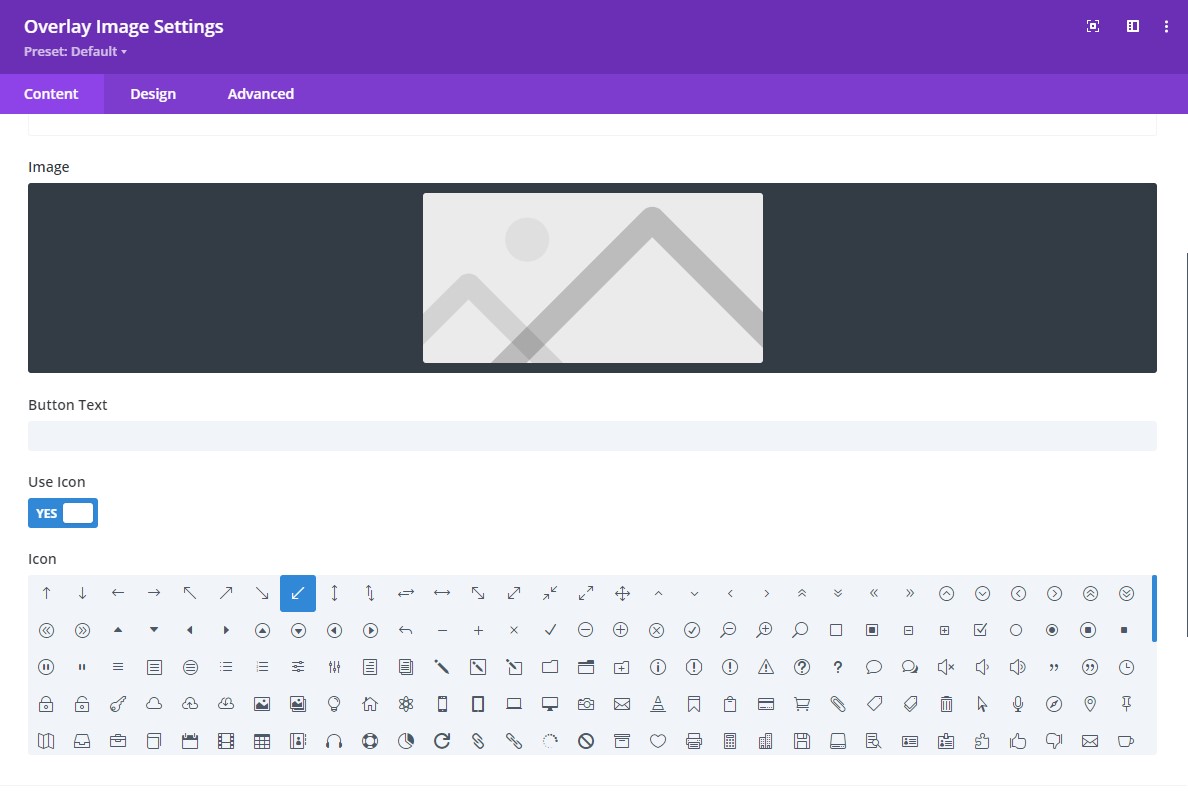
- Option to Add an Icon: Supplement the text with an eye-catching icon for added visual appeal.
- Button Styles: Customize the button’s appearance, ensuring it seamlessly integrates with your overall design.
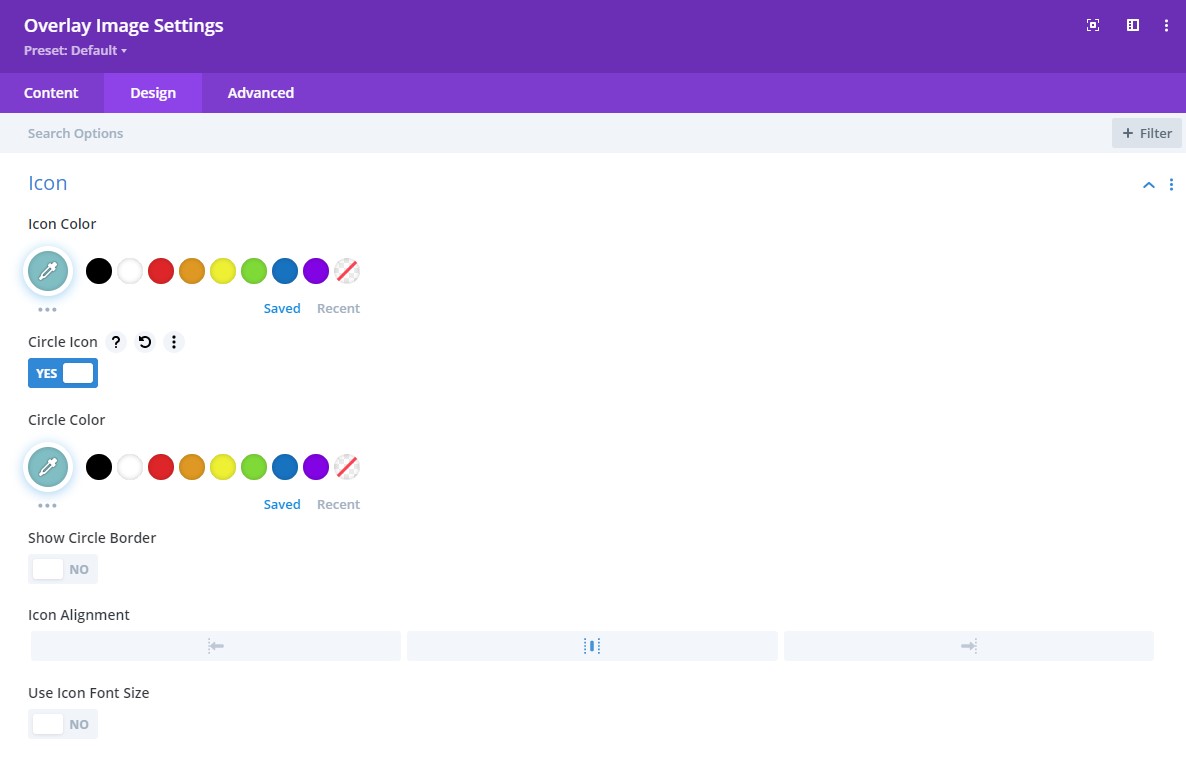
- Icon Styles: Tailor the icon’s look and feel to align with your website’s aesthetics.
Upgrade to the Pro Version for as low as $5.99 to take advantage of these additional features.
Don’t miss out – Upgrade for as low as $5.99 Today!
Looking for more information on the plugin or want to buy it on my website? Check out Divi Overlay Images on our website for more information.
Or, buy the plugin on Divi Marketplace, a trusted marketplace for Divi-related products.
More Free Divi Plugins
Installation
- Download the plugin.
- Log in to your WordPress admin dashboard.
- Go to “Plugins” and click on “Add New.”
- Click on the “Upload Plugin” button.
- Choose the downloaded plugin ZIP file and click “Install Now.”
- After installation, click on “Activate Plugin” to activate the Divi Post Carousel plugin.
Frequently asked questions
Where can I access the module?
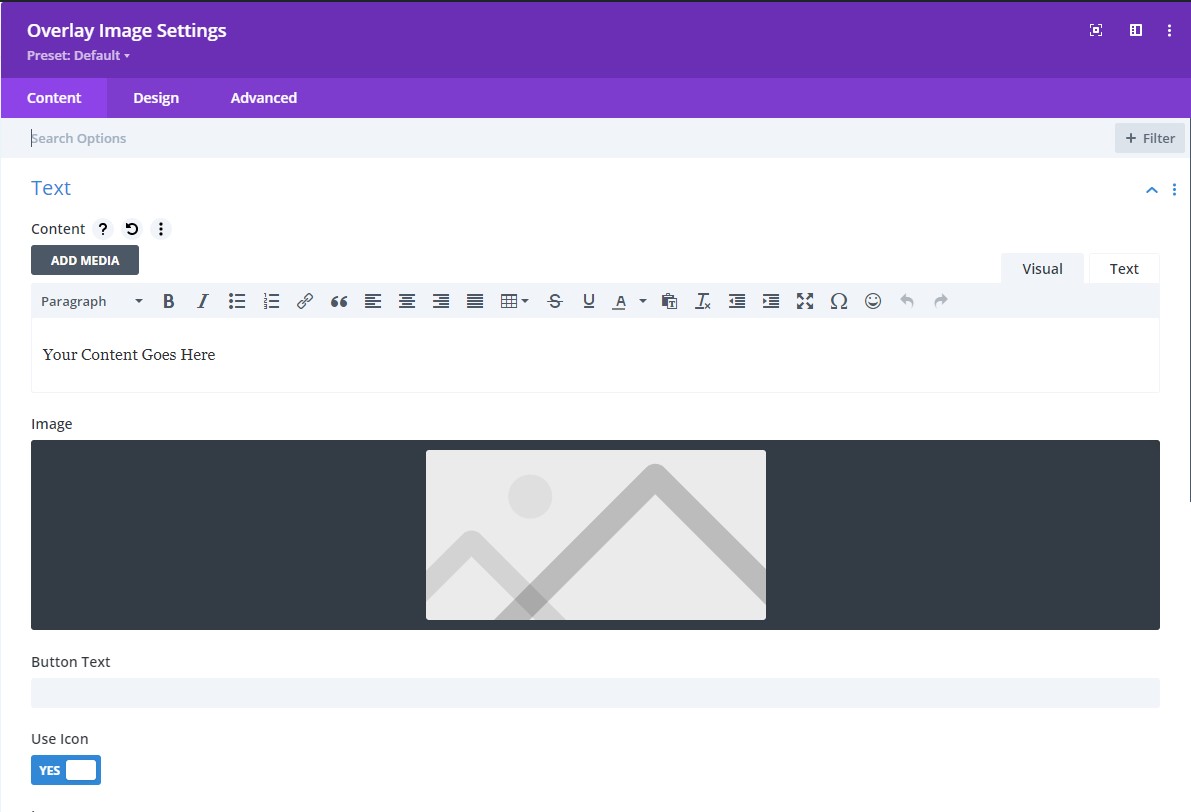
After you activate the plugin a module should automaically appear in the module list. The name of the module is Overlay Image.
What is the Divi Overlay Images plugin?
The Divi Overlay Images plugin is an add-on for the Divi Builder that allows you to display text on top of images, creating engaging and interactive visual effects.
How does the plugin enhance the Divi Builder?
The plugin enhances the Divi Builder by adding a versatile module that enables you to overlay text on images and apply various hover effects, giving you more design options and interactivity.
What are the hover effects available with the plugin?
The plugin offers three hover effects: Fade, Slide, and Zoom.
Can I customize the transition duration for the overlay effect?
Yes, you have full control over the transition duration for the overlay effect. You can fine-tune the timing to suit your design preferences.
How many directions are available for the Slide Effect animation?
You can specify the direction of the Slide Effect animation. You have four options: Top, Bottom, Left, or Right.
Is there a demo available to see the plugin in action?
Yes, you can check out the Divi Overlay Images Demo on our website. It showcases the features of the plugin and demonstrates how it works.
How can I add overlay text on image hover in Divi using this plugin?
You can follow our comprehensive guide on adding overlay text on image hover in Divi. It provides step-by-step instructions to help you implement this dynamic feature on your website.
Can I add buttons alongside the overlay text in the Pro version?
Yes, in the Pro version, you have the option to add buttons alongside the overlay text for enhanced user interaction.
Is there an option to include icons with the overlay text?
Yes, in the Pro version, you can supplement the overlay text with eye-catching icons for added visual appeal.
Can I customize the appearance of the buttons and icons?
Yes, you can customize the appearance of both buttons and icons to ensure they seamlessly integrate with your overall design.
How much does the Pro version cost?
The Pro version is available for as low as $5.99.
Where can I find more information about the Divi Overlay Images plugin?
You can visit the Divi Overlay Images page on our website for detailed information about the plugin.
Where can I purchase the plugin?
You can make a purchase directly from our website or find and purchase the plugin on the Divi Marketplace, a trusted destination for Divi-related products.
Is the plugin available on the Divi Marketplace?
Yes, the plugin is available on the Divi Marketplace, where you can find and purchase it.
Changelog
=1.5.1=
* Update Freemius SDK to 2.11.
=1.5=
* Fix image height and width attribute not being added to the image element.
* Fix warning optional parameter declared before required parameter.
* Move alt and title attribute settings to the advanced tab.
* Update Freemius SDK version
=1.4=
* Added ‘Always’ overlay style.
=1.3.2=
* Updated Freemius version
=1.3.1=
* Fixed new icons added in Divi 4.13 not working when selected in the icon selector
=1.3=
* Updated slide left and slide right aimations to use css transform property instead of width because it made the text look crammed at the start of the animation.
* Added option to add a title in the overlay.
* Added a rating notice
=1.2=
* Fixed an issue with plugin showing an error when no image was selected in module.
* Moved overlay styles in the Design tab under a new toggle named ‘Overlay’.
* Added Freemius to the plugin and released a Pro version
=1.1.1=
* Added width and height attributes on image
=1.1=
* Added Zoom effect
* Added option to set width for text
=1.0.1=
* Fixed an issue where the module was not available in the modules list when Divi Breadcrumbs plugin was installed
Screenshots
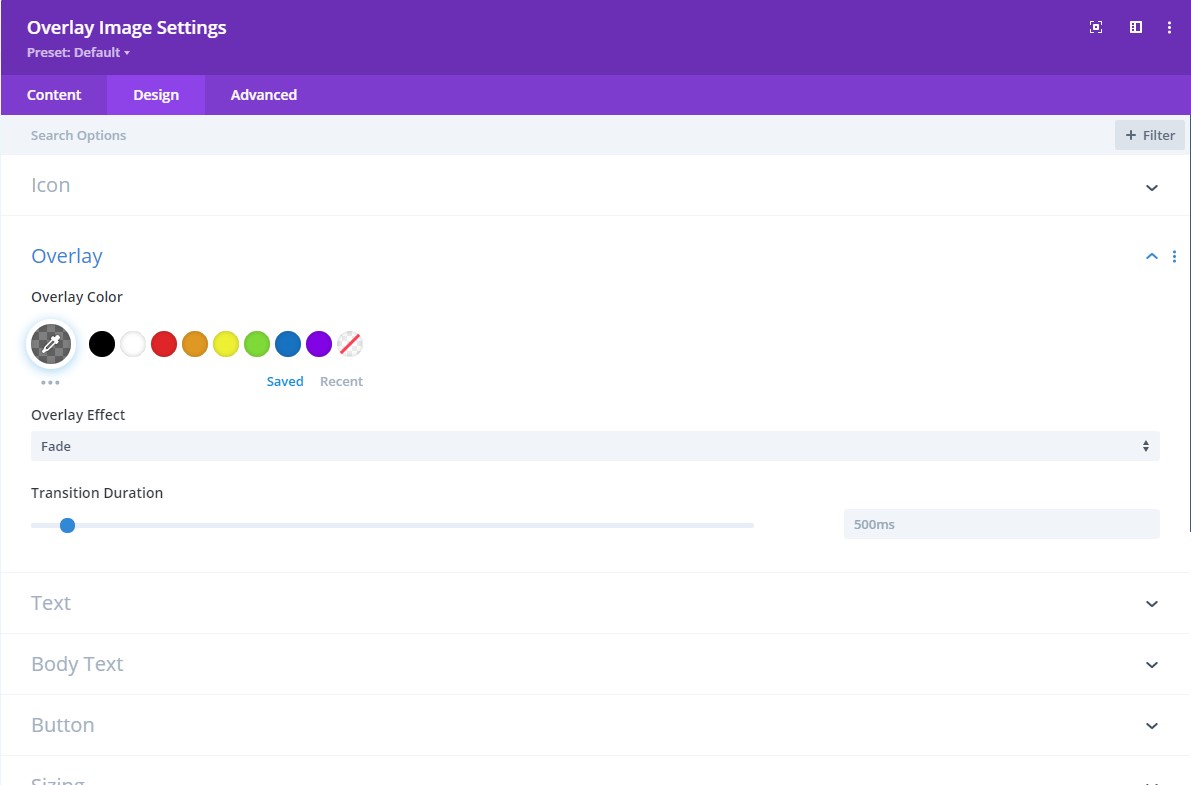

For developers
Is this your plugin? Show off the numbers.
Add a live badge to your site, docs or GitHub README. It updates on its own — no account needed.
Best Overlay Image Divi Module alternatives
All divi plugins →





FAQ
Overlay Image Divi Module: quick answers
Straight answers, pulled from live WordPress.org data.
Live data from WordPress.org · checked Sep 26, 2026
Is Overlay Image Divi Module free?
Yes. Overlay Image Divi Module is free to download and use from the official WordPress.org plugin directory.
Is Overlay Image Divi Module safe to use in 2026?
Overlay Image Divi Module works, but test it on a staging site before relying on it in 2026. It runs on 2K+ sites, is rated 5/5 and was last updated 2 years ago, and scores 43/100 on our health check.
How many websites use Overlay Image Divi Module?
Overlay Image Divi Module is active on 2K+ WordPress websites and has been downloaded 23,238 times since it launched in April 2020. It was downloaded 245 times in the last 30 days.
Does Overlay Image Divi Module work with WordPress 7.1?
Overlay Image Divi Module is officially tested up to WordPress 6.7.9, while the latest release is 7.1.2. It may still work, but try it on a staging site first.
What PHP version does Overlay Image Divi Module need?
Overlay Image Divi Module requires PHP 5.6 or higher. Most hosts run PHP 8.x today, so it works on any modern WordPress hosting.
When was Overlay Image Divi Module last updated?
The latest version, 1.5.1, was released on January 27, 2025 (2 years ago).
Who makes Overlay Image Divi Module?
Overlay Image Divi Module is developed and maintained by learnhowwp.
What are the best alternatives to Overlay Image Divi Module?
The most popular alternatives to Overlay Image Divi Module are Supreme Modules Lite (200K+ installs), Popups for Divi (100K+ installs) and Divi Torque Lite (50K+ installs).
Powered by PageForge
Want thousands of pages that rank like these? Build them in an afternoon.
This directory runs on the same engine as PageForge. Turn any spreadsheet, CSV or API into thousands of fast, SEO-ready WordPress pages — with schema, internal links and AI-written copy baked in.
- CSV, Google Sheets & API data sources
- AI content, schema & internal links per page
- Works with Elementor, Gutenberg, Yoast & Rank Math
- Free on WordPress.org — no credit card


