


Outpath Solutions Smart Image Optimizer
Convert images to WebP/AVIF on upload, strip EXIF, scale to max width, add lazy loading, and track savings in a dashboard.

Use with caution
Outpath Solutions Smart Image O… works, but test it on a staging site before relying on it in 2026. Was last updated 2 months ago, and scores 55/100 on our health check.
- Small user base (<10 active installs)
- Very few reviews so far
How does it stack up?
Side-by-side on installs, updates, ratings & support



Daily downloads
Download spikes usually follow a new release — each site that auto-updates counts as a download.
Rankings
Where Outpath Solutions Smart Ima… stands todayWordPress.org search rankings
Live position in the plugin search, top 100| Keyword | Position |
|---|---|
| AVIF | >100 |
| compression | >100 |
| images | >100 |
| Optimize | >100 |
| webp | >100 |
About Outpath Solutions Smart Image Optimizer
From the official readme · v1.2.4Description
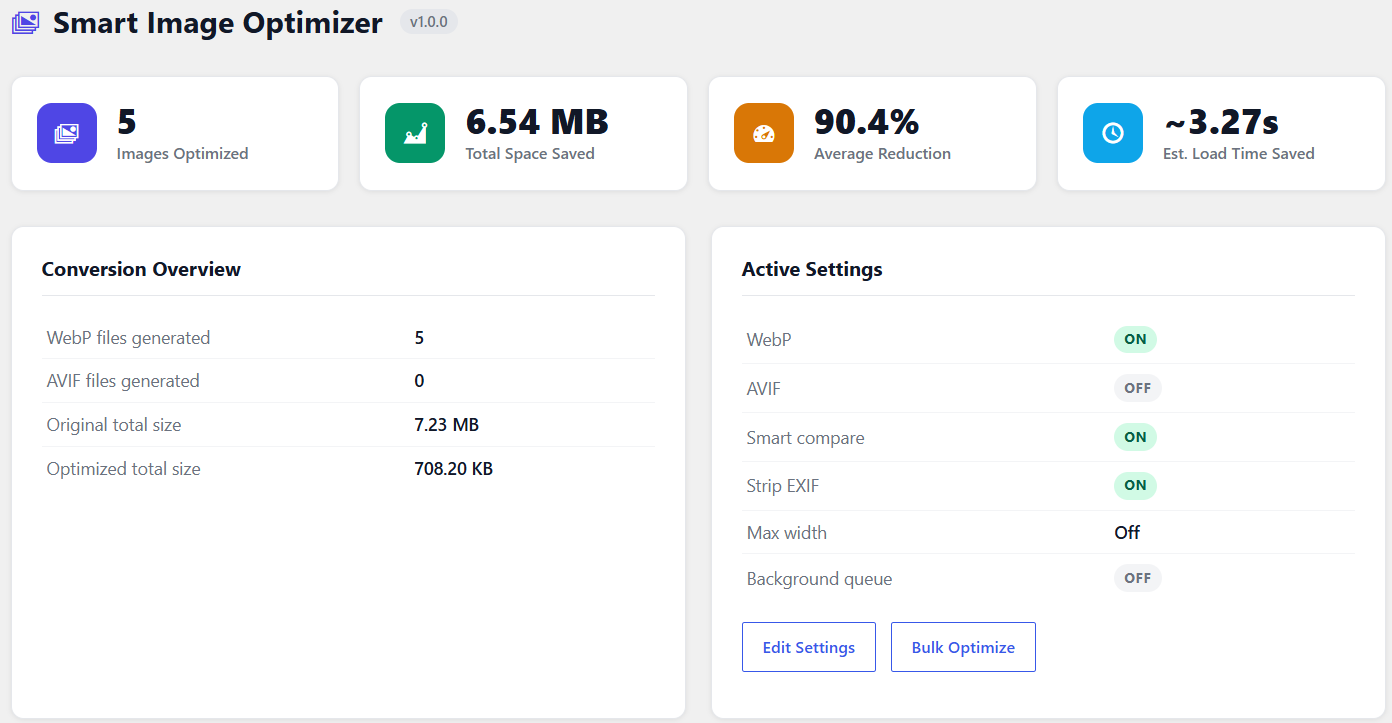
Smart Image Optimizer automatically converts your uploaded images to WebP and AVIF formats, strips EXIF metadata, scales oversized images, and serves the smallest available format to visitors via the HTML picture element.
Features
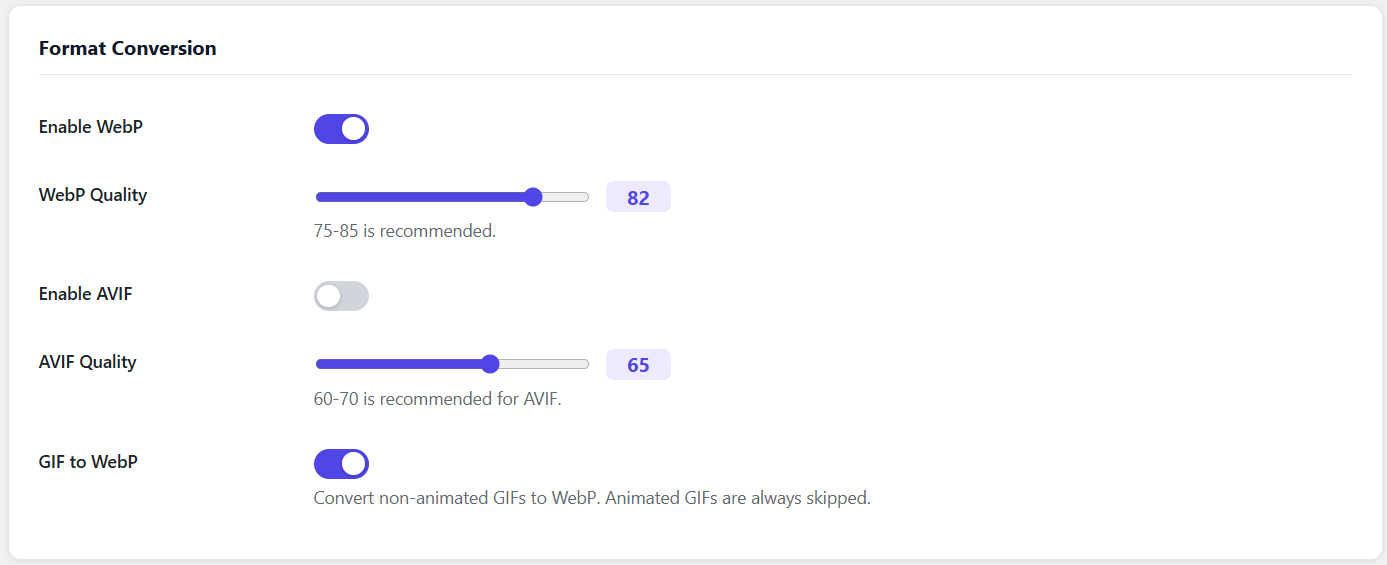
- WebP and AVIF conversion on upload
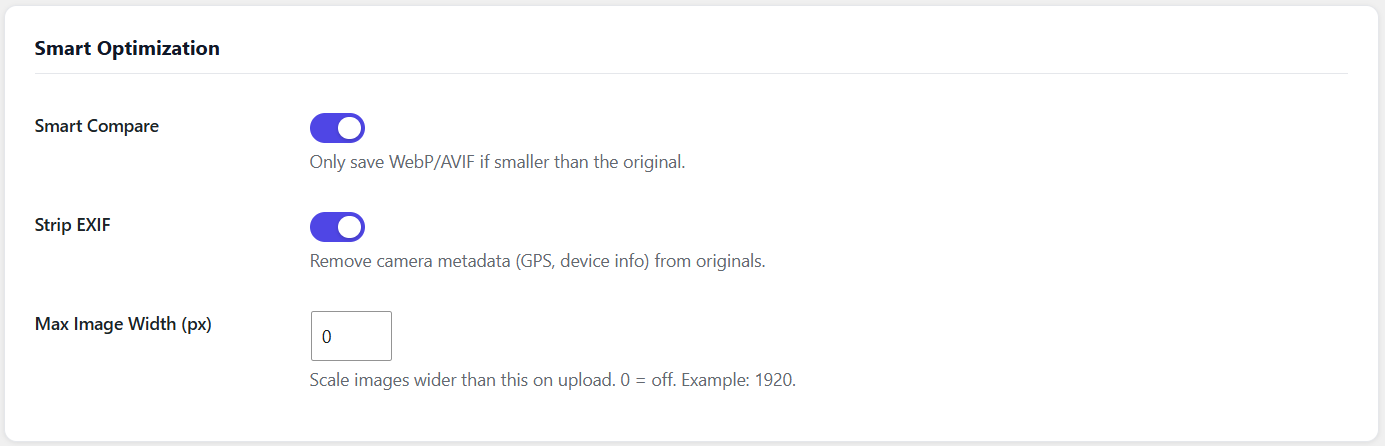
- Smart Compare: only keeps converted file if it is smaller than the original
- Strip EXIF metadata (GPS, camera info) from originals
- Max width scaling: resize images wider than a configurable limit
- GIF to WebP conversion (animated GIFs are automatically skipped)
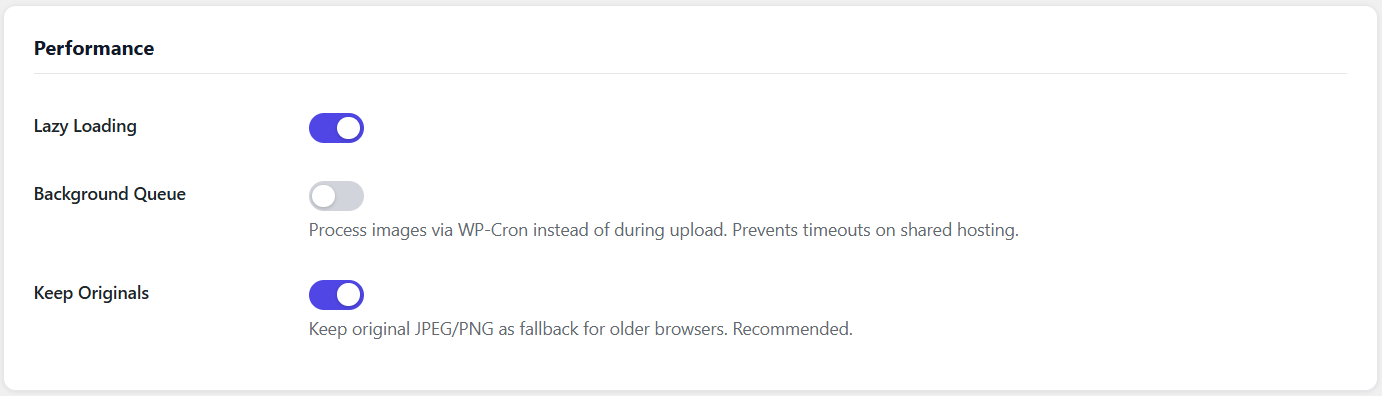
- Lazy loading via loading=”lazy”
- Per-image optimization log accessible in the media library
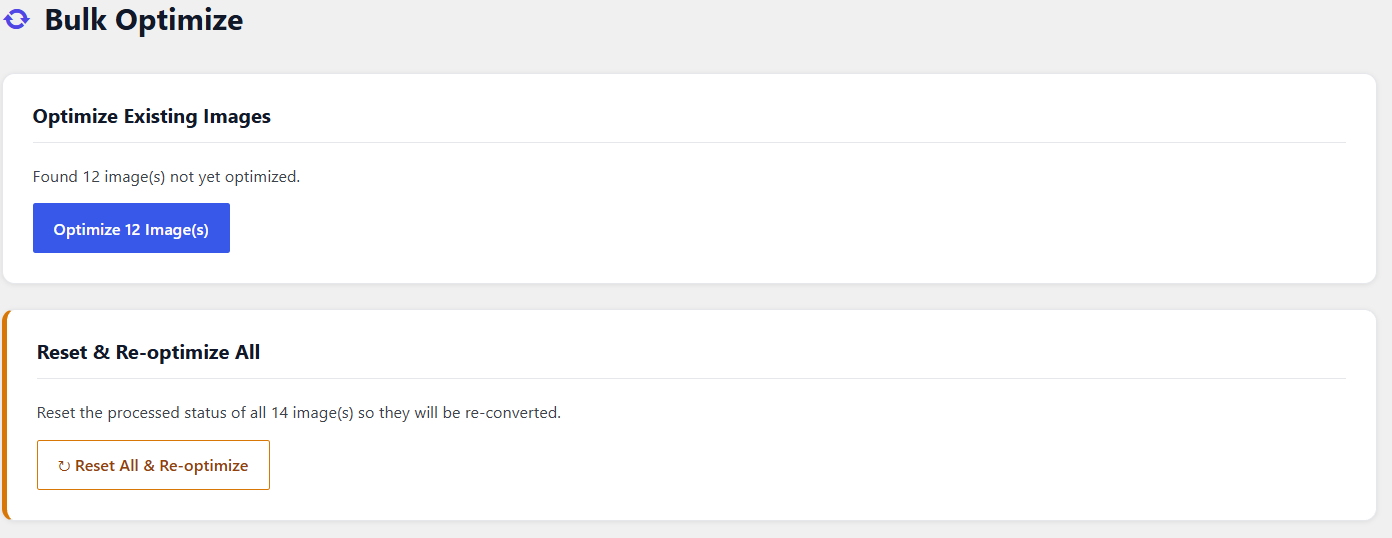
- Bulk optimize tool for existing images
- Stats dashboard showing total savings, WebP/AVIF counts, and estimated load time saved
- Background queue processing via WP-Cron (prevents upload timeouts on shared hosting)
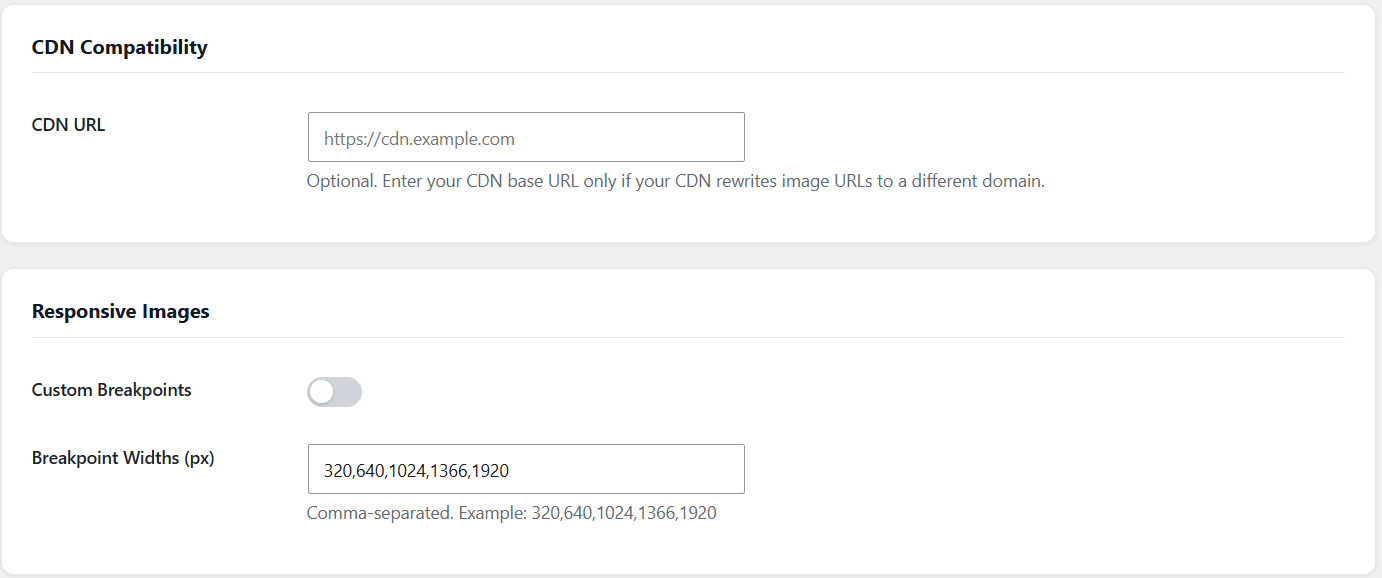
- CDN URL compatibility
Installation
- Upload the plugin folder to /wp-content/plugins/
- Activate the plugin through Plugins in WordPress admin
- Go to Image Optimizer -> Settings to configure formats, quality, and smart options
- Go to Image Optimizer -> Bulk Optimize to convert existing images
Frequently asked questions
Will this break my existing images?
No. The plugin creates additional WebP/AVIF files alongside your originals. Originals are never deleted (unless you disable “Keep Originals”).
What if WebP is larger than the original?
With Smart Compare enabled (default), the plugin automatically discards the converted file and keeps the original.
Does it work with CDNs?
Yes. The plugin detects WebP/AVIF files from the filesystem rather than relying on URL matching. An optional CDN URL setting is available for setups where image URLs use a different domain.
Changelog
1.2.4
- Fixed WebP uploads being deleted by Smart Compare after re-conversion to WebP
1.2.3
- Fixed admin menu disappearing when both free and Pro plugin are active simultaneously
1.2.0
- Added media library status column with WebP/AVIF/EXIF/Scaled badges and savings percentage
- Added per-image optimization log (modal popup in media library)
- Added background queue processing via WP-Cron
- Added CDN URL compatibility setting
- WordPress coding standards compliance (escaping, WP_Filesystem, wp_delete_file)
1.1.0
- Added Smart Compare
- Added EXIF stripping
- Added Max Width scaling
- Added GIF to WebP conversion
1.0.2
- Fixed picture element in page content using wp_content_img_tag filter
- Fixed srcset rewriting for WebP sources
- Added Reset and Re-optimize All button
1.0.0
- Initial release
Screenshots
For developers
Is this your plugin? Show off the numbers.
Add a live badge to your site, docs or GitHub README. It updates on its own — no account needed.
Best Outpath Solutions Smart Image… alternatives
All AVIF plugins →





FAQ
Outpath Solutions Smart Image Optim…: quick answers
Straight answers, pulled from live WordPress.org data.
Live data from WordPress.org · checked Oct 20, 2026
Is Outpath Solutions Smart Image O… free?
Yes. Outpath Solutions Smart Image O… is free to download and use from the official WordPress.org plugin directory.
Is Outpath Solutions Smart Image O… safe to use in 2026?
Outpath Solutions Smart Image O… works, but test it on a staging site before relying on it in 2026. Was last updated 2 months ago, and scores 55/100 on our health check.
How many websites use Outpath Solutions Smart Image O…?
Outpath Solutions Smart Image O… is active on <10 WordPress websites and has been downloaded 299 times since it launched in August 2026. It was downloaded 68 times in the last 30 days.
Does Outpath Solutions Smart Image O… work with WordPress 7.1?
Outpath Solutions Smart Image O… is officially tested up to WordPress 7.0.7, while the latest release is 7.1.3. It may still work, but try it on a staging site first.
What PHP version does Outpath Solutions Smart Image O… need?
Outpath Solutions Smart Image O… requires PHP 7.4 or higher. Most hosts run PHP 8.x today, so it works on any modern WordPress hosting.
When was Outpath Solutions Smart Image O… last updated?
The latest version, 1.2.4, was released on August 23, 2026 (2 months ago).
Who makes Outpath Solutions Smart Image O…?
Outpath Solutions Smart Image O… is developed and maintained by outpathsolutions.
What are the best alternatives to Outpath Solutions Smart Image O…?
The most popular alternatives to Outpath Solutions Smart Image O… are Optimole (200K+ installs), Modern Image Formats (100K+ installs) and Robin Image Optimizer (100K+ installs).
Powered by PageForge
Want thousands of pages that rank like these? Build them in an afternoon.
This directory runs on the same engine as PageForge. Turn any spreadsheet, CSV or API into thousands of fast, SEO-ready WordPress pages — with schema, internal links and AI-written copy baked in.
- CSV, Google Sheets & API data sources
- AI content, schema & internal links per page
- Works with Elementor, Gutenberg, Yoast & Rank Math
- Free on WordPress.org — no credit card


