



Social Media Icon Widget – Social Profile Links with Gutenberg Block
Add a social media icon list. Display social icons and social profile links using a widget or a Gutenberg block.

Solid choice
Social Media Icon Widget is a solid plugin choice in 2026, with a few things worth checking first. It runs on 4K+ sites, is rated 4.1/5 and was last updated 1 month ago, and scores 76/100 on our health check.
- Tested with the latest WordPress (7.1)
How does it stack up?
Side-by-side on installs, updates, ratings & support



Daily downloads
Download spikes usually follow a new release — each site that auto-updates counts as a download.
Rankings
Where Social Media Icon Widget stands todayWordPress.org search rankings
Live position in the plugin search, top 100| Keyword | Position |
|---|---|
| Gutenberg block | #73 |
| icon widget | #11 |
| social icons | #19 |
| social media icon | #3 |
| social profile links | #3 |
Version adoption
Share of active sites per release.
Rating breakdown
★★★★★★★★★★ 4.1 from 16 reviews
About Social Media Icon Widget
From the official readme · v1.4.1Description
Need a clean way to show social profile links on your website? This plugin helps you display a social media icon list anywhere. Add icons to your sidebar, footer, or posts.
This tool is simple and fast. It works with any WordPress theme.
You can configure each social media icon in seconds. Control colors, padding, and hover actions without code. It includes an optimized Gutenberg block and sidebar widget.
View Premium Demo: Social Media Icon Widget Premium
More About Pro: Social Media Icon Widget Premium Features
Where To Buy: Buy Social Media Icon Widget Premium
Video Tutorial
Set up Social Icons and Social Profile Links
Showing your social icons should be easy. This plugin saves you time:
- Simple drag and drop: Place the widget in any sidebar area.
- Gutenberg block support: Insert social profile links directly into page layouts.
- SVG Icons: Light SVG renders sharp on all screens.
- Responsive Grid: Icons adjust automatically to fit mobile devices.
Gutenberg Block and Widget Customization
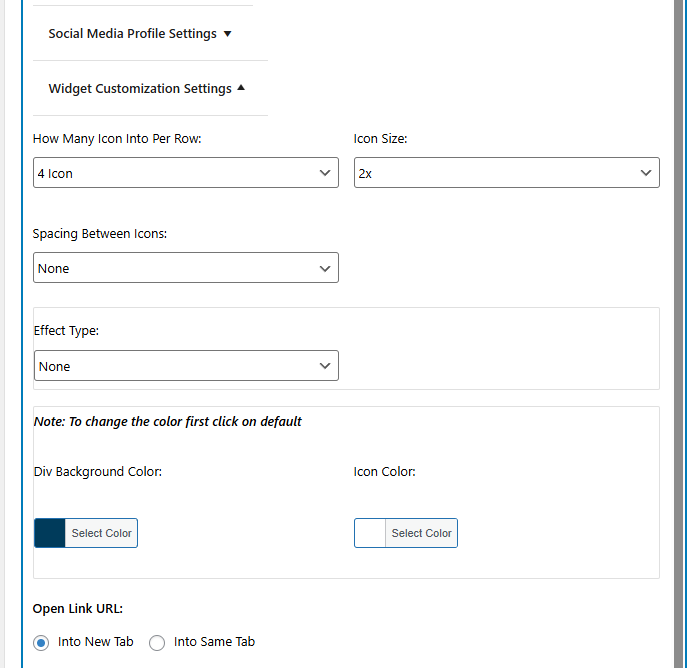
Customize your social media icon styling to match your brand style:
- Choose the number of columns per row.
- Adjust spacing between your social icons.
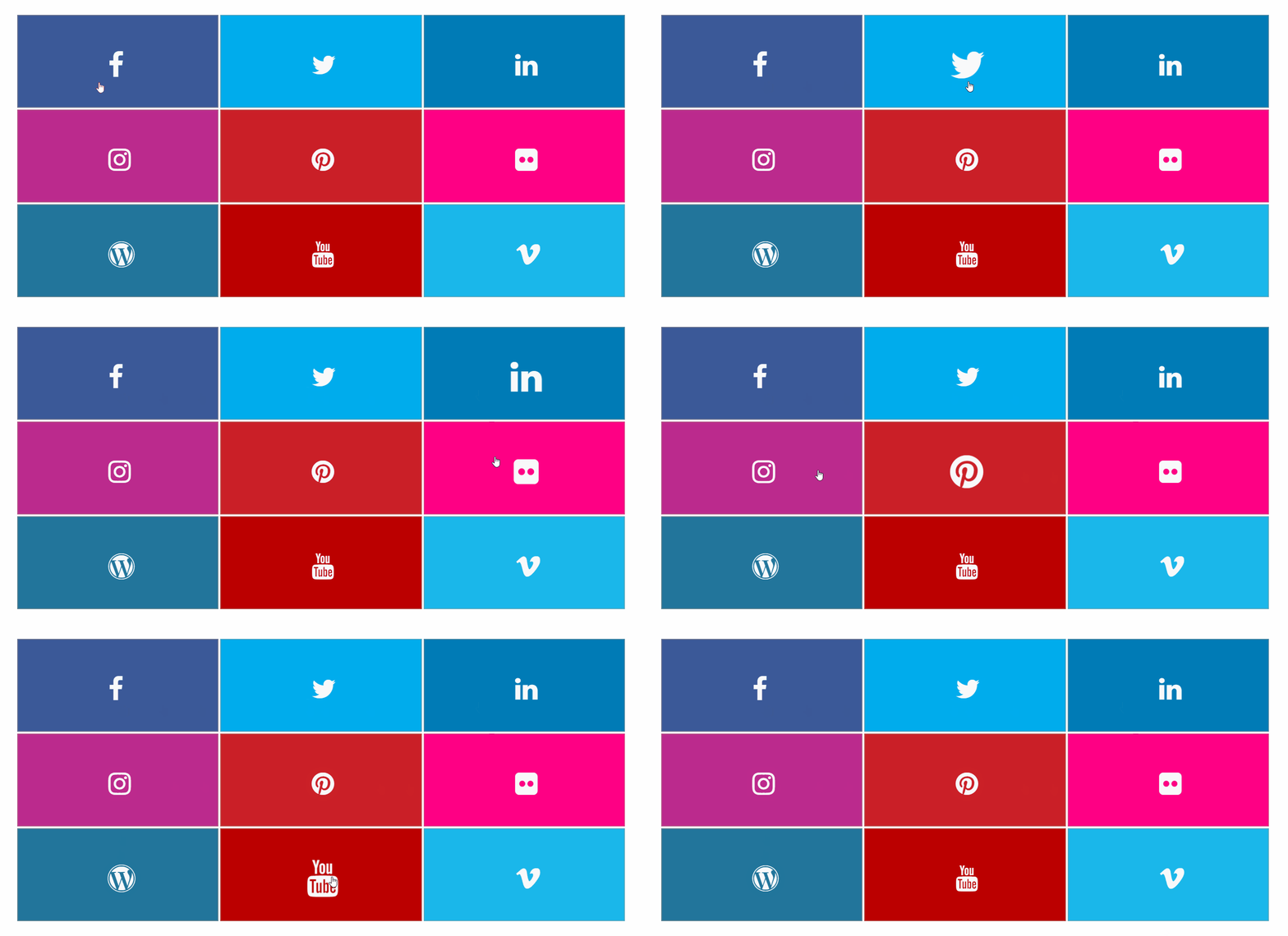
- Apply smooth CSS hover animations.
- Set custom colors for icon designs and backgrounds.
- Expose options to open links in new tabs.
Supported Platforms
Connect your audience to these popular networks:
- Facebook, X (Twitter), Instagram, YouTube
- Pinterest, LinkedIn, Snapchat, TikTok
- Tumblr, Flickr, Vimeo, Reddit
- RSS Feed, Email, WhatsApp, Telegram
- And many more in the premium version
What Makes This Social Media Icon Widget Different
Unlike bloated social sharing toolbars, this widget focuses on one thing: displaying your social media icon links beautifully. It loads fast, works with any theme, and gives you creative freedom through customization options.
You can adjust each social media icon color to match your brand, add hover effects for visual feedback, and even apply rotation transforms for a unique touch. The spacing controls help you create the exact layout you want.
Free Features
- 12 popular social network icons
- Icon color customization
- Background color settings
- Hover color effects
- Multiple icons per row
- Sidebar and footer widget support
- Gutenberg block support
- Fast-loading dynamic inline CSS
- Icon spacing controls
- Custom CSS field
- Mobile responsive design
- Lightweight SVG icons
Premium Features
Upgrade to unlock additional capabilities:
- 30+ Pro Social Networks
- 3 Unique Stunning Layout Styles
- Custom Background & Icon Color on Hover
- 60+ Exciting Hover Animations (2D, Curls, Glow)
- 10+ 3D Transform Rotations
- Advanced color pickers
- Multiple icon size options
- Priority Email & Forum Support
Recommended Plugins
Enhance your website with these powerful addons:
Portfolio Filter Gallery
Create stunning portfolio galleries in minutes with this versatile filter gallery plugin.
Get Premium Version – Unlock advanced features for more customization.
Media Slider
Build responsive media and video slider galleries effortlessly with this slider plugin.
Unlock Premium Version – Add more layouts and controls.
Weather Effect Plugin
Add engaging weather effects to your site with this easy-to-use WordPress plugin.
Check Premium Version – Access multiple effects and settings.
Grid Gallery Plugin
Display images in a customizable grid gallery widget for pages, posts, or sidebars.
Upgrade Premium Version – Enhanced styling options.
Image Gallery Plugin
Showcase images with a lightbox slider using this fast and simple image gallery plugin.
Get Premium Version – More gallery layouts and effects.
Photo Gallery Plugin
Create photo, video, link, and map galleries in seconds with this WordPress gallery plugin.
Check Premium Version – Advanced gallery features.
Responsive Slider Gallery
Add fully responsive sliders to pages, posts, or widgets with this WordPress slider plugin.
Try Premium Version – More slider customization.
Contact Form Widget
Embed a simple contact form in your WordPress site using this shortcode plugin.
Upgrade To Premium Version – Advanced form options.
Social Media Widget
Display social media icons in your sidebar or widget areas with this WordPress plugin.
Get Premium Version – Enhanced social features.
Slider Responsive Slideshow
Create lightweight, responsive slideshows with this powerful WordPress slider plugin.
Upgrade Premium Version – More slideshow effects.
Video Gallery Plugin
Build responsive video galleries quickly with this WordPress video gallery plugin.
Try Premium Version – Additional video features.
Facebook Like Share Follow Button
Add Facebook Like, Share, and Follow buttons to your WordPress pages, posts, or widgets.
Facebook Likebox Widget
Embed a Facebook lightbox widget in your WordPress site for enhanced social engagement.
Installation
- Upload the plugin files to the
/wp-content/plugins/new-social-media-widget/folder. Or search for it in your WordPress admin. - Activate the plugin.
- Open Appearance > Widgets in your admin dashboard.
- Drag the widget to your sidebar area.
- Alternatively, open a page and insert the Gutenberg block.
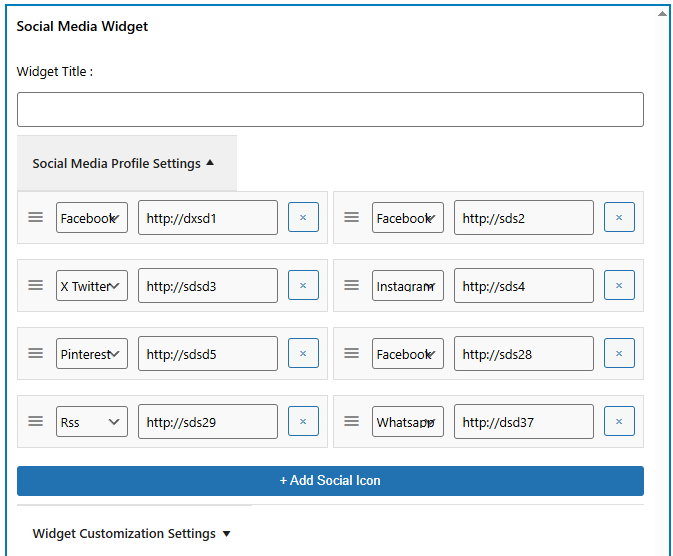
- Paste your social profile links and save.
Frequently asked questions
How do I configure my social media icon list?
Go to Appearance > Widgets in your admin panel. Add the widget to a sidebar. You can also edit pages and add the Gutenberg block. Paste your social profile links into the fields.
Can I use a Gutenberg block to display social icons?
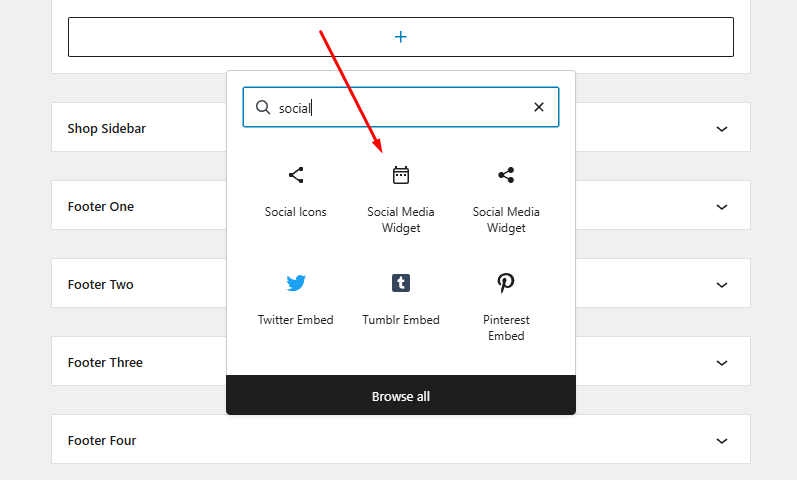
Yes. Search for the “Social Media Widget” block in the editor. Add it to any page. Customize the social profile links inside the block settings.
Can I change the style of my social profile links?
Yes. The settings let you choose custom colors. You can set icon background colors and apply hover effects.
Which social icons are included?
The free plugin supports 12 major networks. This includes Facebook, Instagram, YouTube, X, and WhatsApp.
Do these social profile links open in a new tab?
Yes. You can select if links open in a new tab or the same window.
Changelog
Critical security alignment and guidelines compliance updates. Update recommended for all users.
1.4.1
- Date 30 May 2026
- Prefixed global sort option
social_media_icon_posto prevent collisions. - Enforced capability checks for settings management.
- Sanitized inline custom CSS preview output in block editor contexts.
1.4.0
- Improved performance by switching to dynamic inline CSS (
wp_add_inline_style) for frontend widget presentation. - Added support for Gutenberg blocks.
- Updated standard default colors to better align with the widget’s modern appearance.
- Fixed prefixing issues for coding standards.
- Improved security with proper output escaping and nonce verification.
- Fixed escaping for CSS output and labels.
1.3.0
- Tested with version 6.9
1.2.9
- Bug fixes
- Tested with version 6.8.2
1.2.8
- Bug fixes
- Tested with version 6.8.1
1.2.7
- Bug fixes
- Tested with version 6.7.2
Screenshots
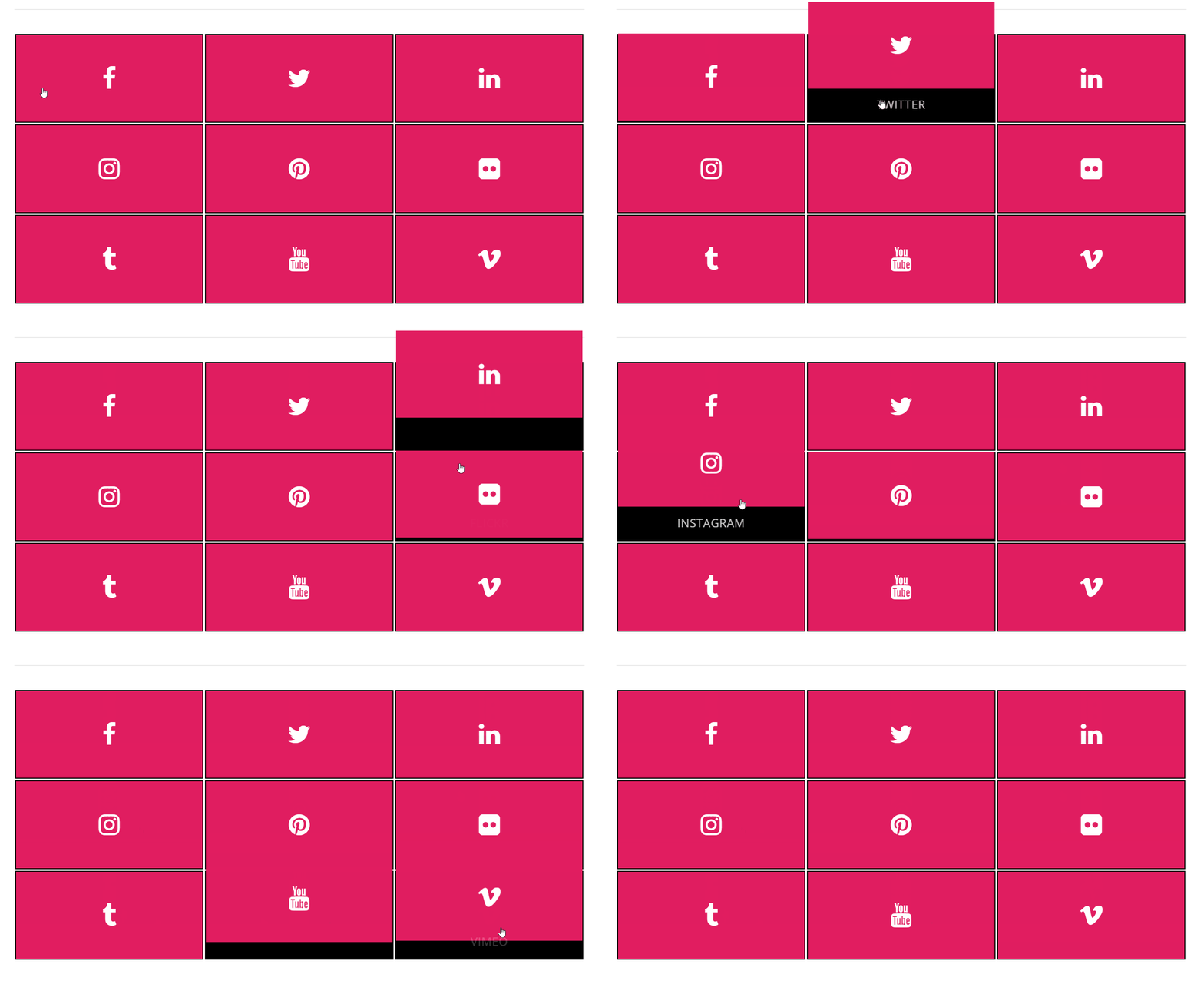
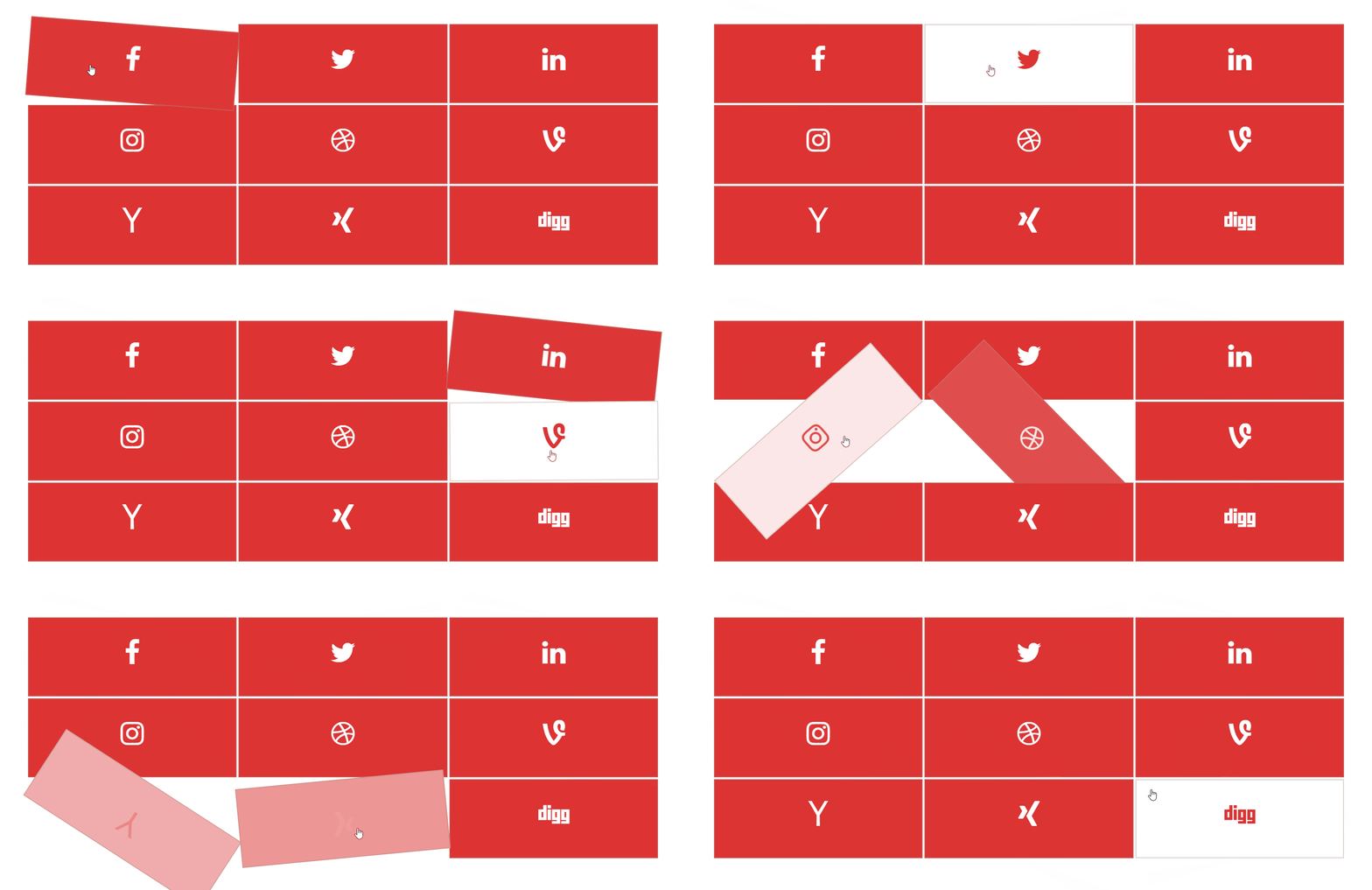
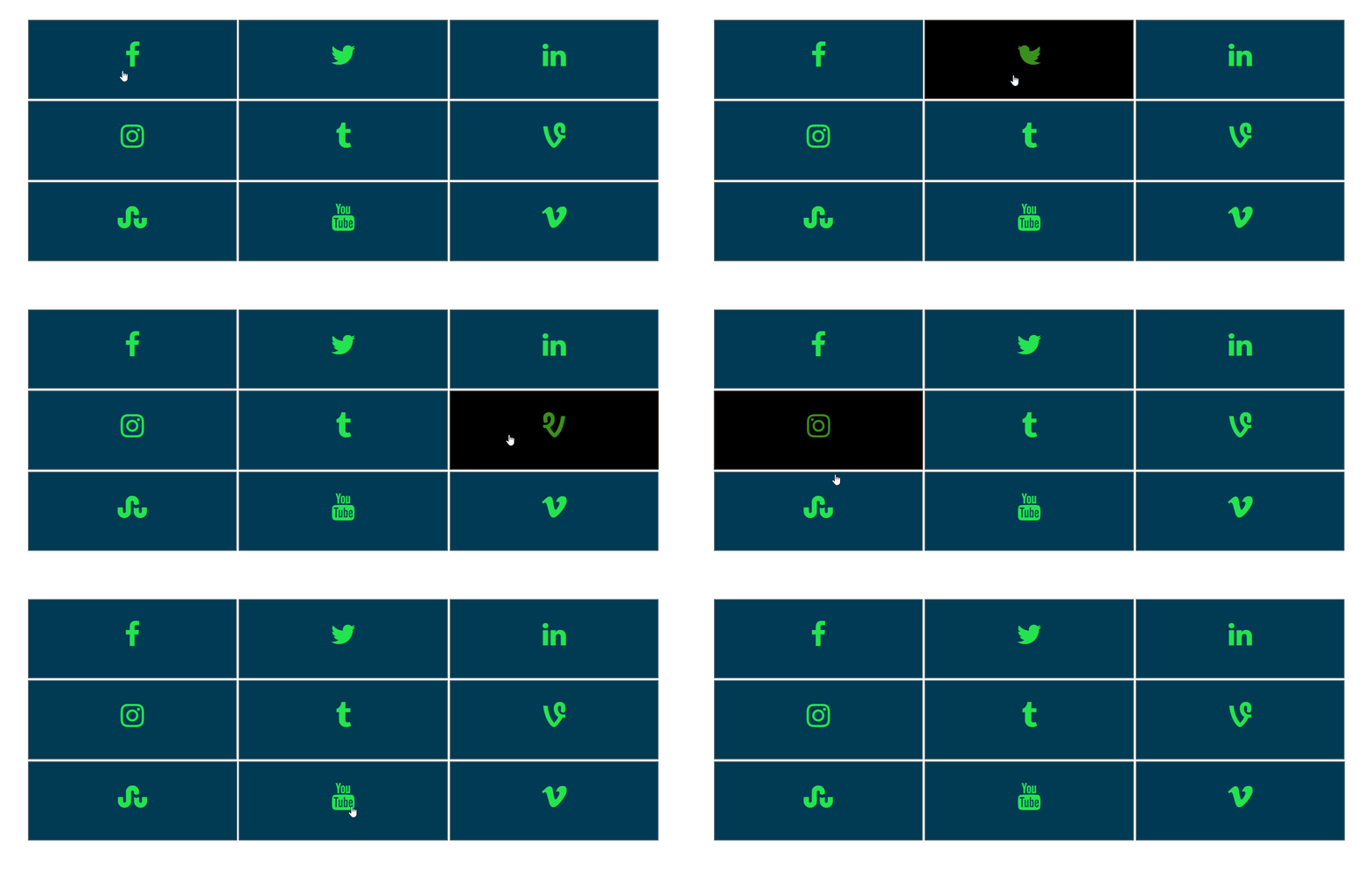
For developers
Is this your plugin? Show off the numbers.
Add a live badge to your site, docs or GitHub README. It updates on its own — no account needed.
Best Social Media Icon Widget alternatives
All Gutenberg block plugins →





FAQ
Social Media Icon Widget: quick answers
Straight answers, pulled from live WordPress.org data.
Live data from WordPress.org · checked Sep 27, 2026
Is Social Media Icon Widget free?
Yes. Social Media Icon Widget is free to download and use from the official WordPress.org plugin directory. The developer also sells premium add-ons or a Pro version with extra features.
Is Social Media Icon Widget safe to use in 2026?
Social Media Icon Widget is a solid plugin choice in 2026, with a few things worth checking first. It runs on 4K+ sites, is rated 4.1/5 and was last updated 1 month ago, and scores 76/100 on our health check.
How many websites use Social Media Icon Widget?
Social Media Icon Widget is active on 4K+ WordPress websites and has been downloaded 240,419 times since it launched in June 2016. It was downloaded 688 times in the last 30 days.
Does Social Media Icon Widget work with WordPress 7.1?
Yes. The developer has tested Social Media Icon Widget up to WordPress 7.1.2, the latest release. It requires WordPress 5.0 or newer.
What PHP version does Social Media Icon Widget need?
Social Media Icon Widget requires PHP 7.4 or higher. Most hosts run PHP 8.x today, so it works on any modern WordPress hosting.
When was Social Media Icon Widget last updated?
The latest version, 1.4.1, was released on August 20, 2026 (1 month ago).
Who makes Social Media Icon Widget?
Social Media Icon Widget is developed and maintained by A WP Life.
What are the best alternatives to Social Media Icon Widget?
The most popular alternatives to Social Media Icon Widget are Qi Blocks (60K+ installs), Map Block for Google Maps (20K+ installs) and Button visually impaired (10K+ installs).
Powered by PageForge
Want thousands of pages that rank like these? Build them in an afternoon.
This directory runs on the same engine as PageForge. Turn any spreadsheet, CSV or API into thousands of fast, SEO-ready WordPress pages — with schema, internal links and AI-written copy baked in.
- CSV, Google Sheets & API data sources
- AI content, schema & internal links per page
- Works with Elementor, Gutenberg, Yoast & Rank Math
- Free on WordPress.org — no credit card


