



My auctions allegro
Integrate Allegro with WordPress & WooCommerce! My Auctions Allegro imports auctions, syncs inventory/prices, handles orders/accounts.

Safe pick
Yes — My auctions allegro is a safe, well-maintained plugin to use in 2026. It runs on 500+ sites, is rated 4.6/5 and was last updated 2 hours ago, and scores 85/100 on our health check.
- Loved by users — 4.6/5 from 22 reviews
- Actively developed — last update 2 hours ago
- Tested with the latest WordPress (7.1)
- Small user base (500+ active installs)
How does it stack up?
Side-by-side on installs, updates, ratings & support



Daily downloads
Download spikes usually follow a new release — each site that auto-updates counts as a download.
Rankings
Where My auctions allegro stands todayWordPress.org search rankings
Live position in the plugin search, top 100| Keyword | Position |
|---|---|
| allegro | #1 |
| auctions | #2 |
| import | >100 |
| product | >100 |
| woocommerce | >100 |
Version adoption
Share of active sites per release.
Rating breakdown
★★★★★★★★★★ 4.6 from 22 reviews
About My auctions allegro
From the official readme · v4.0.0Description
The best description will be if I describe all functionalities that this extension can do.
– You can connect plugin with REST API and/or WebAPI
– You can easily add infinity count of settings (apps), for example if you have 3 accounts on allegro, you can add all to plugin
– You can get your or somebody else auctions from allegro to WordPress.
– You can show them as widget and/or as shortcode on page/post, to do it you just need to add some code (ex. [gjmaa id='5' count='10' show_price='0' show_time='0' show_comments='0' count_of_comments='5' /]
) – you can customize shortcode via fields:
* id — profile id in plugin
* count – amount of actions to show
* title (default empty) – title to show before auctions
* show_price (false) – show prices
* show_time (default false) – show time to end of auction
* image_width (default 200) – width of images
* image_height (default 150) – height of images
Do you have WooCommerce? Awesome!
– You can import auctions from allegro as products
– Importer only add new products
– Autosync Stock of products ( you need to run cron on your server )
– Autosync Price of products (you can enable price update to sync between allegro and your WooCommerce)
– Automap Categories (schema like on allegro)
Do you want more?
– Don’t hesitate to be in touch
Do you need support?
– I can help you
Do you want to test plugin by one click?
– Check it out here
WooCommerce Allegro PRO
Features
– Import orders to WooCommerce
– Update status of order in WooCommerce based on status in Allegro
– Possibility of send order from WooCommerce
– Map categories and attributes
– Creating your own templates
– Possibility of management multiple accounts in one place
– Two-way synchronization of stock (WooCommerce -> Allegro and vice versa)
Pro Version was released at 15.04.2019!
Hope that this will help you to manage products / orders from allegro in woocommerce more simple.
Ream more about WooCommerce Allegro PRO.
Support
- You can find all possibilities of contact with me at plugin dashboard.
- You can call to me
- And much much more
Watch a video that will show you how to set up this extension
Regards WPHocus
Wydanie WPHocus (2026-10-07)
Kopia z brandingiem WPHocus. Usunięto klienta API Manager, panel licencji i płatne automatyczne aktualizacje. Integracje z usługami oraz zapisane ustawienia pozostają zgodne.
Installation
- Upload plug-in to wp-content/plugins
- Enable plug-in in your panel administration
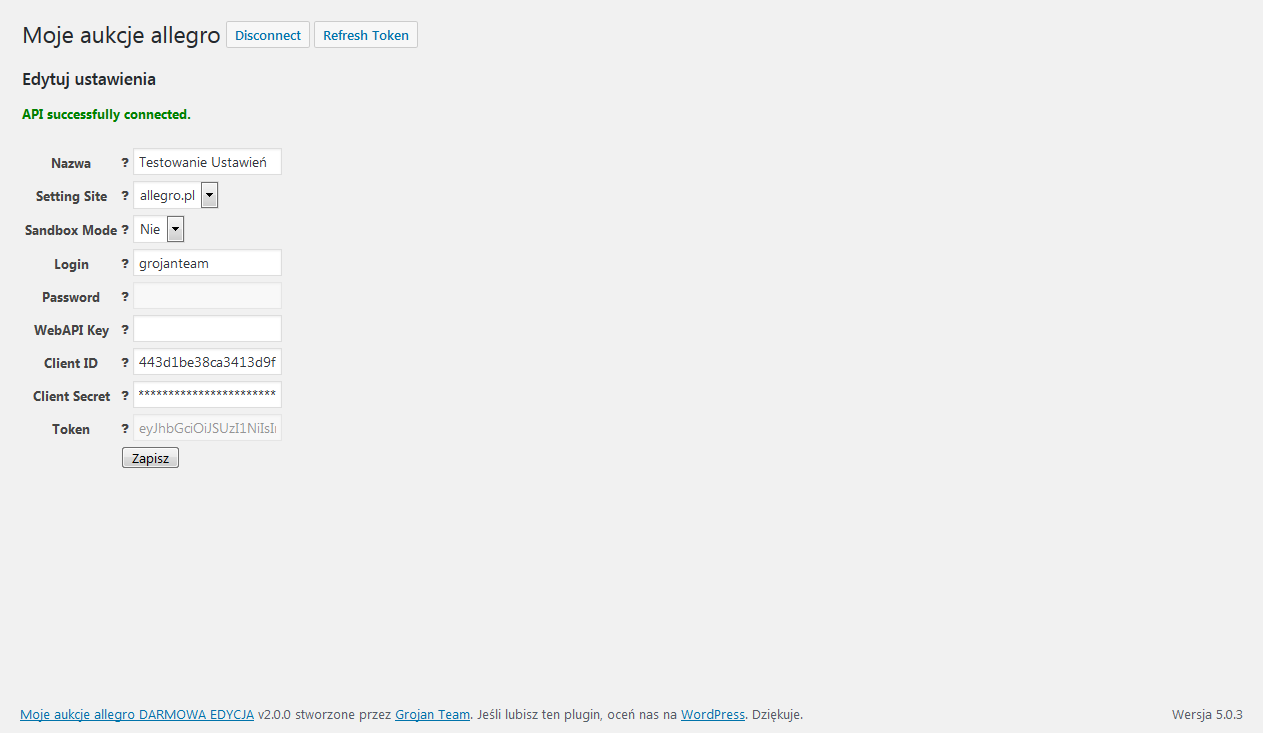
- Go to Plugin Settings, Add new, Please fill all required fields and save.
- Click on Create App button, please login and create app. Please copy Redirect URI to application.
- Get your Client ID and Client Secret and fill in form (save).
- Click on “Connect” to get Client Token.
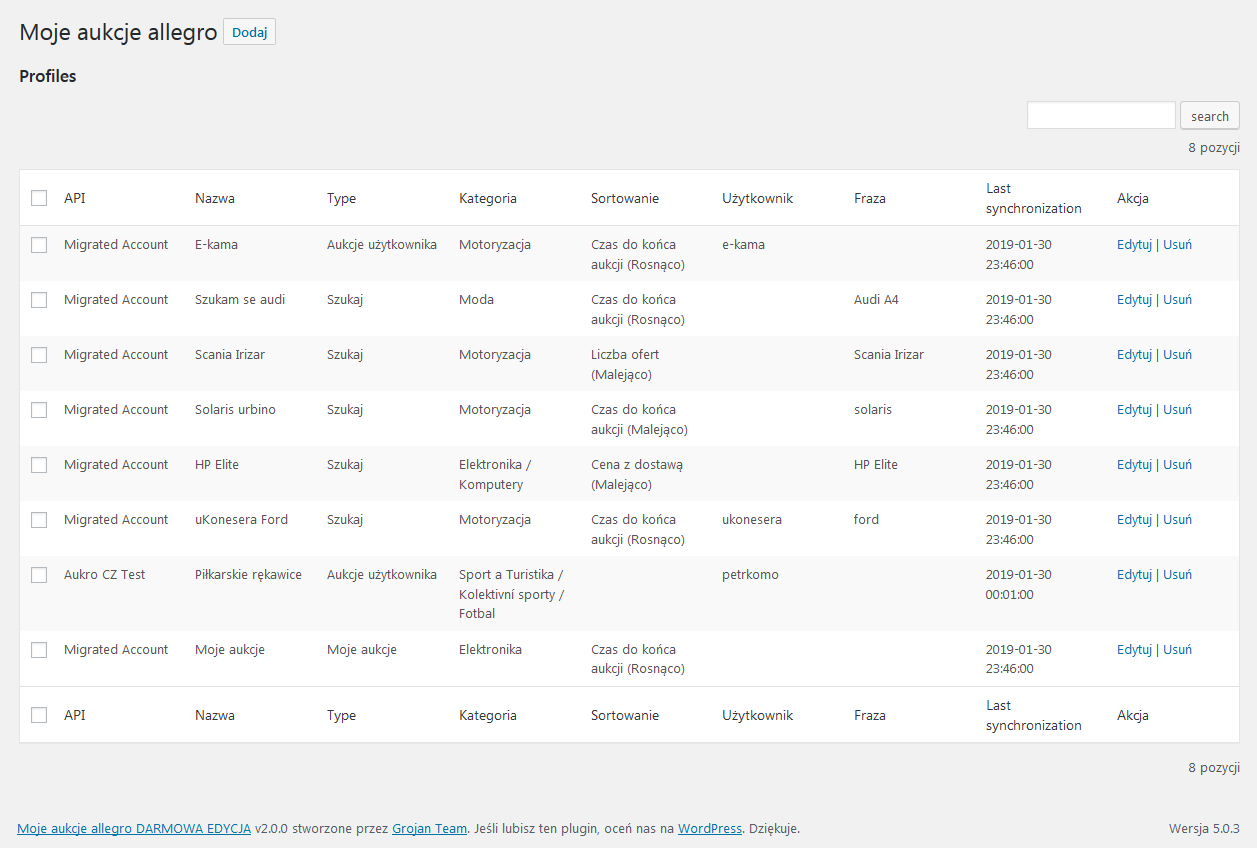
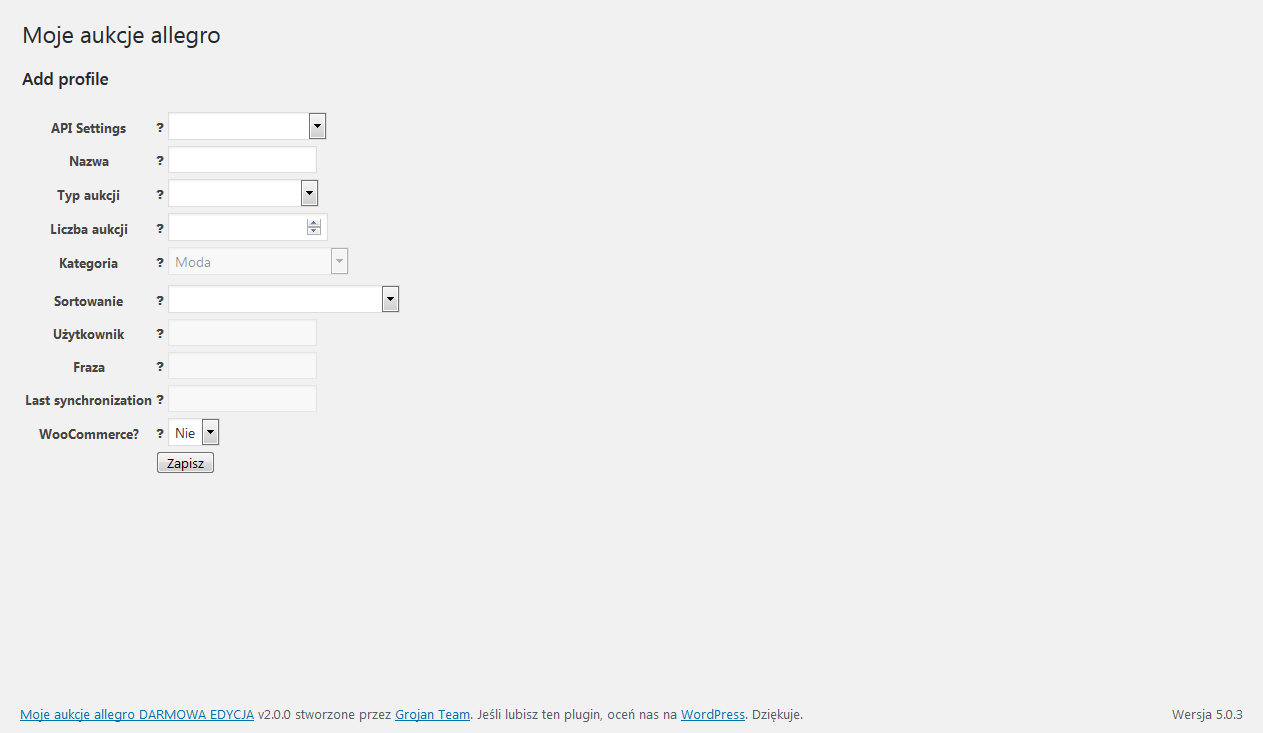
- Go to profiles and add your new profile.
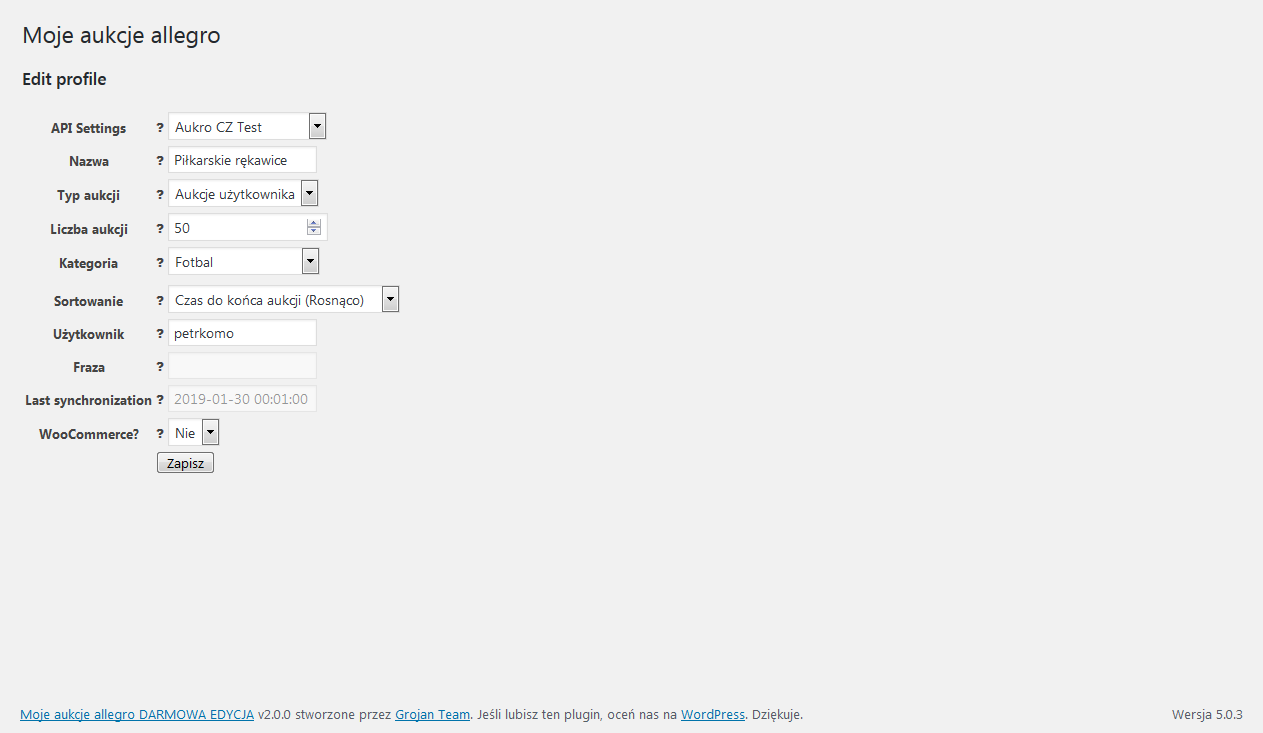
- Set your configuration of imported auctions
- Go to My auctions allegro – Import
- Choose your profile and click Import
- After import you can create a widget where you will show auctions
- Then you can see how it looks on front of your WordPress.
Frequently asked questions
Plugin installed, what’s next?
Please watch video prepared specially for you!
Clicking on button “Create App”, not trigger any event
Your browser could block popup windows (please allow to open)
How to import auctions from allegro
First, we need to add allegro profile to your plug-in. Go to My auctions allegro -> Profiles. Click add, set your profile and click save. Then you can go to import auctions and choose your added profile and click “Import” to import your auctions.
Auctions are imported, but shortcode provided on page shows message “no offers”
Main problem of this is that your shortcode probably copied from description of plugin has incorrect characters WordPress replace simple quotation marks with a little curved, that’s why your shortcode not working.
Products has different stock state than on allegro
Please write to your host provider, about task scheduling (CRON), it allow to automate your stock synchronization
Import for auctions of user stop working
Please immediately update your plugin to minimum v2.4.0
Changelog
Nowa główna wersja WPHocus FREE, publikowana z Allegro PRO 3.0.0. Zachowuje poprawki wykrywania rynku oraz kontroli waluty z wersji 3.7.2.
4.0.0
Data wydania: 2026-10-06.
– Nowa główna wersja WPHocus My Auctions Allegro FREE, publikowana razem z Allegro PRO 3.0.0.
– Zawiera poprawki niezależnego wykrywania rynku konta oraz waluty przy imporcie i synchronizacji cen opisane w wersji 3.7.2.
– Ujednolicono wersję nagłówka, stałej PHP i readme do 4.0.0.
3.7.2
Data wydania: 2026-10-06.
– Wykrywanie bazowego rynku konta przez /me działa również bez PRO. Brak odpowiedzi nie jest traktowany jak polskie konto.
– Waluta oferty jest zapisywana w kolejce i sprawdzana podczas importu oraz synchronizacji cen WooCommerce. Brak lub niezgodność waluty blokuje nadpisanie ceny, zamiast kopiować kwotę 1:1.
– Ponowne połączenie konta odświeża bazowy rynek. Synchronizacja respektuje wyłączenie aktualizacji ceny na produkcie.
3.7.1
Data wydania: 2026-10-06.
– Zaktualizowano oznaczenia zgodności z WordPress 7.1.2 i WooCommerce 11.1.2.
– Ujednolicono wymagania WordPress 5.0 i PHP 7.4 w metadanych oraz komunikatach wtyczki.
3.7.0
- Wspólne menu WPHocus, jednolity wygląd i baner Allegro PRO.
- Obsługa kont i importu z rynków zagranicznych Allegro.
3.6.39
- nowa opcja profilu “Close products of ended auctions?”: produkty zakończonych lub nieaktywnych aukcji są zamykane (brak na stanie albo usunięcie, wg ustawienia konta “Zamknięta aukcja”) także przy wyłączonym “Update stock?” — dla sklepów, w których stany magazynowe pochodzą z innego systemu (np. BaseLinker), a produkt ma zniknąć ze sprzedaży po zakończeniu oferty
3.6.38
- naprawa synchronizacji opisów i tytułów: tabele wtyczki są przestawiane na utf8mb4, bo opis z emoji (znak 4-bajtowy) nie zapisywał się w utf8mb3 — zapytanie było odrzucane bez zgłoszenia błędu, więc oferta zostawała bez danych i nigdy się nie synchronizowała
- nowe tabele powstają od razu jako utf8mb4: CREATE TABLE wymuszał dotąd utf8mb3, więc świeża instalacja miała ten sam problem od pierwszego dnia, a migracja jej nie dotyczyła (numer wersji bazy równy wersji wtyczki)
- sposób porównywania danych w tabelach pozostaje bez zmian (utf8mb4_bin jest odpowiednikiem dotychczasowego utf8_bin) — zmienia się wyłącznie dopuszczalna długość znaku
- zapis danych oferty przez $wpdb->update() zamiast sklejanego SQL — koniec z gubieniem zapisu przy apostrofie w tytule aukcji, błąd zapisu trafia do logu
- naprawa kursora zdarzeń: Allegro udostępnia zdarzenia tylko z ostatnich 24h, więc kursor starszy niż doba jest porzucany zamiast blokować import na zawsze
- naprawa kolejki aktualizacji pól: aukcje bez produktu WooCommerce albo bez zapisanych danych oferty schodzą z kolejki, zamiast krążyć w niej przy każdym uruchomieniu crona
- flaga “do aktualizacji pól” ma domyślnie 0, nie 1 — migracja nie zapycha już kolejki wszystkimi istniejącymi aukcjami
- nowe pole profilu “Fields synced on product creation” — wybór, które pola (tytuł/opis/atrybuty/kategorie/miniatura/media) są uzupełniane przy pierwszym tworzeniu produktu; pola niezaznaczone pozostają puste, a produkt bez tytułu powstaje jako szkic (draft)
- gdy nowe pole jest puste, używane są zaznaczenia z pola “Update fields for product?” (a gdy oba puste — tworzone są wszystkie pola); istniejące profile zachowują dotychczasowe zachowanie
- ręczne tworzenie wybranych produktów: produkt, którego tytuł = numer aukcji (zgodny z meta _allegro_auction_id), przy najbliższym imporcie zostaje jednorazowo wypełniony z Allegro jak nowy produkt; po wypełnieniu kolejne synchronizacje już go nie nadpisują
- kategorie z Allegro są dopisywane do produktu zamiast nadpisywać całą listę — ręcznie przypisane kategorie i podkategorie przestały znikać przy każdej synchronizacji
- komunikaty po zapisie, usunięciu i błędzie działają na transiencie zamiast na $_SESSION, której wtyczka nigdy nie inicjowała — dotąd na większości instalacji nie pojawiały się wcale
- limit czasu na połączenie z WebAPI (15 s) i wyjątek przy nieznanym kraju — nierozwiązywalny adres potrafił zawiesić proces PHP na czas nieokreślony i zablokować całą stronę
- nagłówek User-Agent jest wysyłany zawsze (także jako jawny nagłówek HTTP, bo część proxy gubi CURLOPT_USERAGENT), z nazwą aplikacji zapamiętaną globalnie, gdy dane wywołanie jej nie ustawi
- nowy przycisk “Test User-Agent” na koncie API — pokazuje nagłówek, który wtyczka faktycznie wysyła do Allegro
- brak połączenia z Allegro na zakładce Profile nie kończy się już błędem 500 — formularz ładuje się z czytelnym ostrzeżeniem i linkiem do odświeżenia tokena
- zapytania SQL o miniatury i galerię przepuszczone przez $wpdb->prepare() i prefiks tabel z konfiguracji (dotąd na sztywno wp_postmeta)
- nieudane pobranie zdjęcia z Allegro nie tworzy już załącznika wskazującego na pusty plik, nie zostawia pustej kolumny w siatce zdjęć w opisie produktu ani pustej pozycji w galerii
- uzupełnione tłumaczenie PL (ponad 130 brakujących komunikatów interfejsu)
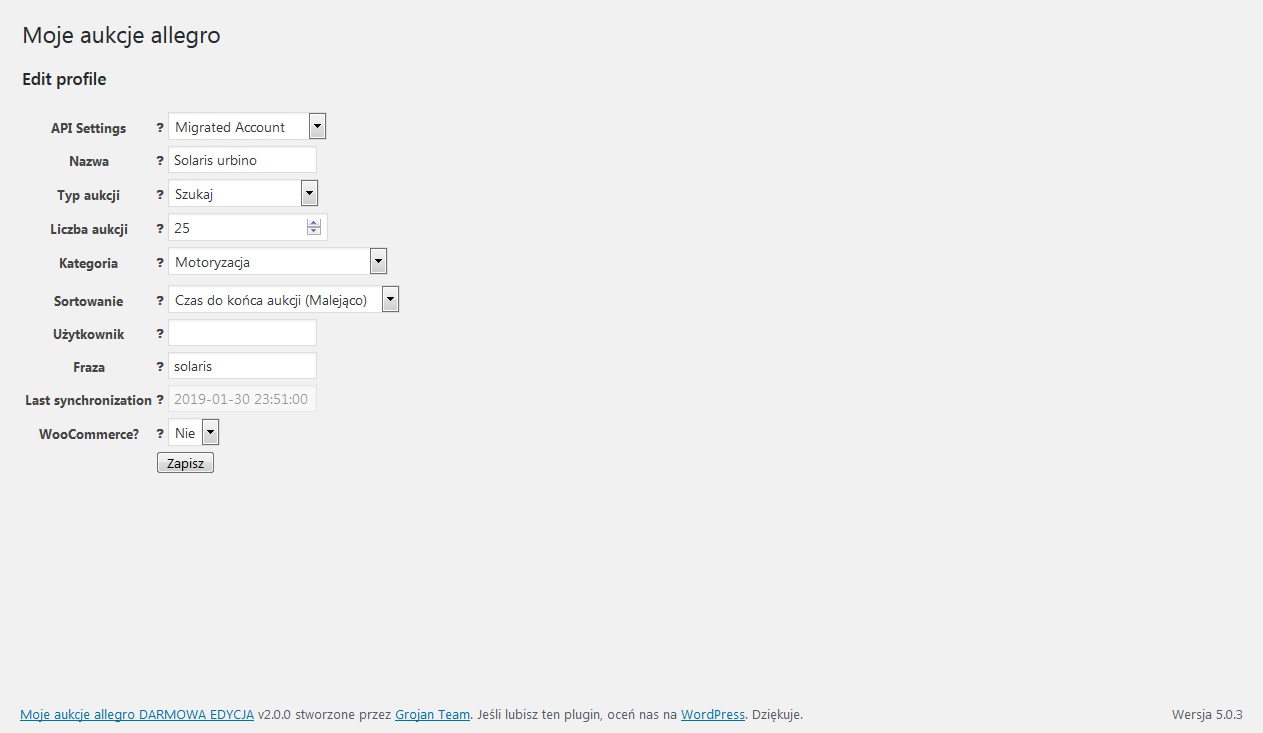
Screenshots
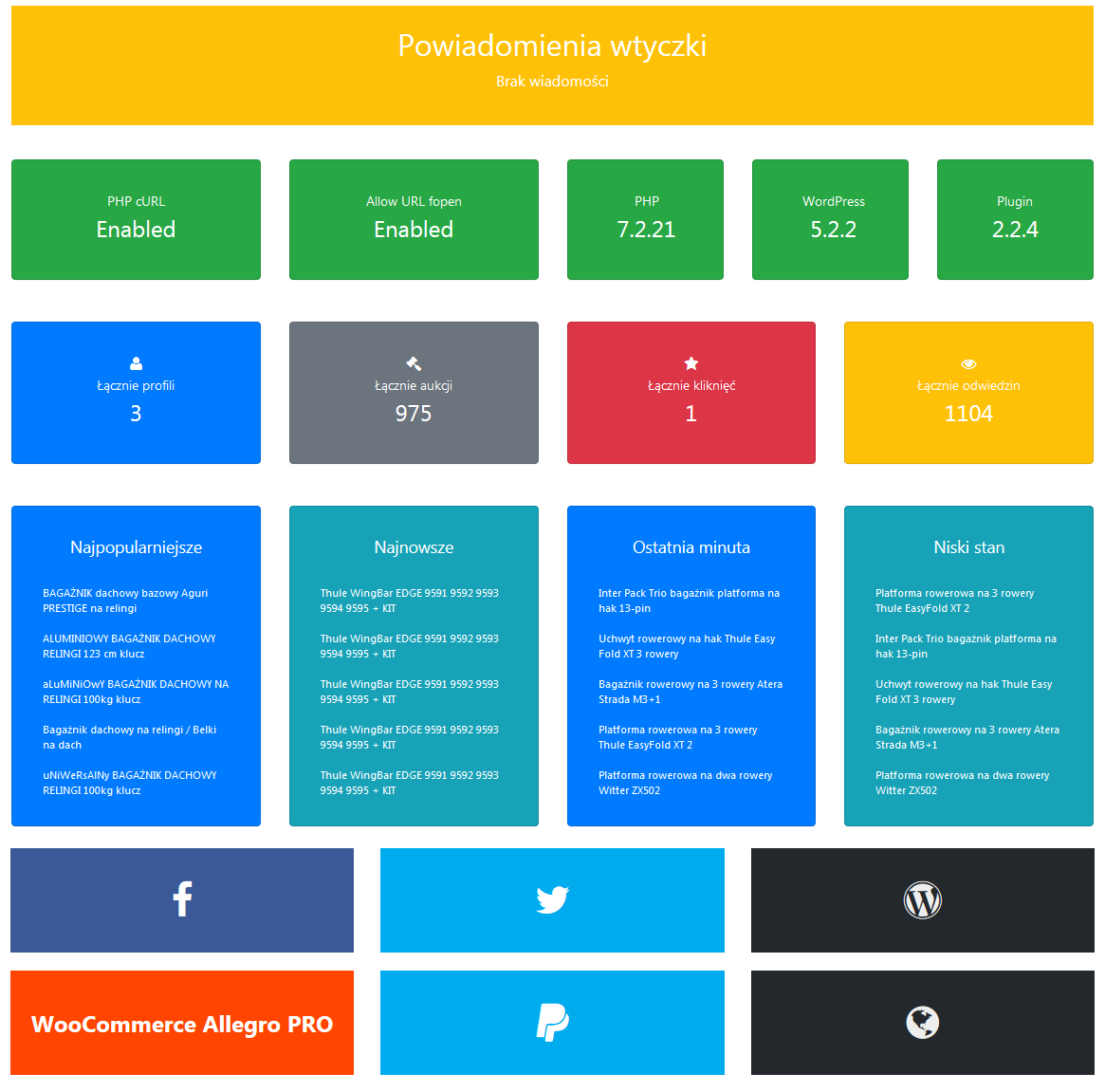
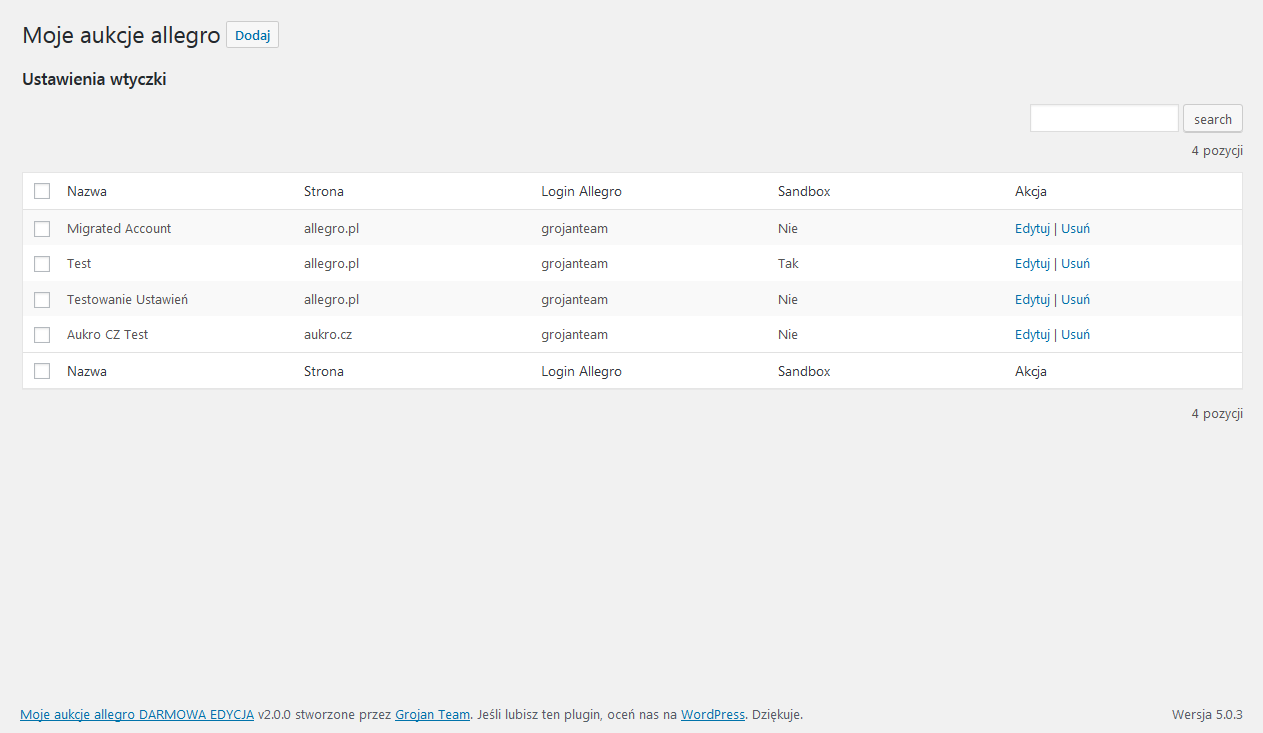
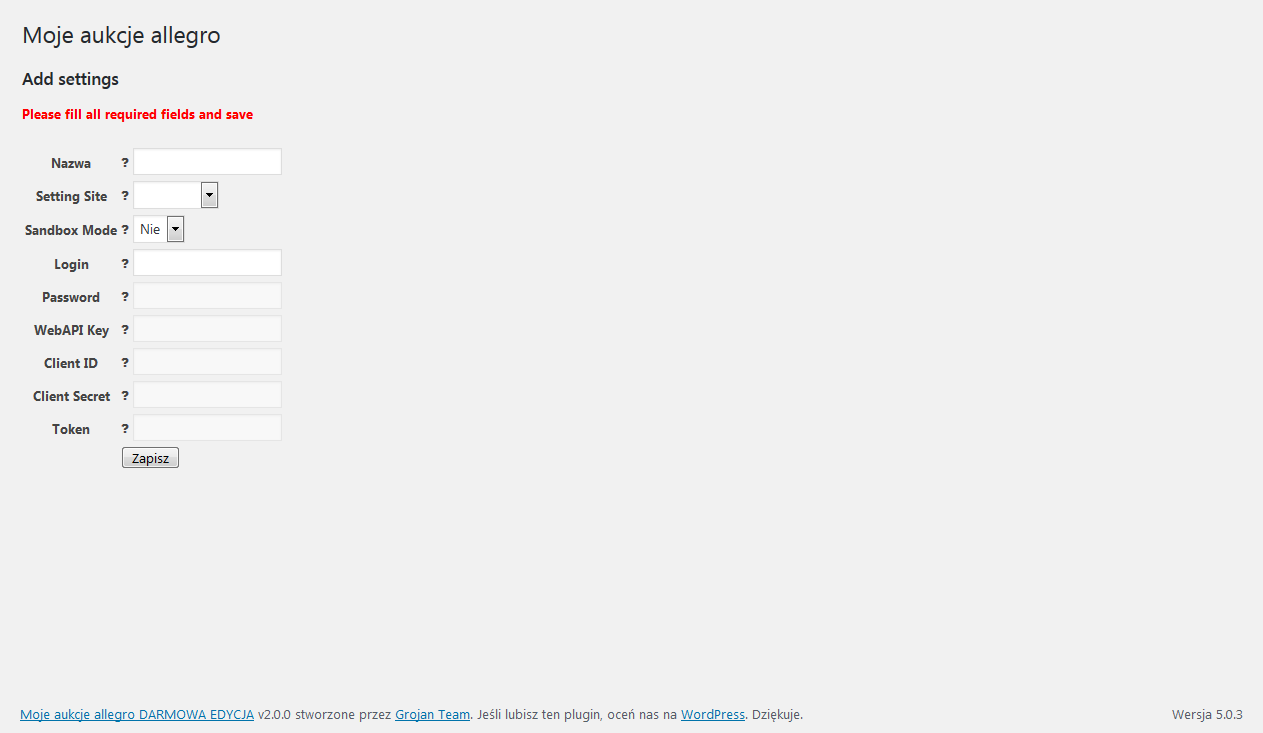
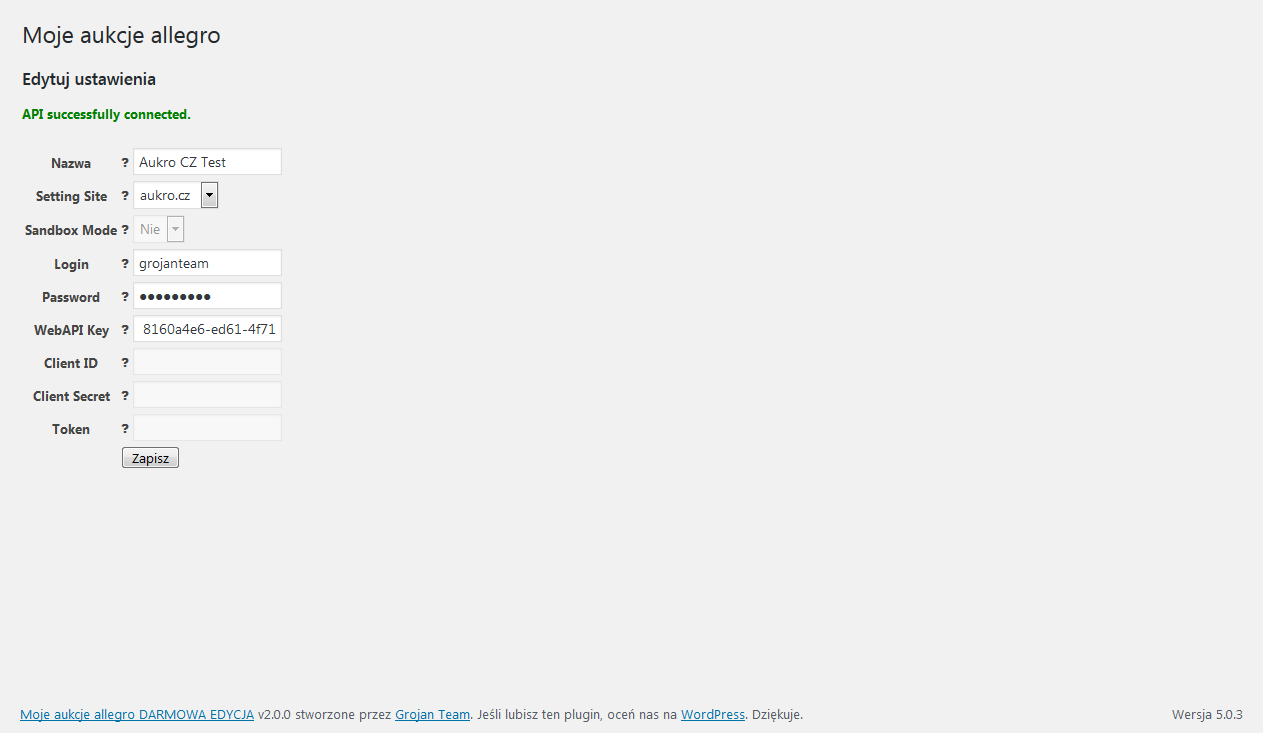
For developers
Is this your plugin? Show off the numbers.
Add a live badge to your site, docs or GitHub README. It updates on its own — no account needed.
Best My auctions allegro alternatives
All allegro plugins →

FAQ
My auctions allegro: quick answers
Straight answers, pulled from live WordPress.org data.
Live data from WordPress.org · checked Oct 8, 2026
Is My auctions allegro free?
Yes. My auctions allegro is free to download and use from the official WordPress.org plugin directory.
Is My auctions allegro safe to use in 2026?
Yes — My auctions allegro is a safe, well-maintained plugin to use in 2026. It runs on 500+ sites, is rated 4.6/5 and was last updated 2 hours ago, and scores 85/100 on our health check.
How many websites use My auctions allegro?
My auctions allegro is active on 500+ WordPress websites and has been downloaded 49,754 times since it launched in April 2017. It was downloaded 438 times in the last 30 days.
Does My auctions allegro work with WordPress 7.1?
Yes. The developer has tested My auctions allegro up to WordPress 7.1.3, the latest release. It requires WordPress 5.0 or newer.
What PHP version does My auctions allegro need?
My auctions allegro requires PHP 7.4 or higher. Most hosts run PHP 8.x today, so it works on any modern WordPress hosting.
When was My auctions allegro last updated?
The latest version, 4.0.0, was released on October 8, 2026 (2 hours ago).
Who makes My auctions allegro?
My auctions allegro is developed and maintained by wphocus.
What are the best alternatives to My auctions allegro?
The most popular alternatives to My auctions allegro are Automater (50+ installs), Integration of Allegro and… (20+ installs) and Allegro Auction Grabber (10+ installs).
Powered by PageForge
Want thousands of pages that rank like these? Build them in an afternoon.
This directory runs on the same engine as PageForge. Turn any spreadsheet, CSV or API into thousands of fast, SEO-ready WordPress pages — with schema, internal links and AI-written copy baked in.
- CSV, Google Sheets & API data sources
- AI content, schema & internal links per page
- Works with Elementor, Gutenberg, Yoast & Rank Math
- Free on WordPress.org — no credit card


