


Modal Window – create popup modal window
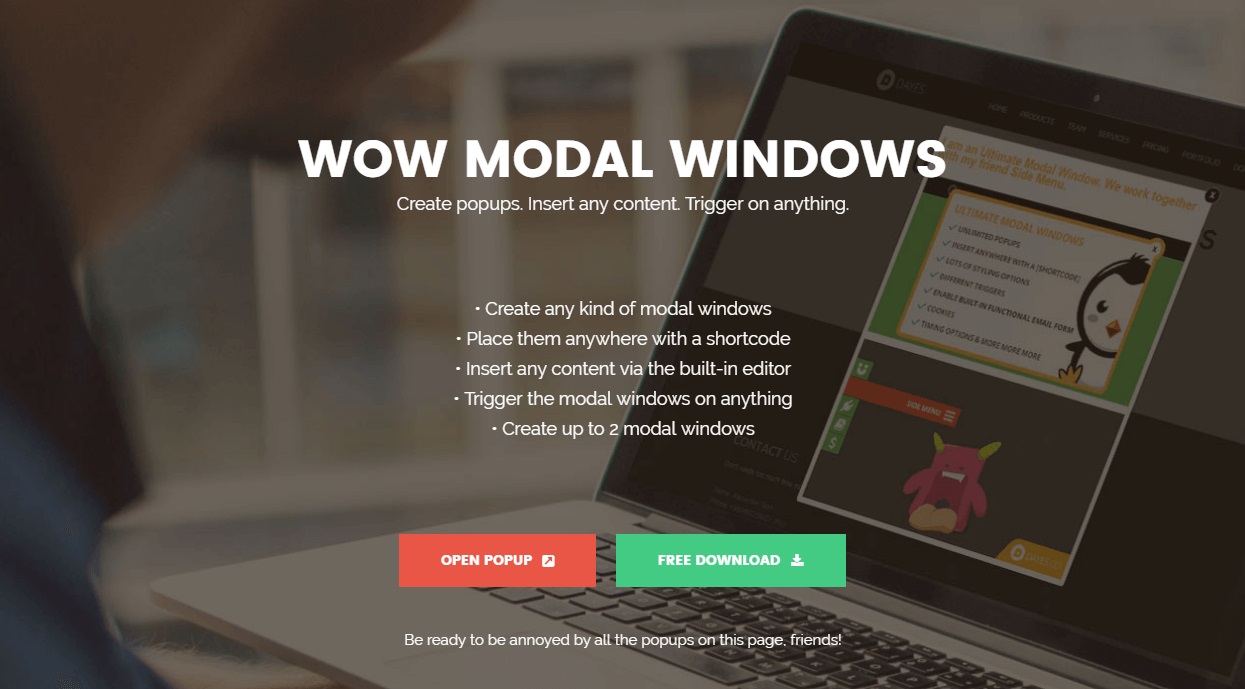
WordPress popup plugin for easily creating a popup and modal window with any kind of content and settings.

Safe pick
Yes — Modal Window is a safe, well-maintained plugin to use in 2026. It runs on 10K+ sites, is rated 3.8/5 and was last updated 1 month ago, and scores 80/100 on our health check.
- Proven at scale on 10K+ active sites
- Tested with the latest WordPress (7.1)
How does it stack up?
Side-by-side on installs, updates, ratings & support



Daily downloads
Download spikes usually follow a new release — each site that auto-updates counts as a download.
Rankings
Where Modal Window stands todayWordPress.org search rankings
Live position in the plugin search, top 100| Keyword | Position |
|---|---|
| lightbox | >100 |
| modal | #3 |
| modal popup | #4 |
| modal window | #2 |
| popup | #53 |
Version adoption
Share of active sites per release.
Rating breakdown
★★★★★★★★★★ 3.8 from 36 reviews
About Modal Window – create popup modal window
From the official readme · v6.3Description
Use the free WordPress popup plugin “Modal Window” to quickly and easily create informative popups. Add the text and media you need, insert shortcodes of forms and much more. Change the behavior of the display of modal windows depending on the user’s actions on the page.
The Modal Window is a unique tool for free use. With its help, you can add bright information popup messages to the site, warn visitors about various promotions, or display contact forms to increase conversions. The plugin allows you to set the data display in a modern, interactive format.
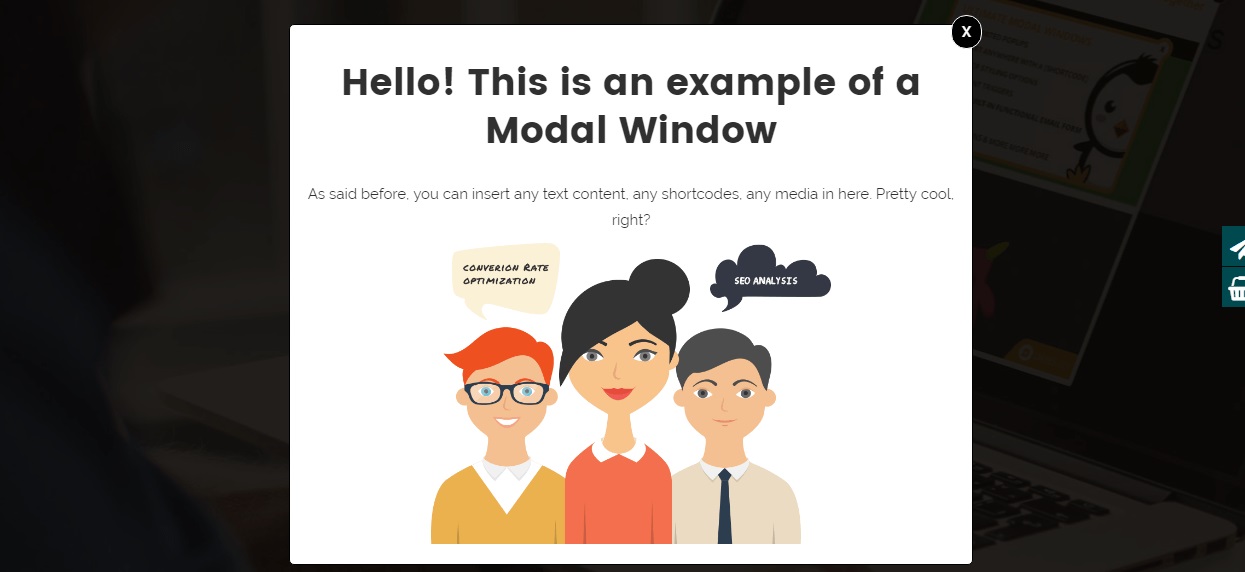
Create modal windows and insert any kind of content, from simple text to complex layouts with columns and media.
Main features
The WordPress plugin Modal Window will help you quickly get the attention of visitors. Its functionality makes it possible to implement high-quality modal windows for any query.
- Unlimited Modals: Create as many modal windows as you need without restrictions.
- HTML Content Editor: Easily add and format text, images, and other content within your modal windows using a built-in HTML editor.
- Floating Button Trigger: Create a stylish floating button to trigger your modal. Customize its position, icon, text, and add eye-catching animations (bounce, pulse, shake, etc.).
- Advanced Shortcodes: Includes built-in shortcodes for Video (YouTube/Vimeo), iFrames, Buttons, Icons (Font Awesome 7+), and Column layouts (rows/columns).
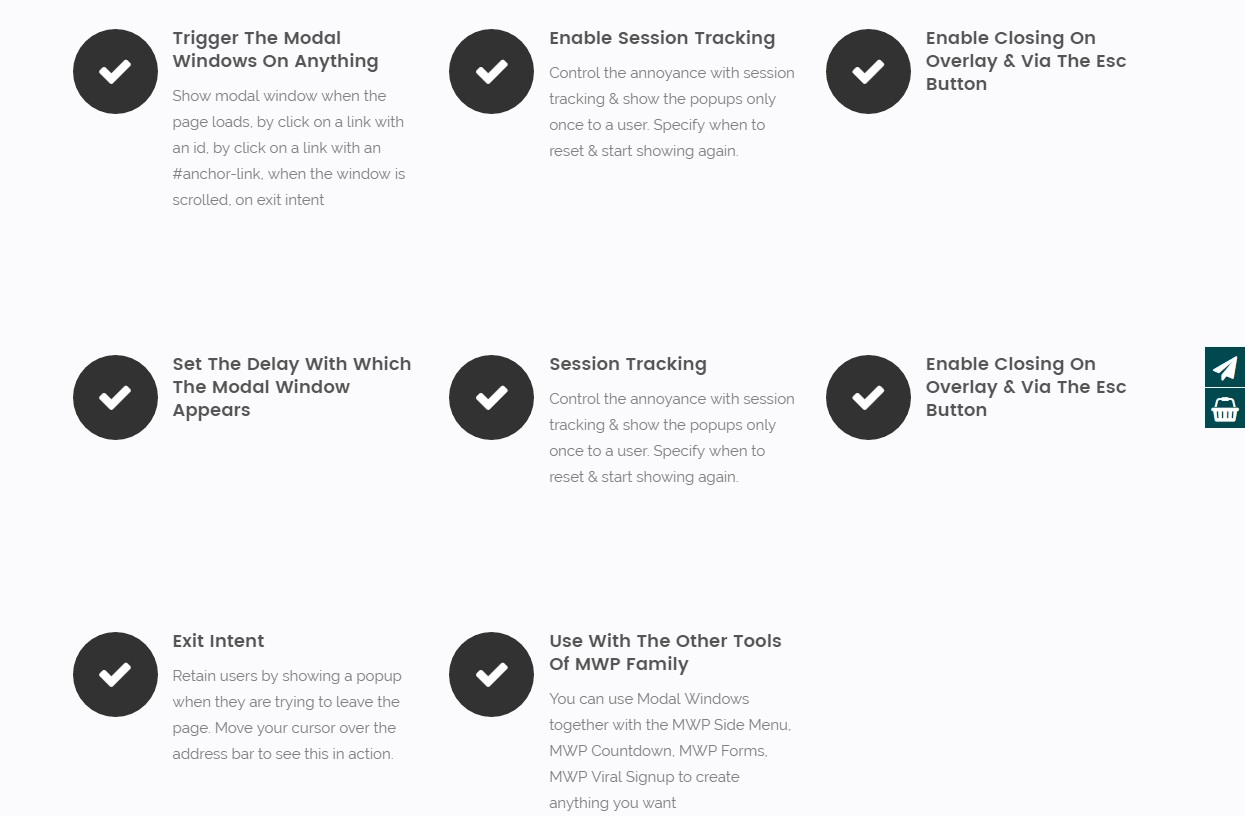
- Open Triggers: Choose from various triggers: Click, Auto (timer), Hover, Exit Intent, and Scroll events.
- Custom Styling: Deeply customize Modal Titles, Close Buttons, Backgrounds, Shadows, and even the Scrollbar style to match your brand.
- Responsive Control: Set different widths for mobile devices and hide modals on specific screen sizes (Mobile/Desktop).
- WCAG & Accessibility: Improved compliance with ARIA attributes (aria-live, role=”dialog”) for better screen reader support.
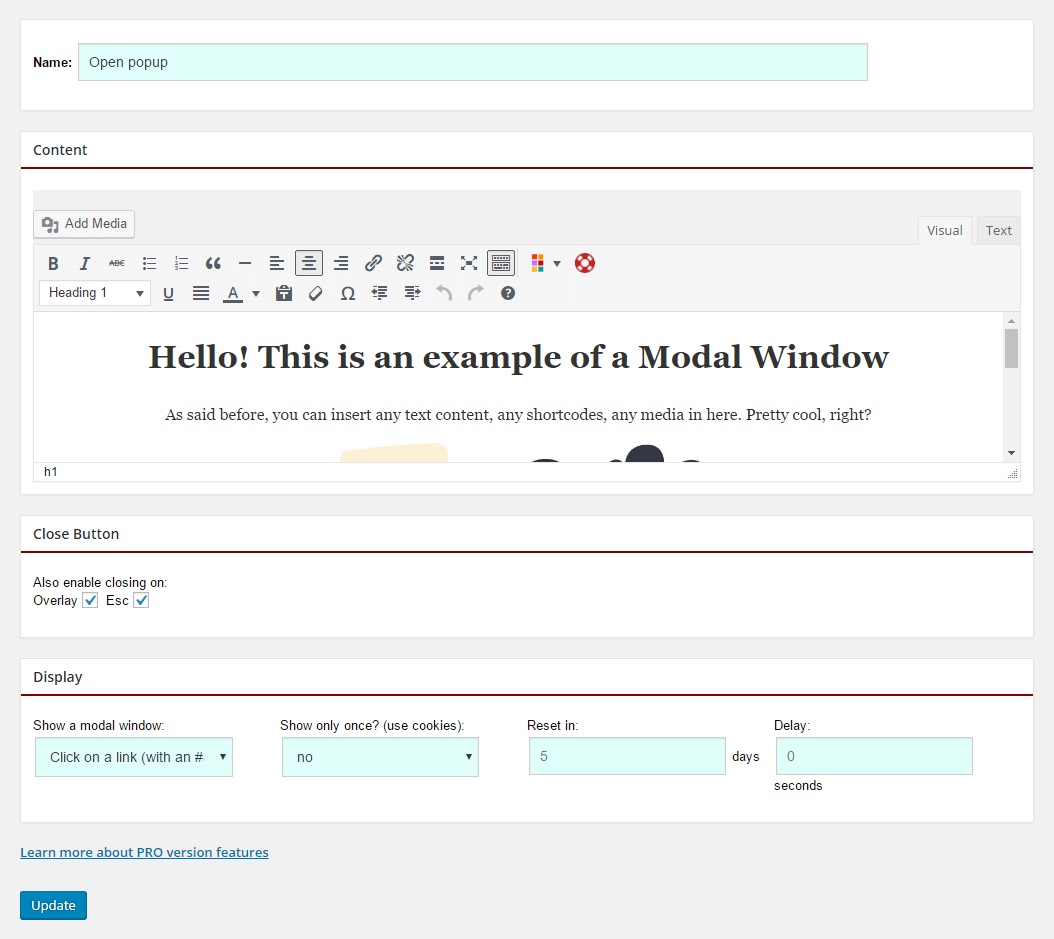
- Overlay and Esc Key: Allow users to close modal windows by clicking on the overlay or pressing the Esc key.
- Import/Export: Easily move your modal window settings between websites.
- Show Once (Cookies): Control the frequency of display using cookies to avoid annoying returning visitors.
—
Discover even more features with the Pro version of the Modal Window plugin, available at wow-estore.com.
—
The free Modal Window plugin is the best tool to create information pop-up blocks quickly and easily. It allows you to display any kind of content on the page. Add and edit text messages, shortcodes of various forms, images, and other media files with its help.
Included Shortcodes
Maximize your modal content with these built-in shortcodes:
* [videoBox] – Insert responsive YouTube or Vimeo videos.
* [iframeBox] – Embed external web pages or interactive content.
* [buttonBox] – Create beautiful “Link” or “Close Modal” buttons.
* [wow-icon] – Add any of the 2000+ Font Awesome icons.
* [w-row] & [w-column] – Create complex multi-column layouts easily.
Common use cases
The free version of the Modal Window plugin is versatile and can be used in various scenarios to enhance your website’s functionality and user engagement.
Promotions and Announcements
- Special Offers: Display limited-time promotions or discounts to capture visitor interest and drive sales.
- Event Announcements: Inform users about upcoming events, webinars, or product launches directly on your site.
Lead Generation
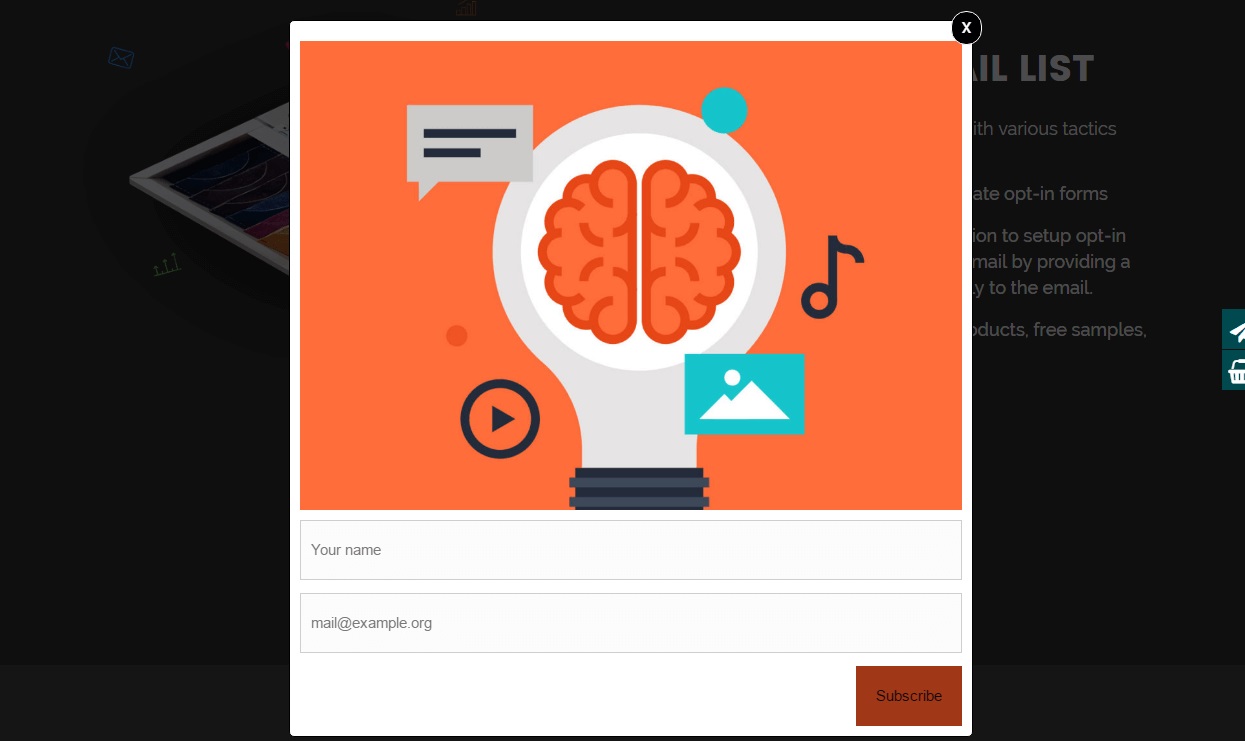
- Newsletter Sign-Ups: Create pop-ups to encourage visitors to subscribe to your newsletter, helping you grow your email list.
- Contact Forms: Embed contact forms within modals to make it easy for visitors to reach out to you without leaving the page.
Content Display
- Important Information: Highlight critical updates or information, such as privacy policies or terms of service changes.
- Multimedia Content: Showcase videos, image galleries, or other multimedia content in a visually appealing modal window.
User Interaction
Surveys and Feedback: Collect user feedback or conduct surveys to gather insights and improve your services.
Navigation and Guidance
- Site Tours: Guide new users through your website’s features with step-by-step tutorials in modal windows.
- Pop-Up Menus: Create additional navigation options with pop-up menus that enhance user experience.
Use with other FREE plugins to maximize your results
- Counter Box – Quickly and easily create countdowns, counters, and timers with a live preview.
- Buttons – Easily create beautiful, customizable standard, floating, and social sharing buttons. Increase click-through rates and enhance your user experience.
- Calculator Builder – A simple way to create an online calculator.
- Floating Button – WordPress plugin designed to generate and manage sticky Floating Buttons, capable of performing any defined actions on your website.
- Herd Effects – Designed to create a “sense of queue” or “herd effect”, motivating the visitors of the page to perform any actions.
Try other our plugin for create menu:
- Floating Button – Easily generate and manage sticky floating buttons.
- Sticky Buttons – Easily create sticky buttons with varying complexity.
- Bubble Menu – Create an awesome circle menu with icons.
- Float menu – Easily create floating menus with varying complexity.
- Side Menu – Provide any extra content and functionality with the attention-grabbing side menu.
Support
Search for answers and ask your questions at support center
Installation
- Installation option 1: Find and install this plugin in the
Plugins->Add newsection of yourwp-admin - Installation option 2: Download the zip file, then upload the plugin via the wp-admin in the
Plugins->Add newsection. Or unzip the archive and upload the folder to the plugins directory/wp-content/plugins/via ftp - Press
Activatewhen you have installed the plugin via dashboard or pressActivatein thePluginslist - Go to
Modal Windowsection that will appear in your main menu on the left - Click
Add newto create your first modal window - Setup your modal window
- Click Save
- Copy and paste the shortcode, such as [Modal-Window id=1] to where you want the modal window to appear.
- If you want it to appear everywhere on your site, you can insert it for example in your
header.php, like this:<?php echo do_shortcode('[Modal-Window id=1]');?>
Frequently asked questions
How to create a Modal window?
Click Add new to create your first modal window Setup your modal window Click Save Copy and paste the shortcode, such as [Modal-Window id=1], to where you want the modal window to appear. For Example: insert shortcode [Modal-Window id=1] into a page/post content If you want it to appear everywhere on your site, you can insert it for example in your footer.php, like this:
Prevent page jumping to top when opening modal
If the page jumping to the top when opening a modal via a link lower down on a page add the next CSS code: html.no-scroll, body.no-scroll { overflow: visible !important; } In the site dashboard: Go to the page ‘Appearance’->’Customize’ Click ‘Additional CSS’ Add CSS code Click ‘Publised’
How to close the modal window using custom button
You can сlose popup via adding to the element: Class – wow-modal-close-X, like Close Popup ID – wow-modal-close-X, like Close Popup URL – #wow-modal-close-X, like Close Popup Where X = Modal window ID
The modal window on the frontend does not change after making changes to the settings
If you use the cache (W3 Total Cache, WP Super Cache, WP Rocket) or minify plugins (Autoptimize, Fast Velocity Minify) try deactivate them and tested the modal window. If the modal window shows correctly, reset the cache of these plugins.
The modal window not show
Check whether you have inserted a modal window on the page. You can insert the modal window via shortcode or option ‘Publish’ -> ‘All posts and pages’ Check that the site’s protocol matches WordPress Address (URL) & Site Address (URL) in the Settings-> General
How to open a modal window clicking on the link?
Create a modal window Copy and paste the shortcode, such as [Modal-Window id=1], to where you want the modal window to appear. Insert a link like Open Modal Window to the page.
How to open a modal window clicking on the button ?
Create a modal window Copy and paste the shortcode, such as [Modal-Window id=1], to where you want the modal window to appear. Insert a button like Open Modal Window to the page.
Can I insert a shortcode into the modal window?
Yes, you can inert any shortcode into the content of modal window
The modal window doesn’t scrolling
This happens if the height of the modal is set to auto and is less than the height of the screen. To solve this problem: Set the value to option “Modal Height” Select the value “Modal Height” % or px, but not auto
Changelog
Fixes a bug where a modal set to not block the page still made the whole page unclickable. If a modal has Block page = No and the overlay disabled, closing it by clicking outside no longer works — use the close button or Esc instead.
6.3
- Fixed: with
Block page = Nothe modal no longer blocks the page — links and buttons behind it stay clickable. Most visible with theScrolledtrigger. - Fixed: close actions no longer fire before the modal has been shown, so pressing Esc on the page no longer runs the close redirect.
- Fixed: forms, inputs and selects placed in the modal content are no longer stripped on the frontend, so the editor preview and the live site match.
- Fixed: the left offset of the modal used the unit of the bottom offset. The editor preview used a wrong unit as well.
- Fixed: closing a modal no longer clears the
inertstate set by another modal or by the theme. - Fixed:
aria-modalis nowfalsefor popups that do not block the page. - Fixed: shortcode
videoBoxwith an unknown source, and double escaped attributes iniframeBox. - Fixed:
Undefined array keynotices on PHP 8 for modals saved by older versions of the plugin. - Security: added a capability check to the modal preview request in the admin area.
- Improved: modal rows are fetched once per request instead of one query per modal.
6.2.5
- Fixed a minor bug with output tags
- Fixed: a minor bug with code quality
6.2.4
- Fixed: function
shortcodereturns the wrong value. - Fixed: minor bugs with grammar.
6.2.3
- Updated: Font Awesome library upgraded to version 7.1.
- Updated:
wp-color-picker-alphato version 3.0.4.
6.2.2
- Improved: Refactored AdminActions class for better performance and readability
- Improved: Reordered condition checks for better execution performance
- Updated: Added strict type hinting for method arguments in AdminActions
6.2.1
- Improved: Reorganized method order in DBManager class for better readability and maintenance
- Improved: Minor SQL formatting for consistency
- Cleaned: Minor code style improvements according to WordPress Coding Standards (WPCS)
Screenshots
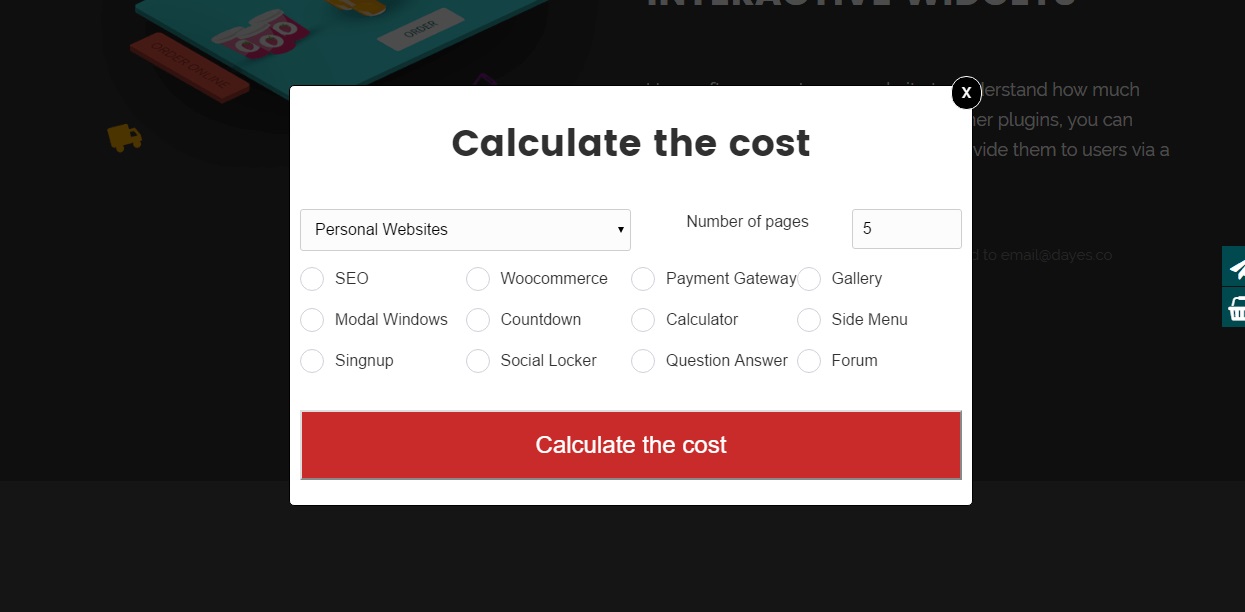
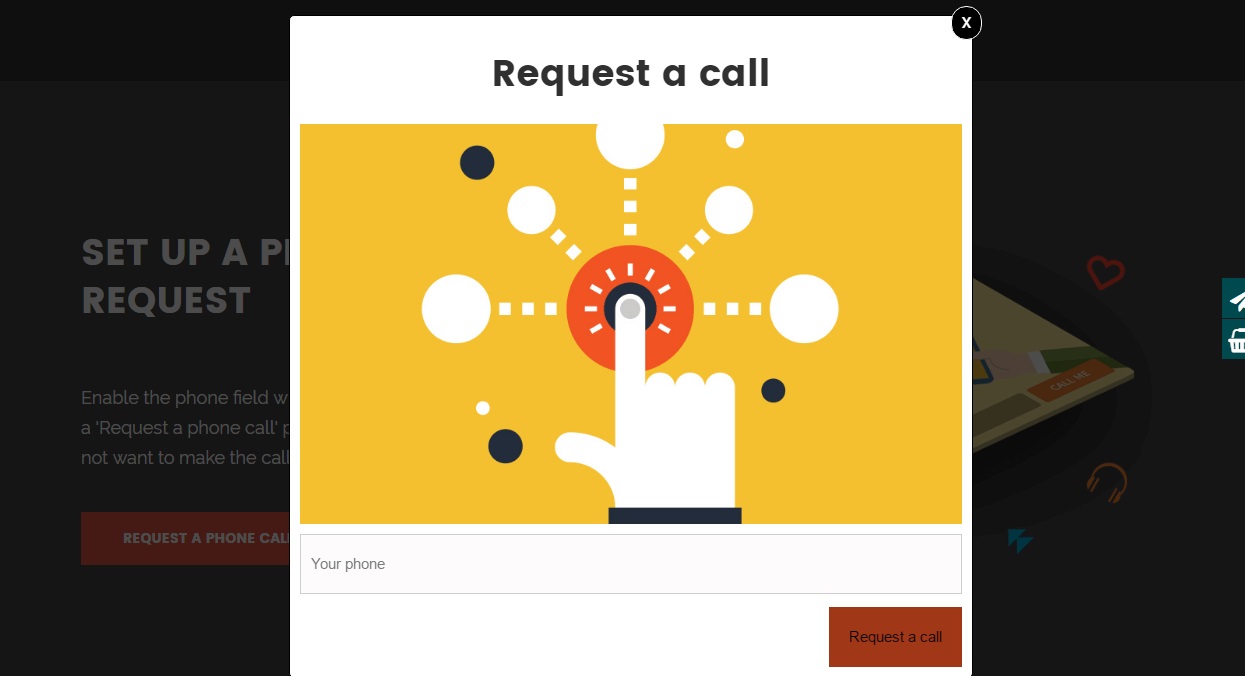
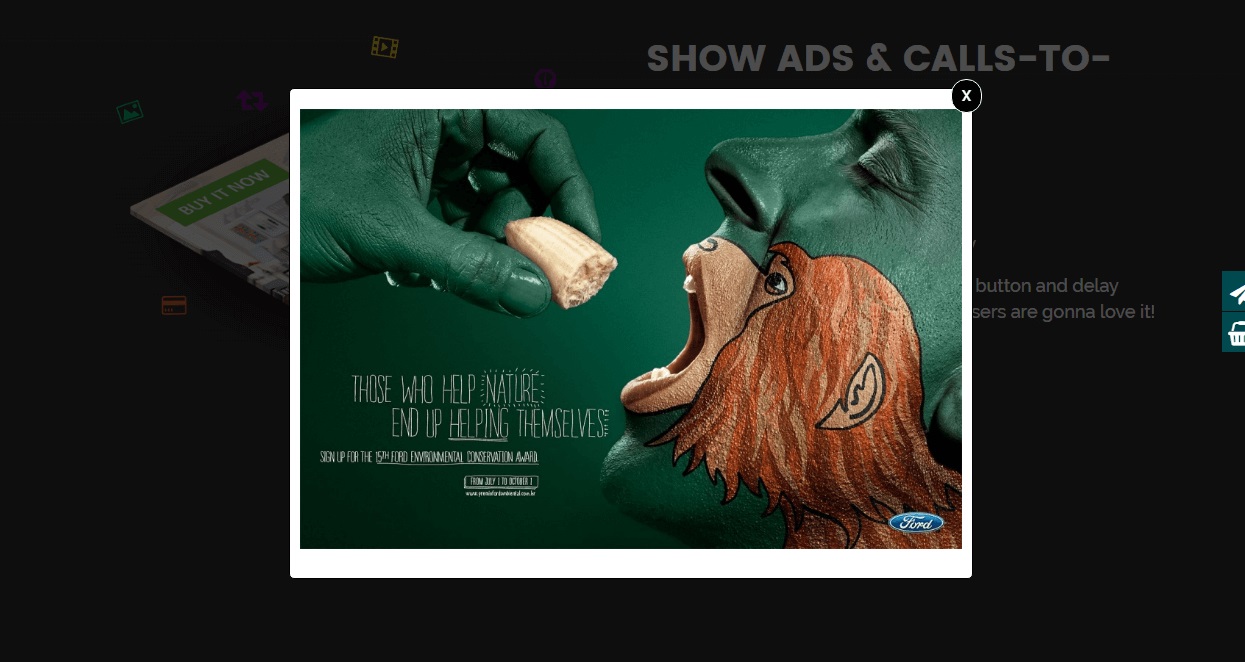
For developers
Is this your plugin? Show off the numbers.
Add a live badge to your site, docs or GitHub README. It updates on its own — no account needed.
Best Modal Window alternatives
All lightbox plugins →





FAQ
Modal Window: quick answers
Straight answers, pulled from live WordPress.org data.
Live data from WordPress.org · checked Sep 26, 2026
Is Modal Window free?
Yes. Modal Window is free to download and use from the official WordPress.org plugin directory.
Is Modal Window safe to use in 2026?
Yes — Modal Window is a safe, well-maintained plugin to use in 2026. It runs on 10K+ sites, is rated 3.8/5 and was last updated 1 month ago, and scores 80/100 on our health check.
How many websites use Modal Window?
Modal Window is active on 10K+ WordPress websites and has been downloaded 436,342 times since it launched in May 2016. It was downloaded 2,315 times in the last 30 days.
Does Modal Window work with WordPress 7.1?
Yes. The developer has tested Modal Window up to WordPress 7.1.2, the latest release. It requires WordPress 5.0 or newer.
What PHP version does Modal Window need?
Modal Window requires PHP 7.4 or higher. Most hosts run PHP 8.x today, so it works on any modern WordPress hosting.
When was Modal Window last updated?
The latest version, 6.3, was released on August 25, 2026 (1 month ago).
Who makes Modal Window?
Modal Window is developed and maintained by Wow-Company.
What are the best alternatives to Modal Window?
The most popular alternatives to Modal Window are Shortcodes Ultimate (400K+ installs), Firelight Lightbox (200K+ installs) and Responsive Lightbox & Galle… (100K+ installs).
Powered by PageForge
Want thousands of pages that rank like these? Build them in an afternoon.
This directory runs on the same engine as PageForge. Turn any spreadsheet, CSV or API into thousands of fast, SEO-ready WordPress pages — with schema, internal links and AI-written copy baked in.
- CSV, Google Sheets & API data sources
- AI content, schema & internal links per page
- Works with Elementor, Gutenberg, Yoast & Rank Math
- Free on WordPress.org — no credit card


