


Mega Forms – Drag & Drop Form Builder with Multi-Step & Conditional Logic
Contact form builder that allows you to create forms for any purpose. Drag & drop form fields to build modern, professional contact forms in minutes.

Solid choice
Mega Forms is a solid plugin choice in 2026, with a few things worth checking first. It runs on 200+ sites, is rated 5/5 and was last updated 2 months ago, and scores 76/100 on our health check.
- Small user base (200+ active installs)
How does it stack up?
Side-by-side on installs, updates, ratings & support


Daily downloads
Download spikes usually follow a new release — each site that auto-updates counts as a download.
Rankings
Where Mega Forms stands todayWordPress.org search rankings
Live position in the plugin search, top 100| Keyword | Position |
|---|---|
| ajax forms | #33 |
| custom form | >100 |
| drag and drop form builder | #45 |
| file upload forms | #51 |
| multi step ajax form | #12 |
Version adoption
Share of active sites per release.
Rating breakdown
★★★★★★★★★★ 5 from 12 reviews
About Mega Forms
From the official readme · v1.7.8Description
Mega Forms is highly advanced contact form builder for WordPress, it comes with all the contact form features you will ever need, including AJAX submission, multi-page contact forms, secure file uploads, conditional logic, save and continue, user creation, front end posting, and tons more. You can use Mega Forms to save time, grow customer interaction, and build better contact forms for any purpose.
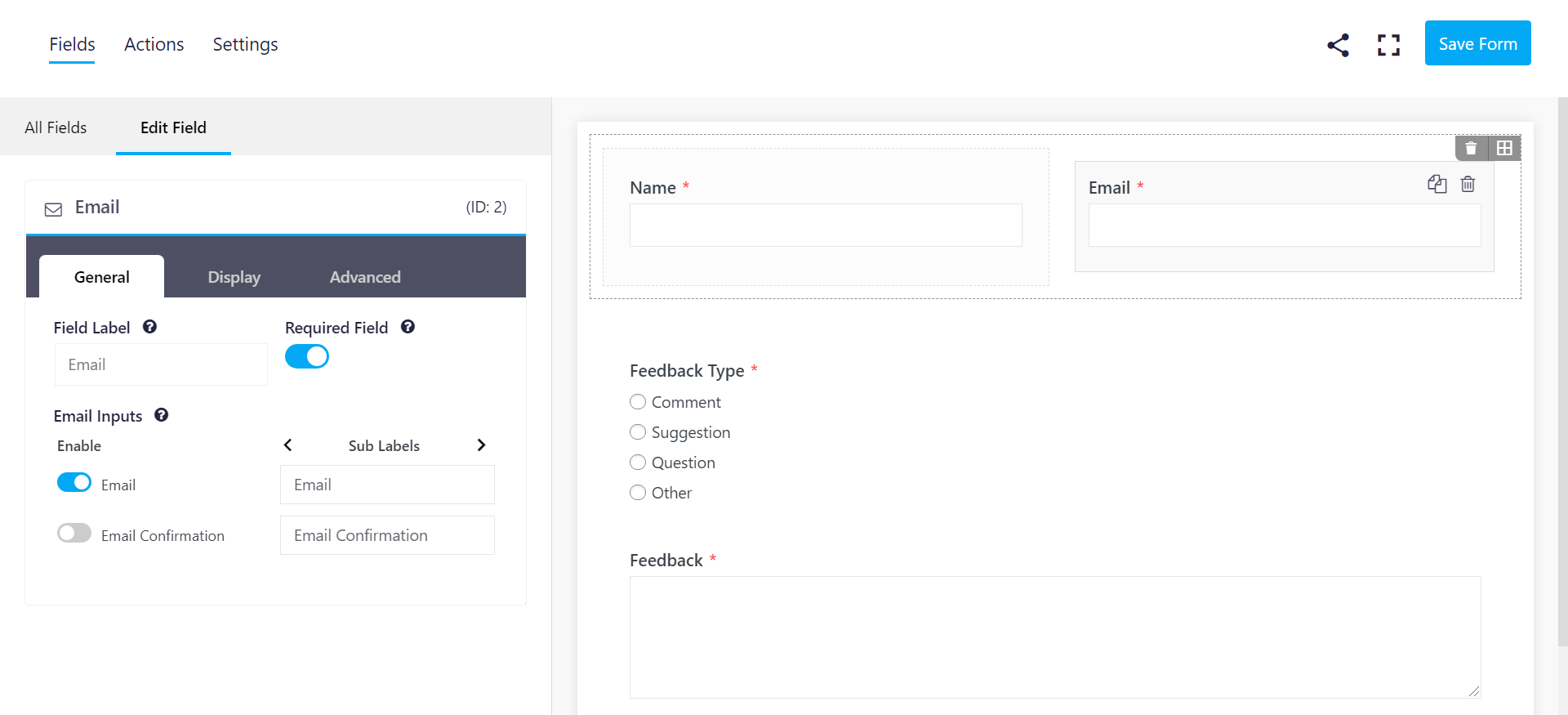
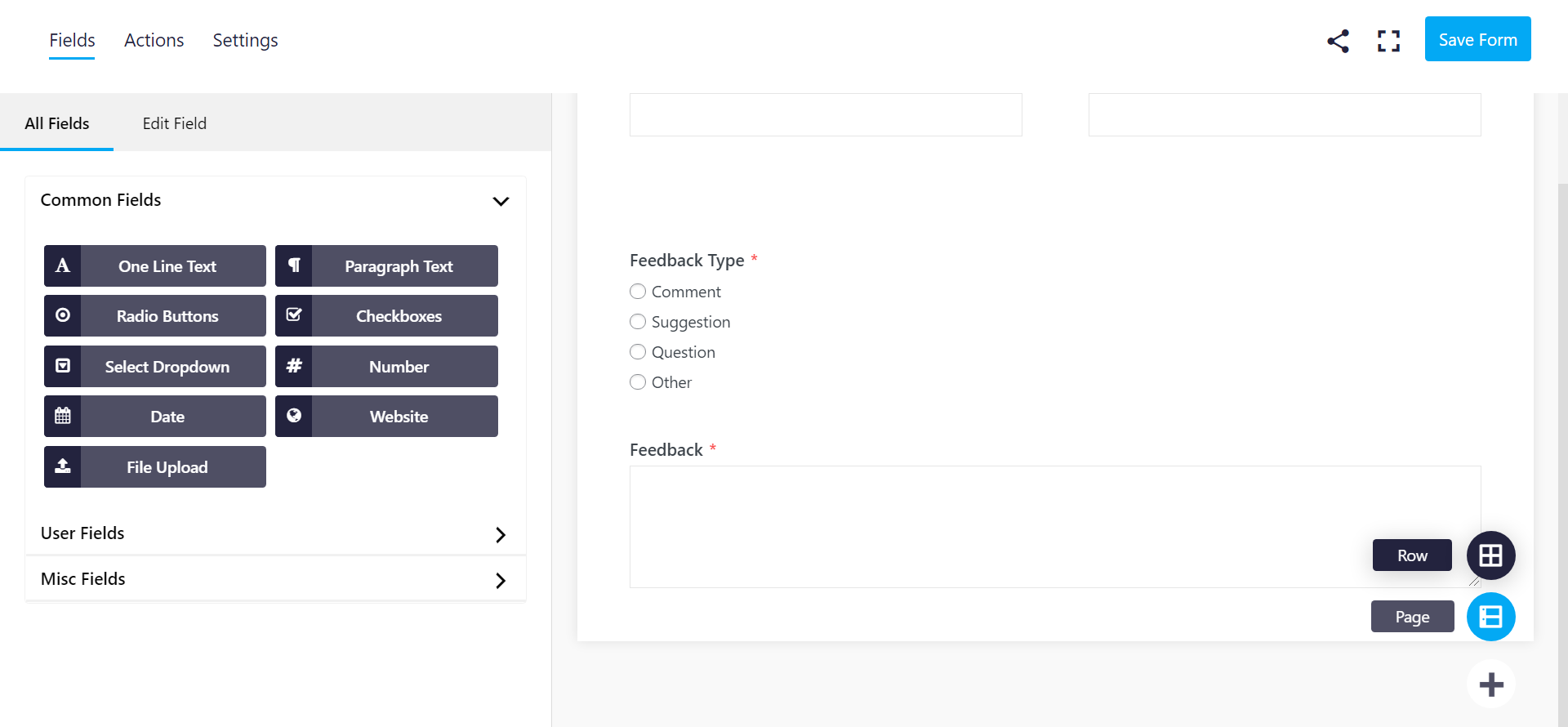
Mega Forms gives you a modern interface, easy customization, and the ability to build modern & professional forms thanks to our intuitive drag & drop visual editor.
Now you can create better forms, embed them anywhere on your WordPress website, get email notification for each submission, perform custom tasks, and collect & manage data without being a coding ninja.
Mega Forms contact forms are also highly optimized for web and server performance. We know how important speed is when it comes to SEO and user experience, that’s why we have built every piece of Mega Forms with performance and usability in mind. Mega Forms will load the least possible amount of CSS & JS assets, and only store necessary data to the database to keep your website fast and provide your users with better experience.
No Coding Skills Required
No technical skill? No problem. You can easily design simple and complex forms with our highly advanced visual builder. Mega Forms offers a flexible row/column layout system that requires very minimal effort to build forms that blends nicely with your website design.
Developer Friendly
Mega Forms has been built with developers in mind. This means it’s flexible, easily extendable, and full of action and filter hooks, making it easy to customize to your own needs.
Top Features
Mega Forms comes with a visual editor and ton of other features:
- Intuitive user interface
- Drag & drop form builder
- Optimized for speed & performance
- Tons of free field types ( text, select, radio, checkboxes and more )
- Regular updates & dedicated support
- Fully responsive & mobile friendly
- Unlimited forms & form submission
- Merge tags support
- Multi-steps support
- Conditional logic support ( for fields, form notifications and more )
- Save And Continue Later support
- Front end posting & User creation
- Export and import forms
- Export entries
- Customizable templates
- Full control ( styles, email templates, field templates and more )
- Developer friendly
- Highly effective Anti-spam system ( invisible to users )
- reCaptcha support
Available Extensions ( third-party )
The following extensions above are provided by third-party developers, we do not manage or support these extensions.
- Local captcha by MobiCMS: Integrates a local captcha by MobiCMS into Mega Forms.
Frequently asked questions
Does Mega Forms Have A Getting Started Guide
We’re currently still working on building Mega Forms site, once completed, it will have a complete list of resources at https://wpmegaforms.com/
Is There A Documentation For Developers
We’re currently still working on building Mega Forms site, once completed, it will have a complete list of resources at https://wpmegaforms.com/
Does It Work On All Devices
Yes, Mega Forms is completely responsive and will display forms properly on all types of devices.
Does It Include Spam Protection
Yes, we are using a combination of Honeypot & Timetrap to make great spambot-proof forms. We have implemented these thwarting techniques in a way that makes them very effective in detecting and blocking spam submissions without annoying the real users. On top of this, we’ve added an integration with Google reCaptcha in addition to internal spam filters for more security.
Can I Export & Import Forms
Yes, you can easily export and import forms via the dedicated export/import tool in the admin area.
Can I Export Entries/Submissions
Yes, you can easily export form entries using the dedicated export/import tool in the admin area.
Does Mega Forms Support Signature Fields
Yes, Mega Forms includes a signature field that allows users to provide signatures by either drawing on a canvas or typing their name. The signature field supports customizable canvas dimensions, pen color, and background color. Drawn signatures are automatically converted to PNG images for secure storage.
Can I Record Audio Directly in Forms
Yes, the plugin includes an advanced audio field that allows users to either upload audio files or record audio directly from their browser. The field supports three modes: upload-only, record-only, or both. Browser recordings use the WebRTC API to capture high-quality audio in WebM/Opus format, with configurable maximum duration limits.
Does Mega Forms Support Rich Text Formatting
Yes, Mega Forms includes a Rich Text field that uses the WordPress visual editor (TinyMCE) to allow users to submit formatted content. The field supports two toolbar modes: Basic (bold, italic, lists, links) and Full (all formatting options including headings and alignment). Content is safely sanitized and HTML formatting is preserved in email notifications and post submissions.
What Field Types Does Mega Forms Offer
Mega Forms comes with all the fields you need: Text Field Paragraph Text (Textarea) Rich Text (Visual Editor) Dropdown Field Multiselect Radio Buttons Checkboxes Number Name Email Address Address Phone Password Date Website Hidden Section HTML ( HTML code ) Divider Question File Upload Consent Signature Audio Recording Here is a list of the field types in progress: Calculated Field Star Rating Rangle Slider Toggle Pricing ( field group ) Here is a list of the field containers in progress: Repeatable Group Tabs Accordions
What Actions Does Mega Forms Offer
Mega Forms comes with the necessary actions by default: Email Notification WordPress Hook User Registration Post Submission ( Front End Posting ) MailChimp Integration Webhooks / API Request Here is a list of actions in progress: Google Spreadsheet Integrations ( ActiveCampaign, ConvertKit, AWeber, Campaign Monitor…etc )
Is it Translation Ready
Yes, Mega Forms has full translation and localization support via the ‘megaforms’ textdomain.
Can the Plugin Save Progress on Multi-Step Forms
Yes, there is a feature on multi-step forms that will save the user progress even if they stop or do not complete the submission. To enable this feature, add the following line to your child theme’s functions.php file: add_filter('mf_save_paginated_form_pages', '__return_true'); Once enabled, the plugin will create an entry as soon as the user clicks the “Next” button on multi page forms, and it will update the entry each time the user proceeds to the next page.
What Features are Coming Next
We are in the process of building more features, here is a list: Form Chaining Tons Of Integrations Payments PDF Copy Advanced Stats We don’t promise all of this will be available soon, but we promise we’ll do our best to ship these features as soon as we can.
Changelog
1.0.0
- First release
1.0.1
- Fixed bug ( error when saving forms without adding actions )
1.0.2
- Fixed bugs ( Form editior not taking full screen size, admin area styling fixes..etc )
- Added “Section” field
- Added “Question” field ( mainly added to help with Spam prevention )
- Added the possibility to make “Divider” field transparent ( maily to be used as a “spacer” when needed )
- Corrected some spelling mistakes
1.0.3
- Fixed bugs
- Added option to disable saving entries on form submission ( usefull for updating user info..etc )
- Implemented Anti-spam technique ( Honeypot trap )
- Added shortcode processing feature to the HTML field
1.0.4
- Fixed bugs ( honeypot issues, php errors on empty form submission, choices not saving in order after moving them around…etc )
- Added Anti-spam technique ( timetrap )
1.0.5
- Fixed bugs
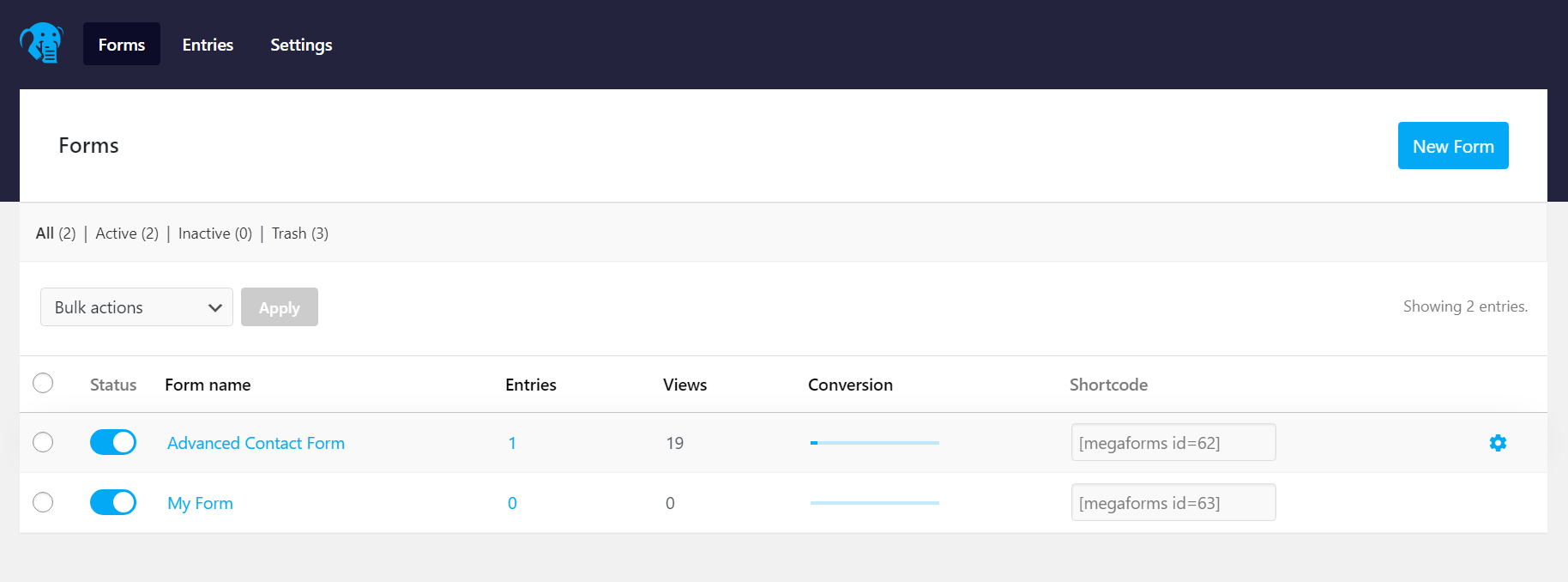
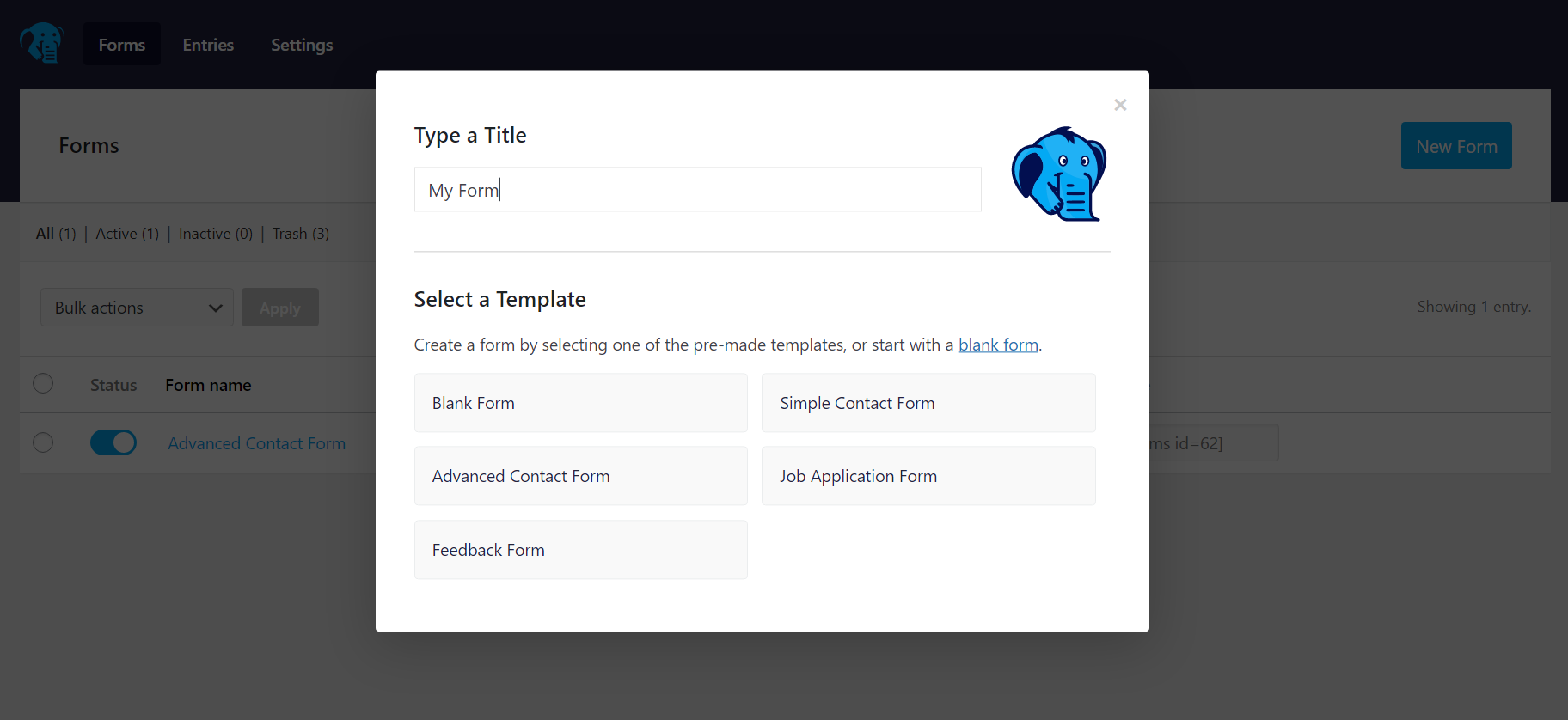
- Added pre-made forms feature ( you can now create form based on pre-made templates )
Screenshots

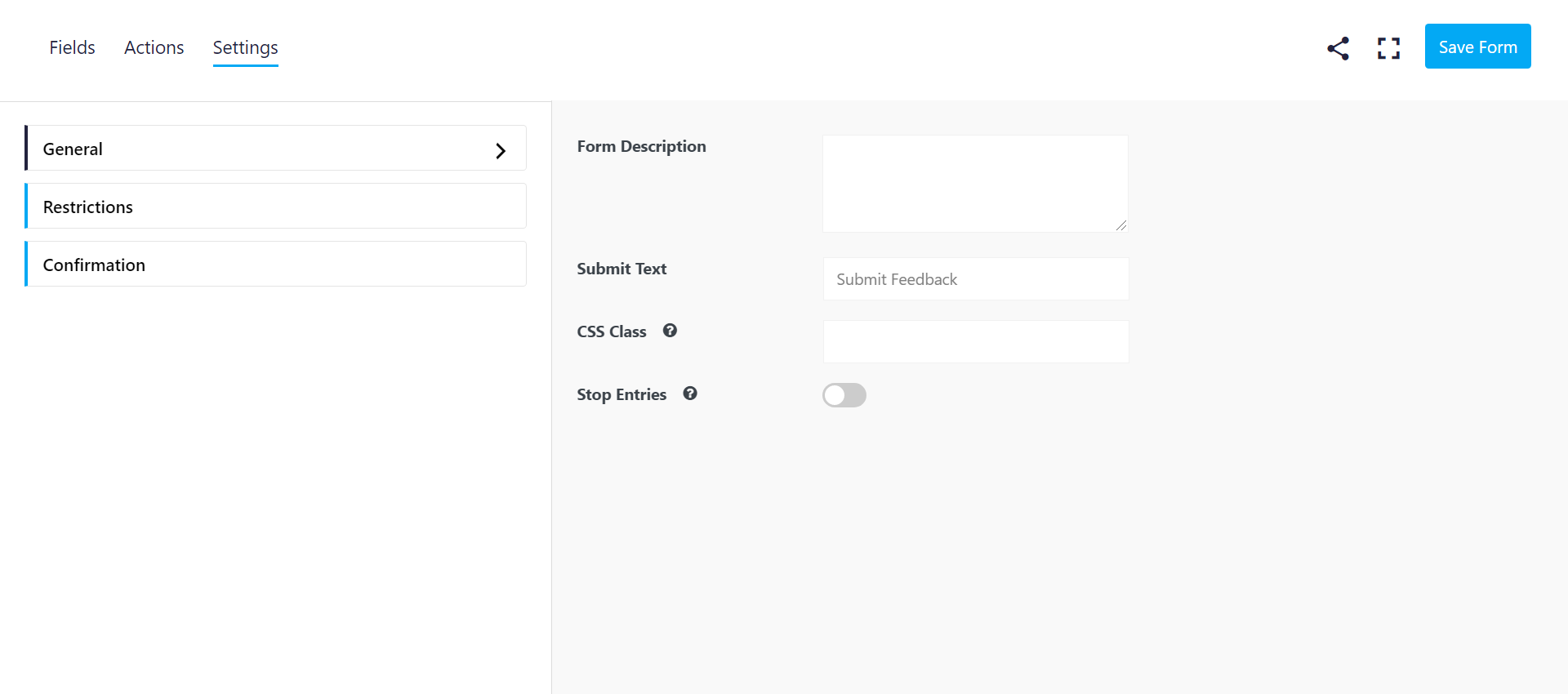
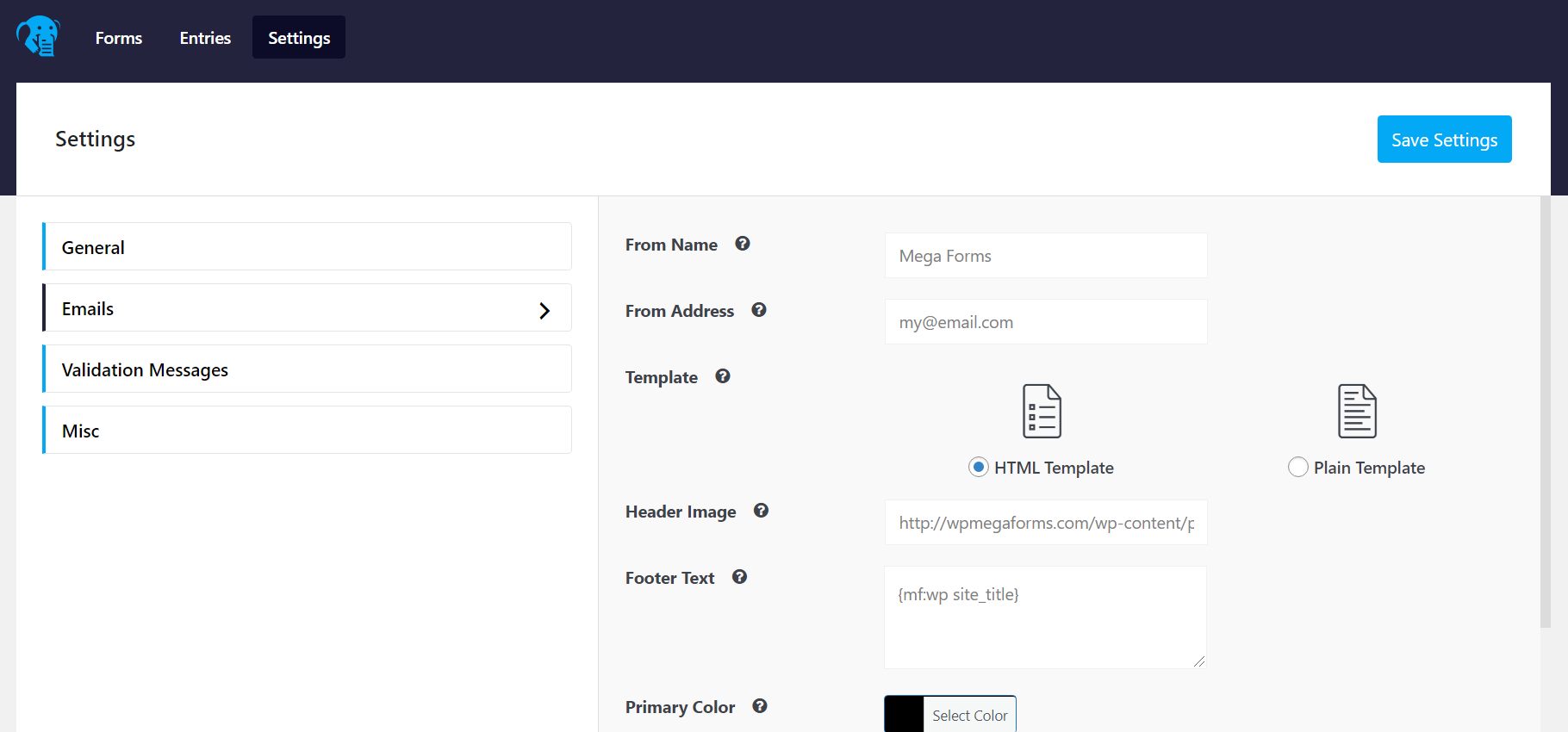
For developers
Is this your plugin? Show off the numbers.
Add a live badge to your site, docs or GitHub README. It updates on its own — no account needed.
Best Mega Forms alternatives
All ajax forms plugins →FAQ
Mega Forms: quick answers
Straight answers, pulled from live WordPress.org data.
Live data from WordPress.org · checked Oct 18, 2026
Is Mega Forms free?
Yes. Mega Forms is free to download and use from the official WordPress.org plugin directory.
Is Mega Forms safe to use in 2026?
Mega Forms is a solid plugin choice in 2026, with a few things worth checking first. It runs on 200+ sites, is rated 5/5 and was last updated 2 months ago, and scores 76/100 on our health check.
How many websites use Mega Forms?
Mega Forms is active on 200+ WordPress websites and has been downloaded 13,728 times since it launched in December 2020. It was downloaded 270 times in the last 30 days.
Does Mega Forms work with WordPress 7.1?
Mega Forms is officially tested up to WordPress 7.0.7, while the latest release is 7.1.3. It may still work, but try it on a staging site first.
What PHP version does Mega Forms need?
Mega Forms requires PHP 7.4 or higher. Most hosts run PHP 8.x today, so it works on any modern WordPress hosting.
When was Mega Forms last updated?
The latest version, 1.7.8, was released on August 8, 2026 (2 months ago).
Who makes Mega Forms?
Mega Forms is developed and maintained by Ali Khallad.
What are the best alternatives to Mega Forms?
The most popular alternatives to Mega Forms are WebKernelAI (<10 installs), Semiosis Form Builder (<10 installs) and Formvexa (<10 installs).
Powered by PageForge
Want thousands of pages that rank like these? Build them in an afternoon.
This directory runs on the same engine as PageForge. Turn any spreadsheet, CSV or API into thousands of fast, SEO-ready WordPress pages — with schema, internal links and AI-written copy baked in.
- CSV, Google Sheets & API data sources
- AI content, schema & internal links per page
- Works with Elementor, Gutenberg, Yoast & Rank Math
- Free on WordPress.org — no credit card


