



MarkBlocks – Markdown for Elementor
Write Markdown in Elementor and convert it into editable widgets with syntax-highlighted code blocks.

Use with caution
MarkBlocks works, but test it on a staging site before relying on it in 2026. It runs on 10+ sites and was last updated 2 months ago, and scores 57/100 on our health check.
- Small user base (10+ active installs)
- Very few reviews so far
How does it stack up?
Side-by-side on installs, updates, ratings & support



Daily downloads
Download spikes usually follow a new release — each site that auto-updates counts as a download.
Rankings
Where MarkBlocks stands todayWordPress.org search rankings
Live position in the plugin search, top 100| Keyword | Position |
|---|---|
| Code Blocks | >100 |
| elementor | >100 |
| markdown | #67 |
| page builder | >100 |
| syntax highlighting | #80 |
Version adoption
Share of active sites per release.
About MarkBlocks – Markdown for Elementor
From the official readme · v1.0.2Description
MarkBlocks lets you write and maintain technical articles in Markdown directly inside Elementor.
The plugin provides two Elementor widgets:
- Markdown Article renders headings, paragraphs, lists, task lists, links, images, tables, blockquotes, dividers, inline code, and fenced code blocks while preserving the original Markdown source.
- Markdown Code Block displays standalone code snippets with language-aware highlighting, light and dark themes, optional line wrapping, and an accessible copy button.
The Markdown Article widget can also convert Markdown into editable Elementor Heading, Text Editor, Divider, Image, and Markdown Code Block widgets.
Supported syntax
- ATX and Setext headings
- Paragraphs and inline formatting
- Ordered, unordered, and task lists
- Blockquotes
- Markdown tables with left, center, and right alignment
- Links and images
- Horizontal rules
- Inline and fenced code
Syntax highlighting
The bundled dependency-free highlighter recognizes FortiOS CLI, Bash, JSON, Python, PHP, JavaScript, TypeScript, SQL, YAML, PowerShell, HTML/XML, CSS, and INI-style configuration.
Security and privacy
- Raw HTML in Markdown is escaped.
- Rendered HTML is filtered with a strict WordPress KSES allowlist.
- Unsafe URL schemes and protocol-relative URLs are rejected.
- Converted text is protected from unintended shortcode execution.
- Input size, line count, nesting, conversion count, and highlighting limits reduce resource-exhaustion risk.
- The plugin does not add custom AJAX actions, REST routes, uploads, SQL queries, remote server requests, telemetry, or executable-code evaluation.
- If an author embeds an external image URL, a visitor’s browser requests that image from its host as part of normal page rendering.
MarkBlocks is an independent add-on and is not affiliated with or endorsed by Elementor Ltd.
Installation
- Upload the
markblocksfolder to/wp-content/plugins/, or install the release ZIP through Plugins → Add New Plugin → Upload Plugin. - Activate MarkBlocks – Markdown for Elementor. Elementor is declared as a required plugin dependency.
- Edit a page or post with Elementor.
- Add the Markdown Article widget from the MarkBlocks category.
- Paste Markdown and render it directly or use Convert / Update Elementor Blocks.
Frequently asked questions
Does MarkBlocks keep the original Markdown?
Yes. The Markdown Article widget stores the original source so it can be edited later.
Are converted Elementor widgets synchronized back to Markdown?
No. The Markdown source remains canonical. Changes made directly to generated Elementor widgets are not written back into the Markdown field.
How are images handled?
Standalone Markdown images become Elementor Image widgets during conversion. Live Markdown rendering uses the supplied URL. MarkBlocks does not download remote images into the WordPress Media Library.
Can I use raw HTML inside Markdown?
Raw HTML is escaped rather than executed for security.
Does MarkBlocks send data to an external service?
No. MarkBlocks has no telemetry and makes no server-side remote requests. External images included by an author are requested by the visitor’s browser when the page is viewed.
Changelog
Review-readiness update with accessibility, internationalization, security, and packaging improvements.
1.0.2
- Removed global admin notices and kept dependency and compatibility checks silent.
- Aligned the package, main file, and translation domain with the requested
markblocksWordPress.org slug. - Added WordPress 7.0 and Elementor 4.2 compatibility metadata.
- Improved keyboard focus, status announcements, copy-button feedback, and right-to-left layout behavior.
- Strengthened Markdown line-limit handling for LF, CRLF, and CR line endings.
- Localized editor-converter messages and scoped conversion status to the active control.
- Tightened generated-container ownership checks while preserving existing widget identifiers.
- Cleaned the release archive of hidden operating-system and repository files.
- Confirmed compatibility testing with Elementor 4.2.1.
- Added the correctly framed MarkBlocks icon and bundled showcase images.
1.0.1
- Added WordPress.org metadata, GPL licensing files, direct-access guards, security hardening, and table-alignment corrections.
1.0.0
- Initial public release.
Screenshots
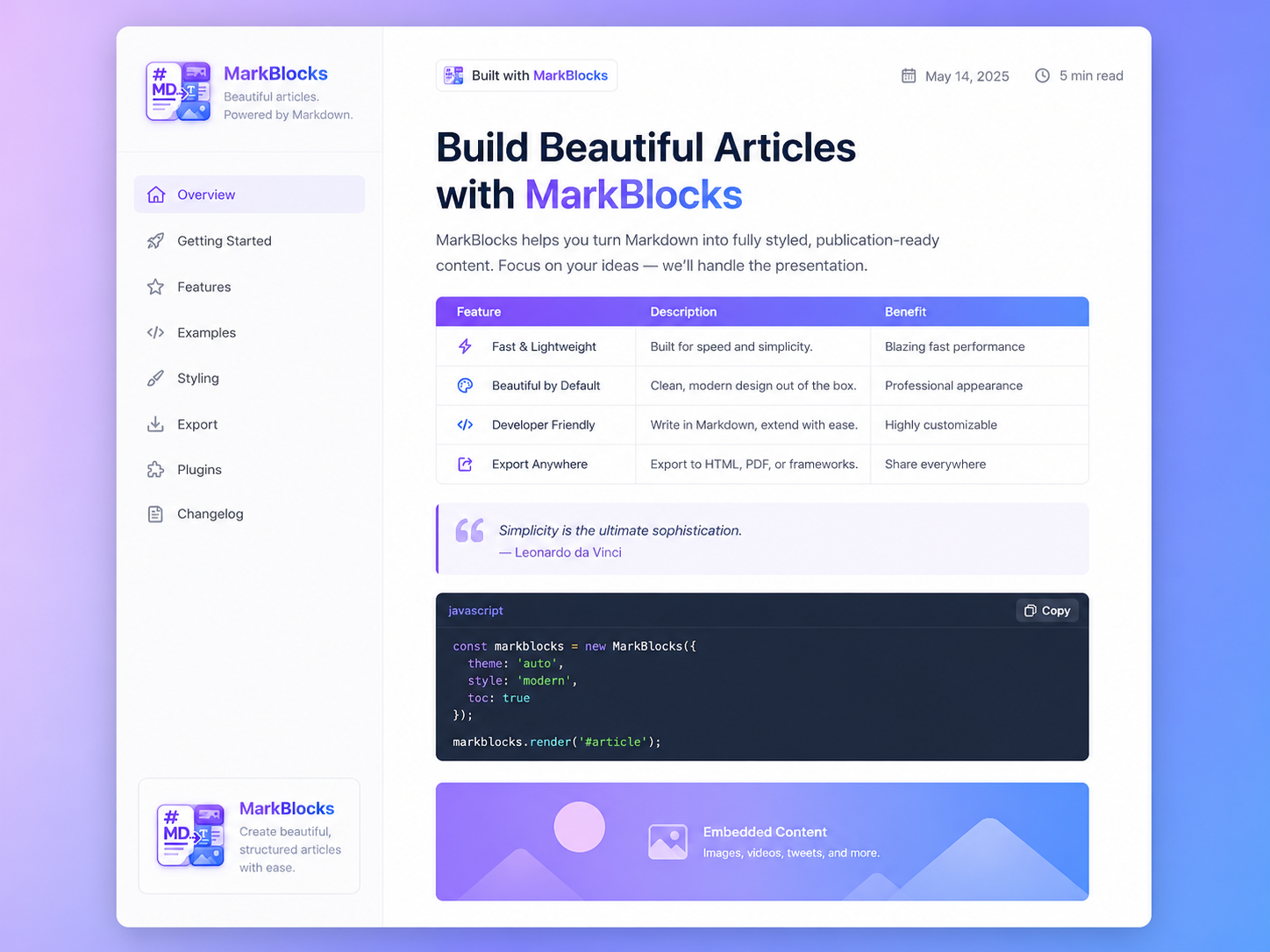
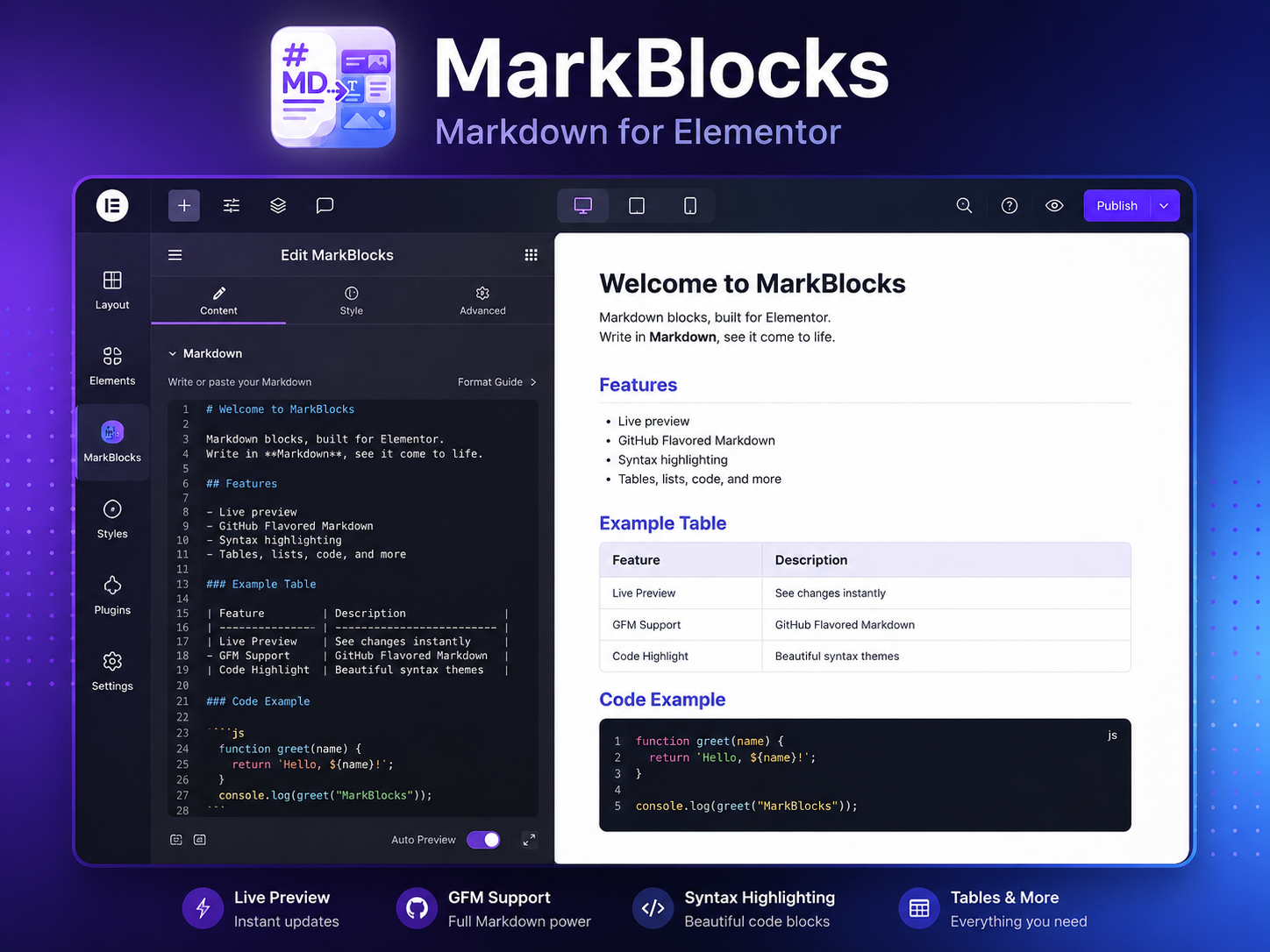
For developers
Is this your plugin? Show off the numbers.
Add a live badge to your site, docs or GitHub README. It updates on its own — no account needed.
Best MarkBlocks alternatives
All Code Blocks plugins →FAQ
MarkBlocks – Markdown for Elementor: quick answers
Straight answers, pulled from live WordPress.org data.
Live data from WordPress.org · checked Sep 26, 2026
Is MarkBlocks free?
Yes. MarkBlocks is free to download and use from the official WordPress.org plugin directory.
Is MarkBlocks safe to use in 2026?
MarkBlocks works, but test it on a staging site before relying on it in 2026. It runs on 10+ sites and was last updated 2 months ago, and scores 57/100 on our health check.
How many websites use MarkBlocks?
MarkBlocks is active on 10+ WordPress websites and has been downloaded 193 times since it launched in August 2026. It was downloaded 85 times in the last 30 days.
Does MarkBlocks work with WordPress 7.1?
MarkBlocks is officially tested up to WordPress 7.0.6, while the latest release is 7.1.2. It may still work, but try it on a staging site first.
What PHP version does MarkBlocks need?
MarkBlocks requires PHP 7.4 or higher. Most hosts run PHP 8.x today, so it works on any modern WordPress hosting.
When was MarkBlocks last updated?
The latest version, 1.0.2, was released on August 1, 2026 (2 months ago).
Who makes MarkBlocks?
MarkBlocks is developed and maintained by Farhan Ahmed.
What are the best alternatives to MarkBlocks?
The most popular alternatives to MarkBlocks are Code Manager (500+ installs), Vaaky Highlighter (10+ installs) and Code Blocks- online code co… (10+ installs).
Powered by PageForge
Want thousands of pages that rank like these? Build them in an afternoon.
This directory runs on the same engine as PageForge. Turn any spreadsheet, CSV or API into thousands of fast, SEO-ready WordPress pages — with schema, internal links and AI-written copy baked in.
- CSV, Google Sheets & API data sources
- AI content, schema & internal links per page
- Works with Elementor, Gutenberg, Yoast & Rank Math
- Free on WordPress.org — no credit card


