


Admin Tweaks
Customize various aspects of WordPress backend. Create a clean and easier admin area for the users.

Use with caution
Admin Tweaks works, but test it on a staging site before relying on it in 2026. It runs on 800+ sites, is rated 4.7/5 and was last updated 1 year ago, and scores 52/100 on our health check.
- Loved by users — 4.7/5 from 33 reviews
- Small user base (800+ active installs)
- No update in over a year
- Only tested up to WordPress 6.8 (latest is 7.1)
How does it stack up?
Side-by-side on installs, updates, ratings & support


Daily downloads
Download spikes usually follow a new release — each site that auto-updates counts as a download.
Rankings
Where Admin Tweaks stands todayWordPress.org search rankings
Live position in the plugin search, top 100| Keyword | Position |
|---|---|
| admin interface | #69 |
| customize | >100 |
| login | >100 |
| maintenance mode | >100 |
| profile | >100 |
Version adoption
Share of active sites per release.
Rating breakdown
★★★★★★★★★★ 4.7 from 33 reviews
About Admin Tweaks
From the official readme · v3.3.3Description
With Admin Tweaks you’ll be able to simplify and make deep customizations in the administrative interface.
It’s a compilation of hooks for enhancing, styling and reducing WordPress backend.
Do you like to adjust and style the backend as much as the frontend?
So, we are together!
Main Features
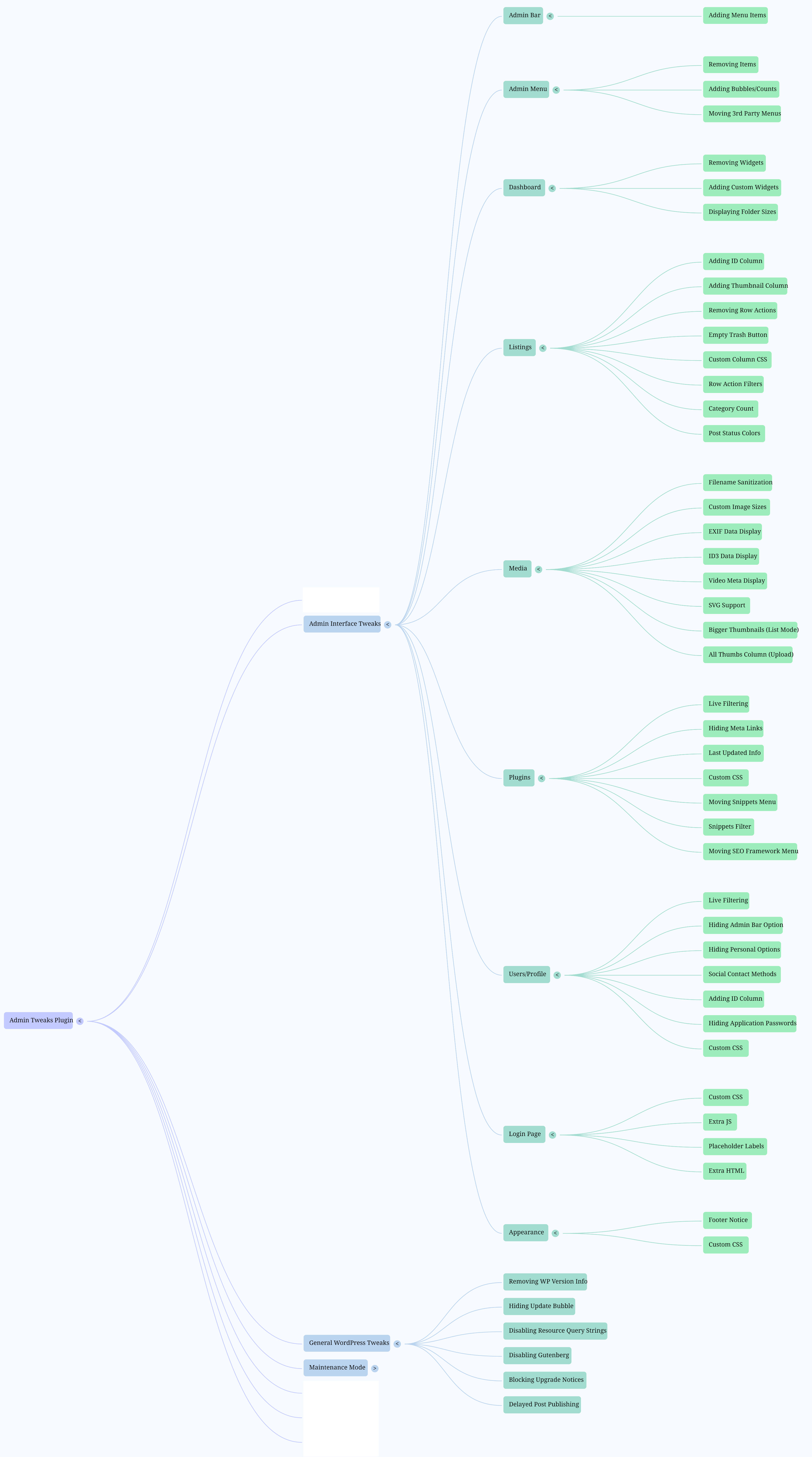
- Admin Bar: remove, add and modify menu items.
- Admin Menus: remove menu and submenu items; sort Settings menu; rename “Posts”.
- Appearance: hide general elements; create admin notices.
- Dashboard: remove and add widgets.
- General Settings: enable arcane Link Manager; privacy; other misc options.
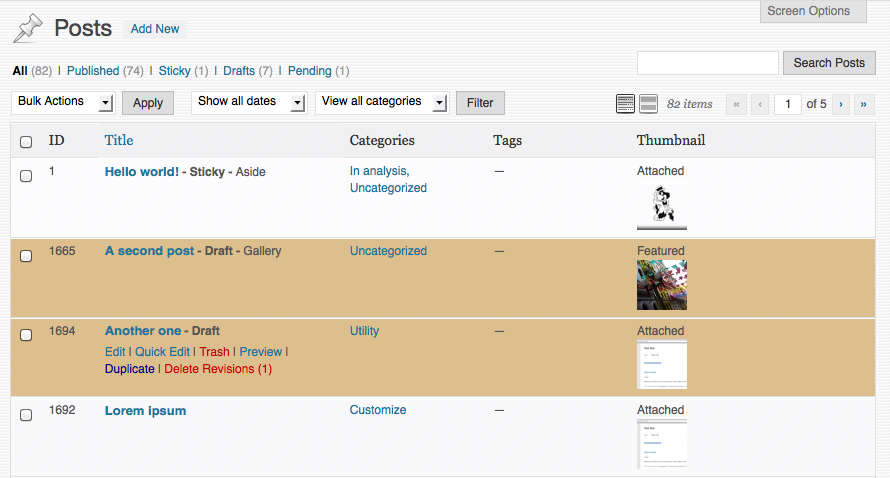
- Listings: customize rows and columns for post types, users and plugins.
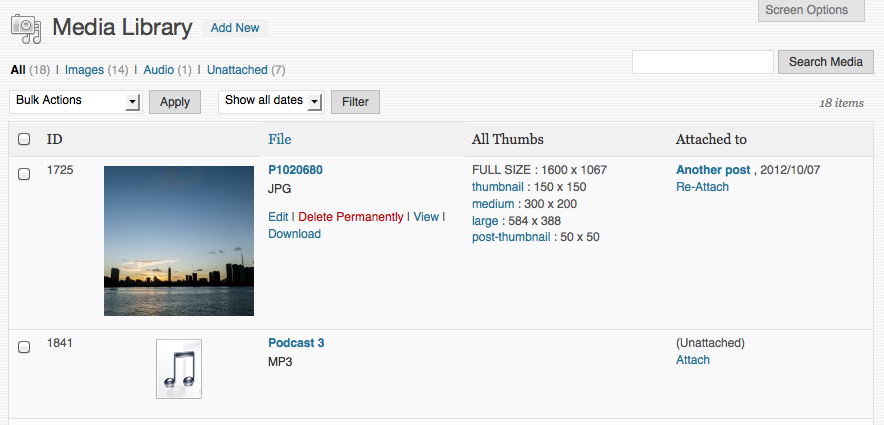
- Media: custom columns; re-attachment; sanitize filenames; jpeg quality; audio/photo/video metadata.
- Plugins: many row modifications; live filter by keyword/active/inactive; move plugins menus from the main menu into the Tools menu (Code Snippets, The SEO Framework, Hide Admin Notices).
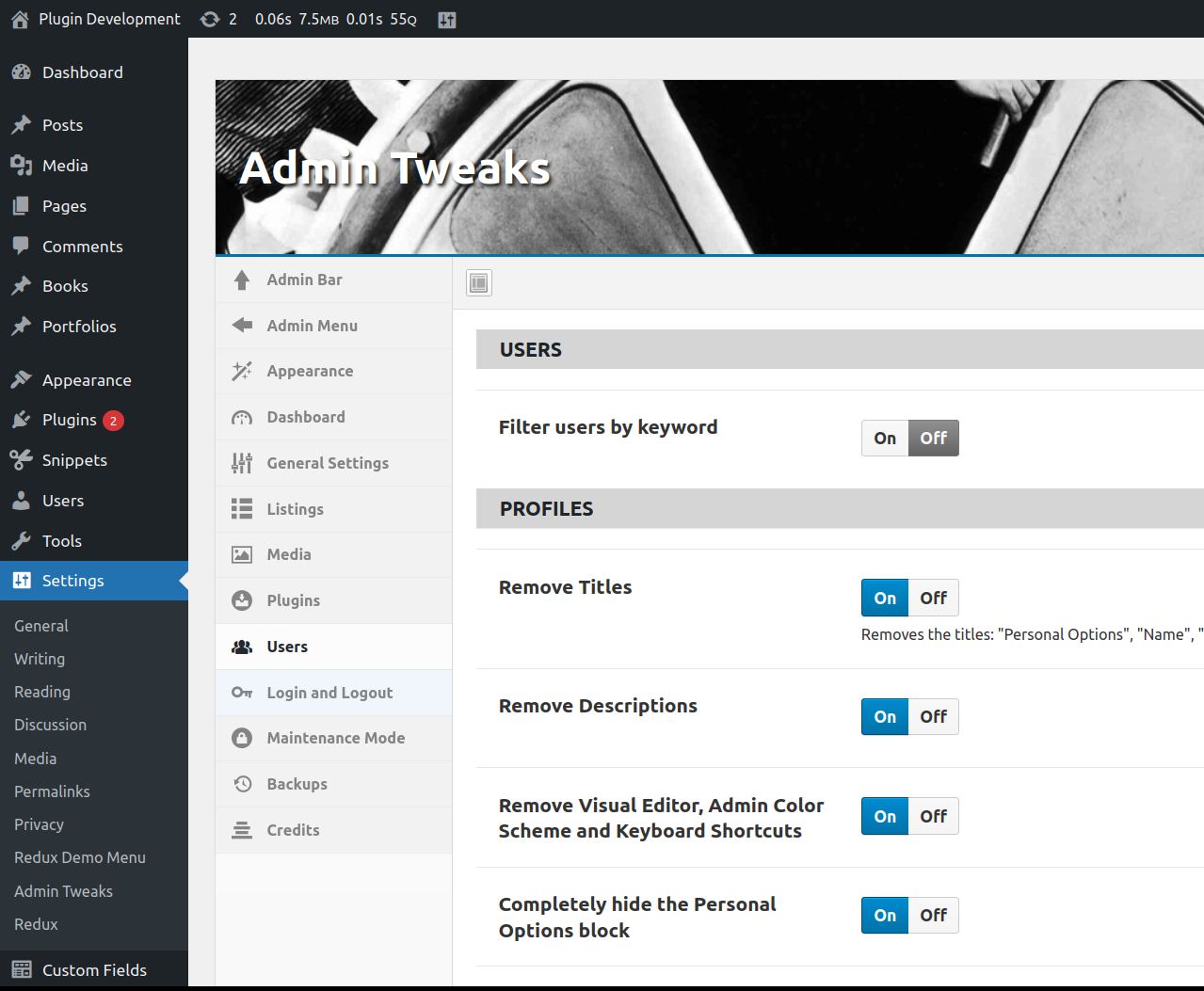
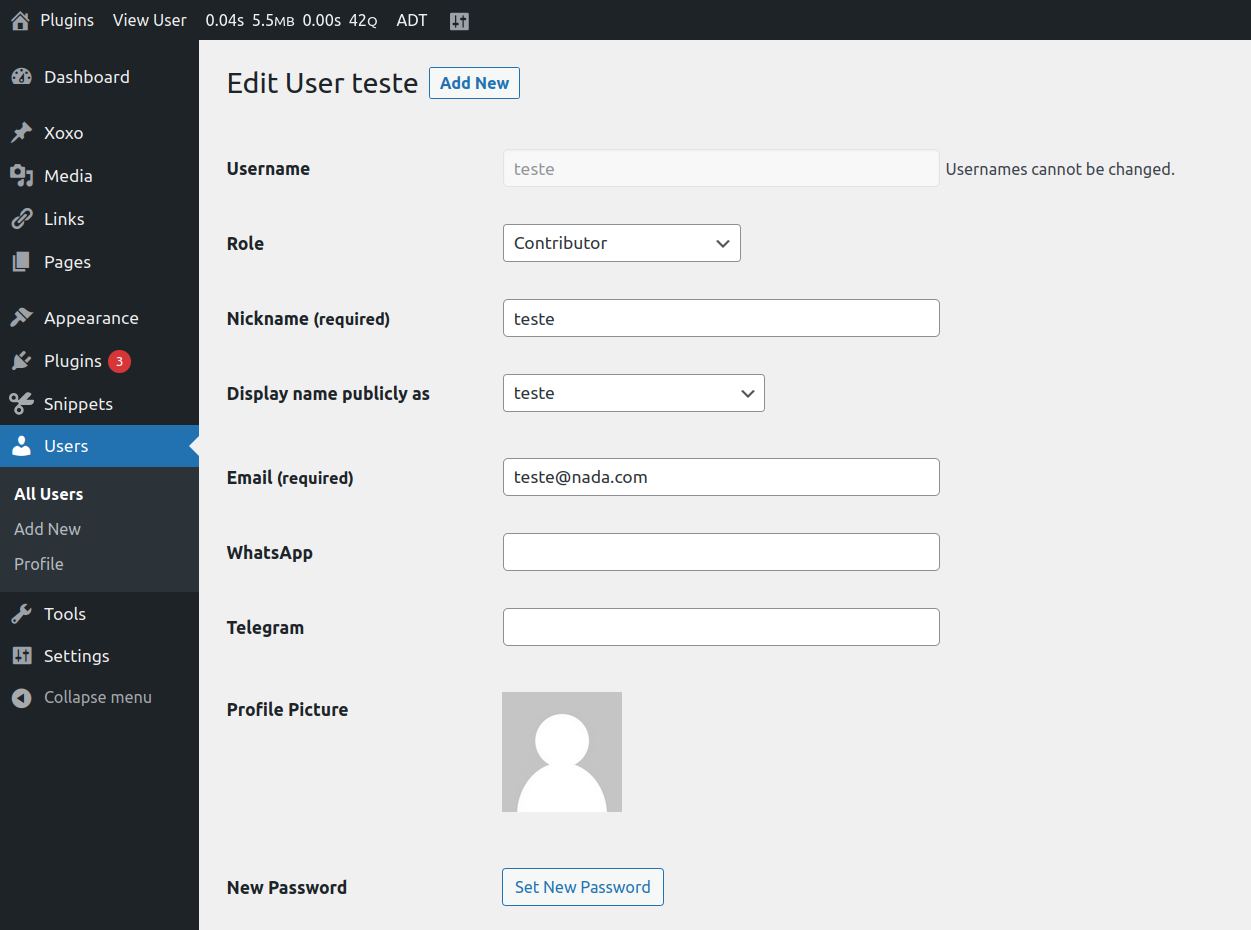
- User Profile: remove almost everything; add custom CSS.
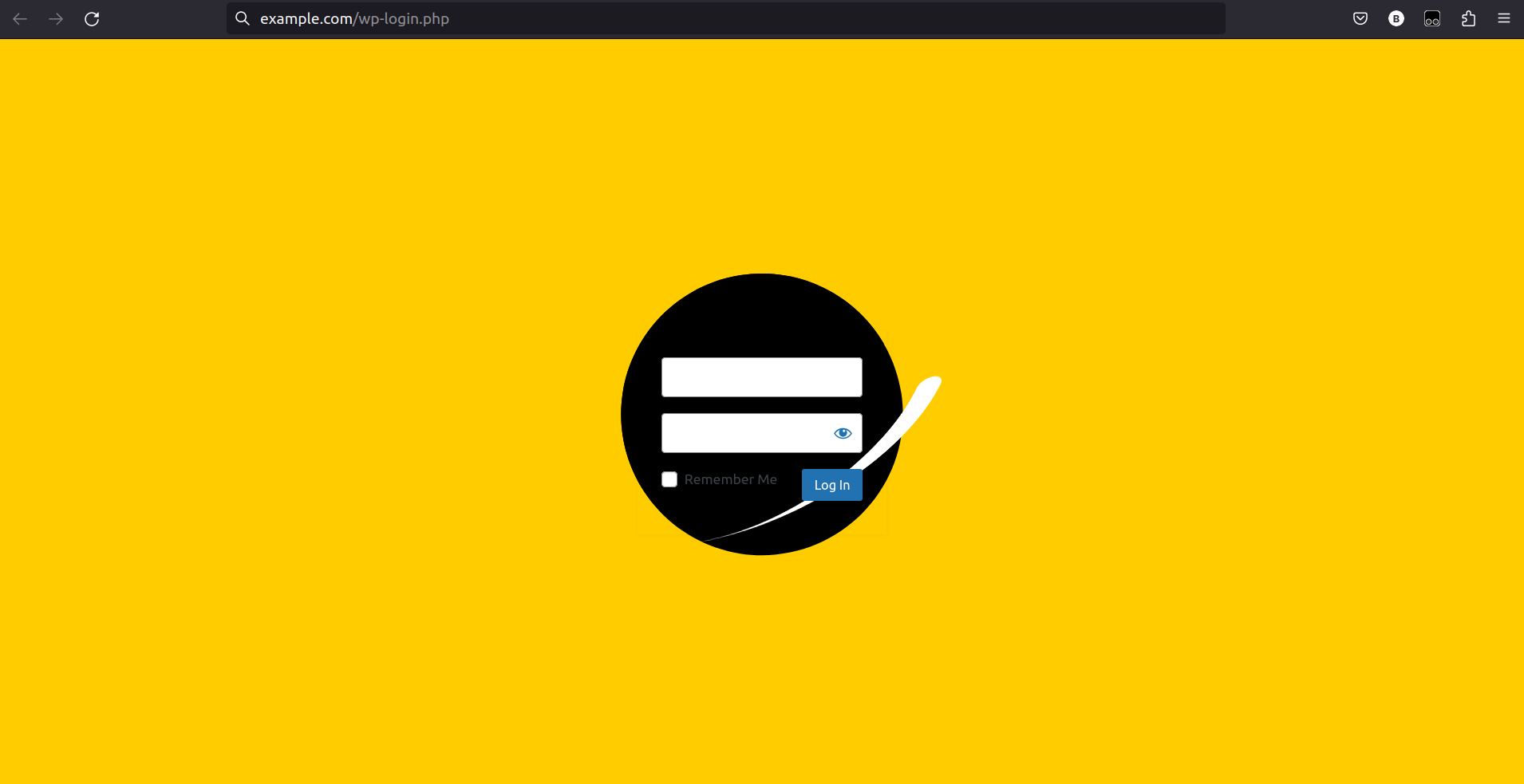
- Login: redirects; errors; modify almost everything; add custom CSS.
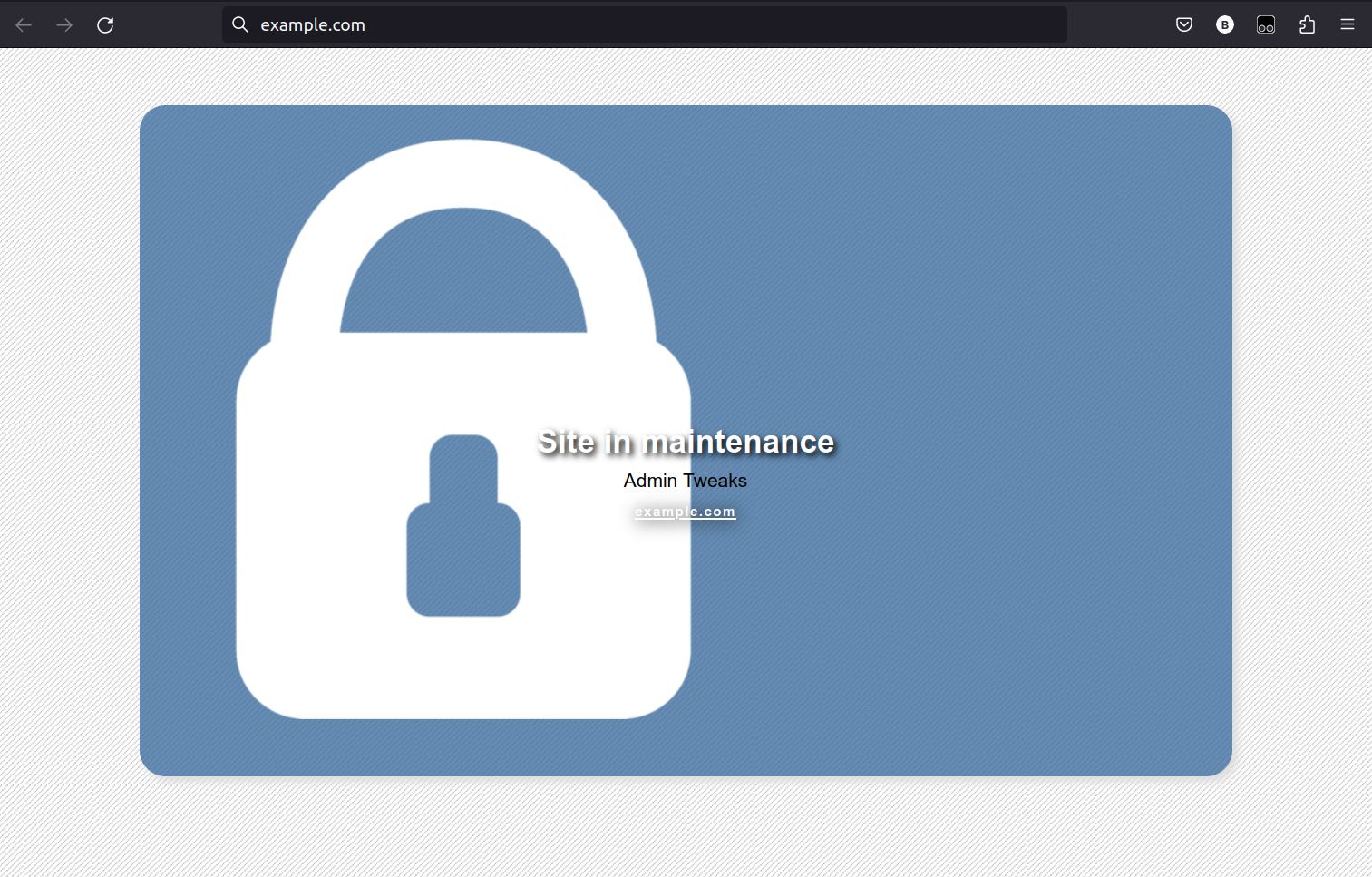
- Maintenance Mode: with minimum Role allowed and possibility to block only the backend.
Acknowledgments
- Everything changed after WordPress Stack Exchange
- Plugin interface using @bainternet’s Admin Page Class
- CSS for hiding help texts adapted from Admin Expert Mode
- Everything started with Adminimize, by Frank Büeltge, which does an awesome job hiding WordPress elements, but I wanted more, and these are some of the great resources where I found many snippets: Stack Exchange, WPengineer, wpbeginner, CSS-TRICKS, Smashing Magazine, Justin Tadlock…
- The option to hide the help texts from many areas of WordPress uses the CSS file of the plugin Admin Expert Mode, by Scott Reilly.
Installation
- Upload
many-tips-together.zipto the/wp-content/plugins/directory. - Activate the plugin through the Plugins menu in WordPress.
- Go to Settings -> Admin Tweaks and have fun.
Uninstall
The ‘reset’ button doesn’t delete the database entry, but if you delete the plugin, the entry will be deleted (via unsinstall.php)
Frequently asked questions
Why Many Tips Together? And why change its name to Admin Tweaks?
The first version of the plugin was a compilation of snippets. It evolved to a General Admin Tweak plugin. Most of the users who left feedback complained about it: too cryptic and hard to find. Well, I agree, but I’m just changing the Display Name. The Repository URL, Directory Name and Database Option Name are still keep original name.
Login CSS
Look for inspiration at CodePen.io.
Doubts, bugs, suggestions
Don’t hesitate in posting a new topic here in WordPress support forum.
Changelog
Version 3.3.3
- Improved plugin filtering: better show/hide descriptions
Version 3.3.2
- Bug fixes
Version 3.3
- Added option to not create attachment pages automatically
- Code reviewed and small bugs fixed
- Removed ACF menu handling
Version 3.2.1
- Admin Menu: option to Re-add the Customize submenu if your theme removes it
- Admin Menu: bug fix for submenus not being listed on Remove Submenu Items
- Post Edit: option to disable fullscreen editor at startup
Version 3.2
- Gutenberg: new option to disable Gutenberg editor on Posts and Pages
- Adjusted mobile CSS
- Updated Redux Framework
Version 3.1
- Admin Bar: improved “Remove default items”
- Admin Menu: new option to remove submenus
- Admin Menu: new option to move third party to the submenu Tools: ACF, Code Snippets and Notification Center
Version 3.0.5
- Fix CSS error
Version 3.0.4
- Updated Redux Framework
- Added ID columns for Users listing
- Cleaned Multisite features
- Added feature to disable the prompt to confirm admin email
- Better filtering for listings
- Reposition plugins’ tweaks
Version 3.0.3
- Added the feature Extra HTML on login page
- Added links to code snippets with animated backgrounds for the login page
Version 3.0.2
- Added the feature Blog Visibility warning
Version 3.0.1
- Fixing SVN error
Version 3.0
-
New interface using Redux Framework; reviewed all features, some removed, some updated.
-
Old options loss: the options scheme changed and I didn’t make a migration tool, sorry for that to any lost soul still using version 2.4.1 😐
Version 2.4.1
- Review for WordPress 4.8
Version 2.4
- General revision to update to WP 4.7
- Removed obsolete tweaks
- Bug fixes
Older versions
Screenshots
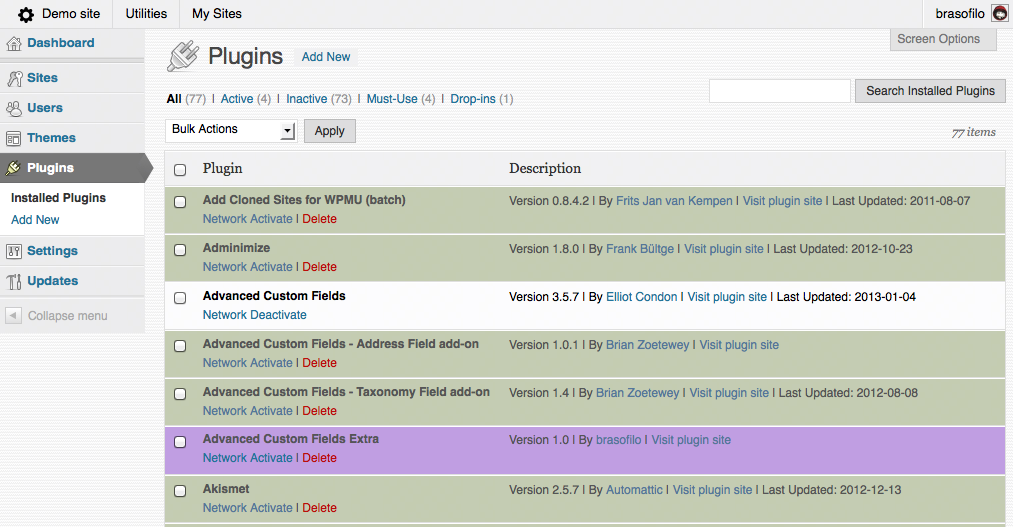
For developers
Is this your plugin? Show off the numbers.
Add a live badge to your site, docs or GitHub README. It updates on its own — no account needed.
Best Admin Tweaks alternatives
All admin interface plugins →



FAQ
Admin Tweaks: quick answers
Straight answers, pulled from live WordPress.org data.
Live data from WordPress.org · checked Sep 28, 2026
Is Admin Tweaks free?
Yes. Admin Tweaks is free to download and use from the official WordPress.org plugin directory.
Is Admin Tweaks safe to use in 2026?
Admin Tweaks works, but test it on a staging site before relying on it in 2026. It runs on 800+ sites, is rated 4.7/5 and was last updated 1 year ago, and scores 52/100 on our health check.
How many websites use Admin Tweaks?
Admin Tweaks is active on 800+ WordPress websites and has been downloaded 43,597 times since it launched in September 2011. It was downloaded 175 times in the last 30 days.
Does Admin Tweaks work with WordPress 7.1?
Admin Tweaks is officially tested up to WordPress 6.8.10, while the latest release is 7.1.2. It may still work, but try it on a staging site first.
When was Admin Tweaks last updated?
The latest version, 3.3.3, was released on April 16, 2025 (1 year ago).
Who makes Admin Tweaks?
Admin Tweaks is developed and maintained by brasofilo.
What are the best alternatives to Admin Tweaks?
The most popular alternatives to Admin Tweaks are Admin CSS MU (10K+ installs), CSH Login (500+ installs) and Show Page Slug in Admin (100+ installs).
Powered by PageForge
Want thousands of pages that rank like these? Build them in an afternoon.
This directory runs on the same engine as PageForge. Turn any spreadsheet, CSV or API into thousands of fast, SEO-ready WordPress pages — with schema, internal links and AI-written copy baked in.
- CSV, Google Sheets & API data sources
- AI content, schema & internal links per page
- Works with Elementor, Gutenberg, Yoast & Rank Math
- Free on WordPress.org — no credit card


