


Make Column Clickable for Elementor
Make entire columns, sections and containers clickable in Elementor, with real SEO-friendly links, keyboard access and click tracking.

Safe pick
Yes — Make Column Clickable for Eleme… is a safe, well-maintained plugin to use in 2026. It runs on 100K+ sites, is rated 4.9/5 and was last updated 1 month ago, and scores 92/100 on our health check.
- Proven at scale on 100K+ active sites
- Loved by users — 4.9/5 from 53 reviews
- Tested with the latest WordPress (7.1)
How does it stack up?
Side-by-side on installs, updates, ratings & support



Daily downloads
Download spikes usually follow a new release — each site that auto-updates counts as a download.
Rankings
Where Make Column Clickable for E… stands todayWordPress.org search rankings
Live position in the plugin search, top 100| Keyword | Position |
|---|---|
| clickable | #1 |
| column | #1 |
| container | #4 |
| elementor | #12 |
| link | #70 |
Version adoption
Share of active sites per release.
Rating breakdown
★★★★★★★★★★ 4.9 from 53 reviews
About Make Column Clickable for Elementor
From the official readme · v1.7.3Description
Disclaimer: This plugin is not affiliated with, or supported by, Elementor Ltd. Quite the opposite.
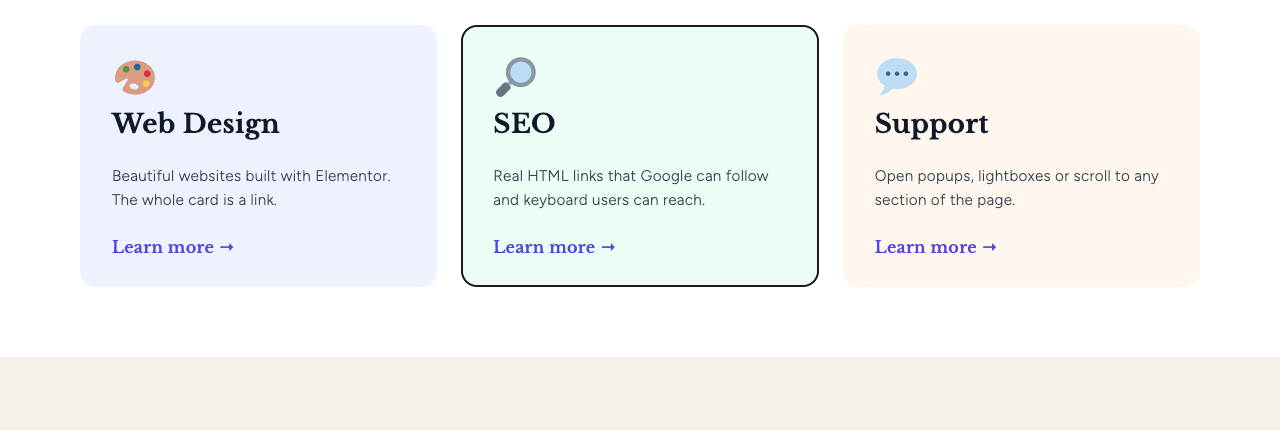
Add a link to any column, section or container in Elementor, and your visitors can click anywhere inside it, not just on a button or a heading. It’s perfect for service cards, banners, call-to-action areas, team members, pricing tables and any other block that should behave like one big link.
Real links: better for SEO and accessibility
Most “clickable column” solutions rely only on JavaScript, so there is no actual link in the page. Search engines can’t follow it, keyboard users can’t reach it, and visitors can’t open it in a new tab.
Since version 1.7, this plugin adds a real HTML link that covers the whole element:
- Google can crawl it. The link is in the page HTML, so search engines can follow it and pass authority to the destination page, just like any other internal link.
- Meaningful anchor text. The link uses the first heading inside the element as its text (or the text you choose), which helps search engines understand the destination page.
- Keyboard and screen reader friendly. Visitors can reach the link with the Tab key, open it with Enter, and screen readers announce it properly.
- Works like a normal link. Ctrl/Cmd + click, middle click and right click → “Open in new tab” work as expected, and the browser shows the destination URL on hover.
- Respects your link options. “Open in new window”, “Add nofollow” and custom attributes from the Elementor link field are applied to the link.
Buttons, links and form fields inside the element keep working and go to their own destination.
Unlike Elementor’s native container link (HTML Tag → Link), you can keep buttons and other links inside the element without breaking your layout, and it also works with columns and sections.
Features
- Make columns, sections and containers clickable.
- Real HTML links, good for SEO and accessibility (default), or the legacy JavaScript mode.
- Internal, external and relative links, plus anchors with smooth scrolling.
- Open Elementor Pro popups and Elementor lightboxes.
- Dynamic tags support.
- Optional click tracking for Google Analytics 4 and Google Tag Manager.
- WPML compatible.
- Lightweight: no jQuery, just a tiny script and stylesheet.
How to use it
- Open the Elementor editor and select a column, section or container.
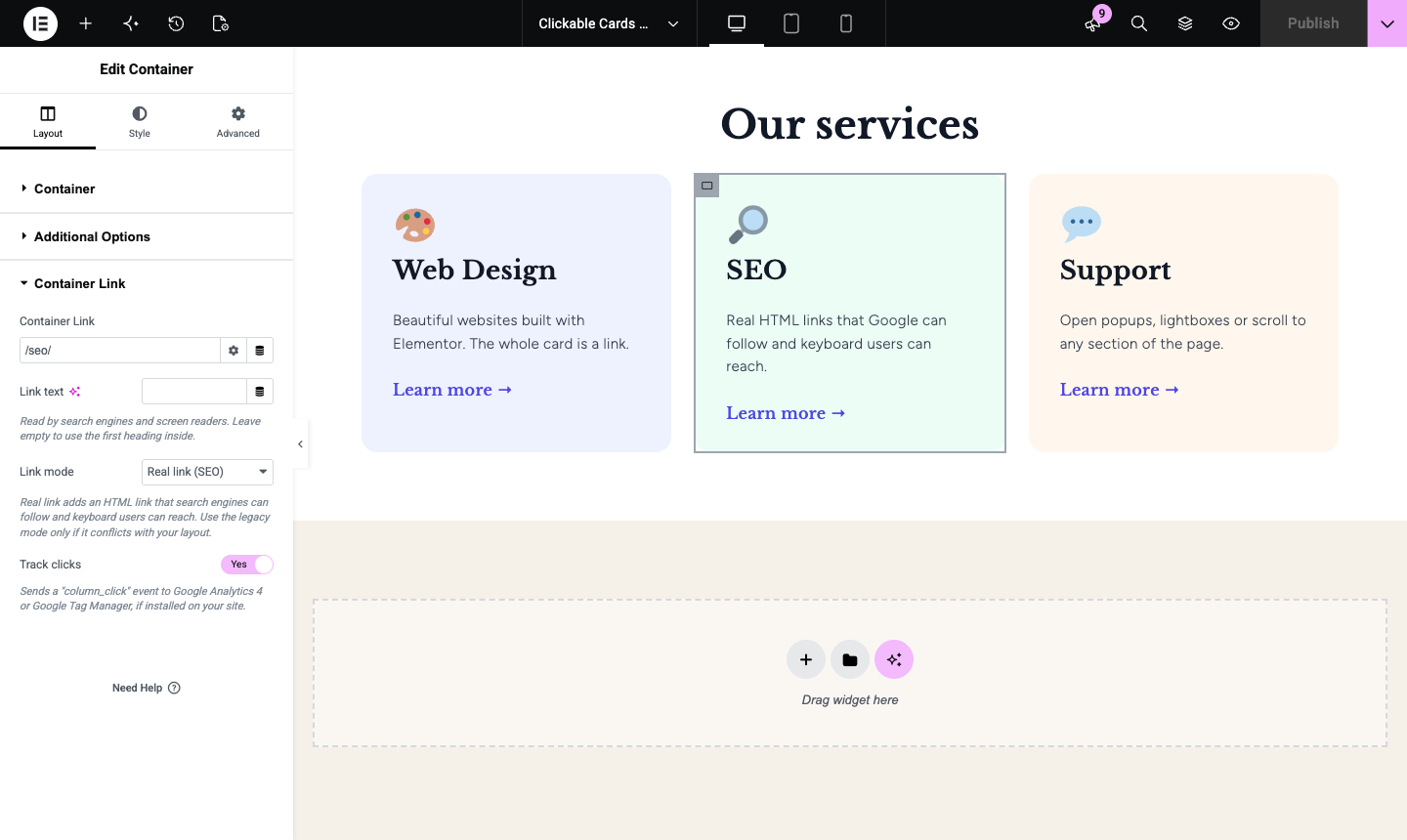
- In the Layout tab, open the Column Link (or Container Link) section.
- Add your link. Optionally, set the link text and turn on click tracking.
Popups and lightboxes
With Elementor Pro, click the Dynamic Tags icon in the link field and choose Actions → Popup to open a popup when the element is clicked. Lightbox actions work the same way.
Click tracking
Turn on Track clicks and the plugin sends a column_click event every time the element is clicked, with the link_url, link_text and element_id parameters:
- If Google Analytics 4 is installed (gtag.js), the event is sent directly to GA4.
- If Google Tag Manager is installed, the event is pushed to the
dataLayer, so you can use it as a Custom Event trigger.
Nothing is sent anywhere else, and no tracking happens unless you turn it on.
Looking for custom WooCommerce or Elementor development? Contact us at suporte@fernandoacosta.net
Installation
- Install and activate the plugin from Plugins → Add New in your WordPress dashboard.
- Make sure Elementor is installed and active.
- Edit any page with Elementor and add a link to a column, section or container (see “How to use it” above).
Changelog
Clickable elements now use real HTML links, which are better for SEO and accessibility. If your layout changes, click "Use legacy mode" on the Plugins screen.
1.7.3 – 2026-10-26
- Security and stability improvements.
- Tested with WordPress 7.1 and Elementor 4.3.
1.7.2 – 2026-10-21
- Fix: Clickable elements inside a container whose HTML Tag is “a” or “button” (the Elementor container link) produced a link inside a link, which browsers can’t render and broke the layout. These elements now use the JavaScript mode, so both links keep working.
1.7.1 – 2026-10-19
- Fix: Updating to 1.7.0 deleted the Elementor CSS files, which broke pages served by a page cache (for example, sections hidden on mobile or desktop showing on every device). Now only the Elementor element cache is cleared.
1.7.0 – 2026-10-18
- New: Real HTML links (default), so search engines can crawl them and keyboard and screen reader users can reach them.
- New: Ctrl/Cmd + click and middle click open the link in a new tab.
- New: “Link text” option, using the first heading inside the element by default.
- New: The “Add nofollow” and custom attributes options of the link field are now applied.
- New: Optional click tracking for Google Analytics 4 and Google Tag Manager.
- New: Switch the whole site back to the legacy JavaScript mode with one click (Plugins screen), or change the “Link mode” of a single element.
- Improved: Removed the jQuery dependency.
- Improved: Selecting text inside a clickable element no longer opens the link.
- Improved: Tested with WordPress 7.1 and Elementor 4.3.
1.6.2 – 2025-09-13
- Allow relative URLs.
1.6.1 – 2025-09-02
- Better link validation.
Screenshots
For developers
Is this your plugin? Show off the numbers.
Add a live badge to your site, docs or GitHub README. It updates on its own — no account needed.
Best Make Column Clickable for Ele… alternatives
All clickable plugins →



FAQ
Make Column Clickable for Elementor: quick answers
Straight answers, pulled from live WordPress.org data.
Source: WordPress.org
Is Make Column Clickable for Eleme… free?
Yes. Make Column Clickable for Eleme… is free to download and use from the official WordPress.org plugin directory.
Is Make Column Clickable for Eleme… safe to use in 2026?
Yes — Make Column Clickable for Eleme… is a safe, well-maintained plugin to use in 2026. It runs on 100K+ sites, is rated 4.9/5 and was last updated 1 month ago, and scores 92/100 on our health check.
How many websites use Make Column Clickable for Eleme…?
Make Column Clickable for Eleme… is active on 100K+ WordPress websites and has been downloaded 952,560 times since it launched in November 2018. It was downloaded 40,701 times in the last 30 days.
Does Make Column Clickable for Eleme… work with WordPress 7.1?
Yes. The developer has tested Make Column Clickable for Eleme… up to WordPress 7.1.5, the latest release. It requires WordPress 5.0 or newer.
What PHP version does Make Column Clickable for Eleme… need?
Make Column Clickable for Eleme… requires PHP 7.4 or higher. Most hosts run PHP 8.x today, so it works on any modern WordPress hosting.
When was Make Column Clickable for Eleme… last updated?
The latest version, 1.7.3, was released on October 26, 2026 (1 month ago).
Who makes Make Column Clickable for Eleme…?
Make Column Clickable for Eleme… is developed and maintained by Fernando Acosta.
What are the best alternatives to Make Column Clickable for Eleme…?
The most popular alternatives to Make Column Clickable for Eleme… are Enhanced Text Widget (30K+ installs), Hyperlink Group Block (7K+ installs) and Addon Elementor Container L… (2K+ installs).
Powered by PageForge
One template and a spreadsheet. A real page for every search.
PageForge turns each row of a CSV into a WordPress page with its own title, URL, SEO fields and schema, built on the layout you already designed. Free on WordPress.org.
- CSV and XLSX, plus Google Sheets on Professional and Enterprise
- Its own title, URL, SEO fields and schema for every page
- Works with the block editor, Elementor, Divi and Avada
- Free on WordPress.org, no credit card