


JavaScript Notifier
JavaScript Notifier allows you to inform visitors that your website requires JavaScript.

Solid choice
JavaScript Notifier is a solid plugin choice in 2026, with a few things worth checking first. It runs on 50+ sites, is rated 5/5 and was last updated 2 months ago, and scores 71/100 on our health check.
- Tested with the latest WordPress (7.1)
- Small user base (50+ active installs)
- Very few reviews so far
How does it stack up?
Side-by-side on installs, updates, ratings & support

Daily downloads
Download spikes usually follow a new release — each site that auto-updates counts as a download.
Rankings
Where JavaScript Notifier stands todayWordPress.org search rankings
Live position in the plugin search, top 100| Keyword | Position |
|---|---|
| disabled | #41 |
| javascript | #13 |
| notification | >100 |
| test | >100 |
| warning | #82 |
Version adoption
Share of active sites per release.
Rating breakdown
★★★★★★★★★★ 5 from 2 reviews
About JavaScript Notifier
From the official readme · v1.2.9Description
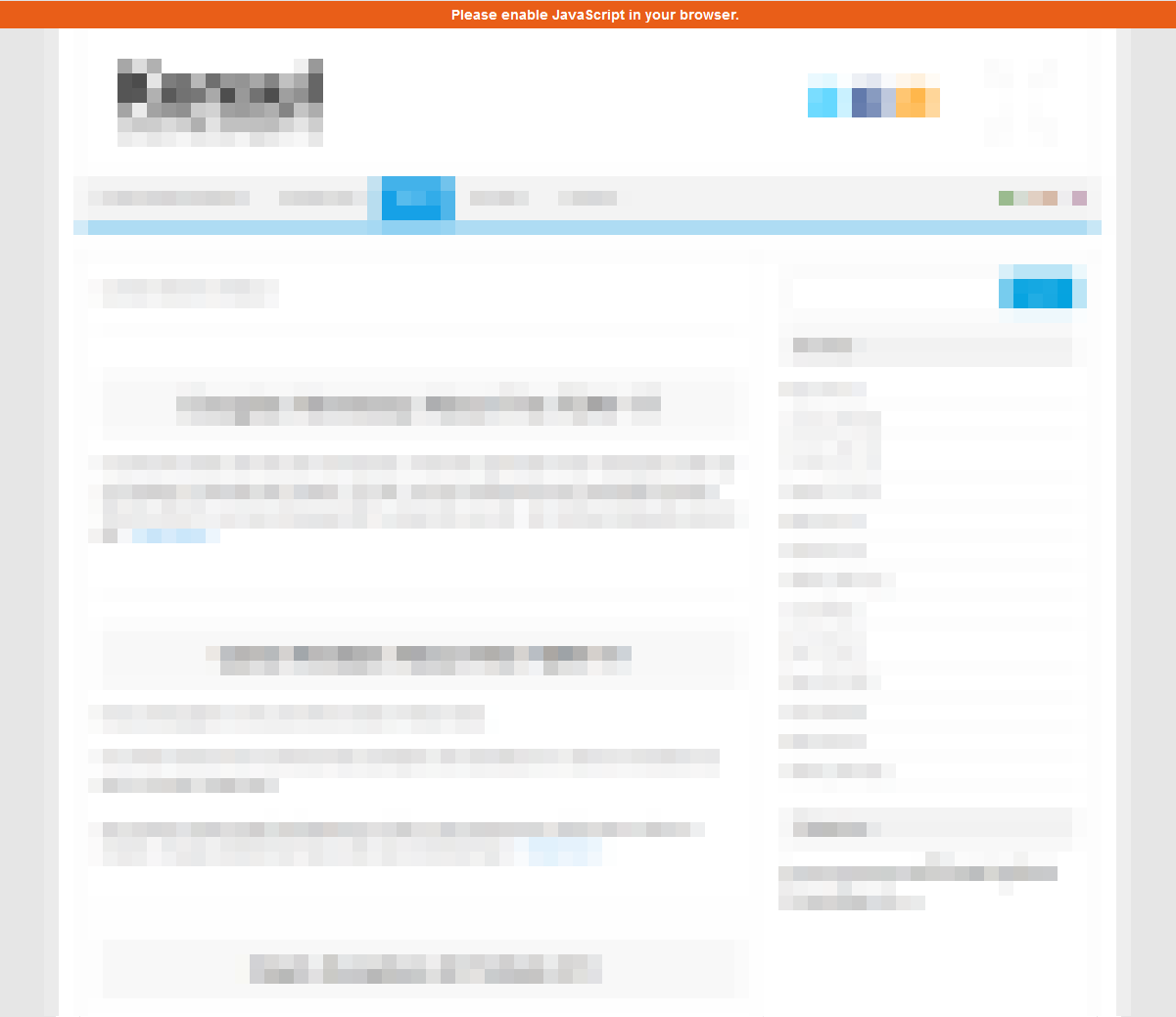
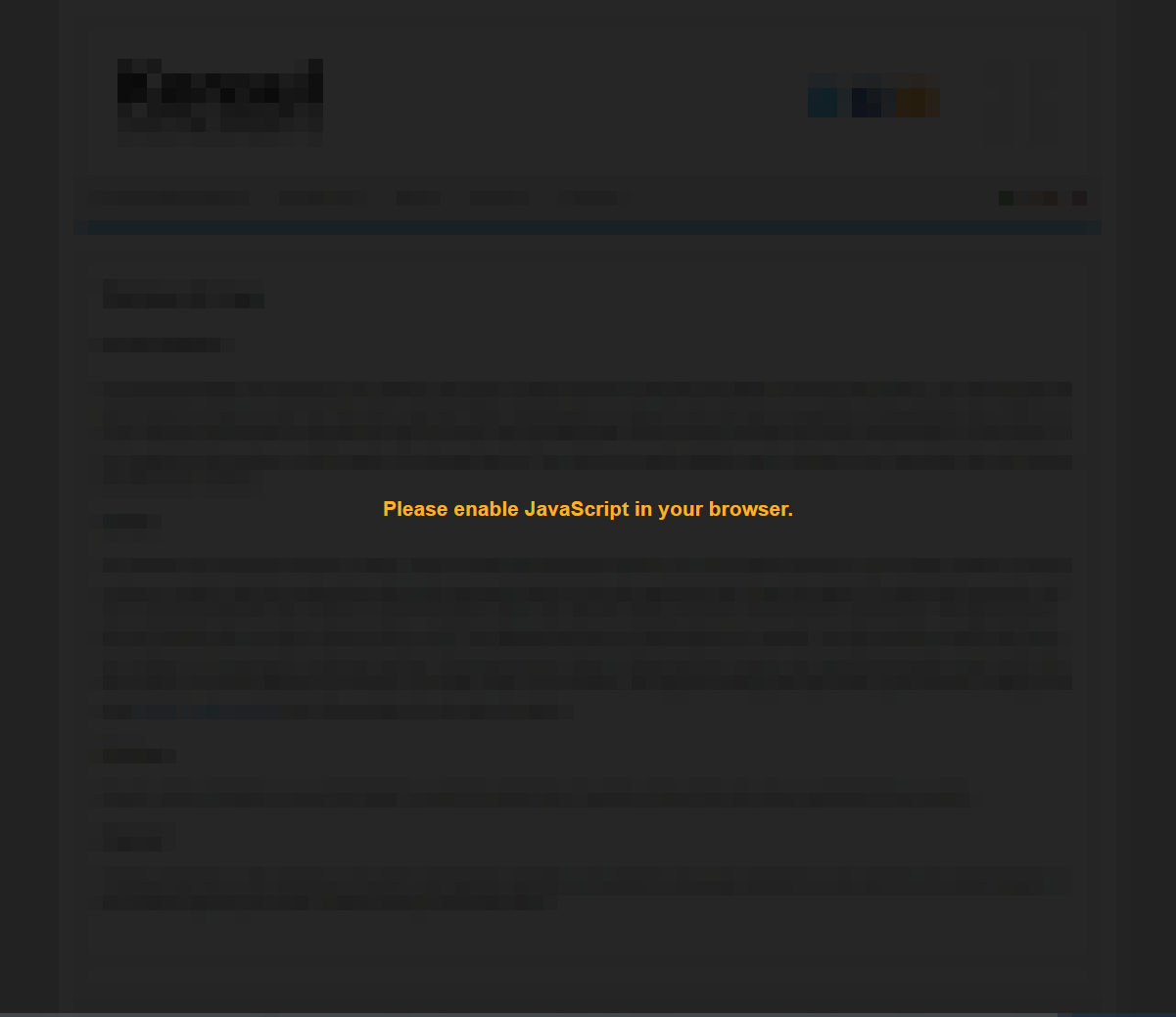
A simple, lightweight WordPress plugin for displaying a notification bar at the top of the webpage if 1st-party JavaScript is disabled. If appropriate, the entire website may as well be blocked by a full-page overlay instead of just a small bar.
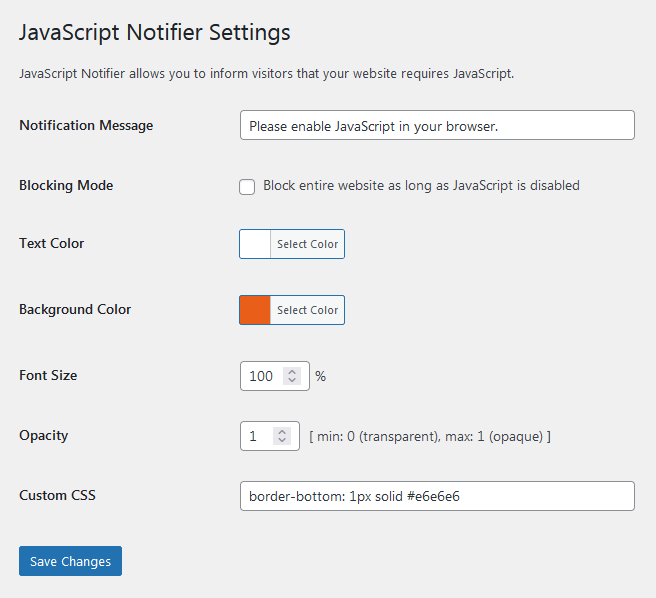
The plugin offers configuration of background and foreground color, opacity, notification message text and font size. Individual customization by means of CSS snippets is also supported.
Installation
- Upload the plugin files to the
/wp-content/plugins/javascript-notifierdirectory, or install the plugin through the WordPress plugins screen directly. - Activate the plugin through the ‘Plugins’ screen in WordPress
- Use the Settings->JavaScript Notifier screen to configure the plugin
Frequently asked questions
Does JavaScript Notifier support multilingual sites?
Yes, it does. A corresponding wpml-config.xml language configuration file can be found in the plugin’s home directory.
Instead at the top, I would like to have the notification bar being displayed at the bottom of the page. Would that be possible?
Sure. Just enter the following CSS code into the Custom CSS input field: top:inherit;bottom:0
Does JavaScript Notifier cope with optimization plugins?
In order to work flicker-free, JavaScript Notifier requires one short piece of inline JavaScript code to remain in its exact place. Therefore, it should be excluded from all kind of optimization. Since the code piece is labelled hide-javascript-notifier-js, the easiest way would be to add that label to the optimization plugin’s JavaScript exclusion list, or the like.
Changelog
Added proper escaping of input field contents. Upgrade immediately.
1.2.9
- Added proper escaping of input field contents.
1.2.8
- Fixed undefined array key warning. Suggested by @hoeczek. Thanks!
- Adapted admin script enqueue handle for actual file name.
1.2.7
- Minor optimization.
- Adapted screenshots for latest version.
1.2.6
- Increased callback priority.
- Resorted plugin settings.
1.2.5
- Opened plugin for translations.
- Removed translations from plugin directory.
1.2.4
- Updated translations.
Screenshots
For developers
Is this your plugin? Show off the numbers.
Add a live badge to your site, docs or GitHub README. It updates on its own — no account needed.
Best JavaScript Notifier alternatives
All disabled plugins →FAQ
JavaScript Notifier: quick answers
Straight answers, pulled from live WordPress.org data.
Live data from WordPress.org · checked Oct 10, 2026
Is JavaScript Notifier free?
Yes. JavaScript Notifier is free to download and use from the official WordPress.org plugin directory.
Is JavaScript Notifier safe to use in 2026?
JavaScript Notifier is a solid plugin choice in 2026, with a few things worth checking first. It runs on 50+ sites, is rated 5/5 and was last updated 2 months ago, and scores 71/100 on our health check.
How many websites use JavaScript Notifier?
JavaScript Notifier is active on 50+ WordPress websites and has been downloaded 2,835 times since it launched in May 2018. It was downloaded 141 times in the last 30 days.
Does JavaScript Notifier work with WordPress 7.1?
Yes. The developer has tested JavaScript Notifier up to WordPress 7.1.3, the latest release. It requires WordPress 3.8 or newer.
When was JavaScript Notifier last updated?
The latest version, 1.2.9, was released on August 21, 2026 (2 months ago).
Who makes JavaScript Notifier?
JavaScript Notifier is developed and maintained by freemp.
What are the best alternatives to JavaScript Notifier?
The most popular alternatives to JavaScript Notifier are Universal Accessibility Key… (10+ installs) and ReCaptcha JS Alert (<10 installs).
Powered by PageForge
Want thousands of pages that rank like these? Build them in an afternoon.
This directory runs on the same engine as PageForge. Turn any spreadsheet, CSV or API into thousands of fast, SEO-ready WordPress pages — with schema, internal links and AI-written copy baked in.
- CSV, Google Sheets & API data sources
- AI content, schema & internal links per page
- Works with Elementor, Gutenberg, Yoast & Rank Math
- Free on WordPress.org — no credit card


