


jAlbum Bridge
Add spectacular mobile-friendly projectors of jAlbum albums on your WordPress site.

Use with caution
jAlbum Bridge works, but test it on a staging site before relying on it in 2026. It runs on 500+ sites, is rated 4/5 and was last updated 6 months ago, and scores 53/100 on our health check.
- Small user base (500+ active installs)
- Very few reviews so far
How does it stack up?
Side-by-side on installs, updates, ratings & support


Daily downloads
Download spikes usually follow a new release — each site that auto-updates counts as a download.
Rankings
Where jAlbum Bridge stands todayWordPress.org search rankings
Live position in the plugin search, top 100| Keyword | Position |
|---|---|
| album | #35 |
| gallery | >100 |
| jalbum | #1 |
| photo | >100 |
| slideshow | #82 |
Version adoption
Share of active sites per release.
Rating breakdown
★★★★★★★★★★ 4 from 3 reviews
About jAlbum Bridge
From the official readme · v2.0.20Description
jAlbum Bridge: Add stunning slideshows and grid galleries from jAlbum to your WordPress posts and pages. It’s responsive and mobile-friendly.
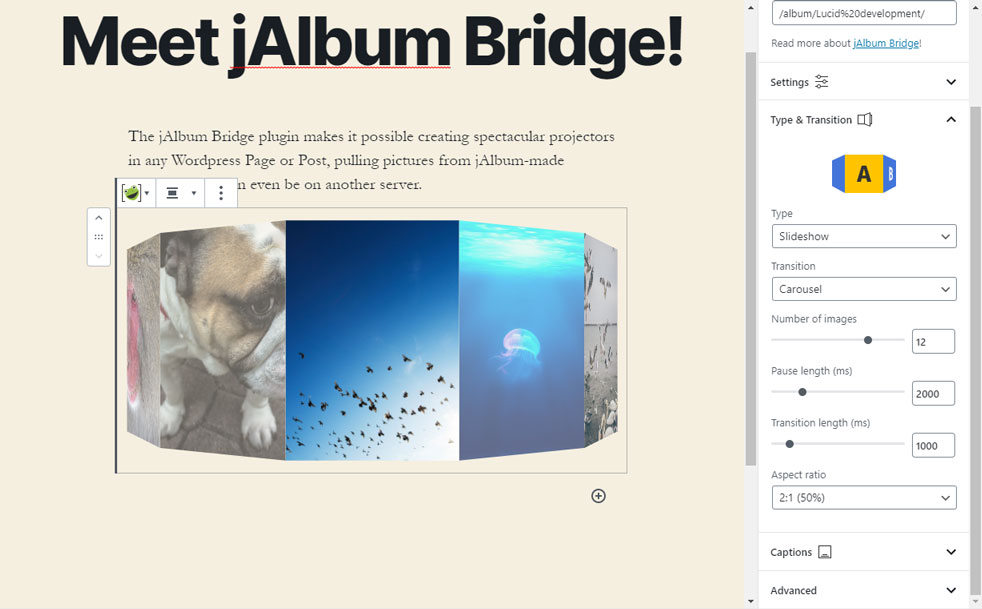
Slideshow transition types:
- Cross-fade
- Zoom
- Ken Burns
- Slide
- Swap
- Stack
- Flip (3D)
- Carousel (3D)
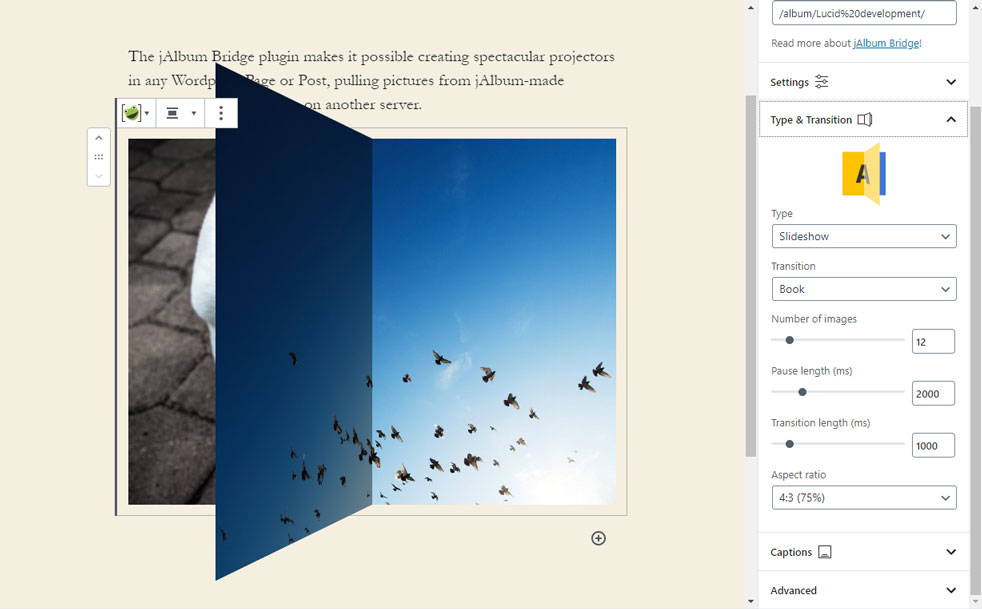
- Book (3D)
- Cube (3D)
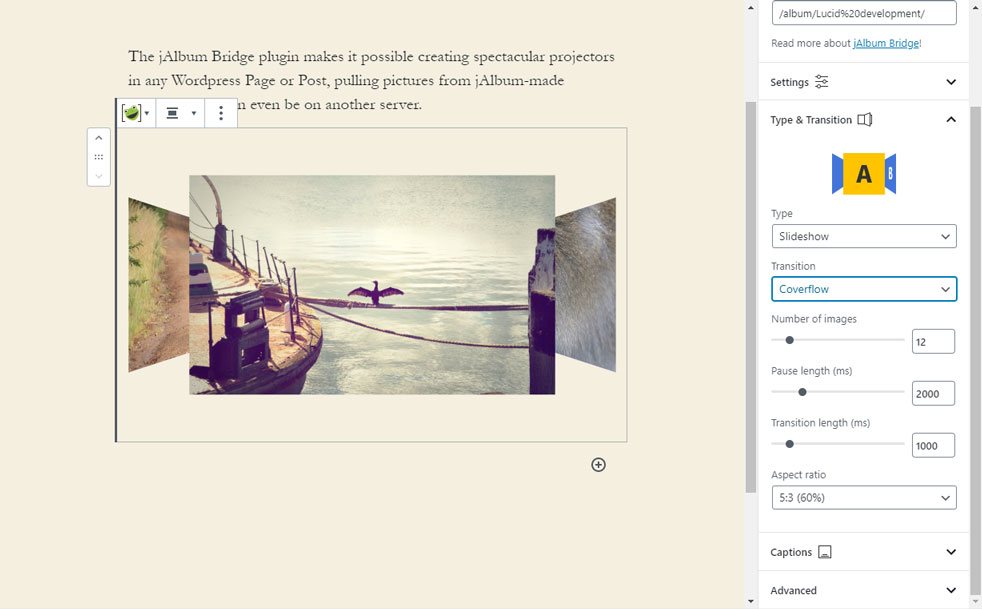
- Cover flow (3D)
Grid-type layouts:
- Grid
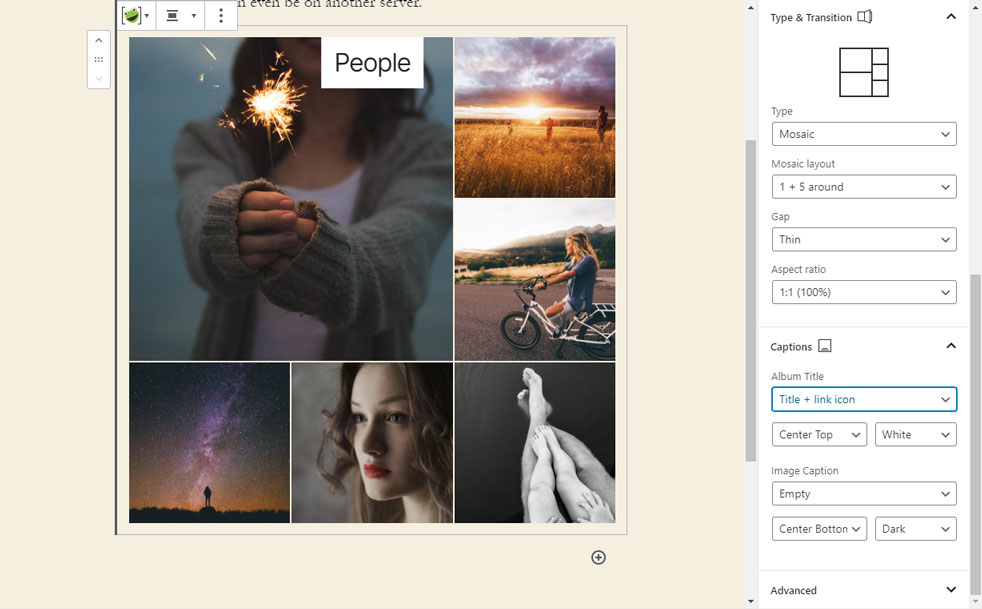
- Mosaic
- Strip
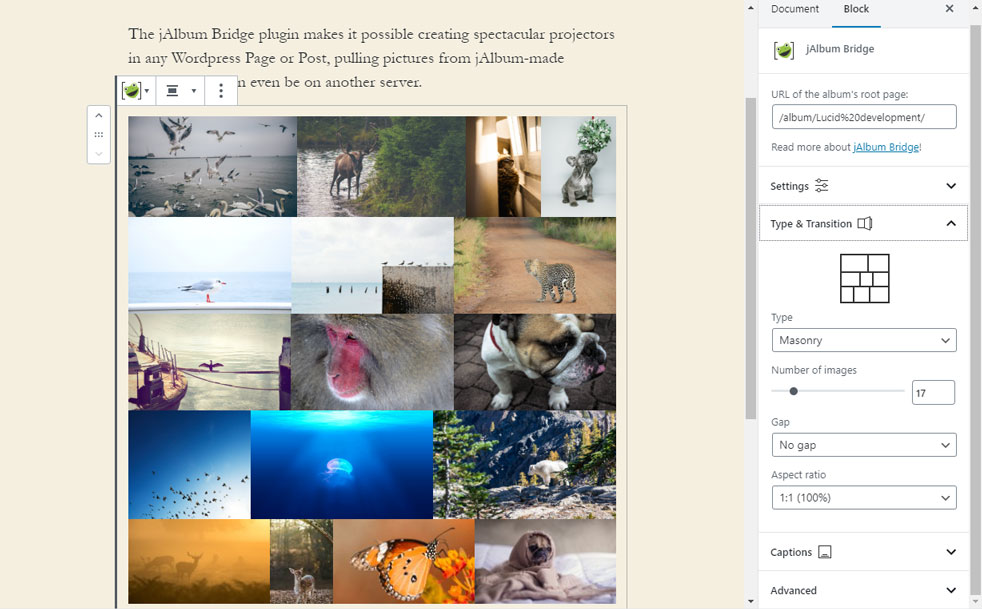
- Masonry
Please note that this projector pulls data from a JSON file, which is automatically generated when you make albums with database-driven skins (Tiger, Photoblogger, Projector, Lizard, or Story). However, you can also ask jAlbum to generate this file with any skin; see “Settings / Advanced / Generate JSON data.” (Don’t forget to “Make album” and “Upload” after turning this option on.)
If you’re using the album from another site, make sure this site supports Cross Origin Resource Sharing (CORS); otherwise, the projector’s access will be blocked. Note that if the WordPress site is under https, the album site must support HTTPS protocol, too!
jAlbum is an album creator desktop application that creates web albums of images on your hard disk. This way, you can manage your photo collection from your PC without needing individual uploads to a remote server.
- Create albums with folders, custom pages, and external links
- No limit; you can use tens of thousands of images or videos
- jAlbum manages the uploads: you can upload to any site (different from your WP site), or you can host them on jalbum.net if you wish
- Widely customizable albums
- Tons of features: Google Maps, PayPal cart, Feedback, search, etc.
For help with the plugin, visit your-site-here.com →
Read more about jAlbum features →
Get the jAlbum application from here →
jAlbum Bridge forum on jalbum.net →
Feedback is welcome, especially the positive 😉
Installation
- Install the plugin through the Dashboard’s “Plugins / Add new” panel directly, or manually upload the plugin files to the
/wp-content/plugins/jalbum-bridgedirectory. - “Activate” the plugin in the “Plugins” menu.
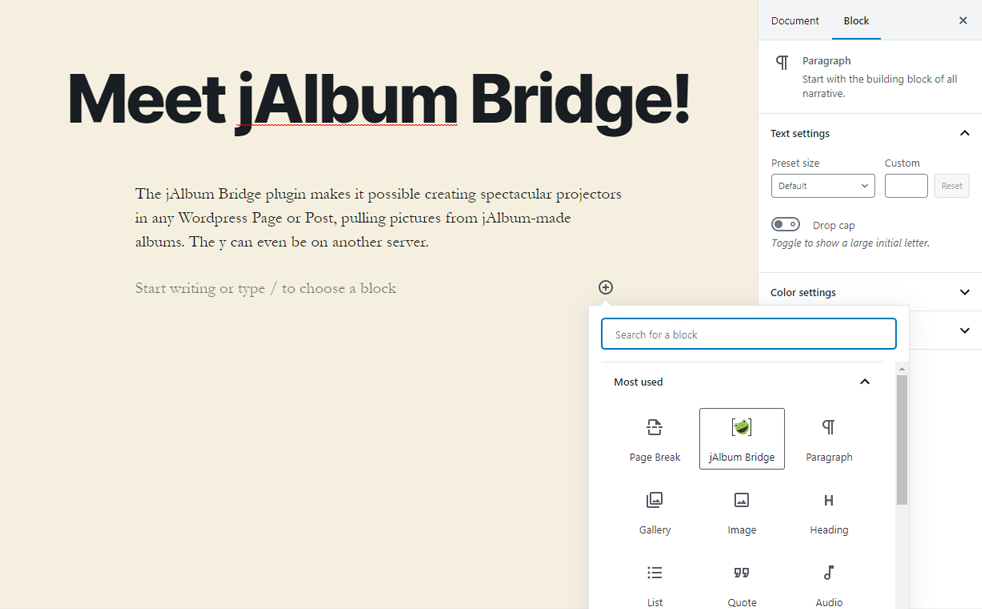
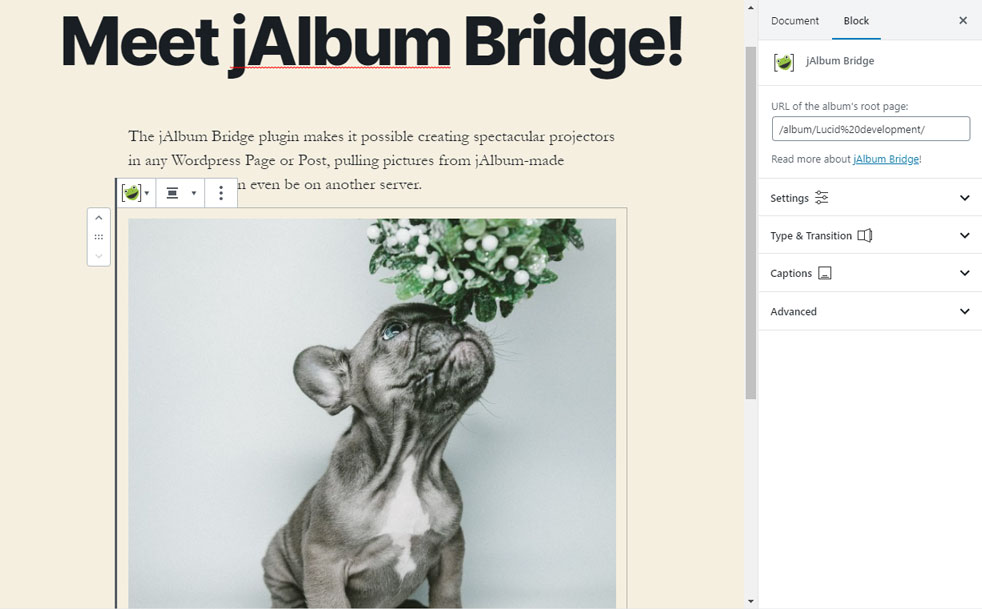
- In the editor use the “Add block” (+) button, “jAlbum box” to insert a new box.
- Add the URL of the album’s top-level page in the inspector panel’s appropriate input.
Changelog
New Gutenberg version. Old shortcode projectors are compatible but require manual settings edits. Convert to blocks for full functionality.
2.0.20
- Fixed: PHP Error
2.0.19
- Changed: Sanitizing each attribute to fend off malicious XSS (Cross Site Script) attacks that an editor could insert.
2.0.18
- Changed: Fending off malicious XSS (Cross Site Script) attacks by editor
2.0.17
- Changed: Further sanitizing passed “ar” parameter when using shortcodes.
2.0.16
- Changed: Sanitizing passed “ar” parameter when using shortcodes.
- Changed: When opening images in a new window, the plugin will update the already existing tab, instead of opening a new tab
- Compatibility bumped up to 6.7.1
2.0.15
- Changed: compatibility bumped up to 6.5.3
Screenshots
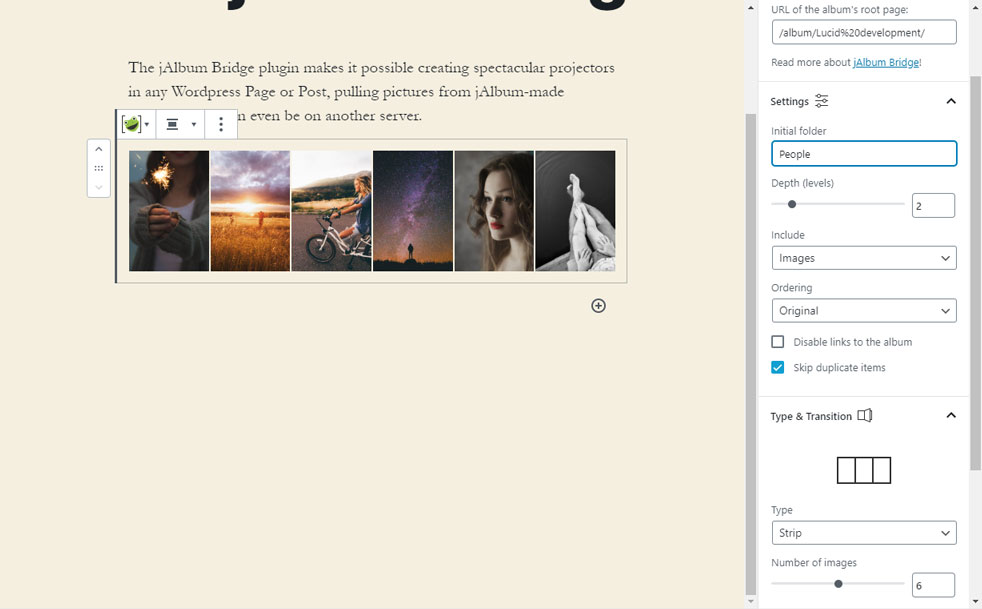
For developers
Is this your plugin? Show off the numbers.
Add a live badge to your site, docs or GitHub README. It updates on its own — no account needed.
Best jAlbum Bridge alternatives
All album plugins →





FAQ
jAlbum Bridge: quick answers
Straight answers, pulled from live WordPress.org data.
Live data from WordPress.org · checked Nov 18, 2026
Is jAlbum Bridge free?
Yes. jAlbum Bridge is free to download and use from the official WordPress.org plugin directory.
Is jAlbum Bridge safe to use in 2026?
jAlbum Bridge works, but test it on a staging site before relying on it in 2026. It runs on 500+ sites, is rated 4/5 and was last updated 6 months ago, and scores 53/100 on our health check.
How many websites use jAlbum Bridge?
jAlbum Bridge is active on 500+ WordPress websites and has been downloaded 15,844 times since it launched in March 2018. It was downloaded 265 times in the last 30 days.
Does jAlbum Bridge work with WordPress 7.1?
jAlbum Bridge is officially tested up to WordPress 7.0.8, while the latest release is 7.1.4. It may still work, but try it on a staging site first.
What PHP version does jAlbum Bridge need?
jAlbum Bridge requires PHP 7.4 or higher. Most hosts run PHP 8.x today, so it works on any modern WordPress hosting.
When was jAlbum Bridge last updated?
The latest version, 2.0.20, was released on May 20, 2026 (6 months ago).
Who makes jAlbum Bridge?
jAlbum Bridge is developed and maintained by mlaza.
What are the best alternatives to jAlbum Bridge?
The most popular alternatives to jAlbum Bridge are rtMedia for WordPress, Budd… (7K+ installs), Audio Album (4K+ installs) and WoowGallery (1K+ installs).
Powered by PageForge
Want thousands of pages that rank like these? Build them in an afternoon.
This directory runs on the same engine as PageForge. Turn any spreadsheet, CSV or API into thousands of fast, SEO-ready WordPress pages — with schema, internal links and AI-written copy baked in.
- CSV, Google Sheets & API data sources
- AI content, schema & internal links per page
- Works with Elementor, Gutenberg, Yoast & Rank Math
- Free on WordPress.org — no credit card


