



InspirePulse Quotes
InspirePulse Quotes lets you display beautiful motivational and inspirational quotes anywhere on your WordPress site.

Consider an alternative
InspirePulse Quotes shows warning signs in 2026 — compare the alternatives below before installing. It runs on 20+ sites and was last updated 9 months ago, and scores 39/100 on our health check.
- Small user base (20+ active installs)
- Very few reviews so far
- Only tested up to WordPress 6.9 (latest is 7.1)
How does it stack up?
Side-by-side on installs, updates, ratings & support


Daily downloads
Download spikes usually follow a new release — each site that auto-updates counts as a download.
Rankings
Where InspirePulse Quotes stands todayWordPress.org search rankings
Live position in the plugin search, top 100| Keyword | Position |
|---|---|
| daily quotes | #10 |
| inspirational | #8 |
| motivational | #4 |
| quotes | >100 |
Version adoption
Share of active sites per release.
About InspirePulse Quotes
From the official readme · v1.7Description
Transform your WordPress website with stunning, rotating inspirational quotes! InspirePulse Quotes is a powerful, user-friendly plugin that lets you showcase motivational quotes anywhere on your site using simple shortcodes.
Whether you’re a blogger sharing daily inspiration, an educator creating engaging content, or a business owner looking to add personality to your website, InspirePulse Quotes makes it effortless to display beautiful, auto-rotating quotes that captivate your audience.
Why Choose InspirePulse Quotes?
* 🎨 5 Stunning Pre-Built Designs – Choose from elegant layouts that match any website style
* ⚡ One-Click Setup – Import curated quotes instantly or add your own
* 🔄 Smart Auto-Rotation – Quotes automatically refresh at customizable intervals
* 📱 Fully Responsive – Looks perfect on all devices (desktop, tablet, mobile)
* 🎯 Zero Conflicts – Scoped CSS ensures your theme styling remains untouched
* 🔐 Secure & Fast – Optimized database queries and security best practices
The free version includes everything you need: quote categories, auto-rotation timer control, 5 elegant built-in layouts, powerful filtering options, a comprehensive admin quote manager, and clean Toastr notifications.
Perfect for bloggers, educators, motivational content creators, coaches, wellness websites, and anyone who wants to add inspiring content that engages visitors without technical complexity.
Features (Free Version)
📦 Content Management
* ✨ One-Click Quote Import – Instantly load 100+ curated inspirational quotes with a single click. Perfect for getting started quickly!
* 📝 Built-in Quote Manager – Easily add, edit, enable, or disable quotes from a beautiful admin interface. Full control over your content.
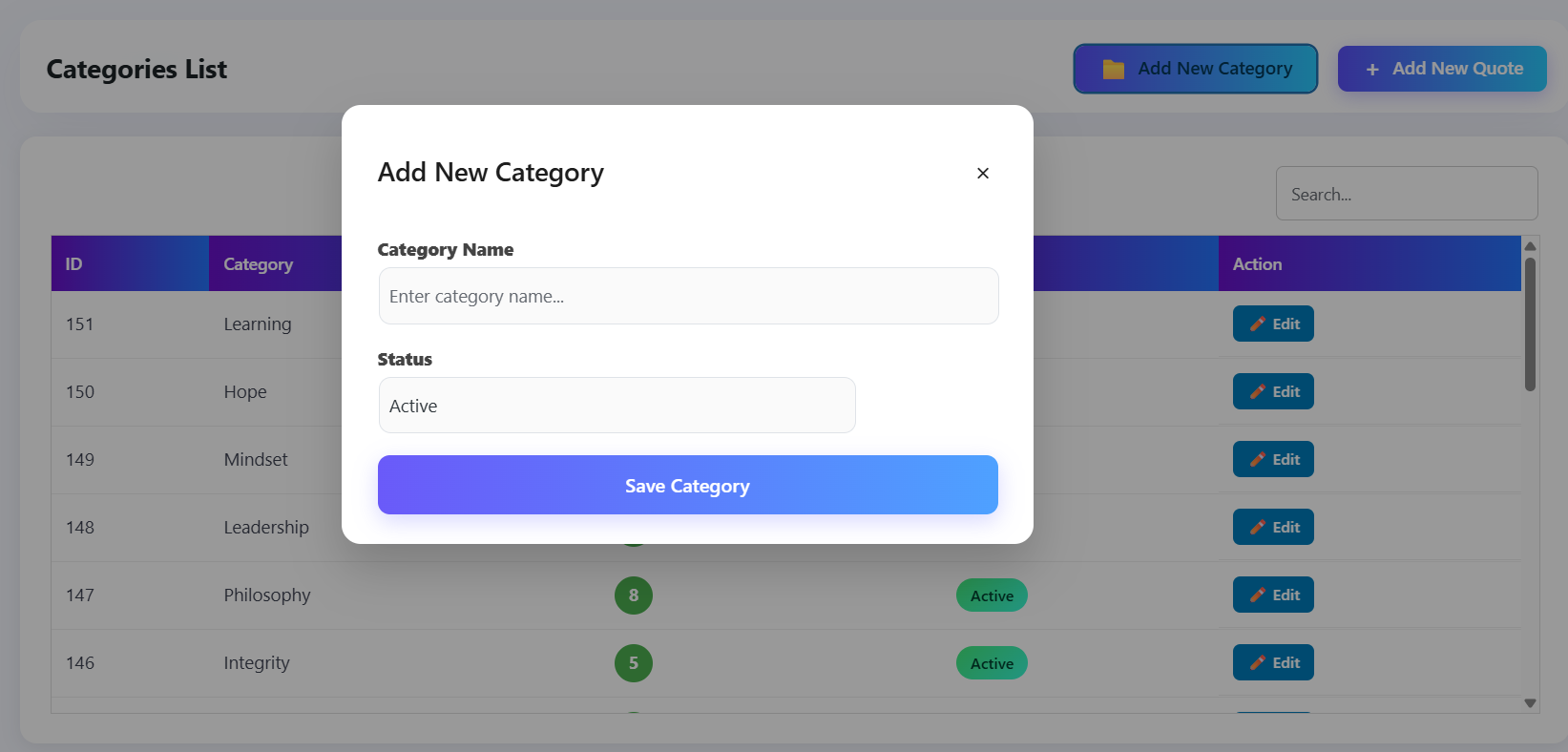
* 📂 Categories Manager – Organize quotes into custom categories (Motivation, Success, Life, etc.) for better content management.
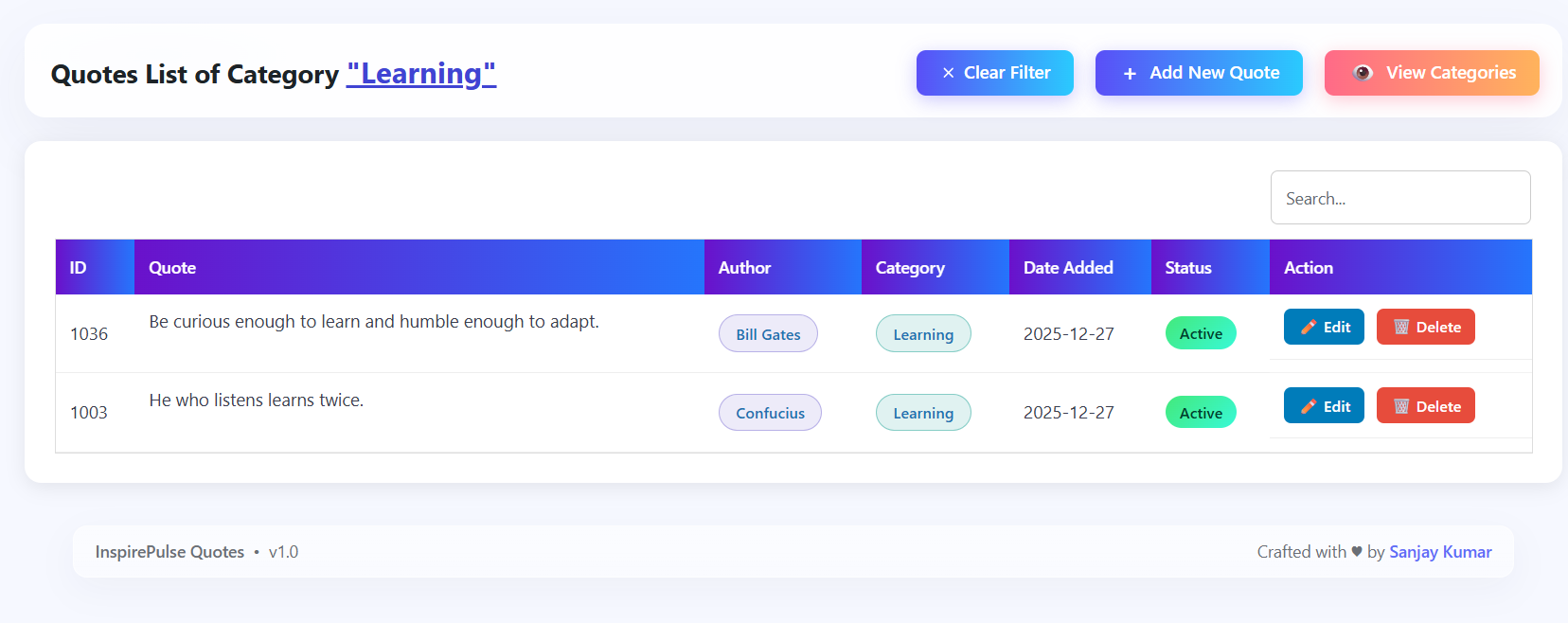
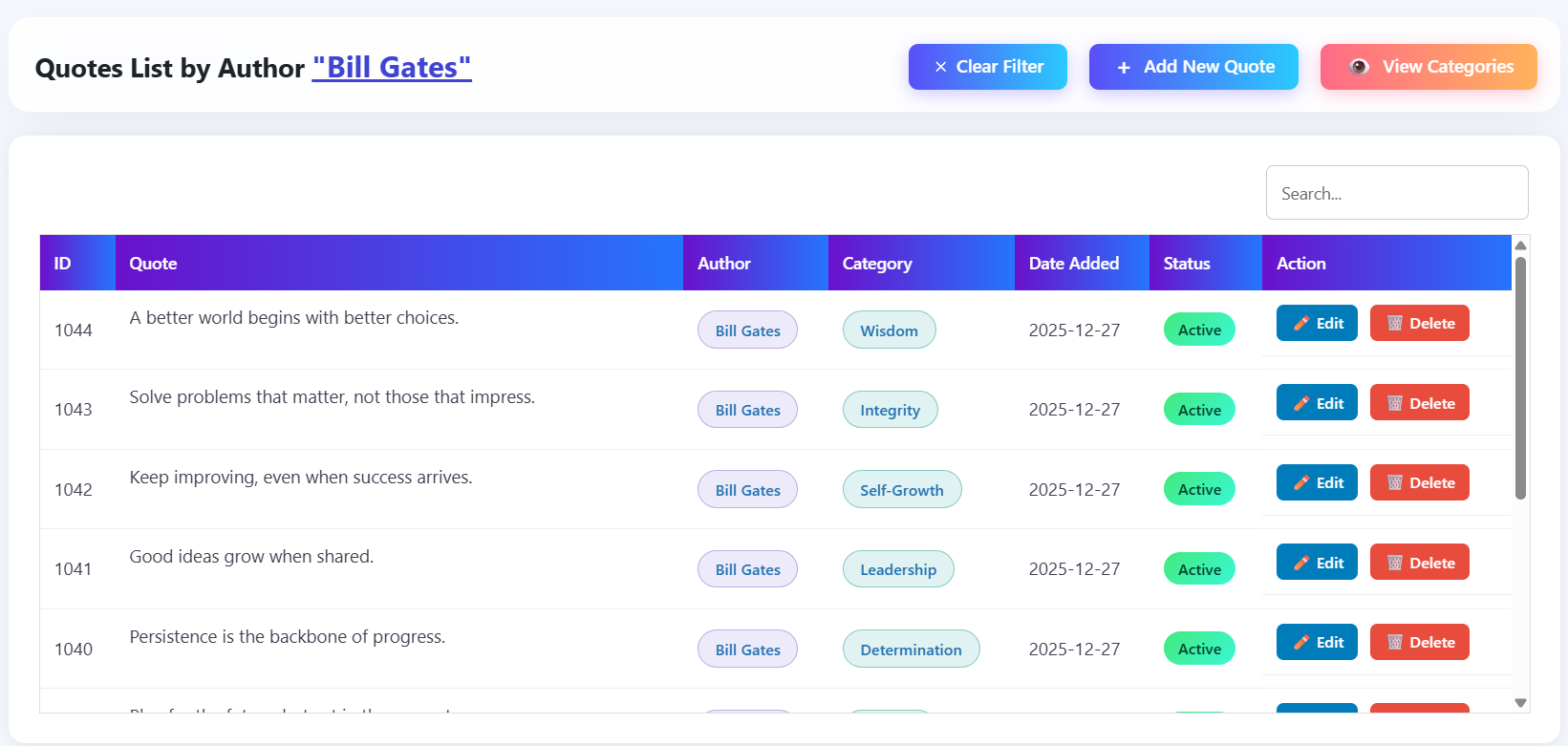
* 🔍 Smart Filtering – Filter quotes by author name or category to find exactly what you need, instantly.
🎨 Design & Display
* 🎨 5 Elegant Built-in Layouts – Choose from stunning designs:
* Elegant Dark – Modern dark theme with sophisticated styling
* Gradient Glow Box – Eye-catching gradient effects
* Paper Vintage Look – Classic, timeless design
* Floating Glass Overlay – Modern glassmorphism effect
* Big Center Text + Corner – Bold, impactful presentation
* 🔁 Automatic Quote Rotation – Quotes automatically refresh at intervals you control (default: 5 seconds)
* 📱 Fully Responsive – All layouts adapt beautifully to any screen size
* ✅ Conflict-Free Design – Scoped CSS ensures your theme styling is never affected
⚙️ Advanced Features
* ⏱ Flexible Timer Controls – Set auto-refresh timing globally or per shortcode (in seconds)
* 🎯 Advanced Shortcode Parameters – Filter by category, author, limit results, order quotes, and more
* 🎛️ WordPress Widget – Display quotes in any widget area with full customization options
* 🧩 Gutenberg Block – Native Gutenberg block with visual settings panel
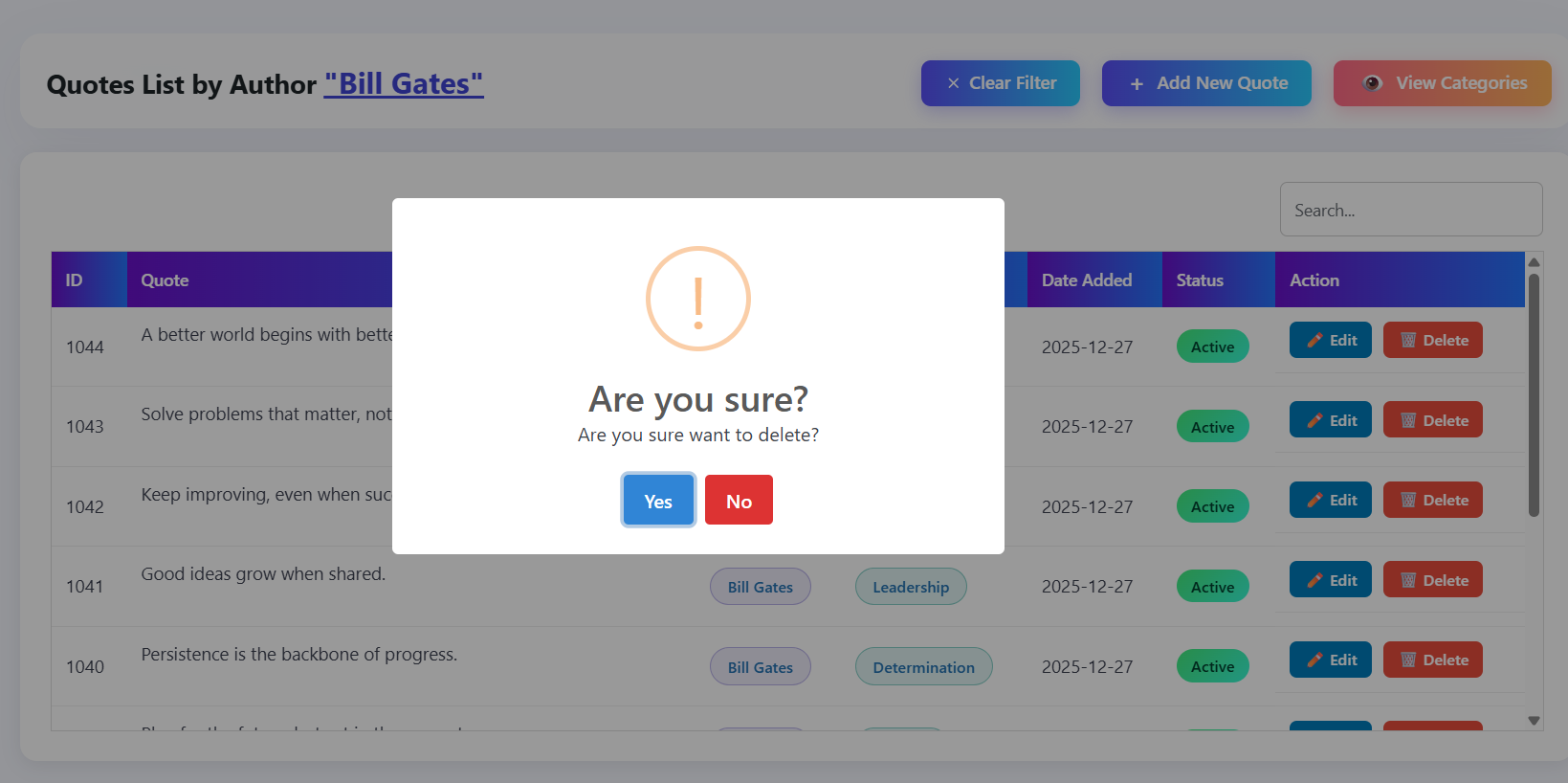
* 🔔 Toastr Notifications – Clean, modern admin alerts for all actions (success, error, warnings)
* 💾 SQL Data Backup – Generate and download complete database backups with one click
* 🔐 Security First – All database interactions use prepared statements and follow WordPress security standards
* 🔄 Easy Re-Installation – Remove and re-import default quotes anytime without losing your custom content
* 🌍 Multi-Language Support – Plugin supports English, Hindi, Spanish, German, and Arabic, allowing you to manage plugin in your preferred language
Shortcodes
Basic Usage:
Simply add [inspqu] anywhere in your posts, pages, or widgets to display rotating quotes with the default layout.
Advanced Usage with Customization:
[inspqu design="Elegant Dark" timer="5"]
Parameters:
* design – Choose your preferred layout style (optional, default: “Elegant Dark”)
* timer – Set auto-rotation interval in seconds (optional, uses global setting if not specified)
* category – Filter by category name or ID (supports multiple: comma-separated)
* author – Filter quotes by author name (supports multiple: comma-separated)
* limit – Limit the number of quotes to display (optional, default: all available)
* orderby – Sort order: random (default), date, author, id
* order – Sort direction: ASC or DESC (only when orderby is not random)
* id – Display a specific quote by ID
* exclude – Exclude specific quote IDs (comma-separated)
* status – Filter by status: active (default), draft, or all
Available Design Options:
* Elegant Dark – Modern dark theme with sophisticated styling (Default)
* Gradient Glow Box – Eye-catching gradient effects with glow
* Paper Vintage Look – Classic, timeless paper-style design
* Floating Glass Overlay – Modern glassmorphism with floating effect
* Big Center Text + Corner – Bold, impactful centered text layout
Basic Examples:
[inspqu]                                    → Default layout, global timer

[inspqu design="Gradient Glow Box"]         → Specific design, global timer

[inspqu timer="10"]                         → Default design, 10-second rotation

[inspqu design="Paper Vintage Look" timer="8"] → Custom design + timer
Advanced Filtering Examples:
Filter by Category:
[inspqu category="Motivation"]              → Show quotes from Motivation category

[inspqu category="Success"]                 → Show quotes from Success category

[inspqu category="Motivation,Success"]      → Show quotes from multiple categories

[inspqu category="1,2"]                     → Show quotes by category IDs
Filter by Author:
[inspqu author="Einstein"]                  → Show quotes by Einstein only

[inspqu author="Einstein,Steve Jobs"]       → Show quotes by multiple authors

[inspqu author="Einstein" limit="5"]        → Show 5 quotes by Einstein
Limit Results:
[inspqu limit="10"]                         → Show only 10 quotes

[inspqu category="Motivation" limit="5"]    → Show 5 quotes from Motivation category
Order Quotes:
[inspqu orderby="date"]                     → Sort by date (oldest first)

[inspqu orderby="date" order="DESC"]        → Sort by date (newest first)

[inspqu orderby="author" order="ASC"]       → Sort alphabetically by author

[inspqu orderby="id" order="DESC"]          → Sort by ID (newest first)

[inspqu category="Motivation" orderby="date" order="DESC"] → Latest Motivation quotes
Display Specific Quote:
[inspqu id="42"] → Display quote with ID 42
Exclude Quotes:
[inspqu exclude="1,2,3"]                    → Show all quotes except IDs 1, 2, and 3

[inspqu category="Motivation" exclude="5,6"] → Motivation quotes excluding IDs 5 and 6
Filter by Status:
[inspqu status="active"]                    → Show only active quotes (default)

[inspqu status="draft"]                     → Show only draft quotes

[inspqu status="all"]                       → Show all quotes (active + draft)
Combined Advanced Examples:
`
[inspqu category=”Motivation” limit=”5″ orderby=”date” order=”DESC”]
→ Show 5 latest quotes from Motivation category
[inspqu author=”Einstein” limit=”10″ timer=”15″]
→ Show 10 quotes by Einstein, rotating every 15 seconds
[inspqu category=”Success” author=”Steve Jobs” limit=”3″]
→ Show 3 quotes from Success category by Steve Jobs
[inspqu category=”Motivation” exclude=”1,2,3″ orderby=”author” order=”ASC”]
→ Show Motivation quotes (excluding IDs 1-3), sorted alphabetically by author
[inspqu design=”Gradient Glow Box” category=”Life” limit=”8″ orderby=”date” timer=”12″]
→ Beautiful gradient design with 8 latest Life quotes, rotating every 12 seconds
`
Where to Use:
* Posts and Pages (Gutenberg blocks, Classic editor, or shortcode blocks)
* Widgets (Text widget or any widget that supports shortcodes)
* Theme templates (using do_shortcode('[inspqu]'))
* Anywhere WordPress shortcodes are supported
* WordPress Widget Areas – Use the dedicated InspirePulse Quotes widget
* Gutenberg Editor – Use the native InspirePulse Quotes block
WordPress Widget
InspirePulse Quotes Widget
Display inspirational quotes in any WordPress widget area (sidebar, footer, header, etc.) with full customization options.
How to Use:
1. Go to Appearance → Widgets (or Appearance → Customize → Widgets)
2. Find InspirePulse Quotes in the available widgets list
3. Drag and drop it to your desired widget area
4. Configure the widget settings:
* Title – Optional widget title (leave empty for no title)
* Design – Choose from 5 elegant layouts
* Timer – Set auto-rotation interval in seconds (optional)
* Category – Filter by category name or ID (comma-separated for multiple)
* Author – Filter by author name (comma-separated for multiple)
* Limit – Maximum number of quotes to display
* Order By – Sort order: Random, Date, Author, or ID
* Order – Sort direction: Ascending or Descending
Widget Features:
* Full design customization – All 5 quote layouts available
* Advanced filtering – Filter by category, author, or both
* Limit results – Control how many quotes to display
* Flexible ordering – Random, by date, author, or ID
* Custom timer – Set rotation speed per widget instance
* Visual settings panel – Easy configuration without coding
* Multiple instances – Add multiple widgets with different settings
Widget Examples:
* Add a random quote widget to your sidebar
* Display latest quotes from “Motivation” category in footer
* Show 5 quotes by Einstein in a custom widget area
* Create different widget instances with different designs for various widget areas
Perfect For:
* Sidebar quotes for inspiration
* Footer quote displays
* Header quote widgets
* Custom widget areas in your theme
* Multiple widget areas with different quote sets
Gutenberg Block
InspirePulse Quotes Gutenberg Block
Add quotes directly from the WordPress Block Editor using a native block with a visual settings panel.
How to Use:
1. Edit any post or page in Gutenberg
2. Click + to add a block
3. Search for InspirePulse Quotes
4. Configure block settings in the sidebar (Design, Timer, Category, Author, Limit, Order, Social Sharing)
Installation
Quick Setup (3 Steps):
-
Upload & Activate
- Upload the
inspirepulse-quotesfolder to your/wp-content/plugins/directory - Or install via WordPress admin: Plugins → Add New → Upload Plugin
- Activate the plugin from Dashboard → Plugins
- Upload the
-
Configure Settings (Optional but Recommended)
- Navigate to InspirePulse Quotes → Settings in your WordPress admin
- Set your preferred auto-refresh timer (default: 5 seconds)
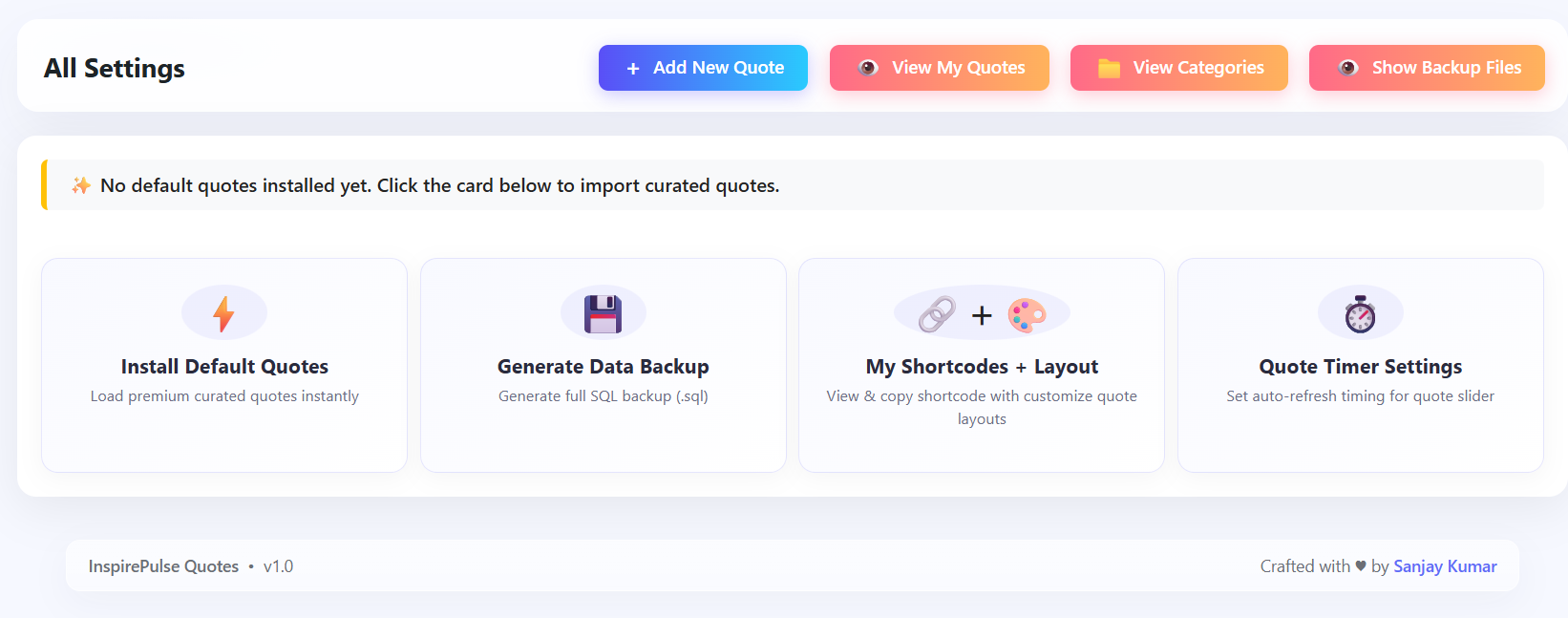
- Optionally import default quotes using Install Default Quotes feature
-
Add Quotes to Your Site
- Use the shortcode
[inspqu]in any post, page, or widget - Or customize with
[inspqu design="Gradient Glow Box" timer="10"] - View all available shortcodes in InspirePulse Quotes → Show Shortcode
- Use the shortcode
Getting Started Tips:
* Import default quotes to see the plugin in action immediately
* Create custom categories to organize your quotes
* Try different layouts to find the perfect match for your site
* Adjust timer settings to match your content rhythm
Frequently asked questions
Does this plugin include pro features?
No. This is the free version with all essential features included. Pro features may be added in future updates, but the free plugin remains fully functional and production-ready. You can use it on unlimited sites without restrictions.
Can I change the auto-refresh timer?
Absolutely! You have two ways to control the rotation speed: * Global Setting: Go to InspirePulse Quotes → Settings → Quote Timer Settings to set a default timer for all quotes * Per Shortcode: Use the timer attribute like [inspqu timer="10"] to override the global setting for specific instances The timer is set in seconds (e.g., timer="5" means quotes rotate every 5 seconds).
Can I add my own quote categories?
Yes! The free version includes a full Categories Manager. You can: * Create unlimited custom categories (e.g., “Motivation”, “Success”, “Life Lessons”, “Business”) * Organize quotes by assigning them to categories * Filter quotes by category in the admin panel * Enable or disable categories as needed
Can I use this plugin in themes without styling issues?
Yes! The plugin is designed to be completely theme-friendly: * Uses scoped CSS that only affects quote display areas * Never overrides your theme’s existing styles * Works seamlessly with any WordPress theme (free or premium) * No CSS conflicts or styling distortion
Is this plugin compatible with caching plugins?
Yes! InspirePulse Quotes is fully compatible with all major caching plugins (WP Rocket, W3 Total Cache, WP Super Cache, etc.). Quote rotation works using JavaScript timers that run client-side, so server-side caching doesn’t interfere with the rotating effect. Your quotes will rotate smoothly even with aggressive caching enabled.
Can I bulk import quotes again after deleting defaults?
Yes! You have complete control: * Remove default quotes anytime using Settings → Remove Default Quotes * Re-import them later using Settings → Install Default Quotes * Your custom quotes are never affected – they remain safe when removing/re-importing defaults * You can repeat this process as many times as needed
How many quotes can I add?
There’s no limit! Add as many quotes as you want. The plugin handles hundreds or thousands of quotes efficiently.
Can I customize the quote designs?
The free version includes 5 pre-built elegant layouts. While you can’t modify the CSS directly in the free version, you can choose from different designs using the design parameter in shortcodes. Each design is professionally crafted and fully responsive.
Does this work with page builders?
Yes! InspirePulse Quotes works with all major page builders including: * Gutenberg (WordPress Block Editor) * Elementor * Beaver Builder * Divi Builder * Visual Composer * And any builder that supports WordPress shortcodes
Can I use multiple quote displays on the same page?
Yes! You can use multiple shortcodes on the same page with different designs and timers. Each instance works independently.
Is my data safe?
Absolutely! The plugin includes: * SQL backup functionality to export all your quotes and categories * Secure database interactions using WordPress prepared statements * No external API calls or data sharing * All data stays on your server
Changelog
🎉 Initial Release Available! Transform your website with beautiful, rotating inspirational quotes. This free version includes everything you need: 5 elegant layouts, quote management, categories, auto-rotation, and more. Simply install, activate, and start inspiring your visitors with powerful shortcodes. No upgrade required - all features are included!
1.0
- 🎉 Initial Release – Complete quote management system
- 🎨 5 Built-in Elegant Layouts – Professional designs ready to use
- ⏱ Quote Rotation Timer Controls – Flexible timing options (global and per-shortcode)
- 📝 Comprehensive Quote Manager – Add, edit, enable/disable quotes with ease
- 📂 Categories Manager – Organize quotes into custom categories
- 🔍 Advanced Filtering – Filter by author or category in admin panel
- ⚡ One-Click Quote Import – Import 100+ curated quotes instantly
- 💾 SQL Data Backup – Generate and download complete backups
- 🔔 Toastr Notifications – Modern admin alerts for all actions
- ✅ Conflict-Free CSS – Scoped styles that never interfere with themes
- 🔐 Security Hardened – All database queries use prepared statements
- 🚀 Performance Optimized – Fast loading with efficient database queries
- 📱 Fully Responsive – Perfect display on all devices
- 🌐 Translation Ready – Complete .pot file for multi-language support
1.1
- 🎉 Added Backup Import Feature – User can easily import their created backup file of plugin’s data to restore into software.
- 🚀 Added Multi Language Support – Now plugin is available in two languages English and Hindi.
1.2
- 🌍 Added Spanish Language Support – Plugin is now available in Spanish, making it accessible to a wider global audience.
1.3
- 🌍 Added German Language Support – Plugin is now available in German, making it accessible to a wider global audience.
1.4
- 🌍 Added Arabic Language Support – Plugin is now available in Arabic, making it accessible to a wider global audience.
1.5
- 🎯 Advanced Shortcode Parameters – Added powerful filtering and sorting capabilities:
- Filter quotes by category (name or ID, supports multiple categories)
- Filter quotes by author (supports multiple authors)
- Limit number of quotes displayed
- Order quotes by date, author, ID, or random
- Sort direction (ASC/DESC) control
- Display specific quote by ID
- Exclude specific quote IDs
- Filter by quote status (active, draft, or all)
- All parameters can be combined for precise quote selection
Screenshots
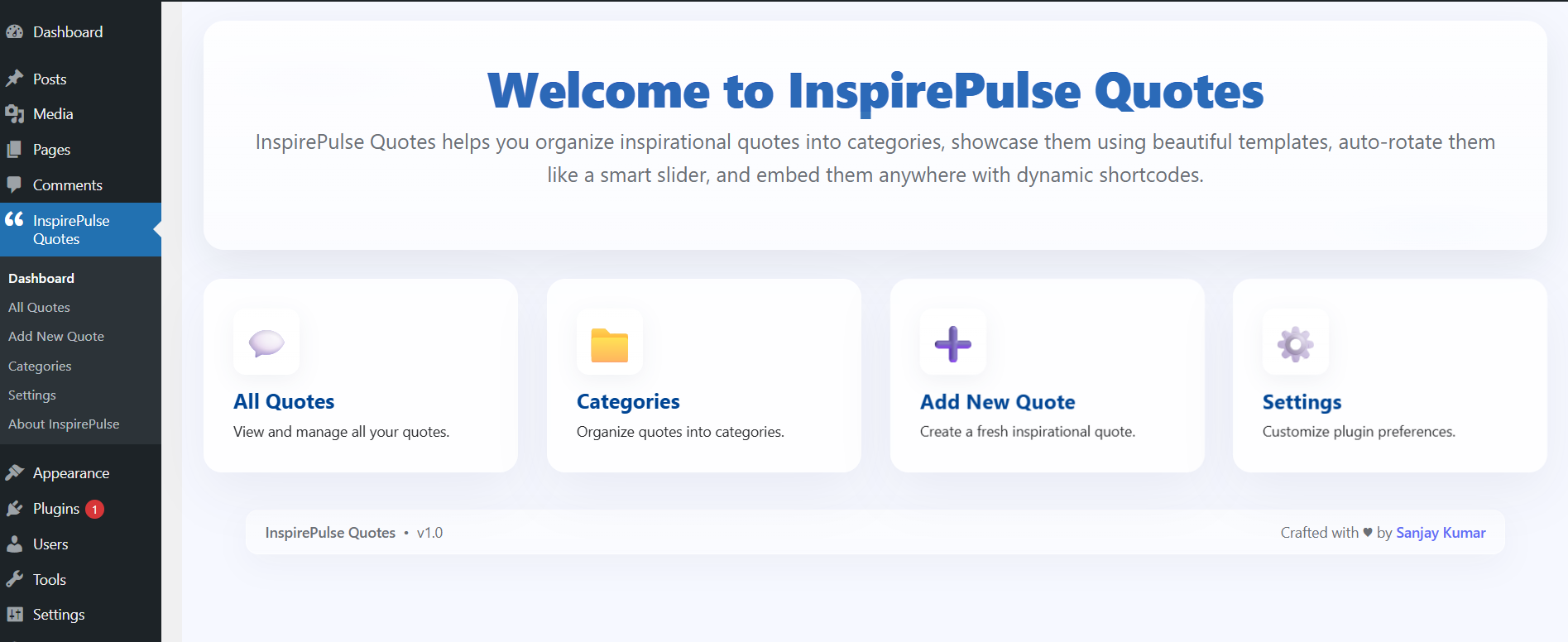
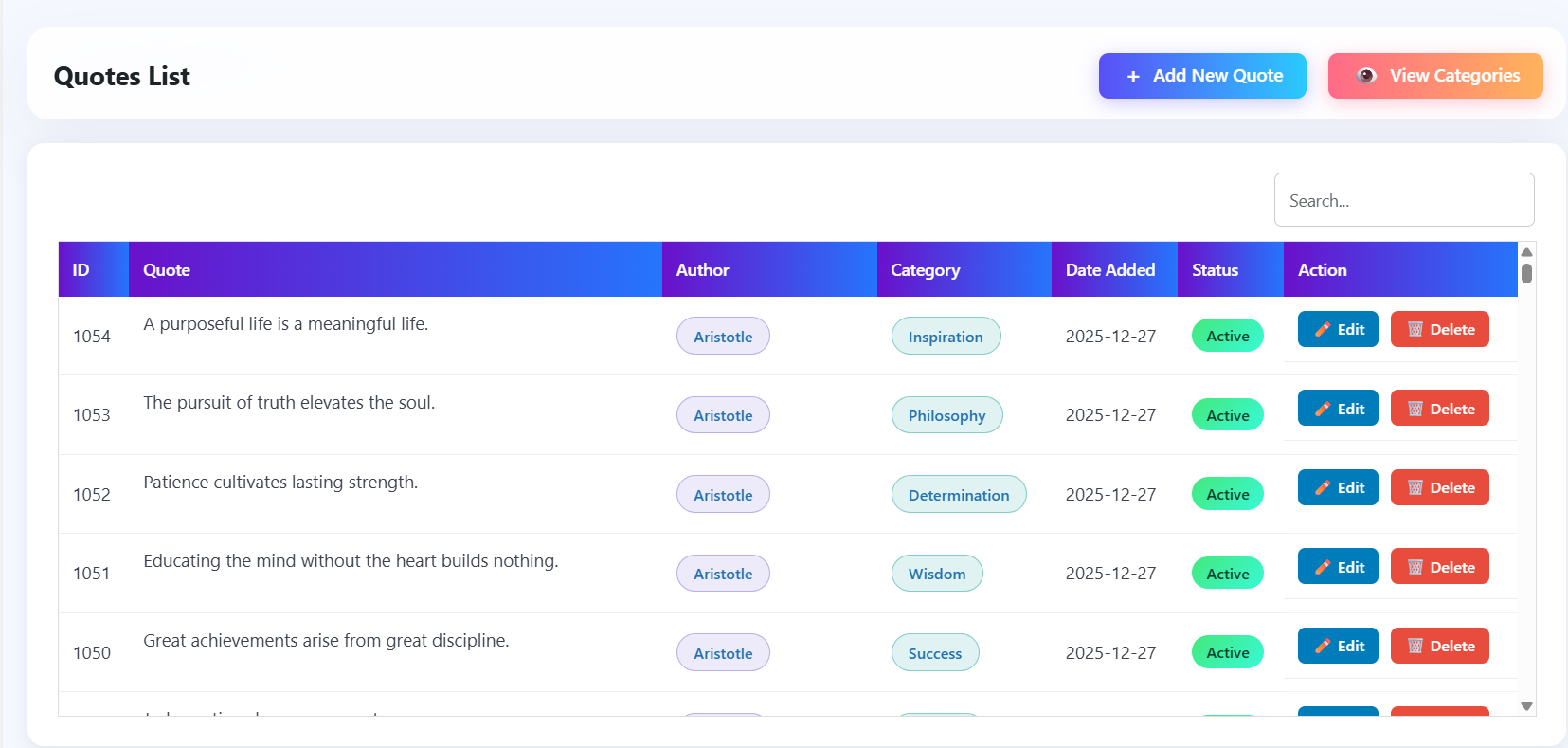
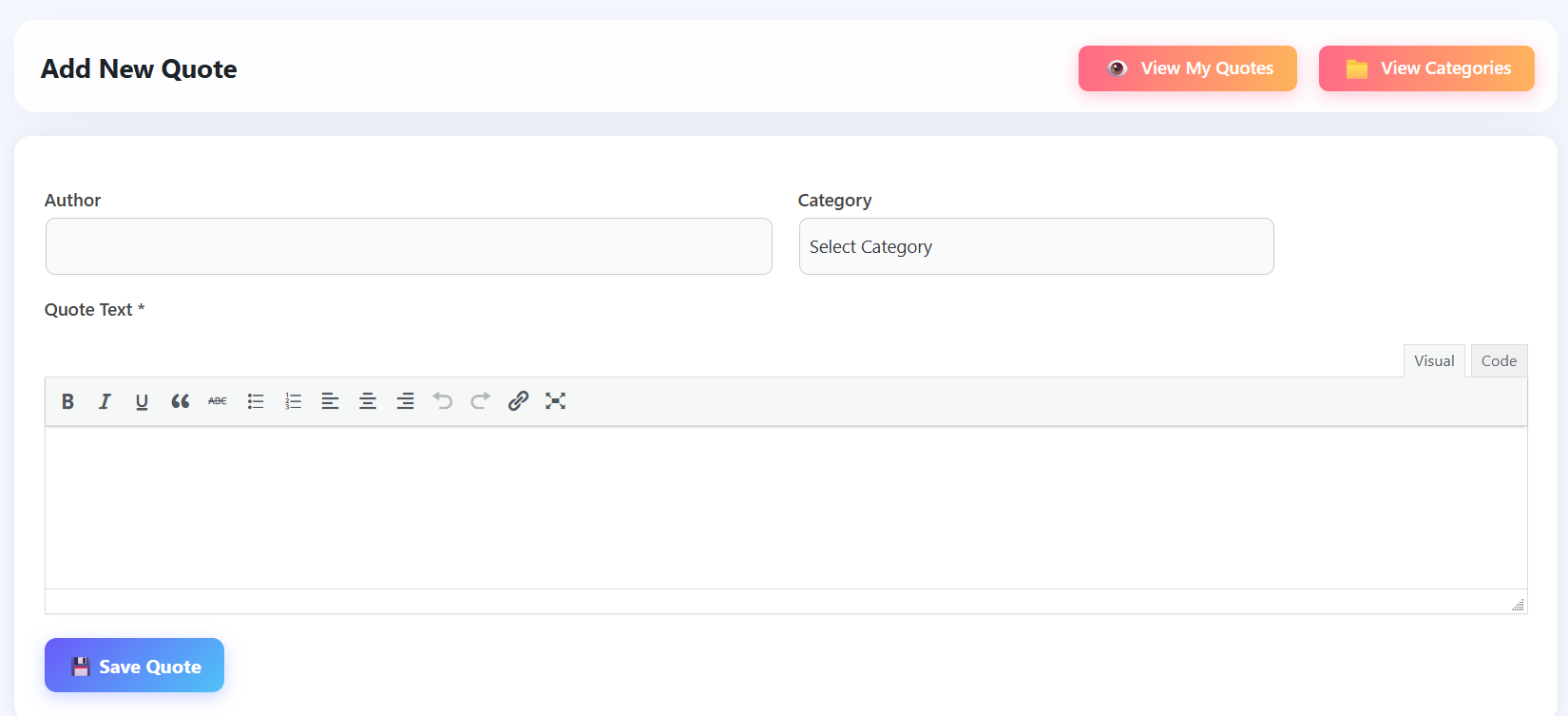
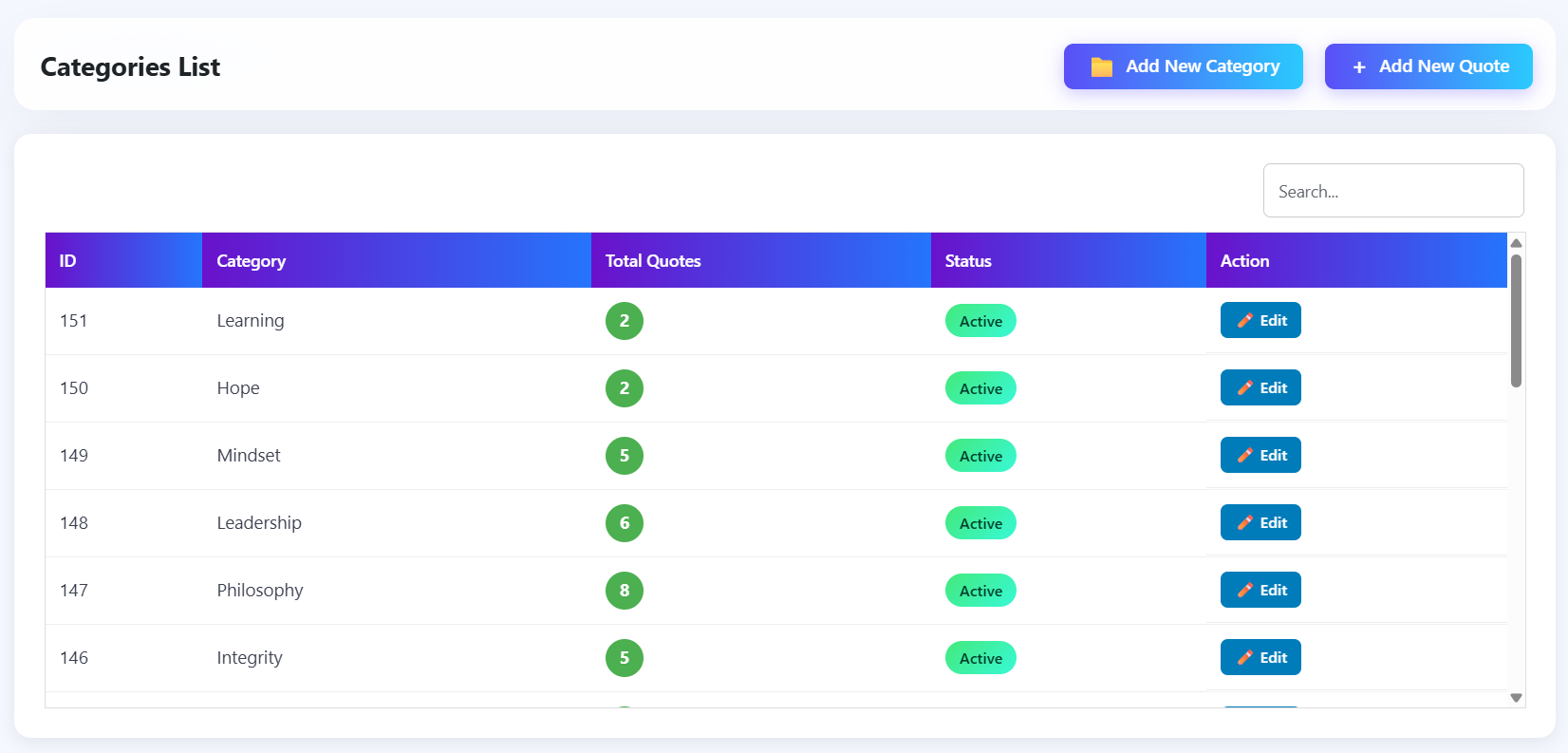
For developers
Is this your plugin? Show off the numbers.
Add a live badge to your site, docs or GitHub README. It updates on its own — no account needed.
Best InspirePulse Quotes alternatives
All daily quotes plugins →FAQ
InspirePulse Quotes: quick answers
Straight answers, pulled from live WordPress.org data.
Live data from WordPress.org · checked Oct 6, 2026
Is InspirePulse Quotes free?
Yes. InspirePulse Quotes is free to download and use from the official WordPress.org plugin directory.
Is InspirePulse Quotes safe to use in 2026?
InspirePulse Quotes shows warning signs in 2026 — compare the alternatives below before installing. It runs on 20+ sites and was last updated 9 months ago, and scores 39/100 on our health check.
How many websites use InspirePulse Quotes?
InspirePulse Quotes is active on 20+ WordPress websites and has been downloaded 626 times since it launched in December 2025. It was downloaded 75 times in the last 30 days.
Does InspirePulse Quotes work with WordPress 7.1?
InspirePulse Quotes is officially tested up to WordPress 6.9.9, while the latest release is 7.1.2. It may still work, but try it on a staging site first.
What PHP version does InspirePulse Quotes need?
InspirePulse Quotes requires PHP 7.4 or higher. Most hosts run PHP 8.x today, so it works on any modern WordPress hosting.
When was InspirePulse Quotes last updated?
The latest version, 1.7, was released on January 21, 2026 (9 months ago).
Who makes InspirePulse Quotes?
InspirePulse Quotes is developed and maintained by Online Web Tutor.
What are the best alternatives to InspirePulse Quotes?
The most popular alternatives to InspirePulse Quotes are Tamil Thirukkural Quotes Pl… (10+ installs), Daily Quotes by Jar of Quot… (<10 installs) and Sadhguru Quotes (<10 installs).
Powered by PageForge
Want thousands of pages that rank like these? Build them in an afternoon.
This directory runs on the same engine as PageForge. Turn any spreadsheet, CSV or API into thousands of fast, SEO-ready WordPress pages — with schema, internal links and AI-written copy baked in.
- CSV, Google Sheets & API data sources
- AI content, schema & internal links per page
- Works with Elementor, Gutenberg, Yoast & Rank Math
- Free on WordPress.org — no credit card


