


All In One Image Viewer – Zoom, Magnify, Maps & Rotation
A free Gutenberg block to display images with zoom, magnify, clickable image maps, and 360° panorama rotation.

Solid choice
All In One Image Viewer is a solid plugin choice in 2026, with a few things worth checking first. It runs on 300+ sites, is rated 5/5 and was last updated 5 days ago, and scores 76/100 on our health check.
- Actively developed — last update 5 days ago
- Tested with the latest WordPress (7.1)
- Small user base (300+ active installs)
- Very few reviews so far
How does it stack up?
Side-by-side on installs, updates, ratings & support



Daily downloads
Download spikes usually follow a new release — each site that auto-updates counts as a download.
Rankings
Where All In One Image Viewer stands todayWordPress.org search rankings
Live position in the plugin search, top 100| Keyword | Position |
|---|---|
| block | >100 |
| Gutenberg block | >100 |
| Image Map | #27 |
| image zoom | #13 |
| photo viewer | #6 |
Version adoption
Share of active sites per release.
Rating breakdown
★★★★★★★★★★ 5 from 1 reviews
About All In One Image Viewer
From the official readme · v1.1.2Description
All In One Image Viewer is a completely free WordPress Image Viewer Plugin designed for Gutenberg. It helps you create interactive image experiences using Image Zoom, Image Magnifier, Image Map, and Image Rotation (360° panorama).
Whether you run an eCommerce store, photography portfolio, real estate website, educational platform, art gallery, media website, agency, or business website, this plugin makes it easy to display images more engagingly and interactively.
Every feature is included for free. There is no pro version, no locked styles, and no upsells.
Image Viewer | Documentation | Support
Key Features
-
Four Image Viewer Modes: Choose from Zoom, Magnify, Map, and Pano/Rotation viewer modes to display images most suitably for your content.
-
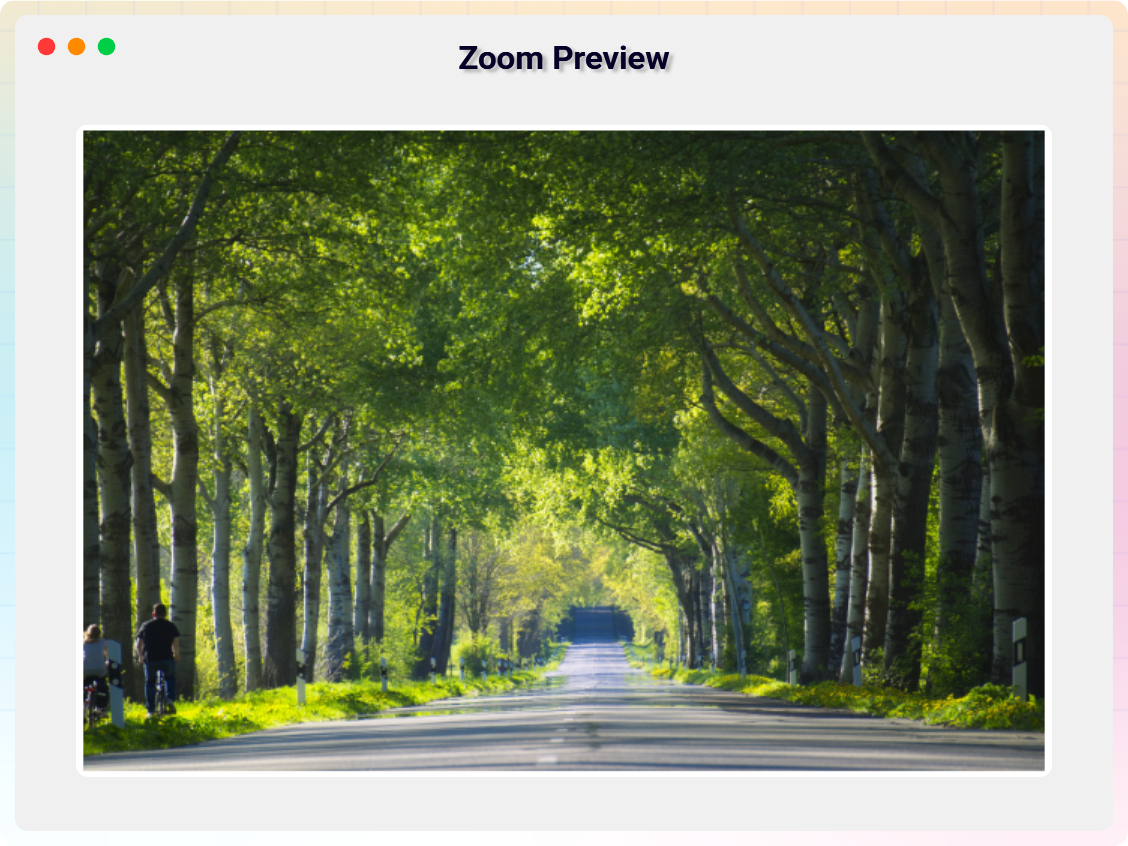
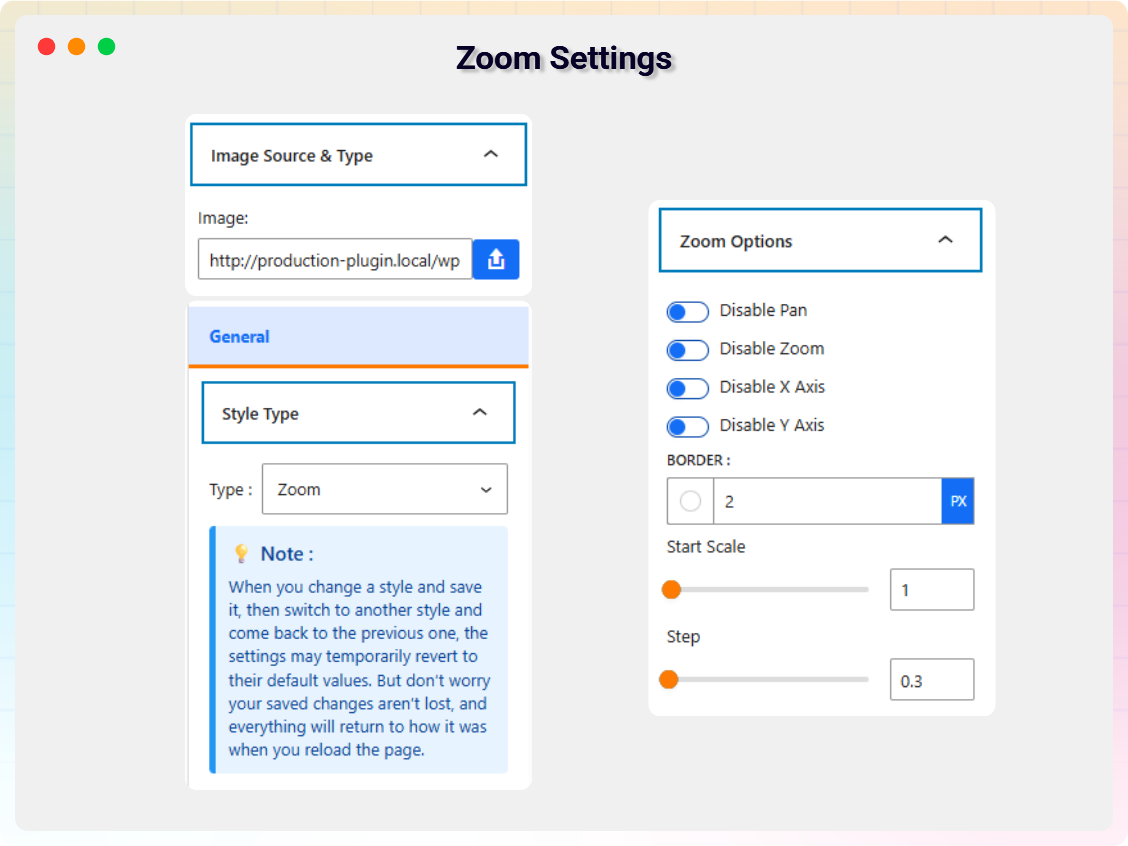
Zoom Viewer with Full Controls: Enable or disable Pan, Zoom, X-Axis, and Y-Axis, set Start Scale, and control Zoom Step for precise image inspection.
-
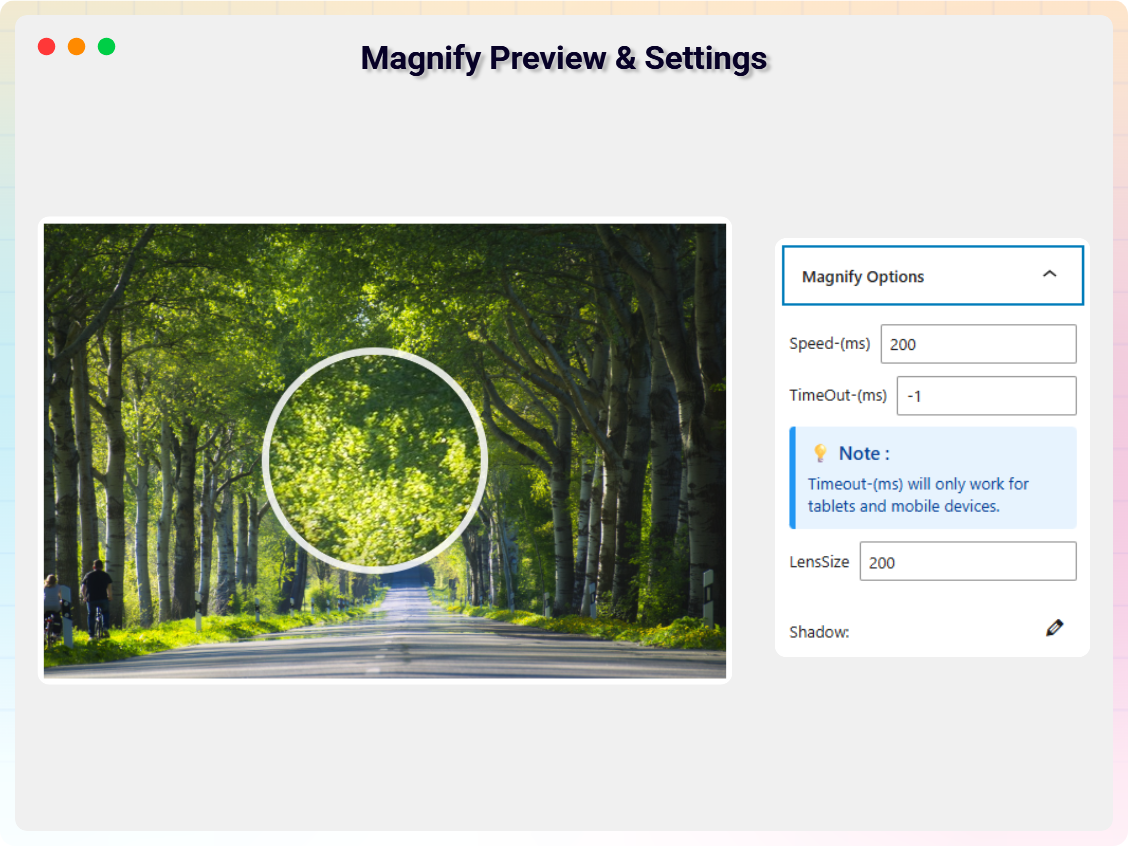
Magnify Viewer Options: Highlight specific image areas using magnification with adjustable speed and timeout settings.
-
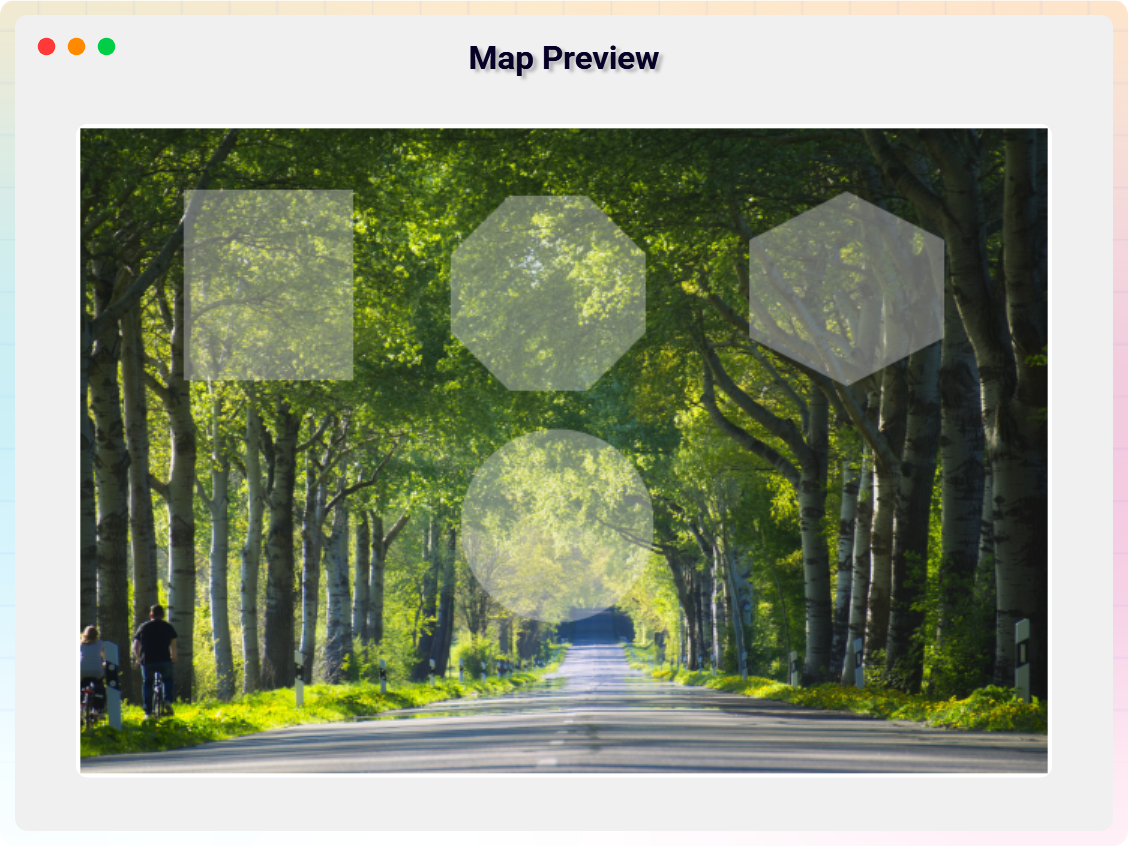
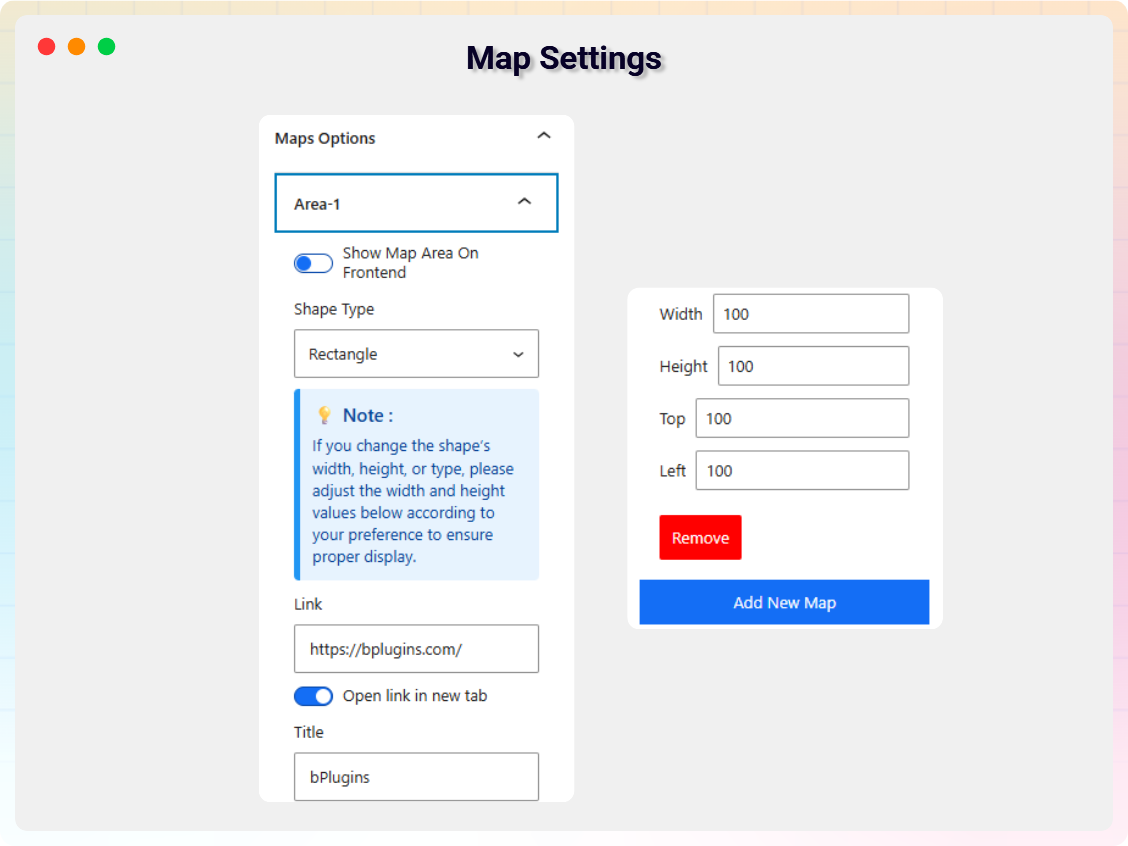
Interactive Image Map: Add multiple map items on an image with full control over: Link URL, Link target, Title, Width & height, Top & left positioning, Drag & drop placement for each map item.
-
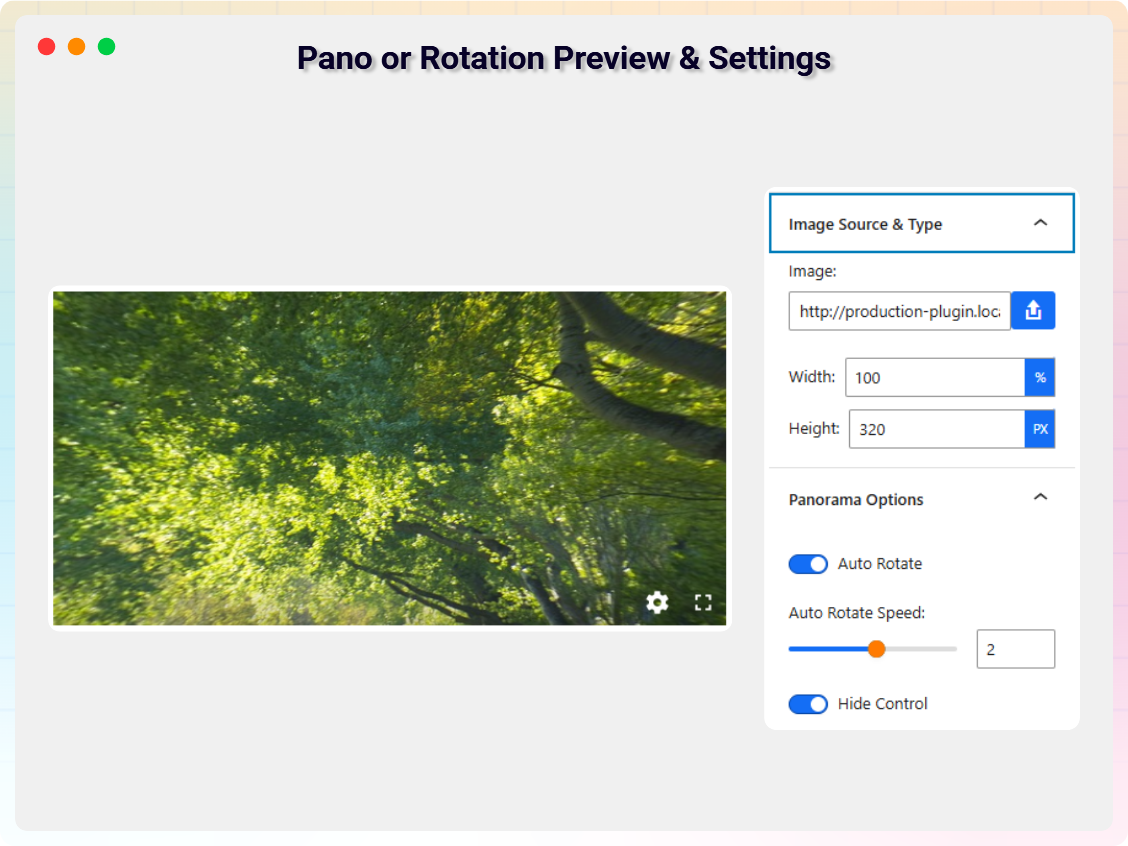
Rotation Viewer: Rotate 360° panorama images smoothly with options to: Set custom width and height, Enable or disable auto-rotation, Control auto-rotate speed, Hide or show rotation controls.
-
Shortcode & PHP Support: Build a viewer once and embed it anywhere with
[bpivb id=123]ordo_shortcode(). -
**Responsive & Touch-Friendly **: Works smoothly on desktop, tablet, and mobile devices, including touch gestures.
-
Unlimited Usage: Use the Image Viewer block unlimited times across posts and pages.
-
Theme Compatibility: Fully compatible with all standard WordPress themes.
-
Lightweight & Performance Optimized: Clean and optimized code ensures fast loading and smooth interaction.
Why Choose All In One Image Viewer?
If you are looking for a complete Image Viewer Plugin for WordPress, this plugin provides multiple image interaction tools in a single Gutenberg block, allowing website owners to create engaging, responsive, and interactive image experiences without writing code.
Whether you need an Image Zoom Plugin, Image Magnifier, Interactive Image Map, or a 360° panorama viewer, this plugin provides everything in one free solution.
With All In One Image Viewer, you can:
✔ Create interactive Image Zoom effects
✔ Add Image Magnifier functionality
✔ Build clickable Image Maps
✔ Rotate 360° panorama images interactively
✔ Improve image engagement and user interaction
✔ Enhance WooCommerce product image presentation
✔ Display professional photography portfolios
Why is All In One Image Viewer such a game-changer?
-
Configure — You can easily modify the Image Viewer plugin to suit your needs. Your work will go more quickly thanks to the Image Viewer plugin’s features and simplicity of use.
-
There are four different viewer types — zoom, magnify, map, and pano/rotation.
-
Customer Service — Our staff is always available to assist you. It’s easy for users to ask questions and get quick answers.
-
Updates — With frequent updates, we bring the functionality and performance of the plugin up to date. Upgrading to newer versions is also easy, ensuring uninterrupted service.
How to use
- First, install the All In One Image Viewer plugin.
- Add the Image Viewer block from the block category called “Widgets” in the Gutenberg editor.
- You can change block settings from the right-side settings sidebar.
-
Enjoy!
-
For installation help, click on the Installation Tab
External Services
This plugin connects to the following external services from the admin dashboard:
bPlugins Opt-In API
- Service URL: https://api.bplugins.com
- Purpose: Receives the plugin opt-in consent submission when a user explicitly opts in from the admin dashboard.
- Data Sent: Only after explicit user opt-in — user name, email, site URL, WP/PHP version, plugin version. Nothing is sent unless you opt in.
- Terms of Service: https://bplugins.com/terms-of-service/
- Privacy Policy: https://bplugins.com/privacy-policy/
Freemius (wp.freemius.com)
- Endpoint: https://wp.freemius.com/
- Used for: Processing plugin opt-in consent form submissions.
- Data sent: Only after explicit user opt-in — user name, email, site URL, WP/PHP version, plugin version.
- Terms of Service: https://freemius.com/terms/
- Privacy Policy: https://freemius.com/privacy/
WordPress.org Plugins API
- Service URL: https://api.wordpress.org
- Purpose: The admin dashboard queries the official WordPress.org Plugins API to retrieve and display a curated list of other plugins by the same author (“Our Plugins” section).
- Data Sent: Plugin slugs and author name; no personal or site data is collected.
- Terms of Service: https://wordpress.com/tos/
- Privacy Policy: https://wordpress.org/about/privacy/
Third-Party Libraries
- Source / GitHub: Bpl-Tools GitHub
- License: GPL-2.0-or-later
- Purpose: Shared utility library providing admin dashboard components and common Gutenberg editor controls.
- External Services: The library may connect to bPlugins, WordPress.org, and Freemius services for product data. See full details: https://github.com/bPlugins/bpl-tools#external-requests–why-they-are-made
Installation
From Gutenberg Editor:
- Go to the WordPress Block/Gutenberg Editor
- Search For Image viewer
- Click on the Image viewer to add the block
Download & Upload:
- Download the Image viewer plugin (.zip file)
- In your admin area, go to the Plugins menu and click on Add New
- Click on Upload Plugin and choose the
imager-viewer.zipfile and click on Install Now - Activate the plugin and enjoy!
Manually:
- Download and upload the Image viewer plugin to the
/wp-content/plugins/directory - Activate the plugin through the Plugins menu in WordPress
Changelog
Fixed: Block styles could load from cache after an update. Fixed: Theme switcher alignment inside the block toolbar. Improved: Plugin data cleanup on delete now runs through a dedicated uninstall handler.
1.1.2 – 17 November 2026
- Tweak: Admin UI styling enhancements and maintenance updates.
- Tweak: Compatibility verification with the latest WordPress releases.
1.1.1 – 25 October 2026
- Security: The panorama image proxy now only serves images the block itself references (signed requests); hardened block CSS output.
1.1.0 – 13 October 2026
- Update: Freemius SDK updated to 2.13.5.
- Fix: After activating the plugin, the page no longer says you are not allowed to access it. The Freemius opt-in now opens first, then the first page of the plugin.
- Fixed: the 360° panorama showed nothing to visitors. The viewer fetched its image through a REST proxy whose permission check is
current_user_can('upload_files'), so on a published page every logged-out visitor got a 401 back, and the panorama never appeared — it only ever worked for the editor who built it. The proxy exists to get around CORS, which an image from your own media library does not need, so those now go straight to the viewer. A genuinely cross-origin image still uses the proxy, and if that request is refused, the viewer now tries the image directly instead of showing an empty box. - Fixed: the bundled 360° panorama tour section was blank. Its inline placeholder could not pass the proxy at all — the proxy rejects anything that is not an http(s) URL, and does not accept SVG. With the change above, it renders immediately.
- Fixed: the panorama placeholder was almost all sky. In an equirectangular image, the horizon falls on the vertical middle, and the placeholder’s hills sat well below it, so a visitor at eye level saw an empty blue field. It is now a two-layer ridge across the horizon, still seamless where the left and right edges meet.
- Fixed: the panorama tour section had its control bar switched off, and sat at content width rather than using the room the section gives it.
- New — four ready-made sections, one per viewer type. The block does four quite different things — Zoom, Magnify, Image Map and 360° Rotation — but arrives set to one of them, so most people never find the other three. Four patterns now ship under Image Viewers in the inserter: Product detail with zoom, Magnifier over fine detail, Interactive floor plan, and 360° panorama tour.
- Each arrives finished — viewer type, size, and the settings that suit it. The floor plan comes with four clickable areas already placed, so the image map is working the moment you insert it rather than after you have drawn hotspots by hand.
- Fixed: the block had no usable inserter preview. Its example set two attributes the block does not have —
previewandcolumns— so hovering it in the inserter fell back to the plain default. It now previews a working image map. - Placeholder images are drawn inline rather than fetched: they never 404, they put no outbound request on the page, and because they are vector, they stay sharp however far the zoom and magnify viewers are pushed. The panorama placeholder is a 2:1 strip whose left and right edges meet, which is what a 360° view needs — an ordinary photograph shows a seam.
1.0.10 – 9 August 2026
- Fixed: Block styles could load from cache after an update — stylesheets now version with the build.
- Fixed: Theme switcher alignment inside the block toolbar.
- Improved: Plugin data cleanup on delete now runs through a dedicated uninstall handler.
- Improved: Shortcodes now preview unpublished viewers for editors, and the list table flags a shortcode that is not live yet.
- Improved: Clearer shortcode messages for a missing or wrong ID, shown to editors only.
1.0.9 – 4 July 2026
- Admin Dashboard: Banner Update.
- New Theme: Interactive Image Accordion.
- Improved: Freemius Pro Detection.
1.0.8 – 11 June 2026
- Fixed XSS security vulnerability.
- Improved i18n translations and labels.
- Resolved namespace conflicts.
- Code cleanup and performance improvements.
- Fixed caching-related performance issues.
- Admin dashboard improvements.
Screenshots
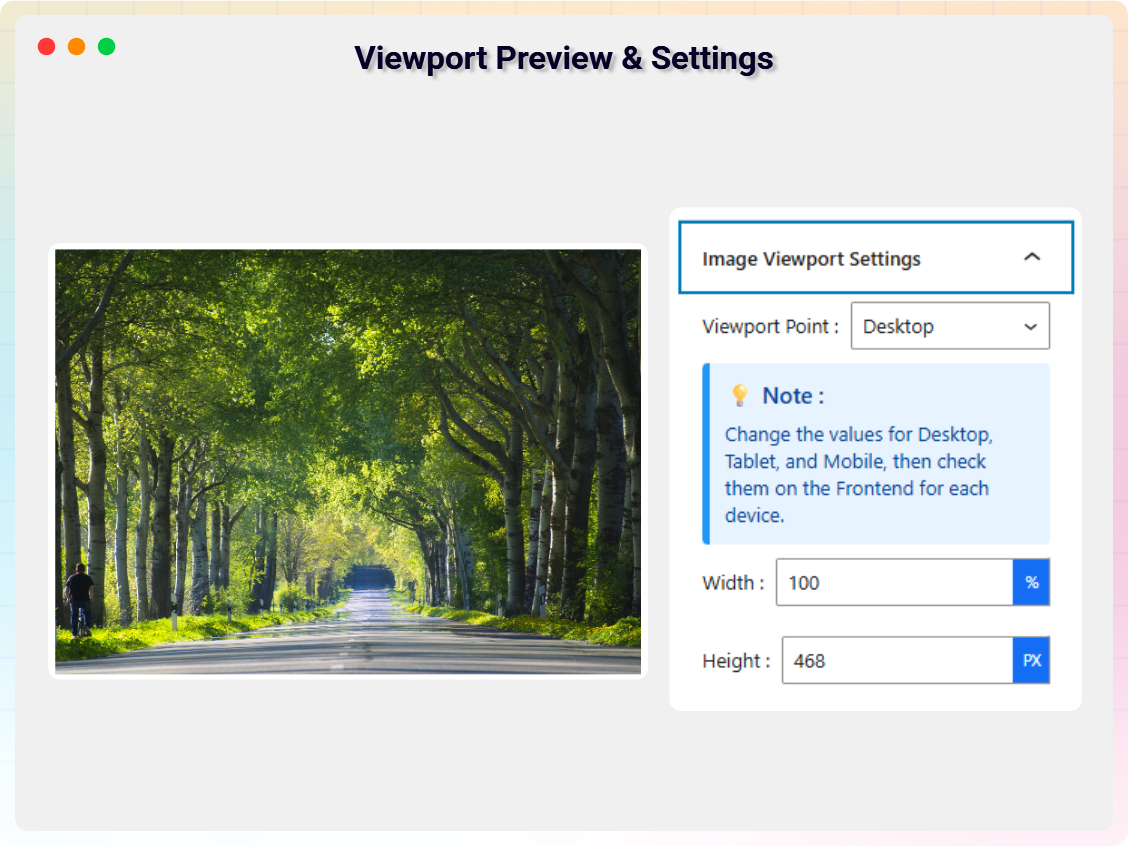
For developers
Is this your plugin? Show off the numbers.
Add a live badge to your site, docs or GitHub README. It updates on its own — no account needed.
Best All In One Image Viewer alternatives
All block plugins →





FAQ
All In One Image Viewer: quick answers
Straight answers, pulled from live WordPress.org data.
Source: WordPress.org
Is All In One Image Viewer free?
Yes. All In One Image Viewer is free to download and use from the official WordPress.org plugin directory.
Is All In One Image Viewer safe to use in 2026?
All In One Image Viewer is a solid plugin choice in 2026, with a few things worth checking first. It runs on 300+ sites, is rated 5/5 and was last updated 5 days ago, and scores 76/100 on our health check.
How many websites use All In One Image Viewer?
All In One Image Viewer is active on 300+ WordPress websites and has been downloaded 9,073 times since it launched in April 2024. It was downloaded 1,073 times in the last 30 days.
Does All In One Image Viewer work with WordPress 7.1?
Yes. The developer has tested All In One Image Viewer up to WordPress 7.1.5, the latest release. It requires WordPress 6.5 or newer.
What PHP version does All In One Image Viewer need?
All In One Image Viewer requires PHP 7.4 or higher. Most hosts run PHP 8.x today, so it works on any modern WordPress hosting.
When was All In One Image Viewer last updated?
The latest version, 1.1.2, was released on November 25, 2026 (5 days ago).
Who makes All In One Image Viewer?
All In One Image Viewer is developed and maintained by bPlugins.
What are the best alternatives to All In One Image Viewer?
The most popular alternatives to All In One Image Viewer are Spectra Legacy (1M+ installs), Breadcrumb NavXT (700K+ installs) and PDF Embedder (300K+ installs).
Powered by PageForge
One template and a spreadsheet. A real page for every search.
PageForge turns each row of a CSV into a WordPress page with its own title, URL, SEO fields and schema, built on the layout you already designed. Free on WordPress.org.
- CSV and XLSX, plus Google Sheets on Professional and Enterprise
- Its own title, URL, SEO fields and schema for every page
- Works with the block editor, Elementor, Divi and Avada
- Free on WordPress.org, no credit card